 ProMapRanker
Best Invoice Generator With Mobile App in 2026

Key takeaways
- Zoho Invoice and Wave are the strongest free starting points, because both let you create and send invoices from a phone without a subscription.
- Square Invoices and PayPal Invoicing suit businesses whose clients already pay through those payment systems.
- FreshBooks and Bonsai suit freelancers who want time tracking, reminders and client management alongside invoicing.
- Check invoice caps, client caps and card processing fees before you commit, because those limits matter more than template design.
Quick comparison
| Pick | Great for | Pricing starts at | Free tier | |
|---|---|---|---|---|
 Zoho Invoice | Free invoicing with many features | Free | Yes | Visit |
 Wave | Free invoicing plus accounting | Free | Yes | Visit |
 Square Invoices | Square payment users | Free | Yes | Visit |
 FreshBooks | Time tracking and reminders | See website | No | Visit |
 Invoice Ninja | Custom templates and control | Free | Yes | Visit |
 Invoice Simple | Fast phone invoicing | See website | No | Visit |
 PayPal Invoicing | Clients who pay by PayPal | Free | Yes | Visit |
 Bonsai | Proposals and contracts plus invoices | See website | No | Visit |
The best invoice generators with mobile apps
A mobile invoice app should let you create an invoice at a client site, send it before you leave, and see when it is paid. The apps below all offer a mobile app for invoice creation, not only a mobile website, and they differ in free limits, payment options and extra business tools. Pick based on how you bill and how clients pay, not on template looks alone.
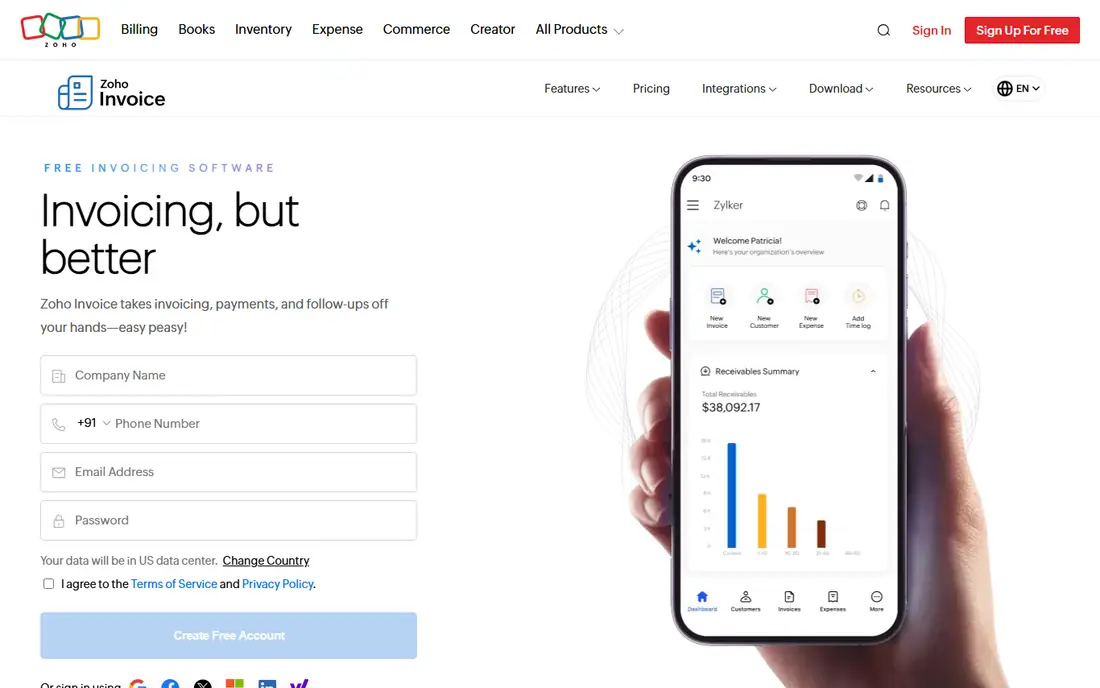
Zoho Invoice offers one of the most complete free invoicing plans, with recurring invoices, payment reminders, time tracking and multi-currency support included. The mobile app lets you create and send invoices, record expenses and track payments from a phone, which suits freelancers who bill from different locations. For a small business with a modest invoice volume, the free plan covers daily work without a subscription.
The free plan has caps on annual invoices and users, so a growing business should check those limits early. The settings menu is also deeper than a simple invoice maker, which can slow the first setup. Once templates, taxes and payment options are set, though, daily invoicing becomes fast. Zoho Invoice is our pick for most freelancers who want free, full-featured invoicing on mobile.
- Free plan with recurring invoices and reminders
- Multi-currency support
- Mobile app
- Annual invoice and user caps on the free plan
- Settings can feel deep for beginners
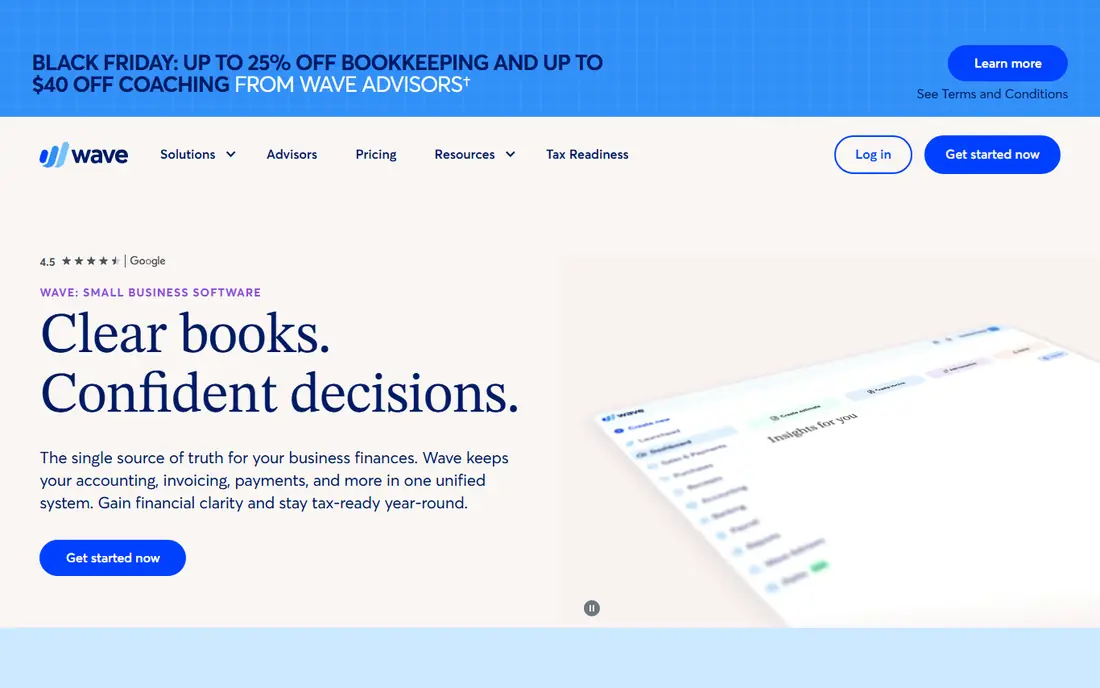
Wave pairs free invoicing with free accounting, so paid invoices flow into your books without a separate import step. The mobile app covers invoicing and receipt capture, though full accounting work is easier on desktop. For a solo owner who wants one free system for billing and basic bookkeeping, that combination is hard to beat.
The main cost is payment processing, not software. Creating and sending an invoice is free, but card or bank payments through Wave carry processing fees, so check the current rates before you choose a payment method. Wave suits freelancers who send many invoices and want simple books, while businesses that need deep mobile accounting may prefer a paid tool.
- Free invoicing and accounting
- No invoice cap stated
- Simple payment links
- Mobile app is more limited than desktop
- Card fees apply when clients pay online
Square Invoices feels like a natural extension if you already take card payments through Square, because invoices, point-of-sale sales and payment history share one system. The mobile app has a mature invoicing flow: create an invoice, send it by email or link, let the client pay by card, and track the payment in the same app. Recurring invoices help for retainer clients and regular services.
As a standalone template maker, Square Invoices is more than most people need, and card fees on the free plan run higher than on some rivals. The value comes from the payment system, not from the template alone. If your clients already pay by card and you use Square in person, Square Invoices will save time. If you only need a simple invoice document, a free tool such as Zoho Invoice or Wave may be simpler.
- Strong mobile flow
- Card payment links
- Recurring invoices
- Card fees on the free plan are higher than some rivals
- Best inside the Square system
FreshBooks is built for service businesses that bill by the hour. You can track time in the mobile app, convert tracked time into an invoice, set automatic payment reminders and add late fees, all without switching tools. That workflow saves real time for consultants, designers and other hourly billers who otherwise copy hours into a separate invoice template.
The catch is cost and caps. FreshBooks has no free plan, only a trial, and lower plans cap the number of billable clients. A freelancer with a small, stable client list will find the Lite plan workable, while a growing agency should check the next tier before committing. If time tracking is central to your billing, FreshBooks earns its fee. If you only send simple invoices, a free tool will do.
- Time tracking tied to invoices
- Automatic reminders and late fees
- Strong mobile app
- No free plan, only a trial
- Client caps on lower plans
Invoice Ninja offers detailed invoice templates, quotes, expenses and payment gateway options, with a hosted free plan and an open-source self-hosted option for technical users. The mobile app lets you create and send invoices on the go, and the template controls suit businesses that want a specific brand look. Agencies with a small client list often find the free plan generous for daily work.
The hosted free plan caps clients at five, which is the main limit to watch. A freelancer with six or more active clients will need a paid plan or the self-hosted version, which needs technical skill to run. Setup also takes longer than a one-page invoice maker, because there are more settings to choose. For control and customization on a small roster, Invoice Ninja is a strong choice.
- Detailed templates
- Quotes and expenses
- Open-source option
- Free hosted plan caps clients at five
- Setup takes more effort
Invoice Simple is designed for speed on a phone. You can create an invoice in a few taps, send it to a client, and get back to work, which suits tradespeople, drivers and other mobile workers who bill at a job site. Templates are simple and professional, and the app avoids the extra accounting screens that slow down a quick invoice.
The trade-off is depth. Invoice Simple does not offer the same accounting, time tracking or client management as Wave, FreshBooks or Bonsai, and full use needs a paid plan. That is a fair trade if speed is your main need and you handle books elsewhere. If you want one system for invoicing, expenses and reports, choose a broader tool instead.
- Very fast invoice creation on a phone
- Simple templates
- Offline-friendly workflow
- Paid plans needed for full use
- Fewer accounting tools than rivals
PayPal Invoicing is free to create and send, and it works best when clients already have PayPal accounts or prefer to pay through a familiar payment brand. A client can open the invoice email, log in and pay without setting up a new payment system, which can shorten payment time. The mobile app lets you create, send and track invoices from a phone.
Fees apply when a payment arrives, and rates vary by payment method, so check current PayPal fees before you rely on it for large invoices. Template design is also basic compared with Invoice Ninja or FreshBooks. For freelancers whose clients already pay by PayPal, the convenience outweighs those limits. For businesses that need branded templates and detailed reports, a dedicated invoicing app fits better.
- Free to create and send invoices
- Clients can pay quickly
- Trusted payment brand
- Card fees apply on payment
- Template design controls are basic
Bonsai suits freelancers who sell a scoped project, not just an hour or a product. You can send a proposal, turn it into a contract, then invoice against that agreement, all in one client flow. Time tracking, client portals and payment reminders sit inside the same system, which helps consultants and creative freelancers who manage several projects at once.
The mobile app covers invoicing and client work, though the full proposal workflow is easier on desktop. Bonsai has no free plan, only a trial, so it only makes sense when proposals and contracts matter as much as the invoice itself. For a simple invoice need, a free tool is cheaper and faster. For a project-based freelance business, Bonsai can replace several separate tools.
- Proposals, contracts and invoices in one flow
- Client portal
- Time tracking
- No free plan, only a trial
- More than a simple invoice maker needs
How we picked these
We compared official product pages and app store listings for invoice tools with a real mobile app for creating and sending invoices, and we kept only tools that are live in October 2026. We favored tools with clear free limits, payment options and mobile invoice creation, and we noted where a plan is trial-only rather than free. We left out web-only invoice builders without a mobile app, and we marked prices as See website where a vendor page did not give a clear current price in our check.
How to choose the right invoice app for mobile work
Start with how you bill. If you bill by the hour, FreshBooks or Bonsai will save time because time tracking feeds directly into invoices. If you bill fixed projects, Zoho Invoice, Wave or Invoice Ninja will cover most needs for free or at low cost. If you bill at a job site and need speed above all, Invoice Simple is the fastest phone workflow on this list.
Next, check how clients pay. Square Invoices and PayPal Invoicing win when clients already use those systems, because payment friction drops and money arrives faster. For other clients, check which payment gateways each app supports and what card or bank fees apply. A free invoice app can still cost real money in processing fees, so compare the total cost for your typical invoice size, not only the subscription price.
Finally, test the mobile app before you move your client list. Create a test invoice, send it to yourself, pay it as a client would, and check that the payment, reminder and report all work on your phone. Confirm invoice caps, client caps and template branding on the plan you will actually use. A tool that looks good on desktop but feels slow on a phone will fail on the day you need it most.
Frequently asked questions
What is the best invoice generator with mobile app?
Zoho Invoice is the best free starting point for most freelancers, because it combines a strong free plan with a capable mobile app. Wave is a close second if you also want free accounting. Square Invoices suits Square payment users, while FreshBooks suits hourly billers who need time tracking and reminders.
What are the best invoice generator apps with mobile app for free use?
Zoho Invoice, Wave, Square Invoices, Invoice Ninja and PayPal Invoicing all offer free invoice creation with a mobile app. Zoho Invoice and Wave have the broadest free features, while Invoice Ninja free use is capped at five clients on the hosted plan. Check caps and processing fees before choosing, because free software still carries payment fees.
Can I create and send an invoice from my phone?
Yes, every app on this list offers a mobile app for creating and sending invoices. The depth varies: Invoice Simple and Square Invoices are fastest for a quick invoice, while FreshBooks and Bonsai offer more client and project tools on mobile. Test the app on your own phone before moving real clients into it.
Do invoice apps charge clients to pay?
Creating and sending an invoice is free on several apps here, but card and bank payments usually carry processing fees. Those fees are charged to you as the seller in most cases, though some apps let you pass on a surcharge where allowed. Check the current fee for your payment method, because rates differ by app and by card type.
What should an invoice include for tax records?
A useful invoice includes your business name and contact details, the client name, a date, an invoice number, itemized services or products, amounts, taxes where applicable and payment terms. Keep copies of sent and paid invoices for your accountant, and check with a tax professional for rules that apply to your state and business type. This article is general information only, not tax advice.
Sources
See where you really rank - block by block
ProMapRanker scans Google Maps across a grid of your service area. Simple monthly plans from $19, white-label on every plan.
Start freeKeep reading
 who has best internet service
Who Has the Best Internet Service in 2026
Who has best internet service for US homes? We compare fiber, cable, fixed wireless and satellite providers on speed, price, availability and terms today.
Read → which survey tool has the best analytics
Which Survey Tool Has the Best Analytics in 2026
Find which survey tool has the best analytics in 2026, comparing Qualtrics, SurveyMonkey, Typeform, Alchemer, and more on reports, text, and stats today.
Read → which streaming service has the best movies
Which Streaming Service Has the Best Movies in 2026
Answering which streaming service has the best movies, with Netflix, Max, Criterion and more compared on libraries, prices and free options in this guide.
Read →