 ProMapRanker
Best Interior Design Apps Free in 2026

Key takeaways
- Planner 5D and Homestyler are the most balanced free starting points, with 2D and 3D planning plus renders without a desktop install.
- Floorplanner and Roomstyler suit floor-plan-first projects, with Floorplanner leaning toward measured plans and Roomstyler toward furnished rooms.
- SketchUp Free and Sweet Home 3D are the strongest free options for custom 3D modeling and offline desktop work.
- Every free plan here has a limit, usually on projects, render quality, or catalog access, so check that limit against your project size.
Quick comparison
| Pick | Great for | Pricing starts at | Free tier | |
|---|---|---|---|---|
 Planner 5D | easy 2D and 3D home planning | Free | Yes | Visit |
 Roomstyler | free furnished 3D rooms | Free | Yes | Visit |
 Homestyler | free renders and 3D planning | Free | Yes | Visit |
 Floorplanner | browser floor plans | Free | Yes | Visit |
 SketchUp Free | custom 3D modeling in a browser | Free | Yes | Visit |
 RoomSketcher | clear floor plans and 3D views | Free | Yes | Visit |
 Sweet Home 3D | free offline desktop planning | Free | Yes | Visit |
 HomeByMe | real-brand furniture in 3D | Free | Yes | Visit |
The best interior design apps free
Free interior design tools fall into two groups: planners that build measured floor plans, and room designers that furnish a space in 3D. The eight tools below cover both, and each one is judged on what its free plan actually lets you do, since free plans in this category always carry a limit on projects, renders, or catalog access.
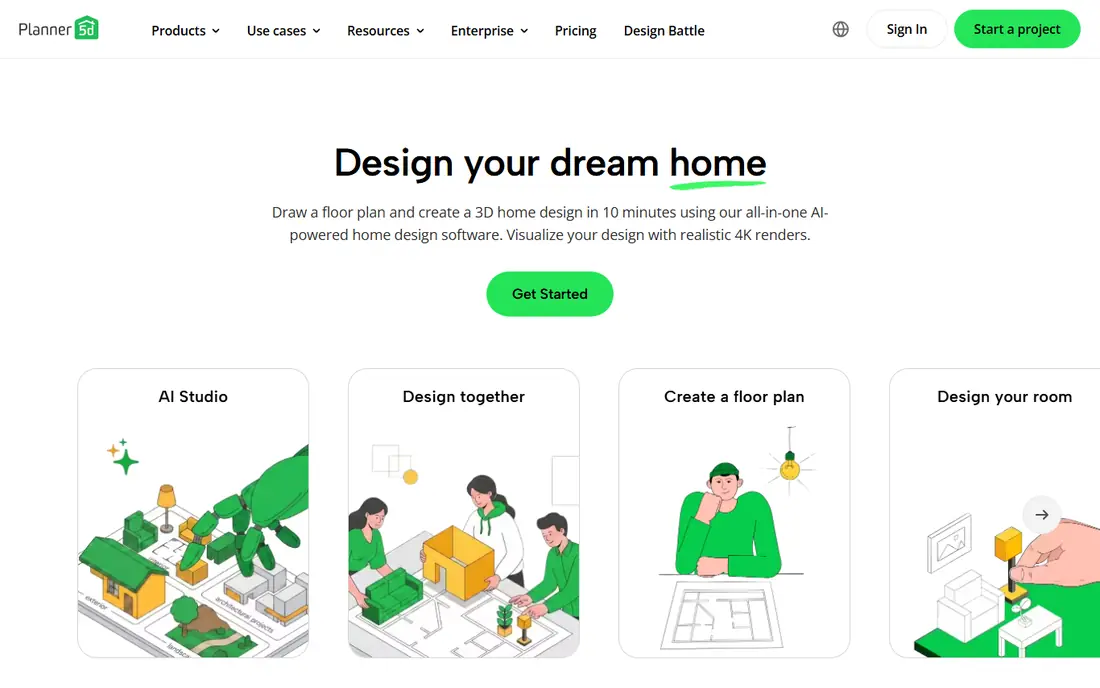
Planner 5D is the easiest free starting point for most home projects, because it runs on web and mobile, switches between 2D plans and 3D views, and offers a large catalog of furniture and decor. A homeowner can sketch a room, place furniture, try different layouts, and see the result in 3D without installing desktop software or learning CAD tools. AI-assisted features on paid plans help with layout ideas, but the core planning workflow works on the free tier.
The free plan is limited, as expected. The full catalog, higher-quality renders, and some advanced tools require Premium, listed at $19.99 per month or $59.99 per year in recent listings, with a Professional tier above that. For a single room or a small home project, the free tier is enough to test layouts and share ideas. For a full home redesign with many renders, budget for a paid month.
- Works on web and mobile
- 2D and 3D views
- Large furniture catalog
- Full catalog and high-quality renders need a paid plan
- Free projects are limited
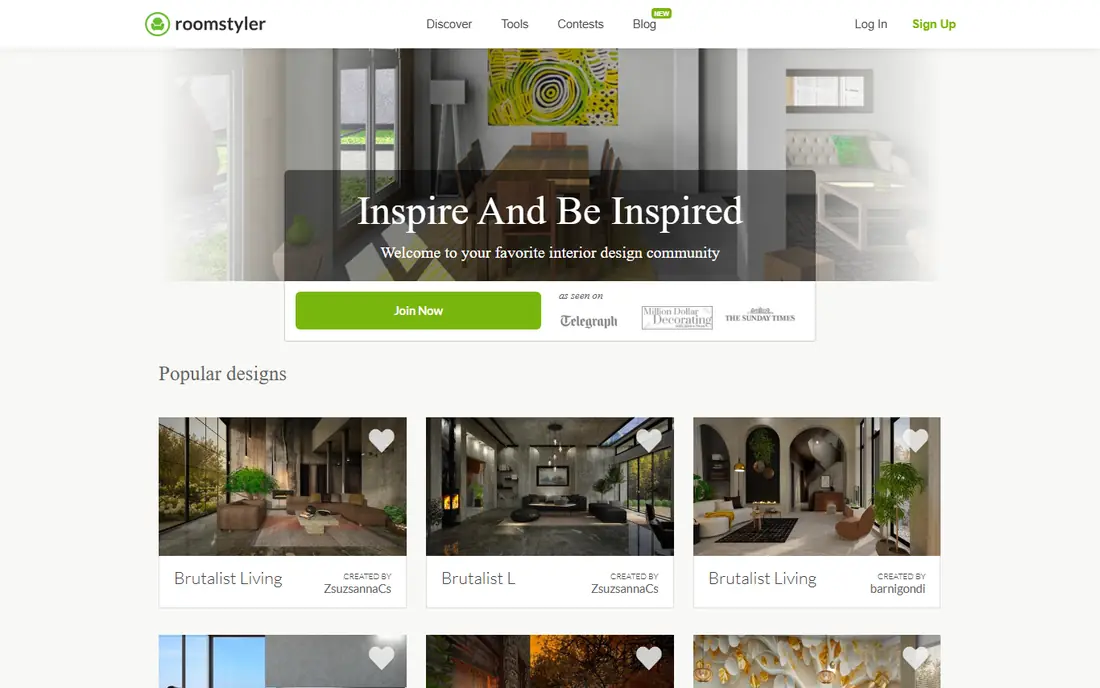
Roomstyler is a free, browser-based 3D room planner from the makers of Floorplanner, and it leans toward furnishing and styling rather than measured construction plans. You draw a room, furnish it from a catalog of more than 120,000 items, many of them real products, render it, and share it in a public gallery. That community gallery is a useful source of ideas, since you can browse rooms others have designed and see how a style works in a similar space.
The free design workflow is genuine, but higher-quality renders such as HD and 4K use credits, and free users face limits on floor plan uploads in recent listings. Some free renders are also lower resolution or watermarked, according to user reports, so check the render terms before sharing a final image. For a free room makeover or a style experiment, Roomstyler is a strong and enjoyable pick.
- Free to design and furnish in 3D
- Large catalog of real products
- Community gallery for ideas
- Higher-quality renders use credits
- Free floor plan uploads are limited
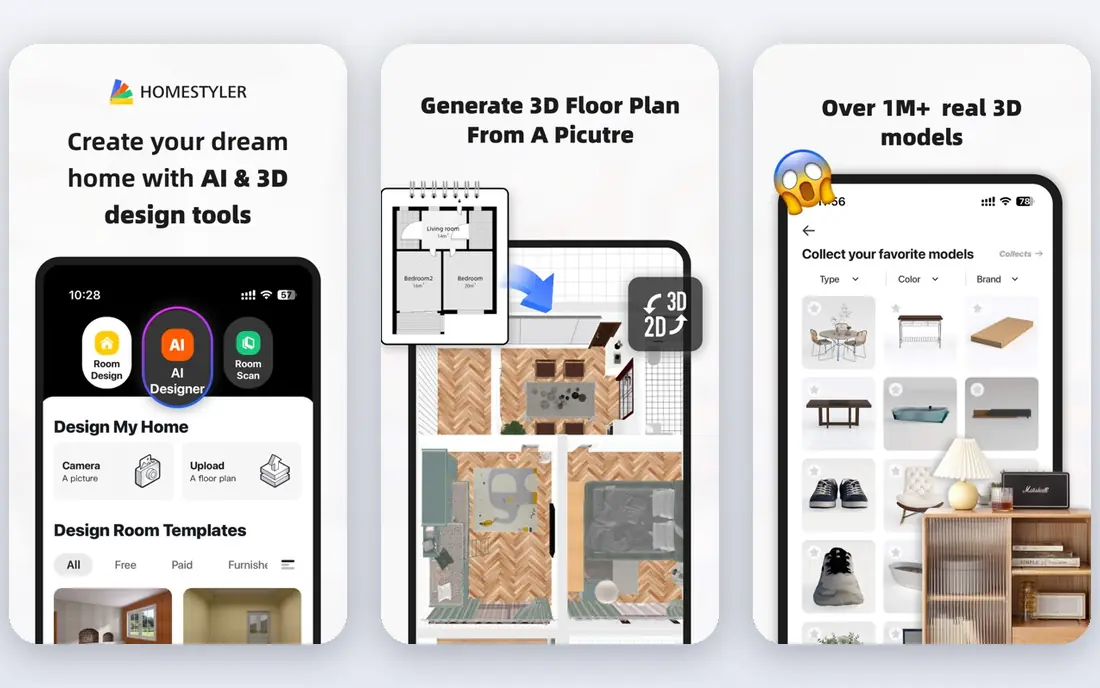
Homestyler is the free render leader on this list, because its Basic plan offers unlimited 1K rendering in recent listings, which is generous compared with credit-based rivals. It runs in a browser and on mobile, covers 2D and 3D planning, and offers a large catalog of furniture and decor models for furnishing a room. That combination suits a homeowner who wants to try many layouts and see each one rendered without counting credits.
The limit is resolution and advanced tools. Higher-resolution renders, some AI tools, and advanced features sit on paid plans, so a final presentation image may need an upgrade. The free tier is still enough for planning and sharing ideas with family or a contractor. For a free tool that lets you render often without worrying about a credit balance, Homestyler is our pick.
- Free Basic plan with unlimited 1K renders
- Browser and mobile apps
- Large model catalog
- Higher-resolution renders and advanced tools need a paid plan
- Some features are paid-only
Floorplanner is the floor-plan-first tool here, built for drawing accurate rooms in a browser and viewing them in 2D and 3D. Its drag-and-drop editor is fast to learn, its model catalog is large, and multi-floor support helps with whole-home projects rather than single rooms. That focus makes it a good choice for a renovation plan, a rental listing, or a layout that a contractor needs to read clearly.
The free tier has clear limits. Recent listings describe five free projects with watermarked, lower-resolution exports, and paid credits upgrade individual projects for better output. That is enough for a small project or a trial, but a larger home plan will need a paid upgrade. For a measured floor plan in a browser, Floorplanner is the most straightforward free starting point.
- Fast browser-based 2D and 3D planning
- Large model catalog
- Multi-floor support
- Free exports are watermarked and lower resolution
- Project count is limited on the free tier
SketchUp Free is the custom modeling option, for users who want to build a room, a piece of furniture, or an entire home from scratch rather than placing catalog items in a preset room. Its free web edition runs in a browser, offers the core SketchUp modeling tools, and connects to the 3D Warehouse library of user-made models. That freedom suits a DIY builder, a student, or a homeowner with an unusual space that catalog planners cannot capture.
The trade-off is learning curve and license. SketchUp takes longer to learn than Planner 5D or Roomstyler, and the free edition is for non-commercial use, so professional deliverables require a paid edition. It also lacks the guided room-planning workflow of the other tools, so a beginner should expect a few tutorial sessions. For custom 3D work at no cost, SketchUp Free is the strongest option here.
- Powerful custom 3D modeling
- Free web edition
- Large 3D Warehouse model library
- Steeper learning curve
- Free edition is for non-commercial use
RoomSketcher is built around clear, presentation-ready floor plans, which makes it a good choice for a homeowner, an agent, or a small landlord who needs a plan others can read at a glance. Its drag-and-drop editor is easy to learn, and the free tier covers drawing and basic 3D snapshots, so you can test a layout and share a visual without paying. The interface is calm and focused, which helps a first-time planner avoid the clutter of larger tools.
The limit is finished output. High-resolution floor plans, Live 3D, and some upgrades require paid plans or credits, so a listing-ready package will cost more than the free tier. For a free plan that produces a clear, readable floor plan, RoomSketcher is a reliable pick, provided you check the paid cost before promising a client a finished set.
- Easy drag-and-drop floor plans
- Clear 3D snapshots
- Good for listings and presentations
- Finished high-resolution output and Live 3D need paid upgrades
- Some features are credit-based
Sweet Home 3D is the offline, open source option, and its free desktop version is genuinely free with no subscription or credit system. You draw walls in 2D, drag in furniture, customize textures and colors, and view the result in 3D, all on your own computer without an internet connection. Expandable furniture libraries let you add more models over time, and the tool handles multi-room homes as well as single rooms.
The interface looks dated compared with Planner 5D or Homestyler, and the mobile and store editions are separate offers, so the free desktop version is the one to judge. It also lacks the polished renders and AI tools of the newer cloud planners. For a free, offline, no-strings planner on a desktop, Sweet Home 3D is the most cost-effective and private choice here.
- Completely free desktop version
- Works offline
- Expandable furniture libraries
- Dated interface
- Mobile and store editions are separate paid offers
HomeByMe stands out for its catalog of real-brand furniture and decor, which helps a homeowner see how actual products will look in a room before buying them. You build walls, doors, and windows, furnish the space from a catalog of more than 20,000 products, and switch instantly from a 2D plan to a 3D walkthrough. Photorealistic renders and 360-degree views help a family agree on a design before spending money on furniture.
The free Starter plan is limited to a few projects and renders in recent listings, with paid packs and subscription plans adding more projects and higher-quality output. That makes HomeByMe best for one or two rooms on the free tier, rather than a whole-home project. For a free tool that uses real products you can actually buy, HomeByMe is a practical and shopping-friendly pick.
- Catalog of real-brand products
- Instant 2D to 3D switch
- Photorealistic renders
- Free plan limited to a few projects and renders
- Paid packs add up for many renders
How we picked these
We compared official product pages, pricing pages, and app store listings for each tool, and we favored tools with a genuinely free plan or free download in October 2026, not just a trial. We checked what the free tier limits, whether renders are watermarked or capped, and whether the tool runs in a browser, on mobile, or on desktop. Where a price varied by region or listing, we described the limit rather than quoting a disputed figure as fact.
How to choose for your project
Start with the output you need. If you need a measured plan for a contractor, shortlist Floorplanner and RoomSketcher. If you want to see a furnished room in 3D, try Planner 5D, Homestyler, and Roomstyler on the same room and keep the one whose editor feels easiest. If you need custom shapes or offline work, SketchUp Free and Sweet Home 3D are the free answers. In every case, check the free limit on projects and renders before you invest hours in a large plan.
Frequently asked questions
What is the best free interior design app?
Planner 5D is our pick for most people, because it balances easy 2D and 3D planning, a large catalog, and web and mobile access. Homestyler is close for free renders, while Floorplanner is best for measured floor plans.
What is the best free interior design software for floor plans?
Floorplanner and RoomSketcher are the best free choices for floor plans, with Floorplanner leaning toward fast browser planning and RoomSketcher leaning toward clear, presentation-ready plans. Sweet Home 3D is the best free offline desktop option for floor plans.
Can I design a room in 3D for free?
Yes, Planner 5D, Roomstyler, Homestyler, and HomeByMe all offer free 3D room design, though each limits projects, render quality, or catalog access on the free tier. SketchUp Free also offers free 3D modeling in a browser for custom shapes.
Do free interior design apps have watermarks?
Some do, depending on the tool and export type. Floorplanner's free exports are watermarked in recent listings, and Roomstyler's free renders may be lower resolution, so check the export terms for the tool you choose before sharing a final image.
What is the best free app for interior design on a phone?
Planner 5D and Homestyler both offer mobile apps alongside their web planners, which makes them the best free phone options here. HomeByMe also offers a mobile app for viewing and sharing projects, though full planning is easiest on a computer.
Sources
See where you really rank - block by block
ProMapRanker scans Google Maps across a grid of your service area. Simple monthly plans from $19, white-label on every plan.
Start freeKeep reading
 top custom software development company
Top Custom Software Development Company in 2026
Looking for a top custom software development company? We compare 9 firms for web, mobile, and enterprise software, covering strengths and fit for 2026.
Read → tableau alternatives
Tableau Alternatives in 2026
Compare the best Tableau alternatives for 2026, from Power BI to Metabase, with prices, hosting options, and picks for small teams and enterprises today.
Read → microsoft teams alternatives
Best Microsoft Teams Alternatives in 2026
Looking for microsoft teams alternatives? We compare 9 chat and video tools for 2026, covering free plans, pricing, meetings, and integrations for teams.
Read →