 ProMapRanker
Best Identity and Access Management Tools in 2026

Key takeaways
- The best identity and access management tools for most companies are Okta for mixed SaaS stacks and Microsoft Entra ID for Microsoft 365 shops.
- Auth0 is the best pick for customer login in apps, while JumpCloud suits small teams that also need device management.
- Keycloak is the best free, self-hosted option for engineering teams that can run it themselves.
- Price models differ sharply, so compare per-user, per-MAU, and quote-based pricing on your real user count.
Quick comparison
| Pick | Great for | Pricing starts at | Free tier | |
|---|---|---|---|---|
 Okta | Mixed SaaS workforce identity | $6 per user per month | No | Visit |
 Microsoft Entra ID | Microsoft 365 organizations | Free | Yes | Visit |
 Auth0 | Customer login for apps | Free | Yes | Visit |
 JumpCloud | Small teams plus devices | $11 per user per month | Free trial | Visit |
 OneLogin | Simple SSO and MFA | See website | No | Visit |
 Ping Identity | Large hybrid enterprises | See website | No | Visit |
 CyberArk | Privileged access security | See website | No | Visit |
 SailPoint | Access governance and audits | See website | No | Visit |
 Keycloak | Self-hosted open source identity | Free | Yes | Visit |
The best identity and access management tools
We compared tools on single sign-on, multi-factor authentication, provisioning, governance, and price. The list covers workforce identity, customer identity, privileged access, and governance.
Okta is the default workforce identity pick for companies that use many different SaaS apps across Microsoft, Google, and other clouds. It offers single sign-on, multi-factor authentication, and automated provisioning, so joiners get access quickly and leavers lose it promptly. Its integration catalog is one of the broadest in this list.
Cost is the watch point. The Starter tier is listed at $6 per user per month billed annually, with higher tiers at higher rates, and add-ons can raise the total. Companies that are fully on Microsoft 365 may get similar core value from Entra ID at lower marginal cost.
- Broad app integration catalog
- Strong SSO and MFA
- Lifecycle automation
- Costs rise with add-ons
- Minimum contract terms can apply on some plans
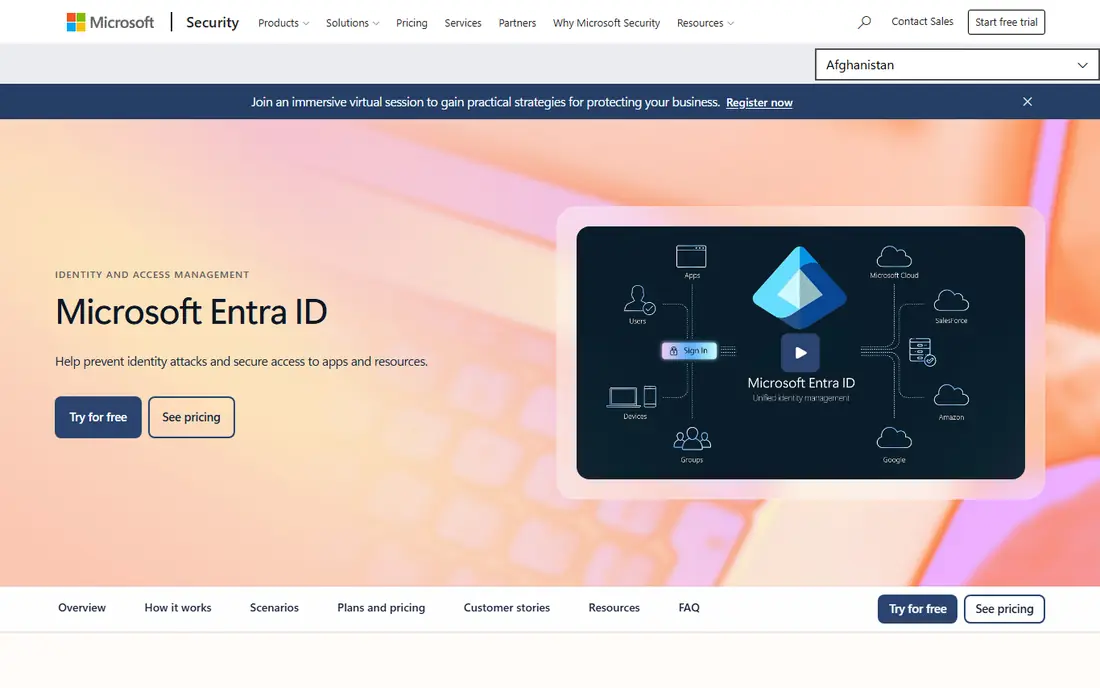
Microsoft Entra ID, formerly Azure Active Directory, is the natural identity tool for organizations already on Microsoft 365. The free tier covers single sign-on and basic multi-factor authentication for Microsoft apps, while paid P1 and P2 tiers add conditional access, identity protection, and governance features. For many Microsoft shops, the marginal cost is low.
The limit is breadth. Companies with a large non-Microsoft app stack may find Okta easier to manage across vendors. If your apps, email, and devices are mostly Microsoft, Entra ID is the simplest and often cheapest path.
- Included with Microsoft 365 and Azure
- Strong conditional access
- Native Microsoft app links
- Weaker outside the Microsoft stack
- Advanced tiers need paid plans
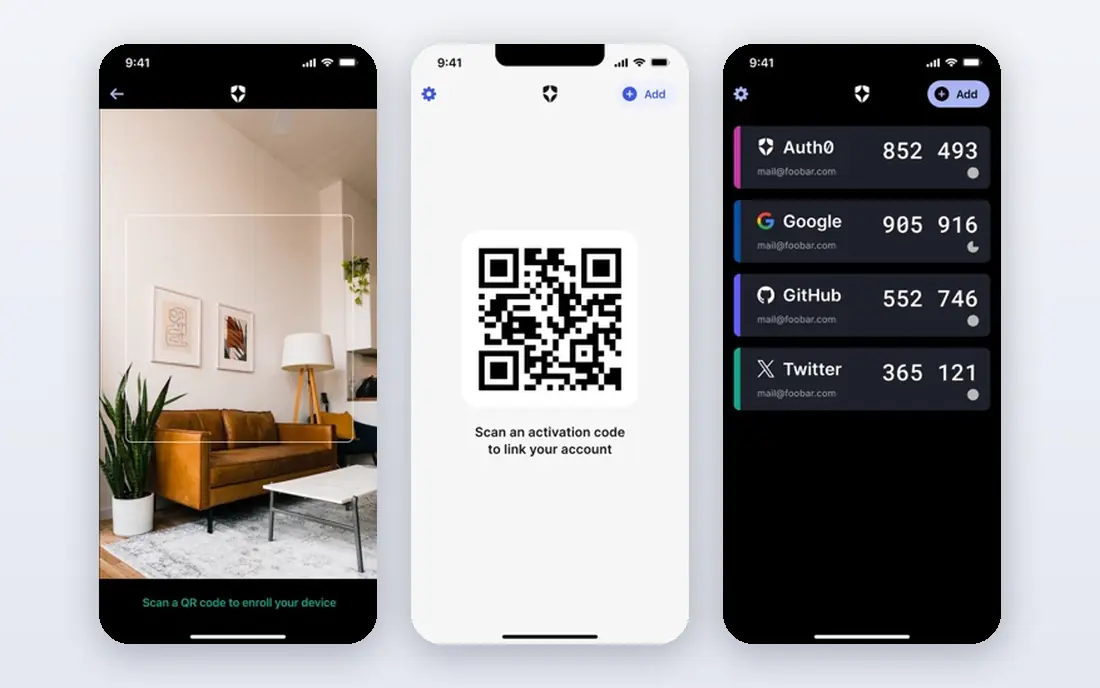
Auth0, now part of Okta as its Customer Identity Cloud, is built for login in customer-facing apps and websites. Developers can add email, social, and enterprise login, plus multi-factor authentication, without building identity from scratch. The free tier covers up to 25,000 monthly active users, and paid plans start at $35 per month.
It is priced by monthly active users, not staff seats, so costs rise with app growth. That model suits apps with many occasional users, but a fast-growing consumer app should model costs at several user counts before committing. For workforce SSO alone, Okta or Entra ID is usually a better fit.
- Developer friendly customer login
- Free tier up to 25,000 monthly active users
- Social and enterprise logins
- Pricing jumps at higher tiers
- Enterprise connections cost extra on some plans
JumpCloud suits small and mid-size teams that need identity and device management in one place. Its SSO plan is listed at $11 per user per month billed annually, with device and platform tiers above it. It works across Windows, Mac, and Linux, which helps teams without a single operating system standard.
Large enterprises with complex governance needs may need Okta plus a separate device tool. For a team of tens or low hundreds of users that wants one directory for people and devices, JumpCloud is a practical and fairly priced choice.
- Combines directory, SSO, MFA, and device management
- Works across Windows, Mac, and Linux
- Free tier for small teams
- Less deep than Okta for large enterprises
- Device features need higher tiers
OneLogin is a solid mid-market workforce identity tool for teams that want single sign-on and multi-factor authentication without enterprise complexity. Setup is generally faster than a large governance platform, and the app catalog covers common SaaS tools. It suits companies that have outgrown basic directory tools but do not need a full governance suite.
The drawback is pricing transparency. OneLogin is quote based, so a team must talk to sales to get a firm figure. It also lacks the deep access governance of SailPoint, so regulated teams should compare it against a governance specialist.
- Straightforward SSO and MFA setup
- Useful app catalog
- Good for mid-market teams
- Pricing is quote based
- Advanced governance is thinner than SailPoint
Ping Identity serves large organizations with hybrid estates, mixing cloud apps, on-premise systems, and customer portals. It offers workforce and customer identity, federation, and strong standards support, which helps regulated sectors with complex login flows. That depth is why it appears on many enterprise shortlists.
It is not a small-team tool. Pricing is quote based, and implementation often needs identity specialists. Mid-size teams will usually get faster value from Okta, Entra ID, or JumpCloud, while large hybrid enterprises will value Ping depth.
- Strong workforce and customer identity
- Federation and hybrid support
- Suited to regulated sectors
- Quote based pricing
- Implementation needs skilled staff
CyberArk solves a different problem from Okta and Entra ID. It protects privileged accounts, such as admin, root, and service accounts, with vaulting, rotation, and session monitoring. That matters because a stolen admin credential can bypass normal SSO controls entirely.
It should pair with a workforce identity tool, not replace it. Teams that only need employee SSO and MFA do not need CyberArk yet. Teams with many admins, servers, and cloud accounts should add it once basic identity controls are in place.
- Strong privileged account vaulting and session control
- Useful for admin and service accounts
- Quote based
- Not a general SSO replacement on its own
SailPoint is the governance pick for organizations that must prove who has access to what, and why. It runs access reviews, enforces policies, and creates audit trails that help with compliance checks. That is valuable for banks, health care, and other regulated sectors with many systems and users.
Smaller teams will find it heavy. Pricing is quote based, and rollout needs data cleanup and process work. Buy SailPoint when audits, segregation of duties, or large joiner and leaver volumes make manual access reviews unsafe or too slow.
- Access reviews and certification
- Policy controls
- Audit trails for compliance
- Quote based
- Implementation is a project, not a quick setup
Keycloak is the best free identity option for engineering-led teams that can host and maintain software themselves. It offers single sign-on, multi-factor authentication, social login, and federation, without a per-user fee. The software itself is free, while hosting, backup, and staff time are the real costs.
That trade-off decides the fit. A team with DevOps skills can save a large subscription bill and keep full control of data. A team without that capacity should choose a managed service such as Okta, Entra ID, or Auth0, where patching and uptime are handled for them.
- Free and open source
- SSO, MFA, and federation
- Full control over hosting and data
- You run and update it yourself
- Support depends on community or a vendor
How we picked these
We compared official pricing pages and product descriptions, and we favored tools still sold and supported in 2026. We looked for real SSO, MFA, provisioning, or governance features, and we separated workforce, customer, privileged, and governance tools so buyers can compare like with like. Where pricing is quote based, we wrote See website.
How to choose an IAM tool
Start with who you are managing. Workforce tools charge per employee, customer tools charge per monthly active user, and governance tools are priced as enterprise platforms. Mixing those models up is the fastest way to misjudge cost.
Run a joiner and leaver test
Pick three real cases: a new hire, a role change, and a leaver. Check how each tool provisions apps, applies MFA, and removes access. A tool that looks good in a demo but needs manual work for leavers creates security risk every week.
Check MFA and recovery
Strong MFA is now a baseline, not a bonus. Check which factors each tool supports, how account recovery works, and what happens when a user loses a phone. A recovery process that is too easy defeats MFA, while one that is too hard creates constant support tickets.
Frequently asked questions
Which identity access management tool is best?
Okta is best for mixed SaaS workforces, Microsoft Entra ID is best for Microsoft 365 organizations, and Auth0 is best for customer login in apps. There is no single winner, because workforce, customer, privileged, and governance tools solve different problems. Start with your user type and stack.
What is the best identity and access management software for small business?
JumpCloud and Microsoft Entra ID are strong small business picks. JumpCloud adds device management, while Entra ID is low cost inside Microsoft 365. Keycloak suits engineering teams that can self-host, and Auth0 suits small apps with customer login.
Is Keycloak really free?
Yes, Keycloak software is free and open source. You still pay for servers, backups, monitoring, and staff time to run and update it. For many teams that total is still lower than a managed service, but it is not zero cost.
What is the difference between SSO and MFA?
Single sign-on lets a user sign in once and access many apps without signing in again to each one. Multi-factor authentication asks for a second proof, such as a phone code or security key, in addition to a password. Good identity tools offer both, since SSO improves ease of use and MFA improves security.
Do I need SailPoint or CyberArk as well as Okta?
Not always. Okta or Entra ID covers SSO, MFA, and basic provisioning for most teams. Add CyberArk when privileged admin accounts are a major risk, and add SailPoint when access reviews, audits, and compliance reporting become a core requirement. Many teams start with one core tool and add the others later.
Sources
See where you really rank - block by block
ProMapRanker scans Google Maps across a grid of your service area. Simple monthly plans from $19, white-label on every plan.
Start freeKeep reading
 twitch alternatives
Twitch Alternatives in 2026
Explore the best Twitch alternatives in 2026 for live streaming, with free platforms, monetisation options, audiences, chat tools, and tips for new streamers.
Read → firebase alternatives
Best Firebase Alternatives in 2026
Looking for Firebase alternatives? We compare 9 backend platforms for auth, databases, realtime, storage, functions, self-hosting, and pricing for your app.
Read → companies with best work life balance
Companies With Best Work Life Balance in 2026
See companies with best work life balance in 2026, ranked by employee ratings, with flexible work options, benefits, and what to check before applying.
Read →