 ProMapRanker
Best Home Building Software Brands in 2026


Residential builders and remodelers · Pricing starts at: See website
Key takeaways
- Buildertrend is the residential standard for custom builders and remodelers that want estimating, scheduling, selections, and client communication in one place.
- Procore and Autodesk Construction Cloud suit larger and commercial-led firms, with quote-only pricing to match.
- Buildxact, JobTread, Buildern, and Contractor Foreman give smaller builders published starting prices and a faster path to go-live.
- The best home building software brand for a firm depends on project size, since residential and commercial tools are priced and built very differently.
Quick comparison
| Pick | Great for | Pricing starts at | Free tier | |
|---|---|---|---|---|
| Buildertrend | Residential builders and remodelers | See website | Free trial | Visit |
 Procore | Large general contractors | See website | No | Visit |
 Houzz Pro | Design-build remodelers | See website | Free trial | Visit |
 Buildxact | Small builders and renovators | $199 per month | Free trial | Visit |
 JobTread | Budget-conscious residential builders | $199 per month | Free trial | Visit |
 Buildern | Growing custom builders | $225 per month | Free trial | Visit |
 Contractor Foreman | Small contractors wanting breadth cheaply | $49 per month | Free trial | Visit |
 Autodesk Construction Cloud | Design-led and commercial teams | See website | No | Visit |
 Sage 100 Contractor | Contractors needing job cost accounting | See website | No | Visit |
 ConstructionOnline | Builders wanting estimating to project tracking | See website | Free trial | Visit |
The best home building software brands
We compared these brands on estimating, scheduling, client selections, change orders, job costing, and accounting connections, using official product and pricing pages where available. The list covers residential specialists and larger commercial platforms, because home building firms range from a two-person remodeler to a regional builder with dozens of crews. Prices change often, so confirm the current plan before signing.
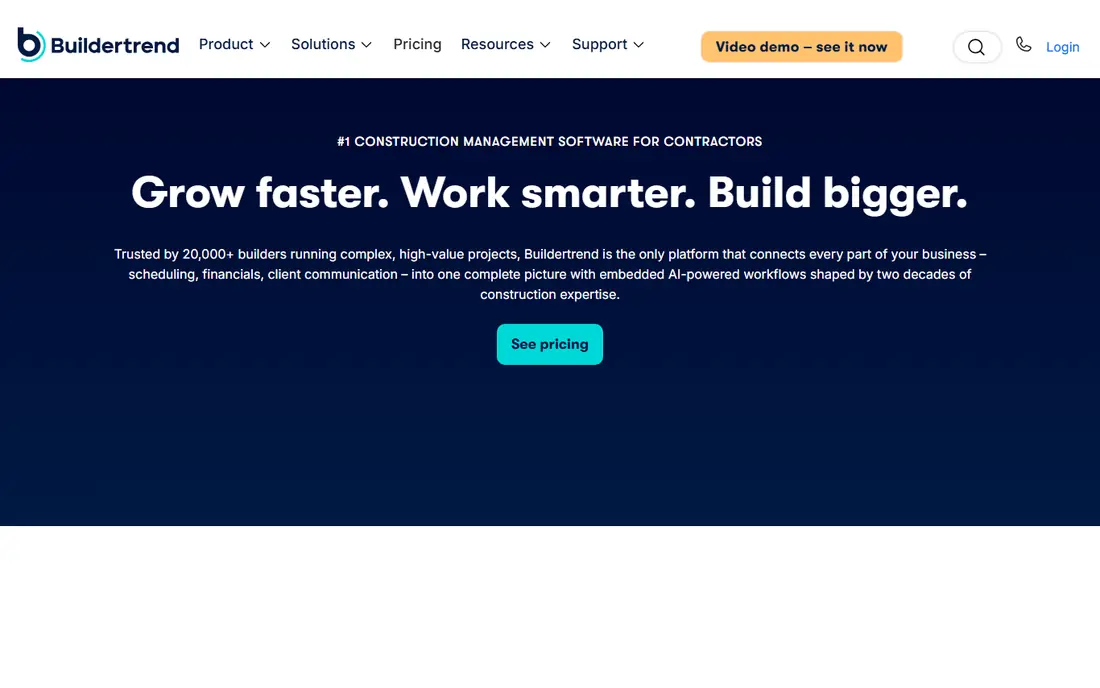
Buildertrend is the name most residential builders hear first, and for custom home building and remodeling it usually earns that position. Estimating, schedules, budgets, change orders, selections, and client communication sit in one system, so a homeowner can approve a selection and see the schedule impact without a chain of emails. CoConstruct, its sister product, is being migrated into Buildertrend, which makes Buildertrend the brand new buyers should evaluate.
Pricing is quote-based and tied to company size, so two builders can pay different amounts for the same plan, and a demo is needed for a firm figure. Setup also takes real effort, since the value comes from using the whole system, not just one module. For a residential builder that wants one platform from first estimate to final walkthrough, Buildertrend remains the benchmark other brands are measured against.
- Estimating, scheduling, selections, and client portal in one system
- QuickBooks and Xero connections
- Strong residential feature fit
- Quote-based pricing tied to company size
- Learning curve for full setup
- Some features need higher tiers
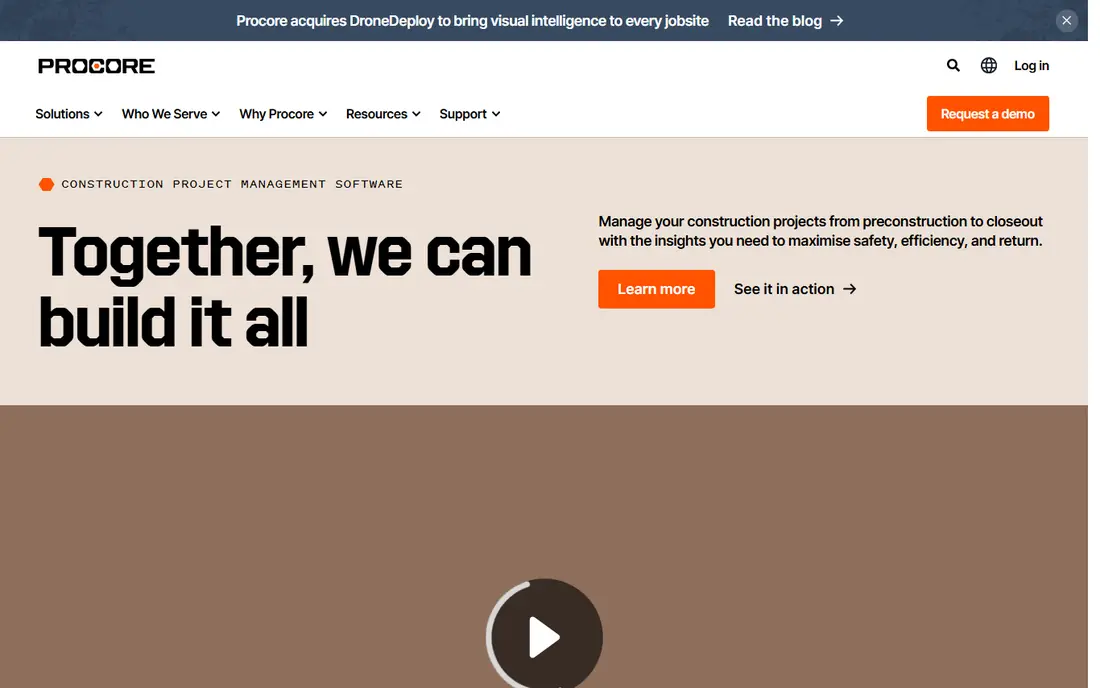
Procore dominates large commercial construction, and larger home builders with commercial work or many concurrent projects often adopt it for the same reasons. Project management, financial management, quality, safety, and workforce tools sit in one platform, with tight control over drawings, RFIs, submittals, and change events. For a firm running complex, multi-trade projects, that control is the point.
The price reflects that scale. Procore quotes annually based on construction volume, and there is no published starting price for a small builder to compare. A two-person remodeler will find it heavy and expensive for the job. A regional builder with large projects, many subcontractors, and strict document control will find it the most complete platform on this list.
- Deep project, financial, and quality tools
- Strong document and drawing control
- Large contractor ecosystem
- Quote-only pricing based on volume
- Heavy for small residential firms
- Implementation takes time
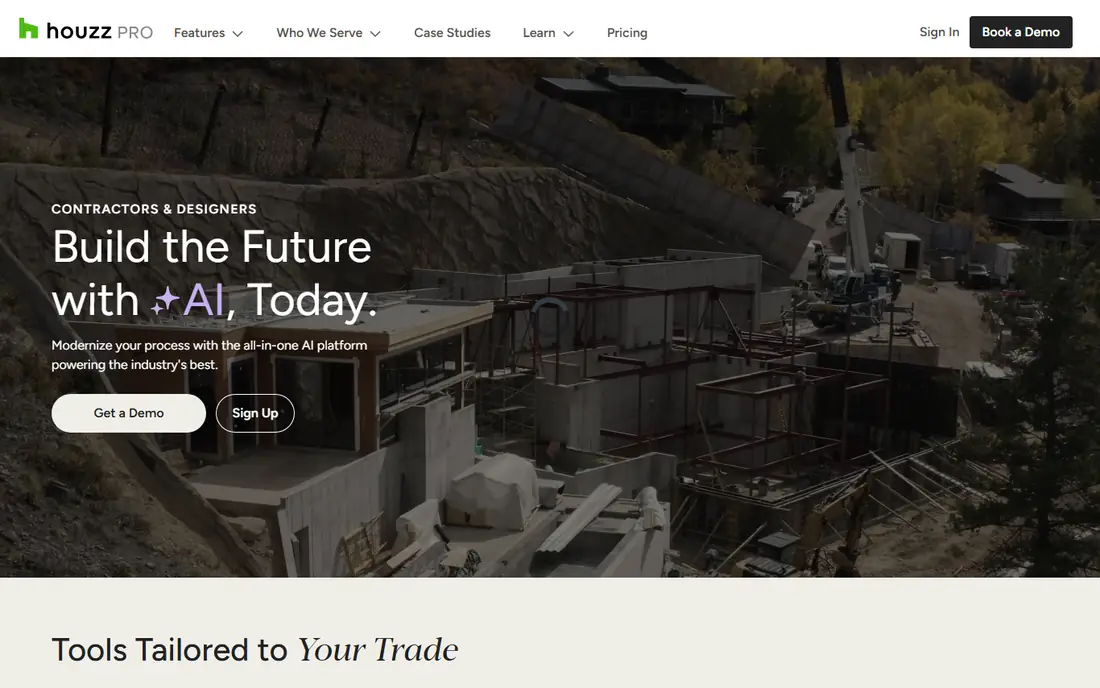
Houzz Pro suits design-build remodelers who win work through design presentation as much as through estimating skill. The platform combines a business profile and lead tools with proposals, 3D floor plans, selections, scheduling, and invoicing, so a remodeler can move from first enquiry to signed proposal without switching systems. Client-facing proposals look polished, which matters when the sale depends on visual confidence.
Pricing has moved over time and varies by plan, so a builder should confirm the current Essential, Pro, and custom plan prices rather than relying on an old quote. The QuickBooks connection is also one-way on some plans, which limits accounting sync for firms that need two-way data flow. For a remodeler whose work starts with design, Houzz Pro is a strong and distinctive choice.
- Leads and marketing plus project tools
- Strong design and selections presentation
- Client-facing proposals
- Pricing varies by plan and market
- QuickBooks connection is one-way on some plans
- Lead quality varies
Buildxact is built for the small builder moving off spreadsheets, and its takeoff tool is the reason many choose it. Upload a plan, measure walls and floors on screen, and turn those quantities into an estimate, then into purchase orders, a schedule, and job tracking. That path from plan to live job is short, which matters for a small team without an estimating department.
The starting plan is $199 per month, with higher plans adding users and features, and annual billing brings the monthly figure down. Buildxact will not match Procore for enterprise document control, and its reporting is simpler than a full ERP. For a small residential builder or renovator that needs accurate estimates fast, it is one of the best-value brands on this list.
- Fast takeoff and estimating from plans
- Purchase orders and scheduling included
- QuickBooks and Xero sync
- Monthly price rises on higher plans
- Fewer enterprise features
- Some advanced reporting is limited
JobTread takes a refreshingly simple approach to pricing: one plan with all features, starting at $199 per month, or $159 per month on annual billing, with extra users added cheaply. For a growing residential builder, that predictability matters, since many rivals charge more as features and users are added. Estimating, budgets, change orders, scheduling, and customer and vendor portals are all included.
The trade is ecosystem size. JobTread has fewer third-party integrations than Buildertrend or Procore, and its brand is less familiar to subcontractors and clients. Onboarding also rewards clean job data, since the system works best when estimates, budgets, and actuals are set up consistently. For a budget-conscious builder that wants the full feature set without tier games, JobTread is a strong pick.
- All features on one plan
- Cheap to add users
- Strong job costing and change order tools
- Fewer third-party integrations than larger rivals
- Smaller brand presence
- Onboarding needs care with job data
Buildern targets growing custom builders that have outgrown basic tools but do not want enterprise pricing. Its Starter plan starts at $225 per month for two seats on annual billing, and it covers estimating, budgets, purchase orders, bills, invoices, and job costing in one flow. Free field-worker seats on some plans help firms with site crews, since office and field needs are priced differently.
The starting price is higher than JobTread or Contractor Foreman, and Buildern is a newer brand in the US market, so its partner and integration ecosystem is still growing. Some features are also still maturing compared with Buildertrend. For a growing builder that wants estimating-to-costing depth with a clear plan structure, Buildern is worth a trial.
- Estimating through to job costing in one flow
- Free field-worker seats on some plans
- QuickBooks and Xero sync
- Higher starting price than cheaper rivals
- Newer brand in the US
- Some features still maturing
Contractor Foreman is hard to ignore on price alone, starting at $49 per month on annual billing with a wide range of features included. Scheduling, estimates, invoices, job costing, daily logs, and client tools are all present, which makes it the cheapest way for a small contractor to get a full-featured system. For a firm watching every dollar, that breadth at that price is unusual.
The interface is less polished than Buildertrend or Houzz Pro, and the experience depends more on careful setup. Support depth also varies with plan and timing. A builder that values a slick client portal above all else may prefer a pricier rival. A builder that values function per dollar will find Contractor Foreman difficult to beat.
- Very low starting price
- Wide feature range for the money
- QuickBooks connection
- Interface is less polished than rivals
- Support depth varies
- Some advanced features need care in setup
Autodesk Construction Cloud
Great for: Design-led and commercial teams
Autodesk Construction Cloud suits firms already working in Autodesk design tools, such as Revit and AutoCAD, where drawings and models are central to the job. Document management, RFIs, models, and cost management sit together, and teams already on Autodesk software get a smoother path from design to site. For design-build firms and commercial-led builders, that integration is a real advantage.
Pricing is per user and quote-based on higher plans, so a large team should model the full user count before committing. The platform is also heavier than a residential-only tool, with more setup and training. For a firm whose work starts in Autodesk design files, Construction Cloud is the natural platform to evaluate first.
- Strong document, model, and RFI control
- Deep Autodesk design integration
- Strong cost management on higher plans
- Quote-based pricing
- Per-user pricing can grow
- Heavier than residential-only tools
Sage 100 Contractor, formerly Sage Master Builder, is an accounting-led choice for contractors whose main pain is job costing, payroll, and financial reporting. It tracks job costs in detail, handles contractor payroll and compliance needs, and produces the reports owners and accountants rely on. For a firm that lives by job profitability, that depth matters more than a slick client portal.
The product has desktop heritage, and the learning curve is steeper than modern cloud-first rivals. Project management features exist, but they are accounting-led rather than design-led. Pricing is also quote-based through Sage and its partners. For a contractor that puts job cost accounting first, Sage 100 Contractor remains a trusted and capable brand.
- Deep job costing and accounting
- Payroll and reporting for contractors
- Long contractor track record
- Quote-based pricing
- Desktop heritage with a steeper learning curve
- Project tools are accounting-led
ConstructionOnline
Great for: Builders wanting estimating to project tracking
ConstructionOnline, from UDA Technologies, has served residential builders for years with estimating, scheduling, selections, client communication, and project tracking in one system. Its estimating tools, including takeoff and proposal features, suit builders that want to move from a plan to a priced proposal without a separate estimating tool. The client portal keeps homeowners in step with progress and selections.
Current pricing is quote-based, so a builder needs a conversation for a firm figure, and the interface feels dated beside newer rivals such as Buildern or JobTread. Some integrations are also more limited than the larger platforms offer. For a residential builder that values a long track record and an estimating-led workflow, ConstructionOnline is still a solid brand to trial.
- Estimating, scheduling, and client tools in one system
- Widely used by residential builders
- Free trial available
- Pricing is quote-based for current plans
- Interface feels dated in places
- Some integrations are limited
How we picked these
We compared official product and pricing pages, vendor documentation, and current October 2026 comparisons of construction software, and we favoured brands that serve home building and remodeling directly rather than general project tools. We included residential specialists, larger commercial platforms, and accounting-led brands, because home building firms differ widely in size and focus. Where pricing was quote-only or had changed between sources, we wrote See website rather than publishing a stale figure.
How to choose a home building software brand
Start with project size and type. A remodeler doing kitchens and baths needs selections, proposals, and client communication most, while a custom home builder needs estimating, scheduling, and job costing across a longer build. A commercial-led firm needs document control and financial tools at a different scale. A tool built for one of those jobs will disappoint on another, however good its reviews look.
Next, trial the system with a real past project. Enter the estimate, build the schedule, issue a change order, and produce a job cost report, then check how cleanly the numbers flow to QuickBooks or Xero. That exercise reveals gaps that a sales demo hides, especially around change orders and selections.
Finally, price the whole team, not just the office. Field seats, subcontractor access, and client portal users are priced differently across brands, and a low office price can grow fast once crews are added. Ask each vendor for a written quote covering every user type you will actually need.
Frequently asked questions
What are the best home building software brands for small builders?
Buildxact, JobTread, and Contractor Foreman are the strongest small-builder picks, with published starting prices from $49 to $199 per month. Buildxact leads on takeoff and estimating, JobTread leads on all-features pricing, and Contractor Foreman leads on price alone. Trial all three with a real past project before choosing.
Is Buildertrend worth the cost for a residential builder?
For many residential builders, yes, because it covers estimating, scheduling, selections, budgets, and client communication in one system, and it is the residential standard clients and subcontractors know. The cost is quote-based, so the value depends on the quote and on using the whole system rather than one module.
What is the best home building software for remodelers?
Houzz Pro suits design-build remodelers that sell through design presentation, while Buildertrend suits remodelers that need deep project and selection control. Buildxact suits smaller remodelers focused on fast, accurate estimates. The right pick depends on whether design, project control, or estimating speed matters most.
Do these brands integrate with QuickBooks?
Most do. Buildertrend, Buildxact, Buildern, JobTread, and Contractor Foreman all connect to QuickBooks, with Xero support on several as well. Houzz Pro's QuickBooks connection is one-way on some plans, so check sync direction if two-way accounting data matters to your firm.
How much does home building software cost per month?
Published starting prices on this list range from $49 per month for Contractor Foreman to $225 per month for Buildern, while Buildertrend, Procore, Autodesk Construction Cloud, and Sage 100 Contractor are quote-based. Larger firms pay more based on users, volume, or company size, so always get a written quote for your full team.
Sources
- https://buildertrend.com
- https://www.procore.com
- https://houzz.com/pro
- https://buildxact.com
- https://www.jobtread.com
- https://buildern.com
- https://contractorforeman.com
- https://construction.autodesk.com
- https://www.sage.com/en-us/sage-business-cloud/sage-100-contractor/
- https://www.constructiononline.com
- https://buildern.com/resources/blog/construction-estimating-software-review/
- https://planyard.com/blog/best-construction-management-software
See where you really rank - block by block
ProMapRanker scans Google Maps across a grid of your service area. Simple monthly plans from $19, white-label on every plan.
Start freeKeep reading
 best tour operator software
Best Tour Operator Software in 2026
Compare the best tour operator software for bookings, channel management, waivers and payments, with pricing models for day tours and multi-day trips.
Read → best time clock app for small business
Best Time Clock App for Small Business in 2026
We compare the best time clock app for small business options, with free plans, GPS clock ins, scheduling and payroll links for hourly teams and payroll help.
Read → best test automation tools
Best Test Automation Tools in 2026
Compare the best test automation tools, from Playwright and Selenium to Cypress, Katalon and BrowserStack, with prices, languages and best uses explained.
Read →