 ProMapRanker
Best Grocery List App in 2026

Key takeaways
- AnyList is our pick for most households, because its free shared list syncs in real time and its paid tier adds recipes and meal planning cheaply.
- Listonic is the strongest free option for shoppers who want prices, totals, and photos without paying first.
- OurGroceries is the simplest shared list on this list, and that simplicity is exactly why many families stick with it for years.
- If meal planning matters more than the list itself, Plan to Eat and Samsung Food deserve a closer look than a list-only app.
- The best app is the one everyone in the house will actually open in the store, so test sharing with a second phone before you commit.
Quick comparison
| Pick | Great for | Pricing starts at | Free tier | |
|---|---|---|---|---|
 AnyList | Best overall shared household list | $9.99 per year | Yes | Visit |
 Listonic | Best free list with prices and totals | Free | Yes | Visit |
 OurGroceries | Simplest shared list | Free | Yes | Visit |
 Bring | Visual shared list for couples | Free | Yes | Visit |
 Cozi | Family calendar plus shopping list | Free | Yes | Visit |
 Google Keep | Free notes-based shared checklist | Free | Yes | Visit |
 Apple Reminders | Free list for Apple households | Free | Yes | Visit |
 Samsung Food | Recipe planning plus shopping list | Free | Yes | Visit |
 Plan to Eat | Family meal planning and shared list | $4.95 per month | Free trial | Visit |
The best grocery list app
A grocery list app has one job: make sure the person in the store buys what the household needs, without duplicate trips or forgotten items. The apps below differ in sharing, recipe support, prices, and cost, and the right one depends on how your household shops.
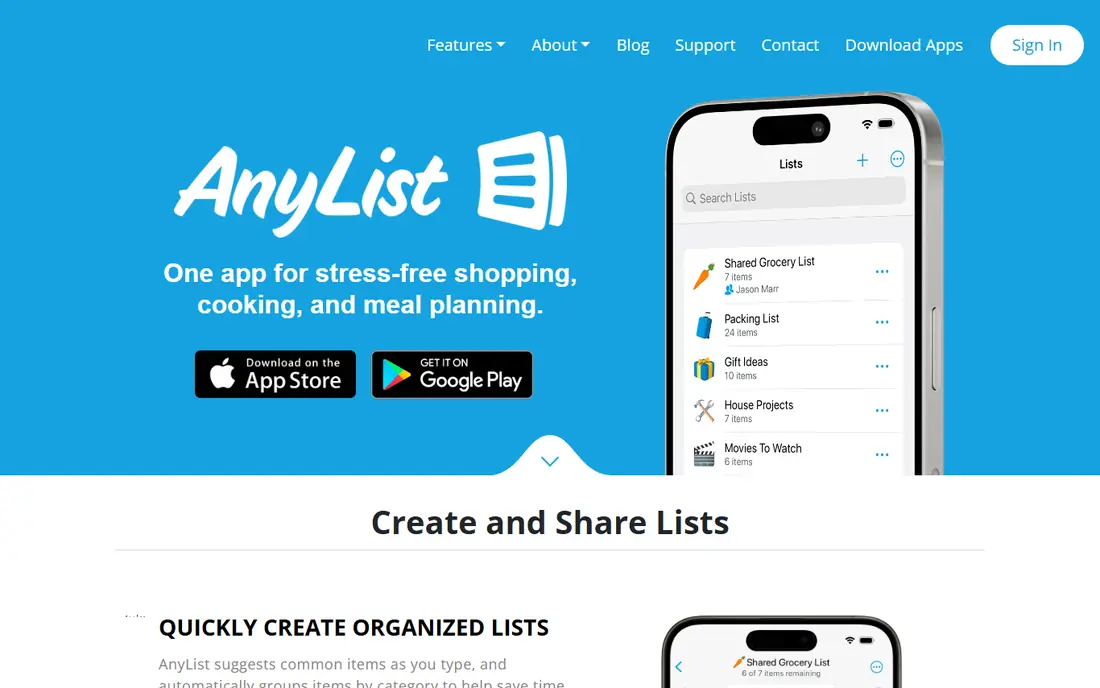
AnyList is the app we recommend first for most households, because the core list is free, shared, and fast. One person adds milk from the kitchen, another sees it in the store seconds later, and items sort themselves into store sections so the shop follows the aisles instead of the order items were added. Photos on items help the shopper buy the right brand, which matters more than it sounds when two people shop for the same house.
AnyList Complete costs $9.99 per year for one person or $14.99 per year for a household, and it adds recipe import from websites, the meal planning calendar, and the web and Mac apps. That price is low compared with most subscriptions, and it turns AnyList from a list into a weekly planning system. If you only need a shared list, stay free. If you cook from recipes most nights, Complete is an easy upgrade.
- Real-time shared lists with automatic store categories
- Recipe import and meal planning calendar on Complete
- Works on phones, web, and Mac
- Meal planning calendar and unlimited recipe import sit behind Complete
- No built-in price totals on the free tier
- Recipe features take time to learn
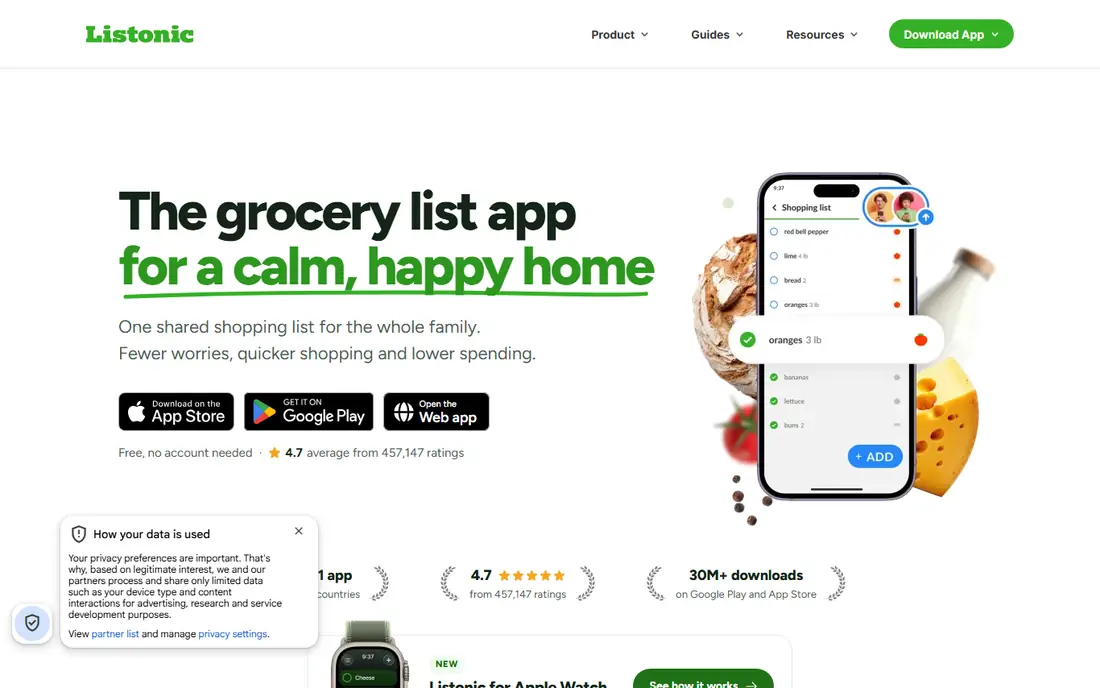
Listonic stands out because it gives away more for free than most rivals. Shared lists update in real time, items carry photos and prices, and a running total helps you stay near budget before you reach the checkout.
Its AI planning assistant can turn text, voice, or a photo into a list, which helps on busy weeks when planning from scratch feels like work. The recipe side is lighter than AnyList or Plan to Eat, so recipe-first households may still prefer those apps. For a household that wants a fast, free, shared list with a budget view, Listonic is the strongest free pick here.
- Free shared lists with item photos and running totals
- Automatic store-section sorting
- AI meal planning help on the free tier
- Smaller recipe library than dedicated planners
- Sharing setup differs from account-based apps
- Some advanced features vary by region
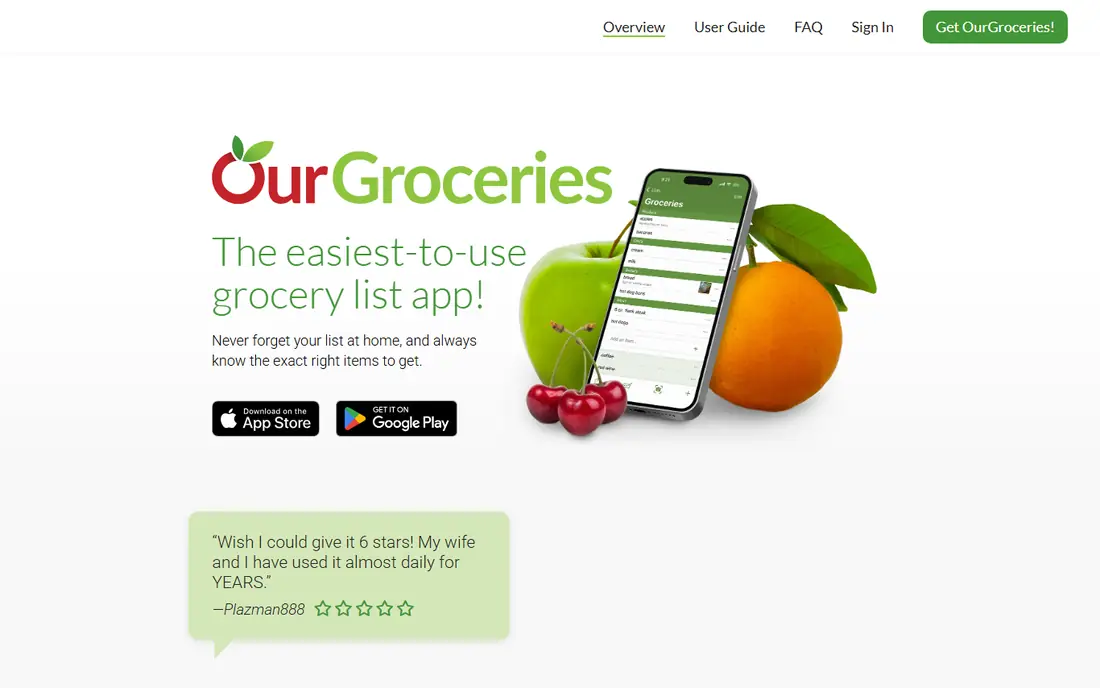
OurGroceries does one thing and does it well: a shared shopping list that everyone in the house can see and edit. There are no recipes, no meal plans, and no extra tabs to learn, which is why it suits households that tried fancier apps and came back to basics. Lists sync in real time, items check off cleanly, and the web version works from any computer.
The limits are clear. You cannot build a list from a recipe, track a running total, or plan a week of meals inside the app. Sharing also works through a shared account rather than separate accounts, which some families dislike. If your household wants the simplest possible list and nothing else, OurGroceries is hard to beat, and ad removal costs only a few dollars as a one-time purchase in many regions.
- Extremely simple shared list with real-time sync
- Works on phones and web
- Cheap ad removal as a one-time purchase
- No recipes or meal planning
- No price totals
- Everyone shares one account login for full sync
Bring takes a visual approach that suits shoppers who recognize a product by its picture faster than by its name. Items show as tiles with photos, which makes a long list easier to scan in a busy aisle, and sharing between phones keeps a couple or a small household on the same page. It also offers recipe inspiration, so a list can start from a dish rather than from memory.
For large households with complex planning, Bring feels lighter than AnyList or Cozi, and its recipe tools will not replace a dedicated planner. For a couple who wants a pleasant, visual list that both people will actually use, that lightness is a strength. It is free to start, so a week of real shopping is the best test of whether the visual style clicks for you.
- Visual, photo-based items that are easy to scan in the store
- Simple sharing for households
- Inspiration and recipe ideas built in
- Less powerful for large family planning
- Recipe import is lighter than AnyList
- Some features depend on region and store support
Cozi is a family organizer first and a grocery list app second, and that order matters. If your household already needs a shared calendar, school dates, chores, and to-do lists, adding the shopping list to the same app keeps everything in one place. One person can check the calendar, see who is home for dinner, and build the list without switching apps.
On its own, the list is simpler than AnyList or Listonic: no running totals, no deep recipe import, and no pantry tracking. Cozi Gold costs $39 per year for the whole account and removes ads while adding calendar views and search, and a higher Max tier adds AI planning features. Choose Cozi when the family system matters more than the list alone. Choose a list-first app when shopping is the main job.
- Shopping list sits beside a shared family calendar and to-do lists
- Gold removes ads and adds calendar features
- One account covers the household
- List itself is basic compared with Listonic
- Gold costs $39 per year
- Meal planning is lighter than dedicated planners
Google Keep is not a grocery app, and for some households that is the point. It is free, it works on Android, iPhone, and the web, and a shared checklist updates for everyone with access. You can add items by voice, attach a photo of a product, and set a reminder by time or place, which covers the basics of a shopping trip without learning a new app.
What you give up is everything shopping-specific: no automatic aisle sorting, no saved prices, no totals, and no recipe import. A long list becomes a long checklist that you manage by hand. If your household already lives in Google apps and wants a free, no-fuss shared list, Keep works well. If you want the app to organize the shop for you, pick AnyList or Listonic instead.
- Free on every platform with simple sharing
- Voice and photo notes alongside lists
- No subscription or ads for basic use
- No store categories, prices, or running totals
- Items must be reordered by hand
- No recipe or meal planning tools
Apple Reminders is the best free option for a household where everyone uses an iPhone, iPad, or Mac. It is already on the device, it shares lists through iCloud in real time, and Siri can add items hands-free from the kitchen. Location reminders can even prompt you when you arrive at the store, which is a small touch that prevents the classic forgotten list.
The limit is the system itself. A household with one Android phone, a Windows computer, or a mix of devices will hit friction fast, and Reminders has no shopping features beyond a checklist. It will not sort by aisle, total your shop, or import a recipe. For Apple-only homes that want a free list with no new app to learn, it is an excellent choice. For mixed homes, Google Keep or AnyList fits better.
- Free and preinstalled on Apple devices
- Siri voice adding and iCloud sharing
- Simple shared lists with location reminders
- Only works well inside the Apple system
- No prices, totals, or recipe tools
- Mixed-device households need another app
Samsung Food, formerly known as Whisk, starts from recipes and ends at the shopping list. You save recipes from websites, plan a week, and the app builds a list from the plan, sorted by aisle, which you can share with family. That recipe-first flow suits households that plan meals on Sunday and shop once, rather than adding items one by one through the week.
The free tier covers most planning and list needs, while Samsung Food Plus adds premium features for $6.99 per month or $59.99 per year. Some appliance and smart kitchen features favor Samsung owners, but the core planning and list tools work more widely. If recipes drive your shopping, Samsung Food deserves a trial next to AnyList. If the list itself is the main job, a list-first app will feel faster.
- Large recipe catalog with weekly planning
- Plan turns into a shareable shopping list
- Free core features for most households
- Best features sit behind Samsung Food Plus
- Appliance features suit Samsung owners most
- List tools are lighter than Listonic
Plan to Eat is built for households that plan meals together. Import recipes, drag them onto a shared calendar, and the shopping list builds itself from the plan, updating when the plan changes. Everyone in the house sees the same calendar and list, which cuts the usual questions about what is for dinner and what needs buying.
The cost is the main drawback: $4.95 per month with no ongoing free tier, only a trial, so a year costs more than AnyList Complete. The interface also favors people who enjoy planning, and quick list makers may find it heavier than OurGroceries or Listonic. If your household already plans a week at a time and wants the list to follow the plan, Plan to Eat is one of the best tools for that job.
- Real-time shared household list and calendar
- Recipe import from websites with automatic list building
- Strong for planned weekly shops
- Monthly cost adds up over a year
- No free tier beyond the trial
- Interface favors planners over quick list makers
How we picked these
We compared official feature pages, pricing pages, and app store listings, plus public reviews, for apps still available in October 2026. We favored apps with real shared lists, a working free tier or trial where claimed, and an official homepage we could verify. We left out apps that only deliver groceries without a shareable list, and apps that had closed, since a list app is only useful if it will still be there next month.
We did not claim hands-on lab testing. Our comparisons rest on published sharing, recipe, pricing, and platform details, and we recommend testing sharing with a second phone during any trial, because a list that only works on one device fails the main job.
How to choose the right app for your household
Start with who shops. If two or more people share the job, real-time sharing is not optional, and you should test it with both phones before you settle. If one person shops alone, a simpler app or even a notes app may be enough, and recipe planning becomes the deciding feature instead.
Next, decide how much planning you actually do. Households that cook from recipes most nights gain the most from AnyList Complete, Samsung Food, or Plan to Eat, because the list builds itself from the plan. Households that shop from memory gain more from Listonic totals, Bring visuals, or OurGroceries simplicity, because the list itself is the whole workflow.
Finally, weigh price against use. A free list that everyone opens beats a paid planner that one person maintains alone. Try the free tier for a full weekly shop, including a midweek top-up, and watch whether items get added, checked off, and shared without reminders. The app that survives a real week is the right one, whatever its rank on a list.
Frequently asked questions
What is the best app for grocery list sharing?
AnyList is the best overall choice for shared grocery lists, with real-time sync, automatic categories, and a low-cost Complete tier for recipes. Listonic is the best free alternative for sharing with prices and totals, while OurGroceries is the simplest shared list for households that want no extra features.
What are the best grocery list apps that are free?
Listonic, Google Keep, Apple Reminders, and the free tiers of AnyList, OurGroceries, Bring, Cozi, and Samsung Food all cover basic shared lists at no cost. Listonic gives the most shopping features for free, while Keep and Reminders suit households that already use Google or Apple apps.
What is the best shareable grocery list app for families?
AnyList and Cozi are the strongest family picks, for different reasons. AnyList gives the best shared list with recipe planning, while Cozi adds a shared family calendar and to-do lists beside the shopping list, which suits households organizing more than food.
Can a grocery list app help me stay on budget?
Yes, if it tracks prices and totals. Listonic offers a running total with saved prices on its free tier, and AnyList Complete lets you add prices to items and plan spending for the month. A list alone helps avoid impulse buys, but a total before checkout is what turns a list into a budget tool.
Is AnyList worth paying for?
AnyList Complete costs $9.99 per year for one person or $14.99 per year for a household, which is low for what it adds. It is worth it if you import recipes, use the meal planning calendar, or want the web and Mac apps. If you only need a shared list, the free tier is enough.
Do grocery list apps work with Alexa or Google Assistant?
Many do, including AnyList, which can link to voice assistants so a spoken item lands on your shared list. OurGroceries also has a well-documented Alexa workflow, and Google Keep works naturally with Google Assistant. Check the current assistant setup for your chosen app, because voice links change with assistant updates.
Sources
See where you really rank - block by block
ProMapRanker scans Google Maps across a grid of your service area. Simple monthly plans from $19, white-label on every plan.
Start freeKeep reading
 top custom software development company
Top Custom Software Development Company in 2026
Looking for a top custom software development company? We compare 9 firms for web, mobile, and enterprise software, covering strengths and fit for 2026.
Read → tableau alternatives
Tableau Alternatives in 2026
Compare the best Tableau alternatives for 2026, from Power BI to Metabase, with prices, hosting options, and picks for small teams and enterprises today.
Read → microsoft teams alternatives
Best Microsoft Teams Alternatives in 2026
Looking for microsoft teams alternatives? We compare 9 chat and video tools for 2026, covering free plans, pricing, meetings, and integrations for teams.
Read →