 ProMapRanker
Best Google Business Profile Software for Dentists in 2026

Editing the profile inside Google · Pricing starts at: See website
Direct answer
My top pick for dentists is GMB Everywhere, because it works directly inside the Google Business Profile pages you already use and keeps profile work close to the source. It has a free plan, with paid tiers listed on its website. For multi-location dental groups, Synup is a stronger fit for centralised control, while Localo suits single practices that want simple post and review handling.
I compared these tools from vendor documentation and public sources, not from hands-on testing. I looked at what each one actually does with a Google Business Profile, how it fits the way a dental practice operates, and where its limits show up. Prices and plan details change, so I point you to each vendor's own site rather than quoting figures.
Key takeaways
- A dental practice lives or dies on its Google profile, so the software should handle hours, photos, posts, Q&A and review replies in one place.
- Tools that plug into the Google Business Profile interface reduce the risk of editing the wrong location or missing a change.
- Multi-location dental groups need bulk editing and role permissions more than they need extra analytics.
- Review replies matter for dentists because nervous patients read them before booking, so look for reply templates and alerts.
- No tool can guarantee rankings, and any vendor promising specific map positions should be treated with caution.
Quick comparison
| Pick | Great for | Pricing starts at | Free tier | |
|---|---|---|---|---|
| GMB Everywhere | Editing the profile inside Google | See website | Free plan | Visit |
 Synup | Multi-location dental groups | See website | Not stated | Visit |
 Moz Local | Cleaning up citations and listings | See website | Not stated | Visit |
 Yext | Large groups with one data source | See website | Not stated | Visit |
 Uberall | Clinics operating across regions | See website | Not stated | Visit |
 Localo | Single practices wanting simple control | See website | Free trial | Visit |
 Birdeye | Reviews and patient messaging | See website | Not stated | Visit |
The best Google Business Profile software for dentists compared
GMB Everywhere is a Chrome extension that adds tools on top of the Google Business Profile pages you already use. For a dentist, that means you can check and edit your listing without exporting data to another dashboard. It suits a practice owner or a small agency that wants direct control over the profile rather than a separate reporting layer.
For dental work, the practical value is in the details patients check: opening hours, holiday closures, the services list and photos of the practice. Because the tools sit on the Google page itself, changes are made where they take effect, which cuts down on copy-paste mistakes between systems. Auditing a profile before a marketing push is also quicker.
The limits are clear. It is a browser extension, so your team needs Chrome, and it is not a full patient messaging or reputation platform. A large dental group with many locations and staff roles should look at a dedicated multi-location tool instead.
- Works inside the Google Business Profile interface
- Chrome extension is quick to install
- useful for auditing and bulk edits
- Tied to the Chrome browser
- less of a full reputation suite
Synup is a location marketing platform built around managing many business listings from one dashboard. A dental group with several clinics, each with its own address, phone number and hours, fits this model well. It is less about a single practice and more about keeping a network consistent.
For dentists, consistency matters because patients often compare two branches of the same group. Synup lets you push the same hours, service descriptions and photos to each location and catch listings that drift out of date. Review monitoring helps a practice manager see new reviews across branches without logging into each profile.
The trade-off is setup effort. Connecting locations and mapping data fields takes planning, and a solo dentist with one chair will find it heavier than needed. Groups with a marketing coordinator will get more from it.
- Central dashboard for many locations
- listing sync across directories
- review monitoring in one place
- Setup takes time
- more than a single practice needs
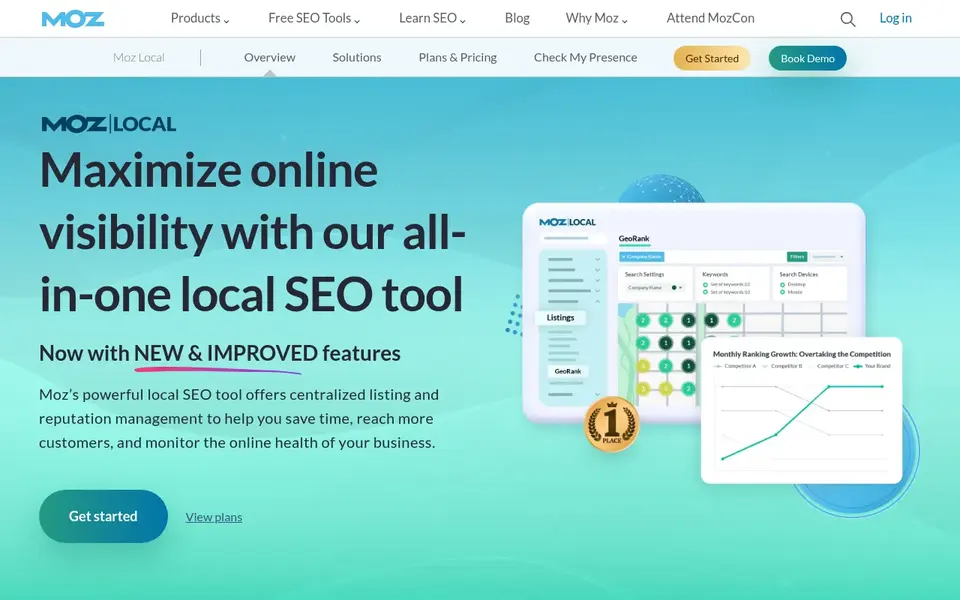
Moz Local focuses on making sure your practice name, address and phone number match across the directories that feed local search. For a dentist, that means the details patients see when they search for a clinic near them are the same everywhere. It pairs well with profile work rather than replacing it.
The workflow is about finding and fixing mismatches. If your practice moved suites in a medical building, or changed its main phone line, Moz Local helps you spot the listings still showing the old details. That is a common problem for dental offices that share a building with other businesses.
It is not the tool for publishing weekly posts or answering patient questions on the profile. If your main need is a steady stream of offers and updates, look at a profile-first tool. Moz Local is best as part of a wider local setup.
- Strong on citation consistency
- clear listing health view
- fits an existing Moz workflow
- Lighter on posts and Q&A
- not a full profile publishing tool
Yext takes the approach of storing your practice details once and publishing them to many places. For a dental group with a central marketing team, that structure makes it easier to keep every clinic's hours, services and contact details aligned. It is built for organisations, not single chairs.
Dentists with several locations and rotating staff benefit from structured fields, because services like emergency appointments, sedation or orthodontics can be described consistently. When a new clinic opens, the same data model is reused rather than rebuilt from scratch.
The main limit is the buying process. Yext is sold through a quote, so a small practice should weigh whether the structure is worth it. A single-location dentist will usually be better served by a lighter tool.
- Single source of truth for location data
- wide network of listings
- structured fields for services
- Quote-based sales process
- can be costly for small practices
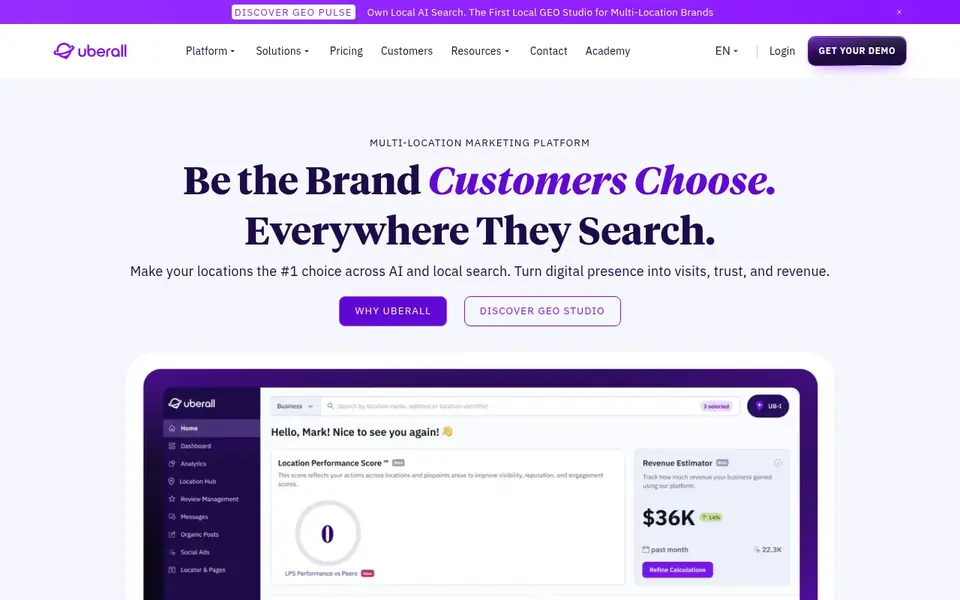
Uberall is a location management platform used by businesses with branches in multiple regions. A dental group that operates across cities or countries can keep each clinic's profile and directory listings aligned from one place. It is built for scale rather than for a single practice.
For dentists, the useful part is keeping local details correct when a group grows. Opening a new clinic means new hours, new phone numbers and new photos, and a platform like this helps push those details out consistently. Review tools also let a central team keep an eye on patient feedback.
The downside is weight. Smaller practices will find the interface and setup more than they need, and the sales process is aimed at organisations. A single dentist should start with a simpler option.
- Handles listings in many countries
- good for groups with regional branches
- review and profile tools together
- Enterprise feel
- overkill for one practice
Localo is aimed at small local businesses that want to manage their Google profile without a marketing team. For a dentist, that means scheduling posts about new treatments or holiday hours, watching reviews and replying to patients from one screen. It is a practical starting point.
The workflow suits a practice manager who has twenty minutes between patients. You can draft a post about a new hygienist, schedule it, and check whether the profile details are correct. Review replies can be handled in the same place, which matters because patients read those replies before booking.
Its limits are scale. A group with many locations will outgrow it, and the feature set is narrower than enterprise platforms. A solo practice that wants simple, regular profile activity will find it fits.
- Straightforward profile and post tools
- review reply support
- approachable for non-marketers
- Smaller feature set
- not built for large groups
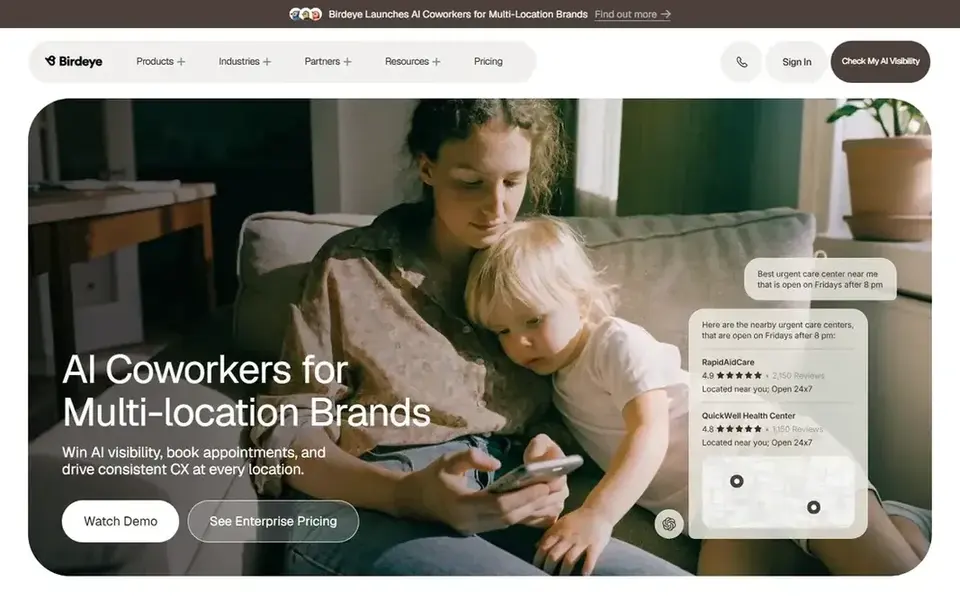
Birdeye is a reputation and messaging platform that includes Google Business Profile management among its features. For a dental practice, the draw is the review workflow: asking patients for feedback after a visit and keeping replies organised. That fits how dental practices build trust locally.
The profile side covers the basics, including responding to reviews and keeping location details current. Where it stands out is the connection between patient contact and review activity, which is useful for practices that want a steady flow of honest feedback. It does not offer incentives or gating, which keeps you on the right side of Google's rules.
The trade-off is scope. Birdeye is a larger platform sold through a quote, so a practice that only wants to manage posts and photos may be paying for features it will not use. Groups focused on reputation will get more value.
- Strong review request workflow
- messaging tools for patients
- reputation reporting
- Broader than profile management
- quote-based pricing
How I chose
I started with vendor documentation and public sources for each tool, then checked what the product actually does with a Google Business Profile. My filter was simple: does it help a dental practice manage hours, photos, posts, Q&A or review replies in a way that matches how a clinic operates? Tools that only track rankings did not make the list, and I did not include any vendor I could not confirm exists.
I also weighed fit and limits. A single practice and a multi-location group need different things, so I noted where each tool stops being the right choice. I did not run hands-on tests, and I have not quoted prices because plans change. Where I was unsure about a free plan, I said so rather than guessing. The result is a shortlist you can check against each vendor's own site.
What to check before you buy
- Confirm the tool connects to Google Business Profile through the official API or interface, not through workarounds.
- Check whether it supports the number of locations you have now, and what happens when you add a clinic.
- Look for review reply tools with templates, since dental patients often mention anxiety or pain and replies need care.
- Make sure hours and holiday closures can be updated in bulk, because dental offices change schedules often.
- Ask how the tool handles service lists and attributes, such as emergency appointments or wheelchair access.
- Check user roles so front-desk staff can reply to reviews without access to billing or location settings.
Frequently asked questions
What should dental practice software do for a Google Business Profile?
It should let you update hours, photos, services and posts, and reply to reviews from one place. For a dentist, the most useful features are bulk hour changes for holidays, review alerts and reply templates. Anything beyond that, such as citation sync, is a bonus rather than the core job.
Is a free tool enough for a single dental practice?
Often yes. A free plan or trial can cover the basics of editing your profile and replying to reviews. The limit appears when you want scheduled posts, multiple users or reporting across locations. Start free, then move up when the workflow becomes a regular task rather than an occasional one.
How do I handle negative reviews on a dental profile?
Reply politely, without discussing clinical details, and invite the patient to contact the practice directly. Do not offer incentives to change a review, and never ask staff to post fake ones. Google's guidelines allow you to flag reviews that break its policies, but a calm public reply is usually the better move.
Can this software help a dental group with several clinics?
Yes, if you choose a platform built for multiple locations. Tools like Synup, Yext and Uberall let a central team manage hours, services and reviews across branches. The key check is whether you can assign roles per location and update details in bulk when a clinic changes schedule.
Does managing my Google profile guarantee more patients?
No. Profile work helps patients find accurate details and trust what they see, but it does not guarantee rankings or bookings. Treat it as one part of local visibility, alongside your website and the reviews you earn honestly. Be wary of any vendor that promises specific map positions.
Sources
See where you really rank - block by block
ProMapRanker scans Google Maps across a grid of your service area. Simple monthly plans from $19, white-label on every plan.
Start freeBrowse all guides
← Best Text Message Review Request Tools for 2026Best Google Business Profile Software for Landscapers in 2026 →
 best review response ai tools
Best Review Response AI Tools in 2026
A practical look at the best review response AI tools for local businesses in 2026, compared from vendor documentation and public sources.
Read → best review management software for roofers
Best Review Management Software for Roofers in 2026
A roofer's guide to review management software in 2026: seven real tools compared on request flows, Google Business Profile replies, and roof job workflows.
Read → best review management software for pet groomers
Best Review Management Software for Pet Groomers in 2026
A practical guide to the best review management software for pet groomers in 2026, compared from vendor documentation and public sources.
Read → how to rank number 1 on google maps
How to Rank Number 1 on Google Maps for Your Main Keyword
A focused playbook for claiming the number 1 spot on Google Maps for your top local keyword.
Read → map pack seo
Map Pack SEO: How to Optimize for Google's Local Pack
A complete map pack SEO guide: the factors that decide the local 3-pack and how to optimize every one.
Read → awr alternatives
AWR Alternatives in 2026
Compare the best AWR alternatives for rank tracking, local SEO, and agency reporting in 2026, with pricing, update speed, and honest limits for teams.
Read →More in Local SEO & Google Maps · All guides A to Z by date · Latest guides