 ProMapRanker
Best Git Hosting Platforms: 2026 Prices and Picks


Large binary and game teams · Pricing starts at: $39 per user/month (P4 Cloud)
Direct answer
If you need large binary and game teams, Perforce P4 is the first tool to look at here. Listed starting prices: Perforce P4 from $39 per user/month (P4 Cloud), Azure DevOps from $6 per user/month (first 5 Basic users free) and GitHub from $4 per user/month (first 12 months). Azure DevOps fits Microsoft and.NET teams; GitHub fits most teams and open source work. The full list of 6 tools follows, with prices and free plan facts.
If you are comparing git hosting platforms, this page covers 6 tools in one place: what each is best for, what it costs to start, whether it has a free plan, and the main limit to know about.
Key takeaways
- Top of the list is Perforce P4, which targets large binary and game teams.
- Starting prices begin at $3.65 per user/month with Bitbucket.
- 6 of the 6 tools have a free plan, including Perforce P4, Azure DevOps, GitHub and Bitbucket.
- GitLab suits all in one DevOps teams.
Quick comparison
| Pick | Great for | Pricing starts at | Free tier | |
|---|---|---|---|---|
| Perforce P4 | Large binary and game teams | $39 per user/month (P4 Cloud) | Yes | Visit |
 Azure DevOps | Microsoft and.NET teams | $6 per user/month (first 5 Basic users free) | Yes | Visit |
 GitHub | Most teams and open source work | $4 per user/month (first 12 months) | Yes | Visit |
 Bitbucket | Small Atlassian teams | $3.65 per user/month | Yes | Visit |
 SourceForge | Open source projects | $0 for open source project hosting | Yes | Visit |
 GitLab | All in one DevOps teams | $29 per user/month (billed annually) | Yes | Visit |
Git Hosting Platforms compared in detail
Perforce P4 is built with large binary and game teams in mind. The trade-off: $39 per user a month is $35 more than GitHub Team at $4, so a 10 user team costs $390 per month on P4 Cloud.
Where it falls short: P4 Cloud is $39 per user per month.
You should only accept Perforce P4, formerly Helix Core, is free for up to 5 users and 20 workspaces on your own server, with 3 Git repos and no limit on the number of files. What you pay to start with Perforce P4: $39 per user/month. Perforce P4 offers a free plan.
- Free for up to 5 users and 20 workspaces on your own server
- Git Connector lets Git clients use P4
- Self-hosted Scale and Platform plans are quote only
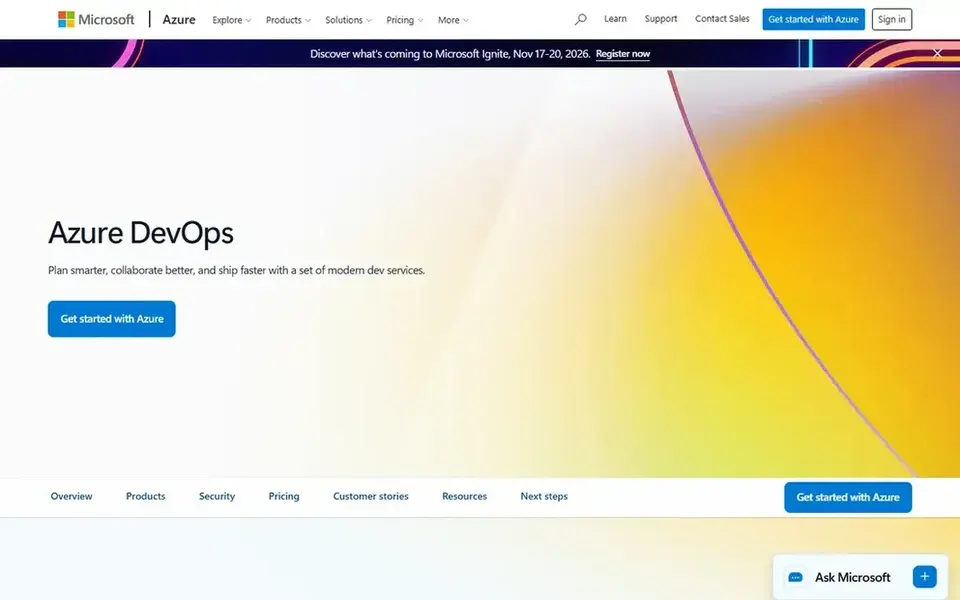
Azure DevOps serves Microsoft and.NET teams. An extra Microsoft-hosted parallel job costs $40 per month, and Basic plus Test Plans costs $52 per user a month for manual, exploratory and user acce As for the details, choose Azure DevOps if your team builds on Microsoft tools, Azure or.NET, and you want work tracking, Git hosting and pipelines under one login. A 10 person team on Basic costs $30 per month, since 5 users are free and 5 users cost $6 each.
The trade-off: GitHub Enterprise Cloud customers who run users with Entra ID can use Azure DevOps Basic at no additional cost, so check that link before Entry-level bundles Boards, backlogs and sprint planning, private Git repositories in Azure Repos, Pipelines, Artifacts and dashboards. Azure DevOps Basic is free for the first 5 users, then costs $6 per user a month. Azure DevOps cost at the entry level: $6 per user/month. Azure DevOps has a free plan.
Points against: Entry-level is $6 per user per month after the free users.
- Boards, Repos
- Stakeholders are free and unlimited
- Entry-level plus Test Plans costs $52 per user a month
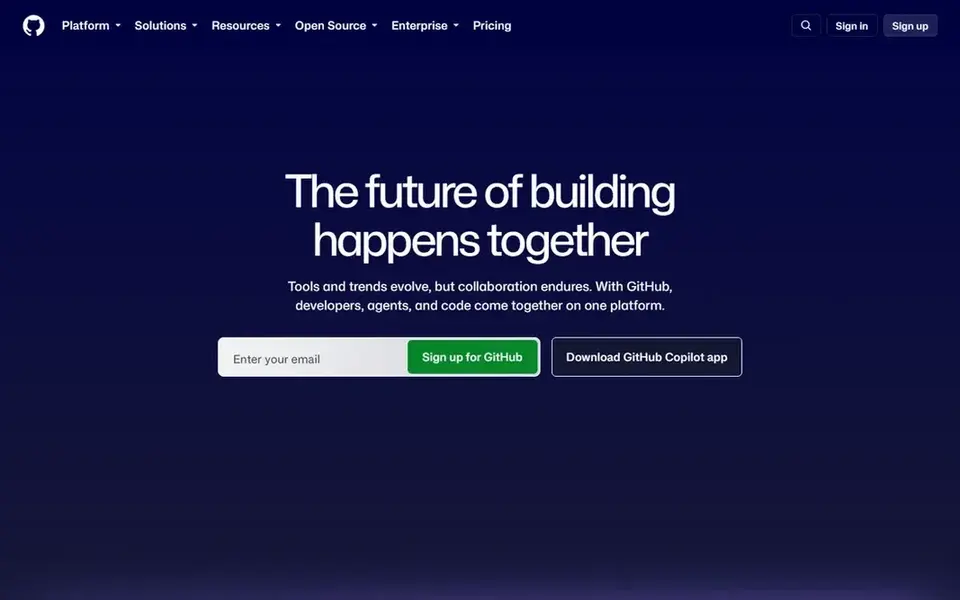
Where GitHub fits: most teams and open source work. GitHub Free costs $0 and contains unlimited repositories, 2,000 Actions minutes per month and 500 MB of Packages storage.
Points against: Team comes with only 3,000 Actions minutes per month.
On cost, GitHub starts like this: $4 per user/month. GitHub offers a free plan.
- Free plan with unlimited repositories
- Enterprise brings SAML SSO and audit tools
- Advanced Security is a separate add-on cost
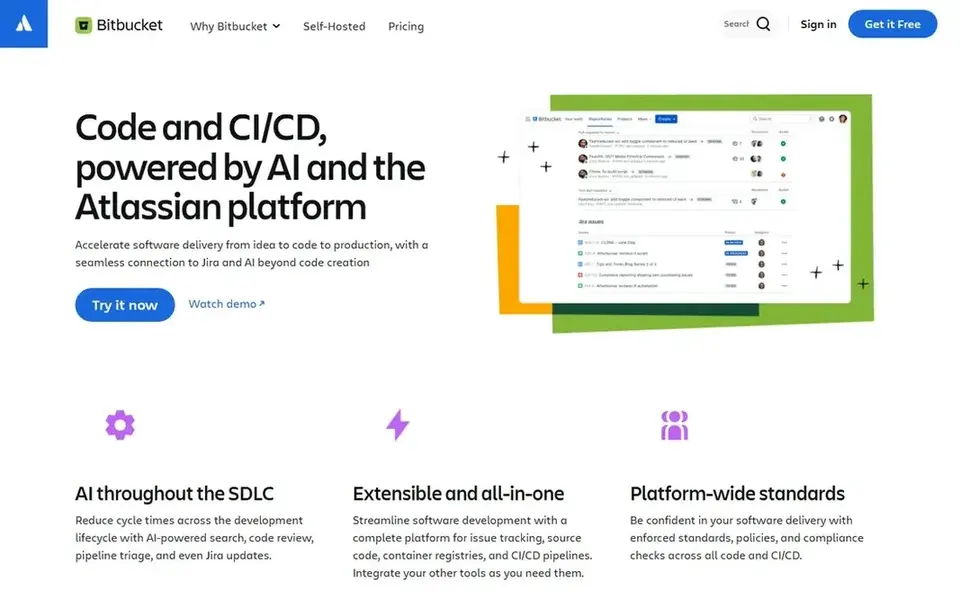
Bitbucket is designed for small Atlassian teams. Premium costs $8 per user per month and bundles 3,500 build minutes a month, 10 GB of Git LFS storage, IP allowlisting, enforced merge checks, required two-factor authentication, deployment permissions and enforced signed commits.
Watch-outs: Free plan is restricted to 5 users and 50 build minutes per month.
Also, standard costs $3.65 per user a month and contains 2,500 build minutes per month, 5 GB of Git LFS storage and unlimited users. Standard at $3.65 is $0.35 less than GitHub Team at $4, and a 10 user team costs $36.50 per month on Standard. Starting cost for Bitbucket: $3.65 per user/month. You can start on Bitbucket without paying.
- Works with Jira and Confluence
- Free plan for up to 5 users
- Premium rose to $8 per user a month
For open source projects, SourceForge is a natural candidate. A project gets Git, Subversion or Mercurial hosting, issue tracking, a wiki, forums, mailing lists, a project website area and file space for binary releases, with download mirrors that spread installers across regions and count downloads. Skip it if you need private commercial hosting, modern CI, or a list price you can budget from.
Where it falls short: No list price for commercial or enterprise use.
Choose SourceForge if you run an open source project and you want free hosting plus a download mirror network and download statistics in one place. The trade-off: the interface feels dated next to GitHub and GitLab. The service is aimed at open source work, so private commercial teams should The starting price for SourceForge: $0 for open source project hosting. Free access exists with SourceForge.
Upsides: Free hosting for open source projects.
- Subversion and Mercurial
- Download mirrors with download counts
- Designed for open source projects
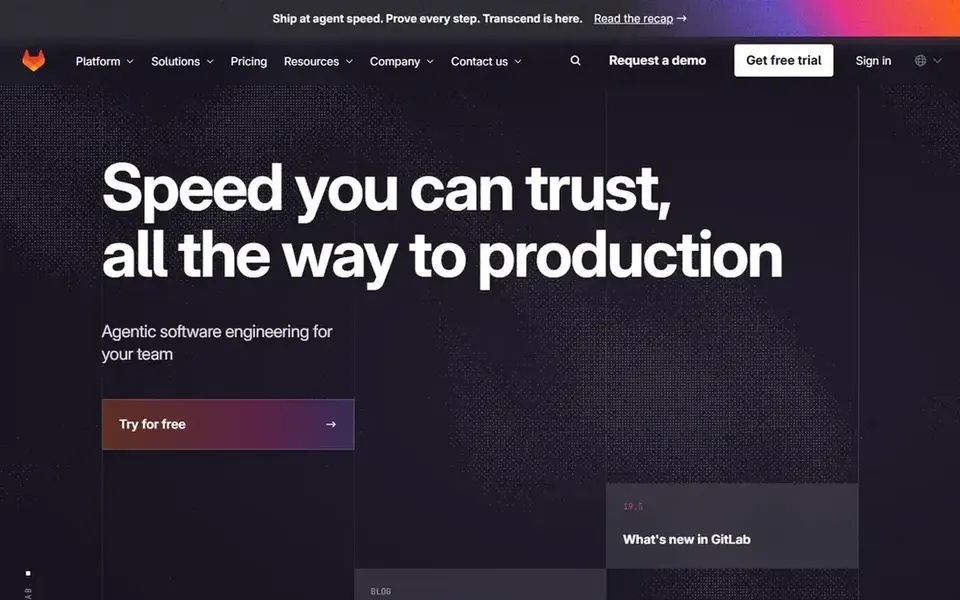
In short, GitLab is for all in one DevOps teams. GitLab Free costs $0 and comes with 400 compute minutes per month and 10 GiB of project storage. Worth adding: premium costs $29 per user a month billed yearly and comes with 10,000 compute minutes per month, 500 GiB of project storage, merge trains, epics and roadmaps, code owners, required approvals and priority support.
Drawbacks to consider: Premium is $29 per user a month.
Beyond that, Ultimate costs $99 per user a month billed yearly and comes with 50,000 compute minutes per month, 500 GiB of storage and the full security suite, with SAST, DAST, dependency scanning, container scanning and compliance management. The self-managed Premium price is $19 per user a month, which is $10 less than the $29 SaaS price. GitLab starts at: $29 per user/month. Free access exists with GitLab.
- Security scanning and planning in one subscription
- Premium comes with 10,000 compute minutes per month
- A steep jump from Free
How we compared the tools
The comparison looks at four things: starting price, free access, how well the feature set matches git hosting platforms, and the main limit of each tool. Seat minimums, billing terms and add-ons can move the real cost, so the starting prices here are a guide and not a quote. The sequence is a judgement call: typical use case first, then pricing transparency, then free access. Use the profiles to check fit.
What to confirm before you sign up
- Prices are a starting point; Bitbucket shows $3.65 per user/month to start, so verify what your seat count would cost.
- Look at free plan limits closely: Perforce P4, Azure DevOps, GitHub and others have one, and the caps decide whether it is usable for real work.
- Read the limits listed for Perforce P4 first: P4 Cloud is $39 per user a month, the highest list price here.
- Confirm minimum seats and billing terms with Perforce P4 before you commit to an annual plan.
- List the apps you already depend on and check that GitLab supports each one on the plan you would buy.
Frequently asked questions
Which git hosting platform is a good match for self-hosting?
This list starts with Perforce P4, which fits large binary and game teams. For other needs, Azure DevOps is aimed at Microsoft and.NET teams, and GitHub at most teams and open source work. Check each tool's price and main limit first.
Which git hosting system is best for most teams?
For most readers this guide would start with Perforce P4, built for large binary and game teams. Azure DevOps is the alternative for Microsoft and.NET teams, and GitHub for most teams and open source work. The right answer depends on budget and workflow.
Which options for git hosting platforms have a free plan?
6 of the 6 tools have a free plan, including Perforce P4, Azure DevOps, GitHub and Bitbucket. Free plans usually cap users, projects or features, so check the limits on the vendor page.
What is the cheapest hosted git product in this list?
Bitbucket Standard is the cheapest hosted seat price here at $3.65 per user a month, with 2,500 build minutes per month. Beyond that, for a 10 user team, Bitbucket Standard costs $36.50 per month, GitHub Team costs $40 per month, and Azure DevOps Basic costs $30 per month.
Is Perforce P4 the right pick for everyone comparing git hosting platforms?
No single tool suits every team. Perforce P4 comes first because it fits large binary and game teams, while Azure DevOps suits Microsoft and.NET teams and GitHub suits most teams and open source work. Match the tool to your own size, budget and workflow before deciding.
How are the tools for git hosting platforms ordered?
Perforce P4 sits first and GitLab last because the order follows typical fit for git hosting platforms, then price clarity and free access. It is a judgement call, so read each profile for fit and limits.
Sources
See where you really rank - block by block
ProMapRanker scans Google Maps across a grid of your service area. Simple monthly plans from $19, white-label on every plan.
Start freeBrowse all guides
← 6 Best Domain Name Generator Tools for Small Businesses for 20266 Best Website Builder for Chiropractors in 2026 →
 best cms for small business
6 Best CMS for Small Business in 2026
Best CMS for small business, compared. 6 tools with published prices, free plans and limits. Plain-spoken summaries throughout. Last reviewed November 2026.
Read → best website builders for therapists
Website Builders for Therapists: 6 Options Compared in 2026
6 products for the best website builders for therapists, ranked by fit, with starting costs and free tiers. Limits and pricing notes included. Choose faster.
Read → best website builders for churches
6 Best Website Builders for Churches in 2026
Best website builders for churches: 6 tools compared on price, free plans and fit. Squarespace is the first pick for refined design. See the full list.
Read → domain name alternatives
Best Domain Name Alternatives in 2026
Looking for domain name alternatives? We compare 8 registrars and extension options for finding a usable domain name, with renewal prices and security tips.
Read → best website company for small business
Best Website Company for Small Business in 2026
We compared the best website company for small business options on price, design, ease of use, and selling tools, so a small owner can launch fast online.
Read → best hipaa compliant hosting software
6 Best HIPAA Compliant Hosting Software Options for 2026
6 products for the best HIPAA compliant hosting software, ranked by fit, with starting costs and free tiers. Real limits included. Refreshed for 2026.
Read →More in Websites & Hosting · All guides A to Z by date · Latest guides