 ProMapRanker
Best Website Company for Small Business in 2026

Key takeaways
- Wix is the best all-round pick for most small businesses, with templates, apps, booking, and selling tools in one account.
- Squarespace suits businesses where design polish matters most, such as studios, restaurants, and creative services.
- WordPress.com is the cheapest hosted path to a custom domain, with room to grow into plugins and more complex sites.
- GoDaddy and Hostinger suit owners who want the fastest launch, with AI building and bundled domain and marketing tools.
- Webflow and Duda suit designers and agencies, while Framer and Weebly suit simple sites with less setup.
Quick comparison
| Pick | Great for | Pricing starts at | Free tier | |
|---|---|---|---|---|
 Wix | All-round small business | $17 per month | Yes | Visit |
 Squarespace | Design-led businesses | $19 per month | Free trial | Visit |
 WordPress.com | Low cost hosted sites | $4 per month | Yes | Visit |
 GoDaddy | Fast AI launch | See website | Yes | Visit |
 Webflow | Designer control | $14 per month | Yes | Visit |
 Duda | Agencies and client sites | $19 per month | Free trial | Visit |
 Hostinger | Budget AI sites | $2.99 per month | No | Visit |
 Weebly | Simple small sites | $10 per month | Yes | Visit |
 Framer | Modern visual sites | $5 per month | Yes | Visit |
The best website company for small business
For this article, a website company means a platform or service that lets a small business build, host, and manage a site without hiring a developer for every change. The options below cover all-round builders, design-led platforms, budget hosts, and agency tools.
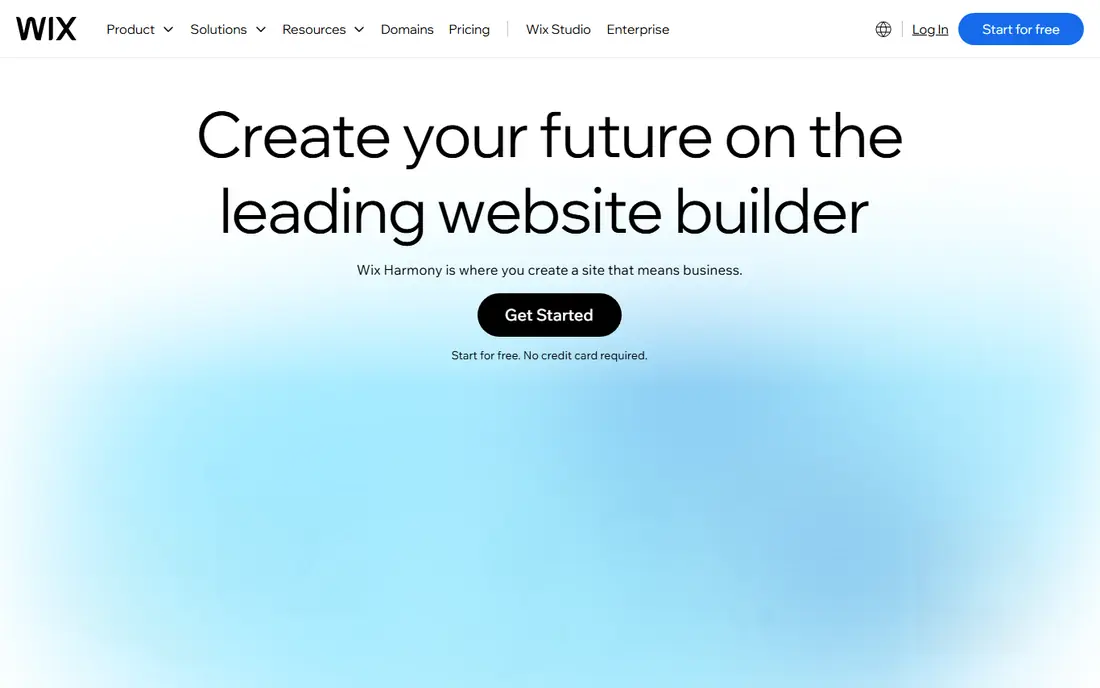
Wix is the safest all-round choice for a small business that wants a professional site fast. Templates cover restaurants, salons, trades, clinics, shops, and services, and the app marketplace adds booking, online ordering, forms, and email marketing without separate tools. The editor is visual, so an owner can change text, photos, hours, and prices without touching code.
The free plan is useful for testing, but a real business site needs a paid plan for a custom domain and removal of Wix branding. Commerce and booking features also sit on higher tiers, so price the plan that includes the tools you will actually use. For most small businesses, Wix gives the widest set of tools in one place at a clear monthly price.
- Huge template range and app marketplace
- Booking, selling, and marketing tools in one account
- Free plan to test the editor
- Free plan uses a Wix subdomain and shows Wix branding
- Switching templates later can require rebuilding parts of a site
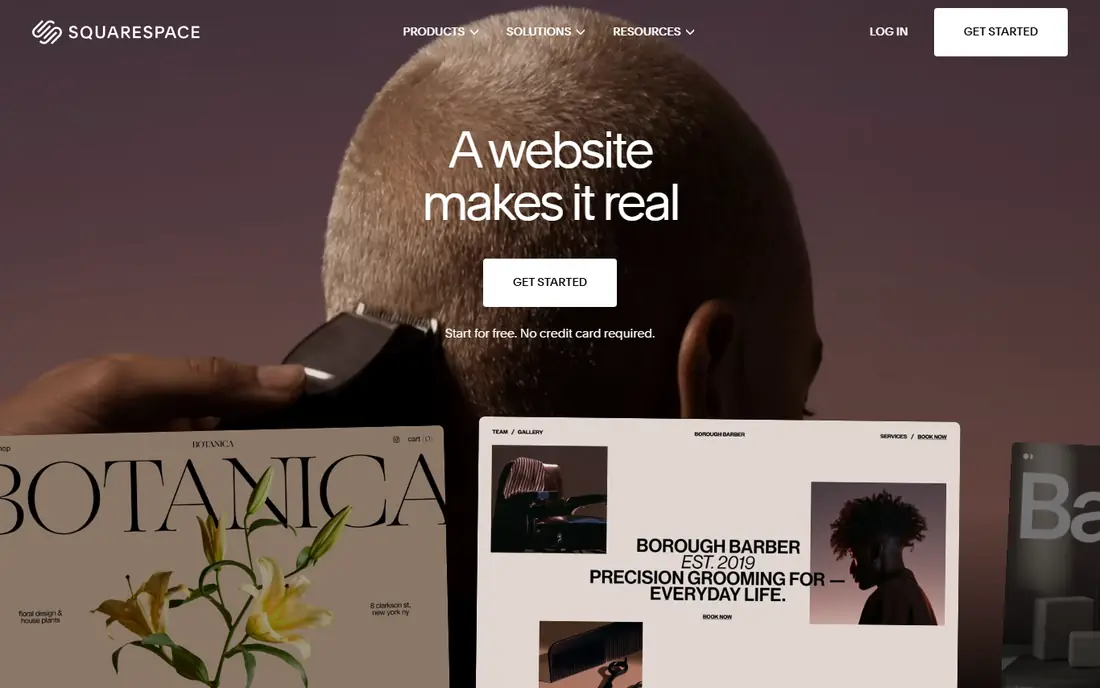
Squarespace suits a business where the look of the site sells the service. Photographers, designers, architects, restaurants, and boutique shops benefit from templates that handle large images and clean layouts well. Blogging, portfolios, online stores, and appointment scheduling are built in, so a small team can run content and sales from one dashboard.
The main limits are cost structure and apps. There is no free plan, so you pay after the trial, and email marketing is an extra cost on some plans. The app range is also smaller than Wix, which matters if you need a niche booking or ordering tool. If design quality is the top priority and your needs fit the built-in tools, Squarespace is hard to beat.
- Polished templates with strong typography and imagery
- Built-in blogging, selling, and scheduling tools
- Free domain on annual plans
- No free plan, only a trial
- Fewer third-party apps than Wix
- Email marketing needs a higher tier or add-on
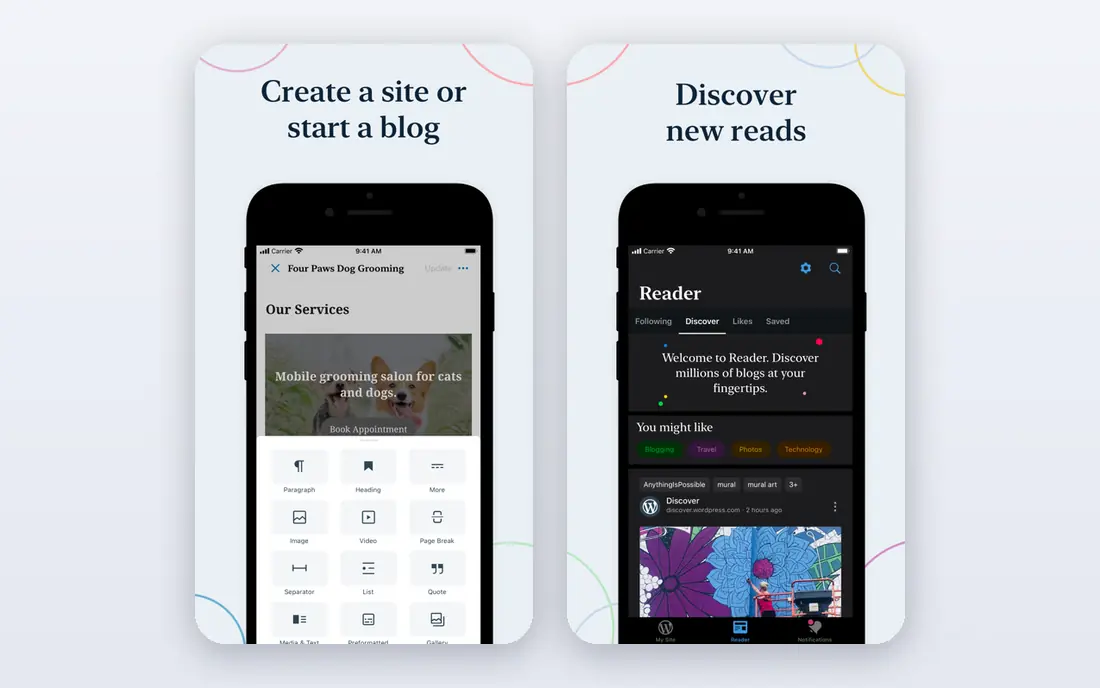
WordPress.com is the cheapest hosted route to a proper small business site. The Personal plan gives a custom domain at a low monthly cost when billed annually, and the free plan lets you test the editor before paying. Blogging and content tools are stronger than most builders, which helps a business that plans to publish guides, news, or local advice to attract search traffic.
The trade-off is tiering. Plugin installs, premium themes, and advanced customization sit on higher plans, so a site that needs a specific booking plugin or a custom checkout may cost more than the entry price suggests. For a content-led small business that wants low cost and room to grow, WordPress.com remains excellent value.
- Very low starting price for a custom domain
- Strong blogging and content tools
- Plugin and theme options grow with higher plans
- Free plan shows ads and uses a subdomain
- Plugin installs and advanced design need higher tiers
GoDaddy suits an owner who wants to get online today, not next month. The AI builder asks a few questions about the business, then drafts pages, text, and images that the owner can edit. Domain registration, hosting, email, and marketing tools can sit in the same account, which simplifies billing and support for a busy owner who does not want several vendors.
Pricing needs checking at signup, because published entry prices vary by promotion and plan, and payment features need a higher tier. Design freedom is also less than Webflow or Squarespace, so a business with a very specific visual brand may feel constrained. For speed and simplicity, especially for a first site, GoDaddy is a practical pick.
- AI builder can produce a first site quickly
- Domain, hosting, and marketing tools in one account
- Phone support for beginners
- Published pricing varies by plan and promotion
- Selling and advanced marketing tools need higher tiers
Webflow is the pick for a small business with a designer, or an owner who wants a truly custom look. The visual editor gives control over layout, spacing, animations, and responsive design that drag and drop builders cannot match, while the CMS handles blogs, portfolios, and product collections. Hosting is built in, and SEO controls for titles, descriptions, and structure are strong.
The learning curve is real. Webflow takes longer to master than Wix, and pricing spans site plans for each website plus workspace plans for teams, so read both before you buy. A business that hires a designer, or plans to invest time in a standout site, will get value from Webflow. A business that wants a simple site in an afternoon should pick Wix or GoDaddy instead.
- Precise visual design control without code
- CMS for blogs and collections
- Clean hosting and strong SEO controls
- Learning curve is steeper than Wix or Squarespace
- Site plans and workspace plans can confuse pricing
Duda is built for agencies, freelancers, and multi-location businesses that manage many sites from one dashboard. Team permissions, client access, site duplication, and client billing tools make it easier to build and maintain sites at scale than a consumer builder. Design controls are strong, and widgets cover forms, maps, bookings, and local business details.
For a single small business, Duda can be more tool than needed, and the one-site-per-plan rule on basic tiers matters if you run several brands. The trial helps test the editor, but pricing should be compared with Wix for a one-site project. If you run an agency or a business with many locations, Duda is one of the best tools for the job.
- Built for agencies managing many client sites
- Client billing and team tools
- Responsive design controls and widgets
- One site per plan on basic tiers
- Less suited to a single small business that only needs one simple site
Hostinger is the budget pick for a small business that wants an AI-built site at hosting prices. The builder creates pages from a short description, and the owner can edit text, images, and sections in a visual editor. Hosting, domain offers, and email can be bundled, which keeps the first-year cost lower than most rivals.
Read the term carefully. The lowest price usually requires a long prepayment, often 48 months, and renews at a higher monthly rate, so the second term costs more than the first. There is also no free plan, though a money-back period applies in many cases. For a cost-conscious owner who accepts a long term, Hostinger offers strong value.
- Very low introductory price
- AI builder for fast site creation
- Hosting and builder in one account
- Introductory price needs a long term and renews higher
- No free plan, only a money-back period in many cases
Weebly, now part of Square, suits a small business that wants a simple site and a direct link to Square payments. The editor is easy to learn, the free plan lets you publish on a subdomain, and selling tools connect to Square for in-person and online sales. That link is useful for a shop, cafe, or market stall that already uses Square at the counter.
The platform has fewer modern templates and advanced features than Wix or Squarespace, and development has been slower in recent years. Paid plans are needed for a custom domain and stronger selling features. For a simple brochure or small shop site, Weebly is still a reliable, low-fuss option, but design-led businesses should look at Squarespace first.
- Simple editor that beginners learn quickly
- Free plan to start
- Square integration for payments and selling
- Fewer modern templates and features than Wix or Squarespace
- Paid plans needed for a custom domain and full selling tools
Framer suits a small business or startup that wants a modern, visual site with smooth animations and a polished feel. The canvas feels familiar to designers who use Figma, and the free plan lets you publish on a Framer subdomain to test the tool. Pages load fast, and the design quality stands out for landing pages, portfolios, and product launches.
Framer is not a full commerce platform on basic plans, and complex booking, membership, or multi-language needs may require extra tools or a different builder. Extra editors also add cost. For a visual, marketing-led site where design matters more than a full store, Framer is a fresh and capable choice.
- Modern, animation-friendly design with a Figma-like canvas
- Free plan on a Framer subdomain
- Fast hosting and clean pages
- No native online store on basic plans
- Extra editors cost more
- Less suited to complex booking or membership sites
How we picked these
We compared official pricing pages, feature pages, and public reviews for website platforms that are live in October 2026 and that a small business can use without a developer for daily changes. We kept platforms with hosted plans, templates, and a working editor, and we left out self-hosted tools that need separate hosting setup for a first site. Prices shown are starting prices where published, and we used See website where pricing varies by promotion or plan.
What to check before you choose a website company
Start with the job your site must do. A brochure site needs pages, contact forms, and maps. A booking business needs scheduling, reminders, and payments. A shop needs products, shipping, taxes, and discounts. Pick the platform that covers your must-have job on a plan you can afford, not the platform with the longest feature list.
Next, check the total first-year cost. Add the plan price, domain renewal, email, booking or selling add-ons, and any app fees, and check what the price renews at after an introductory term. Test the editor with your real content, including your logo, photos, and longest service descriptions, because a template that looks good with demo content can feel cramped with real content. Finally, check that you can export or move your content if you switch platforms later, and that support hours match your working hours.
Domain and email matter from day one
Use a custom domain that matches your business name, and set up a professional email address on that domain. A free subdomain and a personal email address hurt trust for a new customer. Most paid plans on this list include a domain offer in year one, but renewal prices vary, so note the renewal date and price when you sign up.
Keep the site fast and simple
Choose a template close to your final design, use compressed photos, and keep the homepage focused on one clear action, such as calling, booking, or shopping. A fast, simple site with clear contact details will bring more enquiries than a slow site with many pages that no one reads.
Frequently asked questions
What is the best web platform for small business use?
Wix is the best all-round web platform for most small businesses, because it covers design, booking, selling, and marketing in one account. Squarespace is better if design polish is the top priority, while WordPress.com is better if low cost and blogging matter most. Match the platform to your main job, not just to price.
What is the best website design company for small business work?
If you mean a builder you can use yourself, Wix and Squarespace are the strongest self-serve options for small businesses. If you mean hiring an agency, Duda is built for agencies that build and manage client sites, and Webflow suits designers who build custom sites. Ask any agency which platform they build on and what you can edit yourself after launch.
How much does a small business website cost per month?
Builder plans on this list start from about $2.99 per month on long introductory terms to $19 per month on standard annual plans, plus domain renewal and add-ons for booking or selling. A custom agency site costs far more upfront. Compare the full first-year cost, including renewal pricing, before you choose.
Can I build a small business website for free?
Yes, to a point. Wix, WordPress.com, Weebly, Webflow, and Framer offer free plans, but free plans usually use a subdomain and show platform branding. For a real business, a paid plan with a custom domain is worth the cost, because it looks more professional and gives you full control over the site address.
Should a small business use Wix or Squarespace?
Pick Wix if you want more templates, more apps, and booking or selling tools in one place at a lower entry price. Pick Squarespace if design polish, typography, and image presentation matter most and your needs fit its built-in tools. Both offer trials or free plans to test, so build one real page on each before you commit.
Sources
See where you really rank - block by block
ProMapRanker scans Google Maps across a grid of your service area. Simple monthly plans from $19, white-label on every plan.
Start freeKeep reading
 zscaler alternatives
Best Zscaler Alternatives in 2026
Looking for zscaler alternatives? We compare 9 SASE and zero trust platforms on architecture, data protection, pricing, and fit for your network and team.
Read → zapier alternatives free
Best Zapier Alternatives Free in 2026
Nine automation tools for zapier alternatives free in 2026, all with genuinely free tiers, plus free plan limits, starting prices and upgrade paths explained.
Read → which platform is best for online reputation
Which Platform Is Best for Online Reputation in 2026
Wondering which platform is best for online reputation? We compare 8 review, listing, and response tools for small and multi-location businesses and agencies.
Read →