 ProMapRanker
Best Gas Price App in 2026: 9 Apps Compared

Key takeaways
- GasBuddy is the best dedicated price finder for most US drivers, thanks to user-reported prices and station coverage.
- Waze and Google Maps are best when you already navigate with them, since prices appear along your route.
- Upside is the best cashback pick, because it pays back at participating stations on top of finding a low price.
- No single app is always accurate, so check two sources before driving far out of your way for a saving.
Quick comparison
| Pick | Great for | Pricing starts at | Free tier | |
|---|---|---|---|---|
 GasBuddy | Dedicated price finding | Free | Yes | Visit |
 Waze | Navigation plus prices | Free | Yes | Visit |
 Upside | Cashback on fuel | Free | Yes | Visit |
 Google Maps | Quick price checks | Free | Yes | Visit |
 AAA Mobile | Trusted price checks and trips | Free | Yes | Visit |
 iExit Interstate Exit Guide | Highway trips | Free | Yes | Visit |
 Fuelio | Fuel logs and costs | Free | Yes | Visit |
 Drivvo | Mileage and fuel costs | Free | Yes | Visit |
 Apple Maps | iPhone route price checks | Free | Yes | Visit |
The best gas price apps
We compared app store listings, feature pages and price coverage for apps live in the US in October 2026. All core price finding here is free, though some apps offer paid cards or premium features.
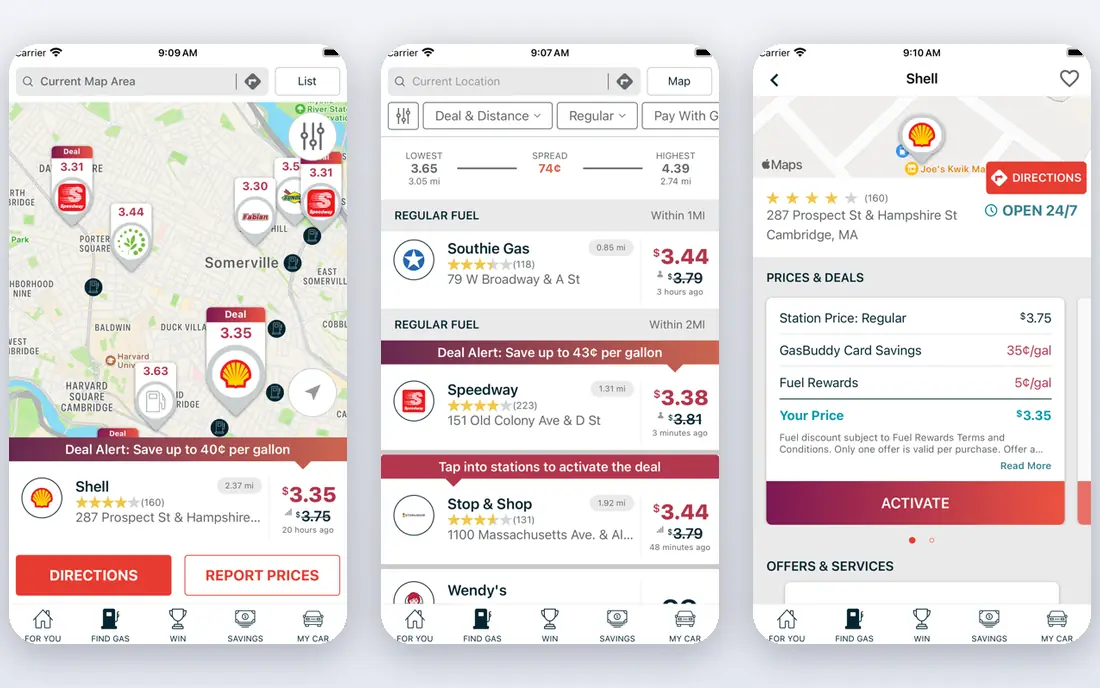
GasBuddy is built only for fuel prices, and that focus shows. Drivers can search nearby stations, filter by fuel grade and brand, and see prices reported by other users. The trip cost calculator estimates fuel cost for a route, which helps with road trip budgets.
Our pick for most drivers is GasBuddy, because its coverage and sorting beat general map apps for a pure price search. Review location sharing settings if privacy matters to you, since the free app is supported in part by location-based advertising.
- Large user-reported price database
- Search by location, zip code or route
- Trip cost calculator
- Location data sharing needs privacy settings review
- Some prices lag in rural areas
- Paid card is a separate product
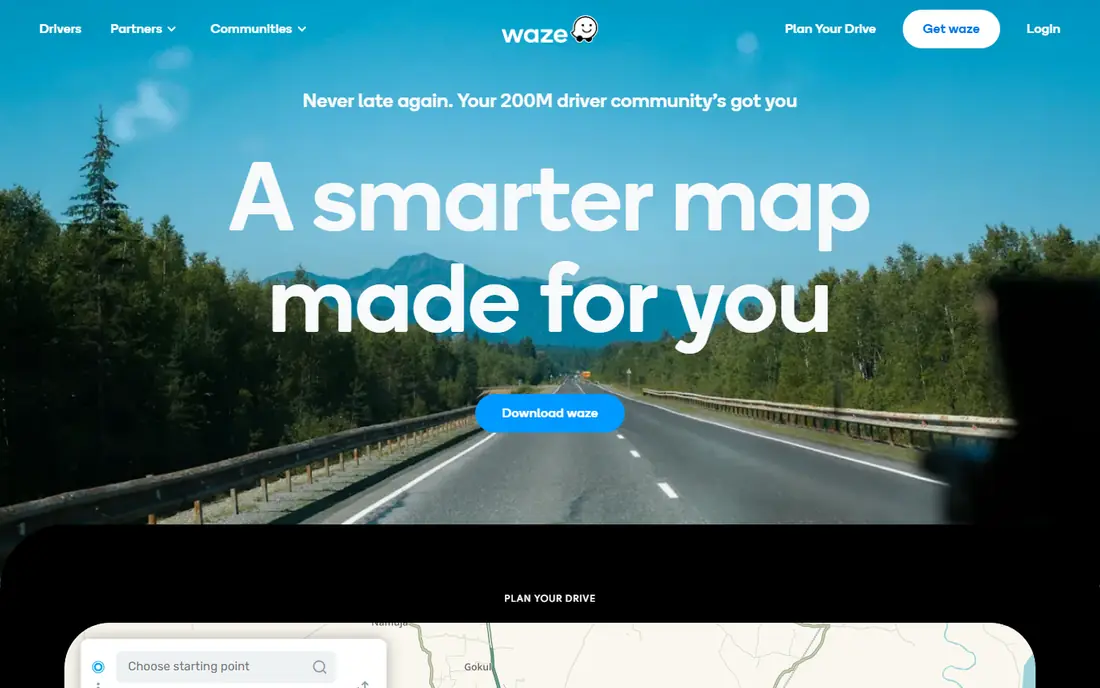
Waze combines navigation with station prices, so you can see cheap fuel without leaving your route. Stations can be sorted by price, distance or brand, and the app can route you to a chosen station. Traffic alerts and rerouting can also save fuel indirectly by avoiding jams.
Waze is not a cashback app, and sponsored listings can sit near the top of results. Check the price and distance before choosing, rather than tapping the first listing.
- Prices shown along routes
- Traffic-aware navigation
- Station sorting by price or distance
- Ads can push sponsored stations
- Price data varies by area
- No cashback
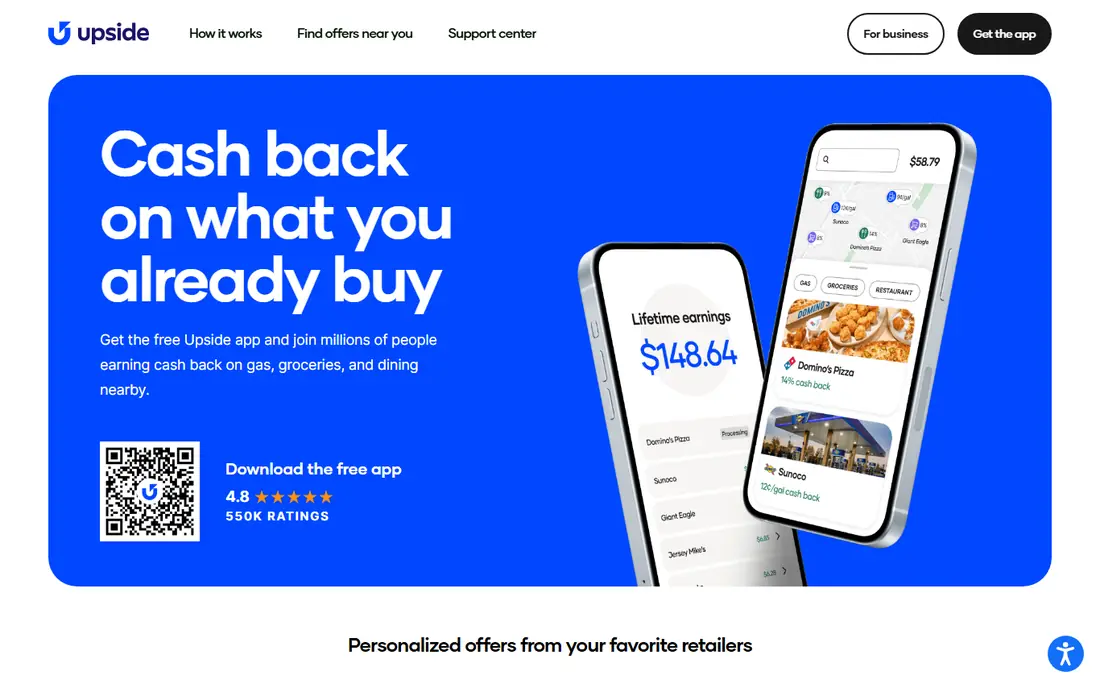
Upside shows cashback offers at nearby participating stations, and users claim an offer, pay as usual and upload proof or link a card where supported. Cashback can be withdrawn to a bank account or redeemed as a gift card, depending on the payout method. That makes Upside a good second app even if you find prices elsewhere first.
The catch is coverage. Not every station participates, and offer values change by place and time. Pair Upside with GasBuddy for the lowest total cost, not just the highest cashback rate.
- Cashback at participating stations
- Works alongside card rewards
- Bank or gift card payout
- Cashback only at participating stations
- Offers vary by location
- Small payouts may carry fees
Google Maps is the easiest option for a quick check, since most drivers already have it. Searching for gas stations shows prices at nearby locations, and route search can show stations along the way. Filters cover fuel grades and, in many areas, diesel and electric charging.
It is not as focused as GasBuddy for sorting and tracking prices over time. Use it for a fast check, and open GasBuddy when the saving is worth a second look.
- Already on most phones
- Station search along routes
- Fuel type filters
- Prices can be older than GasBuddy in some areas
- Comparison is less detailed
- No cashback
AAA Mobile gives non-members access to gas price checks, while members also get trip planning and roadside assistance in the same app. The price data is presented cleanly by location, which suits drivers who want a trusted source without crowd reporting quirks.
It will not replace GasBuddy for deep price hunting, but it is a solid backup. Members should keep it installed for trips, since roadside help and price checks sit together.
- Daily gas price finder
- Trip planning tools
- Roadside help for members
- Full benefits need membership
- Price interface is simpler
- No cashback
iExit is built for interstate driving. It shows what is at each upcoming exit, including gas stations and prices, so drivers can decide whether to stop now or wait for a cheaper exit ahead. That exit-by-exit view is more useful on a highway than a simple nearby search.
City drivers will get less from it, since urban stations are not organised by exit. For road trips, though, it pairs well with GasBuddy and a navigation app.
- Exit-by-exit station and price view
- Useful for long highway drives
- Works well for planning fuel stops
- Highway focus, less useful in cities
- Coverage varies by route
- Interface is basic
Fuelio focuses on what fuel actually costs you over time. Drivers log fill-ups, track consumption and costs, and see trends by vehicle. That record helps spot falling fuel economy or rising costs before they become a surprise.
It is not the best first app for finding the cheapest station today. Use it as a logbook alongside GasBuddy or Waze, especially if you manage a vehicle for work or track mileage costs.
- Fuel consumption logs
- Cost tracking
- Reminders for service
- Price finding is not its main job
- Manual entry for some data
- Interface is utilitarian
Drivvo tracks fuel, maintenance and other vehicle expenses in one place, with reports that show cost per mile and consumption trends. Drivers who claim mileage or manage a work vehicle can use those records for budgets and tax preparation, though tax rules should be checked separately.
Like Fuelio, Drivvo is a tracker first and a price finder second. Its value is the long-term record, not a single cheap fill-up.
- Vehicle expense tracking
- Fuel and maintenance records
- Reports by vehicle
- Price search is secondary
- Premium features cost extra
- Setup takes a few minutes
Apple Maps shows gas station prices for iPhone users without installing another app. Route planning can include fuel stops, and station details show available fuel types in many areas. For iPhone drivers who already navigate with Apple Maps, it is the lowest friction option.
Android users should use Google Maps or Waze instead. Apple Maps also lacks the price history and cashback features of specialist apps, so keep GasBuddy or Upside for saving-focused trips.
- Built into iPhones
- Station prices on routes
- Clean interface
- IPhone only
- Price detail varies by area
- No cashback or price history
How we picked these
We compared app store listings and official feature pages for fuel apps live in the US in October 2026. We kept apps that show real station prices, cashback or fuel cost tracking, and we left out brand-only station apps that show only one chain. Core price finding is free in every app here, and paid products such as linked fuel cards are noted separately in the text.
How to save the most on fuel
Use two apps, not one. Check GasBuddy for the cheapest nearby price, then check Upside for cashback at stations near that price. If you are already navigating, check Waze or your map app for prices along the route, since a slightly cheaper station far off route can cost more in extra driving.
Diesel, grades and timing
Filter by the exact fuel you need, since diesel prices vary more by station than regular gasoline in many areas. Premium grades also vary widely, so do not assume the cheapest regular station is cheapest for premium or diesel. Prices often change by time of day and day of week, so a price seen in the morning may not hold in the evening. Keep receipts for cashback claims, and check station terms for linked card offers before you rely on a discount at the pump.
Frequently asked questions
What is the best app to find cheap gas?
GasBuddy is the best dedicated app for finding cheap gas near you, thanks to its user-reported prices and filters. Waze and Google Maps are strong alternatives when you are already navigating.
What is the best fuel app for cashback?
Upside is the best fuel app for cashback at participating stations, since it pays back on top of any card rewards you already earn. Check whether your usual station participates before relying on it for every fill-up.
What is the best app for diesel fuel prices?
GasBuddy, Waze and Google Maps all let you filter for diesel, and GasBuddy is usually the most detailed for diesel price comparison. Check diesel specifically, since diesel prices can differ sharply between nearby stations.
Are gas price apps free?
Yes, core price finding is free in GasBuddy, Waze, Google Maps, AAA Mobile and Upside. Some offer paid cards or premium features, but you do not need to pay to see prices.
How accurate are gas price apps?
Accuracy depends on how often prices are reported in your area. Metro areas update frequently, while rural stations may lag. Cross-check a second app before driving far for a small saving, and note the time a price was reported when the app shows it.
Sources
See where you really rank - block by block
ProMapRanker scans Google Maps across a grid of your service area. Simple monthly plans from $19, white-label on every plan.
Start freeKeep reading
 whats the best ai app to use
Whats the Best AI App to Use in 2026
Wondering whats the best ai app to use in 2026? We compare ChatGPT, Claude, Gemini, Copilot, and more on price, free plans, and best everyday uses today.
Read → life360 alternatives
Life360 Alternatives in 2026
Life360 alternatives compared: 9 family location apps with live maps, arrival alerts and privacy controls to help your family stay in touch every day.
Read → captcha alternatives
CAPTCHA Alternatives in 2026
CAPTCHA alternatives compared: 9 reCAPTCHA alternatives that block bots with less friction, from free Turnstile to privacy-first proof-of-work tools included.
Read →