 ProMapRanker
Best Game Recording Software in 2026

Key takeaways
- OBS Studio is our pick for most PC gamers, with free, unlimited recording and streaming in one tool.
- NVIDIA App recording suits GeForce owners who want low-impact capture with almost no setup.
- Bandicam and EaseUS RecExperts suit gamers who want a simpler recorder and are willing to pay to remove limits.
- Medal is the best clip-first option, built for short highlights and quick sharing rather than long sessions.
Quick comparison
| Pick | Great for | Pricing starts at | Free tier | |
|---|---|---|---|---|
 OBS Studio | Free recording and streaming | Free | Yes | Visit |
 NVIDIA App | GeForce owners who want easy capture | Free | Yes | Visit |
 Bandicam | Simple, low-impact Windows recording | See website | Yes | Visit |
 EaseUS RecExperts | Easy recording with editing | See website | Yes | Visit |
 Wondershare DemoCreator | Recording plus built-in editing | $39.99 per year | Yes | Visit |
 Movavi Screen Recorder | Simple recording and quick edits | See website | Yes | Visit |
 Streamlabs Desktop | Streamers who want overlays and alerts | See website | Yes | Visit |
 Medal | Short clips and fast sharing | Free | Yes | Visit |
The best game recording software
We compared PC game recorders on capture quality, performance impact, ease of setup, editing and sharing. Free tools dominate this category, so paid tools only earn a place when they save real time or add editing that free tools lack. Check your graphics card and operating system first, since some of the easiest tools only work on certain hardware.
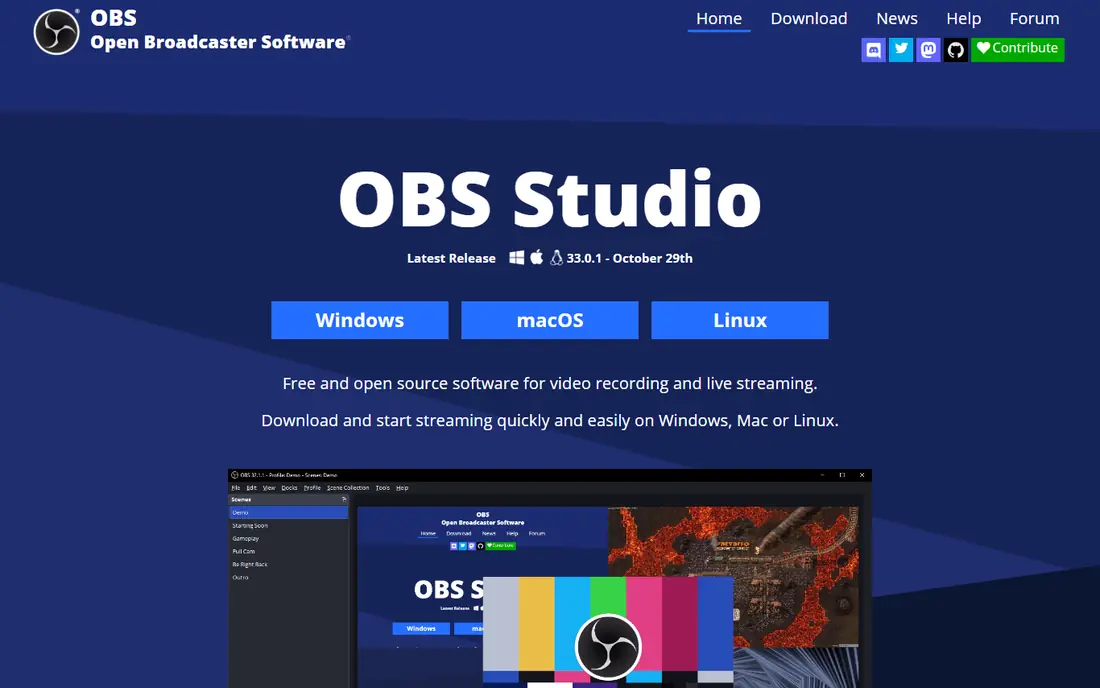
OBS Studio is the tool most serious PC gamers end up with, and it costs nothing. It records in high quality, supports multiple audio tracks, scenes, sources and overlays, and streams to major platforms from the same setup. There are no watermarks, no recording limits and no paid tier hiding the features you need, which is rare in this category.
The honest catch is the first hour. OBS asks you to understand scenes, sources and encoder settings before you get a clean recording, and a wrong setting can produce a choppy file. Spend time on a short test recording first, and check the official guides for your graphics card. Once the setup is right, OBS is hard to beat at any price.
- Completely free and open source
- No watermarks or time limits
- Streaming, scenes and audio mixing built in
- Steeper learning curve for new users
- Setup takes time before the first clean recording
NVIDIA App, which now carries the recording overlay once found in GeForce Experience, is the easiest recorder for GeForce owners. Press a hotkey to record, or leave Instant Replay running to save the last few minutes after something good happens. GPU encoding keeps the performance cost low, and clips save in high quality without a separate capture program running.
The limits are hardware and editing. You need a supported GeForce card, and there is no editor inside the app, so trimming means opening another tool. If you own a GeForce card and want capture that stays out of the way, this is the fastest route to good clips. If you use AMD or integrated graphics, look at OBS or Medal instead.
- Low performance impact using GPU encoding
- Instant Replay saves recent gameplay
- Simple overlay controls
- Needs a supported GeForce GPU
- No built-in video editor
- Windows only
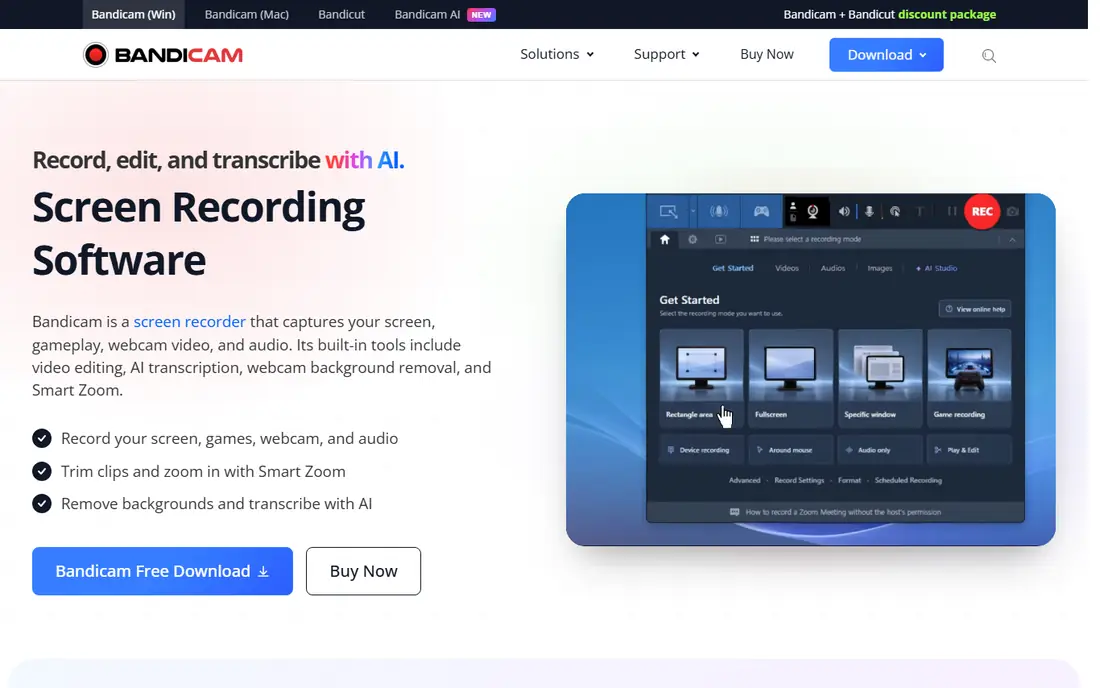
Bandicam is the recorder for gamers who want to press record and play, without learning scenes or encoder menus. Game recording mode targets the game window directly, hardware acceleration keeps files smooth, and separate audio tracks make commentary easier to balance later. The interface is small and focused, which suits casual recording and tutorial clips.
The free version is the catch. It watermarks videos and caps each recording at 10 minutes, so a paid license is needed for serious use. Windows-only support also rules it out for Mac or Linux gamers. If you record on Windows and value simplicity over streaming features, Bandicam is worth the price once you confirm current licensing on its site.
- Very easy to start recording
- Game recording mode with hardware acceleration
- Separate game and mic audio tracks
- Free version adds a watermark and limits recordings to 10 minutes
- Windows only
EaseUS RecExperts suits gamers who want recording and light editing in one program. You can capture gameplay, a screen region or a webcam overlay, trim the result, and export without opening a separate editor. Scheduled recording is useful for capturing a timed session, and the interface stays friendly for users who find OBS intimidating.
The weakness is depth. Editing covers trimming and basic fixes, not the layered editing a full video editor offers, and the fuller feature set needs a paid plan. Check current pricing on the vendor site before buying, since plans and limits change. For short gameplay videos and quick shares, RecExperts saves time. For a polished channel, pair a free recorder with a real editor.
- Simple game, screen and webcam modes
- Built-in trimming and basic editing
- Scheduled recording available
- Paid features sit behind a subscription or license
- Advanced editing is limited
DemoCreator is a good middle ground between a bare recorder and a full editor. It captures gameplay with a webcam overlay, then lets you trim, add captions, annotations and effects without leaving the app. Export up to 4K covers most YouTube and social needs, and the workflow suits tutorial makers and streamers who publish edited clips regularly.
The cost is the honest downside. The free version watermarks exports, and the annual plan at $39.99 per year keeps charging while free tools record for nothing. DemoCreator earns its price only if you actually use the editor every week. If you only need raw clips, OBS or the NVIDIA App will do the same job for free.
- Game recording with webcam overlay
- Built-in editor with effects and captions
- Exports up to 4K
- Free version watermarks exports
- Annual cost adds up compared with free recorders
Movavi Screen Recorder is a general screen recorder that works well for gameplay, especially for gamers who also record tutorials or presentations. The interface is clean, scheduling and webcam overlay are built in, and basic trimming lets you cut dead time before sharing. It runs on Windows and Mac, which helps gamers who switch machines.
For pure gameplay, Movavi lacks some game-focused touches, such as dedicated game mode tuning and instant replay buffers. The free version also limits exports, so confirm current pricing and limits on the vendor site. Pick Movavi if you want one simple recorder for games and everything else, and pick a game-first tool if frame rate and capture tuning matter most.
- Clean interface
- Webcam overlay and scheduled recording
- Quick trimming and sharing options
- Game-specific features are thinner than OBS or Bandicam
- Paid plan needed for full exports
Streamlabs Desktop takes OBS and adds the streamer layer on top: themes, alerts, chat widgets and donation tools in one installer. For a new streamer, that saves hours of finding and configuring plugins, and recording works alongside streaming from the same scenes. The free version covers core recording and streaming, which is enough to start a channel.
The cost is weight and upselling. Streamlabs uses more system resources than plain OBS, and some themes, apps and cloud features sit behind a paid subscription. If you only record offline clips, plain OBS is lighter and free. If you stream regularly and want alerts and overlays without manual setup, Streamlabs is the faster path.
- Built on OBS with themes, alerts and widgets
- Easier streaming setup
- Cloud backup for scenes on paid plans
- Heavier than plain OBS
- Some themes and features need a paid subscription
Medal is built around highlights, not hour-long sessions. It watches your game, saves clips with a hotkey or voice command, and gives you a link to share on Discord, TikTok or Reddit within seconds. The built-in editor handles trimming and captions, and separate audio tracks for game, mic and chat make clips easier to clean up.
The limit is scope. Medal is not the tool for recording a full playthrough with layered scenes, and larger cloud storage needs a paid plan beyond the free allowance. For gamers whose main output is short clips and social posts, Medal is the most efficient tool here. For long-form videos, record with OBS and edit elsewhere.
- Automatic clipping and instant replay
- Built-in trim editor
- Fast sharing links for social platforms
- Built for clips, not long sessions
- Cloud storage beyond the free allowance needs a paid plan
How we picked these
We compared official feature pages, pricing pages and public reviews for PC game recorders still operating in October 2026. We kept only tools that clearly record gameplay on PC today, and we noted where a tool needs specific hardware, such as a GeForce GPU. We mixed free recorders, paid recorders and clip-first tools because gamers record in different ways, from full sessions to short highlights, and we flagged watermark and time limits where they change the value of a free version.
How to get clean recordings without hurting performance
Start with the encoder. GPU encoding, where your graphics card handles capture, usually costs far fewer frames than CPU encoding, so use it when your card supports it. Record at the resolution and frame rate you will actually publish, since recording at 4K for a 1080p upload wastes disk space and performance for no visible gain.
Next, test before an important session. Record two minutes of your most demanding game, then watch the file for stutter, audio drift and dropped frames. Check that game audio and mic audio land on the tracks you expect, and confirm your disk has room for long sessions. A short test catches most problems while they are still easy to fix.
Finally, keep capture and editing separate in your head. A recorder should capture cleanly, and an editor should cut and polish. Tools that try to do both are convenient, but a free recorder plus a capable editor often produces better results for less money. Choose the recorder for capture quality first, and let editing be a second decision.
Frequently asked questions
What is the best recording software for gaming on PC?
OBS Studio is our pick for most PC gamers, because it is free, unlimited and handles both recording and streaming. NVIDIA App recording is easier for GeForce owners, and Medal is better for short clips. The right choice depends on whether you stream, record long sessions, or share highlights.
What is the best software to record gameplay for free?
OBS Studio, NVIDIA App recording and Medal all record for free without a watermark on core capture. OBS gives the most control, NVIDIA App gives the easiest setup for GeForce owners, and Medal gives the fastest path to shareable clips. Bandicam and DemoCreator also offer free versions, but they watermark exports.
What is the best app to record gameplay on PC without lag?
GPU encoding is the key factor, so NVIDIA App recording on a GeForce card and OBS with GPU encoding both perform well. Close background programs, record to a fast drive, and avoid CPU encoding on a weaker processor. A short test recording will show whether your settings cost frames before a real session.
Does game recording software affect FPS?
Any recorder uses some system resources, but GPU encoding usually costs only a few frames on a capable card. CPU encoding, very high resolutions and recording to a slow drive cost more. Lower the capture resolution or frame rate if you see stutter, and keep Instant Replay buffers short on weaker machines.
What is the best software for recording gameplay with a webcam overlay?
OBS Studio, DemoCreator, EaseUS RecExperts and Movavi all support webcam overlays. OBS gives the most layout control, while DemoCreator and RecExperts make the overlay easier to set up. Check that the overlay position does not cover important game information before you record a full session.
Can I record gameplay on PC without downloading software?
Windows includes Xbox Game Bar, which records gameplay without a separate download, but it is not in this list because we focused on dedicated recorders with fuller controls. Game Bar suits quick captures, while OBS or Medal suit regular recording, editing and sharing. Use Game Bar for a one-off clip and a dedicated tool for a channel.
Sources
See where you really rank - block by block
ProMapRanker scans Google Maps across a grid of your service area. Simple monthly plans from $19, white-label on every plan.
Start freeKeep reading
 top custom software development company
Top Custom Software Development Company in 2026
Looking for a top custom software development company? We compare 9 firms for web, mobile, and enterprise software, covering strengths and fit for 2026.
Read → tableau alternatives
Tableau Alternatives in 2026
Compare the best Tableau alternatives for 2026, from Power BI to Metabase, with prices, hosting options, and picks for small teams and enterprises today.
Read → microsoft teams alternatives
Best Microsoft Teams Alternatives in 2026
Looking for microsoft teams alternatives? We compare 9 chat and video tools for 2026, covering free plans, pricing, meetings, and integrations for teams.
Read →