 ProMapRanker
Best Free Tools to Animate Photo Into Video in 2026

Key takeaways
- CapCut and Canva are the easiest free starting points for social clips, because they combine animation with editing and templates.
- Pika, Kling AI, PixVerse and Vidu offer AI motion from a still photo, with free credits that renew or refresh on a limited basis.
- Adobe Express and Kapwing suit users who want a finished, branded clip rather than a raw AI generation.
- Use only photos you own or have a license for, and never animate a real person without that person's consent.
Quick comparison
| Pick | Great for | Pricing starts at | Free tier | |
|---|---|---|---|---|
 CapCut | Social edits and AI effects | Free | Yes | Visit |
 Canva | Beginners and branded social clips | Free | Yes | Visit |
 Pika | Playful AI motion and effects | Free | Yes | Visit |
 Kling AI | Realistic AI motion | Free | Yes | Visit |
 Adobe Express | Brand-safe design and video | Free | Yes | Visit |
 PixVerse | Fast social photo animation | Free | Yes | Visit |
 Vidu | Character and story clips | Free | Yes | Visit |
 Kapwing | Browser editing and simple animation | Free | Yes | Visit |
The best free tools to animate photo into video
Animating a photo can mean two different jobs: adding gentle motion to a still image, or generating a short AI clip from that image with a prompt. The tools below cover both jobs, and every tool here offers a genuinely free tier, not only a paid trial. Free tiers differ in credits, resolution, watermarks and commercial rights, so check those limits before publishing client work.
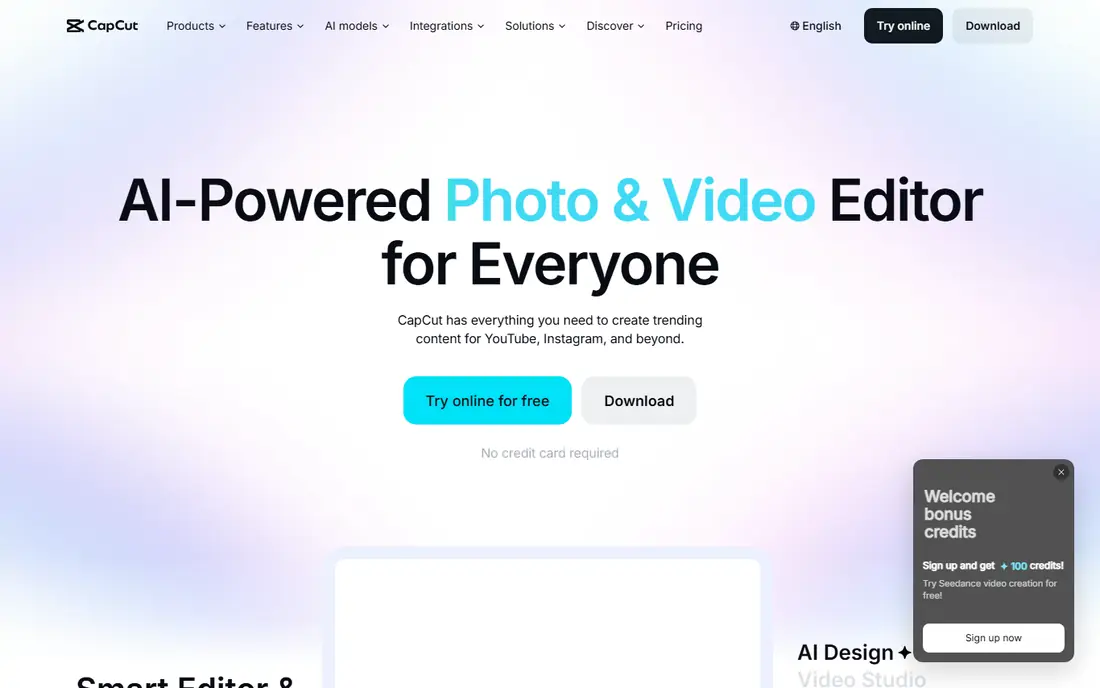
CapCut is the most practical free starting point for most people, because it is both an editor and a photo animation tool. You can add zoom and pan motion, preset effects, transitions, text and music, then export in formats sized for short-form social platforms. The free editor is generous, and the mobile app makes it easy to finish a clip on a phone without a desktop program.
The AI side works on credits for some effects, so a heavy user will hit limits faster than a casual user. CapCut is best when the job is a finished social clip, not a long cinematic AI generation. Start with the free preset effects and simple motion, then test AI features on a single photo before building a whole project around them.
- Free editor on phone and web
- Preset photo effects
- Easy social export
- Advanced AI features need credits or a paid plan
- Free exports may include branding on some features
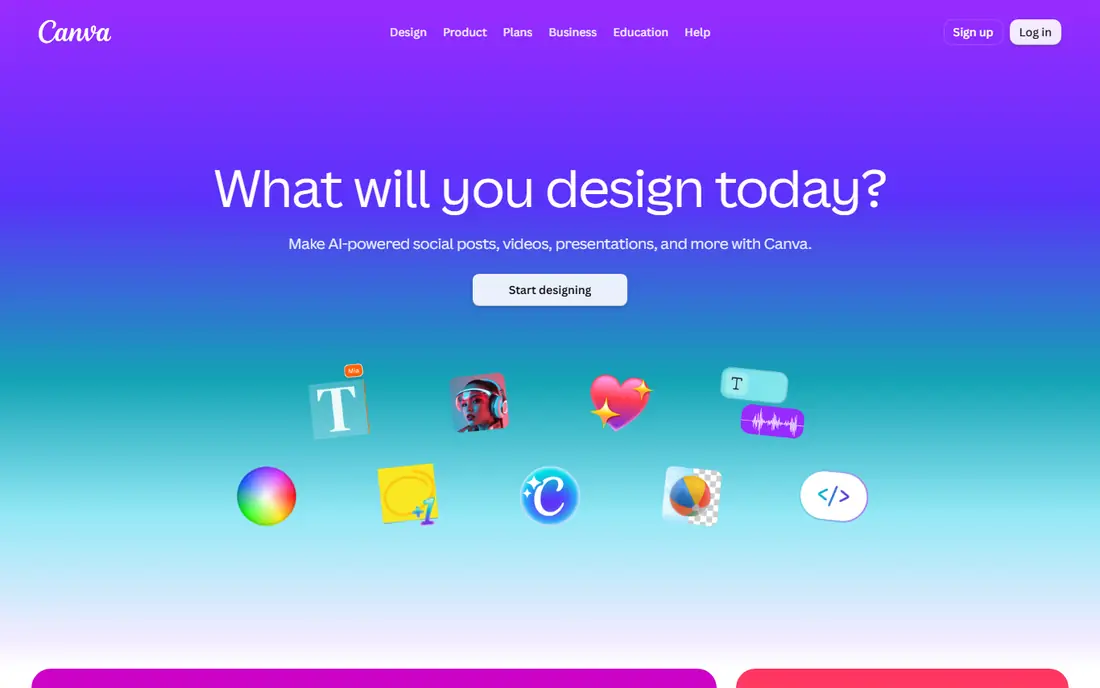
Canva suits beginners who want a clean, finished clip without learning a video editor. You can place a photo in a template, add simple animation, text, brand colors and music, then export for social platforms. The workflow is fast, and the same design can be resized for different platforms without rebuilding it from scratch.
AI video generation in Canva is limited on the free plan, with a set number of standard AI uses, so it is not the tool for dozens of AI generations per week. Its strength is the finished layout around the animation: titles, captions, logos and platform sizing. If your photo animation needs to look like part of a brand post, Canva is a strong free choice.
- Simple animation tools
- Templates and brand colors
- Easy sharing
- AI video uses are limited on the free plan
- Motion control is basic
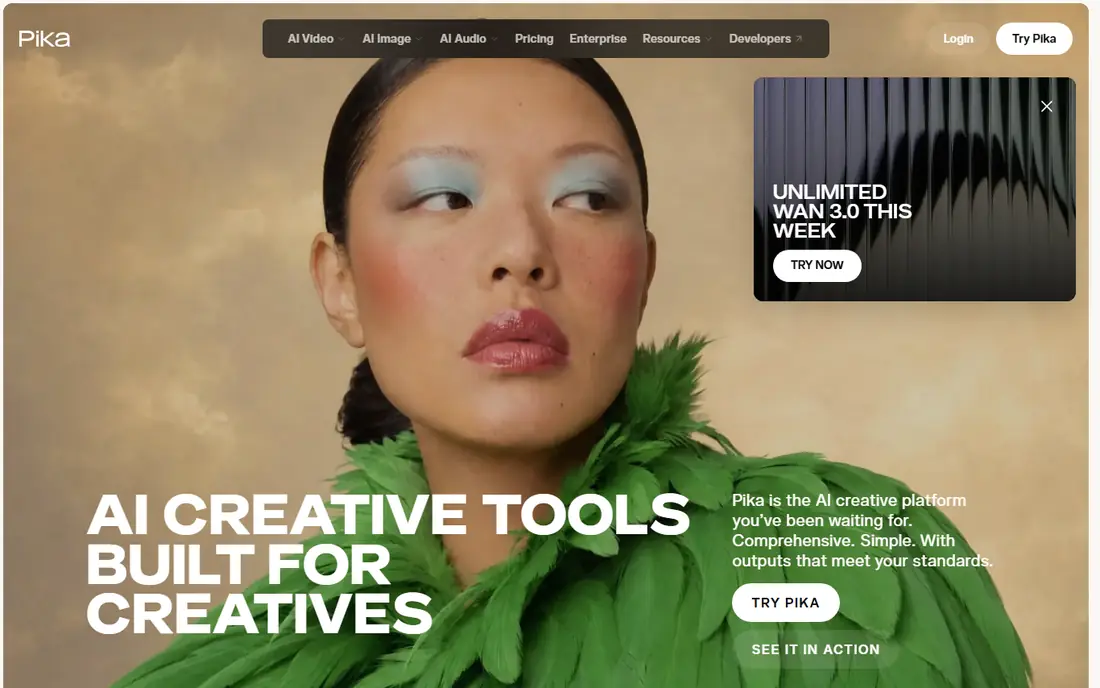
Pika is one of the easiest AI video tools to learn, because the workflow is simple: upload a photo, write a short motion prompt, and generate a short clip. Playful effects and simple camera moves work well for social posts, product teasers and creative experiments. Free monthly credits let you test ideas regularly without paying, though each clip uses credits based on settings.
Free exports are capped in resolution, and commercial use is limited on the free plan, so check the current terms before using a free clip for paid work. Pika is best for learning motion prompting, testing a concept quickly, and making fun short clips. For polished commercial output, plan to upgrade or to finish the clip in an editor such as CapCut or Canva.
- Easy image-to-video workflow
- Playful effects
- Free monthly credits
- Free resolution is capped
- Commercial use needs a paid plan
Kling AI is known for realistic motion, especially for people and scenes where identity and movement need to stay believable across a short clip. Daily free credits make it practical to test several prompts for the same photo, which matters because AI motion often needs two or three tries to look right. Short clips work best, with a clear prompt that describes the subject, action and camera move.
The free tier carries a watermark and is limited to personal use, so it is not a free source of commercial video. That limit is important to respect, and it also means Kling is best used for testing, personal projects and social posts that are not paid client work. When a clip looks right, you can decide whether a paid plan is worth it for a clean, higher-resolution export.
- Strong realistic motion
- Daily free credits
- Good portrait handling
- Free output is watermarked
- Personal use only on the free tier
Adobe Express combines photo animation with design tools, templates and brand assets, which suits small businesses that need a consistent look. You can animate a photo, add text and brand colors, and export a finished clip for social or web use. The free plan covers core design and video work, with daily AI generations available on a limited basis.
It is not a replacement for a dedicated AI video generator when you need complex motion or long AI clips. Its advantage is control and brand safety: templates, fonts and stock assets are built for commercial design work, and the workflow stays simple for non-editors. Use Adobe Express when the final clip needs to match a brand, and use a dedicated AI tool when the motion itself is the main creative challenge.
- Free design and video tools
- Templates
- Adobe stock and fonts
- AI video depth is less than dedicated AI generators
- Some assets need a paid plan
PixVerse is built for speed and social content, with templates and effects that turn a photo into a short animated clip in a short time. Daily credits let you try several ideas, and the social focus means exports are sized for short-form platforms. It suits creators who post often and want a quick animated version of a product photo, a scenic photo or a graphic.
Free clips are limited in resolution and carry a watermark, so they work best for personal posts and tests rather than polished commercial work. The tool also rewards short, clear prompts: one main action, one camera direction and a simple scene description. Keep clips short, stitch the best ones together in an editor, and you can build a longer post from several free generations.
- Fast generation
- Social effects and templates
- Daily credits
- Free resolution is limited
- Free clips carry a watermark
Vidu offers recurring monthly credits and can generate clips up to about eight seconds on some settings, which gives storytellers a little more room than a five-second effect. Character consistency is a useful strength when the same photo subject appears in several clips, because the look stays closer across generations. That makes Vidu a good choice for short story sequences, social series and character-led posts.
Free exports are capped in resolution and carry a watermark, and commercial use needs a paid plan. The workflow still rewards careful prompting and short scenes, because longer prompts with too many actions often produce messy motion. Generate the key moment, not the whole story, in one clip, then edit several clips together for a finished sequence.
- Recurring monthly credits
- Character consistency
- Longer clips than some rivals
- Free resolution is capped
- Free clips carry a watermark
Kapwing is a browser editor that makes simple photo animation easy without installing software. You can add zoom and pan motion, transitions, captions and music, and share a project link with a team member for feedback. That browser workflow suits classrooms, small teams and anyone who works across different computers.
Free exports carry a watermark, and Kapwing is not primarily an AI generation tool, so it will not create complex AI motion from a prompt in the same way as Pika or Kling. Its role is different: take a photo, add clean motion and a finished edit, and publish quickly. Pair Kapwing with an AI generator when you need both AI motion and a polished edit, using Kapwing for the final assembly.
- No install needed
- Simple zoom and pan animation
- Team and template tools
- Free exports carry a watermark
- Advanced AI generation is limited
How we picked these
We compared official product pages and recent free-tier guides for tools that animate a photo into a video, and we kept only tools with a genuinely free tier in October 2026, not trial-only tools. We favored tools with a clear free limit, a working web or mobile product, and a real photo-to-video path, whether by simple motion, templates or AI generation. We left out tools with only a one-time credit deposit and no ongoing free use, and we marked prices as See website where a vendor page did not give a clear current price in our check.
How to choose the right free photo animation tool
Start with the kind of motion you need. If you only need a photo to zoom, pan or fade into a slideshow, use CapCut, Canva or Kapwing, because they are free, fast and easy to finish. If you need a photo to move in a new way, such as a person turning, water moving or a camera circling a scene, use an AI generator such as Pika, Kling AI, PixVerse or Vidu, and accept that you will need several tries to get a clean result.
Check free limits before you start a project. Note how many credits refresh each day or month, whether free exports carry a watermark, what resolution is allowed, and whether commercial use is included. A tool that looks free can still be the wrong choice for client work if free clips cannot be used commercially. For paid work, budget for one paid month rather than trying to stretch free credits across a deadline.
Use photos responsibly. Only animate photos you own or have a license to use, and never animate a real person without that person's clear consent, even for a joke or a test. AI tools can make a still photo look alive, and that power makes consent more important, not less. When in doubt, use your own photos, licensed stock or illustrated images, and keep a note of where each photo came from.
Frequently asked questions
What are the best free apps to animate photo into video?
CapCut and Canva are the best free starting points for finished social clips, while Pika and Kling AI are the best free AI generators for motion from a still photo. PixVerse and Vidu suit fast social experiments, and Kapwing suits browser editing. The best tool depends on whether you need simple motion, AI motion or a branded finished clip.
Can I animate a photo into a video for free without a watermark?
Some free tools offer watermark-free basic animation, such as simple motion in Canva or CapCut, while AI generators often watermark free clips. Pika free exports are a notable exception at lower resolution in some guides, but terms change, so check the current free plan before publishing. For a clean commercial export, a paid plan is usually needed.
How long can a free AI photo-to-video clip be?
Most free AI clips are short, often around five seconds, with some tools reaching about eight seconds on certain settings. That short length is by design, because longer AI motion is harder to keep stable. For a longer video, generate several short clips and stitch them together in an editor such as CapCut, Canva or Kapwing.
Do I need to pay to use AI photo animation commercially?
Free tiers usually limit commercial use, resolution or watermark removal, so paid work often needs a paid plan. Check each tool's current terms for commercial rights before using a free clip in an ad, a client project or a monetized post. Personal posts and tests are the safest use of free credits.
Is it safe to animate a photo of a real person?
Only with that person's clear consent, and only with a photo you own or have a license to use. Never animate a real person without consent, never create misleading or intimate imagery, and never use a tool to make someone appear to say or do something they did not. For creative tests, use your own photos or licensed stock images.
Sources
See where you really rank - block by block
ProMapRanker scans Google Maps across a grid of your service area. Simple monthly plans from $19, white-label on every plan.
Start freeKeep reading
 who has best internet service
Who Has the Best Internet Service in 2026
Who has best internet service for US homes? We compare fiber, cable, fixed wireless and satellite providers on speed, price, availability and terms today.
Read → which survey tool has the best analytics
Which Survey Tool Has the Best Analytics in 2026
Find which survey tool has the best analytics in 2026, comparing Qualtrics, SurveyMonkey, Typeform, Alchemer, and more on reports, text, and stats today.
Read → which streaming service has the best movies
Which Streaming Service Has the Best Movies in 2026
Answering which streaming service has the best movies, with Netflix, Max, Criterion and more compared on libraries, prices and free options in this guide.
Read →