 ProMapRanker
Best Free Tool to Remove Photo Background in 2026

Key takeaways
- Adobe Express is our first free pick for everyday cutouts, because its free plan supports watermark-free transparent downloads.
- PhotoRoom is the stronger pick for sellers who need product staging and batch work, even though its best batch features sit on paid plans.
- Remove.bg still sets a high bar for automatic cutout quality, but its free use is limited, so it suits one-off jobs rather than daily volume.
- Pixlr, Fotor and Pixelcut give useful free editing around the cutout, which matters when you need to finish a design in the same place.
- Always check the free plan's export size and licence terms before using a cutout for client or commercial work.
Quick comparison
| Pick | Great for | Pricing starts at | Free tier | |
|---|---|---|---|---|
 Adobe Express | Everyday free cutouts | $9.99 per month | Yes | Visit |
 PhotoRoom | Product photos for sellers | See website | Yes | Visit |
 remove.bg | Accurate automatic cutouts | $9 per month | Yes | Visit |
 Pixlr | Browser editing plus removal | See website | Yes | Visit |
 Fotor | Casual editing and batch fixes | $8.99 per month | Yes | Visit |
 Pixelcut | Mobile sellers | See website | Yes | Visit |
 Clipdrop | Fast one-off cutouts | See website | Yes | Visit |
 Slazzer | Developers and bulk work | See website | Yes | Visit |
The best free tools to remove photo background
We compared free plans on what actually matters: whether the download is clean, how sharp it stays, how many images you can process, and what happens when you need to edit after the cutout. Paid prices are shown where vendors publish them, so you can see the step up when free limits run out.

Adobe Express earns the top spot because its free offer is genuinely usable for daily work. You upload a photo, remove the background, and download a transparent PNG without a watermark on the result. That combination is rarer than it sounds, since many free tools cap resolution, add a mark, or limit commercial use. For a social post, a slide, or a profile image, the free plan often covers the whole job.
The rest of the editor matters too. Once the background is gone, you can resize the cutout, add text, place it on a solid colour, or drop it into a template without moving to another app. Setup takes minutes, and there is no desktop install to manage. The honest catch is that heavy generative editing and larger credit allowances belong to the Premium plan, so regular high-volume users will eventually hit a ceiling.
- Watermark-free removal on the free plan
- Transparent PNG downloads
- Design tools in the same workspace
- A free Adobe account is required
- Advanced generative credits sit behind paid plans
- Batch work is limited on free
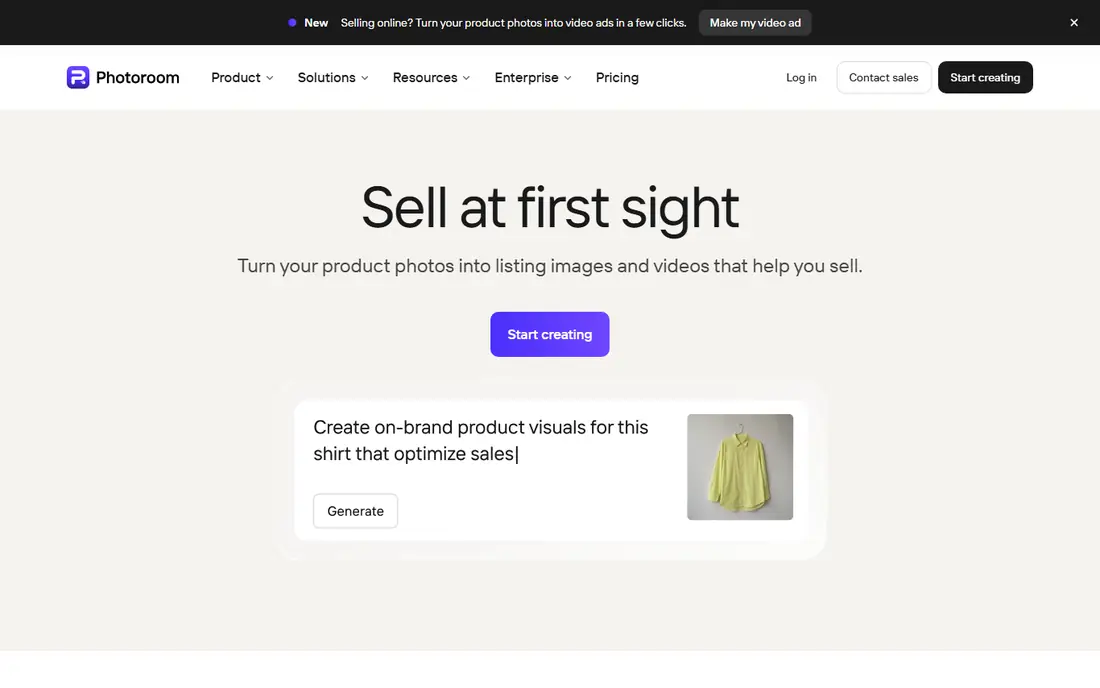
PhotoRoom is built around selling, not just cutting out a subject. It replaces backgrounds with clean studio looks, helps centre a product, and prepares images that read well on a marketplace listing. Sellers who photograph items on a phone will like how fast a listing image comes together, since the app guides the whole flow from photo to export.
Free use is a useful test, but it is not the full product. Batch processing and higher export options sit behind paid plans, so a seller with dozens of listings a week should price the paid tier before committing. If you sell a few items a month, start free and see whether the staging styles actually lift your listings.
- Product staging and replacement backgrounds
- Mobile app for quick listing photos
- Batch tools on paid plans
- Best batch features need a paid plan
- Free exports may carry limits
- Pricing changes often, so check before paying
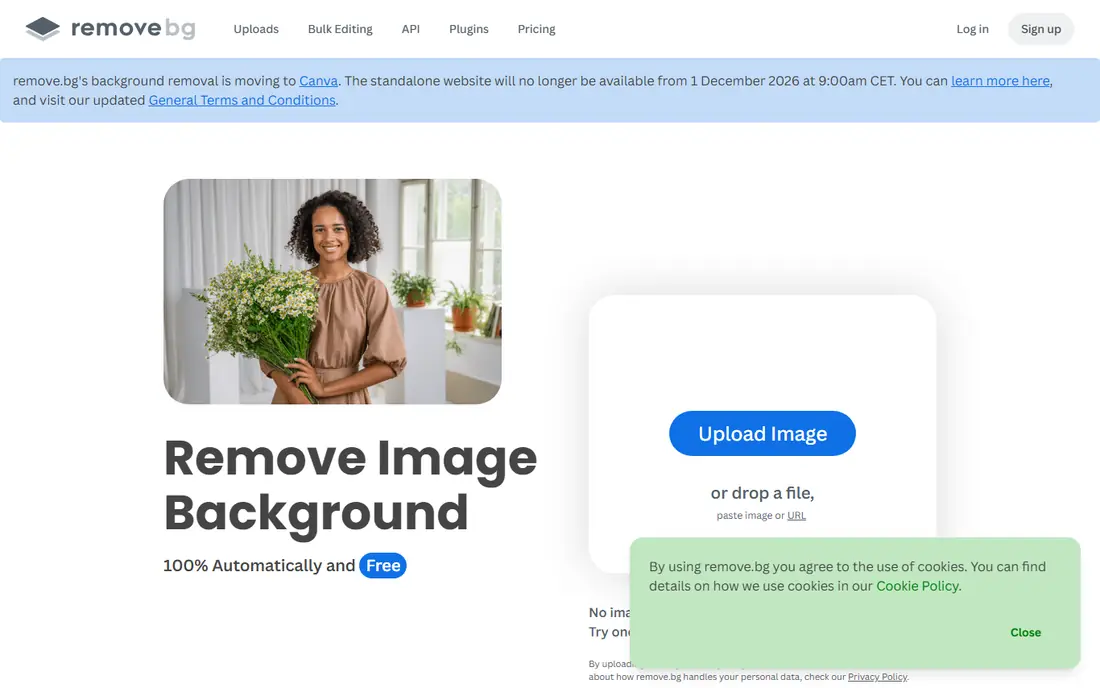
Remove.bg remains the tool many people compare others against, because its automatic cutouts handle hair, fur and tricky edges well for a one-click tool. The web flow is simple: upload, wait a few seconds, and download. Developers also like its API, which can plug background removal into another product without building a model from scratch.
Free use is the limit. You can test the quality, but full-resolution downloads run on credits, and a paid plan starts at 9 dollars per month for a set allowance. That makes remove.bg a strong pick for occasional perfect cutouts, and a costly one if you process hundreds of images every week without a credit plan to match.
- Strong automatic subject detection
- High-resolution downloads on paid credits
- API for automation
- Free use is limited to previews and a small allowance
- Credit pricing adds up at volume
- No full design editor
Pixlr suits people who want more than a cutout button. It runs in the browser and pairs background removal with layers, filters and text tools, so you can finish a design without opening a second app. That breadth helps students, social managers and small teams who edit images often but do not want desktop software.
The free plan comes with ads and limits on some advanced features, which is a fair trade for casual use. If you only need one cutout, a simpler tool may feel faster. If you plan to edit, resize and export in one session, Pixlr gives you more room to work.
- Full browser editor around the cutout
- No install needed
- Free tools cover many basic edits
- Free version is ad-supported
- Some advanced features need a paid plan
- Interface can feel busy for new users
Fotor is a friendly middle ground between a one-click remover and a full editor. Its background tool works well for portraits and products, and its batch features help when you have a set of similar photos to clean up. Templates and filters then let you turn a cutout into a post, a banner or a simple ad without design training.
Free users should check export quality before doing client work, since some higher-resolution options sit on Pro. For personal projects, social posts and small batches, the free plan is often enough. Heavy users will want to compare the Pro price against PhotoRoom or remove.bg for their volume.
- Easy batch editing
- Templates and filters in one place
- Simple upload flow
- Free plan has limits on resolution and features
- Some tools need Pro
- Ads may appear on free use
Pixelcut feels made for a phone-first seller. You shoot a product, remove the background, pick a clean backdrop, and export a listing-ready image in a few taps. That speed matters when you are photographing stock at a market, in a studio corner, or at home between orders.
Desktop users may prefer a browser tool, since Pixelcut's strength is its mobile flow. Paid plans add more templates and higher-volume options, so check the app store price for your device before you rely on it for a large catalogue. For a small shop run from a phone, it is one of the easiest free starts.
- Fast mobile workflow
- Product backgrounds and templates
- Watermark-free exports on free for many uses
- Some styles and batch features need paid plans
- Mobile-first design may frustrate desktop users
- Pricing varies by store
Clipdrop, from Stability AI, is the tool to open when you need one clean cutout right now. The removal is quick, the interface stays out of the way, and the same suite offers other image tools if you want to clean up or relight a photo. For a slide, a thumbnail or a quick mockup, that speed is the whole point.
Volume is where Clipdrop asks you to pay. Free use covers testing and occasional jobs, while regular work needs a paid plan. If your need is sporadic, keep it bookmarked. If you remove backgrounds every day, Adobe Express or a credit plan elsewhere will likely cost less in practice.
- Very fast single-image removal
- Other AI editing tools in the same suite
- Simple web flow
- Free use is limited
- Full-resolution and bulk options need paid plans
- No deep design editor
Slazzer is less well known than the big names, but it earns a place for bulk and developer use. Its API and desktop tools can process images in a pipeline, which suits a store, an agency or a developer who needs removal inside another system. Previews let you test quality before spending credits, which helps when you are judging a new batch of product photos.
Designers who want templates and staging will find Slazzer plain next to PhotoRoom. That is a fair trade if your main need is clean, repeatable cutouts at volume. Check the credit pricing for your expected monthly count, and compare it with remove.bg before you commit to either.
- API and desktop options for bulk work
- Preview credits for testing
- Handles many images in a pipeline
- Less design polish than PhotoRoom or Adobe Express
- Free allowance is small
- Paid credits need planning
How we picked these
We compared official pricing pages, free plan descriptions and public product pages for background removal tools that still work in October 2026. We favoured tools with a genuinely usable free tier, a clear export path, and a vendor site we could verify. Tools that only removed backgrounds inside a paid-only editor, or that hid watermark rules, ranked lower. Where a vendor does not publish a clear starting price, we wrote See website.
Choosing the right free tool
Start with the end use. A social post needs a clean transparent PNG and little else, while a product listing needs consistent sizing, a clean backdrop and batch speed. A developer needs an API and predictable credits, while a casual user needs the simplest upload and download flow. Matching the tool to that job saves more time than chasing the highest quality score.
Then test the same photo in two tools. Hair, glass, thin straps and busy backgrounds expose differences fast, and a tool that wins on a portrait may lose on a product shot. Check the download at full size too, since a preview can hide soft edges. Finally, read the free plan terms for commercial use, because a free cutout for personal use is not always licensed the same way for a client listing.
Frequently asked questions
What is the best free tool to remove photo background?
Adobe Express is our first pick for most people, because its free plan gives watermark-free transparent downloads and basic design tools. PhotoRoom is better for sellers, and remove.bg is better when a single automatic cutout must be as clean as possible.
Do free background removers add a watermark?
Some do, and some do not, so check before you export. Adobe Express and Pixelcut are known for clean free exports in many cases, while other tools limit resolution or add marks on free plans. Always download and inspect the final file before publishing it.
What are the best free tools to remove photo background in bulk?
Free plans rarely cover true bulk work well. Adobe Express and Fotor help with small batches, while Slazzer and remove.bg offer APIs and credit plans for larger volumes. For regular bulk work, a paid credit plan usually costs less than fighting free limits.
Can I remove a background on my phone for free?
Yes. PhotoRoom and Pixelcut both offer free mobile removal, and Adobe Express works on mobile browsers and apps. For a single quick cutout, a mobile tool is often faster than moving the photo to a desktop.
Does background removal work well on hair and fur?
Automatic tools have improved a lot, but fine hair, fur and transparent objects still challenge them. Remove.bg and Adobe Express handle many portraits well, yet a tricky edge may need manual refinement in Pixlr or a desktop editor.
Sources
See where you really rank - block by block
ProMapRanker scans Google Maps across a grid of your service area. Simple monthly plans from $19, white-label on every plan.
Start freeKeep reading
 who has best internet service
Who Has the Best Internet Service in 2026
Who has best internet service for US homes? We compare fiber, cable, fixed wireless and satellite providers on speed, price, availability and terms today.
Read → which survey tool has the best analytics
Which Survey Tool Has the Best Analytics in 2026
Find which survey tool has the best analytics in 2026, comparing Qualtrics, SurveyMonkey, Typeform, Alchemer, and more on reports, text, and stats today.
Read → which streaming service has the best movies
Which Streaming Service Has the Best Movies in 2026
Answering which streaming service has the best movies, with Netflix, Max, Criterion and more compared on libraries, prices and free options in this guide.
Read →