 ProMapRanker
Best Free Tool to Enlarge Photos in 2026

Key takeaways
- Upscayl is the best free tool to enlarge photos for most desktop users, with local processing and no watermark.
- Upscale.media and Bigjpg suit quick browser jobs when you cannot install software.
- Waifu2x and Bigjpg handle anime and illustrations better than general photo upscalers.
- Free browser tools often cap daily images, file size, or output resolution, so check limits first.
- No upscaler can recover detail that was never in the original file, so inspect results at full zoom.
Quick comparison
| Pick | Great for | Pricing starts at | Free tier | |
|---|---|---|---|---|
 Upscayl | Unlimited local upscaling | Free | Yes | Visit |
 Upscale.media | Quick browser upscaling | Free | Yes | Visit |
 Bigjpg | Anime and illustrations | Free | Yes | Visit |
 Waifu2x | Lightweight anime upscaling | Free | Yes | Visit |
 Lets Enhance | E-commerce and product photos | Free | Free trial | Visit |
 Pixelcut | Product photos and editing | Free | Yes | Visit |
 VanceAI | Old photo restoration | Free | Yes | Visit |
 Clipdrop | Upscaling plus editing | Free | Yes | Visit |
 Adobe Express | Adobe workflow resizing | Free | Yes | Visit |
The best free tools to enlarge photos
We compared official feature pages, pricing pages, and free-tier limits for tools that enlarge photos with AI or high-quality resizing. The list covers desktop apps, browser tools, and editors, because the best tool to enlarge photos depends on whether you can install software and what kind of image you have.
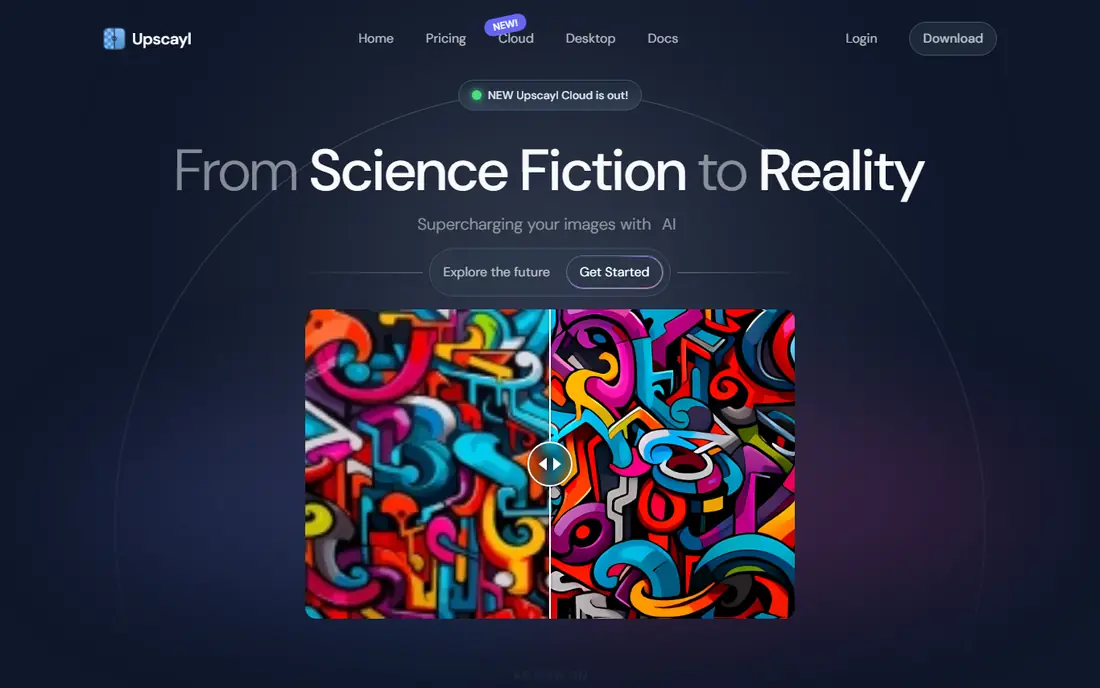
Upscayl is a desktop app for Windows, macOS, and Linux that enlarges images on your own computer. Because processing is local, your photos do not need to be uploaded to a server. It supports batch processing and several AI models for photos and digital art, and it can enlarge images by up to 16x on desktop.
Speed depends on your graphics card, and older computers will process slowly. That is the main trade for unlimited free use. If you enlarge photos often, care about privacy, or need batch work, Upscayl is the best free starting point.
- Free and open source
- Local processing
- Up to 16x on desktop
- Batch processing
- Needs a capable graphics card for fast results
- Desktop install required
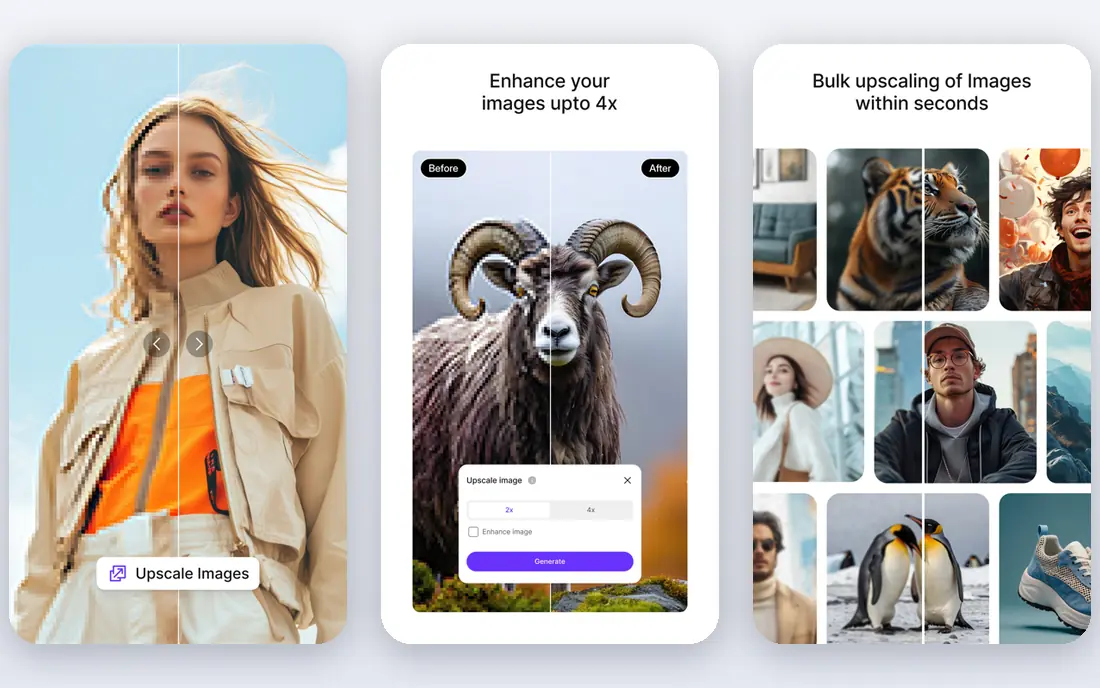
Upscale.media is a browser tool for enlarging a photo without installing anything. Upload an image, pick a scale, and download the result. That simplicity makes it useful on shared computers, Chromebooks, and phones, where a desktop app is not an option.
Free use has limits on number of images and output options, and higher resolutions may need an account or a paid plan. It is best for a few quick enlargements, not for large batches. For volume work, switch to Upscayl.
- No install needed
- Fast for single images
- Up to 8x on some plans
- Free limits apply
- Account needed for more or higher resolution work
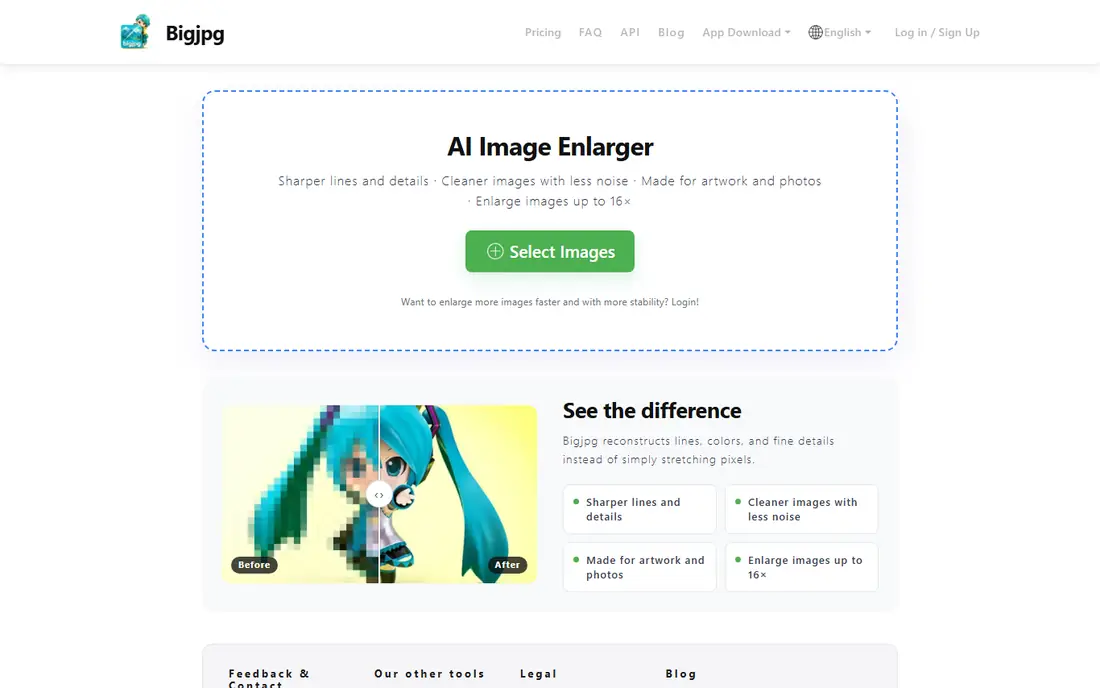
Bigjpg uses AI models trained in part for anime, illustrations, and line art, where general photo upscalers can blur edges. It offers browser, desktop, and mobile options, and the interface is simple enough for a first-time user. Free use is limited per month, so it suits occasional illustration work rather than daily batches.
For photos, a general model in Upscayl or Upscale.media may give a more natural result. For anime, comics, and illustrations, Bigjpg is often the better free pick. Test both on the same image if you are unsure.
- Strong on anime and line art
- Browser and app options
- Simple interface
- Free monthly limits
- Slower on free tier
Waifu2x is a long-running free tool for enlarging anime-style images and illustrations, with a simple web interface and open-source models behind it. It is light, fast for small images, and does not add a watermark. That makes it a useful quick check when you want to see if an illustration enlarges cleanly.
The main web tool limits scale to 2x and caps file size, so it is not built for large photos or large batches. Use Waifu2x for small anime images and illustrations, and use Upscayl for larger or photographic work.
- Free and open source roots
- No watermark
- Light and fast for small images
- 2x limit on the main web tool
- Size caps
- Basic interface
Lets Enhance is built for product and e-commerce photos, with batch processing and output options suited to print and store listings. It can clean up compression artefacts and enlarge images for larger displays, which helps sellers who start from supplier photos or phone shots.
Free access is based on credits, so it is a trial rather than a permanent free tier for volume work. It suits sellers who need a few high-quality enlargements and want a workflow built around product images, rather than a free tool for everyday use.
- Product photo focus
- Batch workflows
- Print-ready output options
- Free credits are limited
- Full use needs a paid plan
Pixelcut combines photo enlargement with product photo editing, including background removal and templates for store listings. That combination helps small sellers who need to enlarge a product shot and prepare it for a listing in one place. Web, iOS, and Android apps cover most devices.
Basic free access is useful, but advanced scaling and higher resolutions sit behind paid plans. Pixelcut is best when enlargement is part of product photo editing, not when you need unlimited free upscaling alone.
- Product photo tools
- Background removal
- Web and mobile apps
- Advanced scaling needs a paid plan
- Free access is basic
VanceAI offers image enlargement alongside restoration tools for old, blurry, or compressed photos. The online enlarger can scale up to 8x, and a Windows app is available for desktop work. That range suits family photo restoration and archive work.
Free use is credit based, so it is not unlimited. Check the free export terms before using it for final images, since some free outputs have limits. Use VanceAI for restoration jobs where its extra tools add value beyond simple enlargement.
- Restoration tools
- Up to 8x online
- Windows app option
- Free credits limited
- Some free exports may carry limits
Clipdrop, from Stability AI, bundles image upscaling with other AI editing tools in a browser interface. That makes it handy when enlargement is one step in a larger edit, such as removing an object or cleaning up a background before scaling. Single images process quickly.
Free use is limited, and the available scale depends on your access level. It is not the best choice for unlimited free batches. Pick Clipdrop when you want upscaling inside a broader editing workflow and only need a few images.
- Upscaling plus other AI editing tools
- Browser based
- Fast for single images
- Limited free use
- Multipliers depend on access level
Adobe Express is a design tool with a free plan that includes image editing and resizing. It suits users who already work in Adobe tools and need to enlarge an image lightly as part of a social post, flyer, or presentation. Templates and brand tools help finish the design in the same app.
It is not a dedicated AI upscaler for large-scale enlargement. For a small boost in size or a design-ready resize, it is enough. For a 4x or larger enlargement of a low-resolution photo, a dedicated tool such as Upscayl will give a cleaner result.
- Free plan available
- Design templates
- Adobe ecosystem links
- Best for light enhancement
- Not a dedicated high-scale upscaler
How we picked these
We compared official feature pages, pricing pages, and free-tier limits for tools that enlarge photos in October 2026. We kept only tools with a real free plan, trial credits, or a free desktop version, and we removed tools that only offered paid upscaling. We favoured tools with clear limits, no hidden watermark on the stated free tier where possible, and a clear strength for photos, illustrations, or product images. Where a limit was not clearly published, we wrote See website rather than guessing.
What to check before you enlarge
Start with the original file. A slightly soft photo enlarges well, while a heavily compressed screenshot will show artefacts at larger sizes. Check the original resolution and file size first, and keep a copy of the original so you can compare results.
Scale, model, and image type
Pick a model that matches your image. Photo models suit portraits and outdoor photos, while anime and illustration models suit line art. Do not jump straight to the maximum scale. A 2x or 4x enlargement often looks cleaner than an extreme scale that invents detail. Compare outputs at 100 percent zoom, not just in a small preview.
Free limits and watermarks
Browser tools often cap daily images, file size, or output resolution. Some free exports carry watermarks or lower resolution. Check those terms before you process a batch, and use a local tool such as Upscayl when you need unlimited, watermark-free output. For final print work, test the output at the intended print size.
Privacy
Photos may contain people, locations, or personal details. Local tools keep images on your device, while browser tools upload them to a server. If the photo is personal or sensitive, prefer a local tool, and check the deletion policy of any online service you use.
Frequently asked questions
What is the best free tool to enlarge photos?
Upscayl is the best free tool for most desktop users, because it is free, open source, local, and has no watermark on desktop output. For a quick browser job, Upscale.media is a strong alternative, and Bigjpg is better for anime and illustrations.
Can free tools enlarge photos without losing quality?
They can improve sharpness and size, but they cannot recover detail that was never in the original file. Results look best with a decent starting image and a moderate scale, such as 2x or 4x. Always inspect the result at full zoom.
What is the best tool to enlarge photos for anime?
Bigjpg and Waifu2x are the strongest free picks for anime and illustrations, because their models handle line art and flat colour well. General photo upscalers can blur edges on this kind of image.
Do free upscalers add watermarks?
Some do, depending on the plan. Upscayl desktop output has no watermark, and Waifu2x has no watermark. Other browser tools may limit free exports or add watermarks, so check the free terms on the vendor site before processing final images.
Can I enlarge photos on a phone?
Yes. Upscale.media, Pixelcut, and Adobe Express work in a browser or as mobile apps. For large batches or high scales, a desktop tool such as Upscayl will usually be faster and give more control.
Sources
See where you really rank - block by block
ProMapRanker scans Google Maps across a grid of your service area. Simple monthly plans from $19, white-label on every plan.
Start freeKeep reading
 github alternatives
Best GitHub Alternatives in 2026
Explore the best GitHub alternatives in 2026, from GitLab and Bitbucket to self-hosted Gitea and Forgejo, with prices and trade-offs for developers for readers.
Read → cineby alternatives
Cineby Alternatives in 2026
We compared legal cineby alternatives for licensed streaming, including Netflix, Hulu, Disney Plus, and free options, so you can watch without piracy sites.
Read → best visibility analysis software
Best Visibility Analysis Software in 2026
Compare the best visibility analysis software for search and AI answers. We review 8 tools that track brand mentions, citations, and rankings Updated for 2026.
Read →