 ProMapRanker
Best Free PDF Merger Tools in 2026


Free offline merging on Windows, Mac, and Linux · Pricing starts at: Free
Key takeaways
- PDFsam Basic and PDF24 Tools are the strongest fully free desktop picks, since they merge offline with no daily task cap.
- iLovePDF and Smallpdf are the easiest online picks for occasional merges, but free plans limit tasks, file size, or both.
- For sensitive documents, merge offline or in the browser rather than uploading files to a server you do not control.
- Check page order, bookmarks, and file size in the output before sharing, since free tools vary on what they preserve.
Quick comparison
| Pick | Great for | Pricing starts at | Free tier | |
|---|---|---|---|---|
| PDFsam Basic | Free offline merging on Windows, Mac, and Linux | Free | Yes | Visit |
 PDF24 Tools | Free online merging with a desktop option | Free | Yes | Visit |
 iLovePDF | Quick online merges with a clean interface | Free | Yes | Visit |
 Smallpdf | Simple online merges with cloud storage links | Free | Yes | Visit |
 Sejda PDF | Online merges with page-level control and editing | Free | Yes | Visit |
 PDFgear | Free PDF tools including merging, editing, and signing | Free | Yes | Visit |
 Combine PDF | No-signup online merges in a browser | Free | Yes | Visit |
 Xodo | Online merging plus annotation and signing | Free | Yes | Visit |
The best free pdf merger tools
We compared official feature pages, pricing pages, app store listings, and public reviews for tools that merge PDFs at no cost. The list mixes online tools for quick jobs and desktop tools for private or large jobs. Free does not mean unlimited, so each entry notes where the free tier stops.
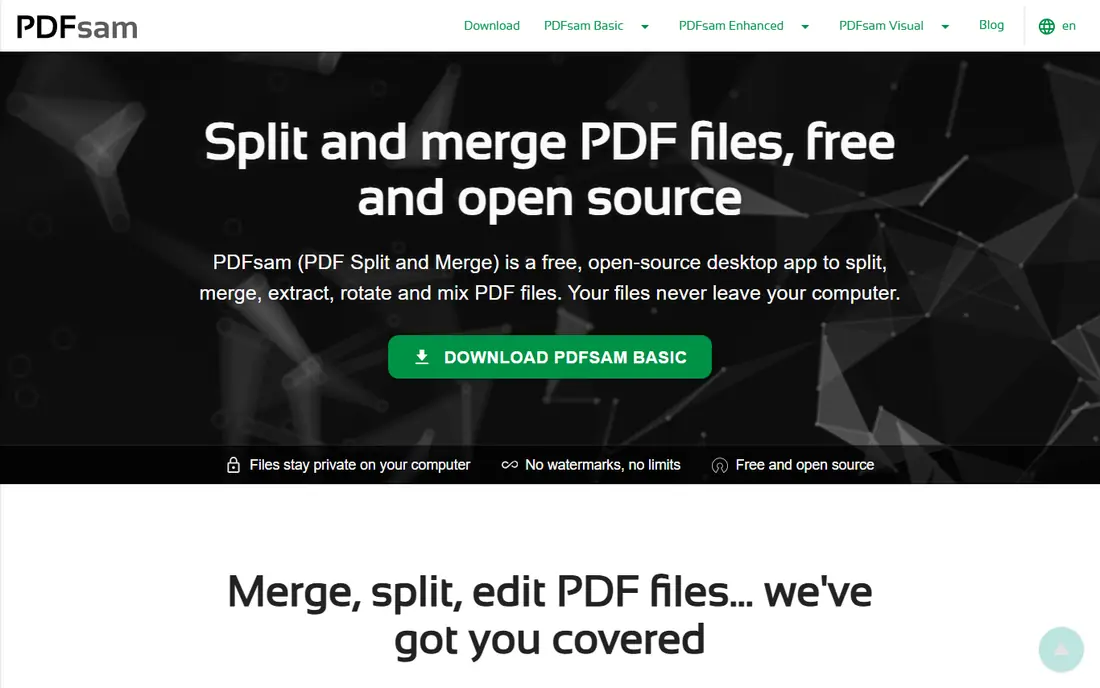
PDFsam Basic is our pick for people who merge PDFs often and want no account, no upload, and no daily cap. It runs on Windows, Mac, and Linux, and its merge module lets you add files, reorder pages, and set the output name in a few clicks. Because it works offline, large files stay on your own computer.
The interface is plain and focused, which some users will like and others will find dated. Paid PDFsam Enhanced adds features such as OCR and form work, but the free Basic version covers merging well on its own. If privacy or volume matters, start here.
- Fully free merge, split, and rotate
- Works offline
- No daily task limit
- Plain interface
- Advanced features such as OCR sit in the paid version
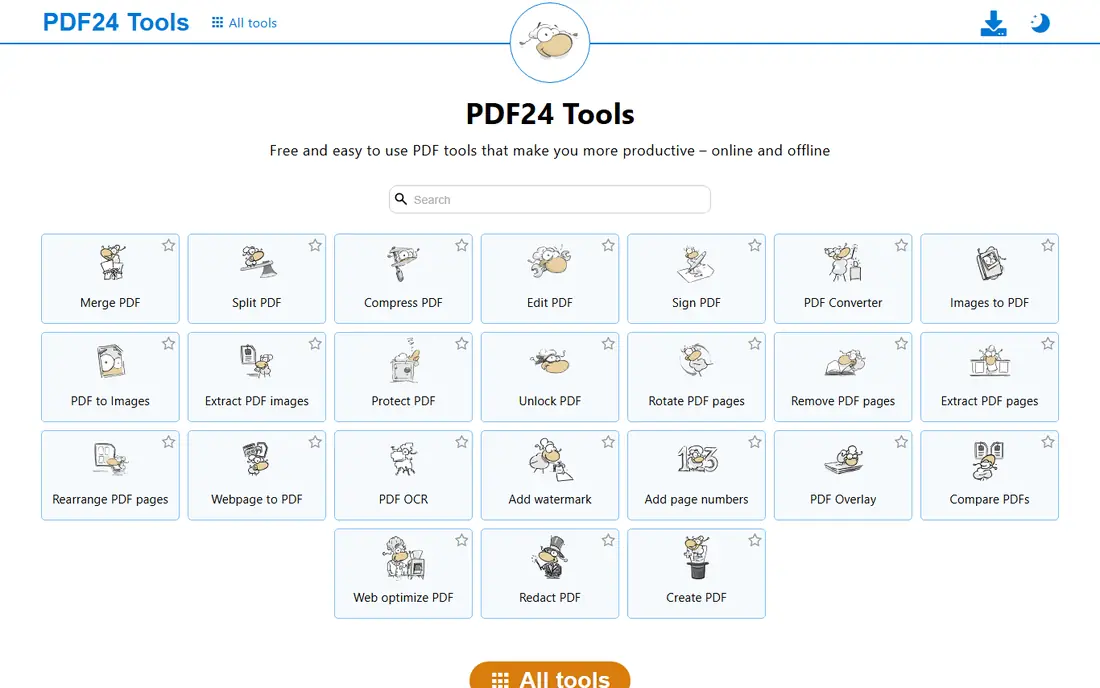
PDF24 Tools gives you a free online merger plus a desktop Creator app for Windows, which covers both quick jobs and repeat work. The online tool is simple to use, with drag-and-drop ordering and no signup needed for a basic merge. The wider tool set also covers compression, conversion, and signing.
The honest limit is privacy on the online version. Files sent to the website are processed on a server, so sensitive documents belong in the desktop app instead. The tool set can also feel crowded, but the merge tool itself stays easy to find and use.
- Free online tools with no signup for basic merges
- Desktop Creator app
- Wide PDF tool set
- Online processing still uploads files
- Interface packs in many tools
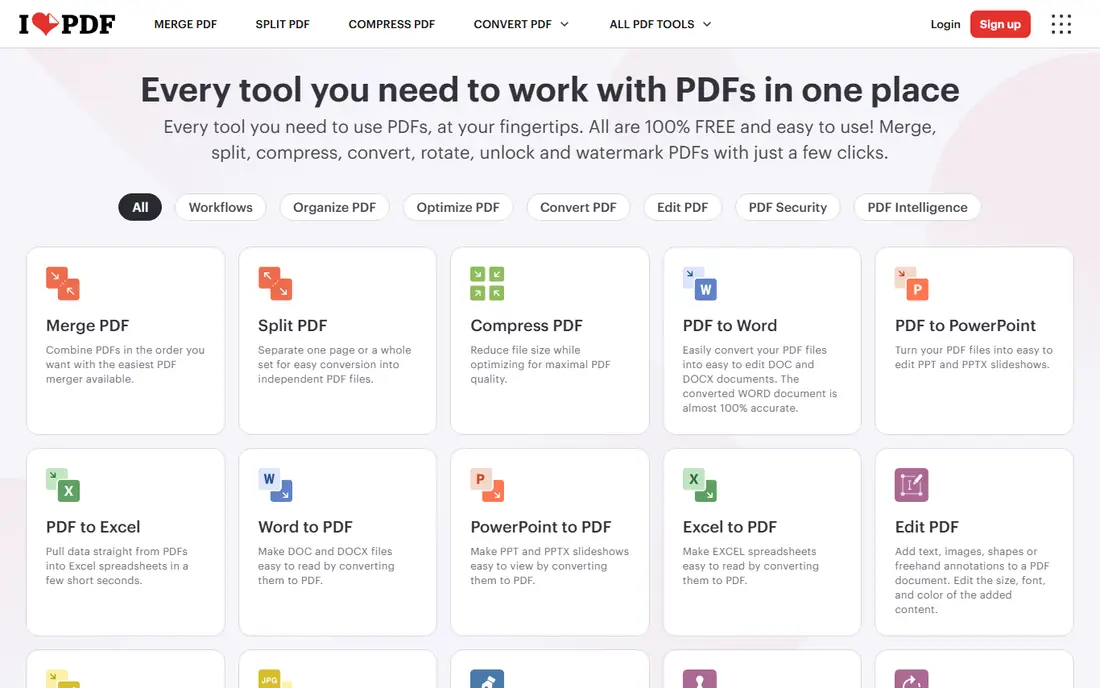
iLovePDF is the easiest online merger for a one-off job. Upload files, drag them into order, and download the merged file. The clean layout and mobile apps make it a good pick for people who merge on a phone or tablet as well as on a computer.
Free limits are the catch. The free tier restricts how many tasks you can run and how large files can be, and heavier use needs a paid plan. For occasional merges, those limits rarely bite. For daily work, a desktop tool such as PDFsam Basic will save time and cost.
- Very easy merge flow
- Page and file ordering
- Mobile apps available
- Free plan limits tasks and file size
- Some features need a paid plan
Smallpdf suits people who want a polished, simple online merger and who already store files in Google Drive or Dropbox. The merge flow is short, the output quality is solid, and the wider tool set covers compression, conversion, and signing when you need those jobs too.
The free plan is the limit. It allows only a small number of tasks per day, so it fits occasional use rather than office volume. If you merge every day, expect to hit the cap and either wait or pay. For a single merge on a deadline, it remains a dependable choice.
- Clean interface
- Works from Google Drive and Dropbox
- Good output quality
- Free plan allows only a few tasks per day
- Larger files need a paid plan
Sejda stands out for control. It lets you pick pages and ranges, reorder files, and then move into editing, splitting, or signing in the same service. A desktop app is also available, which helps when you want to keep files local for larger or more sensitive jobs.
Free limits apply here too, with a small number of tasks per day and a file-size cap on the free tier. Sejda markets privacy-focused processing, but online files still leave your computer, so use the desktop app for confidential material. For careful page-level merges, Sejda is a strong free pick.
- Page and range selection
- Desktop app option
- Privacy-focused processing claims
- Free plan limits tasks per day and file size
- Some tools need a paid plan
PDFgear offers a free set of PDF tools that includes merging alongside editing, annotation, conversion, and signing. That breadth suits people who want one free app for several PDF jobs, not just merging. The desktop apps for Windows and Mac keep files local, which helps with privacy.
The trade-off is uneven depth. Some tools are more polished than others, and platform differences mean the Mac and Windows versions do not always match. For merging alone, PDFgear is solid. For heavy editing, compare it with a paid editor before committing to a workflow.
- Free desktop and online tools
- Merging plus editing and annotation
- No signup for basic use
- Feature depth varies by platform
- Some advanced tools are newer
Combine PDF does one job with little friction. Open the site, upload PDFs, arrange them, and download the merged file, with no account to create. That simplicity suits a quick merge on a shared or borrowed computer, where installing software is not practical.
The limit is scope. Combine PDF is a basic merger, not a full PDF editor, and it has no desktop app for offline merging. It also processes files online, so avoid it for confidential documents. For a fast, free, no-signup merge of ordinary files, it does the job well.
- Simple upload and merge flow
- No account needed
- Works in any modern browser
- Basic feature set
- No desktop app for offline work
Xodo rounds out the list for people who merge as part of review work. After merging, you can annotate, highlight, and sign in the same tool, which suits contracts, homework, and team documents that need comments as well as a single file. Mobile apps extend that workflow to tablets and phones.
The free tier does not include every feature, and web merges still involve uploading files. For private documents, check Xodo's privacy page and consider an offline tool instead. For everyday review and merging, Xodo is a capable free option.
- Merge, annotate, and sign in one online tool
- Good viewer
- Mobile apps available
- Free tier limits some features
- Online processing for web merges
How we picked these
We compared official feature pages, pricing pages, app store listings, and public reviews for tools that merge PDFs at no cost in October 2026. We kept only tools with a live product and a free tier that actually merges, and we noted free limits rather than calling a limited tier unlimited. We did not claim hands-on testing. Where a vendor did not publish a clear free limit, we described the tier in general terms and pointed readers to the vendor page.
What to check before you merge
Start with privacy. For contracts, tax forms, medical records, or legal files, use an offline desktop tool or a browser-based tool that keeps files local, and avoid uploading to an unknown site. Next, check the free limits that matter for your job, including tasks per day, file size, and page count, since those caps decide whether a tool fits daily use or only occasional use.
Then test the output on a sample file. Check page order, orientation, bookmarks, and links, and confirm the merged file opens cleanly on another device. If you merge scanned pages, note that some free tools do not run OCR, so scanned text may stay as images. Finally, keep the original files until you have checked the merged output, since a failed merge is easier to redo than to rebuild.
Frequently asked questions
What is the best free pdf merger tool?
PDFsam Basic is our pick for frequent or private merges, since it is free, offline, and has no daily task cap. iLovePDF and Smallpdf are easier for a quick online merge, while PDF24 Tools covers both online and desktop use at no cost.
Is the best pdf merger software free or paid?
For merging alone, free tools cover most jobs well. Paid software such as Adobe Acrobat or a full PDF editor makes sense when you also need advanced editing, OCR, forms, or redaction. Start free, and pay only when a free tool misses a feature you use often.
Are free online PDF mergers safe?
Reputable tools encrypt files in transit and delete them after processing, but policies vary, and uploaded files still leave your computer. For sensitive documents, use an offline desktop tool instead. Avoid unknown merger sites, and never upload files that contain passwords or private keys.
Can I merge PDFs without installing software?
Yes. iLovePDF, Smallpdf, Sejda, PDF24 Tools, and Combine PDF all merge in a browser. Browser and online tools suit quick jobs on any computer, while desktop tools suit large files, offline work, and private documents.
Why does my merged PDF lose bookmarks or links?
Free tools vary on what they preserve. Some keep bookmarks and links, while others flatten the file or drop them. Test a sample merge first, and if bookmarks matter, try PDFsam Basic or a paid editor that lists bookmark preservation as a feature.
Sources
See where you really rank - block by block
ProMapRanker scans Google Maps across a grid of your service area. Simple monthly plans from $19, white-label on every plan.
Start freeKeep reading
 who has best internet service
Who Has the Best Internet Service in 2026
Who has best internet service for US homes? We compare fiber, cable, fixed wireless and satellite providers on speed, price, availability and terms today.
Read → which survey tool has the best analytics
Which Survey Tool Has the Best Analytics in 2026
Find which survey tool has the best analytics in 2026, comparing Qualtrics, SurveyMonkey, Typeform, Alchemer, and more on reports, text, and stats today.
Read → which streaming service has the best movies
Which Streaming Service Has the Best Movies in 2026
Answering which streaming service has the best movies, with Netflix, Max, Criterion and more compared on libraries, prices and free options in this guide.
Read →