 ProMapRanker
Best Free Keyword Planner Tool in 2026


Free keyword ideas and volume ranges from Google · Pricing starts at: Free
Key takeaways
- Google Keyword Planner is the best free starting point for volume ranges, since it uses Google's own data, but it needs a Google Ads account.
- Free tiers from Ahrefs, Semrush, and Moz give difficulty scores and SERP context that Google Keyword Planner does not.
- Google Trends and AnswerThePublic fill gaps on trend direction and question keywords that volume tools miss.
- No free tool gives exact volume for every keyword, so use ranges for filtering and combine two tools before final picks.
Quick comparison
| Pick | Great for | Pricing starts at | Free tier | |
|---|---|---|---|---|
| Google Keyword Planner | Free keyword ideas and volume ranges from Google | Free | Yes | Visit |
 Ahrefs Free Keyword Generator | Fast keyword lists from a seed term | Free | Yes | Visit |
 Semrush | Free reports with difficulty, intent, and SERP context | Free | Yes | Visit |
 Ubersuggest | Beginner-friendly volume, difficulty, and content ideas | Free | Yes | Visit |
 Google Trends | Checking whether interest in a keyword is rising or falling | Free | Yes | Visit |
 AnswerThePublic | Question, preposition, and comparison keywords | Free | Yes | Visit |
 Moz Keyword Explorer | Difficulty scores and SERP analysis on a free account | Free | Yes | Visit |
 Keyword Tool | Autocomplete keyword ideas from search and social platforms | Free | Yes | Visit |
The best free keyword planner tool
We compared official feature pages, pricing pages, app store listings, and public reviews for tools that plan keywords at no cost. The list mixes Google's own tools with free tiers from paid SEO suites and specialist idea tools. Free limits matter here, so each entry notes what the free tier actually allows.
Google Keyword Planner
Great for: Free keyword ideas and volume ranges from Google
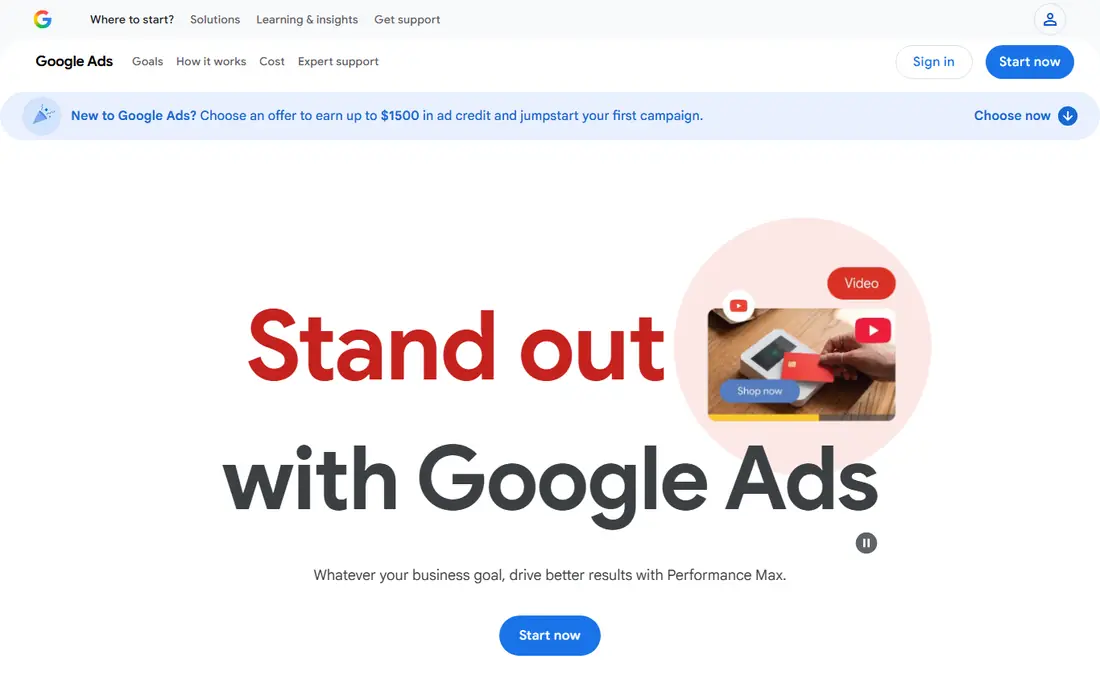
Google Keyword Planner remains the default free planner for a reason. It sits inside Google Ads, returns keyword ideas from a seed term or a website, and shows volume ranges, competition, and suggested bids. That bid data also hints at commercial intent, which organic tools do not always show.
The limit is precision. Accounts with low or no ad spend see broad ranges such as 100 to 1,000 searches per month, not an exact figure. Use those ranges to filter out very low-volume terms, then use a difficulty tool below to judge how hard a keyword will be to rank for.
- Uses Google's own search data
- Unlimited idea generation with an Ads account
- Competition and bid data
- Needs a Google Ads account
- Low-spend accounts see broad volume ranges, not exact numbers
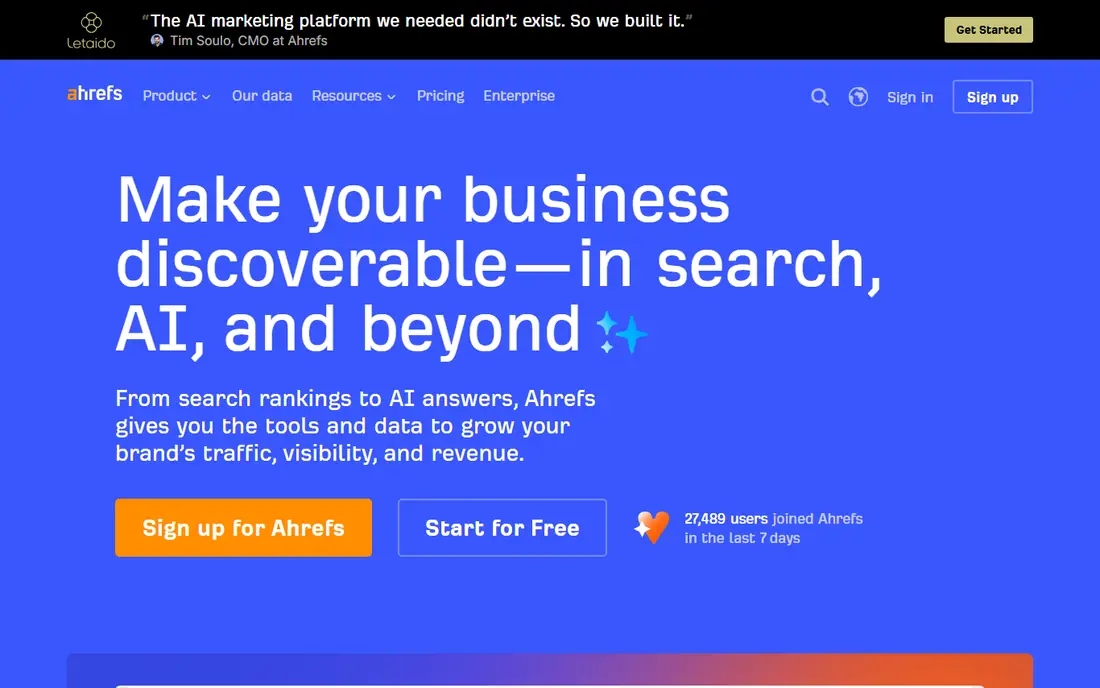
Ahrefs Free Keyword Generator is useful when you need a fast list without setting up an Ads account. Enter a seed keyword, pick a search engine and country, and it returns ideas with volume data for the top results. That speed suits brainstorming and early topic validation.
The free version limits how many ideas you see per search and how many searches you can run per day. For a full content plan, you will need to run several seeds or move to a paid Ahrefs plan. For quick checks and first drafts of a keyword list, the free tool is strong.
- Quick idea lists
- Volume data for top results
- Covers many search engines and countries
- Free version shows limited results per search
- Full data needs a paid plan
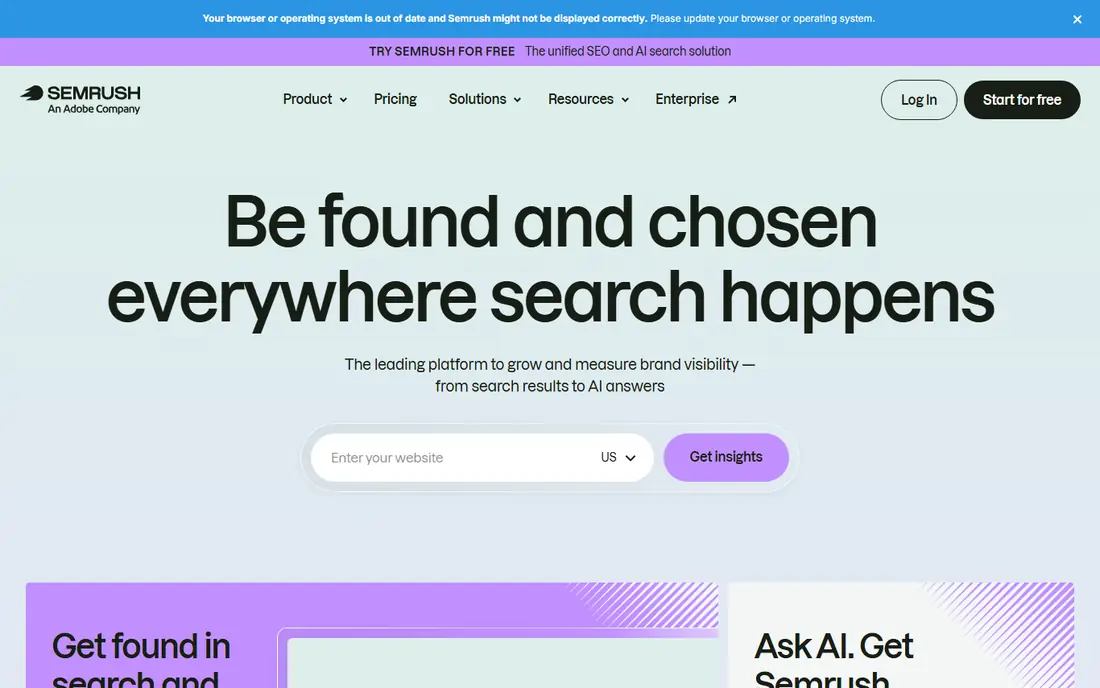
Semrush offers a limited free tier that gives more context than a volume list alone. Keyword difficulty, search intent, SERP features, and related terms help you judge whether a keyword fits your site and what kind of page should target it. That context matters, since volume alone can point to keywords you cannot rank for.
The cap is the catch. Free accounts get a limited number of reports per day, so plan your research in batches. For a single site or a small content plan, the free tier can carry the work. For agency volume or competitor gap analysis, a paid plan is usually needed.
- Keyword difficulty and intent data
- SERP features and related keywords
- Limited free reports per day
- Free reports are capped per day
- Full keyword research needs a paid plan
Ubersuggest suits beginners who want volume, difficulty, and cost-per-click in one simple view. It also surfaces content ideas and top pages for a keyword, which helps turn a keyword list into article topics. The interface stays readable for people new to SEO.
Free use is limited to a small number of searches per day without an account, and more with a free account. Data depth also trails Ahrefs and Semrush on backlinks and competitor detail. For early research and small sites, Ubersuggest is a good free starting point.
- Simple interface
- Volume, difficulty, and CPC in one view
- Content ideas alongside keywords
- Free searches per day are limited without an account
- Data depth is lower than full suites
Google Trends
Great for: Checking whether interest in a keyword is rising or falling
Google Trends answers a question volume tools cannot. It shows whether interest in a term is rising, falling, or seasonal, and how it compares with other terms over time and by region. That helps you avoid building content around a fading topic, and it helps you time seasonal content.
The limit is that Trends shows relative interest on a 0 to 100 scale, not absolute search volume. Use it alongside Google Keyword Planner or Ahrefs, not instead of them. Pair a volume range with a trend line before you commit to a topic.
- Unlimited free use
- Trend direction by region and time
- Related topics and queries
- Shows relative interest only, not search volume
- No difficulty score
AnswerThePublic turns a seed keyword into questions people ask, plus preposition and comparison phrases. That output suits FAQ sections, article angles, and content that answers a specific question. For a site that publishes how-to and explainer content, it often surfaces angles that volume tools miss.
The free tier limits searches per day, and it does not give volume or difficulty data on its own. Use it for ideas, then check those ideas in Google Keyword Planner or a difficulty tool before targeting them. That two-step flow keeps question content grounded in real demand.
- Visual question maps
- Strong for FAQ and article angles
- Covers many languages
- Free searches per day are limited
- No volume or difficulty data in the free view
Moz Keyword Explorer gives free-account users a small number of queries per month, with difficulty, organic click-through estimates, and SERP analysis. The priority score helps sort a list by a mix of volume, difficulty, and click potential, which is useful when a list has grown too long.
The monthly query cap is the main limit. Use free queries for shortlists, not for broad brainstorming, and do idea generation in a free tool such as Ahrefs Free or Google Keyword Planner first. For judging a final shortlist, Moz free queries add useful context.
- Difficulty and organic click-through estimates
- SERP analysis
- Priority score for ranking ideas
- Free queries per month are limited
- Full research needs a paid plan
Keyword Tool
Great for: Autocomplete keyword ideas from search and social platforms
Keyword Tool builds long-tail ideas from autocomplete data across Google, YouTube, Amazon, and other platforms. That suits creators and shops that need phrases people actually type, including product and video search phrases that a general planner may miss. Basic use needs no account.
The free version shows ideas without full volume, competition, and CPC data, which sit behind a paid plan. Use Keyword Tool for idea generation, then check volume and difficulty in Google Keyword Planner, Ahrefs Free, or Moz. That pairing gives both breadth and a reality check.
- Long-tail ideas from autocomplete
- Covers Google, YouTube, Amazon, and more
- No account for basic use
- Free version shows ideas without full volume data
- Volume and CPC need a paid plan
How we picked these
We compared official feature pages, pricing pages, app store listings, and public reviews for tools that offer a free keyword planning tier in October 2026. We kept only tools with a live free tier that returns keyword ideas, volume data, trend data, or difficulty data, and we noted free limits rather than calling a capped tier unlimited. We did not claim hands-on testing.
How to do keyword research with free tools only
Start with a seed list from your own site, competitors, and customer questions. Run those seeds through Google Keyword Planner for volume ranges and through Ahrefs Free or Keyword Tool for more ideas. Then check trend direction in Google Trends, and use AnswerThePublic for question angles that fit FAQ sections.
Next, shortlist by volume range and intent, not by volume alone. A high-volume keyword with the wrong intent will not convert, while a lower-volume keyword with buying or how-to intent often performs better. Finally, check difficulty in Semrush, Ubersuggest, or Moz free tiers before you publish, and keep the list in a spreadsheet with volume range, difficulty, intent, and target page. That record makes the next content plan faster.
Frequently asked questions
What is the best keyword planner tool free?
Google Keyword Planner is the best free starting point for volume ranges, since it uses Google's own data. For difficulty and SERP context, add the free tiers of Semrush, Ahrefs Free, or Moz Keyword Explorer. No single free tool covers volume, difficulty, and questions alone.
Is Google Keyword Planner really free?
Yes, it is free to use inside a Google Ads account, and you do not need to run ads to open it. Low-spend accounts see broad volume ranges rather than exact numbers. That range is still useful for filtering, but it is not precise enough for traffic forecasts on its own.
What is the best free keyword planner tool for beginners?
Ubersuggest and Google Keyword Planner are the easiest starting points for beginners, since both show volume and competition in a simple view. Google Trends adds trend direction, and AnswerThePublic adds question ideas. Start with those four before paying for a suite.
How accurate is free keyword volume data?
Free volume data is best treated as a range or an estimate, not an exact count. Different tools use different data sources and models, so the same keyword can show different numbers across tools. Use ranges to compare keywords and to filter, and track your own rankings and clicks in Search Console for real results.
Can I do SEO with only free keyword tools?
Yes, for a new or small site, free tools cover idea generation, volume ranges, difficulty checks, and trend direction. As a site grows, paid tools save time on competitor gaps, backlink data, and rank tracking. Many small sites start free and pay only when free caps slow the work.
Sources
See where you really rank - block by block
ProMapRanker scans Google Maps across a grid of your service area. Simple monthly plans from $19, white-label on every plan.
Start freeKeep reading
 who has best internet service
Who Has the Best Internet Service in 2026
Who has best internet service for US homes? We compare fiber, cable, fixed wireless and satellite providers on speed, price, availability and terms today.
Read → which survey tool has the best analytics
Which Survey Tool Has the Best Analytics in 2026
Find which survey tool has the best analytics in 2026, comparing Qualtrics, SurveyMonkey, Typeform, Alchemer, and more on reports, text, and stats today.
Read → which streaming service has the best movies
Which Streaming Service Has the Best Movies in 2026
Answering which streaming service has the best movies, with Netflix, Max, Criterion and more compared on libraries, prices and free options in this guide.
Read →