 ProMapRanker
Best Free Custom Domain Email Services in 2026

Key takeaways
- Zoho Mail is the only widely available free option here that gives you a real mailbox for sending and receiving on your domain.
- Cloudflare Email Routing, ImprovMX, Forward Email and similar services forward mail for free, but they are not mailboxes on their own.
- The best free custom domain email service depends on whether you need a mailbox, simple forwarding, or a Gmail-based setup.
- You still pay for the domain itself, and free tiers often limit users, aliases, storage or sending.
Quick comparison
| Pick | Great for | Pricing starts at | Free tier | |
|---|---|---|---|---|
 Zoho Mail | Real free mailbox | Free | Yes | Visit |
 Cloudflare Email Routing | Cloudflare DNS users | Free | Yes | Visit |
 ImprovMX | Simple forwarding anywhere | Free | Yes | Visit |
 Forward Email | Multiple domains forwarding | Free | Yes | Visit |
 SendMailAs | Free sending via Cloudflare | Free | Yes | Visit |
 Porkbun Email Forwarding | Registrar forwarding | Free | Yes | Visit |
 Namecheap Email Forwarding | Registrar forwarding | Free | Yes | Visit |
 addy.io | Alias and privacy forwarding | Free | Yes | Visit |
The best free custom domain email services
A free custom domain email service lets you use an address such as [email protected] without paying for a mailbox plan. The key split is between a real mailbox, where you send and receive in one place, and forwarding, where mail sent to your domain is passed to an inbox you already use. The eight services below are honest about that split, so you can pick the setup that matches how you actually read and reply to mail.
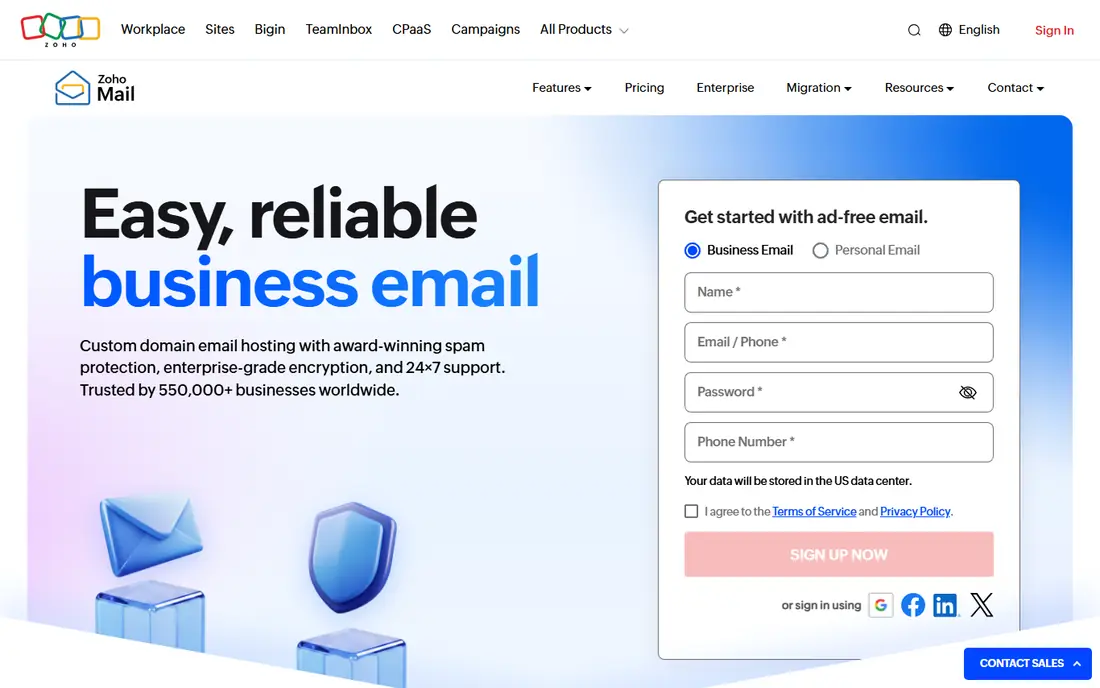
Zoho Mail Forever Free is the strongest free hosted option for a small team, because it is a real mailbox rather than a forwarder. Recent comparisons describe up to five users on one custom domain, with 5 GB each, webmail and mobile app access, and no credit card needed to start. You can send and receive as your domain address, which is the behaviour most people expect from professional email.
The free plan has clear limits. It does not include IMAP, POP or ActiveSync, so you cannot add it to Apple Mail, Outlook or the Gmail app, and the attachment cap is modest. Availability also varies by Zoho data centre, so check signup in your region before you plan around it. For a small team that can live in Zoho apps, it is the best free mailbox available.
- Real mailbox for up to five users
- Send and receive on your domain
- Web and mobile apps
- No IMAP or POP on free plan
- Limited storage
- Availability varies by region
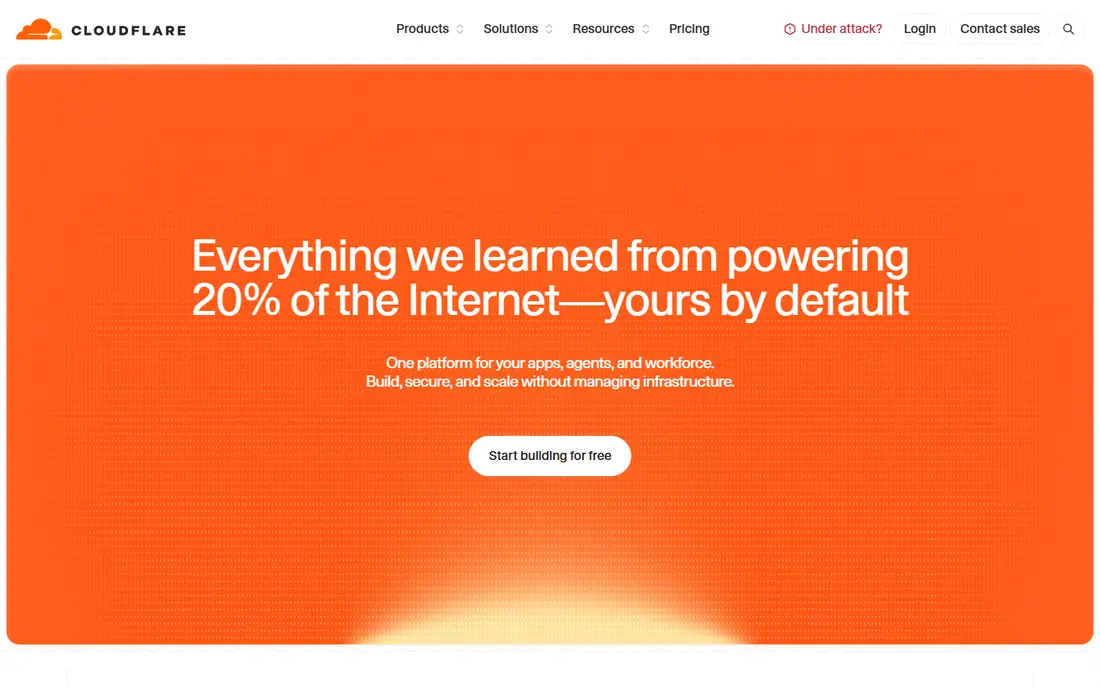
Cloudflare Email Routing is the simplest free route if your domain already uses Cloudflare DNS. You create routing rules that forward mail for your domain to a destination inbox, with catch-all and per-address rules, and you pay nothing for the routing itself. That makes it ideal for a personal address or a small project that already lives on Cloudflare.
Cloudflare Email Routing does not send mail and does not store mail, so replies need a separate sending path. Many users pair it with Gmail send-as or a transactional sender, but that setup needs care with SPF, DKIM and DMARC to avoid spam folders. If your DNS is not on Cloudflare, moving it is the price of using this free tool.
- Free unlimited inbound addresses
- Simple rules
- No separate mailbox cost
- Forwarding only
- Requires Cloudflare DNS
- No outbound sending on its own
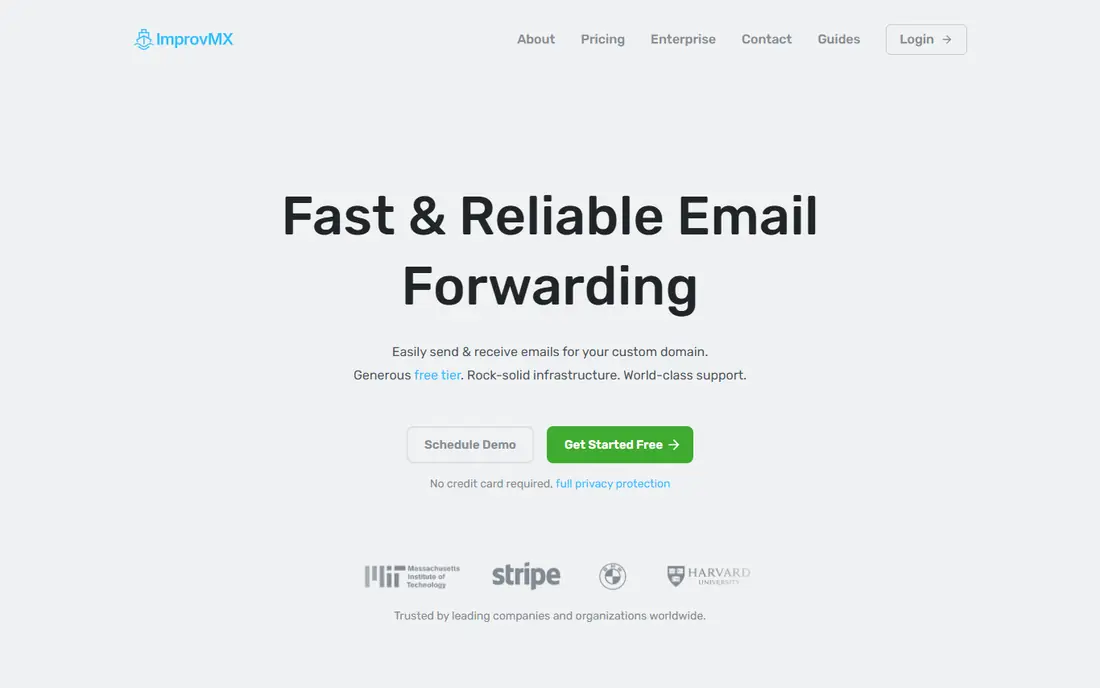
ImprovMX is a focused forwarding service that works without moving your DNS provider. The free tier is reported at one domain, 25 aliases and 500 forwards per day, which covers a personal domain or a small business with a few public addresses. Setup is simple: point MX records at ImprovMX, add aliases and choose destination inboxes.
ImprovMX free does not send mail, so you still need a sending route for replies that look like your domain. Paid plans add sending and more domains, but the free tier is honest about its limits. For a single domain where receiving matters most, ImprovMX is a clean and low-friction choice.
- Works with any DNS host
- Simple alias setup
- One alias can reach multiple inboxes
- Free tier caps domains and aliases
- No SMTP sending on free tier
Forward Email stands out for owners of several domains, because its free tier is reported as unlimited domains and unlimited inbound forwarding, with catch-all addresses, regex filters and webhooks. That generosity makes it the strongest free forwarder for a portfolio of domains where you mainly need to receive mail in one inbox.
Forward Email free does not send mail and does not store mail, so a paid Enhanced Protection plan is needed for sending, storage and higher outbound volume. If you need a mailbox, Zoho Mail is a better fit, but if you need to receive across many domains for free, Forward Email is hard to beat.
- Unlimited domains and inbound on free tier
- Catch-all and filters
- Open source
- Forwarding only on free tier
- Sending and storage need a paid plan
SendMailAs fills the gap that most free forwarders leave open: sending as your custom domain. It is built on Cloudflare and offers a free tier, with paid plans for higher use, and it pairs with Gmail send-as so replies come from your domain address. That makes it a useful companion to Cloudflare Email Routing for a Gmail-based setup.
SendMailAs is smaller and newer than Zoho or Cloudflare, so check its current free tier limits and deliverability guidance before you rely on it for business mail. It also depends on Cloudflare, which suits Cloudflare users but not everyone. For a personal Gmail setup, it is a practical free sending layer.
- Free tier for sending as your domain
- Cloudflare based setup
- Simple Gmail pairing
- Newer and smaller service
- Free tier limits need checking
- Depends on Cloudflare
Porkbun includes free email forwarding with domains registered through Porkbun, reported at up to 20 forwards per domain. That makes it a natural pick if you already register domains there: you can create professional addresses without adding another service, and manage them alongside DNS and WHOIS privacy in the same dashboard.
Porkbun forwarding is receiving only, so sending as your domain still needs Gmail send-as or another sender. It is also tied to domains held at Porkbun, so a domain elsewhere would need a transfer or a different forwarder. For a Porkbun customer, it is a simple and genuinely free receiving option.
- Free with a Porkbun domain
- Up to 20 forwards
- Simple registrar setup
- Forwarding only
- Replies need a separate sending path
- Tied to Porkbun domains
Namecheap also includes free email forwarding with domains registered through Namecheap, which suits owners who already manage domains there. You can create custom addresses that forward to an existing inbox, without paying for a mailbox plan, and manage them in the same account as your domain and DNS.
Like other registrar forwarding, Namecheap forwarding does not provide a mailbox or outbound sending on its own. Namecheap sells paid email hosting for users who want a full mailbox, which is a separate product. For receiving only, the free forwarding option is a straightforward and low-effort choice.
- Free forwarding with Namecheap domains
- Simple setup
- Broad registrar support
- Forwarding only
- Mailbox hosting is paid
- Sending needs another route
addy.io is a privacy-focused alias service that creates disposable and maskable addresses that forward to your real inbox. It is open source and self-hostable, and it appeals to users who want to protect a personal address while still using a custom domain for public contact. Aliases can be created, disabled and tracked without exposing your main inbox.
addy.io is alias-first, not a full mailbox, and custom domain sending and limits depend on the plan, so it should not be confused with Zoho Mail. For privacy and alias control, it is a useful free layer, especially alongside a mailbox or a main forwarder. For a team inbox, a real mailbox or a shared inbox tool remains a better fit.
- Privacy focused aliases
- Open source
- Custom domain support on higher tiers
- Alias first, not a full mailbox
- Free custom domain use is limited
How we picked these
We compared official product pages and public comparisons for free mailbox versus forwarding, domain and alias limits, sending support and regional availability. We favoured services with a genuine free tier in October 2026, and we described forwarding services as forwarding, not as mailboxes. Where a free tier limit was reported by a comparison rather than a vendor page, we described it as reported and advised checking the vendor site.
How to set up free custom domain email
Start by deciding whether you need a mailbox or just forwarding. Choose Zoho Mail if you want a real mailbox and can use its web and mobile apps. Choose a forwarder if you already love Gmail or another inbox and only need your domain address to reach it. Do not mix two forwarders on the same domain, because conflicting MX records will break delivery.
DNS and authentication
Set MX records exactly as your chosen service instructs, then add SPF, DKIM and DMARC for the sending service you use. Test from a second account, check spam folders and confirm replies show your domain address, not your personal address. Authentication matters most when you send as your domain, because receivers increasingly reject mail that fails those checks.
Sending as your domain
Forwarding alone does not send mail. For replies that look professional, pair a forwarder with Gmail send-as, SendMailAs or a transactional sender that signs DKIM for your domain. Zoho Mail free avoids this step because it is a mailbox, but it trades that convenience for web-only access. Pick the trade you can live with every day.
When to pay
Pay when you need IMAP, shared team inboxes, larger storage, reliable sending or support. A single founder can run free for a long time, but a growing team will outgrow free limits on users, aliases and sending volume. At that point, a low-cost mailbox plan often costs less than the time lost to forwarding workarounds.
Frequently asked questions
What is the best free custom domain email service?
Zoho Mail is the best free custom domain email service if you want a real mailbox, because it lets you send and receive on your domain for up to five users. If you only need receiving, Cloudflare Email Routing and Forward Email are strong free forwarders. The best pick depends on whether you need a mailbox or just forwarding.
Is there a genuinely free custom domain email service?
Yes, by two routes. You can host a mailbox free on Zoho Mail Forever Free, where offered, or forward a custom address to an inbox you already use with Cloudflare Email Routing, ImprovMX or Forward Email. You still pay for the domain itself, and free tiers limit users, aliases or sending.
Can I use a custom domain with Gmail for free?
Yes, by forwarding your domain to Gmail and setting up Gmail send-as or a separate sender for replies. Cloudflare Email Routing, ImprovMX and SendMailAs are common pieces of that setup. You still need correct SPF, DKIM and DMARC records to keep replies out of spam folders.
What is the difference between email forwarding and email hosting?
Email forwarding passes mail sent to your domain to another inbox, with no storage or mailbox of its own. Email hosting gives you a mailbox where mail is stored and from which you send as your domain. Zoho Mail free is hosting, while Cloudflare, ImprovMX and Forward Email free tiers are forwarding.
Does Zoho Mail free include IMAP?
No, the Zoho Mail Forever Free plan does not include IMAP, POP or ActiveSync, so you use Zoho webmail and mobile apps. Paid Zoho Mail plans add IMAP and other features. If you need Apple Mail or Outlook access, check a paid plan or a different mailbox provider.
What happens when I outgrow a free plan?
You can upgrade to a paid mailbox or forwarding plan, move to a paid provider, or keep forwarding and add a paid sending service. Export contacts and important mail before you move, update MX records carefully and test delivery from a second account. Plan the move outside a busy period to avoid missed mail.
Sources
See where you really rank - block by block
ProMapRanker scans Google Maps across a grid of your service area. Simple monthly plans from $19, white-label on every plan.
Start freeKeep reading
 who has best internet service
Who Has the Best Internet Service in 2026
Who has best internet service for US homes? We compare fiber, cable, fixed wireless and satellite providers on speed, price, availability and terms today.
Read → which survey tool has the best analytics
Which Survey Tool Has the Best Analytics in 2026
Find which survey tool has the best analytics in 2026, comparing Qualtrics, SurveyMonkey, Typeform, Alchemer, and more on reports, text, and stats today.
Read → which streaming service has the best movies
Which Streaming Service Has the Best Movies in 2026
Answering which streaming service has the best movies, with Netflix, Max, Criterion and more compared on libraries, prices and free options in this guide.
Read →