 ProMapRanker
Best Free Apps for Health in 2026

Key takeaways
- Free health apps work best when each one covers a single job, such as food, workouts, sleep or mood.
- MyFitnessPal and Cronometer suit food tracking, while Nike Training Club and FitOn suit guided workouts.
- Insight Timer and Smiling Mind offer large free meditation libraries without a subscription.
- Most free plans include ads or paid upgrades, so check what is locked before you build a habit around an app.
- These apps give general information only, and they are not a replacement for professional medical advice.
Quick comparison
| Pick | Great for | Pricing starts at | Free tier | |
|---|---|---|---|---|
 MyFitnessPal | Food and calorie tracking | Free | Yes | Visit |
 Cronometer | Detailed nutrition tracking | Free | Yes | Visit |
 Nike Training Club | Guided workouts | Free | Yes | Visit |
 FitOn | Home workouts and classes | Free | Yes | Visit |
 Insight Timer | Meditation library | Free | Yes | Visit |
 Smiling Mind | Free mindfulness programs | Free | Yes | Visit |
 Finch | Gentle habits and mood | Free | Yes | Visit |
 Strava | Running and cycling tracking | Free | Yes | Visit |
 Lose It | Simple calorie budget | Free | Yes | Visit |
The best free apps for health
Health is a broad topic, so no single free app covers food, movement, sleep, mood and mindfulness well. This list splits the work across nine apps that are free to start, with a clear role for each one. We compared official app store listings, vendor pricing pages and current free-app guides, and we favored apps where the free tier covers daily use rather than a short trial.
Please note that these apps provide general information only. They are not medical advice, and they do not diagnose or treat any condition. Talk to a clinician about health concerns, medication, or a major change to diet or exercise.
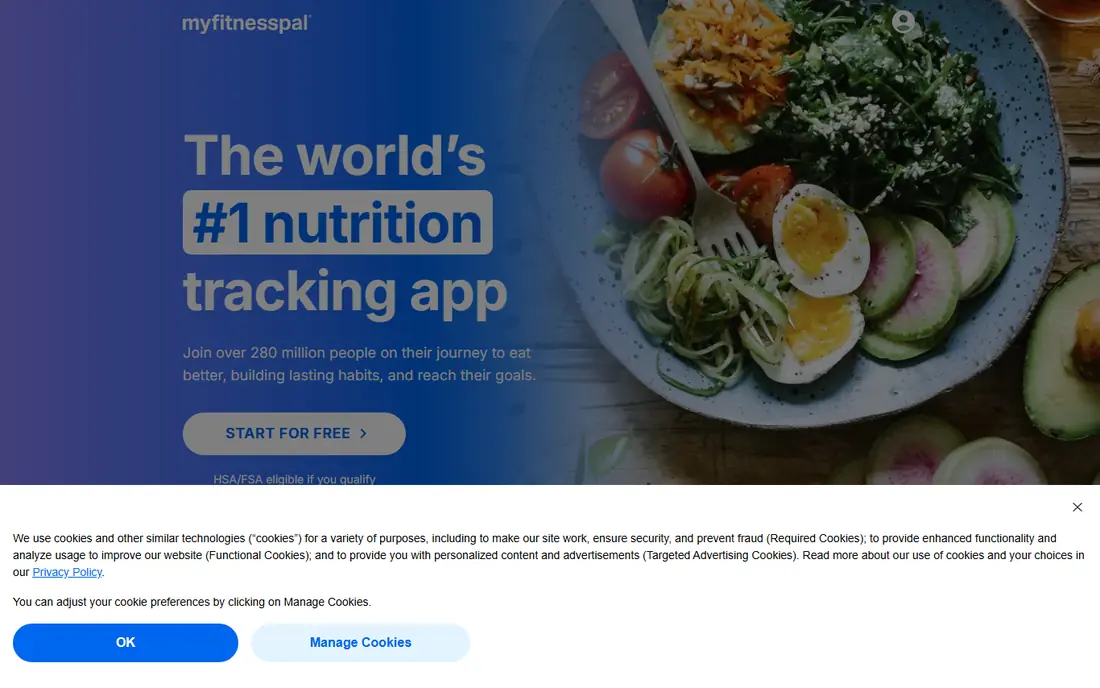
MyFitnessPal remains the default food diary for many people because logging is fast. You can search for foods, save frequent meals, and see calories and macros for the day at a glance. That simple loop helps people notice patterns, such as a snack that repeats each afternoon.
The free plan covers core food search and logging, with ads. Premium adds barcode scanning, meal scanning, voice logging, custom macros and goals, an intermittent fasting tracker and ad-free logging. Recent guides note that barcode scanning moved to Premium, so check the current feature list before you rely on it.
The catch is database quality. A large crowdsourced database means entries vary, so double-check portions and nutrition values for foods you eat often. Used with care, MyFitnessPal is a solid free starting point for food awareness.
- Large food database
- Easy meal logging
- Connects with many fitness apps and wearables
- Barcode scanning and custom macro goals sit behind Premium
- Free version shows ads
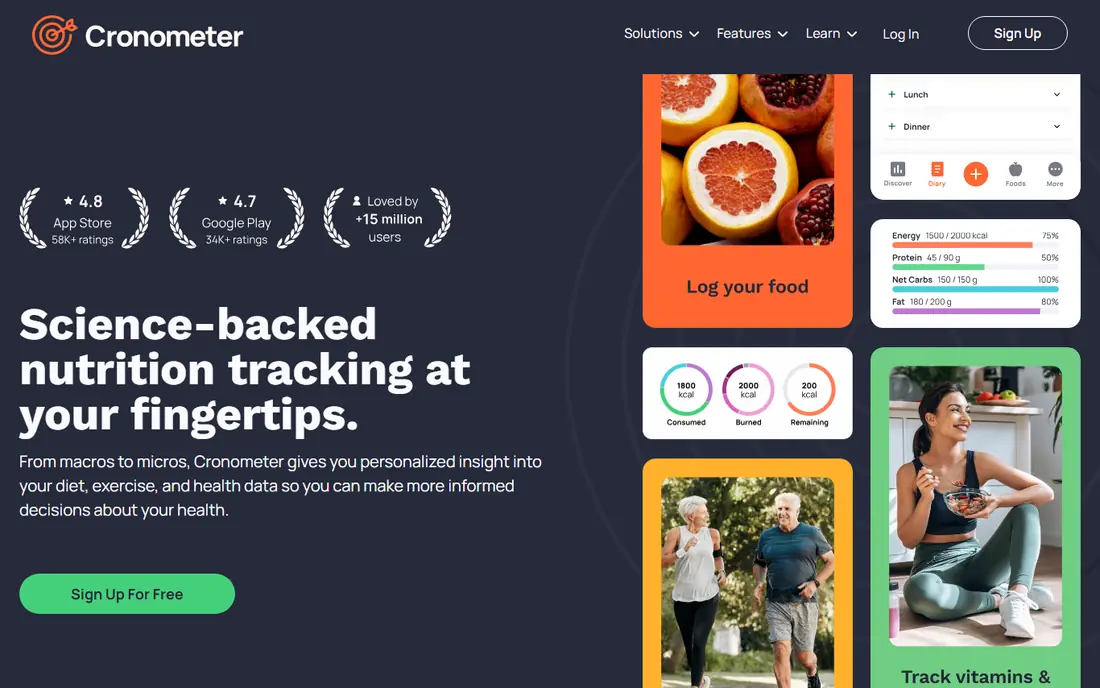
Cronometer suits people who want more than calories. The free plan tracks macros plus vitamins and minerals, and it lets you set custom macro targets without paying. That detail helps when you are checking whether a diet covers a range of nutrients, not just a calorie total.
Logging is straightforward, with search, barcode scanning on supported plans, and saved recipes and meals. The app also syncs with Apple Health, Health Connect and several wearables, so activity and weight data can sit beside food logs. Charts show trends over time, which is useful for spotting slow changes.
The trade-off is effort. More detail means more fields to check, and the food database is more curated than the largest crowdsourced options. If you want a quick diary, MyFitnessPal may feel lighter. If you want nutrient detail for free, Cronometer is our pick.
- Detailed vitamin and mineral tracking
- Custom macro targets on the free plan
- Syncs with wearables
- Food database smaller than MyFitnessPal
- Interface feels more detailed than casual trackers
Nike Training Club offers a wide library of guided workouts without a subscription for core content. Sessions cover strength, cardio, mobility and yoga, with programs that progress over several weeks. Clear video guidance and timed intervals make it easy to follow a session at home or in a gym.
The app lets you filter by level, length and equipment, so a short bodyweight session and a longer gym session are both easy to find. That flexibility matters when time is tight, because a 15-minute workout you actually do beats a perfect plan you skip.
The limit is scope. Nike Training Club is a workout app, not a food or sleep tracker, so you will still need another app for nutrition or recovery. For free guided training, it is hard to beat.
- Full workout library free
- Programs for many levels
- No subscription needed for core workouts
- Fewer nutrition tools than food-first apps
- Workout style leans toward general fitness
FitOn brings a class feel to home workouts. The free tier includes a large set of workouts led by trainers, with options for cardio, strength, yoga, Pilates and dance-style sessions. You can follow a plan, join challenges, or pick a single class when you have a spare half hour.
The social side helps some people stay consistent. Friends, challenges and shared workouts add a light sense of accountability without turning exercise into a competition. The app also works on phones, tablets and TVs, so a living room session is simple to set up.
The catch is that not every feature is free, and trainer style varies. Preview a class before committing to a program, and check which plans need payment. For varied free classes, FitOn is a strong choice.
- Many free classes with well-known trainers
- Cardio, strength, yoga and Pilates options
- Social features
- Some advanced features and plans sit behind a paid tier
- Class style varies by trainer
Insight Timer is best known for the size of its free library. Thousands of guided meditations, sleep stories, music tracks and talks cover stress, sleep, focus and gratitude. A simple timer also supports silent practice, with bells and background sounds you can adjust.
That variety helps because meditation is personal. A short breathing session may suit a busy morning, while a longer sleep story may suit a restless night. You can save favorites, follow teachers you like, and build a small routine from a few trusted sessions rather than browsing endlessly.
The honest limit is choice overload. With so much content, it is easy to spend more time choosing than meditating. Pick two or three teachers, save their sessions, and reuse them until the habit sticks.
- Very large free meditation library
- Sleep stories and music
- Timer for silent practice
- Some courses and advanced features need a paid plan
- Library size can feel overwhelming
Smiling Mind is run by an Australian nonprofit, and its core mindfulness programs are fully free. Structured courses cover stress, sleep, focus and wellbeing, with programs organized by age group and goal. That structure suits beginners who want a clear path rather than an open library.
The app is simple by design. Sessions are calm and practical, without the polished soundscapes and famous voices found in paid rivals. For many users, that simplicity is a plus, because the focus stays on the practice itself.
The limit is polish. If you want cinematic audio, sleep stories with well-known narrators, or deep sleep tools, a freemium rival may feel richer. If you want a genuinely free mindfulness program, Smiling Mind is our pick.
- Fully free nonprofit app
- Structured programs for adults, teens and children
- No paywall for core content
- Simpler design than polished paid apps
- Fewer celebrity narrators and soundscapes
Finch takes a softer approach to habits. You care for a virtual pet by completing small self-care tasks, checking in on mood, and writing short journal entries. That gentle loop suits people who find strict streaks and charts stressful.
Core features are free, including habit tracking, mood check-ins, breathing exercises and journaling. The pet grows as you complete tasks, which gives a small daily reason to open the app. It is a good fit for building one or two habits, such as a morning walk or a regular bedtime.
The catch is tone. The pet theme feels warm to some users and childish to others, so try it for a week before deciding. Paid extras add more content, but the free core covers the daily habit loop well.
- Gentle self-care approach with a virtual pet
- Habit, mood and journal tools
- Core features free
- Paid plan adds extra content
- Pet theme will not suit everyone
Strava is the standard free tracker for runners and cyclists. It records distance, pace, time and route by GPS, and it shows your activity on a map with splits and elevation. That record helps you see progress over weeks, even when daily changes feel small.
The free plan covers core tracking, activity history and social features such as kudos and comments. Routes and segments add a light competitive edge, and you can follow friends or clubs for motivation. The app also connects with many watches and fitness apps.
The limit is analysis depth. Advanced training plans, detailed power analysis and some route tools need a subscription. For tracking runs and rides for free, Strava covers the basics well.
- Reliable GPS tracking for runs and rides
- Route and segment features
- Strong community features
- Advanced training analysis sits behind a subscription
- GPS accuracy depends on your phone
Lose It suits people who want a simple calorie budget without extra detail. You set a goal, log meals, and see how much of your daily budget remains. Weight tracking and progress charts show the trend over time, which matters more than any single day.
The free plan covers core logging and a weight loss plan, with a clean interface that is easy to use on a phone. Saved meals and recipes speed up repeat days, and the app connects with Apple Health and other fitness tools.
The trade-off is that some conveniences need payment, including barcode scanning in recent listings. If you log many packaged foods, Cronometer or MyFitnessPal may suit you better. If you want a simple budget and a clear daily target, Lose It is a good free choice.
- Clear daily calorie budget
- Simple food logging
- Weight tracking and goals
- Barcode scanner sits behind Premium
- Free plan has fewer advanced reports
How we picked these
We compared free health app guides, vendor pricing pages and app store listings for October 2026. We kept only apps with a free plan that covers daily use, and we spread the list across food, workouts, meditation, habits and activity tracking. We noted where a popular feature, such as barcode scanning, sits behind a paid plan, because that detail changes the value of a free tier. We did not claim hands-on testing, and we treated all health claims as general information.
How to choose a free health app without overload
Start with one goal, not five apps. If food is the focus, pick one tracker and use it for two weeks. If movement is the focus, pick one workout app and one activity tracker. Adding a meditation app only helps when stress or sleep is part of the same goal.
Check the free tier before you build a routine. Open the app, log a meal or complete a workout, and see which features ask for payment. A free app that locks barcode scanning or offline use may still work, but you should know that limit on day one.
Protect your data too. Health apps hold sensitive information, so read the privacy policy and check what is shared with third parties. Turn off social sharing if you do not want activities or mood check-ins visible to others, and export your data now and then so a price change never traps your history.
Frequently asked questions
What is the best completely free health app?
Smiling Mind and Nike Training Club stand out because their core content is free without a subscription for basic use. Most other free health apps use a freemium model, with paid upgrades for advanced features.
Is MyFitnessPal still free?
Yes, for core food logging. The free plan covers food search and logging with ads, while Premium adds barcode scanning, custom macros, meal scanning and ad-free use. Check the current feature list, since paid features change.
Which free app is best for meditation?
Insight Timer offers the largest free library, while Smiling Mind offers structured free programs from a nonprofit. Choose Insight Timer for variety, and Smiling Mind for a guided path.
Can a free health app replace a gym or a clinician?
No. Free apps can support exercise, food awareness and mindfulness, but they do not replace professional advice, diagnosis or treatment. Talk to a clinician about health concerns or a major change to diet or exercise.
Do free health apps sell my data?
Policies vary by app, so read the privacy policy before you log sensitive health data. Check sharing settings, turn off features you do not need, and prefer apps with clear controls for data export and deletion.
How do I avoid paying for features I do not need?
Use the free plan for two weeks first, and note which locked features you actually miss. Many users find the free tier covers daily logging, workouts or meditation, and a paid plan only helps for advanced analysis or ad-free use.
Sources
See where you really rank - block by block
ProMapRanker scans Google Maps across a grid of your service area. Simple monthly plans from $19, white-label on every plan.
Start freeKeep reading
 top custom software development company
Top Custom Software Development Company in 2026
Looking for a top custom software development company? We compare 9 firms for web, mobile, and enterprise software, covering strengths and fit for 2026.
Read → tableau alternatives
Tableau Alternatives in 2026
Compare the best Tableau alternatives for 2026, from Power BI to Metabase, with prices, hosting options, and picks for small teams and enterprises today.
Read → microsoft teams alternatives
Best Microsoft Teams Alternatives in 2026
Looking for microsoft teams alternatives? We compare 9 chat and video tools for 2026, covering free plans, pricing, meetings, and integrations for teams.
Read →