 ProMapRanker
Best Free AI Text to Video Tools in 2026

Key takeaways
- Kling AI gives the most renewable free video for regular use, with daily credits that reset, while Google Flow suits a few polished clips per day.
- Free tiers limit at least one thing: volume, resolution, clip length, watermark, or commercial use, so pick the limit that hurts least.
- Sora is not a live free option, because OpenAI discontinued its consumer app in April 2026, so we do not list it as a tool you can use.
- For longer videos, generate short clips free and stitch them in an editor, rather than expecting one long free generation.
Quick comparison
| Pick | Great for | Pricing starts at | Free tier | |
|---|---|---|---|---|
 Kling AI | Most free video per month | Free | Yes | Visit |
 Google Flow | Polished short clips with audio | Free | Yes | Visit |
 Dreamina | Cinematic realistic shots | Free | Yes | Visit |
 PixVerse | Daily social clips | Free | Yes | Visit |
 Hailuo AI | Photorealistic short clips | Free | Yes | Visit |
 Runway | Pro editing plus generation | Free | Yes | Visit |
 Vidu | Anime and 2D style clips | Free | Yes | Visit |
 Wan 2.2 | Unlimited local generation | Free | Yes | Visit |
 InVideo AI | Script to longer video | Free | Yes | Visit |
The best free AI text to video tools
We focused only on tools with a real free tier in October 2026, not paid-only tools with a trial. Free allowances change often, so confirm the current credit amount on the official site before planning a project. All tools below generate video from a text prompt, with some also supporting image-to-video.
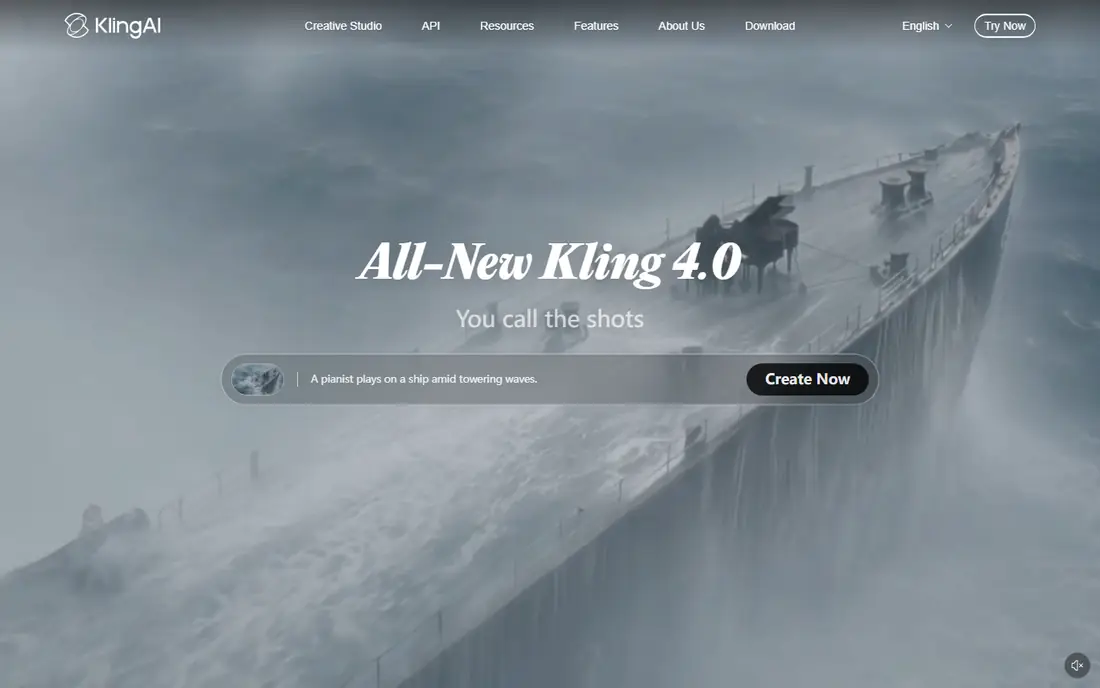
Kling AI is our pick for regular free use because its credits refresh daily, giving you far more video over a month than a one-time signup bonus. A standard 5-second clip costs only part of the daily allowance, so you can test several prompts each day. Motion quality is strong, especially for people and camera moves.
The free plan has clear limits. Output carries a watermark, higher resolutions and faster queues sit behind paid plans, and free use is for personal projects, not commercial work. If you want a daily practice habit or a social calendar fed by short clips, Kling is the best free starting point.
- Daily free credits that reset
- Strong human motion
- Good camera movement
- Free output is watermarked
- Commercial use is restricted on free plan
- Queues can be slow at peak times
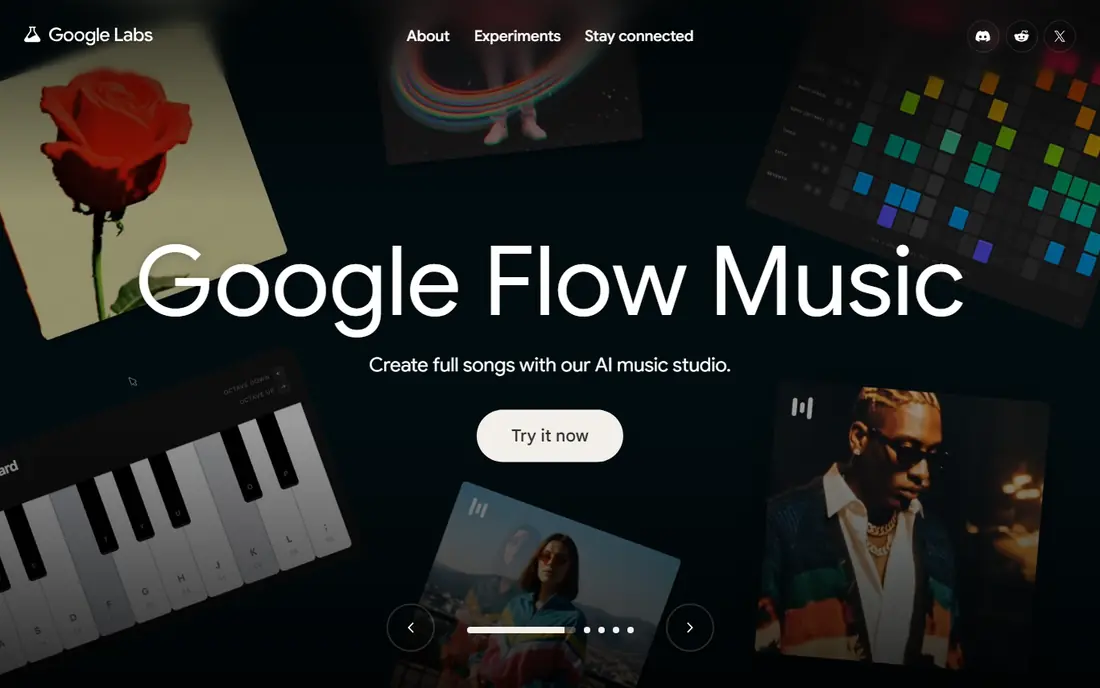
Google Flow gives Google account holders a daily credit allowance for Veo clips, which makes it the cleanest free option for a few polished shots. Native audio is a real advantage, because you do not need a separate sound step for a short clip. Output also avoids a visible watermark, using invisible marking instead.
The daily allowance supports only a handful of clips, so Flow is a final-render tool rather than an experimentation sandbox. Paid Google AI plans raise limits and quality, but the free tier alone suits occasional use. Use Flow for your best clips, and Kling for daily tests.
- Veo model quality
- Native audio
- Clean output without a visible watermark
- Daily free credits are limited
- Best quality sits behind paid Google AI plans
- Availability varies by account
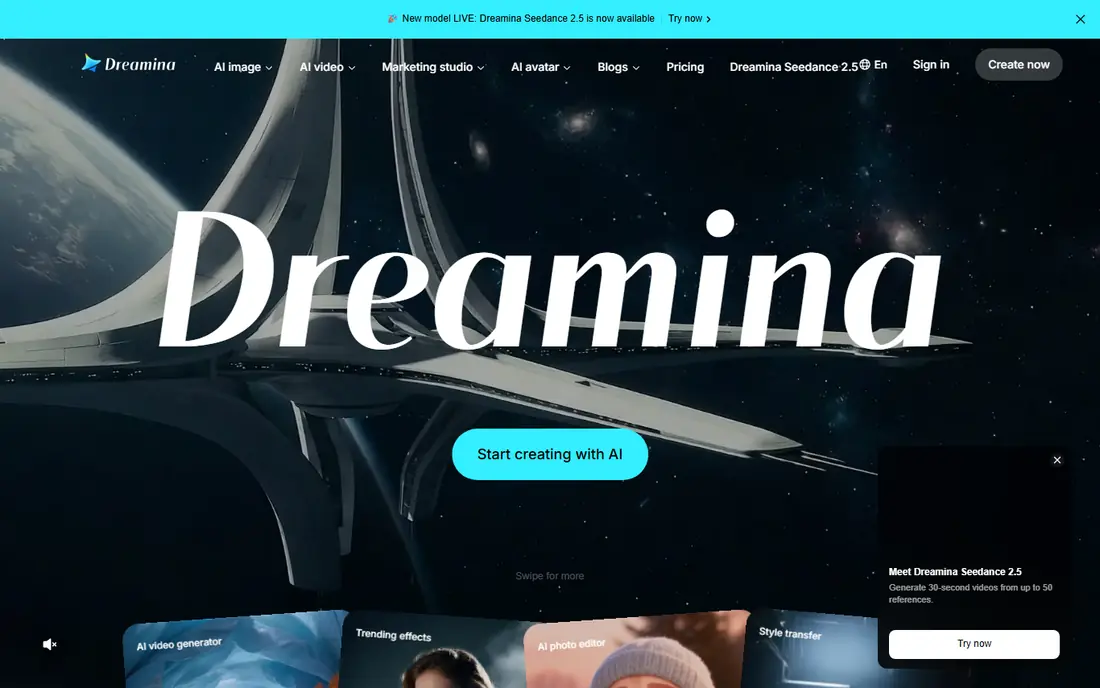
Dreamina, from CapCut, offers daily free credits for its Seedance video model, with a focus on cinematic, realistic shots. It suits creators who want a polished look for social videos and storyboards without paying for a first test. The interface is simple enough for beginners.
Free output carries a watermark, and daily credits will not support high-volume production. Commercial use on the free tier is also restricted, so treat it as a draft and test tool. For a few cinematic clips a day, Dreamina is a strong free option.
- Daily free credits
- Cinematic and realistic styles
- Seedance model quality
- Free output is watermarked
- Daily credits are limited
- Commercial terms depend on plan
PixVerse suits daily social practice, with signup credits and a daily refresh that support regular short clips. Effect templates and social styles make it easy to test trends, transitions, and fun concepts without a long setup. Generation is fast for short clips.
The trade is quality and rights. Free clips are watermarked, resolution is capped, and commercial use is limited on the free tier. PixVerse is best for learning, drafts, and personal social posts, not for client delivery. Pair it with a cleaner tool for final versions.
- Signup credits plus daily credits
- Fast social-style generation
- Effect templates
- Free output is watermarked and lower resolution
- Clip length is short
- Commercial use is limited
Hailuo AI, from MiniMax, is known for photorealistic short clips, especially faces and expressions. It is a good way to test whether a realistic style fits your project before paying for a video tool. Generation is fast, and short clips look polished for their length.
The free offer is a trial, not a generous daily allowance. Credits are limited, can expire after a few days, and output is watermarked. Use Hailuo for a quick quality test, then move to Kling or Dreamina for ongoing free use.
- Photorealistic faces and expressions
- Fast generation
- MiniMax model quality
- Trial credits are limited and can expire
- Free output is watermarked
- No long-term daily free volume
Runway is the best free pick when editing matters as much as generation. Its Gen models produce high-quality clips, and the built-in editor lets you cut, extend, and refine video in one place. Image-to-video controls also help when you start from a still image.
Free access is limited to a one-time credit deposit, not a daily refresh, so it runs out quickly. That makes Runway a trial tool for free users, not a daily free source. Try it to learn the workflow, then pay if you need regular generation and editing in one platform.
- Strong generation plus full video editor
- Image-to-video controls
- Professional workflow
- Free credits are one-time only
- Free output is watermarked
- Paid plans needed for regular use
Vidu stands out for anime, 2D, and stylized animation, where many realistic video tools look less convincing. Login bonus credits let you test the style without paying, and short clips generate quickly. It suits creators making animated social content or storyboards.
Free volume is limited, and output carries a watermark on the free tier. Realistic human video is not Vidu main strength, so use Kling or Hailuo for that style. For stylized animation on a free budget, Vidu is a good choice.
- Strong anime and 2D styles
- Login bonus credits
- Fast short clips
- Free credits are limited
- Output is watermarked on free tier
- Realistic styles are less strong
Wan 2.2 is the only truly unlimited free option in this list, because you run it on your own computer. There are no credits, no watermark, and no daily cap, and the open license allows commercial use. That makes it ideal for creators with a gaming GPU who want full control and privacy.
The catch is hardware and setup. You need a capable graphics card, patience for installation, and time for generation, which is slower than cloud tools on modest machines. If you already own suitable hardware, Wan 2.2 beats every hosted free tier for volume and rights.
- Open source
- No credits, watermark, or daily caps
- Commercial use allowed under its license
- Needs a capable GPU
- Setup is technical
- Generation speed depends on your hardware
InVideo AI fills a different job from the clip generators above. Instead of one short AI clip, it turns a script into a longer video using stock footage, text, and voiceover, with AI help. That suits explainers, promos, and social videos that need a full structure, not just a single shot.
Free videos carry a watermark and branding, and free volume is limited each week. The result is also stock-based rather than fully generated from your prompt, so it will not match a custom AI scene. Use InVideo when length and structure matter more than a unique generated clip.
- Turns a script into a longer video
- Stock clips and voiceover
- Simple editor
- Free videos are watermarked
- Free volume is limited
- AI clips are stock-based, not pure generation
How we picked these
We compared official pricing and help pages, plus recent free-tier summaries checked in October 2026, for tools with a real free allowance. We excluded paid-only tools, tools with no recurring free credits, and discontinued products. Sora is mentioned only to note it is retired, not listed as a live option. We did not claim hands-on testing.
How to get the most from free tiers
Use two tools, not ten. Pick one daily-credit tool such as Kling for tests, and one quality tool such as Google Flow for final clips. Spreading prompts across many apps wastes signup credits and makes it hard to learn one model well.
Plan around the limits
Write shorter, clearer prompts and test one variable at a time, such as camera move or lighting. Generate at the free resolution first, then re-render only the best clip at higher quality if you upgrade. Keep clips short and stitch them in an editor for longer videos.
Check watermark and commercial rules
Free output is often watermarked and restricted to personal use. Do not promise a client a free-tier video, and do not remove a watermark against the terms. Upgrade or use Wan 2.2 locally when you need clean, commercial output.
Frequently asked questions
What is the best free AI text to video tool?
Kling AI is our pick for regular free use because of its daily credits. Google Flow is best for a few polished clips with audio, and Wan 2.2 is best for unlimited local generation if you have a suitable GPU.
Can I make videos completely free with AI?
Yes, for short personal clips, using daily free credits or a local open model. Free tiers limit volume, resolution, length, watermark, or commercial use, so longer or client work usually needs a paid plan or local generation.
Is Sora still available as a free text to video tool?
No. OpenAI discontinued the Sora consumer app in April 2026, so Sora is not a live free option for new projects. The tools in this list are live alternatives with free tiers.
How long can free AI video clips be?
Most free clips run about 5 to 10 seconds, with some tools reaching 16 seconds on paid plans. For longer videos, generate several short clips and stitch them together in an editor such as CapCut.
Do free AI video tools add a watermark?
Many do, including Kling, Dreamina, PixVerse, Hailuo, Runway, and Vidu on free tiers. Google Flow uses invisible marking instead of a visible watermark, and Wan 2.2 locally has no watermark.
Sources
See where you really rank - block by block
ProMapRanker scans Google Maps across a grid of your service area. Simple monthly plans from $19, white-label on every plan.
Start freeKeep reading
 twitch alternatives
Twitch Alternatives in 2026
Explore the best Twitch alternatives in 2026 for live streaming, with free platforms, monetisation options, audiences, chat tools, and tips for new streamers.
Read → firebase alternatives
Best Firebase Alternatives in 2026
Looking for Firebase alternatives? We compare 9 backend platforms for auth, databases, realtime, storage, functions, self-hosting, and pricing for your app.
Read → companies with best work life balance
Companies With Best Work Life Balance in 2026
See companies with best work life balance in 2026, ranked by employee ratings, with flexible work options, benefits, and what to check before applying.
Read →