 ProMapRanker
Best Food Scanner App in 2026

Key takeaways
- Yuka is the easiest all-round scanner for food and personal care, while Fig is the strongest choice for allergies and strict dietary rules.
- Open Food Facts is the best fully free option, because its product data is open and community maintained.
- Fooducate suits shoppers who also want calorie and macro tracking, rather than a scan alone.
- No scanner score replaces the printed label, especially for allergens, and scores differ because each app uses its own method.
Quick comparison
| Pick | Great for | Pricing starts at | Free tier | |
|---|---|---|---|---|
 Yuka | Simple food and personal care scores | See website | Yes | Visit |
 Fooducate | Grades plus food tracking | See website | Yes | Visit |
 Bobby Approved | Simple ingredient checks | Free | Yes | Visit |
 Fig | Allergies and special diets | See website | Yes | Visit |
 Open Food Facts | Free open product data | Free | Yes | Visit |
 EWG Healthy Living | Food and household products | Free | Yes | Visit |
 ShopWell | Personalized grocery scores | See website | Yes | Visit |
 Osana | Additives and processing detail | See website | Yes | Visit |
The best food scanner apps
A food scanner should answer one clear question in the aisle: does this product fit my needs, and why? The apps below answer that question in different ways. Some give a single score, some check a personal diet profile, and some focus on ingredients or processing. Use the score as a starting point, then read the label for anything that matters to your health.
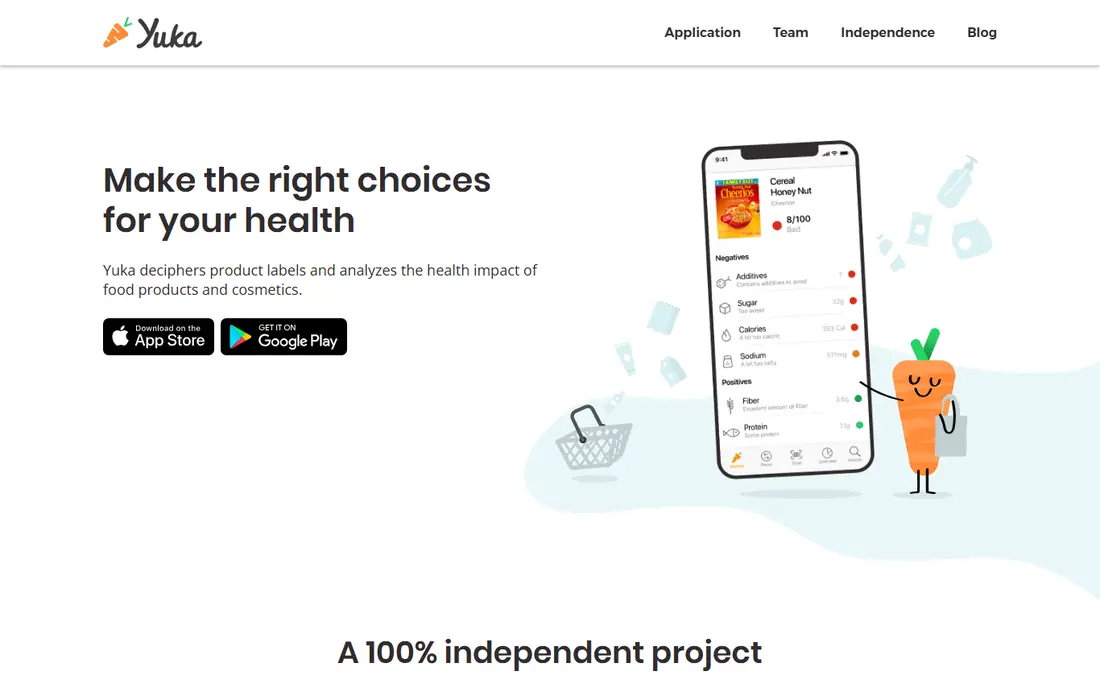
Yuka is the most recognizable food scanner on this list, and its appeal is speed. Scan a barcode and you get a score out of 100, with a breakdown based on nutritional quality, additives and organic status, plus suggested alternatives when a product scores poorly. That single score makes it easy to compare two similar products without reading two long labels in a busy store.
The limit is that Yuka applies its own priorities to every shopper, so a score may not match your personal diet, budget or medical needs. A product that scores well for general nutrition may still contain an ingredient you avoid, and a local bakery item may not be in the database at all. Use Yuka for quick comparisons, then check the printed ingredients for allergens or specific concerns.
- Fast barcode scans
- Score plus reasons
- Food and cosmetics in one app
- One fixed scoring method
- Database gaps for local or new products
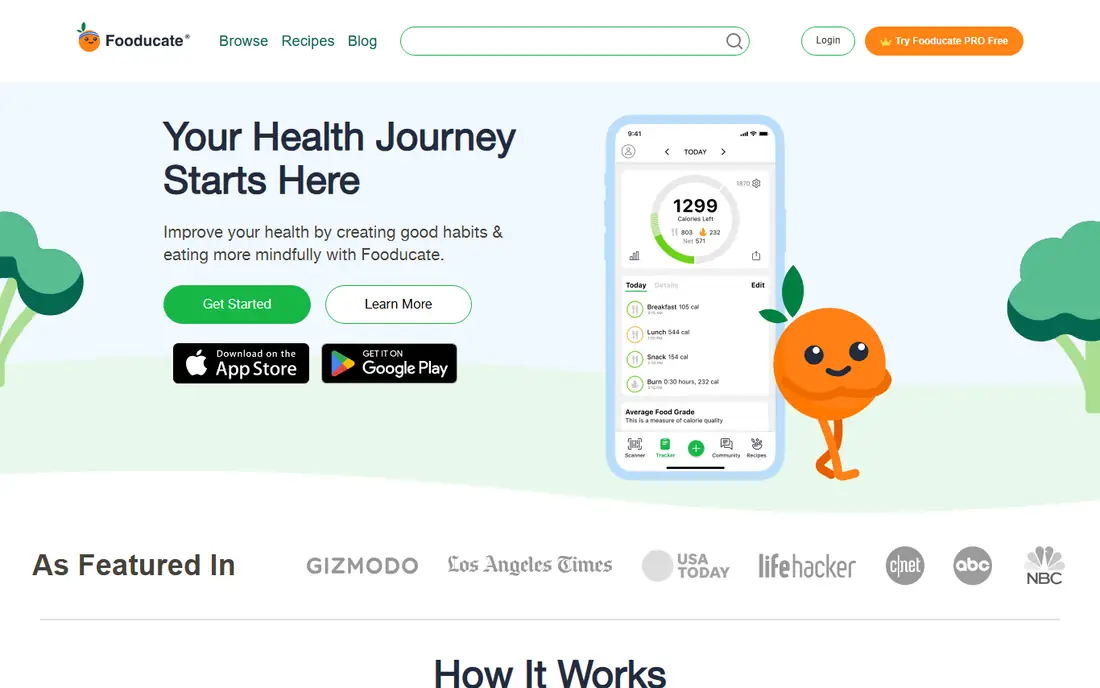
Fooducate grades foods from A to D and explains the grade in plain terms, which helps a shopper understand why a product sits where it does. Unlike a score-only app, Fooducate also works as a food diary, so you can log meals, track calories and macros, and see patterns across a week. That combination suits people who want shopping help and daily tracking in one place.
The trade-off is focus. If you only want a fast scan in the aisle, the tracking side may feel like extra work. Fooducate is best for shoppers who already track food or want to start, and who like a grade that comes with a short explanation rather than a number alone. Check the free limits before relying on paid tracking features.
- Letter grades
- Calorie and macro tracking
- Explanations for each grade
- Tracking features can feel like a diet app
- Some detail needs a paid plan
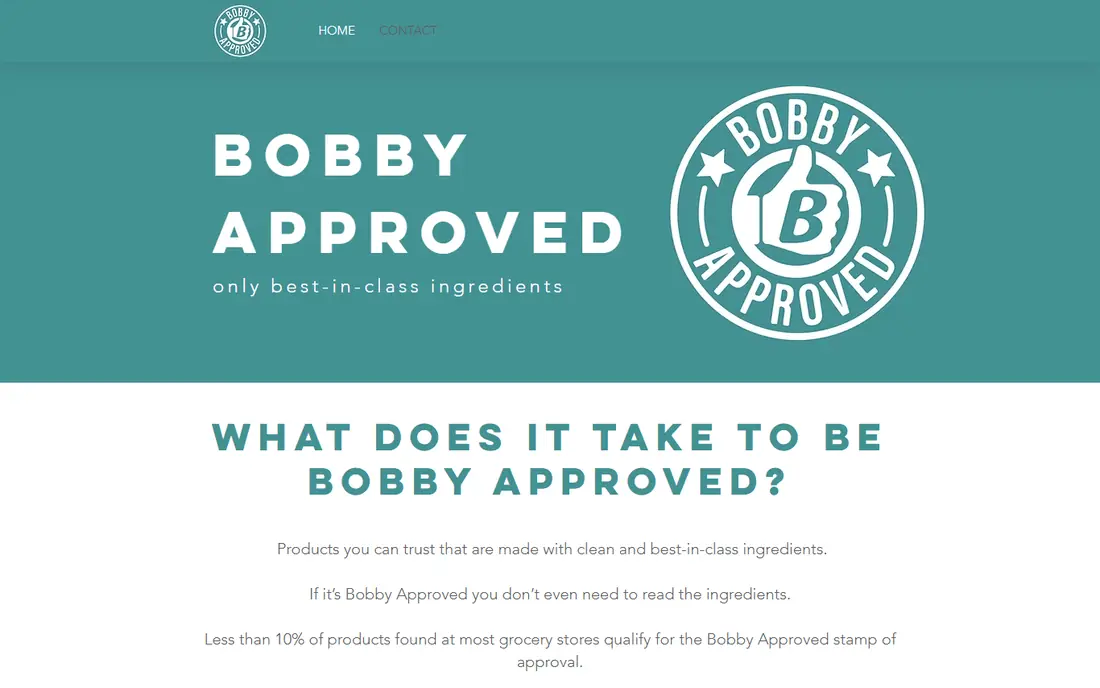
Bobby Approved follows a clear set of ingredient rules and gives a simple approved or not result when you scan a product. Flagged ingredients are listed, and the app can suggest swaps and build shopping lists by store. That clarity appeals to shoppers who want a fast yes or no answer, rather than a detailed nutrition breakdown.
The honest limit is that the rules reflect one approach to ingredients, not a medical or allergy standard. A product marked as not approved may still fit your diet, and an approved product may still contain an allergen you must avoid. Treat Bobby Approved as a shopping filter for its stated rules, and always read the label for allergens and personal medical needs.
- Clear approved or not result
- Flagged ingredients
- Simple shopping lists
- Based on one set of ingredient rules
- Less useful for allergy matching
Fig is built around your own diet profile. You set allergies, intolerances and dietary patterns, then scan a product to see whether it matches, with reasons for a mismatch. That personal check is more useful than a general score when you manage a complex diet, because a high-scoring product can still contain an ingredient you cannot eat.
The free version gives a taste of that matching, while fuller profiles and features sit behind a paid plan. Shoppers with one or two simple restrictions may do well on the free tier, while shoppers with several overlapping restrictions will get more from the paid version. Even with Fig, the printed label remains the final check for allergens, because product formulas change and databases can lag behind.
- Personal diet profile matching
- Allergy and restriction checks
- Clear match results
- Free version is limited
- Best value needs a paid plan for full profiles
Open Food Facts is a free, open database of food products, maintained by a community and available to anyone. The app shows nutrition data, Nutri-Score where available, processing group and allergen information, without a subscription or paywall. For shoppers who want raw product facts rather than a branded score, it is the most transparent option on this list.
The interface is plainer than Yuka or Fig, and coverage varies, especially for small brands and new products. Community data also means that some entries may be incomplete or out of date. Even so, Open Food Facts is an excellent free starting point, and it works well as a second check alongside a commercial scanner when a score looks surprising.
- Fully free
- Nutri-Score and processing data
- Open, community data
- Interface is plainer than commercial apps
- Coverage varies by product
EWG Healthy Living scans food and household products and rates them using criteria from the Environmental Working Group. That breadth is useful if you want one app for both grocery items and cleaning or personal care products, rather than switching apps in different aisles. The ratings come with explanations that link back to EWG research, which helps a curious shopper understand the result.
Food coverage is smaller than in food-only scanners, so a mainstream grocery product may sometimes be missing. The ratings also reflect EWG priorities, which may differ from your own diet or medical needs. Use EWG Healthy Living as a research aid and a second opinion, and confirm food choices against the label and your own dietary plan.
- Covers food and household products
- Research-based ratings
- Free core use
- Ratings reflect EWG criteria
- Food database is smaller than food-only apps
ShopWell gives personalized scores based on your age, dietary goals and restrictions, rather than one score for every shopper. That personal approach helps when two people in the same household have different needs, because the same product can score differently for each profile. Grocery list tools and allergy filters make it practical for weekly shopping, not just single scans.
The database is smaller than Yuka, so local and new products may be missing more often. Setup also takes a few minutes, because the personal score depends on an accurate profile. Shoppers who are willing to set up a profile and want scores tailored to their goals will find ShopWell more useful than a one-size-fits-all score.
- Personalized scores based on your profile
- Grocery list help
- Allergy filters
- Smaller database than Yuka
- Some features need an account and profile setup
Osana focuses on ingredients, additives and processing level, with a score out of 100 and a breakdown that explains each part. It also supports a personal avoid list and can read a photo of an ingredient label when a barcode is missing, which helps with local, imported or newly reformulated products. That label-photo option solves one of the most common scanner frustrations: the product not found screen.
Osana is newer and less established than Yuka, so its database and long-term track record are still building. Some detail sits behind a subscription, and shoppers should compare its additive flags against the printed label. For shoppers who care most about additives and ultra-processed foods, Osana offers the clearest breakdown on this list.
- Additive and processing breakdown
- Personal avoid list
- Label photo option
- Newer and less established than Yuka
- Some detail needs a subscription
How we picked these
We compared official product pages and app store listings for scanners that are live in October 2026, and we kept only apps that scan real barcodes, explain their result and work for US shoppers. We favored apps with a clear method, a free way to try scanning, and honest limits about database gaps. We left out beauty-only scanners and diet trackers without a real barcode scanner, and we marked prices as See website where a vendor page did not give a clear current price in our check.
How to choose the right food scanner app
Start with the question you ask most often in the store. If you want a fast general score, start with Yuka or Open Food Facts. If you manage allergies or a strict diet, start with Fig, because a personal match matters more than a general score. If you track calories or want a grade with tracking, Fooducate fits better. If additives and processing are your main concern, Osana gives the most detail.
Test two apps on the same ten products from your usual shop. You will quickly see where they agree, where they disagree and which explanations you trust. Disagreement is normal, because each app weights nutrition, additives and processing differently. When apps disagree on a product you buy often, read the full label, compare the ingredient list to your own needs, and decide based on that label rather than the score.
Treat every score as general information only. No app here diagnoses a condition, prescribes a diet or replaces advice from a clinician or dietitian. Allergens, medical conditions and pregnancy nutrition need professional guidance and a careful label check. A scanner can make shopping faster and more informed, but the printed label and your own health needs should always have the final say.
Frequently asked questions
What is the best food scanner app?
Yuka is the best general starting point for most shoppers, because it is fast, simple and covers food and personal care. Fig is better for allergies and strict diets, Open Food Facts is better for free open data, and Fooducate is better if you also want tracking. The best app depends on whether you need a score, a diet match or a detailed ingredient breakdown.
What are the best food scanner apps for allergies?
Fig is the strongest allergy-focused scanner here, because it checks a product against your personal diet profile. ShopWell also offers allergy filters and personalized scores. Even with those tools, always read the printed label for allergens, because formulas change and databases can be out of date.
Are food scanner scores accurate?
Scores are consistent within each app, but they are not a universal measure of health. Each app uses its own method, weights and ingredient rules, so the same product can score differently across apps. Use scores to compare similar products and to spot additives or processing issues, then check the label for the details that matter to you.
Can a food scanner app replace reading labels?
No, a scanner should support label reading, not replace it. Scanners can miss new products, local items and recent formula changes. For allergens, medical diets and any product you eat often, read the full ingredient list and nutrition facts on the package.
Is Open Food Facts really free?
Yes, Open Food Facts is a free and open database, with a free app for scanning and viewing product data. It does not charge a subscription for core scanning. The trade-off is a plainer interface and variable coverage compared with commercial apps.
Sources
See where you really rank - block by block
ProMapRanker scans Google Maps across a grid of your service area. Simple monthly plans from $19, white-label on every plan.
Start freeKeep reading
 who has best internet service
Who Has the Best Internet Service in 2026
Who has best internet service for US homes? We compare fiber, cable, fixed wireless and satellite providers on speed, price, availability and terms today.
Read → which survey tool has the best analytics
Which Survey Tool Has the Best Analytics in 2026
Find which survey tool has the best analytics in 2026, comparing Qualtrics, SurveyMonkey, Typeform, Alchemer, and more on reports, text, and stats today.
Read → which streaming service has the best movies
Which Streaming Service Has the Best Movies in 2026
Answering which streaming service has the best movies, with Netflix, Max, Criterion and more compared on libraries, prices and free options in this guide.
Read →