 ProMapRanker
Best Font Management Software for Small Business (2026)

Cloud-synced font organization · Pricing starts at: $59.00 one-time
Direct answer
Start with RightFont if you need cloud-synced font organization. Listed starting prices: RightFont from $59.00 one-time and FontBase from $3 a month. FontBase fits cross-platform teams on a budget; FontExplorer X fits Mac-based font organization. Prices, free plans and limits for all 6 tools follow.
Choosing font management software for small business usually comes down to price, fit and limits. This ProMapRanker guide sets 6 tools side by side on those three points, with the facts kept short and checkable.
Key takeaways
- The list opens with RightFont, aimed at cloud-synced font organization.
- FontBase is the only tool of the 6 with a free plan.
- Monotype Fonts suits premium font library access.
- For the cheapest start, look at FontBase: $3 per month.
- A fair warning about FontBase: restricted advanced team controls.
Quick comparison
| Pick | Great for | Pricing starts at | Free tier | |
|---|---|---|---|---|
| RightFont | Cloud-synced font organization | $59.00 one-time | No | Visit |
 FontBase | Cross-platform teams on a budget | $3 a month | Yes | Visit |
 FontExplorer X | Mac-based font organization | See website | Not stated | Visit |
 Typeface | Minimal Mac font browsing | See website | Free trial | Visit |
 Universal Type Server | Centralized team font control | See website | Not stated | Visit |
 Monotype Fonts | Premium font library access | See website | Not stated | Visit |
Our 6 picks for font management software for small business
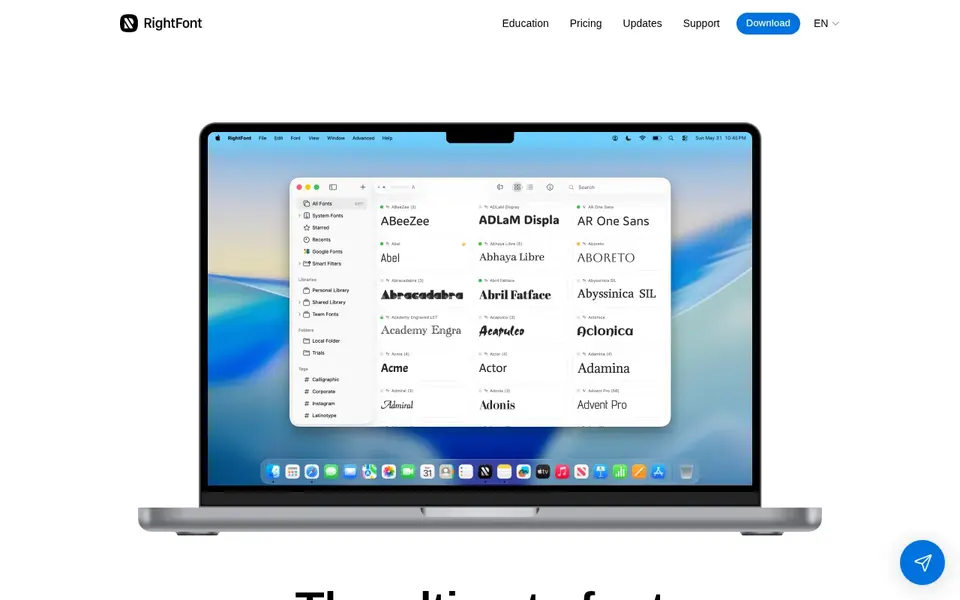
RightFont is a good fit for cloud-synced font organization. RightFont is a Mac font manager that helps preview, sync, install, and organize fonts using iCloud or Dropbox.
Watch-outs: Mac-focused.
It suits small firms with distributed Mac-based designers who want their font libraries to follow them across machines without manual copying. Price to start with RightFont: $59.00 one-time. No free plan comes with RightFont.
- All-in-one manager for business
- Preview and install fonts easily
- Cloud sync relies on external services
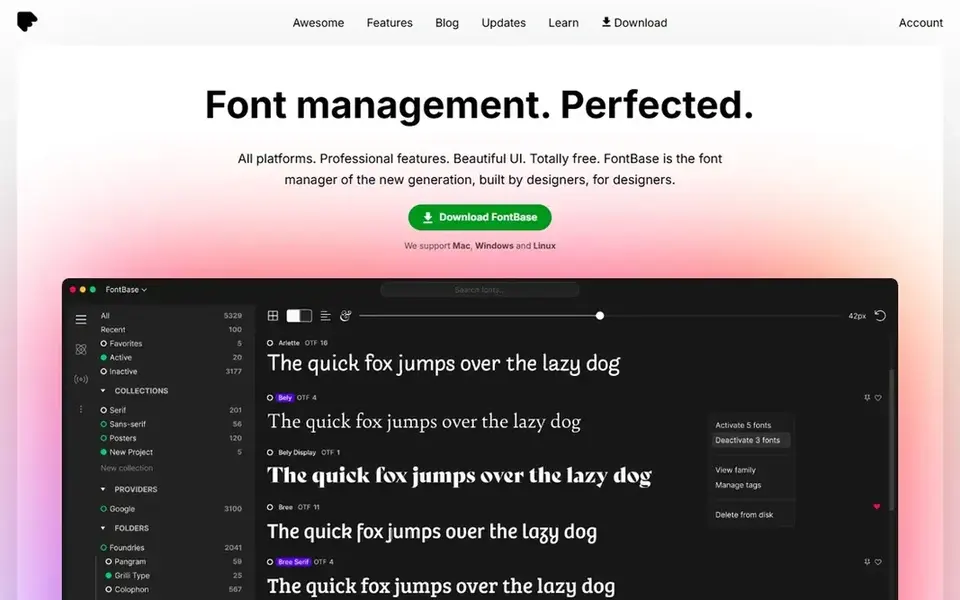
FontBase was built for cross-platform teams on a budget. It is less concentrated on shared server libraries and enterprise controls, so larger teams with strict font governance may outgrow it.
FontBase cost at the entry level: $3 per month. FontBase has a free plan.
What to check first: Restricted advanced team controls.
What users get: Straightforward font organization.
- Works on Mac and Windows
- Light interface
- Fewer enterprise features
In short, FontExplorer X is for Mac-based font organization. Firms that require shared server-based font libraries should look at Universal Type Server or another team-oriented choice instead.
Where it falls short: Restricted to Mac systems.
It fits small design teams and solo creatives who work primarily on macOS and want a straightforward way to browse, activate, and run local font collections without a complicated setup. Pricing for FontExplorer X is not stated here, so ask the vendor for current figures. Free plan details: Not stated.
- Straightforward font organization on Mac
- Familiar desktop interface
- Server features need a separate product
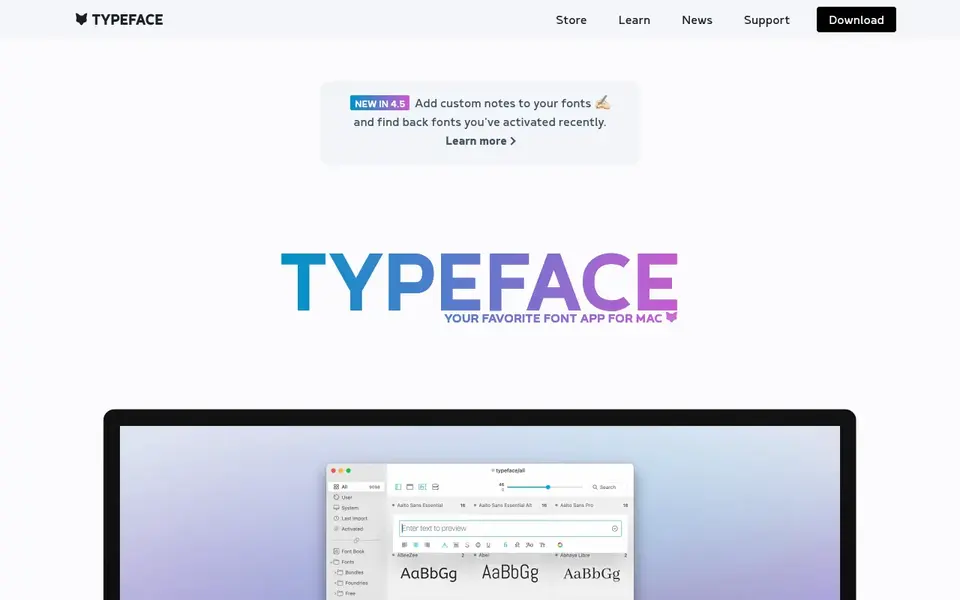
Typeface targets minimal Mac font browsing. It fits small creative studios and individual designers who value a clean, distraction-free way to explore fonts.
It is not made for centralized team administration or cross-platform use. Check the vendor site for Typeface pricing; none is listed in this comparison. On free options: Free trial.
Best features of Typeface: Focus on font browsing; Clean. What to check first: Mac only.
- Suited to design workflows
- Minimal interface
- Fewer team administration features
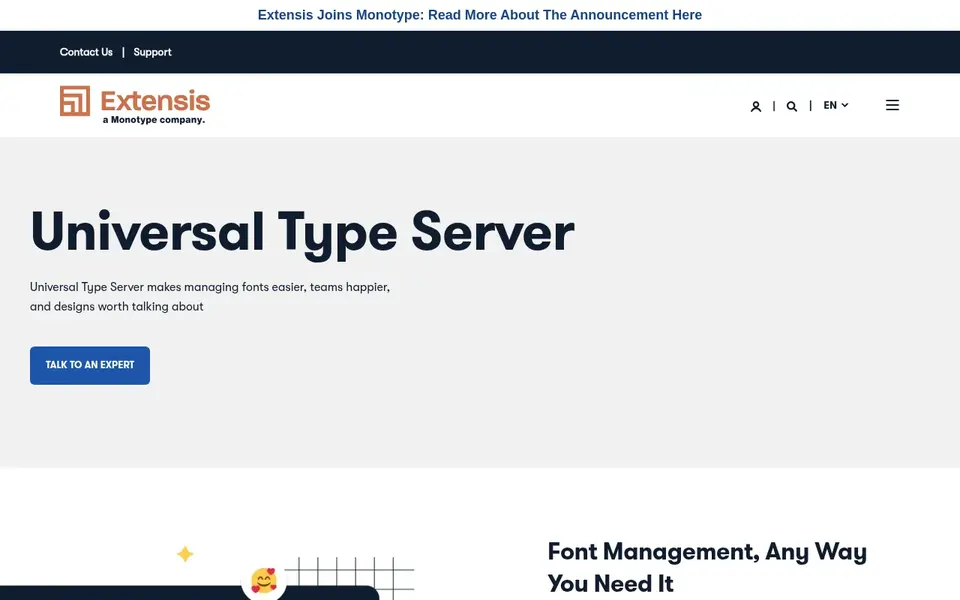
Universal Type Server is a good fit for centralized team font control. Universal Type Server is a server-based font management product from Extensis that lets organizations centralize font libraries and control access across teams.
Points against: More complicated than desktop-only tools.
Universal Type Server shows no starting price here, so confirm the cost on the vendor site. Free options: Not stated.
- Suited to team workflows
- Server-based font sharing
- Requires server setup and administration
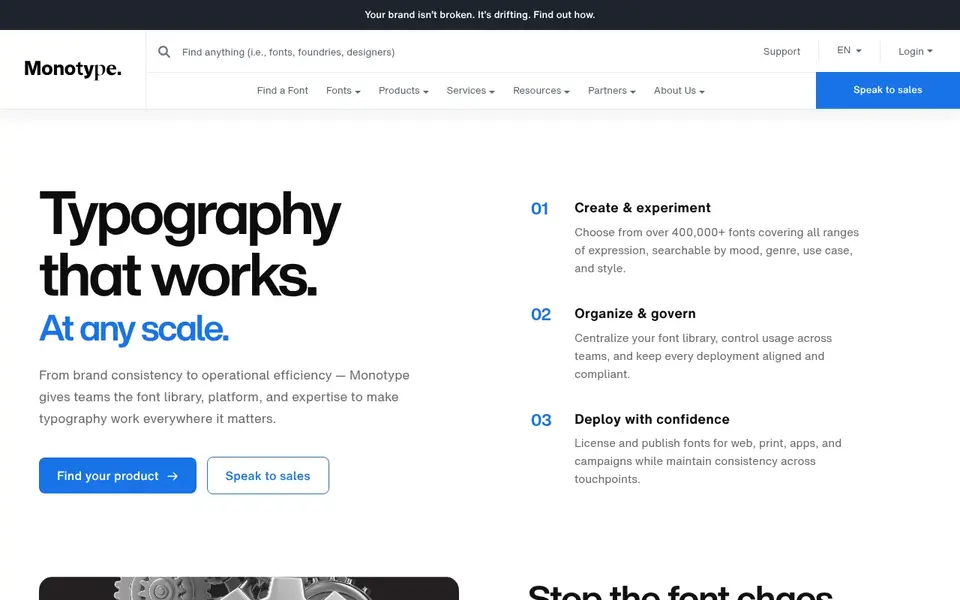
In short, Monotype Fonts is for premium font library access. Monotype Fonts supplies an extensive library of premium fonts and families for web, print, apps, and design work.
Beyond that, companies that require desktop font management should combine it with a tool like FontBase or FontExplorer X. Monotype Fonts does not show a starting price in this comparison, so check the vendor site for current pricing. Free options: Not stated.
Where it falls short: Library-focused instead of desktop organizer.
- Handles web, print, apps
- Browsing and filtering tools
- Licensing terms need review
How we chose
Each tool was reviewed on what its vendor publishes: price, plan limits, core features and stated drawbacks. We did not run hands-on tests. Where a price is missing, the vendor does not list one publicly or ties it to a quote. Always confirm before budgeting. The order reflects how well each tool fits the most common buying scenario for font management software for small business, then price clarity, then free plan access. It is a starting point, not a verdict.
A buyer's checklist
- Get a written quote from FontExplorer X, Typeface, Universal Type Server and Monotype Fonts; the list shows no starting price for them.
- Test the free plan from FontBase against your real workload before relying on it.
- Use real work to test the free trial from Typeface, rather than a demo project.
- Before choosing RightFont, weigh its main limit: Mac-focused.
- Before rolling out FontBase, verify the integrations your workflow depends on.
- Look at which plan of RightFont unlocks the features you need; entry tiers are often cut down.
Frequently asked questions
Is RightFont the right pick for everyone comparing font management software for small business?
No single tool suits every team. RightFont comes first because it fits cloud-synced font organization, while FontBase suits cross-platform teams on a budget and FontExplorer X suits Mac-based font organization. Match the tool to your own size, budget and workflow before deciding.
Do these tools publish their prices?
Not all of them. FontExplorer X, Typeface, Universal Type Server and Monotype Fonts publish no starting price, so expect a quote request for those. The rest, RightFont included, show a starting price, though seats and billing terms still change the final cost.
What is the cheapest option for font management software for small business in this list?
On published monthly entry prices, FontBase is the lowest here at $3 per month. Entry price is only part of the cost, because seats, add-ons and billing terms can change the total. Each of the 6 options in this Font management software for small business guide has its own card above with the price, free plan and limits.
Can I try these tools before paying?
Often, yes. FontBase has a free plan and Typeface offers a free trial. Use your own data and a real task during the test, and check what the free tier or trial limits before you rely on it. All 6 picks in this Font management software for small business comparison list a starting price, free plan details and the main limits on their cards above.
What should a small business look for in font management software?
Start with the systems your team uses and whether you need individual desktop organization or shared team libraries. Licensing clarity and integration with your design tools matter as much as font browsing features.
Sources
See where you really rank - block by block
ProMapRanker scans Google Maps across a grid of your service area. Simple monthly plans from $19, white-label on every plan.
Start freeBrowse all guides
← Best Course Authoring Platform for Instructional Designers (2026)Integrated Design Development Platforms: Best Picks of 2026 →
 best apparel design software for small business
Best Apparel Design Software for Small Business (2026)
Best apparel design software for small business: 6 contenders ranked by fit, with entry costs and free tiers. Each pick lists its main limit. Decide faster.
Read → best website platform for photographers
2026 Guide to the Best Website Platform for Photographers
Need the best website platform for photographers? We compare 6 tools on cost, free access and who each suits. Honest caveats for every entry. Easy to scan.
Read → best platforms to sell canva templates
Platforms to Sell Canva Templates: Best Picks of 2026
Shortlisting the best platforms to sell Canva templates? 6 products compared on cost, free access and ideal buyer. Every tool lists pros and cons. No hype.
Read → best product design companies
Best Product Design Companies in 2026
Best product design companies compared for 2026, with industrial design, digital product and design-plus-engineering firms explained for your brief in detail.
Read → best jigsaw puzzle app
Best Jigsaw Puzzle App in 2026
Compare the best jigsaw puzzle app for daily puzzles, custom photos and large piece counts, with free plans and picks for phones and tablets in 2026 now.
Read → best photo collage apps
Best Photo Collage Apps in 2026
Compare the best photo collage apps for phone and web, with free plans, templates, video grids, exports and current pricing in 2026 for US shoppers today.
Read →More in Design & Creative · All guides A to Z by date · Latest guides