 ProMapRanker
Best Fitness Tracker App in 2026

Key takeaways
- Nike Run Club and Apple Health are the best truly free starting points, with guided runs and full health records at no subscription cost.
- Garmin Connect offers the deepest free tracking for owners of a Garmin watch, while Strava adds the social layer that keeps many runners and cyclists going.
- Fitbit and Samsung Health suit everyday activity, steps and sleep, with optional paid upgrades for deeper coaching and analysis.
- WHOOP and MyFitnessPal solve narrower jobs, recovery and nutrition, and both are best paired with a general tracker rather than used alone.
Quick comparison
| Pick | Great for | Pricing starts at | Free tier | |
|---|---|---|---|---|
 Fitbit Fitbit | Everyday steps, sleep and activity | Free | Yes | Visit |
 Garmin Connect Garmin Connect | Garmin watch owners who want deep data | Free | Yes | Visit |
 Strava Strava | Runners and cyclists who like social training | Free | Yes | Visit |
 Nike Run Club Nike Run Club | Free guided runs and training plans | Free | Yes | Visit |
 Samsung Health Samsung Health | Samsung phone and watch owners | Free | Yes | Visit |
 Apple Health Apple Health | iPhone owners who want one health record | Free | Yes | Visit |
 MyFitnessPal MyFitnessPal | Nutrition and calorie tracking | Free | Yes | Visit |
 WHOOP WHOOP | Recovery, strain and sleep scoring | $199 per year | No | Visit |
The best fitness tracker apps
We compared eight fitness tracker apps on tracking depth, free versus paid features, device needs and social features. The best fitness tracker app for you depends on the device you already own and the activity you actually do, since the most detailed app is useless if it needs hardware you do not have. This guide gives general fitness information only, not medical advice, and tracker readings are estimates, not clinical measurements.
Fitbit remains the easiest everyday tracker for people who want steps, sleep and activity in one simple app. The free tier covers the basics that most users check daily, including steps, distance, sleep stages and heart rate, and goals and reminders help build a habit without a training plan. A Fitbit device is needed for continuous heart rate and sleep tracking, though the phone app can record walks and workouts on its own.
The optional premium subscription, priced at $9.99 per month in published comparisons, adds deeper sleep analysis, readiness scores and guided programmes. That is a fair extra for users who act on the detail, but most casual users will be happy with the free tier. If you want a tracker you can live with daily without thinking about training zones, Fitbit is a safe, simple pick.
- Simple daily tracking for steps, sleep and heart rate
- Friendly goals and reminders
- Wide range of Fitbit devices
- Best features need a Fitbit device
- Deeper coaching and analysis sit behind an optional premium subscription
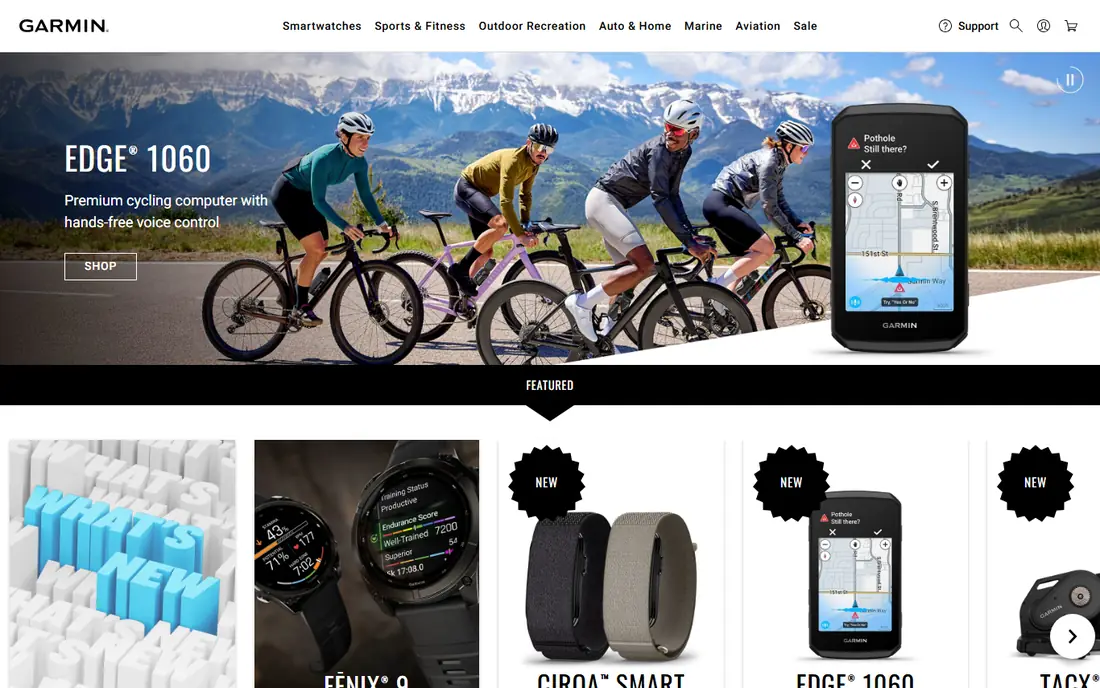
Garmin Connect is the deepest free tracker in this guide, provided you own a Garmin watch. It records activities across dozens of sports, tracks sleep, heart rate, stress and training load, and presents long-term trends that help a serious runner or cyclist judge progress. The optional Connect+ subscription at $6.99 per month adds AI insights and extra dashboards, but the core features that were free before it launched remain free.
The catch is hardware. Without a Garmin device, the app offers little, so it is not a phone-only choice. Beginners may also find the sheer amount of data daunting at first, though the main screens for steps, sleep and recent activities are easy to follow. If you already own or plan to buy a Garmin watch, Connect is the obvious companion and the best value tracker here.
- Very deep activity, sleep and training data at no extra cost
- Works across running, cycling, swimming and more
- Optional Connect+ adds AI insights
- Needs a Garmin device for full value
- Interface holds a lot of data, which can overwhelm beginners
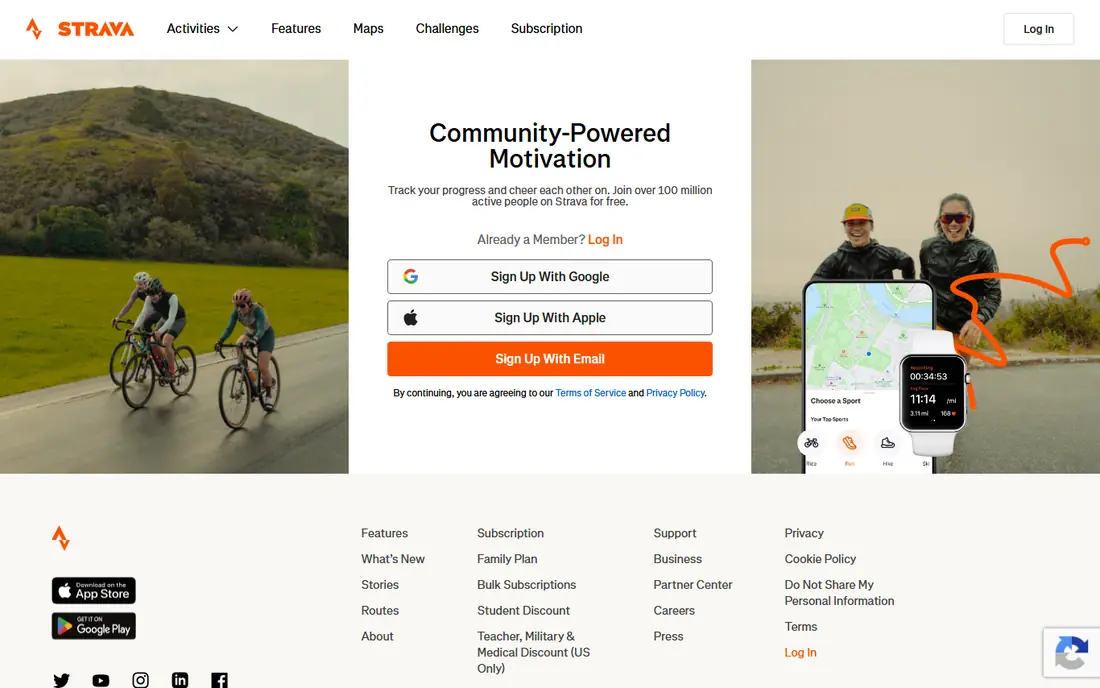
Strava is the social home of running and cycling. The free tier records GPS activities from a phone or from most GPS watches, shows them in a feed where friends can give kudos and comments, and supports clubs and challenges that keep people accountable. Segment leaderboards, where riders and runners compare times on set stretches of road or trail, add a competitive layer that many users find motivating.
The subscription at $11.99 per month, or $79.99 per year in published comparisons, adds full leaderboards, route planning, training analysis and safety features such as Beacon. Casual users can stay free without losing the core social features. If staying consistent is your problem, Strava's community is more useful than any single metric, provided you enjoy friendly competition rather than feeling judged by it.
- Strong social feed, clubs and segment competition
- Works with most GPS watches
- Free GPS tracking from a phone
- Full segment leaderboards and training analysis need a subscription at $11.99 per month
- Social pressure does not suit everyone
Nike Run Club is the best completely free running app in this guide, because there is no premium tier at all. Guided runs with coaching cues, structured training plans from 5K through marathon distance, and accurate GPS tracking are all included at no cost. That makes it an easy recommendation for anyone starting running, returning after a break, or training for a first race without wanting another subscription.
The scope is the limit. Nike Run Club is built for running, so lifters, cyclists and swimmers will need another app for those activities, though many runners pair it with Strava for the social feed. If running is your main activity and you want coaching without paying, start here before you consider any paid tracker.
- Fully free with no premium tier
- Guided runs and training plans from 5K to marathon
- Accurate GPS tracking from a phone
- Running-focused, with little for strength or other sports
- No subscription means no extra paid features to add
Samsung Health is the default tracker for Samsung phone owners, and it is free outright with no subscription for the app itself. It covers steps, workouts, sleep, food logging and challenges, and a Galaxy Watch adds continuous heart rate, advanced sleep stages and more detailed workout data. The app is well designed for everyday use, with clear daily summaries rather than a wall of training metrics.
Outside Samsung hardware, the experience is thinner, since the watch is what adds the most useful measurements. Android users without a Samsung phone can still use it, but they should compare it with Google's health tools and Strava first. For Samsung owners, there is little reason to pay for another everyday tracker when this one is already on the phone.
- Free on Samsung devices
- Tracks steps, workouts, sleep and food
- Galaxy Watch adds heart rate and advanced sleep tracking
- Best experience needs Samsung hardware
- Some features are limited outside the Samsung ecosystem
Apple Health is less a tracker and more a health record. It is free on every iPhone, and it gathers steps, workouts, sleep, heart rate and many other measurements from other apps and devices into one place, with trends and highlights over time. An Apple Watch adds continuous heart rate, sleep stages, workouts and fall detection, while third-party apps can write their data into Health so nothing is lost when you switch apps.
Apple Health has no social feed, no training plans and no coaching of its own, so runners and cyclists usually pair it with Strava or Nike Run Club. Apple Fitness+, a separate workout class library at $9.99 per month, uses Apple Watch metrics during classes but is not required to use Health. If you own an iPhone, Apple Health should be your long-term record, even if another app does your daily tracking.
- Free on iPhone
- Gathers data from many apps and devices into one record
- Apple Watch adds heart rate, sleep and workouts
- IPhone only
- No social feed or training plans of its own
- Apple Fitness+ classes cost extra
MyFitnessPal solves a different problem from the other apps here: what you eat. Its food database and barcode scanner make calorie and macro logging faster than typing every item by hand, and it adjusts calorie targets based on exercise synced from trackers such as Apple Watch, Fitbit and Garmin. For goals tied to weight, muscle or fuelling endurance training, nutrition data matters as much as workout data.
Food logging is a daily habit that many users drop after a few weeks, so MyFitnessPal works best for a defined period, such as learning portion sizes or hitting a protein target, rather than forever. The free tier covers core logging, while premium adds deeper nutrient analysis and meal planning. Pair it with a general tracker for activity, and use it for nutrition alone, where it remains the strongest option.
- Very large food database with barcode scanning
- Tracks calories and macros
- Syncs steps and exercise from trackers
- Exercise tracking is secondary
- Food logging takes daily effort
- Premium features need a paid plan
WHOOP is built around one question: should you train hard today or recover? The screen-free band measures heart rate, sleep and strain around the clock, and the app turns that data into daily recovery, strain and sleep scores with plain guidance. Membership starts at $199 per year for the One plan, with Peak at $239 and Life at $359, and the band itself is included in the membership rather than sold separately.
That subscription-only model is the main drawback. There is no free plan, and stopping payment means losing access to the insights, since there is no hardware-only mode. WHOOP also has no screen, so runners who want live pace and distance during a workout will still need a phone or watch. For athletes who train hard and want recovery guidance above all else, it is the most focused tool here, but casual users will get better value from a free tracker.
- Clear recovery, strain and sleep scores
- Screen-free band worn all day
- Membership includes the band itself
- No free plan and no option to buy the band outright
- Phone GPS only, no screen for live stats during workouts
How we picked these
We compared official app pages, pricing pages and app store listings, plus published 2026 fitness app comparisons, and we kept only apps that are live in October 2026 and track fitness on a phone or a common wearable. We covered everyday activity, running, cycling, nutrition and recovery rather than listing eight running apps, and we wrote the app price, not the device price, as the starting price, noting where a device is required. We did not claim hands-on testing of wearables, and we treated tracker readings as estimates for general fitness use.
How to choose the right fitness tracker app
Start with the hardware you already own. iPhone owners should use Apple Health as the record and add a tracking app for their sport, Samsung owners should start with Samsung Health, and Garmin owners should use Garmin Connect. Phone-only users should start with Nike Run Club for running, Strava for social training, or Fitbit and MyFitnessPal for everyday activity and nutrition.
Next, decide what you will actually check. A recovery score only helps if you adjust training based on it, and food logging only helps if you log most days, so pick the app whose main number matches a decision you make. Give a new app two weeks of consistent use before judging it, and drop it if you open it less than three times a week. The best fitness tracker app is the one you keep using, not the one with the longest feature list, and none of these apps replaces medical advice for a health condition.
Frequently asked questions
What is the best fitness tracker app?
Strava suits runners and cyclists who want social training, Garmin Connect suits Garmin watch owners who want deep free data, and Nike Run Club suits runners who want free coaching. For everyday steps and sleep, Fitbit and Samsung Health are simpler picks, while Apple Health is the best long-term record for iPhone owners.
Is there a completely free fitness tracker app?
Yes. Nike Run Club is fully free with no premium tier, Apple Health is free on iPhone, Samsung Health is free on Samsung devices, and Garmin Connect is free with a Garmin watch. Strava, Fitbit and MyFitnessPal also offer free tiers with paid upgrades for deeper analysis.
Do I need a smartwatch to use a fitness tracker app?
No for activity and nutrition, since a phone handles GPS, steps and food logging. You do need a wearable for continuous heart rate, sleep and recovery scores, though the type depends on the app: Garmin Connect needs a Garmin watch, WHOOP includes its band in membership, and Fitbit needs a Fitbit device.
What is the best fitness tracker app for running?
Nike Run Club is the best free running app, with guided runs and training plans at no cost. Strava adds social features, clubs and segments, while Garmin Connect offers the deepest running data for Garmin watch owners. Many runners use Nike Run Club for coaching and Strava for the community together.
Are fitness tracker readings accurate?
Tracker readings for steps, distance and heart rate are useful estimates for general fitness, but they can vary with wrist movement, fit and activity type, especially during high-intensity training. They are not medical-grade measurements, so do not use them to diagnose or manage a health condition without professional advice.
What are the best fitness tracker apps for weight loss?
MyFitnessPal is the strongest choice for weight loss, since it tracks calories and macros and syncs exercise from other trackers. Pair it with an activity app such as Fitbit, Samsung Health or Apple Health for steps and workouts, and focus on consistent logging for a defined period rather than tracking forever.
Sources
See where you really rank - block by block
ProMapRanker scans Google Maps across a grid of your service area. Simple monthly plans from $19, white-label on every plan.
Start freeKeep reading
 best video editing apps for affiliate marketing
Best Video Editing Apps for Affiliate Marketing in 2026
Compare the best video editing apps for affiliate marketing, from fast short-form editors to full desktop suites, with current pricing and honest trade-offs.
Read → best shift scheduling software
Best Shift Scheduling Software in 2026
Compare the best shift scheduling software, from Homebase and Deputy to When I Work and 7shifts, with free plans and per-user pricing explained for teams.
Read → best salon booking software
Best Salon Booking Software in 2026
Compare the best salon booking software for 2026, from free solo tools to premium multi-chair platforms, with current pricing, trials and honest limits.
Read →