 ProMapRanker
Best FinOps Software in 2026

Key takeaways
- CloudZero and Finout lead for unit economics, such as cost per customer or cost per feature, while Kubecost and CAST AI lead for Kubernetes costs.
- Vantage is the easiest low-cost start for smaller cloud bills, while CloudHealth and Cloudability suit large enterprises with complex chargeback needs.
- Most FinOps pricing is a percentage of cloud spend or a contract quote, so model the fee at your actual spend before comparing tools.
- A FinOps tool will not fix untagged resources or messy accounts on its own, so tagging and account structure matter as much as the dashboard.
- Start with visibility and anomaly alerts, then add automation for rightsizing and commitments once you trust the data.
Quick comparison
| Pick | Great for | Pricing starts at | Free tier | |
|---|---|---|---|---|
 CloudZero | unit economics | See website | No | Visit |
 Finout | multi-cloud cost intelligence | $500 per month | Free trial | Visit |
 Harness Cloud Cost Management | engineering-led cost control | See website | Free trial | Visit |
 VMware CloudHealth | enterprise multi-cloud governance | See website | No | Visit |
 IBM Apptio Cloudability | enterprise chargeback and forecasting | See website | No | Visit |
 Kubecost | Kubernetes cost allocation | Free | Yes | Visit |
 Vantage | small and mid-sized cloud teams | $20 per month | Yes | Visit |
 CAST AI | Kubernetes optimization | See website | Free trial | Visit |
 Flexera One | hybrid IT and license visibility | See website | No | Visit |
The best FinOps tools
We compared multi-cloud coverage, cost allocation, anomaly detection, Kubernetes support, and pricing models, using vendor pages and current FinOps comparisons. Most enterprise tools price by cloud spend or contract, so we use "See website" where no public starting price applies.
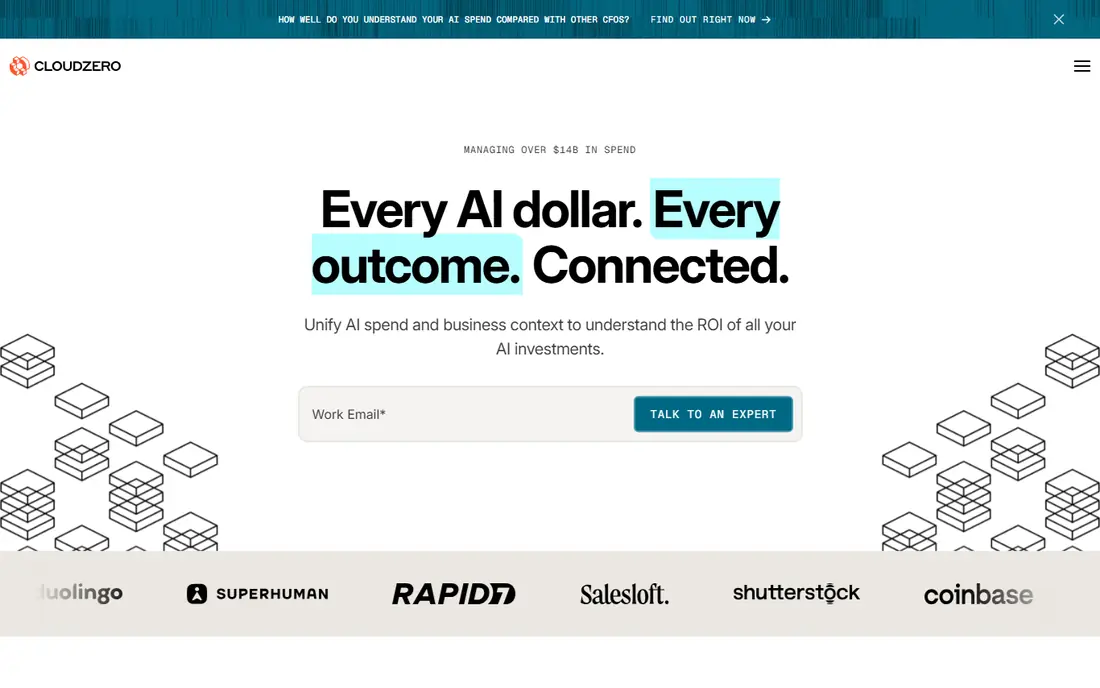
CloudZero is built around a simple idea: a cloud bill should tell you what each customer, feature, team, or product costs, not just what each service costs. Its allocation engine maps spend to business dimensions, which helps software companies price products, track margins, and spot unprofitable customers or features. Near real-time visibility and anomaly alerts also help teams catch a runaway workload before the month-end bill arrives.
The main cautions are price and setup. CloudZero uses custom pricing based on cloud spend, which can be hard to justify under about $1 million in annual spend, and full attribution needs tagging and instrumentation work. Teams that invest that effort get one of the clearest unit-cost views in FinOps. Teams that only need a basic bill breakdown should start with a cheaper tool.
- Strong cost-per-customer and cost-per-feature tracking
- Near real-time visibility
- Good anomaly detection
- Custom pricing scales with spend
- Needs instrumentation effort for full attribution
- Less suited to very small bills
Finout unifies cloud, Kubernetes, and SaaS costs into one view, with dashboards that feel closer to business intelligence than to a raw billing export. Its AI cost tracking is a notable strength as teams add large language model and inference workloads, which do not fit neatly into traditional cloud billing categories. Published pricing starting at $500 per month, or $6,000 per year, also makes Finout easier to budget than quote-only rivals.
Finout is newer than CloudHealth or Cloudability, so reference customers in your industry matter more than marketing claims. The platform still needs clean tagging and account structure to allocate costs well, and some enterprise controls sit in higher tiers. For a growing software company that wants unit costs, AI costs, and SaaS costs in one place, Finout is a strong modern choice.
- Unified multi-cloud and SaaS cost view
- Strong AI cost tracking
- Transparent starting price
- Newer vendor with a smaller customer base
- Enterprise features need higher tiers
- Setup still needs tagging discipline
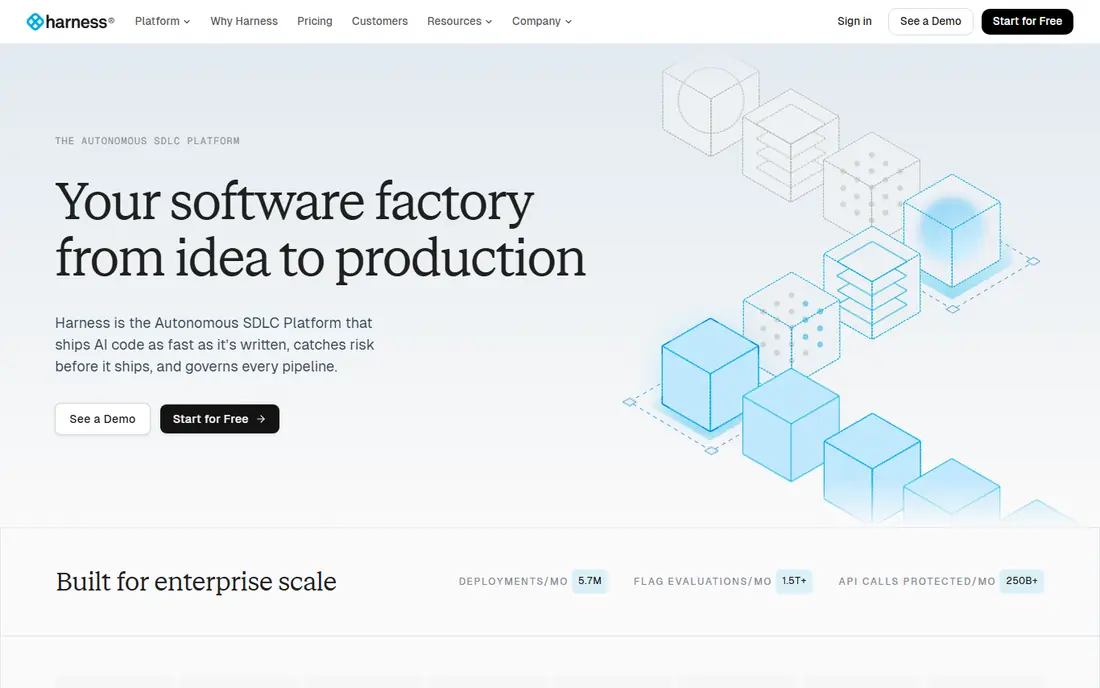
Harness Cloud Cost Management brings cost data into the engineering workflow, rather than leaving it in a finance-only dashboard. Teams can see the cost impact of deployments, set budgets and alerts, and track Kubernetes and cloud spend alongside delivery pipelines. That engineering focus suits organizations where developers make most spending decisions, and where finance wants guardrails rather than monthly reports alone.
Pricing is typically a percentage of cloud spend, reported around 2.25 to 2.5 percent, with a free tier for smaller spend levels. Teams already using Harness for continuous delivery get extra value from the integration, while teams using other delivery tools should compare the standalone cost view with CloudZero or Finout. For DevOps-led FinOps, Harness is a natural fit.
- Cost visibility inside engineering workflows
- Strong Kubernetes support
- Anomaly detection for cloud spend
- Pricing is a percentage of spend
- Best value for teams already using Harness
- Enterprise setup needs care
CloudHealth, now part of Broadcom's VMware portfolio, is a long-standing enterprise FinOps platform for multi-cloud governance. It offers detailed reporting, budgeting, chargeback, and policy controls for AWS, Azure, and Google Cloud, with governance features that suit large organizations with many accounts and teams. Enterprises that need formal allocation, approval workflows, and compliance reporting often shortlist CloudHealth early.
The drawbacks are cost, time, and complexity. Pricing is typically a percentage of tracked spend, implementation can take two to three months, and data latency can run a day or more, which delays anomaly response. Procurement has also become more complex since the Broadcom acquisition, so confirm the product roadmap and contract terms. For a large enterprise with formal FinOps governance, CloudHealth remains credible, but smaller teams should look elsewhere.
- Deep enterprise reporting and governance
- Multi-cloud coverage
- Strong chargeback and policy features
- Pricing is a percentage of spend
- Implementation can take 8 to 12 weeks
- Broadcom changes have made procurement more complex
IBM Apptio Cloudability is an enterprise FinOps platform focused on finance workflows: chargeback, showback, forecasting, and budgeting across multi-cloud spend. Its tagging and allocation engine suits organizations that need to assign costs to business units with audit-grade detail, and its forecasting helps finance teams plan cloud budgets rather than just report past spend. Cloudability also integrates with wider Apptio technology business management tools.
Cloudability is not a quick-start tool. Pricing is quote-only, with enterprise contracts often starting in the tens of thousands of dollars per year, and full operational maturity can take six months or more. Smaller teams will find Vantage or Finout faster and cheaper. For a large finance-led FinOps program, Cloudability's depth in chargeback and forecasting is its main advantage.
- Strong chargeback, forecasting, and budgeting
- Deep tagging and allocation
- Enterprise finance workflows
- Quote-only enterprise pricing
- Deployment can take months to mature
- Interface feels enterprise-heavy
Kubecost is the standard starting point for Kubernetes cost management. Its free core tracks costs by namespace, deployment, pod, and label, up to a core limit, and its paid Business tier starts at about $449 per month for larger clusters. Teams running Kubernetes get accurate allocation, forecasting, and optimization recommendations without paying for a full multi-cloud platform first.
The limit is scope. Kubecost does not cover non-container cloud costs in the same depth, so a team with large virtual machine, database, or SaaS spend will still need a broader FinOps tool. Paid tiers also add features such as advanced reporting and support that larger teams will want. If Kubernetes is where most of your cloud bill lives, start with Kubecost, then add a general FinOps tool only if you need it.
- Free core for Kubernetes cost visibility
- Deepest Kubernetes allocation
- Open-source option
- Kubernetes-only focus
- Paid tiers needed for advanced features
- Non-container costs need another tool
Vantage is the easiest FinOps start for smaller cloud teams. It offers a free tier, paid plans from about $20 per month, and clean dashboards for AWS, Azure, Google Cloud, and SaaS costs. Setup is fast, often within a week or two, and the interface is friendly for developers and finance users who do not want an enterprise implementation project. Anomaly detection and cost reports cover the daily FinOps needs of a growing company.
Vantage is weaker on automated optimization and on very complex multi-tenant chargeback, where Cloudability or CloudZero offer more depth. Kubernetes allocation is good but not as deep as Kubecost. For a startup or mid-sized team that wants clear visibility without an enterprise contract, Vantage is the best first FinOps tool in this list.
- Freemium start with clean dashboards
- Fast setup in one to two weeks
- Covers cloud plus SaaS costs
- Limited automated optimization
- Complex chargeback needs may exceed it
- Kubernetes depth is moderate
CAST AI goes beyond reporting by automatically rightsizing Kubernetes workloads, autoscaling clusters, and managing spot instances, with guardrails to protect performance. That automation is its main appeal: instead of a list of recommendations that nobody acts on, CAST AI can apply changes itself, subject to policies you set. Teams with large Kubernetes bills often see meaningful savings, though results vary by workload.
The Kubernetes-only scope means CAST AI does not replace a general FinOps tool for non-container spend. Autonomous optimization also needs careful guardrails at first, because aggressive rightsizing can affect performance if policies are too loose. Start with monitoring and recommendations, then enable automation gradually. For Kubernetes-heavy teams that want action, not just reports, CAST AI is a strong complement to Kubecost or a general FinOps platform.
- Autonomous Kubernetes rightsizing and autoscaling
- Can cut cluster costs substantially
- Supports AWS, Azure, and Google Cloud
- Kubernetes-only focus
- Autonomous changes need guardrails and trust
- Pricing is savings-based in many deals
Flexera One combines cloud cost management with IT asset management and software license optimization, which suits large organizations with hybrid infrastructure. A company running on-premises servers, SaaS apps, and multiple clouds can see technology spend in one place, rather than managing cloud FinOps and license compliance separately. That breadth matters for enterprises with large software estates.
Flexera is an enterprise platform, with contract pricing and an implementation effort to match. It feels less developer-friendly than Vantage, CloudZero, or Finout, and small cloud-only teams will find it oversized. For a large hybrid organization that needs cloud costs, license costs, and governance together, Flexera One offers a breadth that pure FinOps tools do not match.
- Hybrid cloud and on-premises visibility
- Software license optimization alongside cloud costs
- Enterprise governance
- Enterprise pricing and complexity
- Less developer-focused than newer tools
- Implementation needs planning
How we picked these
We compared vendor pages and current FinOps comparisons, focusing on multi-cloud coverage, allocation depth, Kubernetes support, anomaly detection, and pricing model. We favored tools with active development and a clear fit, from free Kubernetes visibility to enterprise chargeback, rather than listing every cloud billing dashboard. We did not claim hands-on testing with production cloud accounts, and we used published starting prices where they exist, with "See website" for percentage-of-spend and contract pricing.
How to choose the best FinOps platform
Start with where your money actually goes, because the right tool follows the bill. A Kubernetes bill needs a different tool than a SaaS-heavy bill or a multi-cloud enterprise bill.
Map spend before you buy
Break your cloud bill by provider, service, team, and workload, and check tagging coverage first. If half your resources are untagged, no tool will allocate costs accurately until tagging improves. A short tagging project often delivers more value than a new dashboard.
Choose visibility, then automation
Begin with accurate visibility, budgets, and anomaly alerts, and prove the data matches your cloud bills for a month or two. Then add rightsizing, commitment recommendations, and automation, starting with low-risk workloads. Automation without trusted data creates disputes between finance and engineering, which slows FinOps adoption.
Model the fee at your spend
A percentage-of-spend fee looks small until you apply it to a large bill, while a flat fee looks large until you apply it to a growing bill. Model each finalist at your current spend and at double that spend, and ask whether the fee is capped, tiered, or tied to savings. The cheapest tool at today's spend may not be the cheapest in two years.
Frequently asked questions
What is the best FinOps tool for most companies?
CloudZero and Finout are the strongest general picks for software companies that want unit costs, while Vantage is the best low-cost start for smaller bills. Kubecost wins for Kubernetes-only teams, and CloudHealth or Cloudability win for large enterprises with formal chargeback needs. Match the tool to your spend profile, not just to a ranking.
What are the best rated FinOps tools for Kubernetes?
Kubecost is the best-rated starting point for Kubernetes cost visibility, thanks to its free core and deep allocation. CAST AI leads for automated Kubernetes optimization, by rightsizing and autoscaling clusters. Many teams use both: Kubecost for visibility and allocation, and CAST AI for automated savings.
What is the best platform for FinOps for a small startup?
Vantage is the best small-startup pick, because it offers a free tier, paid plans from about $20 per month, and fast setup. Kubecost is also free for Kubernetes visibility. Start with visibility and alerts, and only move to a paid enterprise tool when your bill and team grow enough to justify it.
How do FinOps tools charge?
Pricing models vary widely. Some tools charge a percentage of cloud spend, typically around 2 to 3 percent for enterprise platforms. Others charge a flat subscription, such as Finout from $500 per month, or a savings share, where the vendor takes a cut of measured savings. Always model the fee at your actual spend, and ask about minimums and caps.
Do I need a FinOps tool if I already use AWS Cost Explorer?
Not always. Native tools from AWS, Azure, and Google Cloud cover single-cloud reporting well, and they are free. A dedicated FinOps tool adds value when you run multiple clouds, need cost-per-customer tracking, want Kubernetes allocation, or need chargeback and forecasting that native tools do not provide. Start with native tools, and add a FinOps platform when those gaps become painful.
What is the difference between showback and chargeback?
Showback gives teams visibility into their cloud costs without formally charging them, which builds awareness and trust. Chargeback formally allocates costs back to business units, creating financial accountability for spending. Both need reliable allocation as a foundation, and most teams start with showback before moving to chargeback.
Sources
- https://www.cloudzero.com
- https://www.finout.com
- https://www.harness.io
- https://www.vmware.com
- https://www.apptio.com
- https://www.kubecost.com
- https://www.vantage.sh
- https://www.cast.ai
- https://www.flexera.com
- https://www.cloudzero.com/blog/finops-tools/
- https://www.comparebiztech.com/best-cloud-cost-management-software/
See where you really rank - block by block
ProMapRanker scans Google Maps across a grid of your service area. Simple monthly plans from $19, white-label on every plan.
Start freeKeep reading
 best tour operator software
Best Tour Operator Software in 2026
Compare the best tour operator software for bookings, channel management, waivers and payments, with pricing models for day tours and multi-day trips.
Read → best time clock app for small business
Best Time Clock App for Small Business in 2026
We compare the best time clock app for small business options, with free plans, GPS clock ins, scheduling and payroll links for hourly teams and payroll help.
Read → best test automation tools
Best Test Automation Tools in 2026
Compare the best test automation tools, from Playwright and Selenium to Cypress, Katalon and BrowserStack, with prices, languages and best uses explained.
Read →