 ProMapRanker
Best Financial Management Software in 2026


All-in-one household money · Pricing starts at: $14.99 per month
Key takeaways
- Monarch Money is the strongest all-in-one pick for households that want budgeting, bills, investments, and net worth in one view.
- YNAB suits people who want a strict method for giving every dollar a job, while Goodbudget suits people who prefer manual envelope budgeting.
- Rocket Money and Empower both offer genuinely useful free tiers, so you can start without paying.
- Quicken Simplifi remains one of the cheapest paid all-in-one trackers, while Copilot Money is the best-designed option for Apple users.
- This is not financial advice, and terms, prices, and bank connections vary by plan and by bank, so check the current plan page before you subscribe.
Quick comparison
| Pick | Great for | Pricing starts at | Free tier | |
|---|---|---|---|---|
| Monarch Money | All-in-one household money | $14.99 per month | Free trial (7 days) | Visit |
 YNAB | Zero-based budgeting | $14.99 per month | Free trial (34 days) | Visit |
 Quicken Simplifi | Low-cost all-in-one tracking | See website | Free trial | Visit |
 Copilot Money | Apple users | $13 per month | Free trial (1 month) | Visit |
 Rocket Money | Subscriptions and bills | Free | Yes | Visit |
 Empower | Net worth and investments | Free | Yes | Visit |
 Goodbudget | Envelope budgeting | Free | Yes | Visit |
 EveryDollar | Simple zero-based budgeting | Free | Yes | Visit |
 PocketGuard | Safe-to-spend number | $12.99 per month | Yes | Visit |
The best financial management software
We compared tools on bank syncing, budgeting method, bill and subscription tracking, investment views, and price. All of the tools below are for personal finance, not business accounting, and none of them can guarantee savings or investment returns.
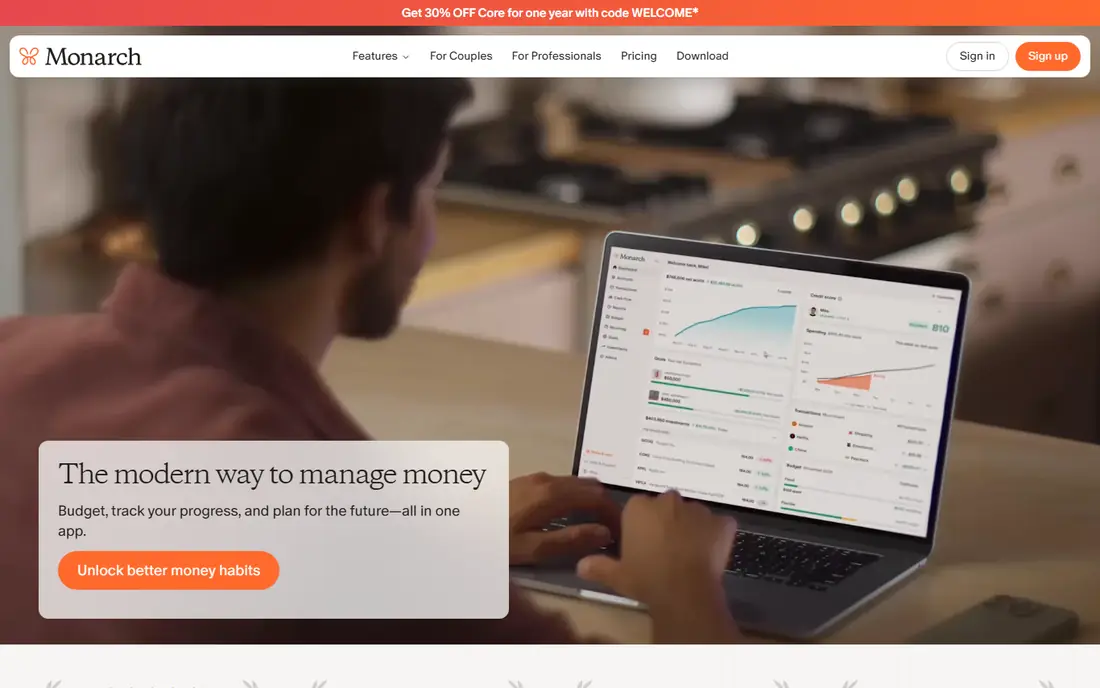
Monarch Money is our pick for most households. It pulls bank accounts, cards, loans, and investments into one dashboard, then lets you build flexible budgets, track bills, and watch net worth without switching apps. Couples can share a household view while keeping some accounts private, which is a thoughtful touch that many rivals lack.
The price is the main drawback. At $14.99 per month or $99.99 per year, it costs more than Simplifi or Rocket Money, and the 7-day trial is short for a tool that takes time to set up. Use the trial to connect your main accounts first, so you can judge the dashboard on real data rather than sample screens.
- Budgeting, bills, investments, and net worth in one dashboard
- Couples sharing with privacy controls
- Broad bank connections
- One of the pricier options
- Trial period is short
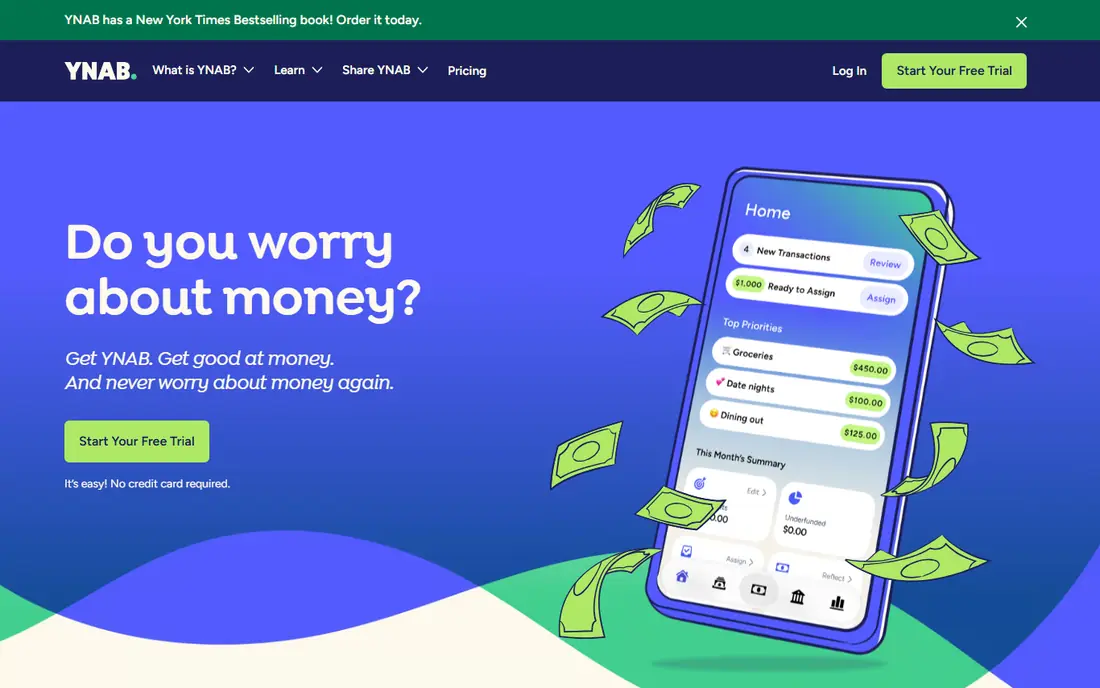
YNAB, short for You Need A Budget, is built around one idea: give every dollar a job before the month starts. That discipline helps people who overspend on variable categories, and its debt payoff tools make a payoff plan feel concrete rather than vague. The 34-day trial is long enough to run a full month and see whether the method sticks.
The catch is effort. The first two weeks can feel like homework, because YNAB asks you to approve transactions and adjust categories rather than just watch totals. If you want a tool that mostly runs itself, Monarch or Simplifi will suit you better. If you want a method that changes behavior, YNAB is hard to beat.
- Clear zero-based method
- Strong debt payoff tools
- Generous 34-day trial and free year for students
- Learning curve in the first weeks
- No free tier after the trial
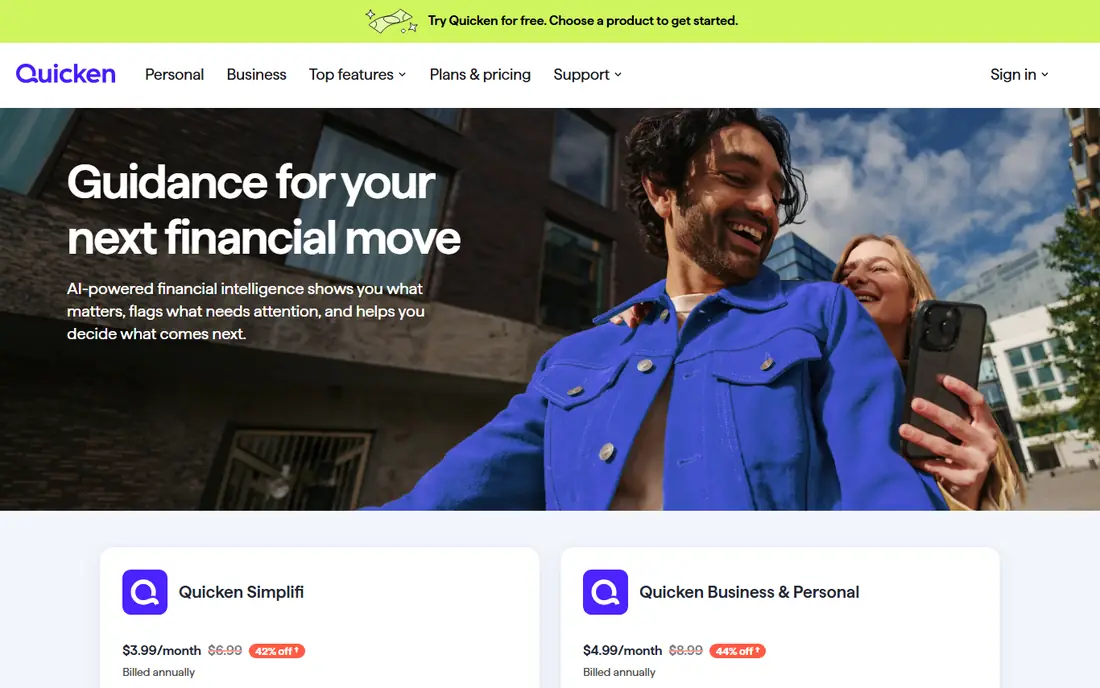
Quicken Simplifi is the value pick in this list. It syncs accounts, builds a spending plan, tracks bills and subscriptions, and projects cash flow, all for less than most rivals, with frequent first-year discounts. For a single user who wants automatic tracking without a premium price, it covers the core jobs well.
Design is where it lags. The interface is functional rather than beautiful, and some users find reporting less flexible than Monarch. Also watch renewal pricing, since a low first-year rate can rise to the standard rate in year two. Check the plan page for the current standard price, not just the promotion.
- Low cost for automatic tracking
- Spending plan and cash flow views
- Bill and subscription tracking
- Less polished than Monarch or Copilot
- Promotional first-year pricing renews higher
Copilot Money is the best-designed money app in this group, and it shows in daily use. Transactions are categorized well, the dashboard is easy to scan, and the iPhone and Mac apps feel like they were built for people who check money often. At $13 per month or $95 per year, it is priced between Simplifi and Monarch.
The limit is platform. Copilot is built for Apple devices, so Android users and households that mix devices should look elsewhere. If your household is all Apple, though, the design and the one-month trial make it easy to test properly.
- Excellent design on iPhone and Mac
- Smart transaction categorization
- Clear cash flow views
- Apple only
- No free tier and no Android or web-first version
Rocket Money is the best free starting point if subscriptions are your leak. The free tier tracks spending and flags recurring charges, which alone can surface a forgotten subscription or two. Premium adds budgeting tools and a bill negotiation service that contacts providers on your behalf, for a fee based on savings.
Do not expect Rocket Money to replace a full budgeting method. Its budgeting tools are simpler than YNAB or Monarch, and premium pricing varies, so check the in-app price before you upgrade. As a free first step, though, it is genuinely useful.
- Free spending tracking
- Subscription detection and cancellation help
- Bill negotiation service
- Premium price varies by plan
- Bill negotiation takes a share of savings
Empower, formerly Personal Capital, offers the best free net worth view in this list. Link bank, card, loan, and investment accounts, and you get a clear picture of assets, debts, cash flow, and portfolio allocation, plus retirement planning tools that model future scenarios. For investors, that depth beats most budgeting apps.
It is not a true budgeting replacement. Spending categories exist, but the budgeting workflow is thinner than YNAB or Monarch, and the free dashboard sits alongside a paid advisory offer. Use Empower for the big picture, and pair it with a budgeting tool if you need strict monthly control.
- Free dashboard
- Strong net worth and investment views
- Retirement planning tools
- Not a full budgeting tool
- May promote its paid advisory service
Goodbudget is the digital version of cash envelopes. You divide money into envelopes for rent, groceries, transport, and fun, then spend from each envelope and watch the balance fall. That visible limit helps people who overspend when a single bank balance looks large. The free plan covers 20 envelopes, one account, and two devices, which is enough to test the method.
The trade-off is manual work. Bank syncing is a paid feature for US banks, so free users enter transactions by hand. If you dislike manual entry, pick an automatic tracker instead. If you like the control that manual entry gives you, Goodbudget is the most faithful envelope tool available.
- True digital envelope method
- Free plan with 20 envelopes
- Works well for couples and manual budgeters
- Bank syncing only on paid plans
- Manual entry takes time
EveryDollar suits people who want zero-based budgeting without YNAB's learning curve. The free version lets you build a monthly budget by hand, assign every dollar, and track spending against each category. The layout is simple, and the Ramsey-style method is easy to explain to a partner.
Bank connections require Premium, at $17.99 per month or $79.99 per year, which makes it one of the pricier options once you add syncing. If you are happy entering transactions manually, the free version is a solid start. If you want automatic syncing, Monarch or Simplifi give you more for less.
- Simple zero-based budgets
- Free manual version
- Clear Ramsey-style workflow
- Bank syncing only on Premium
- Premium costs $17.99 per month
PocketGuard answers one question better than any tool here: how much can I spend right now without breaking my budget. After bills, goals, and savings are accounted for, it shows a single safe-to-spend number, which helps people who freeze when faced with a full budget sheet. Setup is quick, and bill tracking is built in.
The limit is depth. Category budgets, reports, and investment views are thinner than at Monarch or YNAB, so power users may outgrow it. At $12.99 per month or $74.99 per year, it is also priced close to richer tools. Pick it if the safe-to-spend number is the feature you will actually use every day.
- Clear "In My Pocket" safe-to-spend figure
- Bill and subscription tracking
- Simple setup
- Budgeting depth is thinner than Monarch or YNAB
- Price is high for the feature set
How we picked these
We compared official pricing pages, app store listings, and public reviews for personal finance tools that sync accounts or support a clear budgeting method. We kept only tools that exist and work today, and we left out Mint, which shut down in March 2024. We did not test bank connections for every bank, because connection quality varies by institution, and we say where a price is promotional or where a free tier is limited.
How to choose the right tool
Start with how you like to budget. If you want a method that forces a decision for every dollar, pick YNAB or EveryDollar. If you want envelopes you can see and control, pick Goodbudget. If you want a dashboard that mostly runs itself, pick Monarch, Simplifi, or Copilot, depending on your devices and budget. If you only want to find subscriptions and watch net worth, start free with Rocket Money and Empower.
Then check the practical details before you pay. Confirm that your main banks connect, test the trial with real accounts, and check renewal pricing, not just the first-year offer. Also think about who else needs access. Couples and households should favor tools with shared views and privacy controls, while solo users can favor design and price. Finally, remember that no app fixes spending on its own. The best tool is the one you open at least once a week, so pick the workflow you will actually keep.
Frequently asked questions
What is the best personal finance software?
Monarch Money is our all-in-one pick for most households, because it covers budgeting, bills, investments, and net worth in one dashboard. YNAB is better if you want a strict zero-based method, and Quicken Simplifi is better if you want the lowest paid price. Start with your budgeting style, then compare price and device support.
What is the best software for personal finance on a budget?
Start free with Rocket Money for subscriptions and Empower for net worth, then add a paid tool only if you need full budgeting. Quicken Simplifi is the cheapest paid all-in-one option in this list, with a price below Monarch, YNAB, and Copilot. Goodbudget and EveryDollar also offer free manual versions that work well if you accept manual entry.
Is there a best app for financial management that is free?
Yes, for parts of the job. Empower is free for net worth and investment tracking, Rocket Money is free for spending and subscription tracking, and Goodbudget and EveryDollar offer free manual budgeting. No single free app covers every feature of a paid all-in-one tool, so many people pair a free tracker with a paid budgeter.
What is the best financial management platform for couples?
Monarch Money is the strongest couples pick here, because it supports shared household views with privacy controls for individual accounts. Goodbudget also works well for couples who like envelope budgeting and shared envelopes. Whichever tool you pick, agree on who updates categories and how often you review the budget together.
Do these tools give financial advice?
No. These tools track, categorize, and display your money, but they do not provide personalized financial advice, and investment views are not recommendations. This article is not financial advice either. For debt, tax, or retirement decisions, talk to a qualified professional who can review your full situation.
How safe is linking my bank account to these apps?
Reputable tools use bank-level encryption and read-only connections through aggregators, and they do not move money without your instruction. Still, use strong passwords, turn on two-factor authentication, and review connected accounts regularly. If a tool asks for your bank password directly rather than through a secure connection screen, stop and check its security page first.
Sources
See where you really rank - block by block
ProMapRanker scans Google Maps across a grid of your service area. Simple monthly plans from $19, white-label on every plan.
Start freeKeep reading
 best tour operator software
Best Tour Operator Software in 2026
Compare the best tour operator software for bookings, channel management, waivers and payments, with pricing models for day tours and multi-day trips.
Read → best time clock app for small business
Best Time Clock App for Small Business in 2026
We compare the best time clock app for small business options, with free plans, GPS clock ins, scheduling and payroll links for hourly teams and payroll help.
Read → best test automation tools
Best Test Automation Tools in 2026
Compare the best test automation tools, from Playwright and Selenium to Cypress, Katalon and BrowserStack, with prices, languages and best uses explained.
Read →