 ProMapRanker
Best File Sharing App in 2026

Key takeaways
- Google Drive and Dropbox remain the safest all-round picks, thanks to wide app support and simple link sharing.
- WeTransfer and SendAnywhere suit one-off large sends, including the best app to send videos without setting up shared folders.
- Sync.com, pCloud, and MEGA suit privacy-minded users, with encryption and generous free tiers in some cases.
- Box and OneDrive suit teams that already use Microsoft or need stronger admin controls and compliance features.
- Free storage ranges from 2 GB to 20 GB here, so check the free tier before you pay for a plan you may not need.
Quick comparison
| Pick | Great for | Pricing starts at | Free tier | |
|---|---|---|---|---|
 Dropbox | Cross-platform sharing | $9.99 per month | Yes | Visit |
 Google Drive | Google Workspace users | $1.99 per month | Yes | Visit |
 Microsoft OneDrive | Microsoft 365 users | $1.99 per month | Yes | Visit |
 Box | Business controls | See website | Yes | Visit |
 Sync.com | Private client sharing | See website | Yes | Visit |
 pCloud | One-time payment option | $4.99 per month | Yes | Visit |
 WeTransfer | Large one-off sends | See website | Yes | Visit |
 MEGA | Large free encrypted tier | See website | Yes | Visit |
 SendAnywhere | Quick device-to-device sends | See website | Yes | Visit |
The best file sharing apps
We compared official pricing pages, feature pages, and current 2026 guides for the best file sharing services, tools, and platforms. The list below mixes cloud storage with link sharing and transfer tools, so you can pick by how you share: ongoing folders for a team, or a single large file for one recipient.
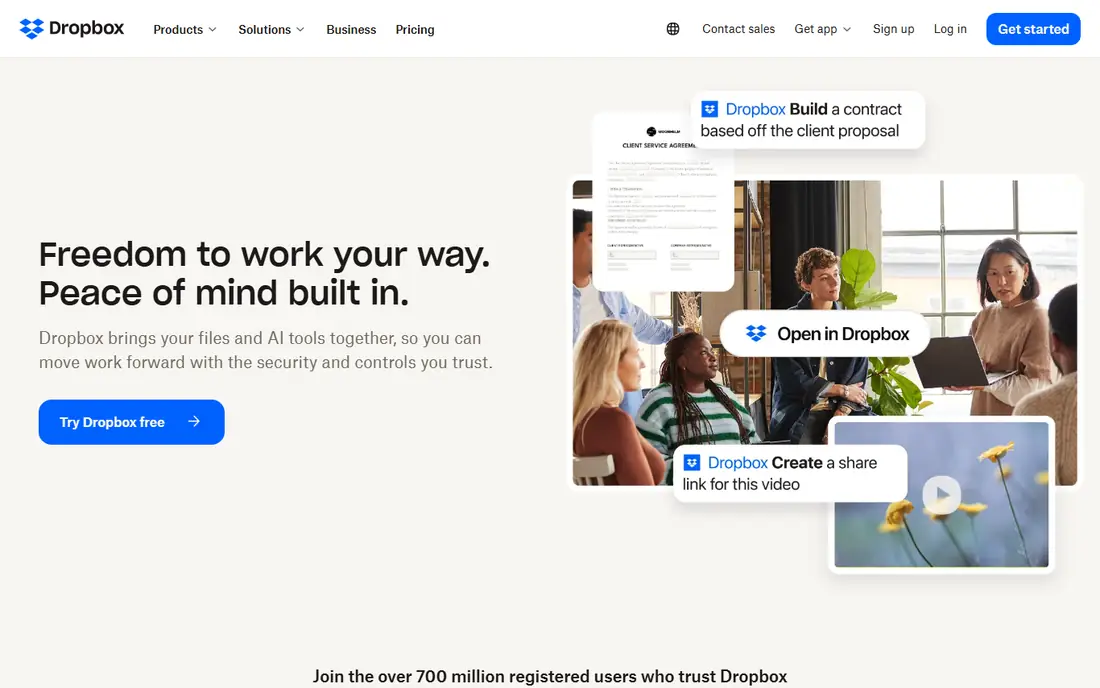
Dropbox remains the default file sharing tool for many freelancers and small teams because it just works across Windows, Mac, phones, and the web. You can share a folder for ongoing work, or send a single file link with controls on paid plans. Current guides list Dropbox Plus at $9.99 per month when billed yearly for 2 TB, with a higher monthly rate, and business plans from $15 per user per month.
The free plan is the weak point, with only 2 GB of storage. That is enough for documents and small sends, but not for video libraries. If you already use Dropbox with clients, the familiar sharing flow and wide third-party support make it worth the paid step. For new users with light needs, a larger free tier elsewhere may be smarter.
- Works well across devices and apps
- Simple link sharing with passwords and expiry on paid plans
- Strong file sync
- Free plan is only 2 GB
- Business plans cost more per user than some rivals
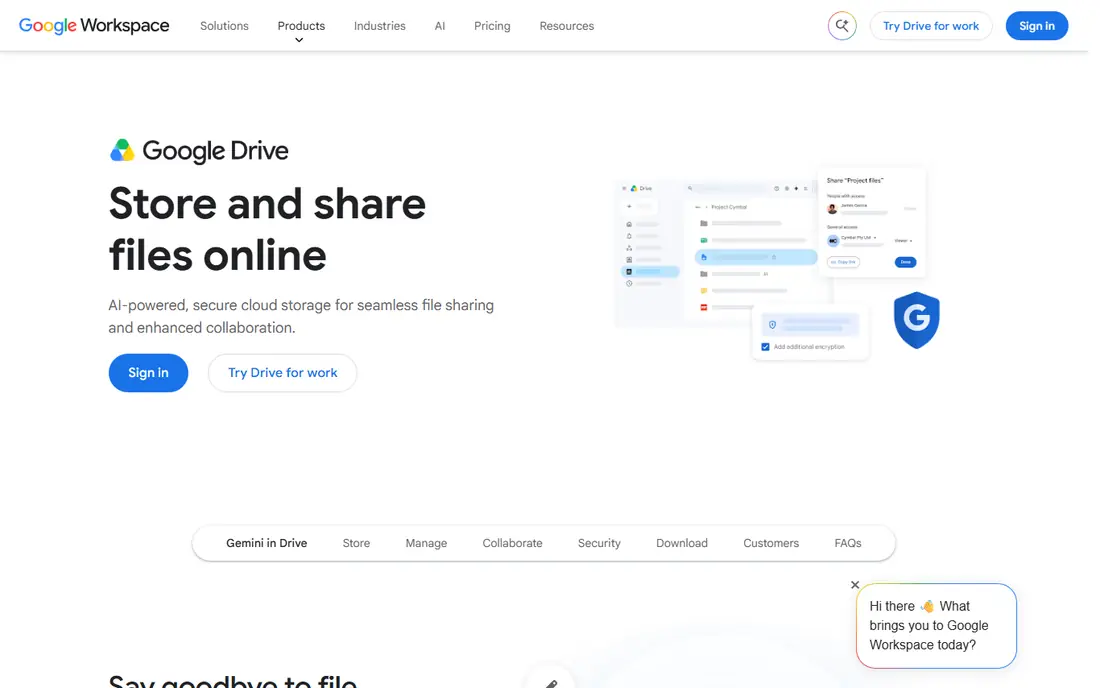
Google Drive is the natural pick if you already live in Gmail, Docs, and Sheets. Sharing is as simple as adding an email address or copying a link, and collaborators can edit documents in real time without emailing versions back and forth. The free tier gives 15 GB across Google services, and current guides list 100 GB at $1.99 per month, with Workspace team plans from $7 per user per month.
The shared storage pool is the catch, since Gmail and Photos eat into the same 15 GB. Large video collections will push you to a paid plan quickly. For teams and families already on Google, though, Drive offers the smoothest mix of storage, sharing, and editing in this list.
- 15 GB free across Google services
- Real-time Docs and Sheets collaboration
- Strong search inside files
- Storage is shared with Gmail and Photos
- Advanced admin controls sit in paid Workspace plans
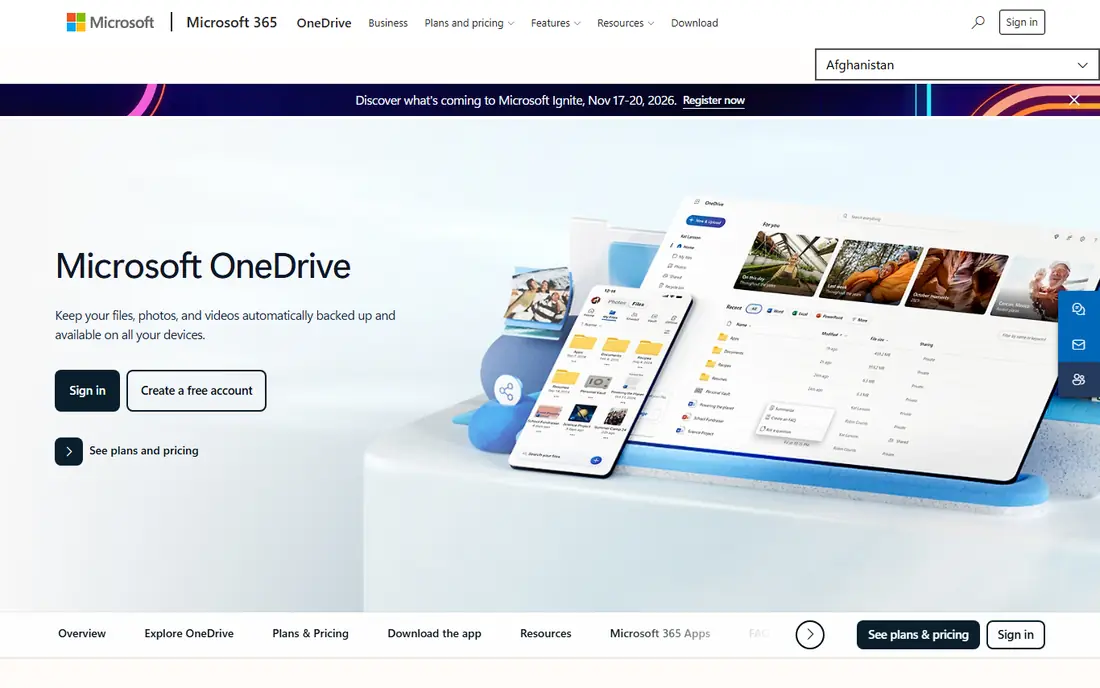
OneDrive is the best file sharing service for Windows and Office users, since it sits inside File Explorer and works directly with Word, Excel, and PowerPoint. You can share files and folders by link, set expiry dates on paid plans, and use a Personal Vault for sensitive documents. Current guides list 100 GB at $1.99 per month, with 1 TB included in Microsoft 365 Personal plans.
The free tier is only 5 GB, so it will not hold a large photo or video library for long. Sharing also feels most natural when recipients use Microsoft accounts, though link sharing works for anyone. If your work already runs on Microsoft 365, OneDrive is the path of least resistance.
- Deep Office and Windows integration
- 5 GB free
- Personal vault for sensitive files
- Sharing controls are clearest inside Microsoft 365
- Free tier is small for video work
Box is built for businesses that need control over who sees what, when, and for how long. Admins get detailed permissions, activity logs, and retention tools that matter in legal, finance, and health care work. Current guides list business plans from $15 per user per month, with a free personal plan offering 10 GB, though business features vary by tier.
For personal use, Box is heavier than it needs to be. The interface and admin options suit IT-led teams more than casual sharers. If compliance, audit trails, and granular permissions are part of your buying criteria, Box earns its place ahead of simpler consumer tools.
- Strong admin controls and audit trails
- Good compliance story for regulated teams
- Wide app integrations
- Business pricing needs a quote for some tiers
- Free plan is limited for heavy use
Sync.com is the privacy pick for professionals who share client files. Its zero-knowledge design means Sync cannot read your files, and sharing links can carry passwords and expiry dates. The free plan offers 5 GB, and current guides list team plans from about $6 per user per month, with personal plans for larger storage.
The trade-off is ecosystem size. Sync has fewer integrations than Google Drive or Dropbox, and real-time document editing is not its strength. For accountants, lawyers, designers, and consultants who send sensitive files to clients, that privacy focus outweighs the smaller app list.
- Zero-knowledge encryption by design
- Canadian data residency option
- Clean client sharing links
- Fewer third-party integrations than Dropbox or Drive
- Paid plans needed for larger teams
pCloud appeals to people who dislike subscriptions. Alongside monthly plans, current guides list a lifetime option, with 2 TB listed at $499 once in recent comparisons, and monthly Premium plans from $4.99 per month. The free tier offers up to 10 GB, sharing links support passwords and expiry on paid plans, and built-in media playback makes it handy for photo and video collections.
End-to-end encryption is a paid add-on rather than a default, which weakens the privacy story compared with Sync.com and MEGA. Collaboration tools are also lighter than Google Workspace or Microsoft 365. If you want to pay once and keep a large personal library, pCloud is the standout in this list.
- Up to 10 GB free
- Lifetime payment option for 500 GB and 2 TB
- Media playback and sharing links
- End-to-end encryption costs extra
- Fewer collaboration tools than Google or Microsoft
WeTransfer is the simplest tool here for sending a large file once. Upload, add a recipient email or copy a link, and the recipient downloads without creating an account. That simplicity makes it popular with photographers, video editors, and designers who send finished work to clients. Paid plans in current guides start from about $12 per month, with higher tiers for larger transfers and longer storage.
WeTransfer is not a storage system, so files expire and you cannot build a shared team library around it. For ongoing collaboration, pick Dropbox, Drive, or Box instead. For a single large send, especially video, WeTransfer is still the fastest route from upload to download.
- No account needed for basic sends
- Simple link or email delivery
- Good for large creative files
- Free sends have size and expiry limits
- Not a long-term storage tool
MEGA offers the largest free tier in this list at 20 GB, with end-to-end encryption built in rather than sold as an add-on. That combination suits users who want private storage without paying at first. Paid plans in current guides start with a 3 TB tier, priced in euros in some regions, so check the local price before you compare it with dollar-priced rivals.
The interface is functional rather than polished, and some users report slower sync than Dropbox on large libraries. MEGA also includes chat and meeting tools, which may be extra baggage if you only want file sharing. For a generous free encrypted tier, it is still the best starting point here.
- 20 GB free tier
- End-to-end encryption by default
- Chat and collaboration tools included
- Paid plan pricing varies by currency
- Sync can feel slower than Dropbox for some users
SendAnywhere is built for speed between devices. You get a short key for a transfer, enter it on the receiving device, and the file moves directly without setting up a shared folder. That makes it handy for sending videos from a phone to a computer, or sharing a large file with someone nearby. Current guides list a free tier with paid plans from about $5 per month for higher limits.
Like WeTransfer, SendAnywhere is a transfer tool, not a place to store a team library long term. Links expire, and you need to resend files if a recipient misses the window. For quick, account-free sends, it is one of the easiest file sharing tools in this list.
- Key-based sends without accounts
- Works across phones, computers, and the web
- Good for quick transfers
- Not a cloud storage library
- Link expiry and limits apply on free sends
How we picked these
We compared official pricing pages and current 2026 guides for file sharing apps that are actively maintained and available in the US. We favored tools with clear free tiers, link sharing controls, and a distinct use case, from team storage to one-off transfers. Tools that required a desktop-only setup, lacked a current pricing page, or duplicated another pick without a clear difference were left out.
What to check before you choose
Start with how you share. Ongoing team work needs folders, permissions, and version history, which favors Dropbox, Drive, OneDrive, or Box. One-off sends need simple links and large size limits, which favors WeTransfer, SendAnywhere, or a large free tier such as MEGA. Mixing the two jobs into one tool often leads to expired links or messy folder permissions.
Check size limits, link expiry, and password options before you send anything sensitive. Paid plans usually add password protection, expiry control, and download tracking, while free plans often limit file size or storage time. For client work, those controls matter more than raw storage size.
Sending videos and large files
For the best app to send videos, look at transfer size limits first, then upload speed and link expiry. WeTransfer and SendAnywhere handle large one-off video sends well, while Dropbox and Google Drive suit videos that need to stay available for weeks. Compress very large videos when quality allows, since upload time often matters more than the headline size limit.
Privacy and team controls
If you share client or health-related files, favor encryption and admin controls over free storage size. Sync.com and MEGA offer encryption by default, while Box offers the strongest admin story for larger teams. Always confirm whether encryption covers files at rest, in transit, or both, and whether your plan includes audit logs.
Frequently asked questions
What is the best file sharing app for large files?
WeTransfer is the best pick for a single large file, since it needs no recipient account and handles large creative sends. Dropbox and Google Drive are better when the file needs to stay available in a shared folder for weeks.
What is the best free file sharing app?
MEGA offers 20 GB free with encryption, while Google Drive offers 15 GB shared across Google services. Dropbox free is only 2 GB, so it suits documents and small sends rather than video libraries.
What is the best file sharing service for business?
Box suits regulated teams that need admin controls and audit trails, while Dropbox Business and Google Workspace suit general team collaboration. OneDrive is the best fit for teams already standardized on Microsoft 365.
What is the best app to send videos?
WeTransfer and SendAnywhere are strong picks for sending videos without setting up shared folders. For videos that recipients need to stream or revisit later, Dropbox, Google Drive, or pCloud offer better long-term access.
Is file sharing safe?
Link sharing is safe when you use password protection, expiry dates, and view-only permissions where available. Avoid public links for sensitive files, and favor encrypted services such as Sync.com or MEGA for client documents.
What is the difference between file sharing and cloud storage?
Cloud storage keeps files in an account you can access later, while file sharing focuses on sending a file or folder link to someone else. Most tools here do both, but transfer tools such as WeTransfer focus on sending, not long-term storage.
Sources
See where you really rank - block by block
ProMapRanker scans Google Maps across a grid of your service area. Simple monthly plans from $19, white-label on every plan.
Start freeKeep reading
 best freelance platforms for beginners
Best Freelance Platforms for Beginners in 2026
Best freelance platforms for beginners compared, with fees, job types, and first-gig tips to help new freelancers pick a strong starting place in our guide.
Read → best foreign language apps
Best Foreign Language Apps in 2026
Best foreign language apps compared in 2026: Duolingo, Babbel, Rosetta Stone, Pimsleur and more, with prices, free plans and honest trade-offs for learners.
Read → best foraging apps for plant identification
Best Foraging Apps for Plant Identification in 2026
These 8 best foraging apps for plant identification help you name wild plants, but never eat a plant based on an app alone. Check our safety notes first.
Read →