 ProMapRanker
Best Field Service Software in 2026

Key takeaways
- ServiceTitan suits large residential teams that want deep reporting and marketing tools, while Jobber and Housecall Pro suit smaller teams that want simplicity.
- Service Fusion suits teams that hate per-user pricing, since its plans cover unlimited users.
- Workiz suits phone-heavy shops, while FieldEdge suits shops tied to QuickBooks Desktop.
- Trial the mobile app with real technicians, since field adoption decides whether any platform pays off.
Quick comparison
| Pick | Great for | Pricing starts at | Free tier | |
|---|---|---|---|---|
 ServiceTitan | large residential teams | See website | No | Visit |
 Housecall Pro | growing home service teams | $79 per month | Free trial | Visit |
 Jobber | small crews | $39 per month | Free trial | Visit |
 FieldEdge | QuickBooks Desktop shops | See website | No | Visit |
 Service Fusion | flat-rate scaling | $245 per month | No | Visit |
 Workiz | phone-heavy shops | $187 per month | Free trial | Visit |
 FieldPulse | custom workflows | See website | No | Visit |
 Kickserv | small crews on a budget | $60 per month | Free trial | Visit |
The best field service software
We compared scheduling, dispatch, invoicing, and mobile tools for home service and trade businesses, from solo operators to large teams.
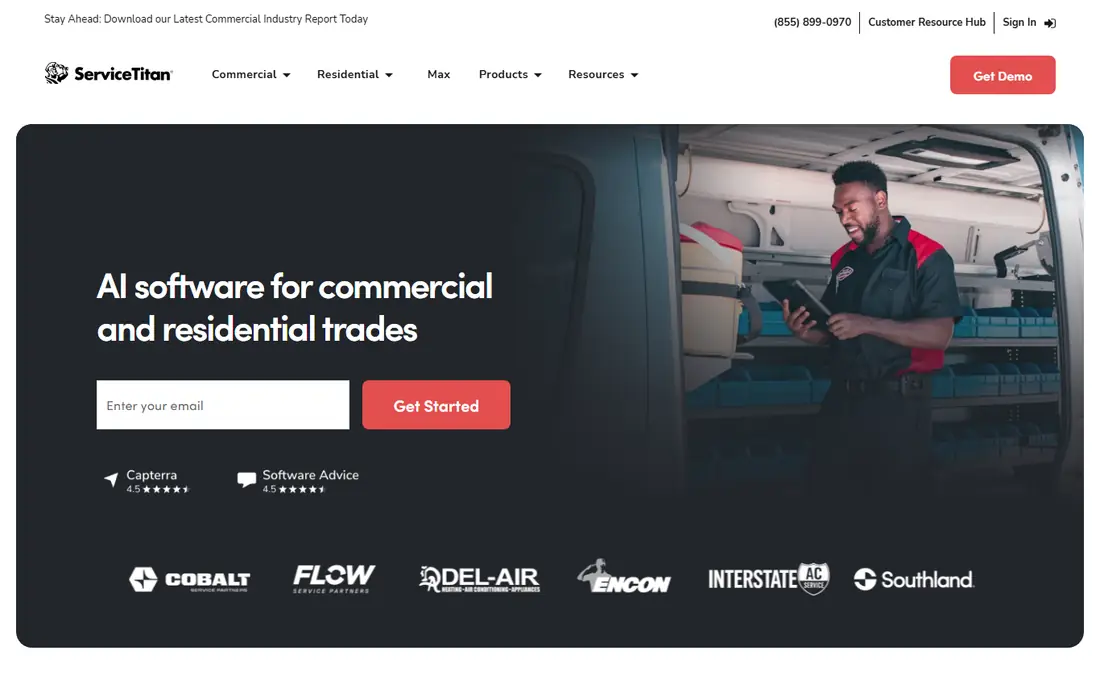
ServiceTitan is the most complete platform here for large residential HVAC, plumbing, and electrical teams. It covers dispatch, estimates, pricebooks, invoicing, marketing, and reporting in one system, which helps office teams see job profitability clearly. The integration library also connects accounting, suppliers, and other tools.
The cost and rollout are the limits, since pricing is quoted per team and implementation takes planning. Small teams may pay for depth they never use, while large teams with a dedicated office will get more value. If you run a large team and want one system for operations and growth, start with a demo and a full quote.
- Deep reporting and job costing
- Marketing and pricebook tools
- Wide integration library
- Pricing is quoted, not published
- Rollout and training take real time
- Cost suits larger teams
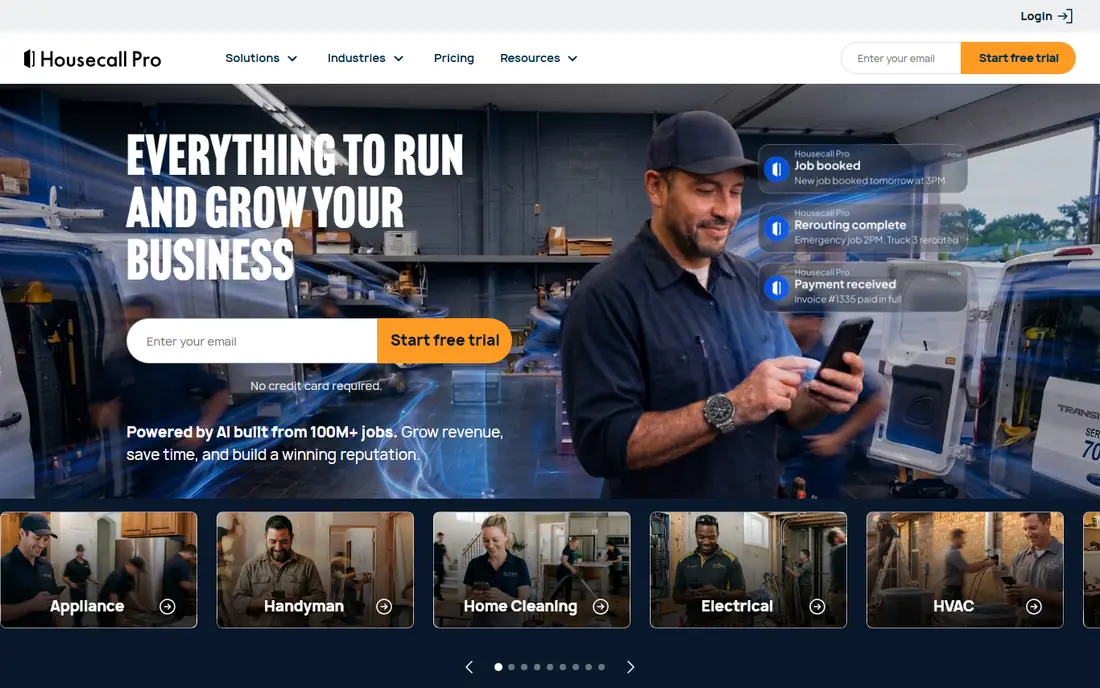
Housecall Pro fits growing home service businesses that want to move from spreadsheets and phone notes to a clear system. Scheduling, dispatch, invoicing, and online booking sit in one place, and technicians get a mobile app for job details and payments. That simplicity helps teams adopt it fast.
Advanced reporting and commercial contract features are thinner than on larger platforms, so very large or commercial-heavy teams may outgrow it. For residential teams up to a mid-size crew, the balance of price and ease is strong. Our pick for most growing teams is Housecall Pro.
- Easy scheduling and dispatch
- Online booking and payments
- Good mobile app for technicians
- Higher tiers add cost for advanced features
- Less depth than ServiceTitan for large commercial work
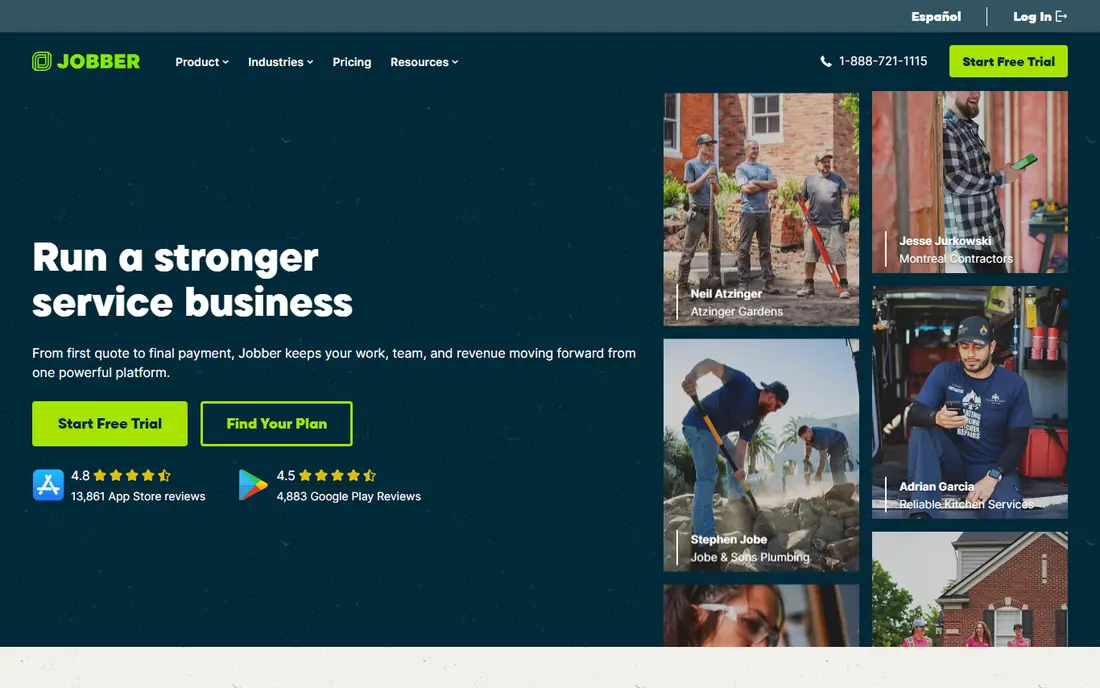
Jobber suits solo operators and small crews that want a clean system without a long rollout. Quotes, jobs, scheduling, invoicing, and client reminders work in a clear flow, and the mobile app keeps technicians on the same page. The entry price also makes it easy to start.
Larger teams with complex pricebooks, commercial contracts, or deep reporting may need a heavier platform. Jobber is best when simplicity and speed matter more than enterprise depth. For a small crew leaving spreadsheets behind, it is a strong first system.
- Simple setup and clear pricing
- Quotes, scheduling, and invoicing in one place
- Good client reminders
- Thinner depth for complex commercial work
- Some features need higher tiers
FieldEdge is a natural pick for residential shops that already run QuickBooks Desktop and do not want to change accounting systems. The sync keeps invoices, payments, and job costs aligned, and the flat-rate pricebook helps technicians present options on site. That fit saves office time for shops tied to desktop accounting.
Pricing is quoted, and the interface feels less modern than newer cloud tools in places. Shops already moving to cloud accounting may prefer a cloud-native rival. If QuickBooks Desktop is central to your office, FieldEdge deserves a demo.
- Strong QuickBooks Desktop sync
- Flat-rate pricebook tools
- Built for HVAC, plumbing, and electrical
- Pricing is quoted
- Desktop roots show in parts of the interface
- Demo needed to confirm fit
Service Fusion stands out for its flat pricing, since plans cover unlimited users rather than charging per technician. That model helps growing teams add office staff and technicians without watching the bill rise with every hire. Dispatch, GPS tracking, invoicing, and customer history cover the core field workflow.
The entry price is high for a solo operator, and there is no free plan to test slowly. Teams with several users will see the value faster, since per-user rivals can pass that flat price quickly. If your headcount is growing, Service Fusion is worth a close look.
- Unlimited users on plans
- GPS tracking and dispatch tools
- Flat monthly cost as teams grow
- No free plan
- Entry price is high for a solo operator
- Some add-ons cost extra
Workiz suits shops where the phone drives most bookings, since the built-in phone system, call tracking, and booking tools sit inside the same platform. Office staff can see who called, which job came from it, and whether it was booked, without juggling separate phone software. That clarity helps phone-heavy teams.
Pricing details vary across guides, so confirm the current plan and what phone features are included before budgeting. Some advanced phone and AI features sit in higher tiers or as add-ons. If calls are your main booking channel, Workiz is a strong fit.
- Built-in phone system and call tracking
- Lead and booking tools
- AI answering options in higher tiers
- Pricing has changed across guides, so confirm the current plan
- Some phone features are add-ons
FieldPulse suits mid-size trade teams that need workflows shaped to their own jobs, forms, and reporting. Custom fields, estimates, and job costing help teams that do more than simple residential visits, including multi-stage installs and service contracts. The mobile app keeps field staff connected to the office.
The quoted pricing and configuration work mean it takes longer to set up than Jobber or Housecall Pro. Teams that want a tool ready in a day may find it heavy, while teams that want control will value the flexibility. If your jobs do not fit a standard template, FieldPulse is worth a demo.
- Flexible forms and job workflows
- Good job costing and reporting
- Offline-friendly mobile use in many setups
- Pricing is quoted
- Add-ons can raise the total
- Setup needs more configuration than simpler tools
Kickserv gives small crews a low-cost way to leave spreadsheets, with scheduling, dispatch, invoicing, and customer records in one place. The entry plan covers a small team, which keeps the monthly bill in reach for solo operators and young businesses. Setup is also simpler than on enterprise platforms.
Advanced marketing, pricebook, and reporting tools are thinner here, so growing teams may outgrow it. For a small crew that needs the core field workflow at a fair price, Kickserv is a practical pick. Start here if budget matters most and your jobs are straightforward.
- Low entry price for a small crew
- Scheduling, invoicing, and customer history
- Simple setup
- Fewer advanced features than larger platforms
- Smaller integration library
- Less suited to large teams
How we picked these
We compared official product and pricing pages, 2026 field service guides, and vendor feature lists, and we kept only tools that are live and widely used by trade businesses. We favoured a mix of team sizes and pricing models, since a solo operator and a 50-technician team need different systems. We marked pricing as See website where vendors quote rather than publish, and we did not claim hands-on field testing.
How to choose field service software
Start with the field, not the office. Give technicians the mobile app on a real job, in a basement or on a roof with weak signal, and watch how they enter notes, photos, and payments. If the app slows them down, office features will not save the rollout. Offline access, photo capture, and simple invoicing matter more than a long feature list.
Next, check the money flow end to end. Create a quote, turn it into a job, dispatch it, complete it, invoice it, and take a payment, then check how that payment lands in your accounting system. A break in that chain creates office work every week. Also check how pricebooks, discounts, and taxes work for your trade.
Finally, price the whole team, not the headline plan. Add office users, technicians, phone add-ons, and payment fees, then compare that total across rivals. Run a trial with one crew for a month, track missed appointments, invoice time, and payment speed, and only then roll out to the full team.
Frequently asked questions
What is the best field service software for a small business?
Jobber and Housecall Pro are the most common picks for small businesses, since both offer clear pricing, simple setup, and strong mobile apps. Jobber is simpler and cheaper at entry, while Housecall Pro adds more booking and marketing tools as teams grow. Trial both with real technicians before you choose.
Is there free field service software?
Some tools offer a free tier for a single user or a short trial, but most full field service platforms are paid. A free tier can work for a solo operator with few jobs, while growing teams will need paid scheduling, dispatch, and invoicing. Check user limits and job limits on any free plan before relying on it.
What is the best field service app for technicians?
The best app is the one technicians actually use on site, with simple job details, photos, signatures, and payments. Housecall Pro, Jobber, and Service Fusion all offer strong mobile apps, but the right pick depends on your jobs. Test the app with your own technicians on real jobs, not just in a demo.
Does field service software work with QuickBooks?
Yes, most platforms on this list integrate with QuickBooks, though the depth varies. FieldEdge is strongest for QuickBooks Desktop, while cloud tools tend to sync with QuickBooks Online. Check whether invoices, payments, and customer records sync both ways, and test the sync during your trial.
How much does field service software cost?
Costs range from under 40 dollars a month for a small crew to quoted enterprise pricing for large teams. Per-user pricing rises with headcount, while flat-rate plans like Service Fusion suit growing teams. Add phone, payment, and add-on costs to get the true monthly total for your team size.
Sources
See where you really rank - block by block
ProMapRanker scans Google Maps across a grid of your service area. Simple monthly plans from $19, white-label on every plan.
Start freeKeep reading
 twitch alternatives
Twitch Alternatives in 2026
Explore the best Twitch alternatives in 2026 for live streaming, with free platforms, monetisation options, audiences, chat tools, and tips for new streamers.
Read → firebase alternatives
Best Firebase Alternatives in 2026
Looking for Firebase alternatives? We compare 9 backend platforms for auth, databases, realtime, storage, functions, self-hosting, and pricing for your app.
Read → companies with best work life balance
Companies With Best Work Life Balance in 2026
See companies with best work life balance in 2026, ranked by employee ratings, with flexible work options, benefits, and what to check before applying.
Read →