 ProMapRanker
Best Face Swap Video Tools in 2026


All-in-one video face swap production · Pricing starts at: See website
Key takeaways
- Magic Hour and DeepSwap lead for video production, while Reface is the easiest mobile option for short clips.
- Akool and HeyGen suit teams that need face tools inside a wider marketing or avatar workflow.
- Only legitimate creative tools are listed here, and every tool needs clear consent from any real person shown.
- Never swap a real person's face without their clear permission, and never use these tools for deceptive or non-consensual imagery.
Quick comparison
| Pick | Great for | Pricing starts at | Free tier | |
|---|---|---|---|---|
| Magic Hour | All-in-one video face swap production | See website | Yes | Visit |
 Reface | Casual social face swaps on mobile | See website | Yes | Visit |
 DeepSwap | Bulk and longer video face swaps | See website | Free trial | Visit |
 Vidnoz | Multi-face video swaps and AI video tools | See website | Yes | Visit |
 Akool | Enterprise face swap for marketing teams | See website | No | Visit |
 HeyGen | Avatar video with face tools | See website | Yes | Visit |
 Runway | Creative AI video workflows | See website | Yes | Visit |
 Remaker | Quick web face swaps without signup friction | See website | Yes | Visit |
The best face swap video tools
A short consent warning comes first, because it decides whether a face swap should happen at all. Never swap a real person's face without their clear permission, and never use these tools for deceptive or non-consensual imagery. The tools below are legitimate creative tools for your own footage, consenting actors, characters and marketing creative, and we have left out any tool marketed for undressing people or for non-consensual intimate imagery.
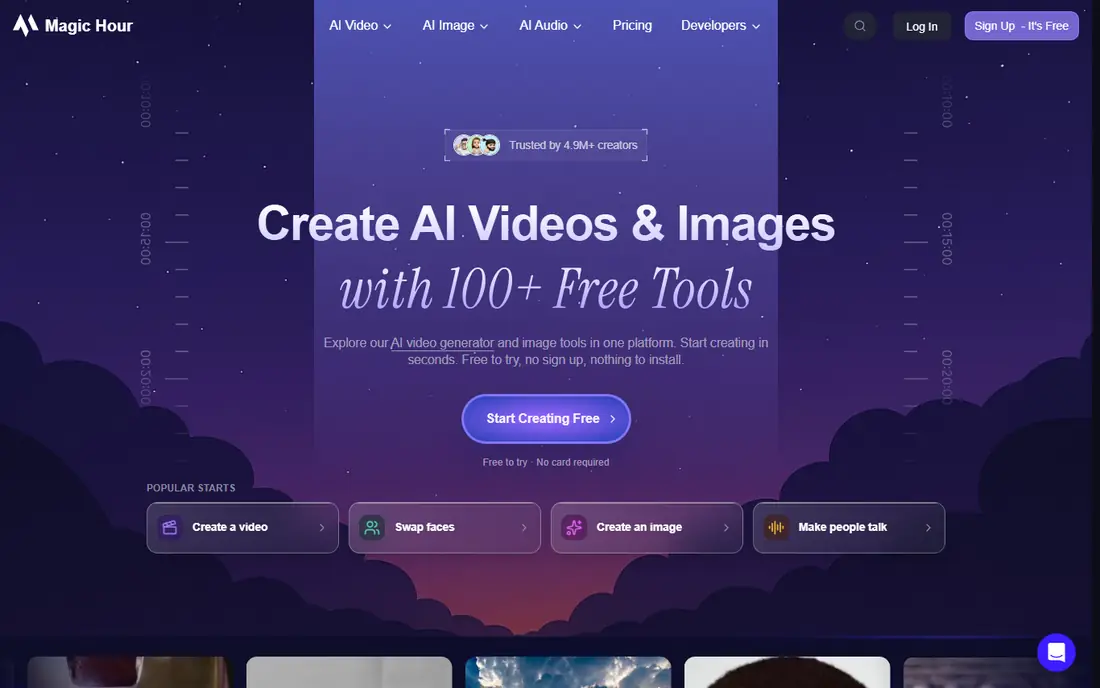
For readers who want all-in-one video face swap production, Magic Hour is a strong place to start. It suits creators and marketers who need face swap as part of a wider video production workflow. Its strength is the combined suite, so face swap, lip sync and image to video work sit in one web workspace. Video, photo and GIF face swap tools help teams produce social and advertising creative without switching apps. The catch is best results need clear, well lit source footage, and credit use can rise on longer videos. Test it with your own footage and a consenting subject before you plan a campaign around it. Our pick for production teams that need face swap inside a full creative suite.
- Face swap plus lip sync and image to video tools
- Web based workflow
- Commercial production focus
- Best results need clear source footage
- Pricing and credits need checking before large projects
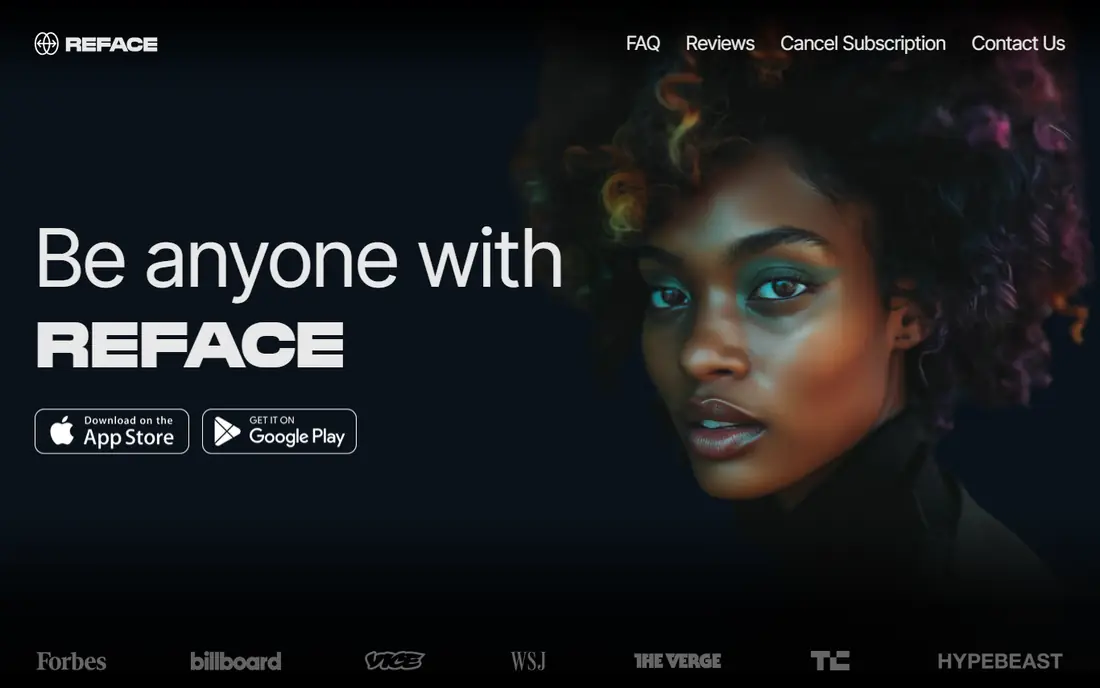
If casual social face swaps on mobile matters most to you, Reface deserves a close look. It is the casual mobile pick, built for short social clips rather than long production work. Its strength is speed, with templates that turn a selfie and a clip into a shareable video in minutes. Face swap for short videos and photos, plus trending templates, covers social and entertainment use. The catch is it is template based, so long or custom videos are limited, and the free version carries a watermark. Use it for fun personal content with consenting participants, not for client production work. The easy mobile option for short social face swaps.
- Easy mobile face swap templates
- Quick sharing to social apps
- Fun short video formats
- Template based, so custom long videos are limited
- Free version carries a watermark
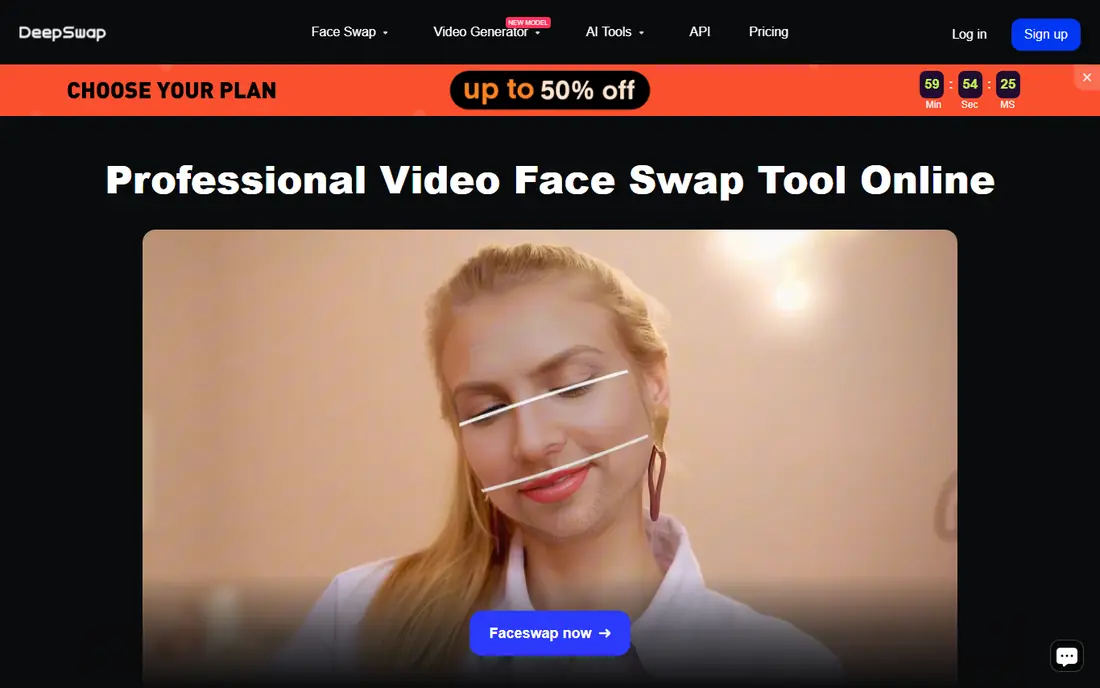
Start with DeepSwap when bulk and longer video face swaps is the main job to be done. It suits creators who need to swap faces across longer clips or several videos, rather than one short template. Its strength is video focus, with tools built for full clips rather than only photos or short templates. Photo and video face swap, with support for multiple faces on some plans, helps team and group style projects. The catch is tracking quality can vary when motion is fast or lighting changes sharply. Test a challenging clip from your own project before you pay for a longer plan. Our pick for longer video swaps and bulk style work.
- Video and photo face swap in a web tool
- Batch style projects
- Multi-face support reported on higher plans
- Video tracking can vary with motion and lighting
- Pricing tiers need checking for long videos
Vidnoz suits readers who put multi-face video swaps and ai video tools first. It fits creators who want face swap alongside other AI video tools, such as avatars and talking videos. Its strength is breadth, pairing face swap with a wider AI video toolkit in one account. Video face swap, AI avatars and video generation help marketers produce varied creative from one platform. The catch is the free daily allowance is limited, so regular production work will need a paid plan. Check daily limits against your output volume before you rely on the free tier. A versatile pick for creators who need more than face swap alone.
- Face swap plus AI avatars and video generation
- Free daily allowance reported
- Web based
- Free allowance is limited per day
- Advanced features sit on paid plans
When enterprise face swap for marketing teams is the deciding factor, Akool is worth shortlisting. It is aimed at marketing teams and enterprises that need face swap inside controlled brand campaigns. Its strength is enterprise workflow, with tools and controls suited to team use and client work. Face swap, streaming avatars and AI video tools support campaigns that need consistent, brand safe output. The catch is pricing is custom and enterprise focused, so casual creators will find it expensive and heavy. Shortlist it when team controls, API access and campaign scale matter more than a low monthly price. Our pick for enterprise marketing use.
- Enterprise grade face swap and avatar tools
- Marketing and brand campaign focus
- API options for teams
- Enterprise pricing is custom
- Overkill for casual personal use
Consider HeyGen first if avatar video with face tools describes your situation. It suits teams that need talking avatar videos, with face tools as part of a wider video platform. Its strength is avatar production, with realistic avatars, voices and multilingual output for training and marketing. Avatar video, translation and face related tools help teams localise content without reshooting. The catch is face swap is not the core focus, so a pure swap tool may give more control for that specific job. Use it when avatar video is the main need, and test its face tools against a dedicated swap tool. The avatar first choice in this list.
- Strong avatar video platform
- Multilingual avatars
- Face tools alongside full video generation
- Face swap is not its main focus
- Avatar work may suit your need better than a pure swap
Runway is built around creative ai video workflows, and that focus shows in daily use. It fits filmmakers, designers and creative teams who want face work inside a wider AI video studio. Its strength is creative control, with generation, editing and effects tools that go beyond a single swap feature. Video generation, editing and AI tools support experimental and professional creative projects. The catch is face work here is part of a wider studio, so a simple swap takes more steps than in a dedicated tool. Shortlist it for creative video work, not for quick social swaps. Our pick for creative professionals building AI video projects.
- Advanced AI video generation and editing
- Creative tools for filmmakers and designers
- Web based studio
- Face swap style work is part of wider video tools, not a simple one click swap
- Learning curve is real
For quick web face swaps without signup friction, Remaker offers a practical and well documented option. It suits quick projects where you want a web swap without installing software or learning a studio tool. Its strength is simplicity, with a direct web workflow for photo and video swaps. Face swap plus other AI image and video tools covers quick creative tasks in one place. The catch is output quality depends heavily on source footage, and production controls are lighter than studio tools. Test it with your own consenting footage before you use it for public content. A handy quick swap option for simple creative work.
- Simple web face swap for photos and videos
- No heavy setup
- Multiple AI tools in one site
- Output quality varies with source footage
- Advanced production controls are limited
How we picked these
We compared official feature pages, pricing pages and app store listings, and we checked that each product still exists and fits the topic in October 2026. We did not claim hands-on testing that did not happen, and we left out products that did not fit, even when they were popular in a nearby category. Where a price or free tier could not be verified on the vendor site, we wrote See website instead of guessing, so you can confirm the current terms before you pay.
Using face swap tools safely and well
Start with consent and source quality. Get clear permission from every real person in the source and target footage, keep a record of that permission, and use clear, well lit clips. Poor source footage gives poor swaps, whatever the tool claims. Next, disclose creative use where it matters. Label advertising, parody and fictional characters clearly, and do not present a swapped video as a real recording of a person. That honesty protects you, the people shown and your audience. Finally, check output rights and platform rules before you publish. Commercial licences, platform policies and local laws vary, so confirm that your planned use is allowed. When in doubt, do not publish the clip.
Frequently asked questions
What is the best face swap video app?
Reface is the easiest mobile app for short social swaps, while Magic Hour and DeepSwap are stronger for longer web based video work. Your choice depends on clip length and whether you need production controls.
What are the best face swap tools for video?
Magic Hour, DeepSwap, Vidnoz and Remaker all handle video swaps on the web, with different strengths on length, multi-face work and extra AI video tools. Test each one with your own footage first.
What is the best video face swap app for marketing?
Akool and HeyGen suit marketing teams that need face tools inside avatar or campaign workflows, while Magic Hour suits creators who need a full production suite.
Can I use face swap tools for free?
Magic Hour, Reface, Vidnoz, HeyGen and Remaker offer free plans or trials, with limits on output, watermarks or daily use. Paid plans usually remove watermarks and raise length or quality limits.
Is face swapping legal?
Laws vary by place and use, but consent is essential for real people, and deceptive or non-consensual imagery is not acceptable. Get permission, disclose creative use, and check local rules before publishing.
Sources
See where you really rank - block by block
ProMapRanker scans Google Maps across a grid of your service area. Simple monthly plans from $19, white-label on every plan.
Start freeKeep reading
 best seo management software
Best SEO Management Software in 2026
We compared the best seo management software for audits, rank tracking and keyword research, so you can choose a tool that fits your budget and team today.
Read → best pos software
Best POS Software in 2026: 8 Systems Compared
Compare the best POS software in 2026 for retail and restaurants, with starting prices, processing rates, hardware notes and honest trade-offs for each pick.
Read → best podcast hosting platform
Best Podcast Hosting Platform in 2026
Compare the best podcast hosting platforms for 2026, with pricing, free plans, upload limits, analytics, and distribution, to pick a host for your show.
Read →