 ProMapRanker
Best eSignature Service in 2026

Key takeaways
- DocuSign remains the safest choice when clients already expect it, but its realistic business plans cost more than the entry price suggests.
- SignNow, BoldSign and Signeasy give small teams the core signing workflow for less, with free plans or low starting prices.
- PandaDoc and Zoho Sign suit teams that also need proposals, quotes or a wider business suite, rather than signing alone.
- If you send only a few documents a month, a free plan from PandaDoc, Zoho Sign, SignWell or BoldSign may be enough.
- Check envelope limits, signer limits and audit trail details before you pay, because those limits matter more than the headline price.
Quick comparison
| Pick | Great for | Pricing starts at | Free tier | |
|---|---|---|---|---|
 DocuSign | Widest client recognition | $10 per month | Free trial | Visit |
 Adobe Acrobat Sign | Adobe and PDF users | $16.99 per month | Free trial | Visit |
 Dropbox Sign | Simple signing | $15 per month | Free trial | Visit |
 Signeasy | Everyday small business signing | $10 per month | Free trial | Visit |
 SignNow | Low entry price | $8 per month | Free trial | Visit |
 PandaDoc | Proposals plus signing | $19 per month | Yes | Visit |
 Zoho Sign | Zoho users and tight budgets | $10 per month | Yes | Visit |
 SignWell | Individuals and small teams | $10 per month | Yes | Visit |
 BoldSign | Low cost and clear allowances | $5 per month | Yes | Visit |
The best esignature services
We compared signing tools on price, free options, ease of sending, tracking, templates and audit trails. The services below cover one-off signing, regular client contracts and team workflows.
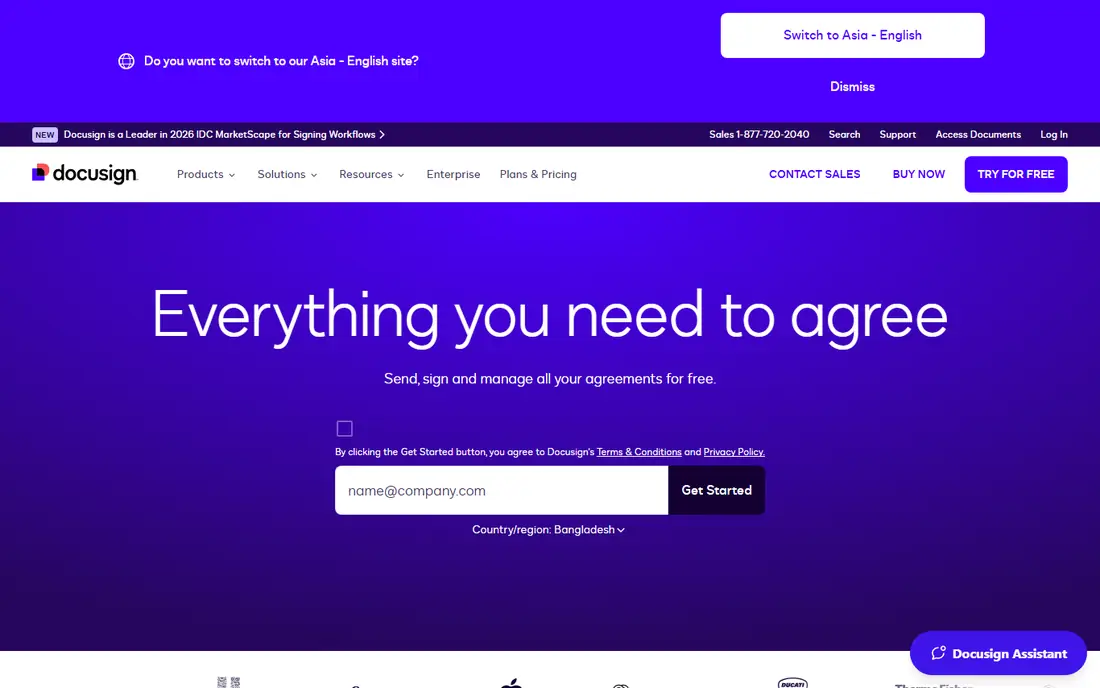
DocuSign is the name most clients already know, and that familiarity has real value. A recipient who has signed with DocuSign before is less likely to pause, ask questions or worry that a request is fake. The sending flow is polished, reminders and status tracking are clear, and the range of integrations covers common tools for sales, HR and document storage.
The catch is price structure. The entry tier suits light personal use, while a busy small business will usually need a higher plan for more envelopes, templates and team controls. If your clients do not insist on DocuSign, compare the cheaper options below before you commit, because the day-to-day signing experience is now close across this list.
- Very widely recognised by clients
- Strong integrations
- Detailed tracking and audit trails
- Business plans cost more than the entry tier
- Some features sit behind higher plans
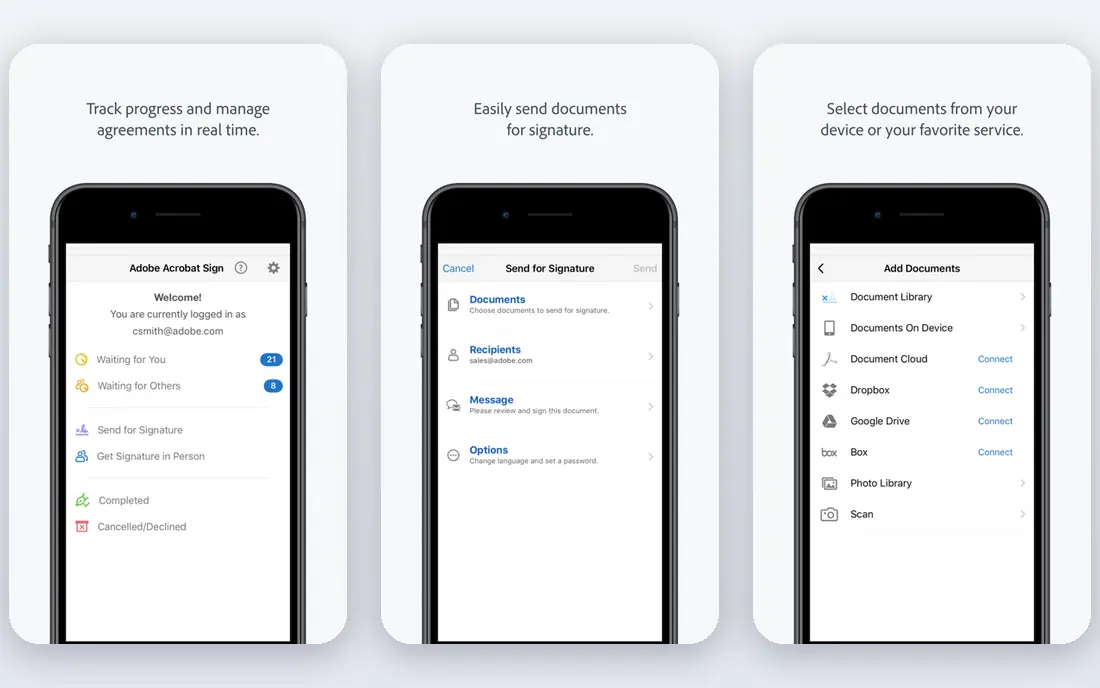
Adobe Acrobat Sign makes most sense if your team already lives in Acrobat or Adobe tools. Signing sits next to PDF editing, form creation and document cleanup, so you avoid moving files between apps. For firms that handle PDFs all day, that combination saves small amounts of time on almost every document.
For simple signing alone, it can feel like more tool than you need, and the price reflects the wider Acrobat bundle rather than a signing-only service. If you rarely edit PDFs, a cheaper signing specialist will usually give you a faster path from upload to signature.
- Strong PDF tools alongside signing
- Good for Acrobat users
- Established compliance options
- Can feel heavy for simple signing
- Mobile experience draws mixed reports
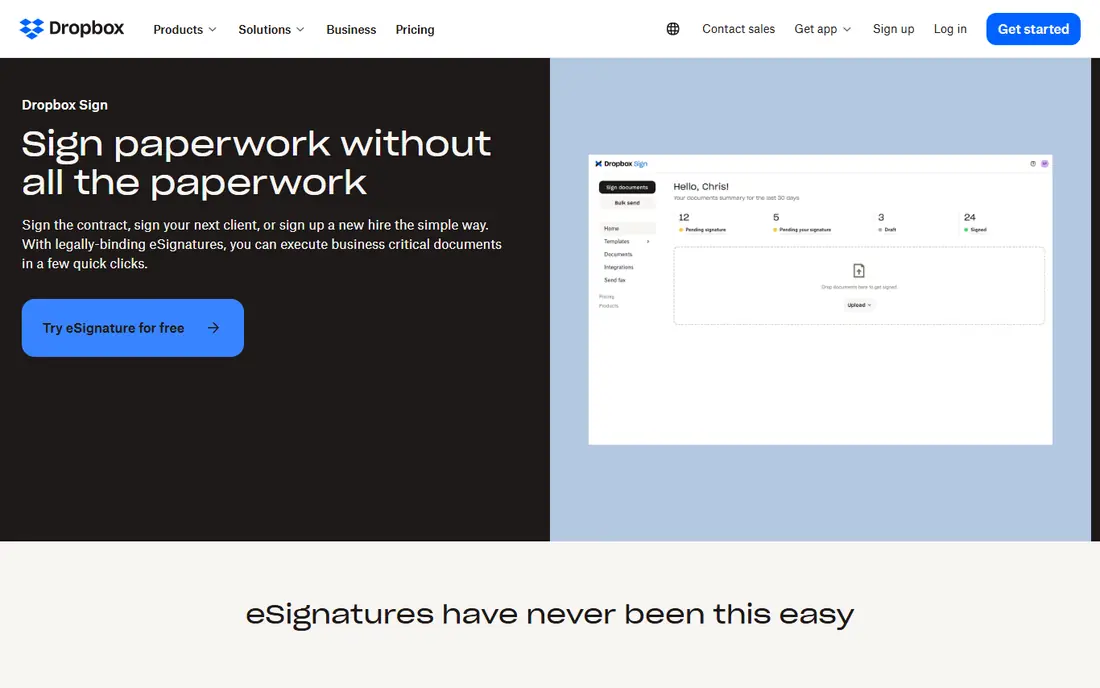
Dropbox Sign, formerly HelloSign, focuses on getting a document signed with as little friction as possible. Upload, place fields, send, and track. Recipients do not need an account to sign, which removes a common point of failure. Teams that already store files in Dropbox will find the connection natural.
It is not a proposal builder or a full contract management system, so teams that need quotes, pricing tables and approval chains should look at PandaDoc instead. For straightforward agreements, NDAs and consent forms, Dropbox Sign does the job without a long learning curve.
- Clean and fast sending flow
- Easy for recipients
- Works well with Dropbox storage
- Fewer proposal and document creation tools
- Higher tiers add cost for teams
Signeasy is a strong middle option for a small business that sends documents every week. The interface is tidy, sending is quick, and the mobile app is genuinely useful for signing on the go. Published comparisons note unlimited sends on its paid plans, which removes the envelope counting that makes some rival plans awkward.
It does not match DocuSign for sheer integration depth, and larger firms with complex approval rules may want a more enterprise focused tool. For a team of a few people who need reliable signing, reminders and an audit trail, Signeasy is easy to recommend.
- Simple interface
- Unlimited sends on paid plans in published comparisons
- Useful mobile app
- Fewer deep enterprise controls
- Some advanced features need higher tiers
SignNow earns its place on price. At $8 per user per month on annual billing in published comparisons, it undercuts most well known rivals while still covering templates, team roles, bulk sending and common integrations. That makes it a sensible pick for a startup or small team watching every subscription.
The trade-off is polish. Some screens feel busier than DocuSign or Dropbox Sign, and you may need a short trial run with a real contract to judge whether your team likes the workflow. Run that trial before switching, and check how bulk sends and template sharing work on the tier you plan to buy.
- Low starting price
- Team and bulk sending options
- Broad integrations
- Interface feels less polished than some rivals
- Support quality varies by plan
PandaDoc is the pick when signing is only the last step. Sales teams can build a proposal, add pricing, collect a signature and track when a prospect opens the document, all in one flow. That end-to-end view is hard to get from a signing-only tool, and it explains why many small sales teams choose PandaDoc even at a higher price.
If you only need signatures, the extra document tools add cost and complexity you will not use. The free plan is still worth trying for light signing, and it gives you a low risk way to see whether the proposal features would help your close rate.
- Proposal, quote and contract creation in one place
- Free plan for basic signing
- Useful templates
- Costs more than signing-only tools
- Some users need time to learn the editor
Zoho Sign is the budget pick for businesses already using Zoho CRM, Zoho Books or other Zoho apps. Documents flow between those tools without extra connectors, and the free plan covers basic signing for very light use. Paid plans start at a modest price for teams that need more sends and templates.
Outside the Zoho world, it is less familiar to recipients than DocuSign, though signing itself requires no account and works in a browser. If your stack is not Zoho based, compare Signeasy and SignNow first, but do not dismiss Zoho Sign on price alone.
- Free plan available
- Good value for Zoho users
- Straightforward signing workflow
- Less recognised by outside clients
- Fewer third-party integrations than DocuSign
SignWell suits freelancers and very small teams who want signing to just work. Setup is quick, the free plan covers a small number of documents, and the paid tier is priced in line with other small business tools. Support is often praised in user reviews, which matters when a client cannot open or sign a document.
Larger teams with complex routing, bulk sends and strict admin controls will outgrow it sooner than DocuSign or SignNow. For a solo consultant or a two person firm, that ceiling may never matter, and the simplicity is a genuine advantage.
- Free plan for light use
- Simple setup
- Helpful support reputation
- Smaller integration range
- Fewer advanced workflow tools
BoldSign is the lowest priced credible option in this list, starting at $5 per user per month in published comparisons, with a free plan for light use. It covers the essentials: sending, templates, reminders, tracking and audit trails. For a business that sends a steady stream of standard agreements, the saving over a year adds up.
The main risk is familiarity. BoldSign is newer and less widely known than DocuSign, so a cautious client may ask what it is. In practice the signing link works in a browser with no account needed, so that concern usually fades after the first document. Try the free plan with a real agreement before moving your whole workflow.
- Very low starting price
- Free plan
- Clear published document allowances
- Newer and less widely known
- Smaller ecosystem than older rivals
How we picked these
We compared official feature pages, pricing pages, app store listings and published 2026 comparisons, and we focused on tools that still operate, offer signing in a browser without forcing recipients to create accounts, and publish clear pricing or a free plan or trial. We left out tools that only edit PDFs, tools with no public pricing path for small business, and signing features buried inside a much larger suite with no standalone option. We did not claim hands-on testing; our judgement rests on published features, pricing and user feedback patterns.
What to check before you pay
Start with volume. Count how many documents you actually send each month, how many signers each one needs, and whether the same templates repeat. A plan with a low envelope limit looks cheap until you hit the cap mid-month. A plan with unlimited sends, or a generous allowance, is often cheaper in practice for a busy team.
Next, test the recipient experience. Send a real contract to yourself and to a colleague, open it on a phone, and sign it without help. Check whether fields line up on mobile, whether reminders are automatic, and whether the completed copy and audit trail arrive in a form you can store. Also check storage and export: can you download completed PDFs, keep them in your own drive, and prove who signed and when?
Finally, match the tool to your other software. If you use a CRM, accounting tool or cloud storage every day, a native integration will save more time than a slightly lower price. If you mainly need signatures, pick the simplest tool that covers your volume and keep the rest of your budget for the work itself.
Frequently asked questions
What is the best esignature service for small business?
For most small businesses, Signeasy or SignNow give the best balance of price and features, while DocuSign is the safest pick when clients expect a familiar brand. PandaDoc is better if you also need proposals and quotes. Start with a free plan or trial and send a real document before you pay.
What is the best free esignature service?
PandaDoc, Zoho Sign, SignWell and BoldSign all offer free plans, but each limits document numbers or features. They suit light use, such as a few agreements a month. If you sign daily, a paid plan will usually work out cheaper than juggling free limits.
Is an electronic signature legally valid?
In the United States, electronic signatures are generally valid under the federal ESIGN Act and state laws based on UETA, provided the signer consents and the process records intent and identity. An audit trail showing who signed, when and from what device supports that record. For high value or regulated documents, check the rules for your state and document type, and get legal advice if you are unsure.
Do recipients need an account to sign?
No, on the services listed here recipients can normally sign through a browser link without creating an account. That keeps the process fast and reduces drop-off. Senders need an account, and team features such as templates and admin controls sit on paid plans.
What is the best document signing software for proposals?
PandaDoc is the strongest pick here because it combines document creation, pricing tables, tracking and signing. DocuSign and Signeasy can handle signed proposals built elsewhere, but they do not replace a proposal builder.
How do I choose between DocuSign and a cheaper alternative?
Choose DocuSign if clients require it, you need its integrations, or your compliance team already approves it. Choose a cheaper alternative if you mainly need reliable sending, tracking and audit trails for standard agreements. Run the same contract through both during a trial and compare the recipient experience, not just the price.
Sources
- https://signeasy.com/blog/business/adobe-sign-alternatives
- https://www.unfinishedman.com/how-to-choose-e-signature-platform/
- https://www.docusign.com
- https://www.adobe.com
- https://www.dropbox.com/sign
- https://signeasy.com
- https://www.signnow.com
- https://www.pandadoc.com
- https://www.zoho.com/sign/
- https://www.signwell.com
- https://boldsign.com
See where you really rank - block by block
ProMapRanker scans Google Maps across a grid of your service area. Simple monthly plans from $19, white-label on every plan.
Start freeKeep reading
 twitch alternatives
Twitch Alternatives in 2026
Explore the best Twitch alternatives in 2026 for live streaming, with free platforms, monetisation options, audiences, chat tools, and tips for new streamers.
Read → firebase alternatives
Best Firebase Alternatives in 2026
Looking for Firebase alternatives? We compare 9 backend platforms for auth, databases, realtime, storage, functions, self-hosting, and pricing for your app.
Read → companies with best work life balance
Companies With Best Work Life Balance in 2026
See companies with best work life balance in 2026, ranked by employee ratings, with flexible work options, benefits, and what to check before applying.
Read →