 ProMapRanker
Best ERP Software for Small Business in 2026

Key takeaways
- Odoo and ERPNext are the lowest-cost routes into ERP, with free editions that suit technical teams and tight budgets.
- Microsoft Dynamics 365 Business Central is the clearest pick for companies already running Microsoft 365.
- NetSuite, SAP Business One, and Acumatica suit larger small businesses with multi-entity or distribution needs, but they need partner implementation.
- Implementation usually costs more than the first year of licenses, so budget for setup, data cleanup, and training from the start.
Quick comparison
| Pick | Great for | Pricing starts at | Free tier | |
|---|---|---|---|---|
 Odoo | Modular ERP on a budget | Free | Yes | Visit |
 Oracle NetSuite | Growing multi-entity companies | See website | No | Visit |
 SAP Business One | Product companies needing mature ERP | See website | No | Visit |
 Acumatica | Distribution and manufacturing teams | See website | No | Visit |
 Microsoft Dynamics 365 Business Central | Microsoft-centered small businesses | $80 per user per month | Free trial | Visit |
 ERPNext | Open-source ERP for small manufacturers | Free | Yes | Visit |
 Sage Intacct | Finance-led services and multi-entity firms | See website | No | Visit |
 Katana | Small makers selling online | $299 per month | Free trial | Visit |
The best ERP software for small business
ERP software joins finance, inventory, purchasing, sales, and often manufacturing in one system, so the numbers in each area agree. That matters when accounting, stock, and sales tell different stories. We compared official pricing pages, product pages, and partner guides for eight systems that small businesses actually buy, from free open-source tools to quoted enterprise-grade platforms.
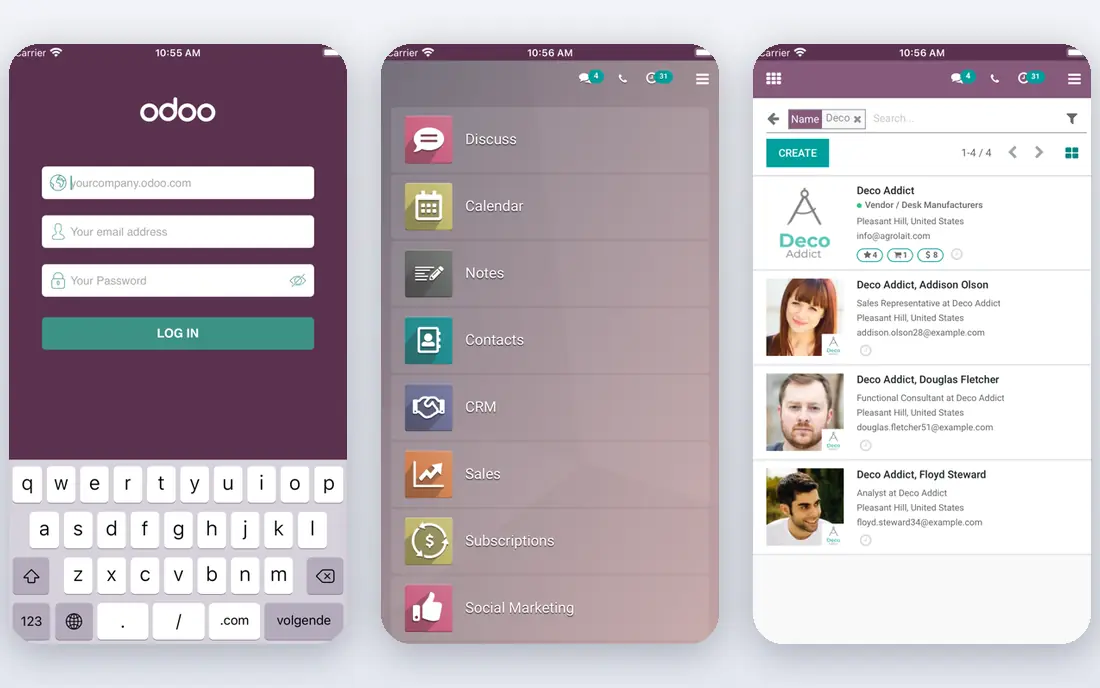
Odoo is the easiest low-cost way to try ERP without committing to a large system. You can start with a single free app, then add modules for sales, inventory, accounting, manufacturing, and more as the business grows. That modular path suits companies that know their next pain point but are not ready to replace every system at once.
Module depth is uneven, and a business with complex manufacturing or multi-warehouse needs may find some areas thinner than a specialist tool. Implementation help also matters: a simple setup can go live in weeks, while a heavily customized setup needs a partner. For a budget-first team that wants room to grow, Odoo is the most flexible starting point here.
- One free app to start
- Modular suite covering CRM, sales, inventory, and manufacturing
- Large app library
- Depth varies by module
- Complex setups still need a partner or technical staff
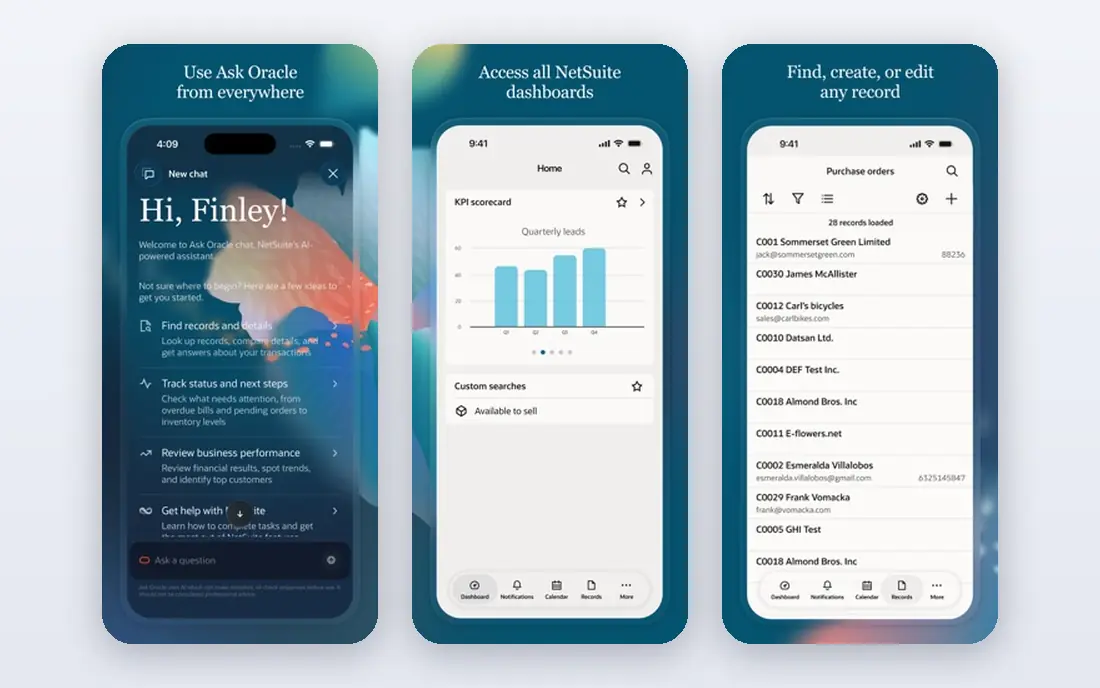
NetSuite is the system many small businesses graduate to when spreadsheets and separate tools stop agreeing. It joins finance, inventory, order management, and CRM in one cloud system, with strong support for multiple subsidiaries, currencies, and locations. Companies planning acquisitions or international growth often choose it precisely because it handles that complexity in one place.
The cost and project load are serious. Pricing is quoted, with a base platform fee plus per-user fees, and implementation usually runs for months through a partner. A very small business will find it heavy and expensive. A growing company with several entities, complex inventory, and a budget for a proper project will find NetSuite hard to outgrow.
- Unified cloud finance, inventory, and CRM
- Strong multi-entity and multi-currency support
- Broad partner network
- Quoted pricing with a high total cost
- Implementation is a multi-month partner project
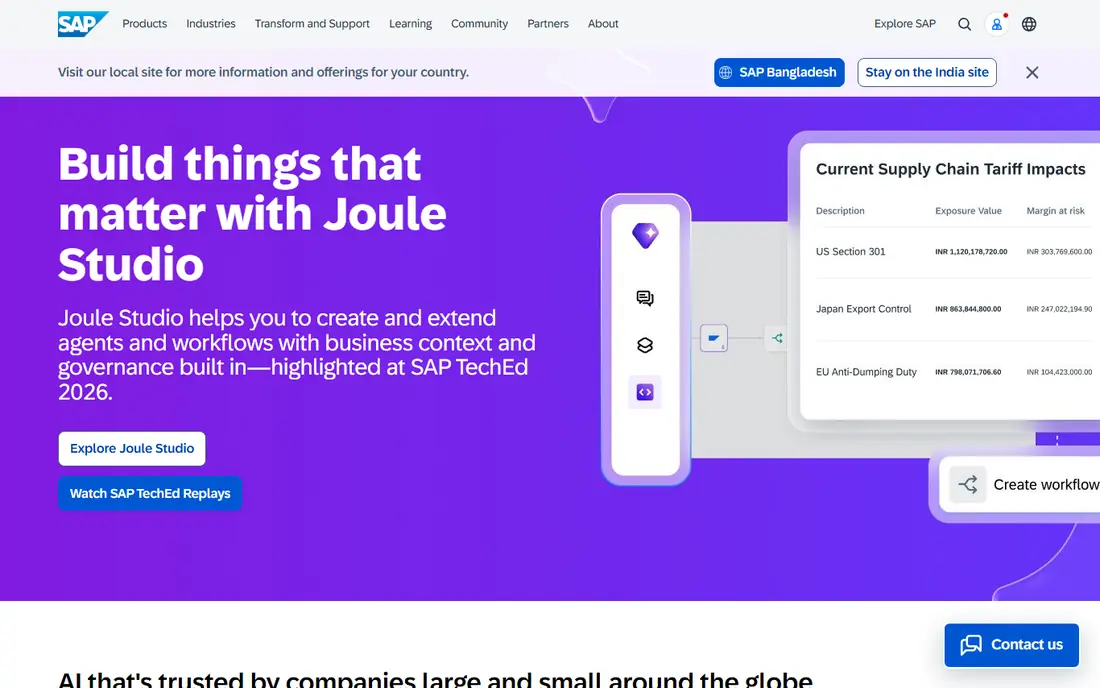
SAP Business One has served small and mid-size product companies for years, and that maturity shows in finance, inventory, purchasing, and production. It suits manufacturers and distributors that need solid material planning, batch handling, and reporting, with a partner network that can support industry-specific setups. Deployment can be cloud-based or on-premises, which helps companies with strict hosting needs.
Like NetSuite, it is sold and implemented through partners, with quoted pricing and a multi-month project for most buyers. Staff training also matters, since the interface rewards users who learn its structure. For a product company that values a proven, long-supported ERP over a low entry price, Business One remains a credible choice.
- Mature finance, inventory, and production features
- Large partner ecosystem
- Cloud or on-premises deployment
- Quoted pricing
- Partner-led implementation and a steep learning curve
Acumatica stands out for its licensing model. Instead of charging per user, it prices by resources consumed, which can save money for companies with many occasional users, such as warehouse staff, approvers, or sales reps who log in briefly. Its editions for distribution, manufacturing, and construction give industry depth that generic ERPs often lack.
Pricing is quoted and implementation runs through partners over several months, so the total project cost is far above any license figure alone. Companies with a small, full-time user base may find per-user systems cheaper. Companies with many light users and complex distribution or production needs should ask Acumatica for a consumption quote before ruling it out.
- Consumption-based licensing that does not charge per user
- Strong distribution and manufacturing editions
- Cloud or on-premises
- Quoted pricing
- Implementation is partner-led and takes months
Microsoft Dynamics 365 Business Central
Great for: Microsoft-centered small businesses
Business Central is the natural ERP for a company that already runs on Microsoft 365, Outlook, and Teams. Finance, inventory, purchasing, and sales share data with those tools, so quotes, orders, and invoices flow without retyping. Published pricing is clear, with Essentials at $80 per user per month, which makes budgeting easier than with quoted rivals.
Per-user pricing is also the caution. A team of ten full users pays $800 per month before implementation, and occasional users still need licensing thought. Complex customization and integrations need a partner, as with most ERPs. For a Microsoft shop that wants a supported, well-documented ERP with predictable license pricing, Business Central is the straightforward pick.
- Deep Microsoft 365 and Teams integration
- Clear published pricing
- Finance, inventory, and sales in one system
- Per-user costs add up with many users
- Customization needs a partner for complex work
ERPNext is a free, open-source ERP that suits small manufacturers and distributors with technical confidence. It covers accounting, inventory, manufacturing, purchasing, sales, HR, and projects in one system, and the hosted version starts at a low monthly price for teams that prefer not to run a server. Its manufacturing depth, including bills of material and production planning, is unusually strong for a free tool.
Self-hosting is free in license terms only. Someone must install, update, back up, and secure the system, and paid support comes through partners rather than a single vendor help desk. Non-technical teams should price hosted ERPNext plus partner support, not just the free download. For a maker or distributor with technical staff, ERPNext delivers remarkable breadth for the money.
- Free to self-host with full source code
- Strong manufacturing, inventory, and HR modules
- Low hosted pricing
- Self-hosting needs technical care
- Support depends on community or a paid partner
Sage Intacct is best understood as a finance-led system rather than a full operations ERP. Its dimensional accounting lets teams slice results by department, project, location, or customer without a maze of separate accounts, and multi-entity consolidation suits services firms, SaaS companies, and nonprofits with several entities. Reporting is a genuine strength, with dashboards that finance leaders can build without waiting for IT.
Operations depth depends on integrations and partner modules, so a manufacturer needing deep production planning should compare Intacct carefully with Acumatica or Business One. Pricing is also quoted, and implementation typically takes months. For a finance-first small business where clean books and consolidated reporting are the priority, Intacct is a strong, focused choice.
- Dimensional accounting and strong reporting
- Multi-entity consolidation
- Good for services, SaaS, and nonprofits
- Finance-first scope, with operations depth via partners and integrations
- Quoted pricing
Katana is built for small makers and direct-to-consumer brands rather than for general ERP buyers. Orders from Shopify or WooCommerce flow into a visual board that shows what to make, what is in stock, and what is short, which suits candles, cosmetics, food, and other small-batch products. Unlimited users on plans help small teams where everyone checks stock or production status.
The starting price needs reading alongside add-ons. Full manufacturing management and traceability are sold as paid add-ons, so a maker needing lot tracking or multi-level bills of material will pay more than the Core price. Order-volume charges can also add up for high-volume, low-value products. For a small online maker with simple products, Katana's clarity is worth the price.
- Visual production and inventory boards
- Strong Shopify and WooCommerce links
- Unlimited users on plans
- Core plan needs paid add-ons for full manufacturing
- Usage-based charges can grow with order volume
How we picked these
We compared official pricing pages, product pages, and implementation guides for each system in October 2026, and we favored systems that small businesses actually deploy today. We included free open-source tools, published-price systems, and quoted platforms so readers can compare total cost honestly. We did not claim hands-on testing, and we wrote "See website" where pricing is quoted rather than published.
How to choose ERP software as a small business
Start with the problem that hurts most: stock disagreements, messy books, slow order fulfillment, or production chaos. An ERP that fixes that problem first will earn support from staff, while a system bought for features no one uses will gather dust. List the must-have modules, then shortlist only systems that cover them without heavy customization.
Budget for implementation, not just licenses
Implementation, data cleanup, training, and integrations usually cost more than the first year of licenses, and complex projects can cost several times more. Ask each vendor or partner for a written scope, timeline, and total first-year cost, including data migration from your current tools. A cheaper license with a long implementation can cost more than a pricier license with a short one.
Run a pilot with your real data
Before signing, load your real products, customers, and a month of orders into a trial or pilot, and run a full order cycle from quote to invoice to stock update. That test exposes missing features, awkward workflows, and data problems that a demo never shows. Involve the staff who will use the system daily, since their buy-in decides whether the ERP succeeds after go-live.
Frequently asked questions
What is the best ERP software for small businesses?
There is no single best system, since the right pick depends on size, industry, and budget. Odoo and ERPNext suit budget-first teams, Business Central suits Microsoft-centered companies, and NetSuite or Acumatica suit larger small businesses with complex operations. Start with your biggest pain point and shortlist systems that solve it well.
What is the best ERP system for small manufacturing companies?
ERPNext and Katana suit small makers, with ERPNext offering deeper manufacturing at a lower license cost and Katana offering a simpler visual workflow for online sellers. Acumatica and SAP Business One suit larger manufacturers with complex production and distribution. Match the system to your product complexity, not just your headcount.
How much does ERP software cost for a small business?
License costs range from free for self-hosted Odoo Community and ERPNext to $80 per user per month for Business Central Essentials and quoted pricing for NetSuite, Acumatica, and Sage Intacct. Implementation, data migration, and training usually cost more than the first year of licenses, so ask for a total first-year quote before deciding.
Is free open-source ERP really free?
The license is free, but running the system is not. Self-hosted Odoo Community and ERPNext still need hosting, updates, backups, data migration, and training, whether in staff time or partner fees. For a technical team, the total can stay very low. For a non-technical team, partner-supported open source can approach the cost of a commercial subscription.
Should a small business buy NetSuite or Business Central?
Business Central suits smaller Microsoft-centered teams that want published pricing and a faster setup. NetSuite suits larger, growing companies with multiple entities, currencies, or locations that need a system they will not outgrow. Compare total first-year cost, including implementation, and choose the system that fits the business you expect in three years.
Sources
- https://www.odoo.com/pricing
- https://www.netsuite.com/portal/products/erp.shtml
- https://www.sap.com/products/erp/business-one.html
- https://www.acumatica.com
- https://www.microsoft.com/en-us/dynamics-365/products/business-central
- https://erpnext.com/pricing
- https://www.sage.com/en-us/sage-business-cloud/intacct
- https://katanamrp.com/pricing
See where you really rank - block by block
ProMapRanker scans Google Maps across a grid of your service area. Simple monthly plans from $19, white-label on every plan.
Start freeKeep reading
 best saas ecommerce platforms
Best SaaS Ecommerce Platforms in 2026
Compare the best SaaS ecommerce platforms for 2026, from Shopify and BigCommerce to Wix and Squarespace, with pricing, features and honest limits today.
Read → best rated seo platform for b2b
Best Rated SEO Platform for B2B in 2026
Compare the best rated SEO platforms for B2B teams, including Semrush, Ahrefs, Moz Pro, SE Ranking, Surfer, and Screaming Frog tools for B2B teams in 2026.
Read → best penetration testing tools
Best Penetration Testing Tools in 2026
Compare the best penetration testing tools for authorised testing in 2026, from network mapping and web testing to scanning, with free and paid options.
Read →