 ProMapRanker
Enterprise Content Platforms: Best Picks of 2026

Marketing-led digital experience and asset management · Pricing starts at: See website
Direct answer
For marketing-led digital experience and asset management, Adobe Experience Manager is where this list starts. Listed starting prices: Laserfiche from $42 per user a month and M-Files from €65 per seat a month. Laserfiche is better for document management with process automation, and Microsoft SharePoint is better for organizations standardized on Microsoft 365. Details, prices and limits for the rest of the 6 tools are below.
If you are comparing enterprise content platforms, this page covers 6 tools in one place: what each is best for, what it costs to start, whether it has a free plan, and the main limit to know about.
Key takeaways
- Top of the list is Adobe Experience Manager, which targets marketing-led digital experience and asset management.
- For knowledge access and governance in workflows, OpenText Content Management is worth a look.
- What to know about Microsoft SharePoint first: best value inside the Microsoft ecosystem.
- For the cheapest start, look at Laserfiche: $42 per user per month.
- Neither Adobe Experience Manager nor OpenText Content Management, nor any of the other 4 tools, has a permanent free plan; trials and quotes are the norm.
Quick comparison
| Pick | Great for | Pricing starts at | Free tier | |
|---|---|---|---|---|
| Adobe Experience Manager | Marketing-led digital experience and asset management | See website | Not stated | Visit |
 Laserfiche | Document management with process automation | $42 per user a month | Not stated | Visit |
 Microsoft SharePoint | Organizations standardized on Microsoft 365 | See website | Not stated | Visit |
 Box | Secure collaboration and workflow automation | See website | Not stated | Visit |
 M-Files | Organizing documents in context | €65 per seat a month | Not stated | Visit |
 OpenText Content Management | Knowledge access and governance in workflows | See website | Not stated | Visit |
6 enterprise content platforms in detail
Adobe Experience Manager
Great for: Marketing-led digital experience and asset management
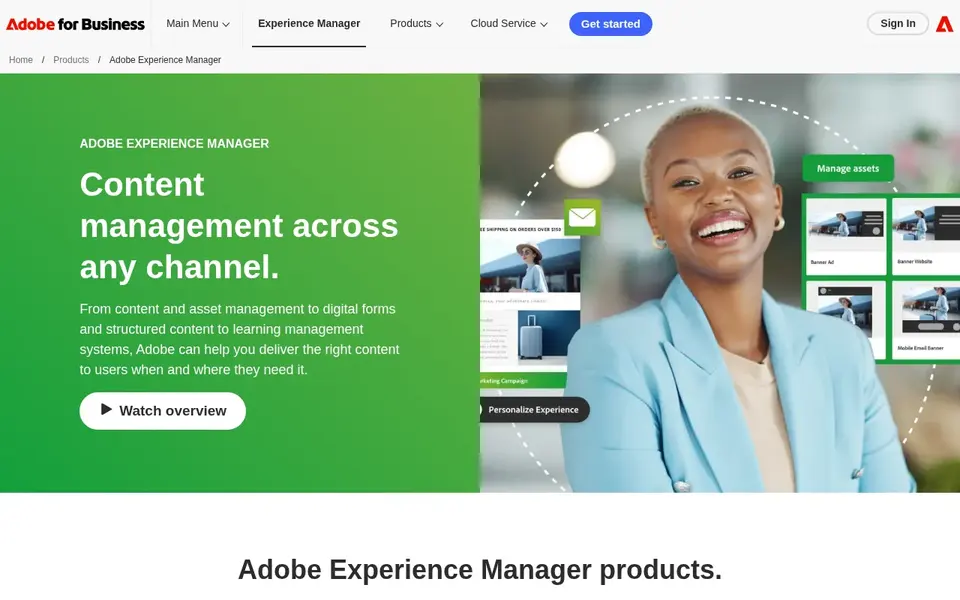
Where Adobe Experience Manager fits: marketing-led digital experience and asset management. Adobe Experience Manager links digital asset management, a content management system, and digital enrollment to help brands run content across channels.
Where it is weaker: Targeted at bigger content operations.
Beyond that, since it spans multiple disciplines, adoption can involve significant configuration and coordination across teams. Worth adding: pick a more straightforward document-focused system if your priority is internal records instead of external digital experiences. No starting price is listed for Adobe Experience Manager here; confirm pricing on the vendor site. Trial and free access: Not stated.
- Made for brand content at scale
- Contains digital enrollment capabilities
- Wide product that can be complicated to adopt
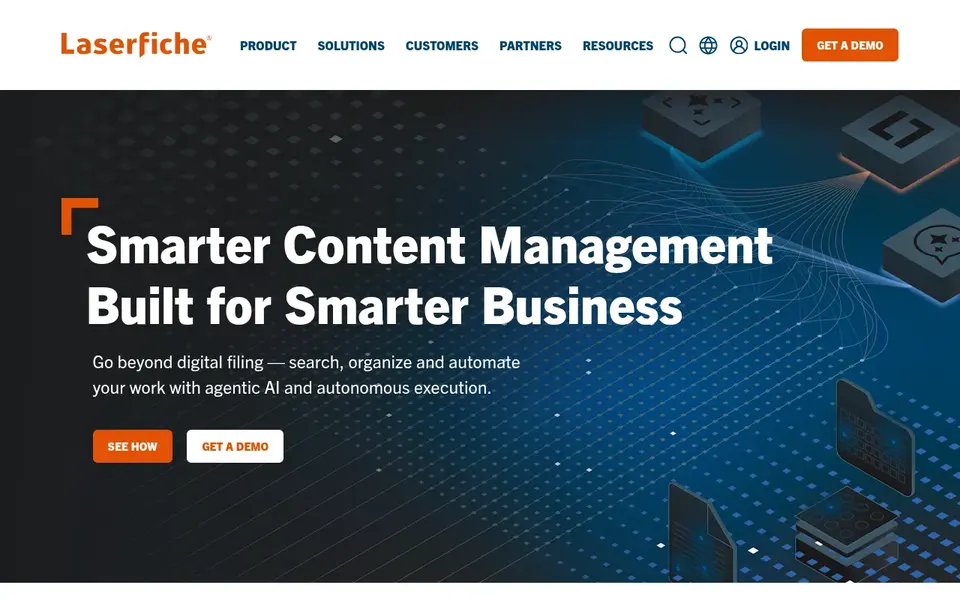
For document management with process automation, Laserfiche is a natural candidate. Laserfiche gives you AI-powered document management and process automation, with workflows, electronic forms, document management, and analytics pitched at getting work done quicker. The product pairs content storage with automation of the steps around it.
Downsides: Process design takes planning.
Its orientation toward documents and process automation means it is less suited to marketing content delivery across digital channels. Choose a broader content product if external experience management is a core need. Laserfiche cost at the entry level: $42 per user per month. As for free access: Not stated.
- Document management and analytics
- Focus on accelerating routine work
- Primarily document and process oriented
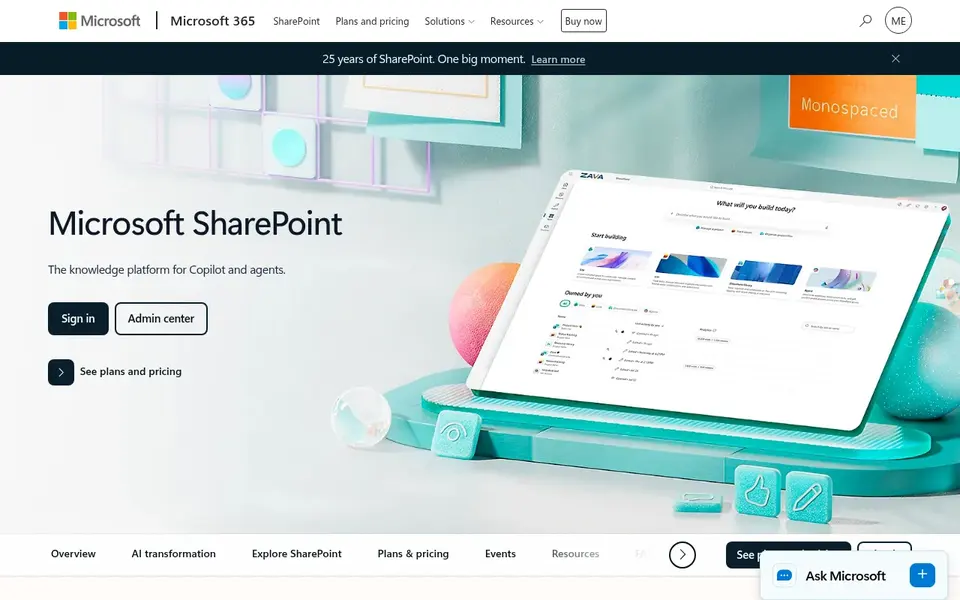
For organizations standardized on Microsoft 365, Microsoft SharePoint is a natural candidate. SharePoint is a collaborative content management product for creating, sharing, and governing trusted knowledge. Its strengths are tied to the Microsoft ecosystem, so teams outside it may find integration less natural.
As for the details, governance settings and site structure can take planning to get right. Consider a standalone system if you need specialized records management or marketing content operations beyond what SharePoint spans. This comparison lists no price for Microsoft SharePoint; ask the vendor. On free options: Not stated.
The main drawbacks: Setup and governance can need planning.
- Supports automation and AI experiences
- Deep integration with Microsoft 365
- Best value inside the Microsoft ecosystem
Box targets secure collaboration and workflow automation. Consider a CMS-led system if external digital experiences are the central goal.
Box centers on content management and collaboration, so organizations needing deep web experience management may pair it with another system. Permission and governance structures benefit from careful planning. Check the vendor site for Box pricing; none is listed in this comparison. Free plan details: Not stated.
The main drawbacks: Governance setup needs attention.
- Supports internal and external collaboration
- Automates workflows across content
- Content-centric instead of full web publishing
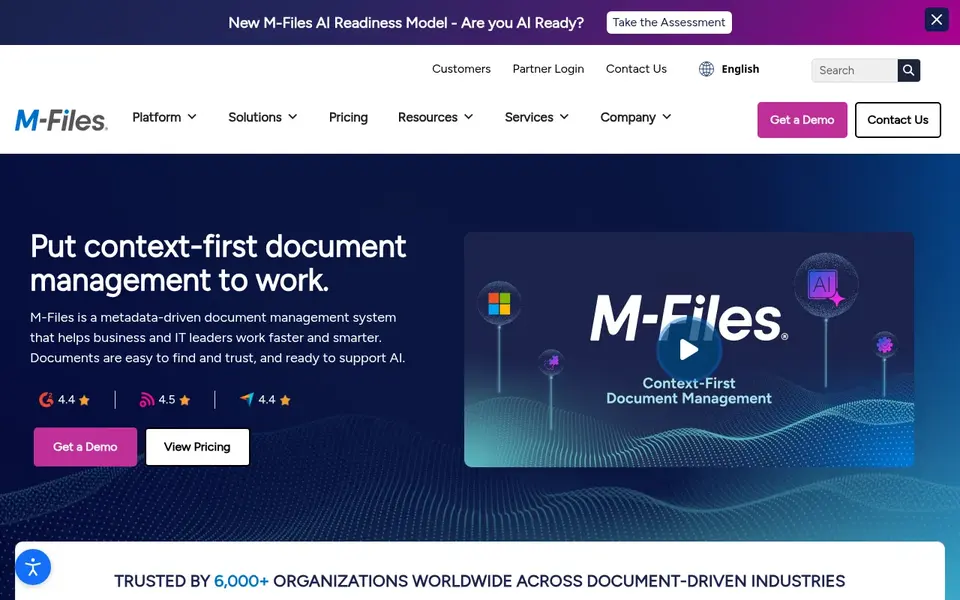
M-Files is built with organizing documents in context in mind. This contextual approach supports finding the right document and applying consistent processes. From a buyer's view, consider a CMS-oriented tool if your priority is publishing content to customers.
The metadata-driven model gives value when teams maintain consistent classification, which takes discipline. It is document management focused instead of a digital experience product. M-Files starts at: €65 per seat per month. Free access: Not stated.
The main drawbacks: Less concentrated on external publishing.
- Automates workflows
- Aims to reduce risk with secure management
- Metadata-driven approach requires discipline
OpenText Content Management
Great for: Knowledge access and governance in workflows
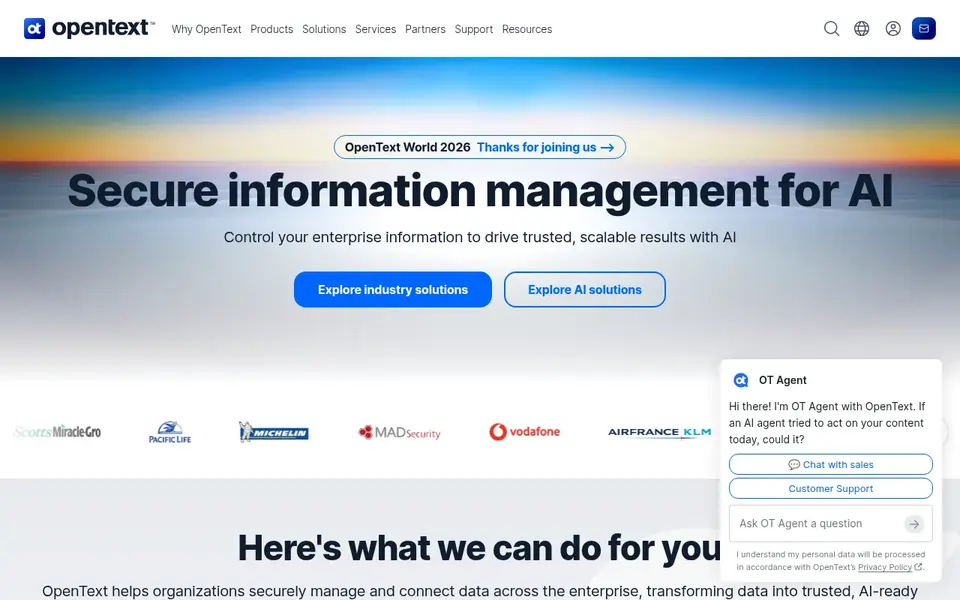
OpenText Content Management targets knowledge access and governance in workflows. OpenText enterprise content management is positioned around making organizational knowledge readily accessible within workflows, helping teams make informed decisions. More specifically, the emphasis is on connecting content to the processes where people actually use it.
Honest limits: Enterprise focus can mean longer setup.
Its enterprise orientation can mean more upfront configuration and governance design than lighter tools. More specifically, choose OpenText when knowledge access and governance inside workflows are the central requirements. Check the vendor site for OpenText Content Management pricing; none is listed in this comparison. Trial and free access: Not stated.
- Makes organizational knowledge accessible
- Supports informed decision making
- Needs clear information governance planning
Before you commit
- Confirm the entry price on the vendor page. For Adobe Experience Manager, Microsoft SharePoint, Box and OpenText Content Management that means a quote rather than a fixed price.
- Before choosing Adobe Experience Manager, weigh its main limit: wide product that can be complicated to adopt.
- Check the integration list for Adobe Experience Manager against the tools you run today, and note which ones need a higher plan.
- Ask the daily users to test Box on a live task before you roll it out to everyone.
- Check whether the features you need in OpenText Content Management sit on the entry plan or only on higher tiers.
Frequently asked questions
How are the tools for enterprise content platforms ordered?
The order follows typical fit for enterprise content platforms, with Adobe Experience Manager first and OpenText Content Management last, then price clarity and free access. It is editorial judgement, not a score, so another team could rank the tools differently.
Can I try these options before paying?
Not by default. None of the tools, from Adobe Experience Manager to OpenText Content Management, lists a free plan or a free trial here, so ask each vendor for a demo before committing.
What is the cheapest option for enterprise content platforms in this list?
On published monthly entry prices, Laserfiche is the lowest here at $42 per user per month. Entry price is only part of the cost, because seats, add-ons and billing terms can change the total. All 6 picks in this enterprise content platforms comparison list a starting price, free plan details and the main limits on their cards above.
What is the difference between enterprise content management and digital asset management?
Digital asset management centres on marketing assets for example images and videos, with brand governance and search. Beyond that, some systems, like Adobe Experience Manager, combine both areas.
Is Adobe Experience Manager the right pick for everyone comparing enterprise content platforms?
No single tool suits every team. Adobe Experience Manager comes first because it fits marketing-led digital experience and asset management, while Laserfiche suits document management with process automation and Microsoft SharePoint suits organizations standardized on Microsoft 365. Match the tool to your own size, budget and workflow before deciding.
Sources
- Adobe Experience Manager: business.adobe.com/products/experience-manager/adobe-experience-manager.html
- Laserfiche: laserfiche.com
- Microsoft SharePoint: microsoft.com/en-us/microsoft-365/sharepoint/collaboration
- Box: box.com
- M-Files: m-files.com
- OpenText Content Management: opentext.com/products/content-management
See where you really rank - block by block
ProMapRanker scans Google Maps across a grid of your service area. Simple monthly plans from $19, white-label on every plan.
Start freeBrowse all guides
← Enterprise Content Management Strategies: Best Picks of 20265 Platform for Ai-Driven Content Summaries Ranked for 2026 →
 best ai to create content
Best AI to Create Content: 2026 Prices and Picks
5 products for the best AI to create content, ranked by fit, with starting costs and free tiers. Fit, price and catches for every tool. Pick by budget.
Read → best ai content generation software for agencies
6 Best AI Content Generation Software for Agencies for 2026
6 products for the best AI content generation software for agencies, ranked by fit, with starting costs and free tiers. Real limits included. Quick to scan.
Read → best ai content detectors software for enterprise
6 Best AI Content Detectors Software for Enterprise Options (2026)
Shortlisting the best AI content detectors software for enterprise? 6 products compared on cost, free access and ideal buyer. Current for November 2026.
Read → best ai tools for creating presentations
Best AI Tools for Creating Presentations in 2026
Find the best AI tools for creating presentations, from prompt-to-deck builders to slide editors, with pricing, free plans, and export options compared.
Read → best booking software for salons
Best Booking Software for Salons in 2026
Compare the best booking software for salons in 2026, with pricing, marketplace fees, payments, reminders, and tools for solo stylists and teams here.
Read → best platform for content b2c
Best Platform for Content B2C in 2026
Find the best platform for content B2C publishing for consumer brands, with WordPress, HubSpot, Webflow and headless tools compared on price and editing.
Read →More in Writing, PDFs & Documents · All guides A to Z by date · Latest guides