 ProMapRanker
Best Platform for Content B2C in 2026

Key takeaways
- WordPress remains the most flexible base for consumer content because of its plugin range, but you pay for hosting, upkeep and security separately.
- HubSpot Content Hub suits brands that already use HubSpot, since content, forms and customer records sit in one system.
- Webflow and Framer suit design-led consumer brands that want visual control without a developer for every page change.
- Headless tools such as Contentful, Sanity and Storyblok suit brands publishing the same content to a website, an app and other channels.
- The best platform for content for B2C teams is the one your editors can actually use daily, not the one with the longest feature list.
Quick comparison
| Pick | Great for | Pricing starts at | Free tier | |
|---|---|---|---|---|
 WordPress | Flexible consumer publishing | Free | Yes | Visit |
 HubSpot Content Hub | HubSpot-based brands | $20 per seat per month | Yes | Visit |
 Webflow | Design-led marketing sites | See website | Yes | Visit |
 Wix | Small brand sites | See website | Yes | Visit |
 Squarespace | Visual consumer brands | See website | Free trial | Visit |
 Contentful | Multi-channel publishing | See website | Yes | Visit |
 Sanity | Custom content experiences | See website | Yes | Visit |
 Storyblok | Visual headless editing | See website | Yes | Visit |
 Ghost | Content-led blogs and newsletters | See website | No | Visit |
 Framer | Fast marketing pages | $10 per month | Yes | Visit |
The best platform for content B2C
Consumer content needs to look good, load fast and be easy to update. The tools below cover the best platform for content for B2C brands, from simple site builders to headless systems, so you can match the tool to your team size and channels.
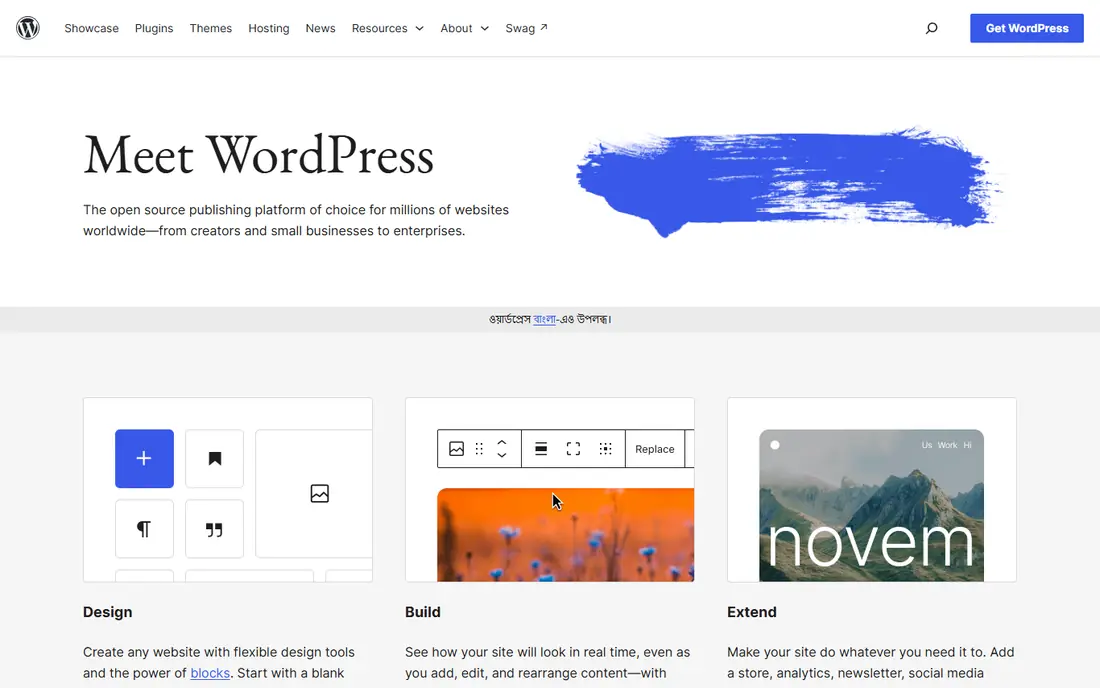
WordPress powers a huge share of consumer websites because it bends to almost any content plan. A brand can run a blog, product guides, landing pages and a store from one install, with thousands of plugins for search, forms, video and social sharing. Editors learn the block editor quickly, and developers can extend it deeply when needed.
The freedom comes with upkeep. Core software is free, but hosting, themes, plugins and security are your responsibility, and a neglected site can slow down or break. WordPress still wins for B2C teams that want control and a large ecosystem, provided someone owns maintenance.
- Huge plugin and theme range
- Full control over content and data
- Large support community
- You handle hosting, updates and security
- Plugin quality varies

HubSpot Content Hub is the content layer inside a wider customer platform. Blog posts, landing pages and website pages connect to contacts, forms, email and reporting without stitching tools together. For a consumer brand already using HubSpot, that link between a reader and a customer record is the main reason to choose it.
The drawback is price growth. Starter is accessible, but Professional and Enterprise tiers cost far more, and design flexibility depends on the theme and modules you buy or build. Choose HubSpot when customer data matters as much as the content itself, not when you only need a simple blog.
- Content tied to CRM records
- Built-in forms and campaigns
- Hosted and secure
- Costs rise sharply above Starter
- Design freedom depends on the theme
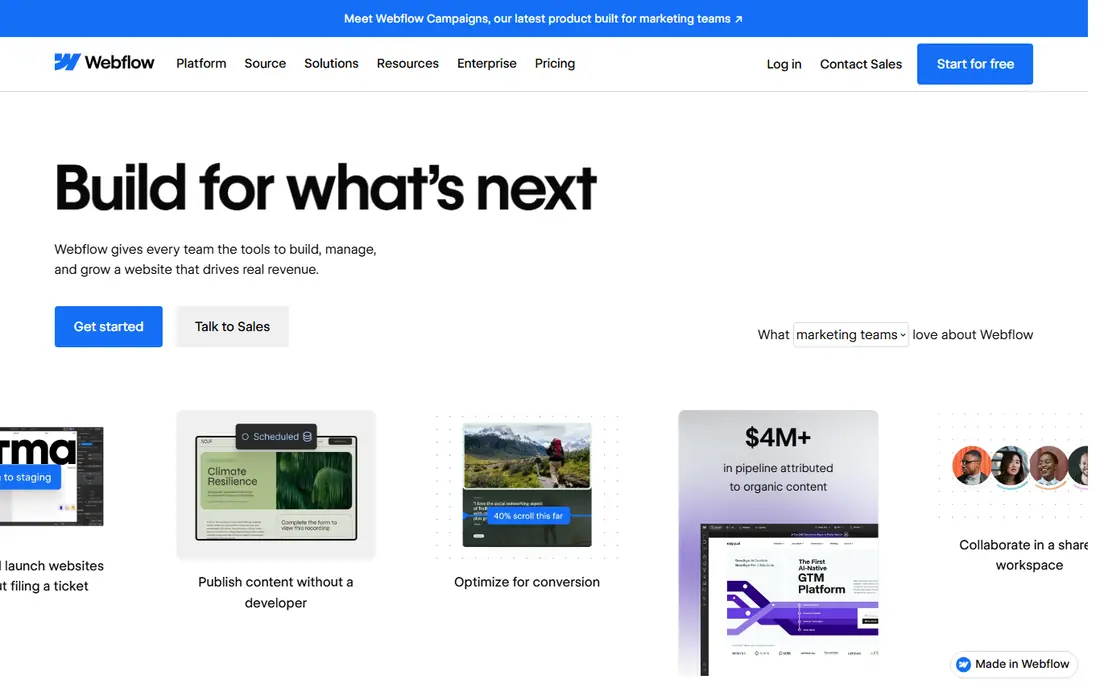
Webflow gives marketers and designers direct control over how consumer content looks. Pages are built visually, collections handle blogs, case studies and product guides, and hosting, SSL and a content delivery network are included. A brand team can publish a polished page without waiting for a developer sprint.
The learning curve is real, especially for teams used to simple builders. CMS item caps also matter once a content library grows, so check the plan against your publishing volume. Webflow suits design-led B2C brands that publish often and care about the final look of every page.
- Visual design control
- Hosted with CDN and SSL
- CMS collections for blogs and guides
- Learning curve for new designers
- CMS item limits vary by plan
Wix suits a small consumer brand that needs a site, a blog and basic selling tools in one place. Templates cover retail, food, fitness, beauty and services, and the editor lets non-technical owners change text, images and layout without code. The app market adds bookings, forms and email tools when needed.
Scale is the limit. Large content libraries and complex publishing workflows feel cramped compared with WordPress or a headless system, and exporting a Wix site to another platform is not simple. For a small team starting out, though, Wix gets consumer content live fast.
- Easy drag-and-drop builder
- Many templates
- App market for extra features
- Less flexible at larger scale
- Moving away later can be hard
Squarespace is built for brands where photography, layout and tone sell the product. Templates look polished out of the box, blogging is built in, and commerce, scheduling and email tools sit in the same account. Editors can update a guide or a product story without touching code.
The trade-off is depth. Squarespace has fewer third-party extensions than WordPress, and heavy custom layouts can fight the template structure. It fits creators, boutiques and service brands that want a beautiful consumer site with modest technical needs, rather than a large publishing operation.
- Polished templates
- Built-in blogging and commerce
- Simple editing
- Fewer extensions than WordPress
- Template structure limits deep custom work
Contentful stores content once and delivers it through an API to a website, a mobile app, a kiosk or another channel. That model suits consumer brands with more than one customer touchpoint, since an update to a product story can appear everywhere at once. Governance, roles and workflows on paid plans help larger teams publish safely.
Contentful is not a website builder. You still need a front end, which means developer time and a separate hosting bill, and the step from the free plan to paid plans is steep. Choose it when multi-channel publishing is a real need, not a future hope.
- Content API for website, app and other channels
- Strong governance on paid plans
- Scalable structure
- Paid plans are expensive
- Front end must be built separately
Sanity is a headless content platform that lets teams shape content exactly around their product and brand. Editors work in a custom studio, content updates in real time, and developers can deliver that content to any front end. The free tier covers small teams well, which makes it a practical way to test a headless approach.
The cost is build time. Unlike Wix or Squarespace, Sanity does not ship a finished website, so a team without developer support will stall. For B2C brands with engineering help and a custom site or app in mind, Sanity offers control that template builders cannot match.
- Flexible content modelling
- Real-time collaboration
- Generous free tier for small teams
- Needs developers to build the front end
- Setup takes longer than a builder
Storyblok sits between a builder and a headless system. Marketers edit pages visually, with live previews, while content still flows through an API to any front end. Components let a team reuse product blocks, banners and guides across pages, which keeps a growing consumer site consistent.
Pricing rises on growth plans, and the plugin ecosystem is smaller than WordPress. Storyblok suits marketing teams that want visual editing without giving up the multi-channel benefits of headless content. It is a strong middle path for brands outgrowing a simple builder.
- Visual editor on a headless base
- Component-based pages
- Marketer-friendly previews
- Paid growth plans cost more
- Smaller ecosystem than WordPress
Ghost is built for publishers. Its editor is clean, newsletters and memberships are built in, and paid subscriptions can run without a stack of plugins. Consumer brands that lead with editorial content, such as a food brand with recipes or a fitness brand with guides, will find Ghost focused and fast.
It is not a general site builder. Landing page design, commerce and complex layouts need themes or custom work, and the integration range is narrower than WordPress. Choose Ghost when the blog or newsletter is the core of your consumer content, not an add-on.
- Clean publishing and newsletter tools
- Memberships built in
- Fast, focused editor
- Not a general website builder
- Themes and integrations are narrower
Framer suits small B2C teams that need striking marketing pages quickly. The visual builder handles animation and layout with little code, templates look current, and publishing is fast. A startup launching a product page, a waitlist and a short blog can ship in days rather than weeks.
Large editorial libraries are not its strength, since CMS item limits on lower plans cap how much content you can hold. Framer is best as a marketing site tool for a lean brand, paired with another system later if content volume grows sharply.
- Fast visual site building
- Animated, modern templates
- CMS on paid plans
- CMS item limits on lower plans
- Less suited to large editorial libraries
How we picked these
We compared official pricing pages, editor workflows and publishing models for tools that serve consumer-facing brands. We favoured platforms with a current free or trial option, a clear publishing workflow and a realistic path from a first blog to a larger content library. We left out internal wiki tools and tools built only for internal documents, since they do not serve public consumer content. We compared feature pages, pricing and public reviews rather than claiming hands-on testing.
How to choose the right content platform
Start with who edits content and how often. A solo founder needs a builder with templates and hosting included, while a marketing team with developers can handle WordPress or a headless system. Ask how long it takes to publish a post, change a homepage banner and fix a typo, since those small tasks make up most of a content team's week.
Next, map your channels. If content only lives on one website, a builder or WordPress is enough. If the same product stories must appear on a website, an app and email, a headless platform saves duplicate work. Also check search tools, analytics, forms and social sharing, since a platform that needs five plugins for basics costs more in time than its price suggests.
Finally, test the exit path. Check whether you can export posts, images and customer data, and what happens to your domain if you leave. A platform that locks content in makes a later move painful. Short trials and free tiers let you test editing, publishing and speed before you commit a brand site to one system.
Frequently asked questions
What is the best platform for content for B2C brands?
WordPress suits most B2C brands because it handles blogs, guides, landing pages and stores in one system. Webflow suits design-led brands, HubSpot suits brands already on HubSpot, and Ghost suits content-led brands. The best choice depends on team size, design needs and whether content must feed customer records.
What are the best tools for content B2C publishing on a small budget?
WordPress with affordable hosting, Wix, Squarespace and Framer all start at low cost or with a free tier. WordPress costs more in upkeep time, while builders bundle hosting and support. For a small team, a builder often works out cheaper in total effort, even if the monthly price looks similar.
Should a B2C brand use a headless platform?
A headless platform makes sense when content must reach a website, an app and other channels from one source. It needs developer support to build and maintain the front end. If you only publish to one website, a traditional builder or WordPress will be faster and cheaper to run.
Can I run a blog and a store on the same content platform?
Yes. WordPress with WooCommerce, Wix, Squarespace, Shopify with a blog, and HubSpot all combine content and commerce. The trade-off is focus, since a store-first platform treats the blog as secondary, while a content-first platform needs extra work for advanced selling features.
How do I move content to a new platform later?
Export posts, pages, images and media before you cancel, and keep your domain registered separately from the platform where possible. WordPress and headless tools export more cleanly than closed builders. Test the export on a few posts first, since formatting, links and images often need cleanup after a move.
Sources
See where you really rank - block by block
ProMapRanker scans Google Maps across a grid of your service area. Simple monthly plans from $19, white-label on every plan.
Start freeKeep reading
 zscaler alternatives
Best Zscaler Alternatives in 2026
Looking for zscaler alternatives? We compare 9 SASE and zero trust platforms on architecture, data protection, pricing, and fit for your network and team.
Read → zapier alternatives free
Best Zapier Alternatives Free in 2026
Nine automation tools for zapier alternatives free in 2026, all with genuinely free tiers, plus free plan limits, starting prices and upgrade paths explained.
Read → which platform is best for online reputation
Which Platform Is Best for Online Reputation in 2026
Wondering which platform is best for online reputation? We compare 8 review, listing, and response tools for small and multi-location businesses and agencies.
Read →