 ProMapRanker
Best Enterprise AI Agent Platforms in 2026


Microsoft 365 workplaces · Pricing starts at: $200 per month
Key takeaways
- Microsoft Copilot Studio suits Microsoft-heavy firms, while Salesforce Agentforce suits firms already running on Salesforce CRM.
- Google, IBM, and ServiceNow each tie agents to a different core system: cloud and data, orchestration, or IT and service workflows.
- Pricing rarely compares directly, because vendors charge by credits, actions, conversations, seats, or a mix of those units.
- Governance, access controls, and audit trails matter as much as agent building, especially for regulated teams.
- Start with one high-volume workflow, measure the outcome, and only then expand agents across departments.
Quick comparison
| Pick | Great for | Pricing starts at | Free tier | |
|---|---|---|---|---|
| Microsoft Copilot Studio | Microsoft 365 workplaces | $200 per month | No | Visit |
 Salesforce Agentforce | Salesforce CRM teams | See website | No | Visit |
 Google Agentspace | Google Cloud and Workspace firms | See website | No | Visit |
 IBM watsonx Orchestrate | Governed enterprise automation | See website | No | Visit |
 ServiceNow AI Agents | IT and service workflows | See website | No | Visit |
 UiPath | Automation-led enterprises | See website | No | Visit |
 Moveworks | Employee support at scale | See website | No | Visit |
 Kore.ai | Customer and employee agents | See website | No | Visit |
 Cognigy | Contact centre voice and chat agents | See website | No | Visit |
The best enterprise ai agent platforms
These platforms help large firms build agents that act inside real systems, with controls over data access, approvals, and audit logs. Enterprise pricing is often quote-based and usage-based, so confirm the billing unit and the expected monthly volume before signing.
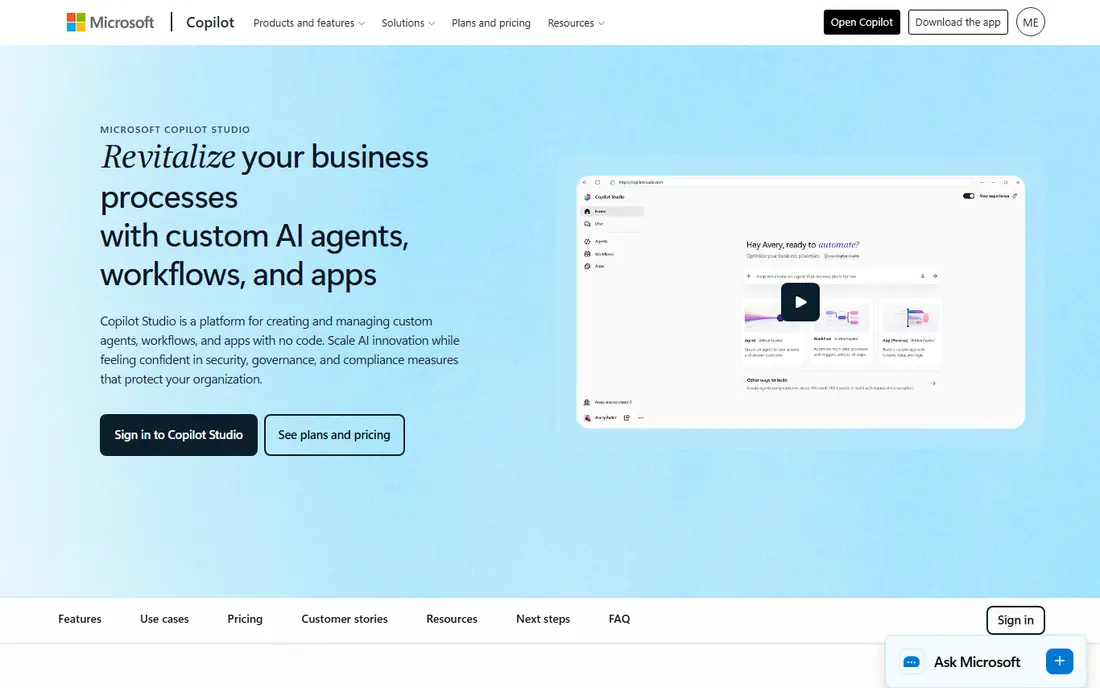
Microsoft Copilot Studio is the natural starting point for firms already standardised on Microsoft 365. Agents can work across Outlook, Teams, Word, Excel, and SharePoint, and builders can publish them where employees already work. The visual builder lowers the barrier for business teams, while IT keeps control through governance tools for agent identities and access.
The pricing model needs careful modelling. A published capacity pack covers a set number of Copilot Credits per month, and consumption depends on how agents are designed and used. Seat licences for Microsoft 365 Copilot sit alongside that usage bill. For a Microsoft-heavy firm, the integration value is high, but finance teams should model a realistic workload before approving a rollout.
- Deep Microsoft 365, Teams, and SharePoint connections
- Visual agent builder
- Governance through Agent 365
- Usage is billed through Copilot Credits on top of seat licences
- Costs are hard to forecast
- Needs a qualifying Microsoft plan
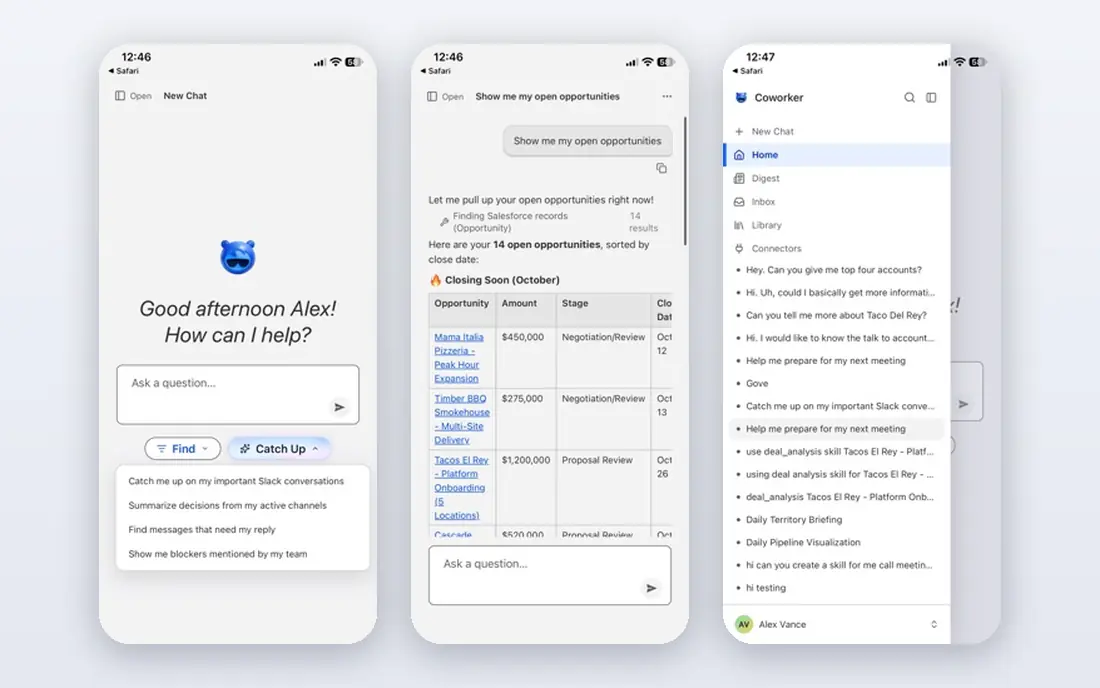
Salesforce Agentforce turns CRM records into working context for agents, rather than asking agents to guess from documents alone. Service agents can answer from knowledge articles and case history, sales agents can prepare follow-ups from opportunity data, and commerce agents can help with orders. That direct link to customer data is its main advantage over a generic agent builder.
Pricing is the hardest part to compare. Salesforce has offered conversation-based, credit-based, and per-user routes, and each one rewards a different usage shape. A high-volume service centre and a low-volume sales team can face very different bills on the same platform. Firms already invested in Sales Cloud or Service Cloud will get the most from Agentforce, while others should weigh the full CRM cost.
- Agents run on live CRM data
- Service, sales, and commerce use cases
- Trust and guardrail controls
- Pricing models have changed often
- Usage units are hard to compare
- Best value needs a full Salesforce estate
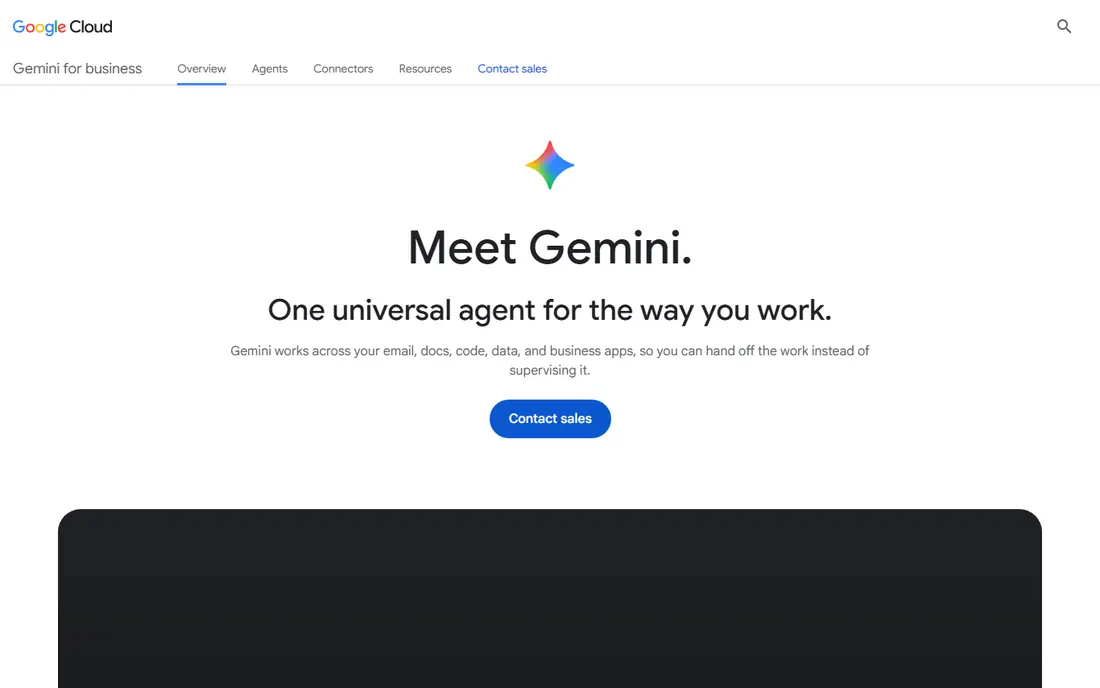
Google Agentspace suits firms that already store work in Google Cloud and Google Workspace. It brings enterprise search, agents, and Gemini models together, so employees can ask questions across documents, email, and business systems from one place. Agents can also be built with Vertex AI tools for more custom workflows and grounding in company data.
The main risk is not the model, but the data underneath it. Agents are only as reliable as the permissions, documents, and records they can reach, so access cleanup matters before launch. Pricing is usage-based, which makes a pilot essential for forecasting. For a Google-centred firm, Agentspace is a coherent way to add agents without a separate stack.
- Enterprise search across company data
- Gemini models and Google Cloud controls
- Workspace connections
- Pricing is usage-based and quote-led
- Value depends on data quality
- Newer enterprise agent controls still maturing
IBM watsonx Orchestrate is aimed at firms that want agents to coordinate work across many systems, not just answer questions. Prebuilt skills cover common tasks in HR, procurement, sales, and customer care, and agents can be assembled to hand work between tools with approvals in place. That orchestration focus suits large firms with established processes and compliance needs.
It is not a quick self-serve purchase. Deployment usually needs process mapping, integration work, and governance design, which adds time and cost before value appears. Smaller firms may find a lighter builder faster. For a regulated enterprise that needs audit trails and controlled automation, watsonx Orchestrate is a serious, if heavyweight, choice.
- Agent orchestration across business apps
- Enterprise governance focus
- HR, sales, and procurement skills
- Implementation takes planning and partner help
- Pricing is quote-based
- Interface depth suits technical teams
ServiceNow AI Agents suit firms that already run IT service management, HR service delivery, or customer service on ServiceNow. Agents can triage requests, gather details, trigger approvals, and update records inside the same workflow that staff already use. That placement inside the system of record avoids a separate agent tool that staff must learn.
The limitation is scope. Firms without ServiceNow will face a platform purchase, not just an agent add-on, and custom agents need ServiceNow platform skills. Pricing is tied to platform licences and agent tiers, so a quote is needed for a fair total. For an existing ServiceNow customer, adding agents is often the lowest-friction enterprise route.
- Agents built into ITSM and service workflows
- Strong approval and audit trails
- Large enterprise install base
- Best value needs ServiceNow already in place
- Pricing is seat and platform based
- Custom agents need platform skills
UiPath started in robotic process automation and has added agents on top of that automation base. That mix suits firms where agents must do more than chat: they must open systems, move data, and complete multi-step tasks with human approval at key points. Orchestration, queues, and logging give operations teams visibility into what agents did and why.
Breadth is also the drawback. UiPath covers studio tools, robots, orchestrators, and agents, and new teams can struggle to pick the right pieces. Pricing spans licences and consumption, so a pilot with a clear task list helps. For firms with an existing automation programme, UiPath lets agents extend work that robots already handle.
- Combines agents with robotic process automation
- Strong orchestration and human approvals
- Broad app connections
- Platform breadth can overwhelm new teams
- Pricing is complex
- Governance setup needs care
Moveworks focuses on a clear enterprise problem: employees waiting for IT and HR help. Its agents resolve common requests, such as password resets, software access, and policy questions, by connecting to the systems that hold the answers. That narrow focus makes outcomes easier to measure, such as tickets deflected and time saved for support teams.
Firms looking for a general agent builder for sales, marketing, and product work may find Moveworks too focused. It is best judged on support volume and ticket mix, not on builder flexibility. For a large employer with a busy service desk, that focus is a strength, because the agent is built for the workflow that costs the most staff time.
- Strong employee IT and HR support use cases
- Connects to common business apps
- Outcome-focused reporting
- Focus is narrower than general builders
- Enterprise pricing is quote-based
- Value depends on support volume
Kore.ai offers a dedicated platform for building virtual assistants and agents across chat, voice, and messaging channels. Banks, healthcare firms, retailers, and other large organisations use it for customer service and employee support, with templates that shorten the build for common journeys. The platform covers design, training, testing, and deployment in one place.
It does not carry the same built-in user base as Microsoft or Salesforce, so integrations and data connections need more upfront work. Pricing is enterprise and quote-based, which makes direct comparison difficult. For firms that want a specialist agent platform rather than an add-on to a CRM or cloud suite, Kore.ai is a credible independent choice.
- Dedicated platform for virtual assistants and agents
- Voice and chat channels
- Industry templates
- Enterprise deployment needs integration work
- Pricing is quote-based
- Smaller ecosystem than the largest vendors
Cognigy suits contact centres that need agents to handle voice calls as well as chat. Its visual conversation designer, voice capabilities, and integrations with contact centre platforms help firms automate routine calls, route complex cases to people, and keep a record of each interaction. That voice strength sets it apart from text-first builders.
General business automation is not its main job. Firms that need agents for back-office workflows or employee productivity should look at a broader platform first. For a contact centre with high call volume and clear routine journeys, Cognigy offers a focused, enterprise-grade route to voice and chat automation.
- Strong voice AI for contact centres
- Visual conversation design
- Enterprise security and integrations
- Contact centre focus limits general use
- Deployment needs contact centre expertise
- Pricing is quote-based
How we picked these
We compared official product pages, pricing pages, and platform documentation for agent platforms that serve large firms in October 2026. We kept only platforms with enterprise controls, system integrations, and live customer deployments, and we left out consumer chatbots and small-team agent toys. Where pricing was quote-based or usage-based, we wrote See website rather than inventing a comparable monthly figure.
What to check before you buy
Start with governance, not the demo. Ask who can build an agent, which systems it can touch, what approvals it needs before acting, and what audit log it leaves behind. A useful agent that can move money, change records, or email customers without controls is a risk, not a productivity gain.
Model the billing unit
Translate each vendor price into your own workload before comparing totals. Count expected conversations, actions, or credit consumption for one workflow, then multiply by the departments you plan to add. A cheap per-action price can become expensive at high volume, and a seat price can become cheap once usage spreads across a large team.
Run a pilot with a real outcome
Pick one workflow with a clear success measure, such as tickets resolved, cases closed, or time saved per request. Run it with real data and real users for several weeks, and review failures, not just successes. A pilot that only tests happy paths will hide the edge cases that cause trouble at scale.
Plan for agent management
Large firms can soon manage hundreds or thousands of agents, each with its own access and prompts. Ask how agents are versioned, tested, retired, and monitored for drift or misuse. A platform with a clear agent registry and ownership model will age better than one that only helps you build the first agent.
Frequently asked questions
What is the best ai agent platform for enterprises?
There is no single winner, because the best platform usually matches the system you already run. Microsoft Copilot Studio suits Microsoft 365 firms, Salesforce Agentforce suits Salesforce firms, and ServiceNow suits ServiceNow firms. Independent platforms such as Kore.ai and Cognigy suit firms that want a specialist tool.
Which ai agent platform is best for enterprises with strict compliance needs?
IBM watsonx Orchestrate, ServiceNow, and Microsoft Copilot Studio all put governance, approvals, and audit trails at the centre of their enterprise pitch. Ask each vendor for a written description of data access, retention, and human approval controls. A demo alone does not prove compliance readiness.
How much do enterprise ai agent platforms cost?
Most enterprise pricing is quote-based, usage-based, or both, which makes a single monthly figure misleading. Microsoft publishes a Copilot Credit pack price, while Salesforce, Google, IBM, and others price by credits, actions, conversations, or seats. Model your expected volume with each vendor before comparing totals.
What is the best enterprise ai agent platform for customer service?
Salesforce Agentforce and Cognigy are strong for customer service, with Cognigy leading on voice contact centres. Moveworks leads for employee support rather than external customers. Match the platform to the channel and volume you actually handle, not to a generic feature list.
Do enterprise agents replace staff?
In most deployments, agents handle routine, high-volume tasks and hand complex or sensitive cases to people. The best pilots measure resolution rates, escalation quality, and customer satisfaction together. Treat agents as a way to remove repetitive work, and keep people in charge of judgment calls and exceptions.
How long does an enterprise agent rollout take?
A single pilot can launch in weeks, but a governed rollout across departments usually takes months. Data cleanup, access controls, integration work, and staff training take longer than building the agent itself. Plan for that work in the budget, or the pilot will stall when it meets real systems.
Sources
- https://www.microsoft.com/en-us/microsoft-copilot/microsoft-copilot-studio
- https://www.salesforce.com/agentforce/
- https://cloud.google.com/products/agentspace
- https://www.ibm.com/products/watsonx-orchestrate
- https://www.servicenow.com/products/ai-agents.html
- https://www.uipath.com
- https://www.moveworks.com
- https://kore.ai
- https://www.cognigy.com
See where you really rank - block by block
ProMapRanker scans Google Maps across a grid of your service area. Simple monthly plans from $19, white-label on every plan.
Start freeKeep reading
 twitch alternatives
Twitch Alternatives in 2026
Explore the best Twitch alternatives in 2026 for live streaming, with free platforms, monetisation options, audiences, chat tools, and tips for new streamers.
Read → firebase alternatives
Best Firebase Alternatives in 2026
Looking for Firebase alternatives? We compare 9 backend platforms for auth, databases, realtime, storage, functions, self-hosting, and pricing for your app.
Read → companies with best work life balance
Companies With Best Work Life Balance in 2026
See companies with best work life balance in 2026, ranked by employee ratings, with flexible work options, benefits, and what to check before applying.
Read →