 ProMapRanker
Best Encryption Software in 2026

Key takeaways
- VeraCrypt is the best free option for full-disk and container encryption, with audited open-source code.
- BitLocker and FileVault are the simplest picks, since they are built into Windows Pro and macOS.
- Cryptomator and NordLocker are the best choices for encrypting files before they reach cloud storage.
- 7-Zip and Gpg4win cover encrypted archives and standards-based file and email encryption at no cost.
- Gilisoft Video Encryptor is the specialist pick when video files need protection for sharing or distribution.
Quick comparison
| Pick | Great for | Pricing starts at | Free tier | |
|---|---|---|---|---|
 VeraCrypt | Free full-disk and container encryption | Free | Yes | Visit |
 BitLocker | Built-in Windows drive encryption | See website | No | Visit |
 Cryptomator | Encrypting cloud storage | Free | Yes | Visit |
 AxCrypt | Simple file-by-file encryption | See website | Free trial | Visit |
 NordLocker | Easy cloud-friendly encryption | See website | Yes | Visit |
 7-Zip | Free encrypted archives | Free | Yes | Visit |
 Gpg4win | Email and file encryption standards | Free | Yes | Visit |
 Folder Lock | Password-protecting folders simply | See website | Free trial | Visit |
 FileVault | Built-in Mac drive encryption | See website | No | Visit |
 Gilisoft Video Encryptor | Encrypting video files for sharing | See website | Free trial | Visit |
The best encryption software
Encryption software protects files, folders, drives and videos so that only someone with the right password or key can read them. The tools below cover different needs, from full-disk protection for a laptop to encrypting a single video before sharing it. Keep backups of passwords and recovery keys, since losing them can mean losing the files permanently.
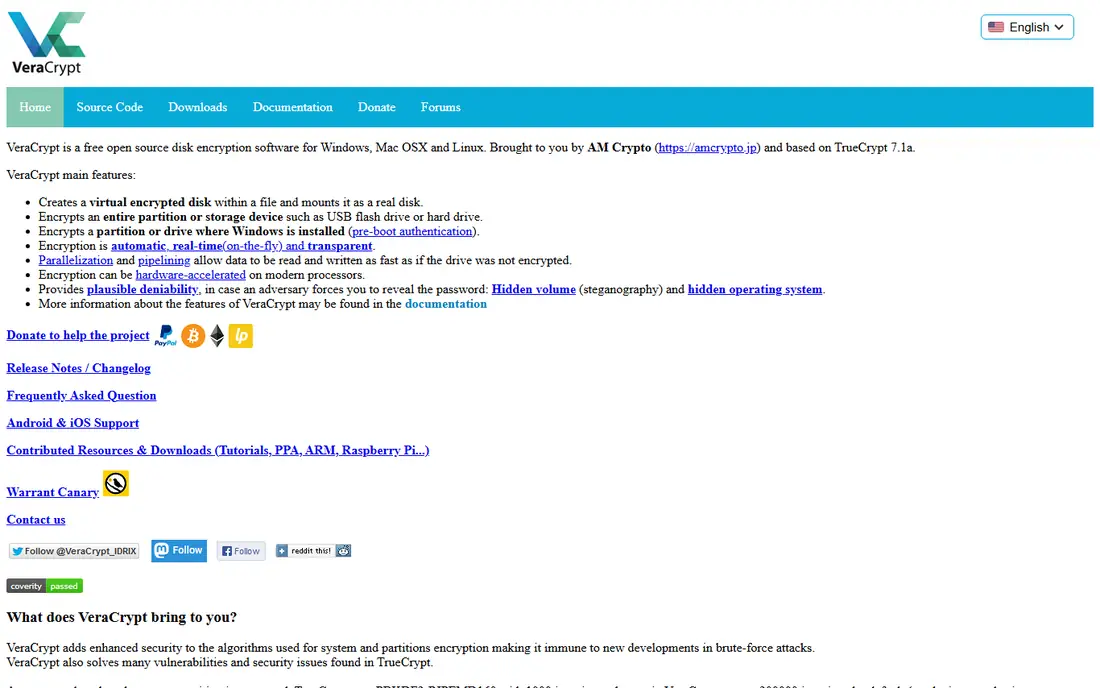
VeraCrypt is the successor to TrueCrypt and the standard free choice for serious encryption. It encrypts entire drives, partitions or file containers, and its hidden volume feature lets you create a second volume inside another one. Being open source and independently audited gives it trust that closed-source free tools cannot match, and it costs nothing on Windows, Mac and Linux.
The interface looks dated and the options can confuse beginners, especially around hidden volumes and system encryption. There is no company support line to call. For users willing to read the documentation and test decryption before relying on it, VeraCrypt offers the strongest data encryption software at any price.
- Free and open source
- Supports AES, Serpent and Twofish
- Hidden volumes for added privacy
- Dated interface
- No official support channel
- Beginners can misconfigure volumes
BitLocker is the simplest encryption choice for Windows users, because it is already part of Windows Pro and Enterprise. Once enabled, it encrypts the drive transparently, so daily work feels unchanged while the data stays protected if the laptop is lost or stolen. It supports TPM chips, PINs and USB keys for pre-boot authentication, and BitLocker To Go covers removable drives.
The main limit is edition. Windows Home does not include full BitLocker, so Home users need another tool from this list. Save the recovery key somewhere safe and separate from the laptop, since a forgotten PIN or a hardware change without the key can lock you out of your own drive.
- Built into Windows Pro and Enterprise
- Transparent once enabled
- TPM and PIN options
- Not included in Windows Home
- Recovery key management is essential
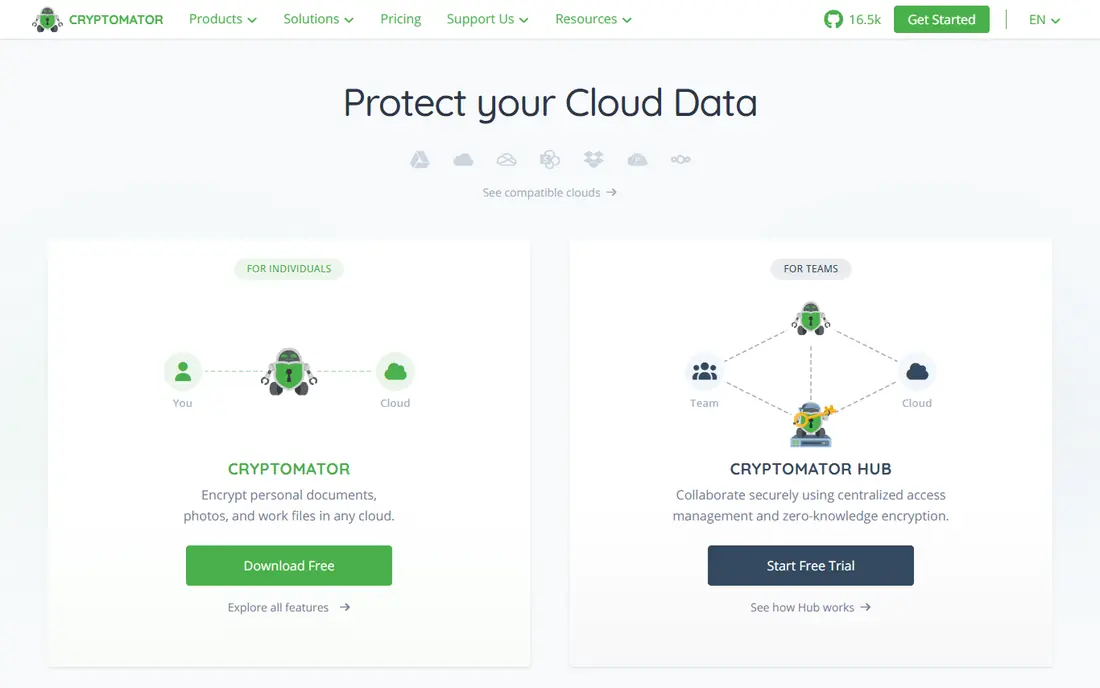
Cryptomator encrypts files on your device before they sync to Dropbox, Google Drive, OneDrive or any other cloud folder. It creates a vault that looks like an ordinary folder when open and like scrambled files when closed, so the cloud provider never sees readable content or file names. Desktop apps for Windows, Mac and Linux are free and open source, which makes it an easy addition to any cloud workflow.
It does not encrypt a whole drive, and its mobile apps are paid, so it suits cloud files rather than full-device protection. Pair Cryptomator with BitLocker or FileVault for device encryption, and use Cryptomator for the files you sync and share through the cloud.
- Free desktop apps
- Open source
- Works with any cloud storage folder
- Mobile apps are paid
- No full-disk encryption
AxCrypt focuses on one job: encrypt individual files and folders with a password, and share them securely when needed. Double-clicking a protected file prompts for the password, and premium features add key sharing so recipients can open files without exchanging passwords by email. That simplicity makes it a good fit for people who need to protect documents, not whole drives.
AxCrypt is a paid product with a free trial, and pricing should be confirmed on its own site before buying, since plans have changed over time. Mac users should check feature parity, since some Windows features have historically been more limited on Mac. For straightforward file encryption with sharing, it remains one of the easiest tools to live with.
- Simple to use
- Secure file sharing with key sharing
- Works on Windows, Mac and mobile
- Pricing varies by plan
- Some Mac features are more limited than Windows
NordLocker encrypts files on your device with AES-256 and stores them in a private cloud locker, with a separate cloud password that NordLocker does not store. The free plan includes 3 GB of storage with the same encryption as paid plans, and paid plans add 500 GB or 2 TB of space. Share links can be protected with a code, which suits sending sensitive files to clients or colleagues.
Two cautions matter. Deleted files are removed permanently, since NordLocker has no trash or version history, so keep backups elsewhere. Paid plans also renew at a higher rate after the first year, so check the renewal price, not only the introductory offer, before committing.
- Free plan with 3 GB of cloud storage
- Encryption on your device
- Recovery key for a lost password
- No trash or version history on deleted files
- Paid plans renew at a higher rate
7-Zip is a file archiver that also encrypts archives with AES-256, which makes it a practical free tool for protecting files before emailing or uploading them. Create an archive, set a strong password, choose to encrypt file names as well, and the contents stay unreadable without that password. It costs nothing, runs on major desktop systems and opens common archive formats.
It is not a drive or folder encryption tool, and security depends heavily on password strength, since a weak archive password can be guessed. Use 7-Zip for sharing and archiving, and use VeraCrypt, BitLocker or FileVault for drives that need always-on protection.
- Free and open source
- AES-256 archive encryption
- Works on Windows, Mac and Linux
- No full-disk encryption
- Archive passwords must be strong to resist guessing
Gpg4win brings OpenPGP encryption to Windows, covering file encryption, email encryption and digital signing through the GnuPG standard. It suits users who need standards-based encryption that other OpenPGP tools can also open, such as journalists, lawyers and developers exchanging signed documents. Being free and open source removes cost as a barrier to proper key-based encryption.
Setup is the hurdle. Key creation, key exchange and trust settings take learning, and the workflow feels technical compared with password-based tools. Mac users can look at GPG Suite for a similar approach, while Linux users usually have GnuPG built in. For standards-based email and file encryption, Gpg4win is the right Windows starting point.
- Free and open source
- OpenPGP standard
- Email encryption and signing
- Setup takes learning
- Windows-focused, with other tools for Mac and Linux
Folder Lock is aimed at users who want to protect folders without learning encryption terminology. It locks, hides and encrypts folders behind a master password, and it can also shred files and clean history traces. That simplicity suits a shared family computer or a small office where the goal is keeping personal folders private from casual access.
It is a Windows-focused paid product, so Mac and Linux users should choose another tool here. Confirm current pricing and trial terms on the vendor site before buying, and remember that folder locking alone is weaker than full encryption for a laptop that could be stolen, so pair it with drive encryption for sensitive data.
- Simple folder locking
- Password and encryption options
- Suitable for non-technical users
- Windows-focused
- Paid product with a free trial rather than a free plan
FileVault is the Mac equivalent of BitLocker: full-disk encryption built into macOS, free with the operating system and transparent once turned on. It encrypts the startup disk so data stays protected if the Mac is lost or stolen, and it works with iCloud recovery or a local recovery key. For most Mac users, enabling FileVault is the single easiest security step in this list.
FileVault is Mac only, and losing both the password and the recovery key can mean losing access to the drive. Store the recovery key safely away from the Mac, and test that you can find it before you need it. There is no reason for a Mac user with sensitive data to leave FileVault off.
- Built into macOS
- Transparent once enabled
- XTS-AES-128 encryption with a 256-bit key
- Mac only
- Recovery key management is essential
Gilisoft Video Encryptor addresses the video keyword directly: it encrypts video files so they can only be played with the right password or key. That suits course creators, trainers and businesses that distribute paid video content and want to limit copying and unauthorised sharing. The tool focuses on video formats rather than general file encryption, which keeps its workflow simple for its niche.
It is not a replacement for VeraCrypt or Cryptomator for general data, and buyers should confirm current pricing and trial terms on the vendor site. For a creator whose main asset is video, though, a specialist video encryptor is more practical than forcing video through a general archive or container tool.
- Built for video files
- Password protection for playback
- Suits creators and trainers
- Specialist tool, not a general encryption suite
- Pricing needs confirmation on the vendor site
How we picked these
We compared official product pages, documentation and current availability for each tool, and we included only products that exist and work in October 2026. We covered full-disk, folder, file, cloud and video encryption, so readers can match a tool to the asset they actually need to protect. We avoided discontinued tools, and where pricing could not be verified on the vendor site we wrote See website rather than guessing a figure.
How to choose encryption software
Start with what you need to protect. A laptop needs full-disk encryption from BitLocker, FileVault or VeraCrypt. Cloud files need Cryptomator or NordLocker. Single files for sharing need AxCrypt, 7-Zip or Gpg4win, and video for distribution needs Gilisoft Video Encryptor. Next, plan password and key recovery before you encrypt anything. Write down recovery keys, store them away from the device, and test decryption on a copy before deleting originals. A backup that is also encrypted, with its key stored separately, is the safety net that makes encryption usable rather than risky.
Also check platform fit and sharing needs. A tool that works on only one operating system creates friction when files move between Windows and Mac, while standards-based tools such as Gpg4win travel better across systems. For teams, confirm who can share keys, how access is revoked and whether audit or compliance features are needed, since personal tools and business tools differ on those points.
Frequently asked questions
What is the best encryption software overall?
VeraCrypt is the best overall free choice for full-disk and container encryption, thanks to its audited open-source code and strong cipher options. BitLocker and FileVault are the best choices for users who want built-in encryption with no extra software, on Windows Pro and macOS respectively.
What is the best folder encryption software?
Cryptomator is the best folder encryption choice for cloud-synced folders, since it encrypts files on your device before upload. AxCrypt suits simple file-by-file protection, and Folder Lock suits Windows users who want a simple password-protected folder tool.
What is the best video encryption software?
Gilisoft Video Encryptor is the specialist pick for encrypting video files for sharing or distribution, with password protection for playback. For general protection of video files at rest, VeraCrypt containers and Cryptomator vaults also work well, though they are not video-specific.
Is free encryption software safe?
Free open-source tools such as VeraCrypt, Cryptomator, 7-Zip and Gpg4win can be very safe, since their code can be audited and they use standard ciphers such as AES-256. Safety also depends on password strength, software updates and secure recovery key storage, so follow the vendor's guidance on all three.
What is the difference between BitLocker and VeraCrypt?
BitLocker is built into Windows Pro and Enterprise and encrypts drives transparently with minimal setup, while VeraCrypt is free, open source and cross-platform, with container and hidden volume features BitLocker does not offer. Choose BitLocker for simplicity on Windows, and VeraCrypt for cross-platform use or hidden volumes.
Sources
See where you really rank - block by block
ProMapRanker scans Google Maps across a grid of your service area. Simple monthly plans from $19, white-label on every plan.
Start freeKeep reading
 best user research tools
Best User Research Tools in 2026
Best user research tools compared for 2026: eight live platforms for testing, interviews, recruiting, and research synthesis to help your team choose wisely.
Read → best spa booking software
Best Spa Booking Software in 2026
Looking for the best spa booking software? We compare eight spa and salon booking tools on price, marketplace fees, and features for spas in 2026 today.
Read → best software for editing video podcasts
Best Software for Editing Video Podcasts in 2026
Best software for editing video podcasts compared for 2026: eight live editors for recording, transcript edits, and polished episodes for creators today.
Read →