 ProMapRanker
Best Employee Time Tracking Apps in 2026

Key takeaways
- Clockify and Toggl Track offer the easiest low cost starting points, while Harvest suits teams that bill clients by the hour.
- Tools with screenshots, GPS or activity tracking raise privacy questions, so tell staff what is tracked and why before you switch anything on.
- The best app for employee time tracking depends on your work type: desk teams, field teams and shift teams need different features.
- Free plans differ a lot in team size limits, so check the current free tier on the vendor site before you roll a tool out.
- We compared official feature and pricing pages, plus public reviews, and we did not claim hands on testing we did not do.
Quick comparison
| Pick | Great for | Pricing starts at | Free tier | |
|---|---|---|---|---|
 Toggl Track | Simple timers for small teams | See website | Yes | Visit |
 Clockify | Low cost team tracking | See website | Yes | Visit |
 Harvest | Billing and invoicing | See website | Yes | Visit |
 Hubstaff | Remote team oversight | See website | Free trial | Visit |
 Time Doctor | Distributed team analytics | See website | Free trial | Visit |
 QuickBooks Time | Field teams and payroll links | See website | Free trial | Visit |
 Everhour | Project tool integration | See website | Yes | Visit |
 Jibble | Free clock in for shift teams | See website | Yes | Visit |
 DeskTime | Automatic productivity tracking | See website | Free trial | Visit |
The best employee time tracking apps
We looked at time tracking apps that suit real employee teams, not only freelancers, and weighed ease of use, reporting, payroll links and privacy controls. The right pick is the one your team will actually use every day without feeling watched.
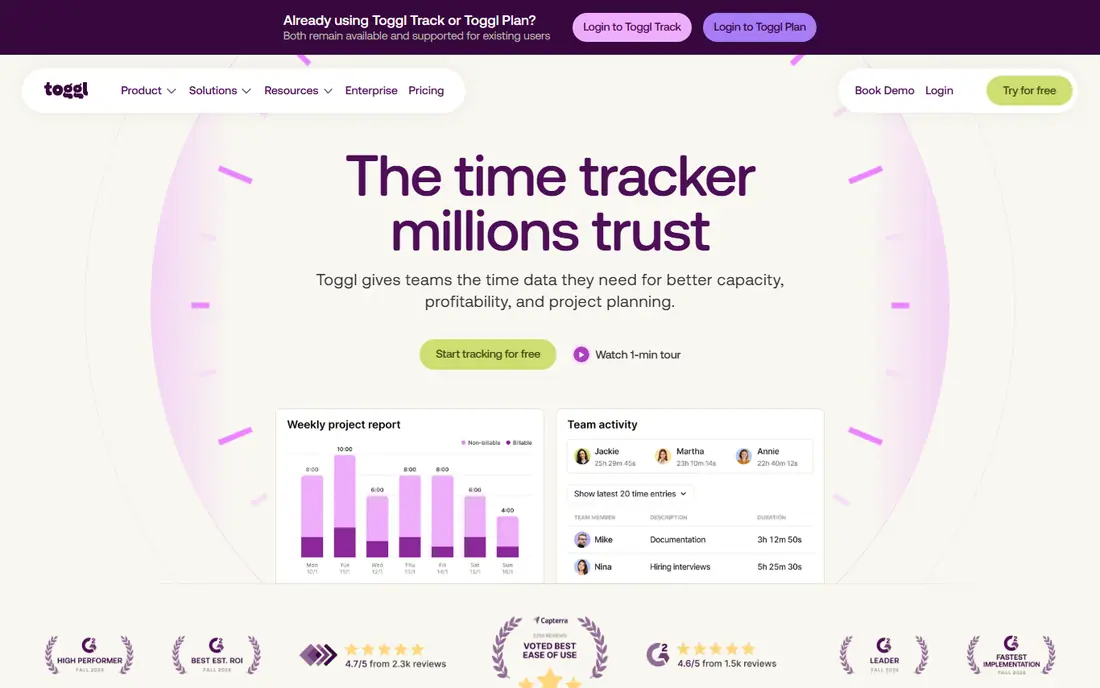
Toggl Track wins on simplicity. Staff start and stop a timer, add a project, and managers get clean reports without a long setup process. The browser extension and mobile apps make it easy to track time across tools, and the interface rarely gets in the way of the work itself.
The trade off is depth. Toggl Track does not try to monitor screens or run payroll, which many teams will see as a plus for trust. If you need invoicing or detailed shift scheduling, you will pair it with another tool, so check whether that extra step is worth the ease of use.
- Very easy one click timer
- Clean reports
- Many integrations
- No built in payroll
- Monitoring features are limited
- Paid plans add up for large teams
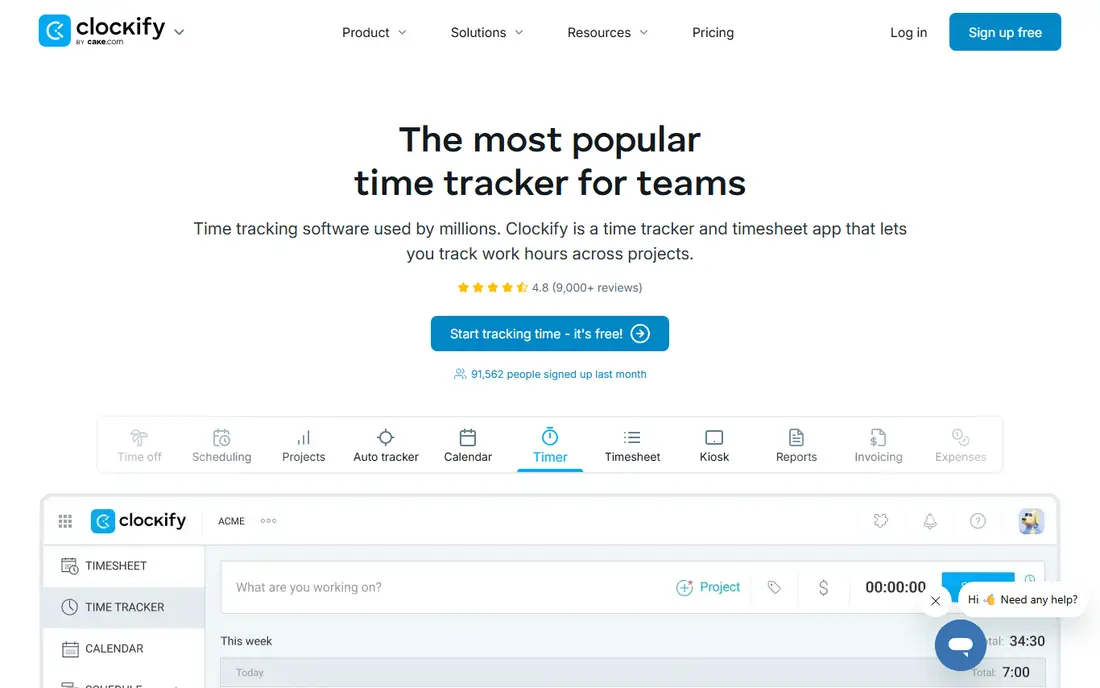
Clockify is the budget pick for teams that want core tracking without a large bill. The free tier covers time tracking, projects and basic reporting, and kiosk mode lets shared devices act as a clock in station. Paid plans add billable rates, approvals, invoicing, screenshots and GPS.
The plain interface will not win design awards, but it is easy to learn, which matters when you roll a tool out to staff who did not ask for it. Check the current free tier team limit on the official pricing page, since limits have changed in the past.
- Generous free tier for small teams
- Unlimited projects
- Timesheet and kiosk modes
- Interface feels plain
- Advanced features sit on paid plans
- Support can be slower on free plans
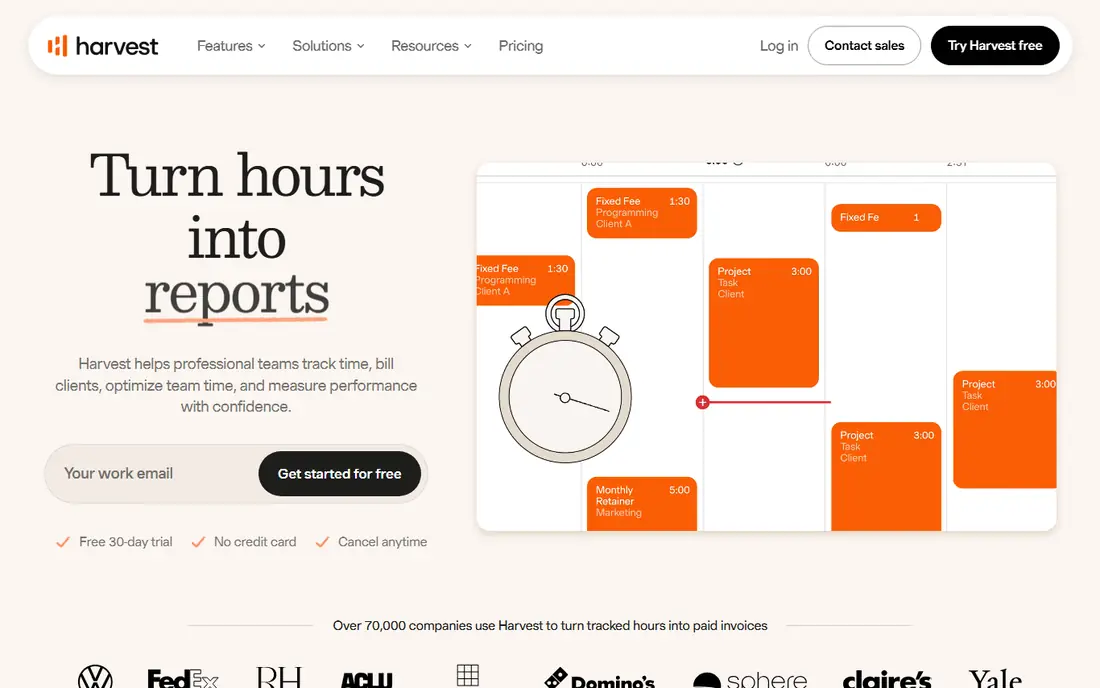
Harvest suits agencies and service firms that bill clients for time. Staff track hours against projects, managers watch budgets, and invoices can be built straight from tracked time. Expenses sit in the same workflow, which keeps client billing tidy.
The free plan is small, so Harvest is really a paid choice for teams. It also lacks shift scheduling and deep monitoring, so field or retail teams should look elsewhere. For client work, though, the path from timer to invoice is one of the cleanest in this list.
- Time turns into invoices cleanly
- Expense tracking included
- Clear project budgets
- Free plan is limited to one user
- No shift scheduling
- Payroll needs an integration
Hubstaff is built for managers who need visibility over remote or field teams. It offers screenshots, activity tracking, GPS and timesheets, plus payroll tools for contractors. Reports show who worked on what and for how long, which helps with client reporting.
Privacy is the honest catch. Screenshots and activity scores can feel intrusive, and laws and staff expectations vary by place. We suggest telling staff exactly what is collected, turning off the most invasive options unless you truly need them, and getting consent where required. Used with clear rules, it is powerful; used silently, it damages trust fast.
- Screenshots and activity levels
- GPS for field staff
- Contractor payroll options
- Monitoring can harm trust if misused
- Setup takes time
- Some staff dislike screenshots
Time Doctor gives managers detailed analytics on how work time is spent, including app and website use, distraction alerts and screenshots on some plans. It also offers payroll features, which suits distributed teams paying staff across regions. The reports help spot overload as well as idle time.
Like Hubstaff, the risk is overreach. We recommend agreeing the rules with staff first, limiting monitoring to work hours and work devices, and using the data to support staff rather than to punish short breaks. Teams that want a light touch should pick a simpler timer instead.
- Detailed productivity reports
- Distraction alerts
- Payroll features on some plans
- Monitoring features can feel heavy
- Learning curve for managers
- No free plan
QuickBooks Time, formerly TSheets, is made for hourly and field teams. Staff clock in from a phone, managers see GPS locations and geofenced job sites, and hours flow into QuickBooks for payroll. That link saves a lot of manual entry for firms already on QuickBooks.
Desk based teams will find it heavier than a simple timer, and the full value depends on the QuickBooks setup around it. If your firm already runs QuickBooks payroll, the fit is strong. If not, compare the total cost before committing.
- GPS and geofencing for field staff
- Strong QuickBooks payroll link
- Mobile clock in
- Needs a QuickBooks base plan for full value
- Desk teams may find it heavy
- Pricing is layered
Everhour is the pick for teams that already live in a project management tool. It adds timers, budgets and reports inside Asana, Trello, Jira and similar platforms, so staff track time where they already work. That reduces the usual complaint that tracking is extra admin.
On its own, Everhour is less complete than a full HR or payroll tool. It also lacks shift scheduling, so it suits project teams more than retail or field teams. If your projects already live in one of its supported tools, the fit is hard to beat.
- Lives inside Asana, Trello and similar tools
- Clear project budgets
- Invoicing options
- Needs a project tool to shine
- No shift scheduling
- Free plan is small
Jibble offers a free tier for time and attendance that suits small shift teams, with clock in by phone, kiosk or facial recognition. GPS and geofencing help verify field clock ins, and timesheets feed into payroll workflows. For a small business watching costs, the free starting point is attractive.
Facial recognition deserves a careful note. Collecting face data is sensitive, and staff should know what is stored, where it is stored and how to opt for another clock in method. Jibble works well without that feature too, so many teams can simply leave it off.
- Free tier for time and attendance
- Facial recognition clock in
- GPS and geofencing
- Advanced payroll and analytics need paid plans
- Facial recognition raises privacy questions
- Smaller brand than rivals
DeskTime captures time automatically based on apps and websites used, then sorts work into productive and unproductive categories set by the manager. It also covers absence planning and shift scheduling, which makes it a broader workforce tool than a pure timer. Managers get a clear picture without asking staff to start and stop timers all day.
The catch is trust. Automatic capture should be explained clearly, limited to work devices and work hours, and paired with a written policy. Teams that prefer manual timers will find DeskTime too watchful, while managers who need automatic data will value the low admin load.
- Automatic time capture
- Productivity categories
- Absence and shift planning
- Automatic tracking can feel watchful
- Setup of categories takes effort
- Mobile app is thinner
How we picked these
We compared official feature pages, pricing pages and privacy documentation for tools that serve employee teams, not only solo freelancers. We weighed timer ease, reporting, billing and payroll links, mobile and kiosk options, and privacy controls such as screenshot and GPS settings. We gave weight to tools with clear free tiers or trials, and we noted where monitoring features need consent and clear staff communication.
What to check before you choose
Start with the work, not the feature list. Desk teams need a fast timer and good reports. Field teams need GPS, offline clock in and geofencing. Shift teams need scheduling, kiosk clock in and overtime rules. A tool that does everything badly is worse than a simple tool your team uses daily.
Next, write the privacy rules before you buy. Decide what you will track, what you will not track, and how long data is kept. Share that policy with staff, get consent where the law requires it, and turn off screenshots, keystroke tracking and out of hours monitoring unless you have a clear, lawful reason. Trust is hard to rebuild once tracking feels secret.
Finally, test with one team for two weeks on live work. Check whether timesheets close on time, whether payroll or invoicing matches, and whether staff complain about friction. A short pilot on real projects tells you more than a demo ever will.
Frequently asked questions
Which app is best for employee time tracking?
The best app depends on your team type. Toggl Track suits desk teams that want simplicity, Clockify suits budget teams, Harvest suits client billing, and QuickBooks Time suits field teams on QuickBooks. Pilot two options with one team before rolling a tool out company wide.
What is the best free employee time tracking app?
Clockify and Jibble offer the most useful free tiers for small teams, with Toggl Track and Everhour also offering free plans for small groups. Free tiers often limit users, projects or advanced features, so check the current limits on the vendor pricing page before you depend on a free plan.
Is employee time tracking software legal?
In many places, yes, but rules vary by country and state, and consent, notice and data protection rules apply. Tell staff what is collected, limit tracking to work time and work devices, and check local law or legal advice for your location. Avoid tracking personal devices, personal accounts or out of hours activity.
How do I track hours for remote employees without harming trust?
Use the lightest tool that does the job, such as a manual timer and weekly timesheets, and explain why tracking exists, for billing, payroll or workload planning. Avoid screenshots and activity scores unless there is a clear need, and share reports with staff so tracking feels transparent rather than secret.
Can time tracking software handle payroll?
Some tools, such as Hubstaff, Time Doctor and QuickBooks Time, include payroll features or strong payroll links. Others, such as Toggl Track and Everhour, focus on tracking and reporting and need an integration for payroll. Decide whether you want payroll inside the tracker or alongside it.
What is the best app for tracking hours for shift workers?
Jibble and QuickBooks Time suit shift teams, thanks to kiosk clock in, GPS and scheduling features. Desk timers such as Toggl Track lack shift tools, so they fit project teams better. Test clock in on the devices your staff actually use, including shared phones and tablets.
Sources
See where you really rank - block by block
ProMapRanker scans Google Maps across a grid of your service area. Simple monthly plans from $19, white-label on every plan.
Start freeKeep reading
 best employee recognition software
Best Employee Recognition Software in 2026
We compared the best employee recognition software for peer praise, rewards, and service awards, with pricing, integrations, and honest limits for teams.
Read → best ehr software
Best EHR Software in 2026
Compare the best EHR software in 2026 for small practices, specialty groups and hospitals, with pricing models, charting and billing features compared in full.
Read → best ecommerce shipping software
Best Ecommerce Shipping Software in 2026
Compare the best ecommerce shipping software for labels, rates, and automation, including ShipStation, Shippo, Pirate Ship, Easyship, and Veeqo for 2026.
Read →