 ProMapRanker
Best Email Ticketing Software: 2026 Prices and Picks

Product teams that want chat, email, and AI in one inbox · Pricing starts at: $19 per user/month (billed annually)
Direct answer
If you need product teams that want chat, email, and AI in one inbox, Intercom is the first tool to look at here. Listed starting prices: Intercom from $19 per user/month, Help Scout from $25 per user/month and LiveAgent from $11 per user/month. Help Scout fits small teams that want a straightforward shared inbox; LiveAgent fits budget teams that want email, chat, and calls in one place. Prices, free plans and limits for all 6 tools follow.
If you are comparing email ticketing software, this page covers 6 tools in one place: what each is best for, what it costs to start, whether it has a free plan, and the main limit to know about.
Key takeaways
- Top of the list is Intercom, which targets product teams that want chat, email, and AI in one inbox.
- HubSpot Service Hub has the lowest monthly starting price in this list: $7 per user/month.
- Intercom comes with a trade-off: Fin costs $0.99 per outcome on top of seats, and Advanced jumps to $85 per seat per month.
- Front suits teams that treat email as a shared workspace.
Quick comparison
| Pick | Great for | Pricing starts at | Free tier | |
|---|---|---|---|---|
| Intercom | Product teams that want chat, email, and AI in one inbox | $19 per user/month (billed annually) | Free trial (14 days) | Visit |
 Help Scout | Small teams that want a straightforward shared inbox | $25 per user/month (billed annually) | Yes | Visit |
 LiveAgent | Budget teams that want email, chat, and calls in one place | $11 per user/month (billed annually) | Free trial (30 days) | Visit |
 Zendesk | Email-first teams that may add chat later | $19 per user/month (billed annually) | Free trial (14 days) | Visit |
 HubSpot Service Hub | Teams already using HubSpot CRM | $7 per user/month (billed yearly) | Yes | Visit |
 Front | Teams that treat email as a shared workspace | $25 per user/month (billed yearly) | Free trial (14 days) | Visit |
Tool-by-tool breakdown
Intercom was built for product teams that want chat, email, and AI in one inbox. Intercom merges a shared inbox, ticketing, Messenger live chat, and a public help center with Fin, its AI agent.
On top of that, Fin costs $0.99 per outcome on every plan, charged a maximum of once per conversation, with a 50-outcome monthly minimum. Worth adding: advanced at $85 layers on several team inboxes, a workflow builder, round-robin assignment, a private help center, and 20 free Lite seats. Intercom starts at: $19 per user/month. Trial and free access: Free trial (14 days).
Points against: Fin costs $0.99 per outcome on top of seats.
- Shared inbox, ticketing, Messenger
- Fin AI Agent included on every plan
- Advanced jumps to $85 per seat a month
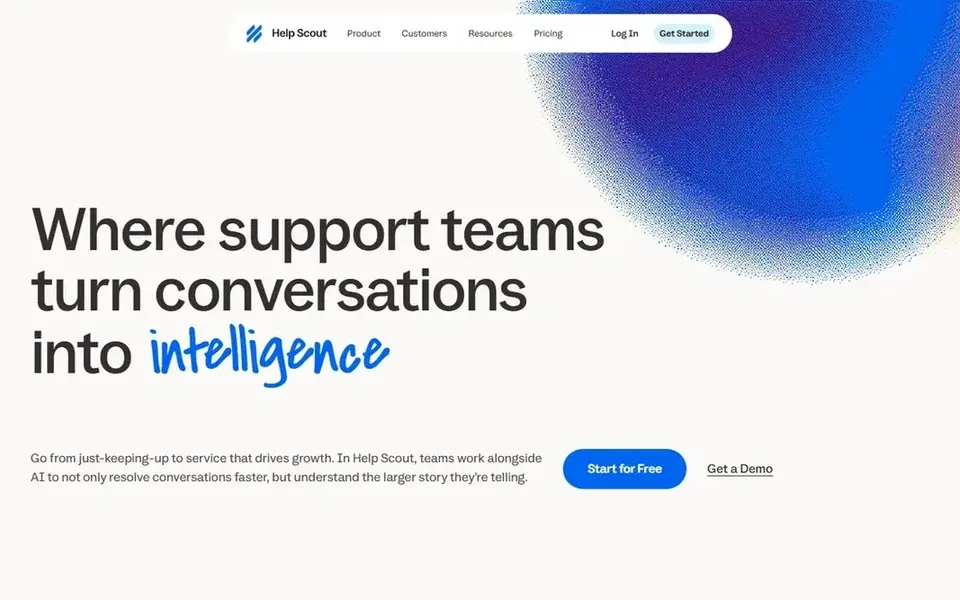
Help Scout is a good fit for small teams that want a straightforward shared inbox. Help Scout is built around a shared inbox, and it presents in the pricing. Standard stops at 25 users, so the 26th person moves every seat to Plus, and Plus stops at 50.
As for the details, Pro at $75 layers on unlimited workflows and SLAs, SSO and SAML, HIPAA compliance, and a 10-user minimum. Standard costs $25 per user a month on annual billing and brings live chat, SMS, WhatsApp, Instagram, and Messenger, plus 2 inboxes, 2 Docs sites, 150 entry-level workflows, and 1 basic SLA policy. Plus at $45 layers on advanced workflows, 2 advanced SLA policies, a secure customer portal, and unlimited AI Drafts. Help Scout starts at: $25 per user/month. Help Scout offers a free plan.
- Collision detection stops duplicate replies
- Free plan handles 5 users with 1 inbox and 1 Docs site
- Standard caps at 25 users and Plus at 50, so growth forces a jump to the next level
For budget teams that want email, chat, and calls in one place, LiveAgent is a natural candidate. Starter includes up to 5 agents with email, live chat, contact forms, a knowledge base, and 1 AI agent.
Worth adding: enterprise is a flat $3,199 a month on annual billing for 80 agents. Worth adding: team at $22 adds social channels, calls, reports, and SLA rules, whereas Business at $38 layers on a MCP server, audit log, and 50 AI agents. Starting cost for LiveAgent: $11 per user/month. On free options: Free trial (30 days).
- 30-day free trial with no card required
- AI agents included on every plan with no per-resolution fee from LiveAgent
- Starter caps at 5 agents and leaves out social channels, the call center, reporting
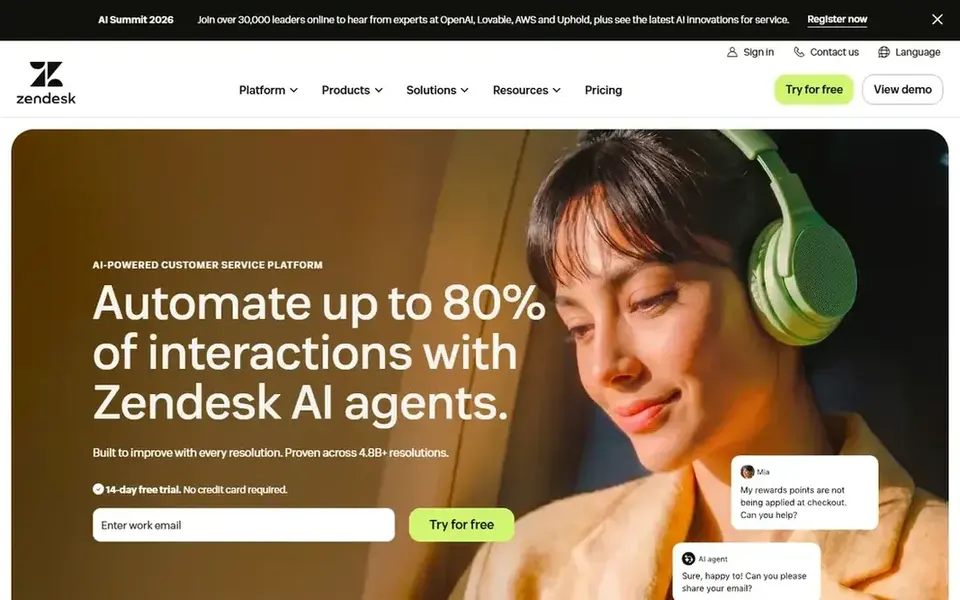
Zendesk is built with email-first teams that may add chat later in mind. Every plan comes with a small allowance of automatic resolutions, 5 per agent a month on Support Team and Suite Team, and additional resolutions cost $1.50 Zendesk Support Team costs $19 per agent per month on annual billing and includes email ticketing, ticket routing, pre-written responses, automations, triggers, and prebuilt analytics dashboards. That makes it a direct fit for teams that live in email and want structure without chat or voice.
Worth adding: the cost to watch is AI. More specifically, Copilot, the agent assist add-on, costs $50 per agent a month on annual billing and is sold on Suite Professional and above. On cost, Zendesk starts like this: $19 per user/month. Free options: Free trial (14 days).
What to check first: AI agents start on Suite Team at $55 per user a month.
- Prebuilt reporting
- Capable automation, triggers
- No free plan, live chat, help center
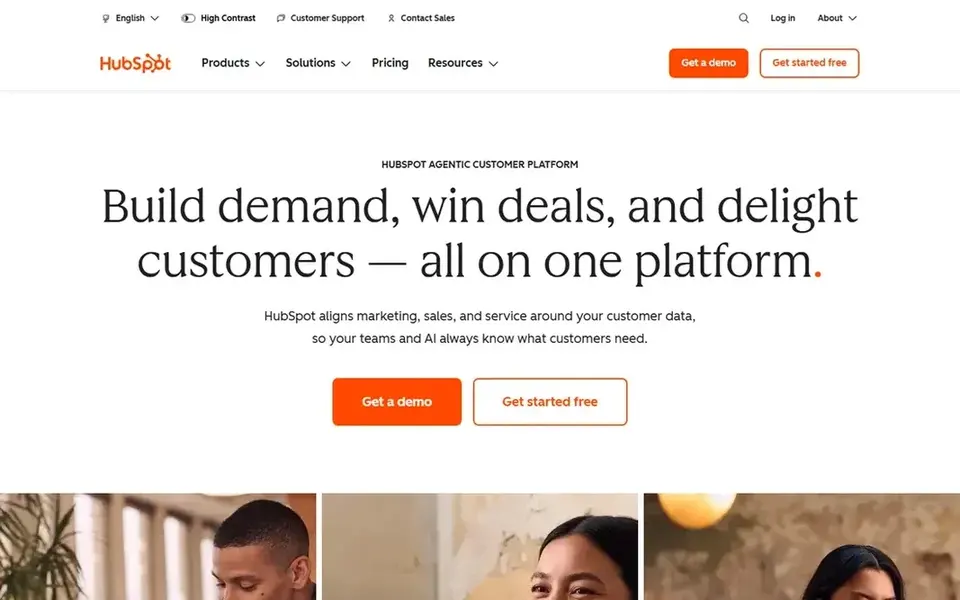
In short, HubSpot Service Hub is for teams already using HubSpot CRM. Starter opens at $7 per seat a month on annual billing and brings 500 HubSpot Credits, removal of HubSpot branding, and conversation routing.
As for the details, the step from Starter to Professional is steep, and it carries a $1,500 one-time onboarding fee that is not optional. Enterprise at $150 per seat a month brings conditional SLAs, customer journey analytics, skill-based routing, and a $3,500 onboarding fee. Entry price for HubSpot Service Hub: $7 per user/month. HubSpot Service Hub offers a free plan.
- Free tools include up to 2 users with ticketing and live chat
- Tickets sit on the same contact record as sales and marketing
- The full help desk workspace starts on Professional at $90 per seat a month, plus a $1,500 one-time onboarding fee
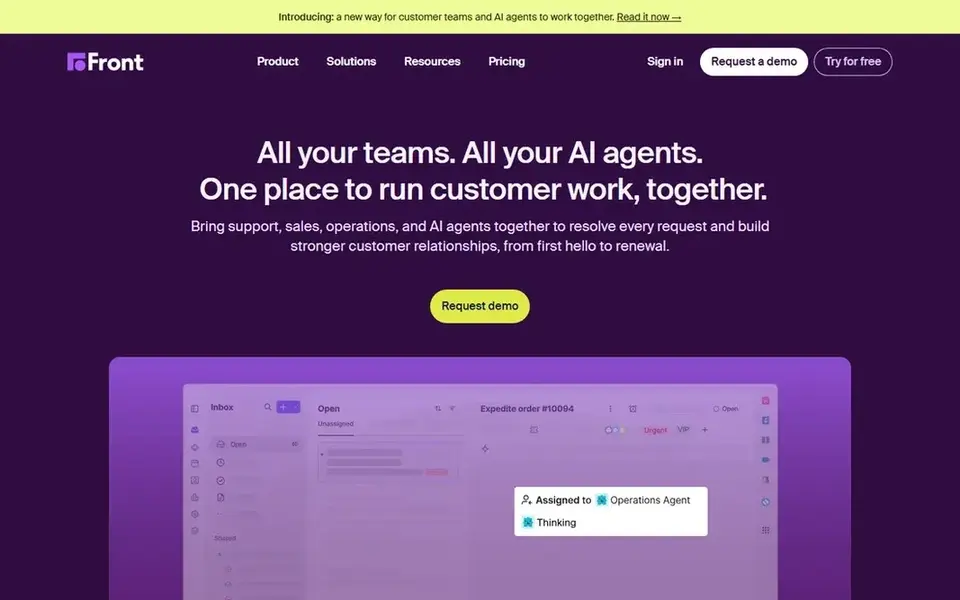
Choose Front for teams that treat email as a shared workspace. Front turns email into a shared workspace where teammates can comment internally, share drafts, assign messages, and snooze threads. More specifically, professional at $65 brings omnichannel support, macros, up to 20 automation rules, advanced analytics, and several workspaces.
Where it is weaker: Copilot costs $20 per seat a month additional.
In daily use, starter costs $25 per seat a month on annual billing for up to 10 seats. It bundles a shared inbox, ticketing, AI Topics, up to 10 automation rules, entry-level analytics, and a no-code public knowledge base. For everyday use, enterprise at $105 layers on AI routing and tagging, unlimited rules and macros, custom roles, and Copilot, QA, and CSAT included. Front cost at the entry level: $25 per user/month. Free access: Free trial (14 days).
- Shared drafts, assignment
- Knowledge base included on Starter
- Starter handles a single channel type only and caps at 10 seats
Things to verify first
- Prices are a starting point; HubSpot Service Hub shows $7 per user/month to start, so verify what your seat count would cost.
- Look at free plan limits closely: Help Scout and HubSpot Service Hub have one, and the caps decide whether it is usable for real work.
- Run a trial of Intercom, LiveAgent, Zendesk and Front with real work before paying for a year; your own workflow is the best test.
- Before choosing Intercom, weigh its main limit: Fin costs $0.99 per outcome on top of seats, and Advanced jumps to $85 per seat a month.
- List the apps you already depend on and check that Help Scout supports each one on the plan you would buy.
- Find out whether the entry plan of LiveAgent covers your must-haves or only a trimmed-down version.
Frequently asked questions
Is Intercom the right pick for everyone comparing email ticketing software?
No single tool suits every team. Intercom comes first because it fits product teams that want chat, email, and AI in one inbox, while Help Scout suits small teams that want a simple shared inbox and LiveAgent suits budget teams that want email, chat, and calls in one place. Match the tool to your own size, budget and workflow before deciding.
How are the tools for email ticketing software ordered?
The order follows typical fit for email ticketing software, with Intercom first and Front last, then price clarity and free access. It is editorial judgement, not a score, so another team could rank the tools differently.
Which options for email ticketing software have a free plan?
On this list, Help Scout and HubSpot Service Hub include a free plan. Caps on seats, usage or features are common, so test the free plan against your real workload. Several others offer a trial instead.
Do these tools publish their prices?
Yes. Every tool from Intercom to Front shows a starting price, though seats, add-ons and billing terms still change the final cost.
Sources
See where you really rank - block by block
ProMapRanker scans Google Maps across a grid of your service area. Simple monthly plans from $19, white-label on every plan.
Start freeBrowse all guides
← Best Email Segmentation Software for Personalization (2026)5 Best Hosting for Email Marketing Landing Pages in 2026 →
 best email newsletter platforms for creators
Best Email Newsletter Platforms for Creators in 2026
Best email newsletter platforms for creators, compared. 5 tools with published prices, free plans and limits. Details on cost, catches and fit. Decide faster.
Read → best email management software for gmail
Best Email Management Software for Gmail (2026)
Best email management software for Gmail in 2026: 5 contenders with entry costs and free tiers. Each tool is judged on the same checks. Reviewed this month.
Read → best email converter software
Best Email Converter Software: 2026 Prices and Picks
6 options for the best email Converter software, with entry costs, free tiers and the buyer each one serves. The catches are listed up front. No filler.
Read → best email warm up tools
Best Email Warm Up Tools in 2026
Compare the best email warm up tools in 2026, with per-inbox and unlimited pricing, placement testing and ramp controls, so new domains build reputation safely.
Read → mailchimp alternatives sms
Best Mailchimp Alternatives With SMS in 2026
Looking for mailchimp alternatives sms? We compared 10 email and SMS platforms on SMS pricing, consent tools, automation, and store fit for you Read more.
Read → best internal newsletter software
6 Top Internal Newsletter Software Options Compared (2026)
6 tools for the best internal newsletter software, compared on pricing, free plans and best-fit use. Every pick gets a straight assessment. No filler.
Read →More in Email Marketing · All guides A to Z by date · Latest guides