 ProMapRanker
Best Email Management Software for Gmail (2026)
Direct answer
Yesware is the first pick on this list for sales engagement inside Gmail. Listed starting prices: Streak from $49 per user per month, Mailtrack from $2.99 per user per month and Boomerang for Gmail from $4.98 a month billed yearly. For a different need, Streak covers CRM and pipeline management in Gmail and SaneBox covers automatic inbox filtering and focus. The full list of 5 tools follows, with prices and free plan facts.
If you are comparing email management software for Gmail, this page covers 5 tools in one place: what each is best for, what it costs to start, whether it has a free plan, and the main limit to know about.
Key takeaways
- Yesware sits first on this list: sales engagement inside Gmail.
- What to know about Mailtrack first: restricted to tracking use cases.
- Starting prices begin at $2.99 per user per month with Mailtrack.
- Streak, Mailtrack, Boomerang for Gmail: these are the 3 tools out of 5 that offer a free plan.
Quick comparison
| Pick | Great for | Pricing starts at | Free tier | |
|---|---|---|---|---|
 Yesware | Sales engagement inside Gmail | See website | Not stated | Visit |
 Streak | CRM and pipeline management in Gmail | $49 per user per month | Yes | Visit |
 SaneBox | Automatic inbox filtering and focus | See website | Not stated | Visit |
 Mailtrack | Read receipts and email tracking | $2.99 per user per month | Yes | Visit |
 Boomerang for Gmail | Reminders and meeting scheduling | $4.98 a month billed yearly | Yes | Visit |
Email Management Software for Gmail profiles
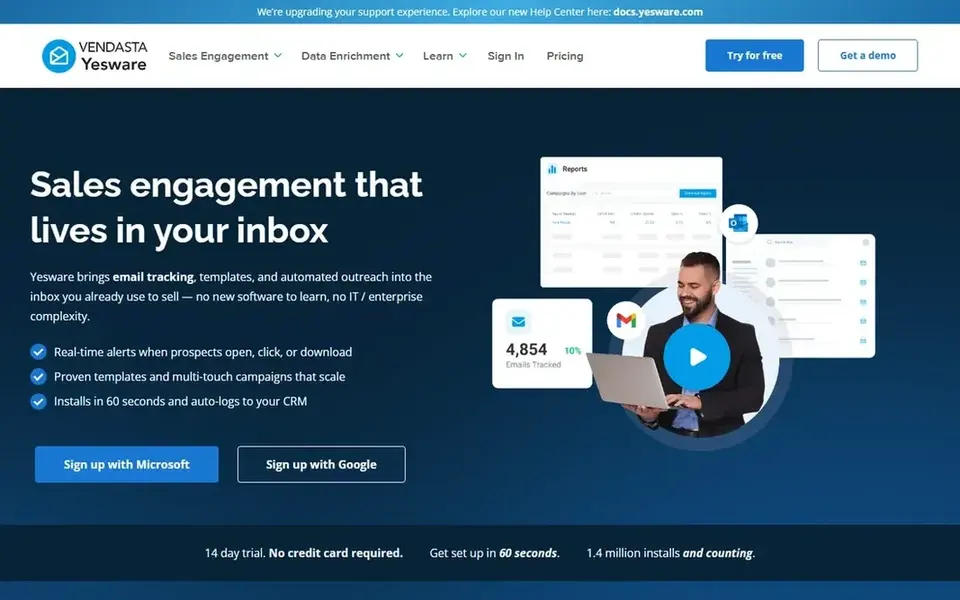
Choose Yesware for sales engagement inside Gmail. It provides email tracking, automatic follow-ups, and tools intended to help sales teams close more deals without complicated setup. Beyond that, pick Yesware when outreach tracking and follow-up automation are central to your role.
Where it falls short: Sales-focused feature set.
On top of that, Yesware is built around sales workflows, so general users may find it more than they need for everyday email management. It is less suited to inbox sorting or personal productivity. Yesware does not show a starting price in this comparison, so check the vendor site for current pricing. As for free access: Not stated.
- Works in Gmail and Outlook
- Designed for sales teams
- May be heavy for non-sales users
Streak serves CRM and pipeline management in Gmail. Streak is made for CRM use, so individuals who only need reminders or tracking may find it too wide.
Trade-offs to know: Needs Gmail-centric workflow.
Teams outside Gmail may need a different approach. Starting cost for Streak: $49 per user per month. You can start on Streak without paying.
- CRM inside Gmail
- Handles sales relationships
- CRM focus may overwhelm casual users
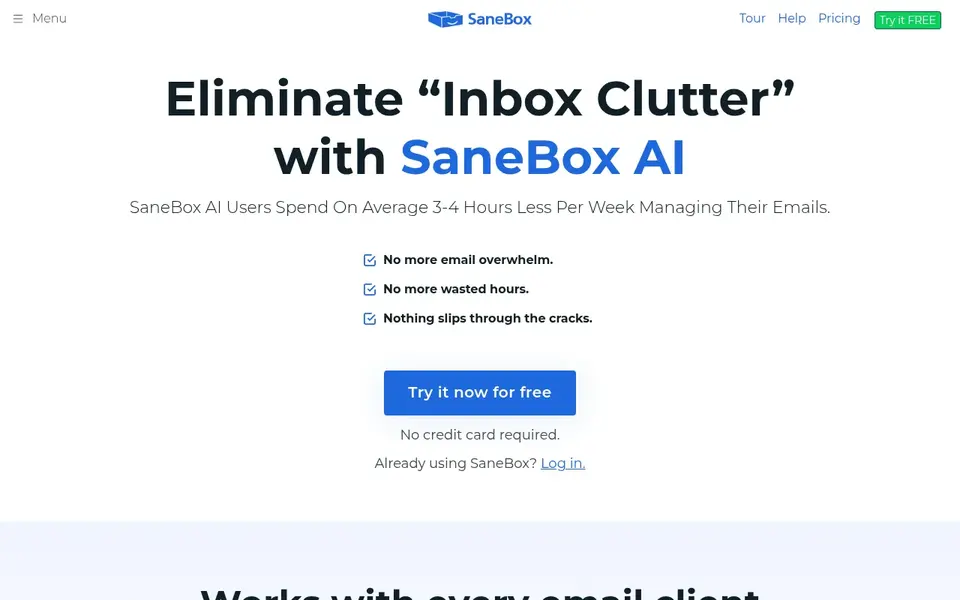
SaneBox is aimed squarely at automatic inbox filtering and focus. People who chiefly need email tracking, scheduling, or sales pipelines may prefer a tool made for those jobs. In daily use, choose SaneBox when sorting and focus are the priority.
SaneBox is an email management service that works alongside your existing inbox, including Gmail. It examines incoming messages and moves less important ones out of the way so you can focus on what matters. No starting price is listed for SaneBox here; confirm pricing on the vendor site. Free access: Not stated.
Trade-offs to know: Less handy for sales tracking.
- Works with any inbox
- Cuts time spent on email
- Brings a separate filtering layer
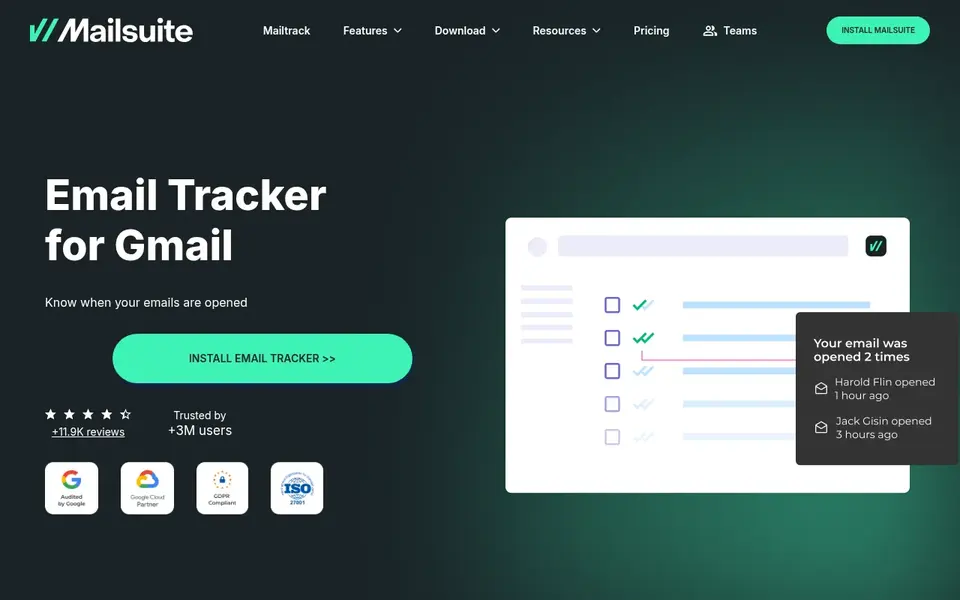
Mailtrack targets read receipts and email tracking. Mailtrack by Mailsuite is an email tracker for Gmail that presents when messages are opened using double check marks. It is a focused tool for people who want visibility into whether their email was read.
Drawbacks to consider: Restricted to tracking use cases.
Beyond that, Mailtrack centers on tracking, so it does not offer CRM pipelines, meeting scheduling, or inbox sorting. In practice, choose Mailtrack when read receipts are the central requirement and you want to keep using Gmail as usual. Mailtrack pricing: $2.99 per user per month. Mailtrack has a free plan.
- Works inside Gmail
- Read receipts with double check marks
- Not a CRM or scheduler
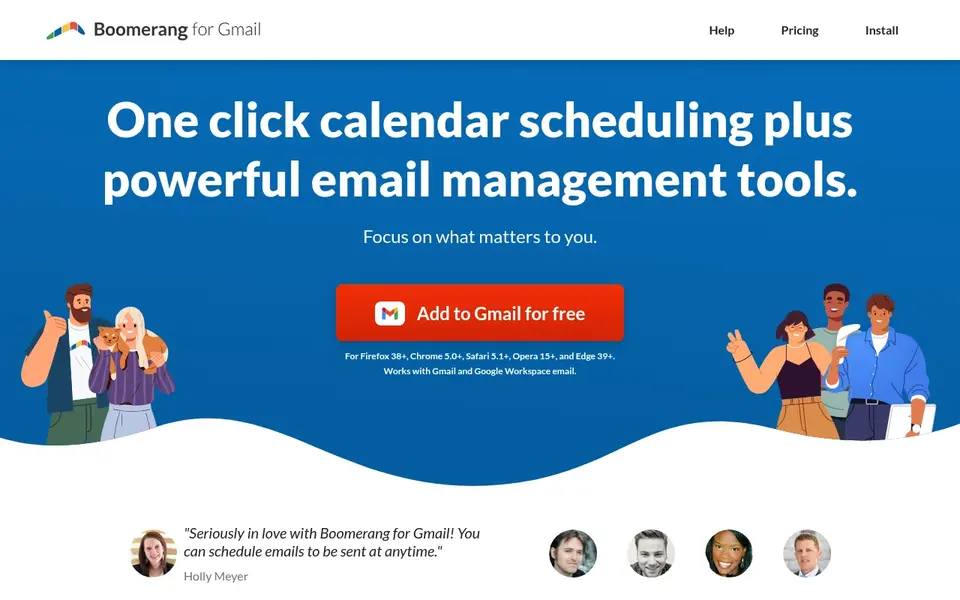
Where Boomerang for Gmail fits: reminders and meeting scheduling. Boomerang for Gmail brings meeting scheduling and email productivity tools straight to Gmail and Google Workspace accounts. It is built to help you follow up on messages and coordinate meetings without leaving your inbox.
Boomerang is most solid for reminders and scheduling, so teams that require pipeline management or deep tracking may need another tool. More specifically, pick it when follow-up timing and meeting coordination are the primary needs. Boomerang for Gmail cost at the entry level: $4.98 per month billed annually. Boomerang for Gmail has a free plan.
Where it is weaker: Concentrated on scheduling and reminders.
- Works with Google Workspace
- Integrated meeting scheduling
- Not a full CRM
How we built this list
ProMapRanker used vendor pricing pages and product documentation as the base, then compared plans, free access and documented limits for 5 tools. Plan names, prices and limits change often. Treat the figures here as a starting point and verify them with the vendor. We ordered the tools by general fit, then by how clearly pricing is shown, then by free access. A buyer with unusual needs may reorder them.
Pre-purchase checklist
- Get a written quote from Yesware and SaneBox; the list shows no starting price for them.
- Look at free plan limits closely: Streak, Mailtrack and Boomerang for Gmail have one, and the caps decide whether it is usable for real work.
- Before choosing Yesware, weigh its main limit: sales-focused feature set.
- Before you load data into SaneBox, check what an export looks like and who can run it.
- Confirm minimum seats and billing terms with Mailtrack before you commit to an annual plan.
Frequently asked questions
Can I try these tools before paying?
Often, yes. Streak, Mailtrack and Boomerang for Gmail have a free plan. Use your own data and a real task during the test, and check what the free tier or trial limits before you rely on it.
Is Yesware the right pick for everyone comparing email management software for Gmail?
No single tool suits every team. Yesware comes first because it fits sales engagement inside Gmail, while Streak suits CRM and pipeline management in Gmail and SaneBox suits automatic inbox filtering and focus. Match the tool to your own size, budget and workflow before deciding.
Which options for email management software for Gmail have a free plan?
Streak, Mailtrack and Boomerang for Gmail offer a free plan in this list. Free plans usually cap users, projects or features, so check the limits on the vendor page.
How are the tools for email management software for Gmail ordered?
Yesware sits first and Boomerang for Gmail last because the order follows typical fit for email management software for Gmail, then price clarity and free access. It is a judgement call, so read each profile for fit and limits.
What is the simplest way to clean up my Gmail inbox?
It works alongside your existing Gmail setup without requiring a new email client. If you also need reminders or scheduling, Boomerang for Gmail can complement that approach.
Sources
See where you really rank - block by block
ProMapRanker scans Google Maps across a grid of your service area. Simple monthly plans from $19, white-label on every plan.
Start freeBrowse all guides
← Best Email Converter Software: 2026 Prices and PicksBest Email Newsletter Platforms for Creators in 2026 →
 best email builder tool
Best Email Builder tool: 2026 Prices and Picks
Weighing the best email builder tool? We lined up 5 products by cost, free access and fit. Every pick gets a straight assessment. Pricing and limits included.
Read → best ai marketing tools for email campaigns
Best AI Marketing Tools for Email Campaigns (2026)
6 best AI marketing tools for email campaigns, with entry costs, free tiers and the buyer each one serves. Caveats come with every verdict. See which fits.
Read → best abandoned cart email software for dtc brands
Best Abandoned Cart Email Software for DTC Brands in 2026
Searching for the best abandoned cart email software for DTC brands? Here are 5 options with prices and free plans. Pros and cons for every tool. Decide faster.
Read → best email service for business
Best Email Service for Business in 2026
Best email service for business compared on price and storage, from Google Workspace and Microsoft 365 to low-cost privacy-first options for small teams.
Read → best email verification software for bulk lists
6 Strong Email Verification Software for Bulk Lists in 2026
Need the best email verification software for bulk lists? We compare 6 tools on cost, free access and who each suits. Short verdicts, no fluff. No hype.
Read → best dlp software
Best DLP Software in 2026: 8 Tools Compared
Compare the best DLP software in 2026, from endpoint and cloud to email and SaaS, with pricing notes, coverage, and deployment fit across industries today.
Read →More in Email Marketing · All guides A to Z by date · Latest guides