 ProMapRanker
Best Email Service for Personal Use Free in 2026

Key takeaways
- Gmail is our pick for most people, thanks to strong spam filtering, search, and 15 GB of shared storage.
- Proton Mail and Tuta are the privacy-first picks, with encryption and small free plans that suit light inboxes.
- Yahoo Mail and GMX suit people who want large free storage, while iCloud Mail suits Apple device owners.
- Free plans differ on storage, sending limits, ads, and app access, so check those limits before moving your main inbox.
- Keep a backup of important mail and use two-factor authentication on any free account you rely on.
Quick comparison
| Pick | Great for | Pricing starts at | Free tier | |
|---|---|---|---|---|
 Gmail | Most personal users | Free | Yes | Visit |
 Outlook.com | Microsoft and Windows users | Free | Yes | Visit |
 Proton Mail | Privacy-first personal mail | Free | Yes | Visit |
 Yahoo Mail | Large free storage | Free | Yes | Visit |
 iCloud Mail | Apple device owners | Free | Yes | Visit |
 Zoho Mail | Ad-free personal mail | Free | Yes | Visit |
 Tuta | Encrypted mail on a budget | Free | Yes | Visit |
 GMX | Large storage and aliases | Free | Yes | Visit |
The best free email services for personal use
A free personal inbox should do three things well: catch spam, find old mail fast, and stay reliable for years. The eight services below all offer a real free plan for personal use, with different strengths on storage, privacy, and device support. We focused on services, not email apps, so each entry gives you an actual address you can sign up for.
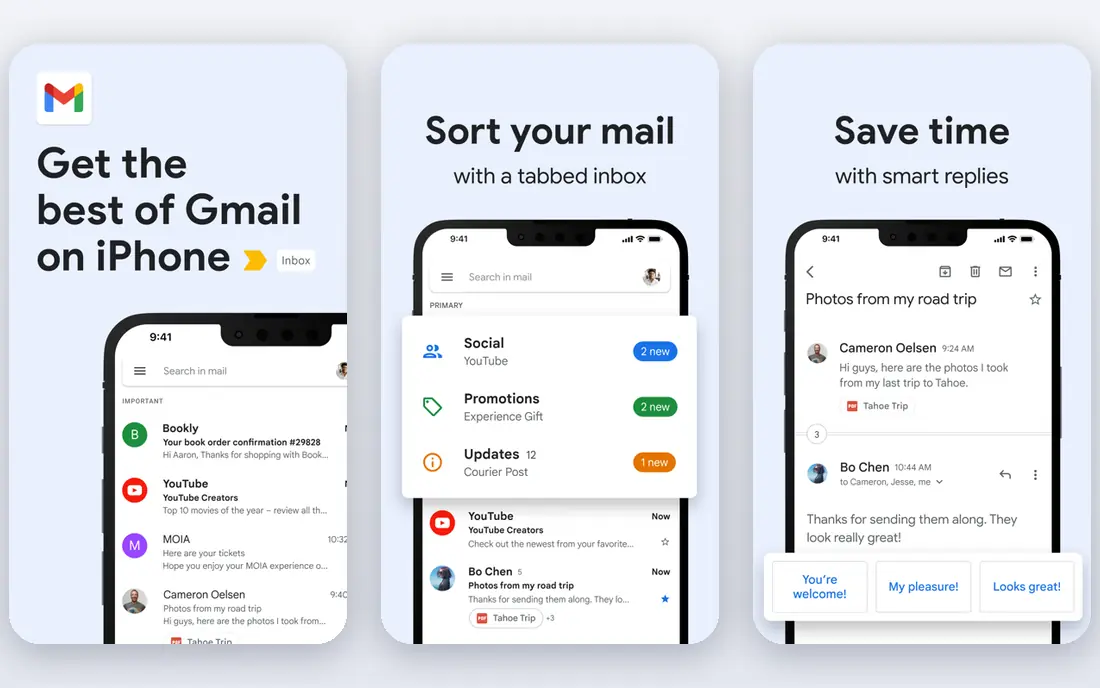
Gmail remains the safest default for personal use. Its spam filtering is consistently strong, search finds old messages fast, and almost every app and device works with it without fuss. The free plan gives 15 GB shared across Gmail, Google Drive, and Google Photos, which is enough for most personal inboxes, though heavy photo users should watch that shared total.
The honest catch is that free Gmail is part of a large consumer service, so you trade some privacy for convenience, and ads can appear in parts of the inbox. If that trade bothers you, Proton Mail or Tuta below are better fits. For most people, though, Gmail wins on reliability, recovery options, and everyday ease, and paid Google storage is there if 15 GB ever runs short.
- Strong spam filtering and search
- 15 GB shared across Gmail, Drive, and Photos
- Widest app and device support
- Storage is shared, so Drive and Photos eat into mail space
- Ads appear in some tabs
- Privacy trade-offs of a large ad-supported service
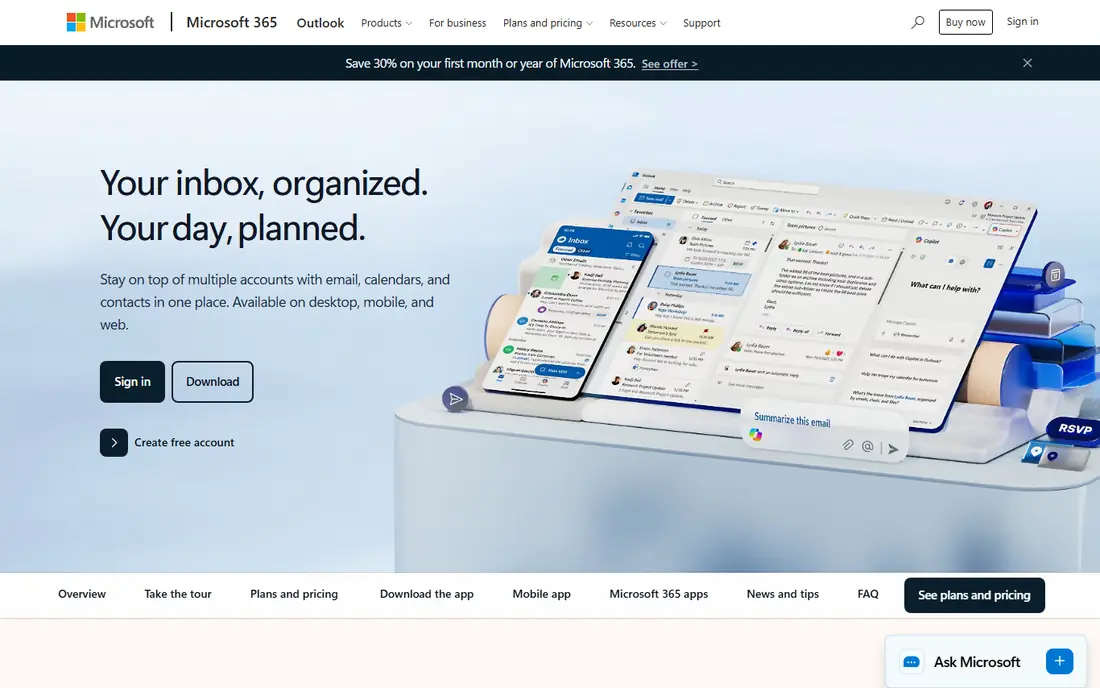
Outlook.com is the free personal mail service from Microsoft, and it suits anyone already living in Windows, Office, or OneDrive. Its focused inbox sorts promotional mail away from personal mail, rules and folders are easy to set up, and the web and mobile apps are polished. The free mailbox offers 15 GB, with additional cloud storage alongside it.
The catch is ads in the free version and a few features held back for paid plans. If you already pay for Microsoft 365 for Office apps, the paid mailbox is a natural step up, but the free plan stands on its own for personal mail. Pick Outlook.com when Microsoft apps are your daily tools, and pick Gmail when Google apps are.
- Clean inbox with focused mail sorting
- 15 GB mailbox plus cloud storage
- Works well with Windows and Office apps
- Free plan shows ads
- Some premium features need a paid Microsoft plan
- Calendar and file limits differ from the paid version
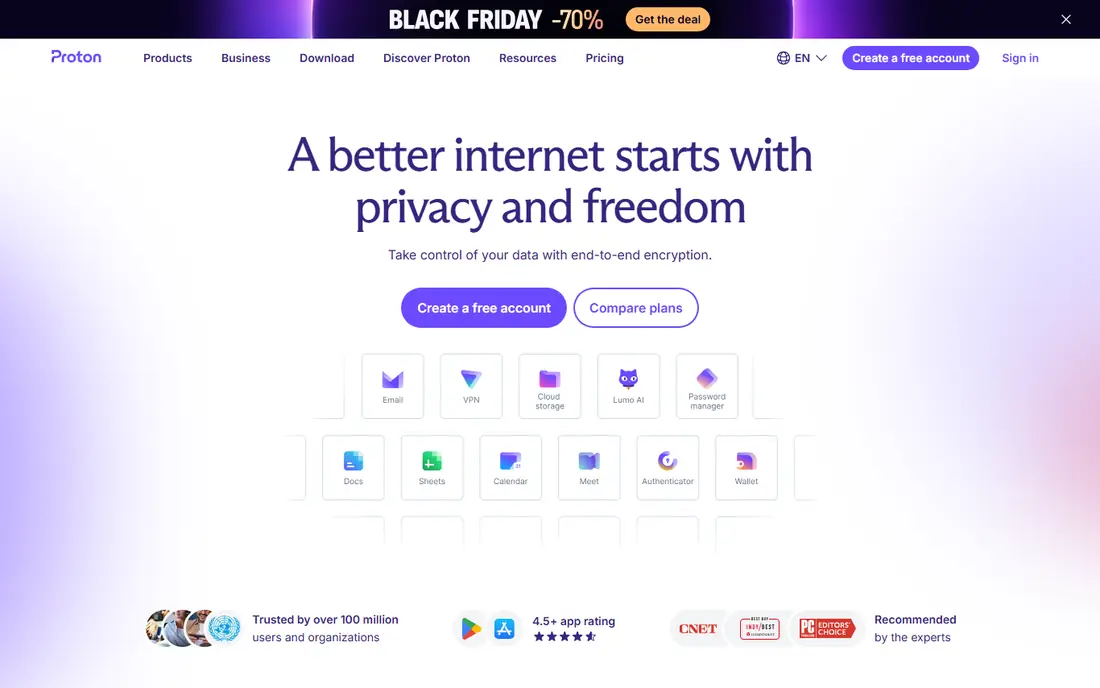
Proton Mail is our pick when privacy is the top priority. It encrypts mail end to end between Proton users, stores data in Switzerland, and runs a free plan without ads or tracking. The interface is clean, mobile apps are solid, and paid plans add storage, addresses, and access to the wider Proton suite, including VPN and Drive.
The free plan is the limit to respect: 1 GB of storage and a daily sending cap suit a light personal inbox, but not a heavy one with large attachments. Mail sent to Gmail or Outlook is not end-to-end encrypted unless you use a password-protected message. If your inbox is small and privacy matters most, start here. If you need room, budget for Mail Plus or keep a second inbox for bulk mail.
- End-to-end encryption between Proton users
- Based in Switzerland
- No ads and no tracking in the free plan
- Free plan is small at 1 GB with a daily sending limit
- Mail to outside services is not end-to-end encrypted by default
- Bridge access needs a paid plan
Yahoo Mail suits personal users who want room and do not want to think about storage limits. Its free plan offers generous mail storage, and its tools for unsubscribing from newsletters and searching old mail are genuinely useful for a long-running personal inbox. The apps are simple, and setup takes minutes.
The honest catch is trust and ads. Yahoo has faced well-publicised security incidents in the past, so turn on two-factor authentication, use a unique password, and review recovery options after signup. The free inbox also shows ads. If large storage matters and you take those security steps, Yahoo Mail is a practical free choice. If privacy is the priority, Proton Mail or Tuta fit better.
- Large free storage for mail
- Useful unsubscribe and search tools
- Simple web and mobile apps
- Free plan shows ads
- Account security history needs care, so use strong authentication
- Paid Plus plan needed for an ad-free inbox
iCloud Mail is the natural free inbox for iPhone, iPad, and Mac owners. It is built into Apple Mail, stays ad-free, and works quietly in the background with calendars and contacts. For someone already inside the Apple world, there is nothing to install and little to learn, and mail, notes, and device backups share one account.
The limit is storage: the free plan gives 5 GB shared across iCloud, so photos and backups can crowd out mail fast. Paid iCloud plans raise that total and add features such as Hide My Email. If you use Apple devices and keep photo backups elsewhere, iCloud Mail is a calm, tidy choice. If you use Android or Windows daily, Gmail or Outlook.com will fit better.
- Clean, ad-free inbox on Apple devices
- 5 GB shared iCloud storage on the free plan
- Hide My Email on paid plans
- 5 GB shared storage is small
- Best experience stays inside Apple devices
- Web mail is good but less full-featured than native apps
Zoho Mail is a quiet, ad-free alternative that many personal users overlook. Its free plan gives a clean inbox without ads, with folders, filters, and search that cover everyday personal mail well. The web app is fast, mobile apps are solid, and paid plans start low if you later want more storage or a custom domain.
The catch is reach. Fewer third-party apps and services are built around Zoho Mail than around Gmail or Outlook, so check that your favourite tools connect before you move a main inbox. Zoho Mail fits best when you want a calm, ad-free inbox and do not mind using Zoho apps. It is a strong second inbox too, for newsletters and signups you want kept apart from your main mail.
- Ad-free inbox even on the free plan
- Clean web and mobile apps
- Paid plans stay cheap for personal use
- Free personal plan is limited
- Smaller third-party app support than Gmail or Outlook
- Best value needs the Zoho app set
Tuta, formerly Tutanota, is a German encrypted mail service that encrypts more of the mailbox than most rivals, including subject lines. Its free plan is ad-free and tracker-free, and its paid plans start low, which makes it a good privacy pick for people who find Proton Mail pricing a stretch. The apps cover web, mobile, and desktop, and the interface stays simple.
The free plan is small and suits a light inbox, and Tuta has fewer integrations with outside apps, because encryption limits what third-party clients can do. That is a fair trade for privacy, but it matters if you rely on a desktop client or many connected tools. Pick Tuta when encryption and low cost matter most, and keep large files and heavy newsletters in another inbox.
- End-to-end encryption including subject lines
- No ads and no tracking
- Paid plans are cheaper than many rivals
- Small free storage
- Fewer integrations than larger services
- Encrypted search and calendar have limits
GMX is a long-running free mail service that suits people who want room and flexibility. Its free plan offers large storage, and alias addresses let you create extra addresses that feed one inbox, which is handy for signups and newsletters. A mail collector can also pull mail from other accounts into GMX, so one inbox can cover several addresses.
The catch is polish. The free inbox shows ads, the interface can feel busy next to Gmail or iCloud Mail, and spam filtering, while workable, is not the strongest in this list. GMX fits best as a roomy second inbox or a signup address, rather than as a first choice for a main personal inbox. If large free storage is your main need, it delivers, and Yahoo Mail is the closest rival.
- Large free storage
- Multiple alias addresses
- Mail collector for other accounts
- Free plan shows ads
- Interface can feel busy
- Some users report more spam than Gmail or Outlook
How we picked these
We compared official product pages and pricing pages for free personal mail services that exist and work today, and we kept only services with a real free plan for personal use, not trials or business-only offers. We checked storage, ads, sending limits, device support, and privacy claims on each vendor site, and we favoured a mix of mainstream and privacy-first options. Where a free limit was unclear, we wrote See website in the comparison rather than guessing. We did not claim hands-on testing, and we compared public pages, pricing, and documented features.
How to choose a free email service for personal use
Start with how you actually use mail. A light inbox with mostly personal messages can live happily on Proton Mail or Tuta, while a heavy inbox with years of attachments needs the storage of Gmail, Yahoo Mail, or GMX. Check the free storage figure, the sending limit, and whether the free plan works in the mail app you prefer, because those three limits cause most later regrets.
Next, weigh privacy against convenience. Large free services fund the inbox with ads or a wider product set, while encrypted services fund it with paid upgrades and tighter limits. Neither choice is wrong, but pick with eyes open: read the privacy policy, turn on two-factor authentication, and set a recovery address you control. Keep important mail backed up, and do not use a free inbox as the only copy of tax, medical, or legal records.
Finally, test before you move everything. Run the new inbox alongside your old one for a few weeks, move newsletters first, then accounts that matter, and update recovery addresses as you go. A slow move avoids missed mail and locked accounts, and it lets you judge spam filtering and search on your real mail, not on a demo. If the free plan feels tight after a month, compare paid storage for that service before switching again.
Frequently asked questions
What is the best free email service for personal use?
Gmail is the best free email service for personal use for most people, thanks to strong spam filtering, fast search, and broad app support. Proton Mail is the best choice when privacy matters most, and iCloud Mail is the best choice for Apple device owners. Pick by storage need and privacy preference, not by brand alone.
What are the best free email services for personal use with the most storage?
Yahoo Mail and GMX offer the largest free storage in this list, while Gmail offers 15 GB shared across Gmail, Drive, and Photos. Outlook.com offers a 15 GB mailbox with extra cloud storage. If storage is your main need, Yahoo Mail or GMX will feel roomiest, but check ads and spam filtering before you commit.
Is Proton Mail really free for personal use?
Yes, Proton Mail offers a free plan with encrypted mail, no ads, and no tracking, but storage is 1 GB and daily sending is capped. That suits a light personal inbox, while heavy users will need a paid plan for more storage and addresses. Mail to non-Proton addresses is not end-to-end encrypted by default, unless you use a password-protected message.
Can I use a free email service for personal use on my phone?
Yes, all eight services in this guide offer mobile apps or work in a mobile browser, and most also work in Apple Mail or other mail apps. Encrypted services such as Proton Mail and Tuta work best in their own apps, because encryption limits third-party client access. Check app support before you move a main inbox.
Should I keep my old inbox when I switch?
Yes, keep the old inbox open for at least a few months after switching, and update recovery addresses on banks, shops, and social accounts as you move. A slow move catches mail sent to the old address and avoids locked accounts. Export or forward important mail before you close any account for good.
Sources
See where you really rank - block by block
ProMapRanker scans Google Maps across a grid of your service area. Simple monthly plans from $19, white-label on every plan.
Start freeKeep reading
 who has best internet service
Who Has the Best Internet Service in 2026
Who has best internet service for US homes? We compare fiber, cable, fixed wireless and satellite providers on speed, price, availability and terms today.
Read → which survey tool has the best analytics
Which Survey Tool Has the Best Analytics in 2026
Find which survey tool has the best analytics in 2026, comparing Qualtrics, SurveyMonkey, Typeform, Alchemer, and more on reports, text, and stats today.
Read → which streaming service has the best movies
Which Streaming Service Has the Best Movies in 2026
Answering which streaming service has the best movies, with Netflix, Max, Criterion and more compared on libraries, prices and free options in this guide.
Read →