 ProMapRanker
Best Email Marketing Companies in 2026

Key takeaways
- Mailchimp and Brevo suit most small lists, but they charge in very different ways, so check your list size and send frequency before you pick.
- ActiveCampaign and Klaviyo are the stronger choices when automation or online store behavior should drive most of your sends.
- Kit and MailerLite keep things simpler for creators and newsletter writers who do not need a full sales platform.
- Free plans are useful for testing, but limits on contacts, sends, and automation often decide the real cost within a few months.
- Always confirm the price at your exact contact count, because most entry prices shown here apply only to small lists.
Quick comparison
| Pick | Great for | Pricing starts at | Free tier | |
|---|---|---|---|---|
 Mailchimp | All round small business email | $13 per month | Yes | Visit |
 Constant Contact | Small businesses that want phone support | $12 per month | Free trial | Visit |
 Brevo | Large lists that send less often | $9 per month | Yes | Visit |
 Kit | Creators and newsletter writers | $29 per month | Yes | Visit |
 ActiveCampaign | Advanced automation and CRM | $15 per month | Free trial | Visit |
 Klaviyo | Online stores | $20 per month | Yes | Visit |
 MailerLite | Simple newsletters on a budget | $12 per month | Yes | Visit |
 GetResponse | Funnels, webinars, and email in one place | $19 per month | Yes | Visit |
 HubSpot | Teams that want email tied to a CRM | $20 per month | Yes | Visit |
The best email marketing companies
We compared official pricing pages, feature lists, and public documentation for the companies below, with a focus on what a small business or creator actually pays and can do on each plan.
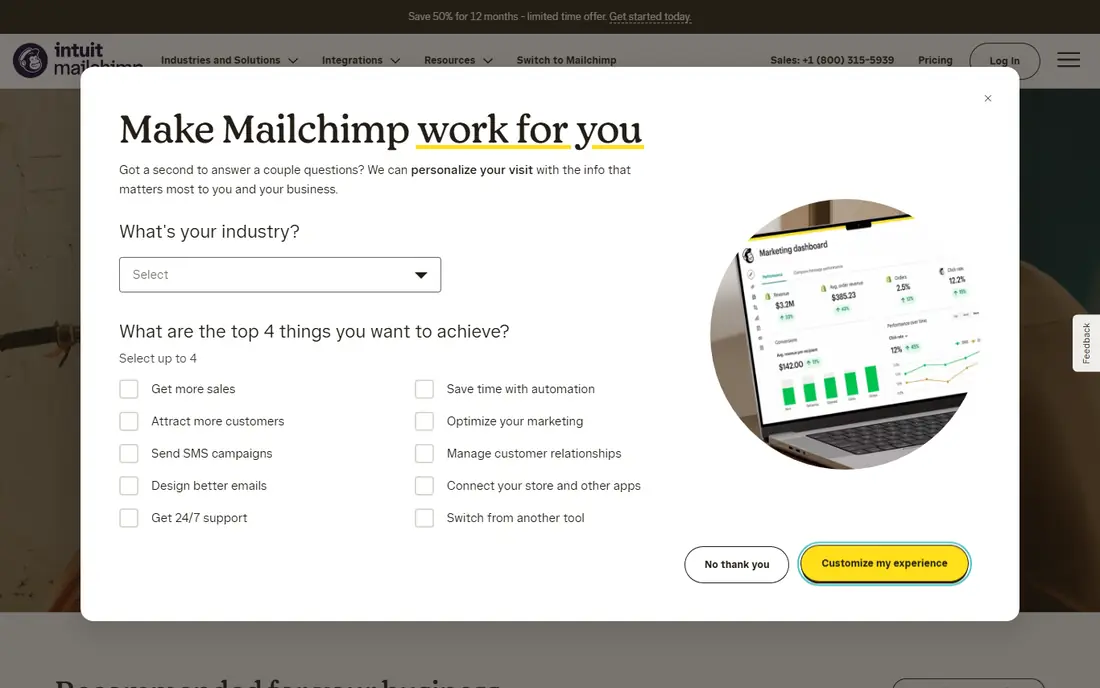
Mailchimp remains the familiar default for a reason. Its editor is easy to learn, its templates cover most common campaign types, and it connects to a long list of online stores, websites, and business tools. For a small team sending a regular newsletter and a few automated messages, the core workflow feels polished and predictable.
The catch is pricing. Mailchimp charges by contacts, and the entry price applies to a small list. A growing list can push the monthly bill up faster than a send-based tool would. Check how unsubscribed and inactive contacts count toward your tier, and clean your list regularly, before you commit to a higher plan.
- Wide template library
- Many integrations
- Clear reporting and audience tools
- Costs rise quickly as contacts grow
- Some automation features sit on higher plans
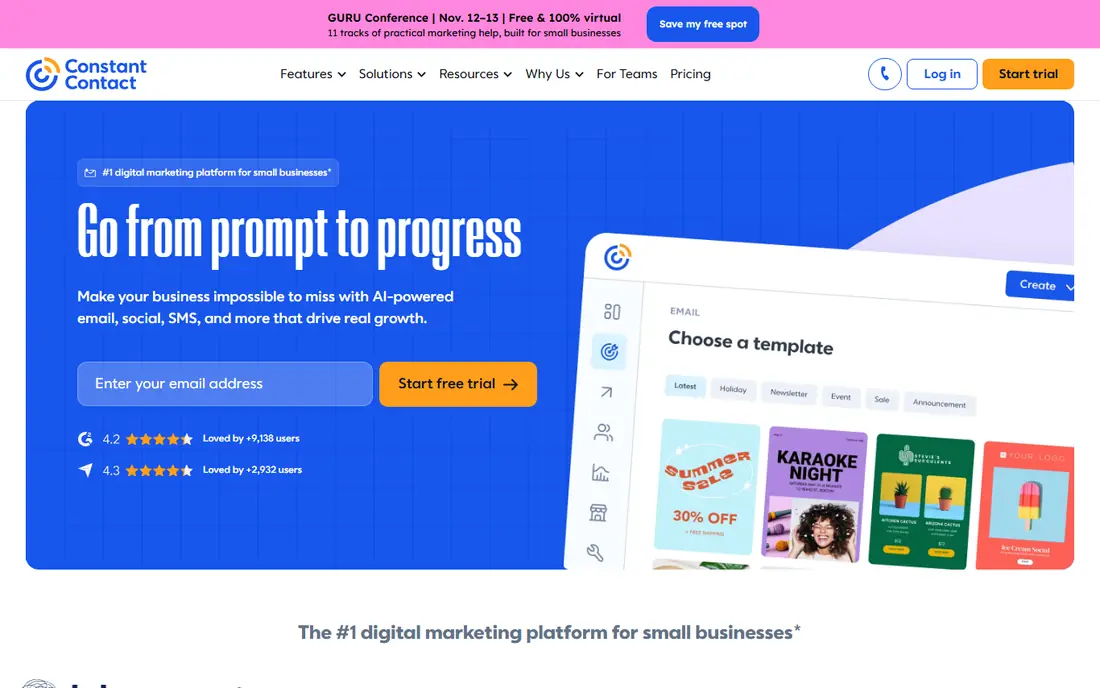
Constant Contact is built for owners who want to send a good email without learning a complex platform. Setup is guided, templates are straightforward, and tools for events, surveys, and social posts sit close to the email editor. That makes it a practical pick for local businesses, nonprofits, and community groups.
Support is a real selling point here, especially for people who prefer talking through a problem. The trade-off is that there is no free plan to live on long term, and deeper automation starts higher up the pricing ladder. If you need complex multi-step journeys, compare the Standard plan carefully against ActiveCampaign.
- Simple setup
- Event and survey tools
- Live support options
- No permanent free plan
- Automation is stronger on higher plans
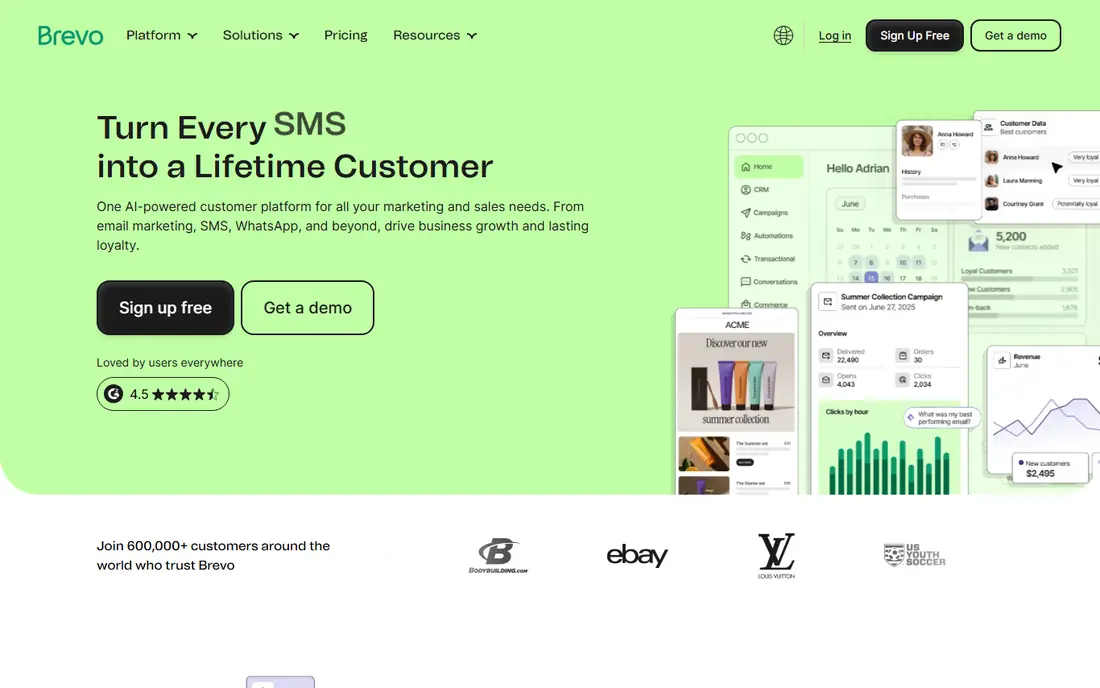
Brevo, formerly Sendinblue, flips the usual pricing model. Instead of paying more every time your contact list grows, you pay for the number of emails you send. That can be a strong deal for a business with a large list that only mails once or twice a month, or for seasonal campaigns.
The free plan allows up to 300 emails a day, which is enough to test the editor and send to a small audience. Frequent senders should run the numbers the other way, though, because a daily newsletter can climb through Brevo tiers fast. Also check whether removing Brevo branding and adding advanced features requires a paid add-on.
- Charges by emails sent, not contacts
- Free plan allows many contacts
- SMS and automation included in the wider platform
- Daily send limit on the free plan
- Advanced testing and reporting sit on higher plans
Kit, formerly ConvertKit, is designed around creators who grow an audience and sell products, courses, or memberships. Its forms, landing pages, and subscriber tagging are simple to use, and the free plan covers a large number of subscribers, which gives new creators room to grow before paying.
The limits matter. Visual automations and sequences are paid features, so a free account is best for collecting subscribers and sending basic broadcasts. Once you need branching automation, compare the Creator plan price at your subscriber count with MailerLite and Mailchimp, since Kit pricing rises with subscribers.
- Generous free subscriber limit
- Clean forms and landing pages
- Creator friendly tagging and sequences
- Visual automation is not on the free plan
- Less built for large ecommerce teams
ActiveCampaign is our pick for teams that want email to react to what contacts actually do. Its automation builder supports many triggers, conditions, and goals, and higher plans add a built-in CRM so sales follow-up can live in the same system. That depth suits service businesses, agencies, and growing online sellers.
That power comes with setup time. Beginners can feel overwhelmed by the options, and the entry plan limits the number of actions in each automation. Start with one or two key journeys, such as a welcome series and an abandoned cart or follow-up flow, and add complexity only after those are working.
- Deep automation builder
- Built-in CRM on higher plans
- Many triggers and conditions
- No permanent free plan
- Learning curve is steeper than simpler tools
Klaviyo is built for ecommerce first. It pulls purchase, browsing, and product data into segments, so a store can send targeted flows for welcome offers, abandoned carts, back-in-stock alerts, and repeat purchases. For a Shopify or WooCommerce store with steady sales, that data depth is hard to match in a general email tool.
Pricing follows active profiles, not just subscribers, so a store with many one-time buyers can pay more than expected. The free plan covers up to 250 active profiles and 500 emails a month, which is enough to test flows on a new store. Larger stores should price Klaviyo at their real profile count, including SMS costs separately if they add text messaging.
- Strong store data and segmentation
- Proven flows for welcome, cart, and post-purchase messages
- SMS available as an add-on
- Costs rise with active profiles
- Less suited to simple newsletters without a store
MailerLite appeals to people who want a newsletter tool that stays out of the way. The editor is clean, landing pages and signup forms are easy to build, and automation does not feel locked away on the most expensive plan. For writers, small teams, and local businesses, that simplicity is a genuine advantage.
The main gap is transactional email, which MailerLite points to a separate service for. Stores that need order confirmations and shipping emails from the same account should check that limit early. Otherwise, MailerLite is one of the easiest tools here to price and to learn, and its free plan is useful for a small list.
- Clean editor
- Automation included on lower tiers
- Predictable subscriber pricing
- No native transactional email
- Fewer deep ecommerce features than Klaviyo
GetResponse tries to cover more of the marketing stack than a pure email tool. Landing pages, signup funnels, autoresponders, and webinar hosting can sit in one account, which suits small teams that do not want to pay for four separate tools. Content creators and course sellers often get the most from that bundle.
The entry plan is the place to check carefully. Some automation depth and webinar capacity sit on higher tiers, so a buyer who needs many workflows should price the next plan up. If you only need email, a simpler tool may cost less, but if you will use the funnels and webinars, the bundle can save money overall.
- Landing pages and funnels included
- Webinar hosting on higher plans
- Autoresponders and automation
- Only one workflow on the entry plan in some comparisons
- Interface can feel busy
HubSpot makes most sense when email is part of a wider sales and service workflow. Contacts, deals, tickets, and email history live in one CRM, so a team can see the full path from first signup to closed deal. The free tools are genuinely useful for a small team getting organized.
The risk is cost creep. The Starter marketing price is only the entry point, and larger contact counts, extra seats, and advanced features can push the bill up sharply. HubSpot is still a strong pick for B2B teams that will use the CRM every day, but a newsletter-only sender will likely find a cheaper tool here.
- Free CRM included
- Email, contacts, and deals in one system
- Strong reporting as you scale
- Paid marketing tiers get expensive
- Some features require higher plans or seats
How we picked these
We compared official pricing pages, plan limits, and feature descriptions for each company, and we favored tools that are widely available in the United States, support common integrations, and publish clear pricing. We checked how each tool charges, whether it offers a free plan or trial, what automation it includes at the entry level, and how well it fits small businesses, creators, or online stores. We did not claim hands-on testing, and we treated promotional prices with caution by focusing on regular list prices where we could verify them.
What to check before you choose
Price it at your real list size
Entry prices are almost always for a small list. Before you buy, enter your current contact or subscriber count into the vendor pricing calculator, add expected growth for the next six months, and compare the total at that size. A tool that looks cheap at 500 contacts can be the most expensive at 5,000.
Match the tool to your main job
A newsletter writer, a local service business, and an online store need different strengths. Writers should favor clean editors and simple automation. Local businesses should favor easy setup and support. Stores should favor purchase data, segmentation, and cart flows. Picking the tool that matches your main job will matter more than a long feature list.
Test deliverability and automation early
Use the free plan or trial to send to a small test list, check spam folder placement, and build your welcome flow before you import your full list. Confirm domain authentication steps, such as SPF and DKIM, are completed, and test forms on mobile. These early checks prevent most of the common problems new senders face.
Plan for growth and exits
Check how easy it is to export contacts, what happens to automations if you downgrade, and whether branding removal costs extra. A tool that lets you leave cleanly is easier to trust, even if you plan to stay for years.
Frequently asked questions
What is the best email marketing company for a small business?
There is no single winner, because the best fit depends on list size, send frequency, and whether you sell online. Mailchimp and Constant Contact are safe general picks, Brevo suits large lists that send less often, and Klaviyo suits online stores. Start with your main job, then price two finalists at your real contact count.
What is the best email automation software?
ActiveCampaign offers the deepest automation builder in this list, with many triggers, conditions, and a built-in CRM on higher plans. Klaviyo is the stronger automation pick for online stores, because its flows can react to purchase and browsing behavior. Simpler tools such as MailerLite and Kit cover welcome sequences and basic journeys at a lower cost.
What is the best software for email marketing if I am just starting?
MailerLite, Brevo, and Kit all offer free plans that let you build a list and send real campaigns before paying. Mailchimp also offers a free plan for very small lists. Start free, learn the editor, and only pay when you hit a limit that matters, such as automation, branding removal, or send volume.
How much should email marketing cost per month?
For a small list, entry paid plans in this list start around $9 to $20 per month, but the price rises with contacts, profiles, or sends. A mid-size list can cost several times the entry price, and SMS is usually billed separately. Always price your actual list size and check whether annual billing lowers the monthly rate.
Is a free email marketing plan enough?
A free plan can be enough for a new newsletter or a small audience, especially if you send infrequently and do not need advanced automation. Limits on contacts, daily sends, templates, and support often push growing senders to a paid plan. Treat the free plan as a trial for your real workflow, not just as a way to save money.
Should I choose a tool that also includes a CRM?
A built-in CRM helps when sales follow-up, deals, or support tickets matter as much as email itself, and HubSpot and ActiveCampaign both offer that path. If you only send newsletters, a CRM adds cost and complexity you may not need. Choose the CRM route only when your team will use contact history and deal tracking every week.
Sources
See where you really rank - block by block
ProMapRanker scans Google Maps across a grid of your service area. Simple monthly plans from $19, white-label on every plan.
Start freeKeep reading
 top custom software development company
Top Custom Software Development Company in 2026
Looking for a top custom software development company? We compare 9 firms for web, mobile, and enterprise software, covering strengths and fit for 2026.
Read → tableau alternatives
Tableau Alternatives in 2026
Compare the best Tableau alternatives for 2026, from Power BI to Metabase, with prices, hosting options, and picks for small teams and enterprises today.
Read → microsoft teams alternatives
Best Microsoft Teams Alternatives in 2026
Looking for microsoft teams alternatives? We compare 9 chat and video tools for 2026, covering free plans, pricing, meetings, and integrations for teams.
Read →