 ProMapRanker
Best Educational Apps for Kids in 2026

Key takeaways
- Khan Academy Kids and PBS Kids Games are the strongest free starting points, with no ads on Khan Academy Kids and familiar characters on PBS Kids.
- ABCmouse offers the most structured early learning path for ages 2 to 8, with a free basic plan and a paid full plan.
- Duolingo ABC, Starfall, and ScratchJr cover early reading, phonics, and first coding steps for younger children.
- Prodigy and Epic suit older primary children, with gamified math practice and a large digital book library.
- Check age guidance, ads, in-app purchases, and child privacy practices before downloading, and set up a parent account or profile controls first.
Quick comparison
| Pick | Great for | Pricing starts at | Free tier | |
|---|---|---|---|---|
 Khan Academy Kids | Free early learning | Free | Yes | Visit |
 ABCmouse | Structured ages 2 to 8 | $14.99 per month | Yes | Visit |
 PBS Kids Games | Free preschool games | Free | Yes | Visit |
 Duolingo ABC | Early phonics | Free | Yes | Visit |
 Starfall | Reading and early math | See website | Yes | Visit |
 ScratchJr | First coding and stories | Free | Yes | Visit |
 Prodigy | Gamified math practice | Free | Yes | Visit |
 Epic | Digital books for ages 4 to 12 | $13.99 per month | No | Visit |
The best educational apps for kids
We compared age guidance, subjects, price, ads, and child privacy practices, using vendor pages and app store listings. The apps below cover ages 2 to 12, with a mix of free and paid options, and parents should still check the current age rating and privacy policy in the app store before installing.
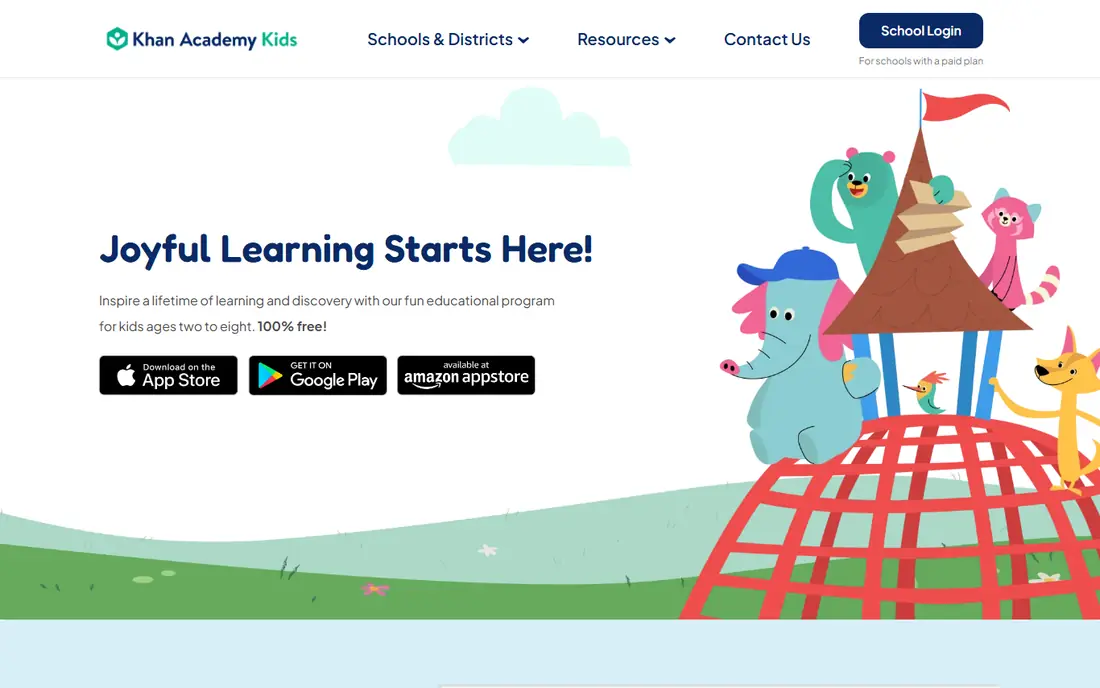
Khan Academy Kids is our first pick for most families because it is free, ad-free, and covers a broad early curriculum. Animated characters guide children through reading, math, logic, and social-emotional activities, and parents can follow progress without paying for a subscription. That combination is rare among kids apps.
The limit is age range. Children above age 8 will outgrow the content and need a step up to Prodigy, Epic, or a school subject app. For ages 2 to 8, though, it is hard to beat on value, safety, and breadth, and it works well alongside a paid app for a specific subject.
- Free for ages 2 to 8
- Reading, math, logic, and social-emotional learning
- No ads
- Content ends around age 8, so older children need another app
- Less structured than a paid curriculum
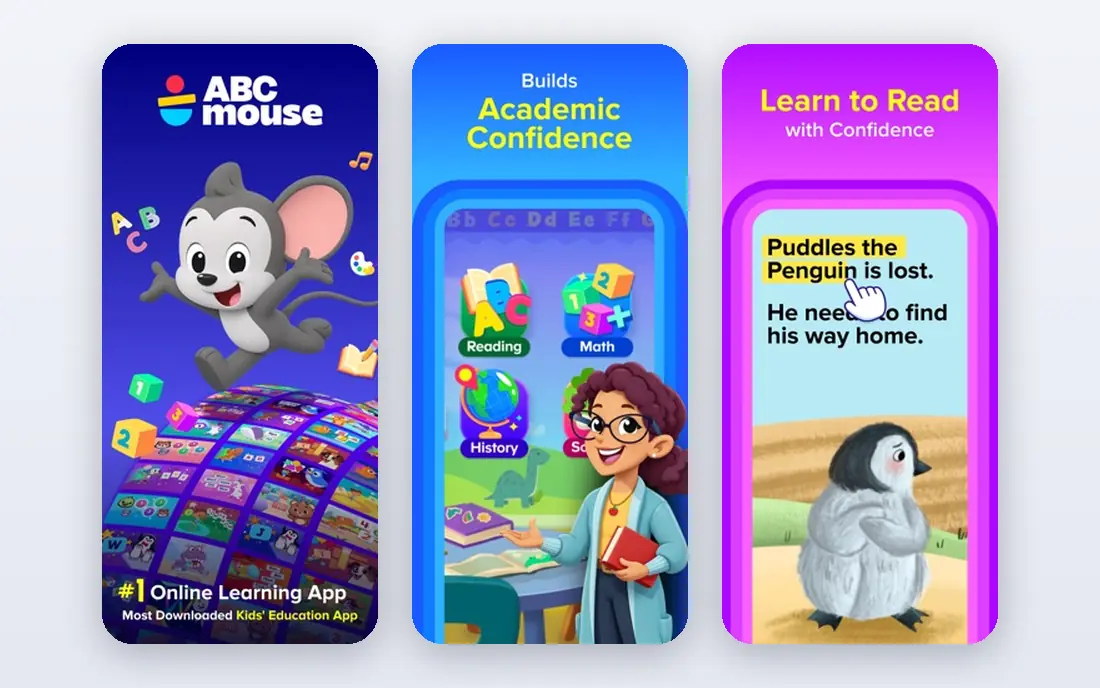
ABCmouse suits families who want a clear learning path rather than a set of separate games. Children follow levels across reading, math, science, social studies, art, and music, with rewards for completing activities. Parents can track progress and set up up to 3 child profiles plus a parent profile.
A basic free plan offers a limited set of activities, while the full subscription is listed at $14.99 per month, with annual options that vary by offer. Check the current ABCmouse pricing page before subscribing, since web and app store prices differ. The structured path is the main reason to pay when a free app feels too open-ended.
- Step-by-step learning path
- Reading, math, science, art, and music
- Progress tracking for parents
- Full paid price is higher than some rivals
- Annual pricing varies by offer and platform
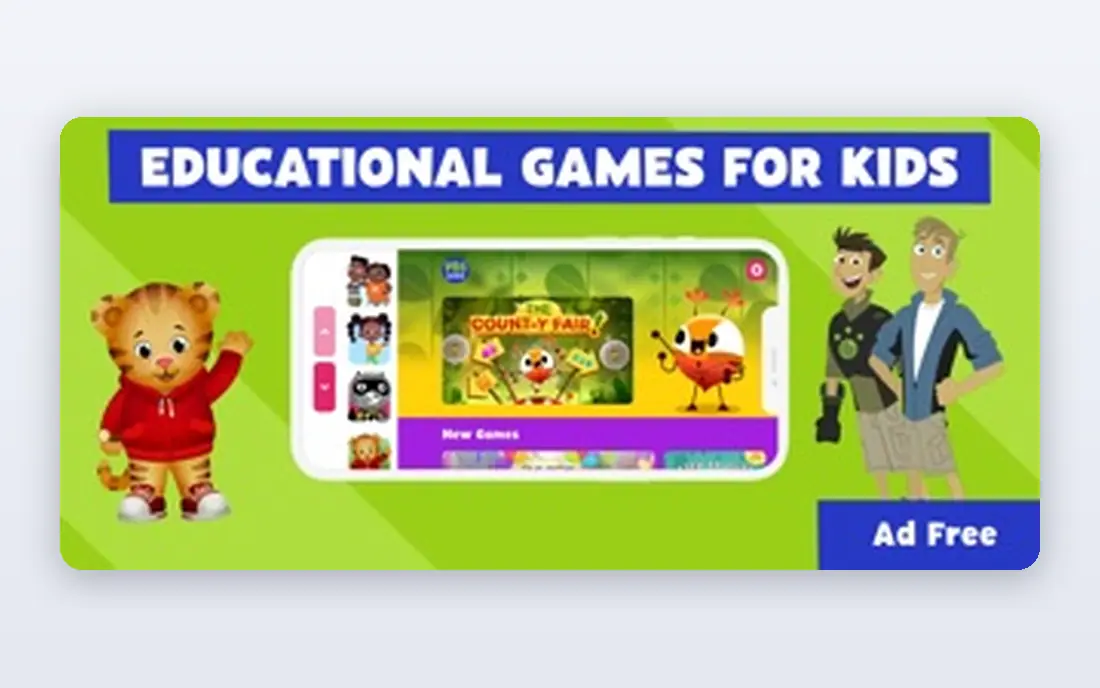
PBS Kids Games is a strong free option for preschool and early primary children who already know PBS characters. Games cover math, reading, science, art, and social-emotional learning, and the familiar shows help younger children start without a long tutorial. Parents can trust the brand and the child-focused design.
The trade-off is structure. PBS Kids Games is a collection of games, not a single step-by-step curriculum like ABCmouse, so parents who want a clear path may need to guide choices. Used alongside Khan Academy Kids, it gives children variety without adding cost or ads from a paid subscription.
- Free games for ages 2 to 8
- Familiar PBS characters
- Math, reading, science, and social-emotional topics
- Games are separate rather than one full curriculum
- Some content needs an internet connection
Duolingo ABC focuses on the early reading skills that matter most for ages 3 to 7, including letter sounds, phonics, and simple words. Lessons are short and game-like, which suits short sessions and younger attention spans. As a free app from a well-known language company, it is easy to try without a subscription decision.
The narrow focus is both a strength and a limit. Duolingo ABC does not cover math or science in depth, so pair it with Khan Academy Kids or ABCmouse for a fuller curriculum. Children above age 7 will move on to other reading or language apps.
- Free phonics and early reading for ages 3 to 7
- Short, game-like lessons
- No ads in the ABC app
- Narrower focus than a full curriculum
- Older children need the main Duolingo app instead
Starfall has long been used for early reading, with phonics activities, songs, and simple books that build letter and word skills step by step. Its accessible design also helps learners who benefit from clear, uncluttered screens and audio support. Early math activities add a second subject for younger children.
Some content is free, while a paid membership opens the full library and more activities. Check the current Starfall pricing page, since membership prices vary by plan. Starfall is a good complement to Duolingo ABC when a child needs more reading practice in a calm, focused format.
- Phonics-led reading activities
- Songs, books, and games
- Accessible design for young learners
- Paid membership needed for full content
- Interface is simpler than newer apps
ScratchJr introduces coding to children aged 5 to 7 through colourful blocks that snap together to move characters, add sounds, and tell stories. Because it uses pictures rather than text code, children can start before they read fluently. That creative, open-ended design also builds sequencing and problem-solving skills.
The app is free and does not require an account, which helps privacy, but it also means progress is stored on the device rather than tracked for parents. Older children should move on to Scratch, the fuller version for ages 8 and up, when they are ready for more complex projects.
- Free coding for ages 5 to 7
- Block-based programming with no reading barrier
- Creative storytelling projects
- Limited to younger children
- No account or progress tracking like a paid platform
Prodigy turns math practice into a role-playing game where children solve problems to cast spells, win battles, and complete quests. Questions adapt to the child's level, and parents and teachers can assign specific skills to match schoolwork. That game loop keeps many children practising longer than a worksheet would.
The free core game covers math practice, while paid memberships, listed from $58.95 per year in guides, add game extras such as pets and items. Parents should set expectations about those extras early, since children may ask for them. Check the current Prodigy pricing page, since membership options change.
- Free core math game for grades 1 to 8
- Adaptive questions
- Parent and teacher tools for assigning skills
- Paid membership adds game extras that children may ask for
- Game elements can distract from practice
Epic is a digital library for children aged 4 to 12, with books, audiobooks, and videos across fiction and non-fiction. Read-to-me mode helps younger readers follow along, while older children can read independently and take quizzes on some titles. For families that want reading volume and choice, it beats buying books one by one.
Pricing is listed at $13.99 per month or $84.99 per year in guides, with no free family plan, though schools may offer free access through teachers. Check the current Epic pricing page before subscribing. If reading is the main goal, Epic pairs well with a free math app such as Khan Academy Kids or Prodigy.
- Large library of books, audiobooks, and videos
- Read-to-me mode
- Quizzes for some books
- No free plan for families in current guides
- Subscription cost adds up alongside other apps
How we picked these
We compared vendor pages, app store listings, age guidance, and child privacy information, and we favoured apps with clear age ranges, ad-free or ad-light design, and published privacy practices for children. We did not claim hands-on testing with children. Prices that vary by platform or offer are described in general terms, and parents should confirm the current age rating and privacy policy in the app store before installing any app.
Choosing safely for your child's age
Match the app to age first, then to subject. Ages 2 to 5 need simple, visual, short activities with no reading barrier, which is why Khan Academy Kids, PBS Kids Games, and Duolingo ABC work well. Ages 5 to 8 can handle a structured path such as ABCmouse, plus first coding in ScratchJr. Ages 8 to 12 need subject depth, which is where Prodigy for math and Epic for reading fit best.
Check privacy before you download. Look for a child privacy policy, a statement on ads and in-app purchases, and whether the app requires an account for the child or only for the parent. Prefer apps that are ad-free, that keep child data separate, and that let parents control purchases and screen time. Turn off in-app purchases on the device if an app includes them.
Set a routine, not just a download. Short, regular sessions work better than long, unsupervised use, and talking about what a child learned helps more than any progress chart. Sit with younger children for the first sessions, show them how to ask for help, and agree when the device goes away. An educational app is a tool for learning together, not a replacement for reading, play, and conversation.
Frequently asked questions
What is the best free educational app for kids?
Khan Academy Kids is a strong free pick for ages 2 to 8, with reading, math, and social-emotional learning and no ads. PBS Kids Games and Duolingo ABC are also free and work well alongside it.
What age is ABCmouse for?
ABCmouse is designed for children aged 2 to 8, covering pre-kindergarten to second grade. Older children will need a different app for grade-level math, reading, or science.
Are these apps safe for children?
The apps listed here are designed for children and publish child privacy information, but safety still needs parent checks. Review the age rating, ads, in-app purchases, and privacy policy, and set up parent controls before a child uses the app alone.
Which app is best for learning to read?
Duolingo ABC and Starfall are strong for early phonics and reading, while Epic is better for reading volume once a child can read independently. Pair a phonics app with a book library for the best coverage.
Do kids educational apps have ads?
Some do, and some do not. Khan Academy Kids is ad-free, while other apps may show ads or offer in-app purchases. Check the app store listing and the app settings before letting a child use an app unsupervised.
How much screen time is right for a learning app?
Short, regular sessions with a clear purpose work best, and younger children benefit from a parent nearby. Follow your paediatrician or school guidance, and balance app time with reading, outdoor play, and conversation.
Sources
- https://www.khanacademy.org/kids
- https://www.abcmouse.com
- https://pbskids.org
- https://www.duolingo.com/abc
- https://www.starfall.com
- https://www.scratchjr.org
- https://www.prodigy.com
- https://www.epic.com
- https://blog.khanacademy.org/best-early-learning-apps-for-kids/
- https://www.kidireading.com/best-learning-apps-for-kids/
See where you really rank - block by block
ProMapRanker scans Google Maps across a grid of your service area. Simple monthly plans from $19, white-label on every plan.
Start freeKeep reading
 twitch alternatives
Twitch Alternatives in 2026
Explore the best Twitch alternatives in 2026 for live streaming, with free platforms, monetisation options, audiences, chat tools, and tips for new streamers.
Read → firebase alternatives
Best Firebase Alternatives in 2026
Looking for Firebase alternatives? We compare 9 backend platforms for auth, databases, realtime, storage, functions, self-hosting, and pricing for your app.
Read → companies with best work life balance
Companies With Best Work Life Balance in 2026
See companies with best work life balance in 2026, ranked by employee ratings, with flexible work options, benefits, and what to check before applying.
Read →