 ProMapRanker
Best Ebook Reader App in 2026

Key takeaways
- Kindle is the best ebook reader app for the largest store and device sync, while Kobo Books is the best open format rival with its own subscription option.
- Libby is the best free ebook reader app for most readers, since a library card gives access to ebooks, audiobooks and magazines at no cost.
- Moon+ Reader and FBReader suit readers with their own EPUB and PDF files, while Apple Books and Google Play Books suit buyers who want simple per book purchases.
- Check format and device lock in before you build a library, since moving books between stores is hard once DRM is involved.
Quick comparison
| Pick | Great for | Pricing starts at | Free tier | |
|---|---|---|---|---|
 Kindle | Largest store and sync | Free | Yes | Visit |
 Kobo Books | Open format store and subscription | Free | Yes | Visit |
 Libby | Free library borrowing | Free | Yes | Visit |
 Apple Books | Simple buying on Apple devices | Free | Yes | Visit |
 Google Play Books | Buying on Android and web | Free | Yes | Visit |
 Moon+ Reader | Custom reading of own files | Free | Yes | Visit |
 FBReader | Lightweight own file reading | Free | Yes | Visit |
 Hoopla | Instant library borrowing | Free | Yes | Visit |
 PocketBook Reader | E ink and own file reading | Free | Yes | Visit |
The best ebook reader app options
We compared store apps, library apps and file readers, since the best ebook reader app depends on where your books come from.
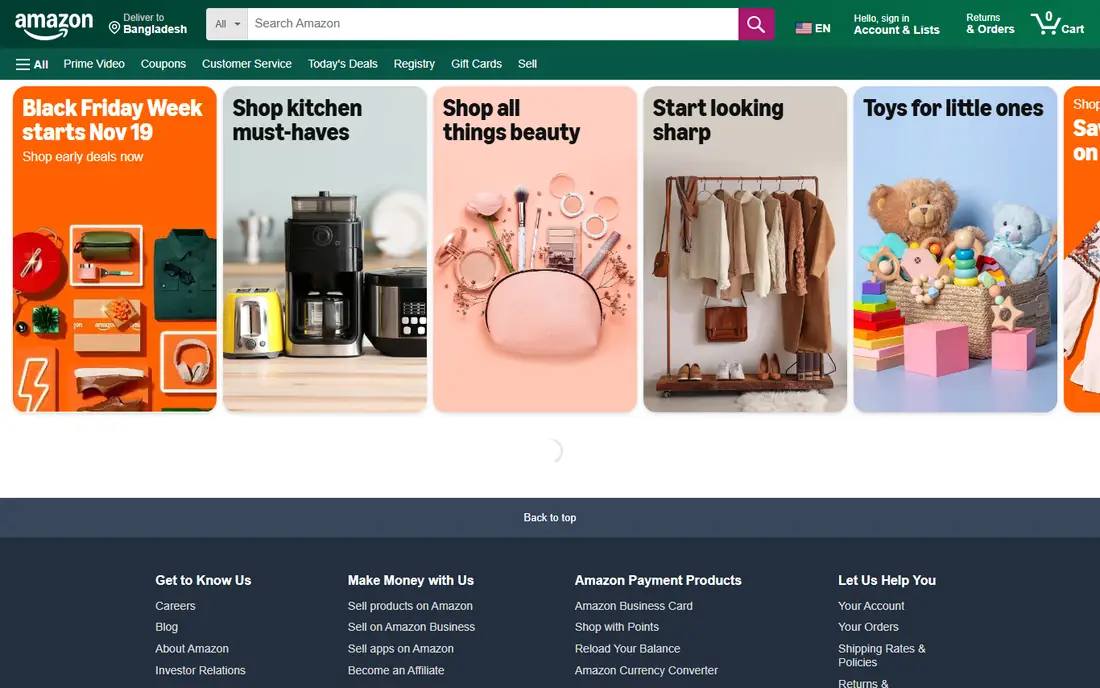
The Kindle app is our pick for most buyers, because the Kindle store is the largest ebook store and the app syncs your place, notes and highlights across phone, tablet and Kindle e reader. The app itself is free, books are bought per title, and Kindle Unlimited, listed around 11.99 dollars per month in recent comparisons, adds a subscription catalog for heavy readers. Accessibility fonts, including OpenDyslexic on supported devices, help readers who need them.
The catch is lock in. Kindle books use Amazon formats and DRM, so moving a large Kindle library to Kobo or another platform is difficult. If you read mostly on Amazon devices and buy new releases, that trade off is fine. If you value moving files freely, look at Kobo or a file reader instead.
- Largest ebook store
- Reading position, notes and highlights sync across devices
- Kindle Unlimited subscription for heavy readers
- Library is hard to move to other platforms
- Some features favor Amazon devices
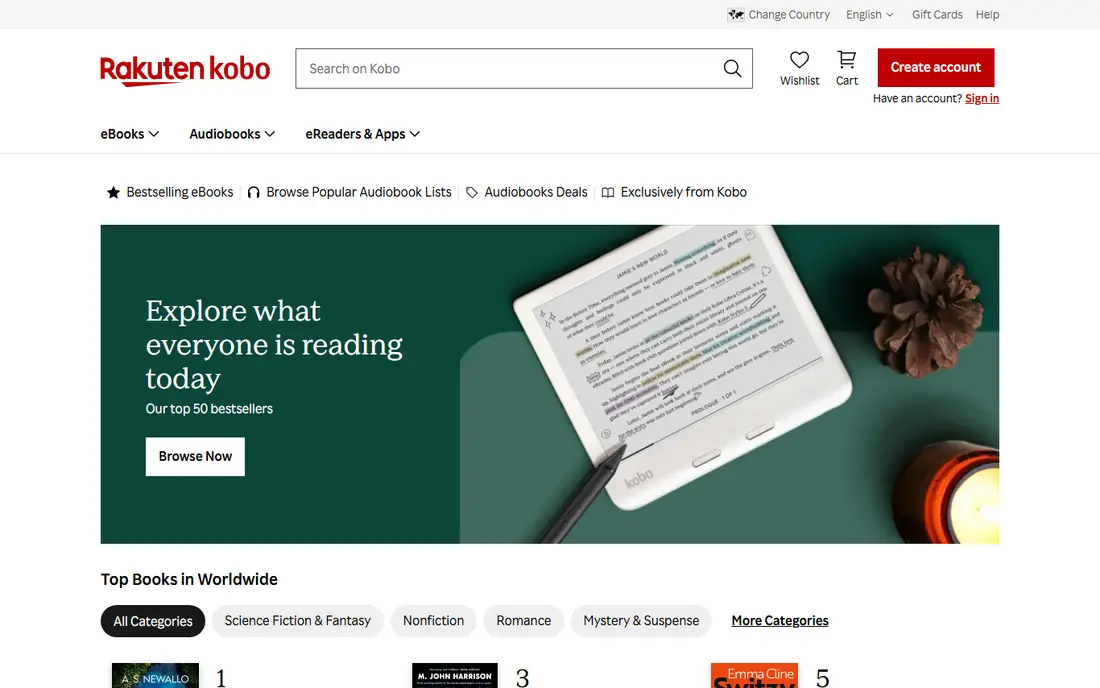
Kobo Books is the best ebook reader app for readers who want an EPUB based store and a good e reader to match. The app is free, books are bought per title, and Kobo Plus, listed around 7.99 dollars per month in recent comparisons, offers a subscription for ebooks and audiobooks. Kobo e readers support EPUB and library borrowing in supported regions, which gives Kobo owners a flexible setup.
US buyers should note that the Kindle store is larger for some new releases, and Kobo Plus catalogs vary by country. If you own a Kobo device, use EPUB files, or want a subscription that covers both reading and listening, Kobo is the natural rival to Kindle.
- EPUB based store with Kobo e reader support
- Kobo Plus subscription for reading and listening
- Less restrictive than Kindle for file handling
- Store is smaller than Kindle in the US
- Subscription catalog varies by region
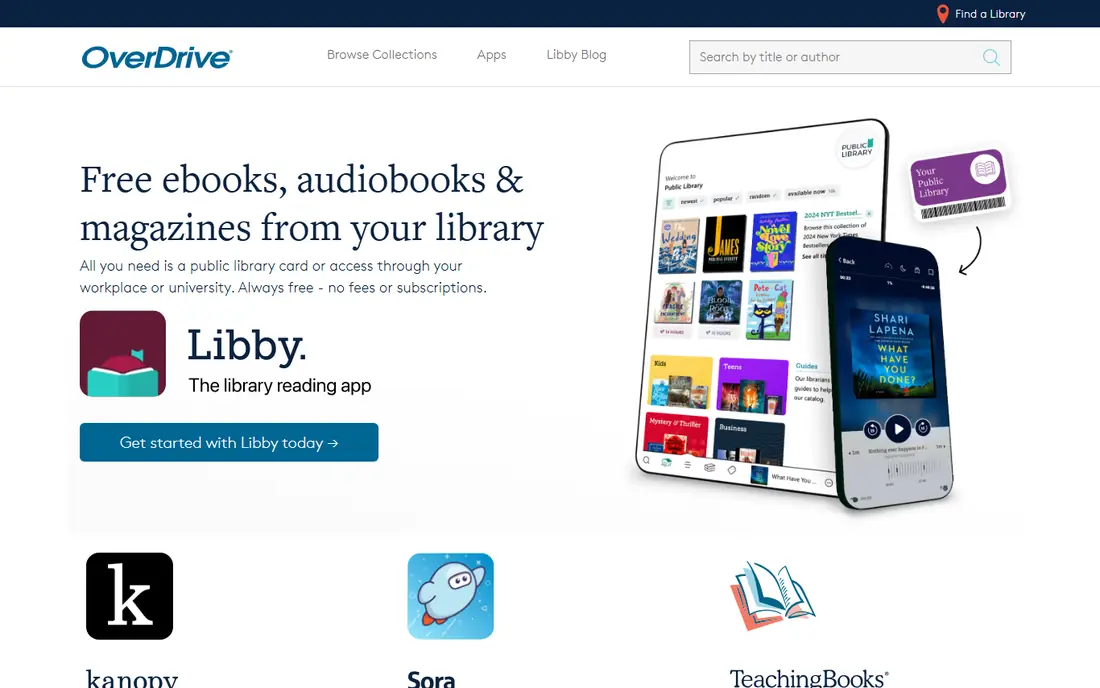
Libby, by OverDrive, is the best free ebook reader app for most people, and it is not close. A public library card opens your library's licensed collection of ebooks, audiobooks and magazines, with offline downloads, position sync and, in the US, sending many loans to Kindle. There are no late fees, since loans simply expire.
Waitlists are the only real cost. A new bestseller may need a hold, and loan periods require some planning. Registering every library card you legitimately hold, such as a home city card and a state program card, widens the catalog at no cost. Start with Libby before paying for any subscription.
- Free with a library card
- Ebooks, audiobooks and magazines
- Offline downloads and device sync
- Popular titles have waitlists
- Catalog depends on your library system
Apple Books suits Apple owners who want a built in reader without a new account or subscription. The app is free, books are bought per title, and PDFs and other files you add sit alongside store purchases. Reading settings for font, size and background are easy to adjust, and progress syncs across Apple devices.
The limit is platform. Apple Books works best inside the Apple ecosystem, and its store does not match Kindle for every title. If you read on an iPhone or iPad and buy books one at a time, Apple Books is a clean, low fuss choice.
- Built into iPhone, iPad and Mac
- Simple per book buying with no subscription needed
- Good PDF and file handling
- Apple devices only for the full experience
- Store is smaller than Kindle for some titles
Google Play Books is a balanced pick for Android users and for readers who switch between phone and web. The app is free, books are bought per title, and you can upload your own EPUB and PDF files for free personal reading. Audiobooks are sold per title as well, which suits listeners who dislike subscriptions.
Customization is solid but not as deep as a dedicated file reader, and the store trails Kindle for some new releases. If you want one app for bought books and your own files on Android, Google Play Books is a practical middle ground.
- Works on Android, iOS and web
- Per book buying plus free personal uploads
- Offline reading and audiobook options
- Store is smaller than Kindle
- Reading customization is more basic than Moon+ Reader
Moon+ Reader is the best ebook reader app for Android users with their own files. It opens EPUB, PDF, MOBI and other formats, and it offers deep control over fonts, line spacing, themes, gestures, scrolling and night modes. The free version covers core reading well, with a paid Pro version for added features and no ads.
There is no store to rival Kindle or Kobo, so Moon+ Reader suits readers who already own files or borrow DRM free books. If you read sideloaded books every day and care about how the page looks, Moon+ Reader is hard to beat.
- Deep control over fonts, themes and gestures
- Supports EPUB, PDF, MOBI and more
- Offline reading with many display options
- Android focused
- No built in store to match Kindle or Kobo
- Premium version needed for some features
FBReader is a lightweight reader for EPUB, MOBI, PDF and other formats, and it runs well on older phones and tablets where heavier apps feel slow. The free version covers core reading, bookmarks and library organization, with premium options for sync and extra formats. Its plain interface will not impress anyone, but it stays out of the way of the text.
Buyers who want a store, recommendations or audiobook integration should pick Kindle, Kobo or Libby instead. Readers who want a fast, simple app for their own files will find FBReader a reliable, low demand choice.
- Light and fast on older devices
- Supports EPUB, MOBI and other formats
- Sync and plugin options on paid tiers
- Interface is plain
- Store and library features are limited
Hoopla fixes Libby's main frustration: waitlists. Its model charges libraries per borrow rather than per licensed copy, so if your library offers Hoopla and the title is in its catalog, you borrow it at once, subject to a monthly borrow limit your library sets. The catalog is strong on audiobooks, comics and midlist titles, plus movies and music in many systems.
New bestsellers are thinner here than in Libby, so the two apps work best together. Use Libby for new releases you are willing to wait for, and Hoopla for instant borrows when you want something to read tonight.
- No waitlists in its borrow model
- Ebooks, audiobooks, comics and video
- Free with a participating library card
- Monthly borrow limit set by your library
- New bestseller catalog is thinner than Libby
PocketBook Reader is a free reader with broad format support, built by the company behind PocketBook e readers. It handles EPUB, PDF, MOBI and other formats, offers reading customization and offline use, and pairs well with a PocketBook device if you own one. For phone readers, it is a capable alternative to Moon+ Reader and FBReader.
The store side is thin compared with Kindle and Kobo, so PocketBook Reader suits file owners best. If you read your own EPUB library and want a reader that also works on an e ink device, it is worth installing next to Libby.
- Strong format support for own files
- Suits PocketBook e readers and phones
- Offline reading with customization
- No major store to rival Kindle or Kobo
- Smaller community than Moon+ Reader
How we picked these
We compared official store pages, app listings, library apps and file readers, and we kept only apps that still work on current devices in 2026 and truly fit ebook reading. We favored a mix of stores, free library borrowing and file readers, since readers get books from all three places, and we flagged format lock in plainly.
How to choose the right reading app
Start with where your books come from. Buyers should start with Kindle or Kobo, library users with Libby and Hoopla, Apple owners with Apple Books, Android buyers with Google Play Books, and file owners with Moon+ Reader, FBReader or PocketBook Reader. Most readers end up with two apps: one paid store for new releases and Libby for free borrowing.
Check format, sync and cost before you commit
Confirm that your books sync to the devices you own, that offline downloads work for travel, and that any subscription catalog includes books you actually want. For a subscription, check the monthly price, the catalog in your country and whether audiobooks are included. For a file reader, check EPUB and PDF support and how bookmarks and notes carry across devices.
Frequently asked questions
What is the best ebook reader app overall?
Kindle is our pick for most buyers, because it has the largest store and strong sync across devices. Kobo Books is the best open format rival, and Libby is the best free option for library borrowing.
What are the best ebook reader apps for free books?
Libby and Hoopla are the best ebook reader apps for free books, since both work with a participating library card. Libby has stronger new releases with waitlists, while Hoopla offers instant borrows within a monthly limit.
What is the best e reader app for Android?
Google Play Books is the best e reader app for Android buyers, while Moon+ Reader is the best e reader app for Android readers with their own files. Kindle and Kobo also work well on Android if you prefer their stores.
What are the best ereader apps for EPUB files?
Moon+ Reader, FBReader and PocketBook Reader are the best ereader apps for EPUB files you own, with deep customization and offline reading. Kobo Books also handles EPUB well through its store and devices.
What is the best reader app for audiobooks and ebooks together?
Libby is the best reader app for free ebooks and audiobooks together through a library card, while Kobo Plus covers both in a paid subscription. Kindle pairs with Audible for audiobooks, but that needs a separate subscription.
Sources
See where you really rank - block by block
ProMapRanker scans Google Maps across a grid of your service area. Simple monthly plans from $19, white-label on every plan.
Start freeKeep reading
 best freelance platforms for beginners
Best Freelance Platforms for Beginners in 2026
Best freelance platforms for beginners compared, with fees, job types, and first-gig tips to help new freelancers pick a strong starting place in our guide.
Read → best foreign language apps
Best Foreign Language Apps in 2026
Best foreign language apps compared in 2026: Duolingo, Babbel, Rosetta Stone, Pimsleur and more, with prices, free plans and honest trade-offs for learners.
Read → best foraging apps for plant identification
Best Foraging Apps for Plant Identification in 2026
These 8 best foraging apps for plant identification help you name wild plants, but never eat a plant based on an app alone. Check our safety notes first.
Read →