 ProMapRanker
Best DVD Ripping Software in 2026

Key takeaways
- HandBrake is the best free option for unprotected discs, while MakeMKV is best for lossless MKV copies.
- WinX DVD Ripper Platinum and VideoProc Converter AI suit large collections that need speed and device presets.
- Free tools often cannot handle copy-protected commercial discs without extra setup, so check protection support before buying.
- Only rip discs you own, for personal use, and respect copyright and regional rules in your country.
Quick comparison
| Pick | Great for | Pricing starts at | Free tier | |
|---|---|---|---|---|
 HandBrake | Free conversion of unprotected discs | Free | Yes | Visit |
 MakeMKV | Lossless MKV copies | Free | Yes | Visit |
 WinX DVD Ripper Platinum | Fast ripping with device presets | $39.95 | Free trial | Visit |
 DVDFab DVD Ripper | Commercial discs and many formats | See website | Free trial | Visit |
 VideoProc Converter AI | Fast GPU-accelerated ripping | $34.95 | Free trial | Visit |
 MacX DVD Ripper Pro | Mac users with protected discs | See website | Free trial | Visit |
 WonderFox DVD Ripper Pro | Fast, simple Windows ripping | $29.95 | Free trial | Visit |
 Leawo DVD Ripper | DVD to video and audio for devices | $29.95 | Free trial | Visit |
 VLC Media Player | Free player with basic conversion | Free | Yes | Visit |
The best DVD ripping software
DVD ripping means converting a disc into a digital file, such as MP4 or MKV, that plays on a computer, phone, tablet, or media server. The right tool depends on whether your discs are homemade or commercial, whether you want a small compressed file or a lossless copy, and how large your collection is. Note on lawful use: only rip discs you own, for personal use, and respect copyright and regional rules. In the US, bypassing copy protection on commercial discs is restricted in many cases, and rules differ by country, so check your local law. This is not legal advice.
HandBrake is a free, open-source video transcoder that runs on Windows, Mac, and Linux, and it is the best starting point for homemade or unprotected DVDs. It converts discs to MP4, MKV, or WebM with modern encoders, device presets, and control over quality, subtitles, and audio tracks. For a small collection of home videos, it does the job well at no cost.
It does not bypass commercial copy protection on its own, so store-bought movie discs usually need another tool. The interface also offers many settings, which can overwhelm a first-time user. For free, high-quality conversion of discs you made yourself, HandBrake remains the standard recommendation.
- Free and open source
- MP4, MKV, and WebM output
- Modern encoders and presets
- Does not handle copy-protected discs on its own
- Learning curve for beginners
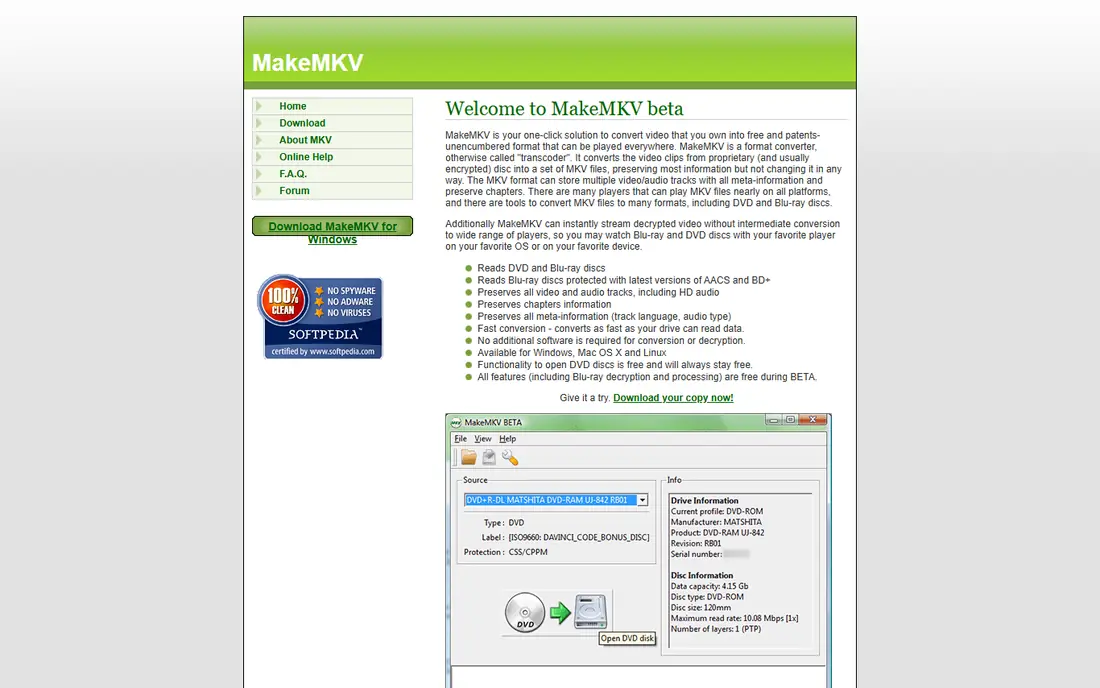
MakeMKV takes a different approach: instead of compressing a disc, it copies the video, audio, subtitles, and chapters into an MKV file without re-encoding. That keeps full quality and makes it fast, since the computer is not compressing video. It is free for DVD use, with Blu-ray support offered as shareware that needs a key after the trial period.
The result is a large file, since nothing is compressed, and MKV is the only output format. That suits a media server where storage is plentiful and quality matters. If you want small files for a phone, pair MakeMKV with HandBrake, or choose a converter below instead.
- Lossless copies with all tracks and chapters
- Fast, since it does not re-encode
- Windows, Mac, and Linux
- MKV output only
- Large files
- Blu-ray needs a paid key after trial
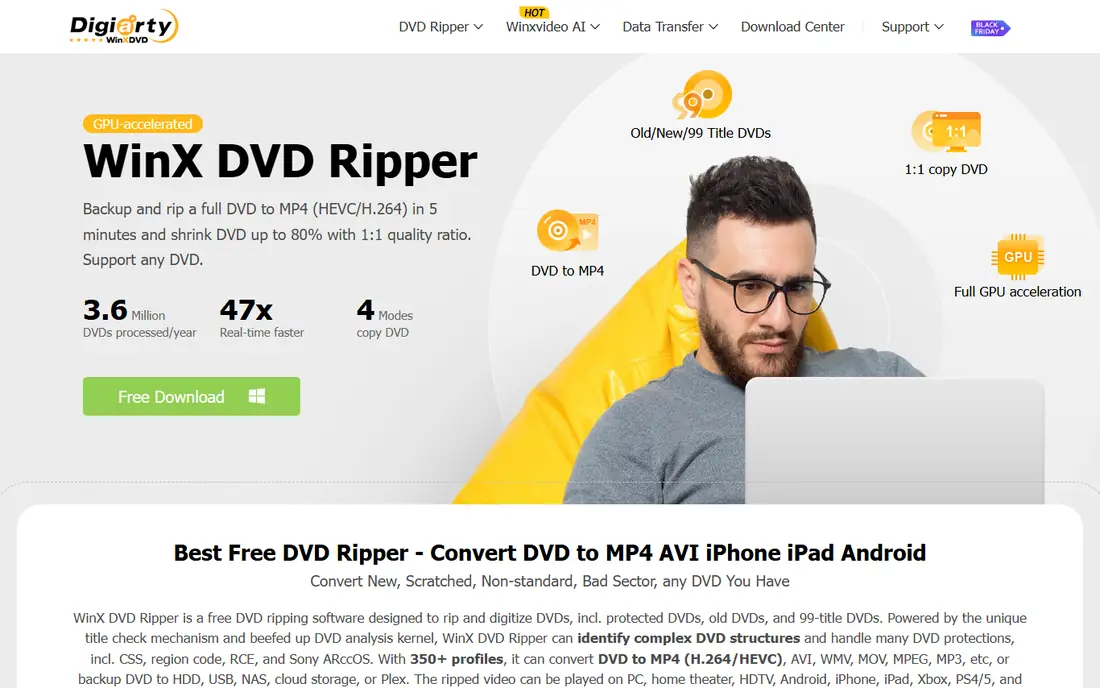
WinX DVD Ripper Platinum is a popular paid ripper for Windows and Mac that handles homemade, protected, and region-locked DVDs, with output to MP4, MKV, MOV, and many device presets. GPU acceleration speeds up conversion, which matters when a collection runs to dozens of discs. The one-year licence starts at $39.95, with a lifetime option also offered.
The trial is limited to the first five minutes of a video, so it shows the interface but not a full rip. For a large collection where speed and protection support matter, WinX is a strong paid pick, and its device presets make it easy to get files that play on phones and tablets.
- Handles protected and region-locked discs
- Many output formats
- GPU acceleration
- Trial rips only the first five minutes
- Windows and Mac only
DVDFab DVD Ripper is part of the DVDFab suite and is known for handling commercial discs, including newer protections, through cloud-based decryption. It outputs to MP4, MKV, and many other formats, with device profiles and GPU acceleration. That makes it a good fit for movie collections where free tools fail on protection.
The price is higher than WinX or WonderFox, and the trial is limited, so check the current vendor price before buying. For a collection of commercial discs that other tools cannot read, DVDFab is often the tool that works, and that reliability is what the premium pays for.
- Cloud-based decryption for newer discs
- Many formats and profiles
- GPU acceleration
- Higher price than rivals
- Trial limited to three discs
VideoProc Converter AI combines DVD ripping with video conversion and editing, using full GPU acceleration for speed. It handles commercial and homemade DVDs, ISO files, and DVD folders, with output to MP4, MKV, MOV, and other formats. That speed makes it attractive for large collections, and the price starts at $34.95.
The trial is limited to five minutes per video, so test protection support on a short disc first. The interface includes editing and conversion tools that some users will not need. For a fast, modern ripper that also handles general video conversion, VideoProc is a strong all-round paid pick.
- Fast GPU-accelerated conversion
- Handles commercial and homemade discs
- Flexible outputs
- Trial limited to five minutes
- Interface packs many features beyond ripping
MacX DVD Ripper Pro is the Mac-focused ripper from the same maker as WinX, with support for protected DVDs and presets for iPhone, iPad, Apple TV, and other devices. That Apple focus suits Mac users who want files that play cleanly across Apple hardware without extra conversion steps. It also offers GPU acceleration on supported Macs.
Windows users should choose WinX instead, since this edition is Mac-only. Pricing varies by licence and promotion, so check the vendor site for the current rate. For a Mac owner with a collection of commercial discs, MacX is a straightforward, well-matched choice.
- Mac-focused design
- Handles protected discs
- Device presets for Apple devices
- Mac only in this edition
- Price varies by licence and promotion
WonderFox DVD Ripper Pro is a Windows ripper that emphasises speed and simplicity, with output to MP4, MKV, MOV, and MP3. It handles standard protected discs and offers GPU acceleration, which helps when converting a whole shelf of DVDs. The price starts at $29.95, making it one of the cheaper paid options here.
The trial is limited to 15 minutes, and advanced encoding controls are thinner than HandBrake. For a Windows user who wants a simple, fast ripper without learning encoder settings, WonderFox is good value. For fine control over quality and subtitles, HandBrake or VideoProc will offer more.
- Fast conversion
- Simple interface
- MP4, MKV, MOV, and MP3 output
- Windows-focused
- Trial limited to 15 minutes
- Fewer advanced controls than HandBrake
Leawo DVD Ripper converts DVDs to video and audio for computers and popular devices, with more than 180 output formats and device presets. It suits users who want both video files for a tablet and audio files from a music DVD, without using two tools. The one-year price starts at $29.95, with a lifetime licence also offered.
Check the licence terms before buying, since the lifetime licence covers one PC and refund windows vary by plan. For a flexible converter with broad format support at a modest price, Leawo is a solid paid option, especially for device playback.
- Many output formats
- Device presets
- Audio extraction for music DVDs
- Lifetime licence covers one PC
- Refund window is short on some plans
VLC is best known as a free media player, but it can also convert DVDs to MP4 and other formats. That makes it a handy option if you already have VLC installed and only need an occasional conversion. It runs on Windows, Mac, and Linux, plays almost any file, and costs nothing.
Conversion is slow compared with dedicated rippers, since it works in real time in some modes, and protection support is limited. For regular ripping, a dedicated tool will be faster and more reliable. For a one-off disc, or for playback plus a basic conversion in one free app, VLC is a useful fallback.
- Free and open source
- Plays almost anything
- Basic DVD conversion included
- Slow conversion
- Limited protection support
- Basic controls only
How we picked these
We compared rippers that are live and maintained in October 2026, using vendor sites and recent category guides. We kept a mix of free and paid tools, and we left out obsolete software such as DVD Shrink and DVD Decrypter, which are no longer maintained for modern systems. Prices shown come from vendor pages or recent guides, and we wrote See website where pricing varied by licence or promotion. We did not claim hands-on testing.
How to choose the right ripper
Start with your discs. Homemade and unprotected discs work well with HandBrake or VLC at no cost. Commercial movie discs usually need a paid ripper with protection support, such as WinX, DVDFab, or VideoProc. Next, decide between quality and size: MakeMKV keeps full quality in a large file, while a converter such as HandBrake or WinX makes a smaller MP4 that plays anywhere.
Then check your devices. Device presets save time if you mainly watch on a phone or tablet, while a media server benefits from MKV. Finally, test one disc end to end before converting a whole collection, and check that subtitles, audio tracks, and chapters survive the conversion as you expect.
Frequently asked questions
What is the best software for ripping DVDs?
HandBrake is best for free conversion of unprotected discs, MakeMKV is best for lossless copies, and WinX DVD Ripper Platinum is best for fast paid ripping of protected discs. The right pick depends on your discs and your target devices.
What is the best DVD converter software for MP4?
HandBrake, WinX, VideoProc, and WonderFox all convert DVDs to MP4 well. HandBrake is free for unprotected discs, while the paid tools add protection support and speed for commercial discs.
Is there a best free DVD ripper?
Yes, HandBrake is the best free ripper for unprotected discs, MakeMKV is free for DVD copies in MKV, and VLC offers basic free conversion. None of these handle all commercial protections without extra setup.
What is the best DVD decryption software?
DVDFab DVD Ripper and WinX DVD Ripper Platinum are the strongest paid options for protected commercial discs, thanks to their decryption support. Free tools handle unprotected discs but often fail on commercial protections.
Is it legal to rip a DVD I own?
Only rip discs you own, for personal use, and respect copyright and regional rules. In the US, bypassing copy protection on commercial discs is restricted in many cases, with narrow exemptions, and laws differ by country. This is not legal advice, so check your local rules.
Sources
- https://handbrake.fr
- https://www.makemkv.com
- https://www.winxdvd.com/dvd-ripper/
- https://www.dvdfab.cn/dvd-ripper.htm
- https://www.videoproc.com
- https://www.macxdvd.com/mac-dvd-ripper-pro/
- https://www.videoconverterfactory.com/dvd-ripper/
- https://www.leawo.org/dvd-ripper/
- https://www.videolan.org/vlc/
- https://www.winxdvd.com/dvd-ripper/best-dvd-ripper.htm
- https://www.videoproc.com/media-converter/best-dvd-ripper.htm
See where you really rank - block by block
ProMapRanker scans Google Maps across a grid of your service area. Simple monthly plans from $19, white-label on every plan.
Start freeKeep reading
 best tour operator software
Best Tour Operator Software in 2026
Compare the best tour operator software for bookings, channel management, waivers and payments, with pricing models for day tours and multi-day trips.
Read → best time clock app for small business
Best Time Clock App for Small Business in 2026
We compare the best time clock app for small business options, with free plans, GPS clock ins, scheduling and payroll links for hourly teams and payroll help.
Read → best test automation tools
Best Test Automation Tools in 2026
Compare the best test automation tools, from Playwright and Selenium to Cypress, Katalon and BrowserStack, with prices, languages and best uses explained.
Read →