 ProMapRanker
Best Driver Update Software in 2026

Key takeaways
- Driver Booster is our pick for most Windows users because it pairs a large driver database with a simple one click scan.
- Snappy Driver Installer is the best fully free option, especially for offline installs, but it suits confident users more than beginners.
- Always create a restore point and back up drivers before a bulk update, and update one device group at a time if your PC is unstable.
- Windows Update already covers many drivers, so a third party tool is most useful after a fresh install or when a device is not working.
- Avoid tools that push extra software during install, and download only from the vendor's own site.
Quick comparison
| Pick | Great for | Pricing starts at | Free tier | |
|---|---|---|---|---|
 Driver Booster | Most Windows users | See website | Yes | Visit |
 Driver Easy | Beginners | See website | Yes | Visit |
 Snappy Driver Installer | Free offline installs | Free | Yes | Visit |
 AVG Driver Updater | Hands off updates | See website | No | Visit |
 Avast Driver Updater | Avast users | See website | No | Visit |
 DriverMax | Scheduled updates | See website | Yes | Visit |
 Ashampoo Driver Updater | Simple interface | See website | No | Visit |
 Auslogics Driver Updater | One click maintenance | See website | No | Visit |
The best driver update software
Drivers are the software that lets Windows talk to your graphics card, sound card, network adapter, printer, and other hardware. When they are out of date or broken, you can see crashes, no sound, Wi-Fi drops, or display problems. The tools below scan for outdated drivers and install replacements, with backup and restore options to reduce risk.
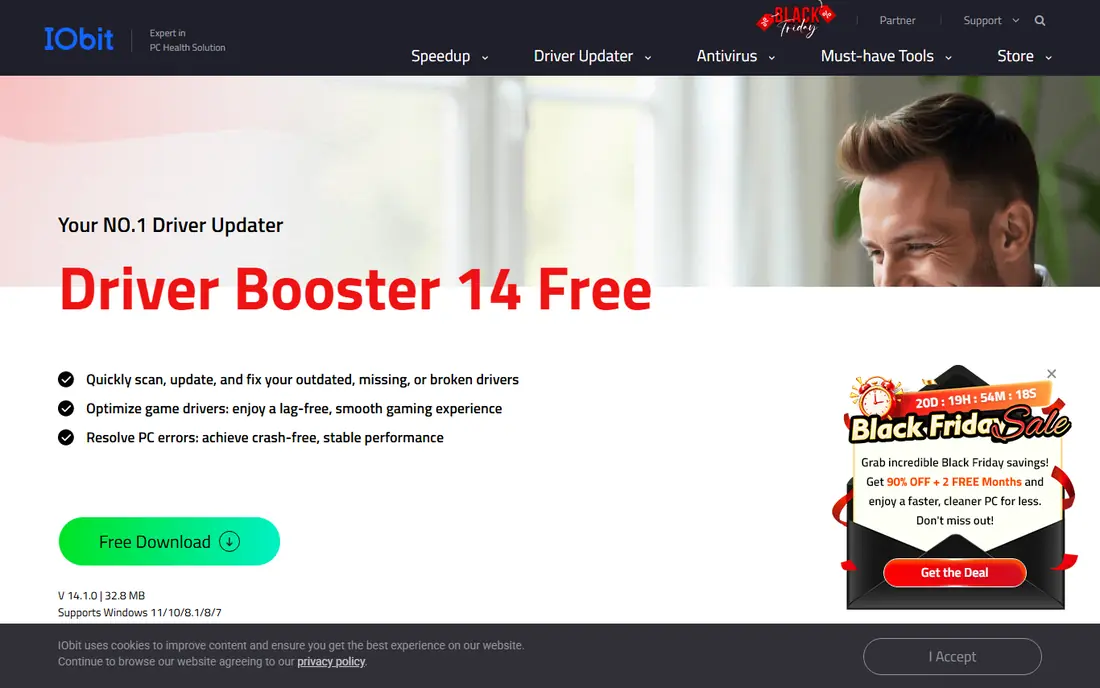
Driver Booster is the most widely used tool in this group, and its appeal is simplicity. Run a scan, review the outdated drivers, and update them in one pass. It also offers troubleshooting tools for common problems such as no sound or network failure, which can help after a driver breaks.
The free version is useful but limited, with slower downloads and limits on how many drivers you can update at once in some versions. For a fresh Windows install or a PC with several outdated devices, the paid version removes much of that friction. Either way, let it create a restore point before a large update.
- Large driver database
- One click scan and update
- Restore point creation before updates
- Game ready driver options
- Free version has download speed and update limits
- Paid version prompts for other IObit products
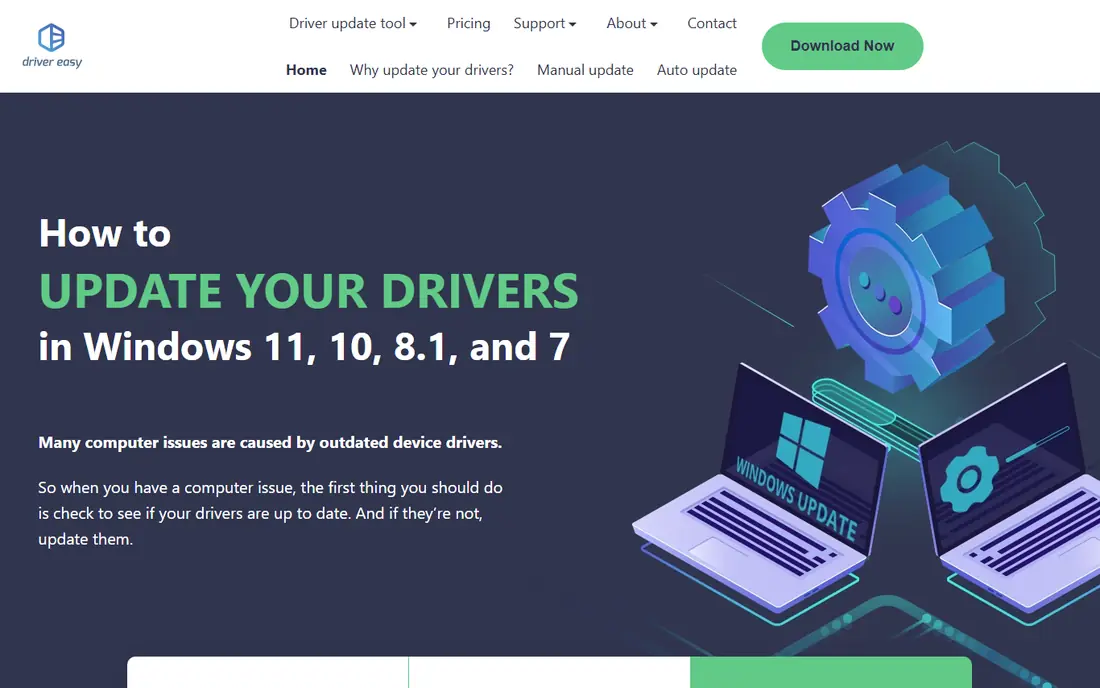
Driver Easy is a good choice if you want clear results without jargon. It scans your PC, lists outdated drivers, and explains what each device does. The paid version adds automatic installation and faster downloads, while the free version still scans and helps you update drivers manually.
Beginners should use its backup feature before updating, and update drivers in small groups. That habit matters more than the tool itself, since a single bad driver can cause more trouble than several outdated ones.
- Clear scan results
- Driver backup and restore
- Hardware information view
- Simple interface for new users
- Automatic installation needs the paid version
- Free version requires manual steps for some drivers
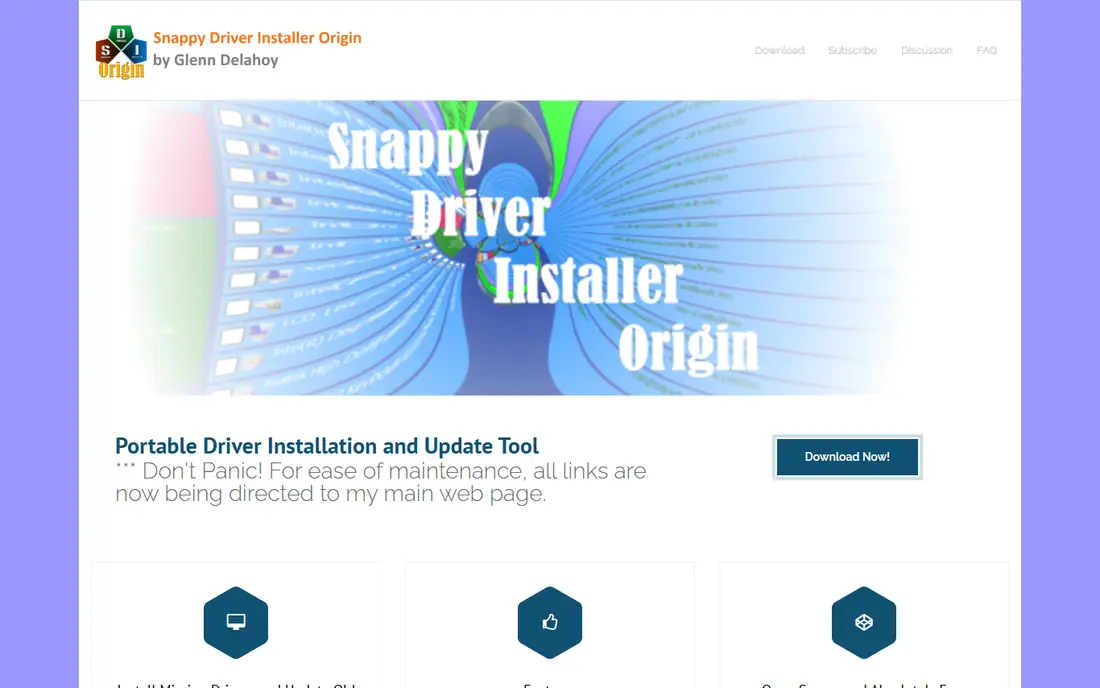
Snappy Driver Installer, often called SDI, is the standout free option. It is open source, carries no bundled offers, and can work offline once you have downloaded the driver packs you need. That makes it popular with technicians who fix many PCs or work on machines without reliable internet.
It is not a beginner tool. You choose driver packs, review matches, and decide what to install, which needs more confidence than a one click updater. If you are comfortable with that, it is hard to beat on price and control. If you are not, start with Driver Booster or Driver Easy.
- Fully free and open source
- No bundled extra software
- Works offline with downloaded driver packs
- Good for technicians
- Interface is plain and technical
- No simple guided scan in the way commercial tools offer
- Manual choices carry more risk for beginners
AVG Driver Updater suits users who want a set and forget tool from a known security brand. It scans for outdated drivers, checks versions, and installs updates with a backup in place. The interface is calm and the process is guided, which helps users who do not want to compare driver versions themselves.
The main limit is that full updating needs a paid plan. The free scan is useful for diagnosis, but you will need to pay or use another tool to install what it finds. If you already use AVG products, keeping driver updates in the same family is convenient.
- Large driver database
- Tested driver versions
- Backup and restore
- Simple scheduled scanning
- Paid only for full updates
- Free scan shows results without installing them
Avast Driver Updater works in a similar way to AVG, which is not a surprise, since the brands share a parent company. It scans, backs up, and updates drivers, with an emphasis on tested versions and stability. For Avast users, it slots into an existing setup without a new account or interface to learn.
As a standalone purchase, it is harder to justify over Driver Booster, which offers a useful free tier. Avast makes most sense when you already trust and use its security tools and want driver care in the same place.
- Large driver database
- Backup and restore
- Automatic checks
- Fits with Avast security tools
- Paid only for full updates
- Less useful if you do not use other Avast products
DriverMax has been around for years and keeps a clear focus: scan, schedule, back up, and update. Scheduled scans mean you do not need to remember to check, and backup and restore give you a way back if an update causes trouble. It also supports offline installs on paid plans, which helps for PCs without a network driver.
Free use is limited by daily and monthly download caps, so it suits light use rather than a full fresh install. For ongoing maintenance on one PC, those limits may not matter.
- Scheduled scans
- Driver backup and restore
- Offline driver support in paid plans
- Long running tool with a clear focus
- Free version limits downloads per day and per month
- Database is smaller than the largest rivals
Ashampoo Driver Updater is a good pick if you value a tidy interface over a huge feature list. It scans, shows outdated drivers, backs up the current versions, and installs updates in a guided flow. The design is calm, and there is little to misread.
It is a paid tool with a trial, so it does not compete on free use. If you want a simple paid updater and you do not need the largest database or gaming extras, Ashampoo is a pleasant option.
- Clean and simple interface
- Safe update process with backups
- Scheduled checks
- Good for users who dislike clutter
- No free version beyond a trial
- Driver database is smaller than the largest tools
Auslogics Driver Updater is built for routine PC maintenance. One click starts a scan, and the tool handles backup, download, and install in a single flow. Scheduled updates keep the job from being forgotten, and it pairs well with other Auslogics tools if you already use them for disk or system care.
Like several tools here, full updating needs a paid plan. If you want a simple maintenance tool and you already use Auslogics software, it is a natural fit. If you want a free updater, Snappy Driver Installer or Driver Booster will serve you better.
- One click scan and update
- Backup and restore
- Scheduled updates
- Fits with other Auslogics maintenance tools
- Paid only for full updates
- Some users may not need the wider Auslogics suite
How we picked these
We compared official vendor pages, pricing pages, and current roundups of Windows driver updaters, and we kept only tools that are still offered in October 2026, scan real hardware, and offer backup or restore in some form. Tools with a history of bundled unwanted software or unclear vendors were left out. Where a vendor price could not be confirmed from its own pricing page, we wrote See website rather than repeating a roundup figure.
How to update drivers safely
Start with Windows Update and Device Manager before you install anything new. Many drivers arrive through Windows Update, and a manufacturer site is the safest source for graphics and network drivers on a gaming or work PC. A third party updater is a time saver, not a replacement for that check.
When you do use an updater, create a system restore point first, back up your current drivers, and update in small groups. Restart and check that sound, Wi-Fi, and display still work before you move to the next group. If something breaks, roll back that driver or restore the system, rather than updating everything else in the hope it fixes itself.
Finally, read the installer carefully. Some free tools offer extra software during setup that you do not need. Decline those offers, download only from the vendor's own site, and avoid driver tools that promise speed boosts or claim hundreds of errors that only a paid plan can fix.
Frequently asked questions
Do I really need driver update software?
Not always. Windows Update and Device Manager handle many drivers, and manufacturer sites offer the latest graphics and network drivers directly. A driver updater helps most after a fresh Windows install, when Device Manager shows unknown devices, or when a device stops working and you want a faster scan.
Is driver update software safe?
Reputable tools from known vendors are generally safe if you use backup and restore points and update in small groups. Risk rises with unknown vendors, bundled extra software, and bulk updates without a backup. Stick to the vendors on this list, download from their own sites, and decline any extra software offered during install.
What is the best free driver updater?
Snappy Driver Installer is the best fully free option, with no bundled offers and offline support, but it suits confident users. Driver Booster offers the easiest free experience for beginners, with limits on speed and update counts. Driver Easy also scans for free, with automatic installation on its paid plan.
How often should I update drivers?
Update when a device has a problem, when you install new hardware, or when a security or stability fix is available. Routine monthly checks are enough for most PCs. Updating every driver every week adds risk without a clear benefit, especially for stable systems.
Can a driver update break my PC?
Yes, a faulty or mismatched driver can cause crashes, no sound, or display problems. That is why backup and restore points matter. If a new driver causes trouble, roll it back in Device Manager or use the updater's restore feature, then check the manufacturer site for a correct version.
Should I update graphics drivers with a general updater?
You can, but for graphics cards, the manufacturer site or its own app is often the better source for game ready releases. General updaters are useful for the many smaller devices, such as audio, chipset, network, and printers, where manual checks take far longer.
Sources
- https://www.iobit.com/en/driver-booster.php
- https://www.drivereasy.com
- https://www.snappy-driver-installer.org
- https://www.avg.com/en-us/driver-updater
- https://www.avast.com/driver-updater
- https://www.drivermax.com
- https://www.ashampoo.com/en-us/driver-updater
- https://www.auslogics.com/en/software/driver-updater/
- https://thehightechsociety.com/best-driver-updater/
- https://www.fdaytalk.com/best-driver-update-tools-for-windows-11/
See where you really rank - block by block
ProMapRanker scans Google Maps across a grid of your service area. Simple monthly plans from $19, white-label on every plan.
Start freeKeep reading
 best tour operator software
Best Tour Operator Software in 2026
Compare the best tour operator software for bookings, channel management, waivers and payments, with pricing models for day tours and multi-day trips.
Read → best time clock app for small business
Best Time Clock App for Small Business in 2026
We compare the best time clock app for small business options, with free plans, GPS clock ins, scheduling and payroll links for hourly teams and payroll help.
Read → best test automation tools
Best Test Automation Tools in 2026
Compare the best test automation tools, from Playwright and Selenium to Cypress, Katalon and BrowserStack, with prices, languages and best uses explained.
Read →