 ProMapRanker
6 Best Drag and Drop Website Builder Software for Startups (2026)
Direct answer
Start with Framer if you need polished landing pages. Listed starting prices: Duda from $19 a month, Weebly from $13 a month and Wix from $17 a month. Alternatives: Duda for startup sites made for clients, and Weebly for straightforward low-cost startup sites. The remaining 3 options are covered below with prices and limits.
ProMapRanker compared 6 drag and drop website builder software for startups. The goal is a practical shortlist: published prices, free plan facts, best-fit use cases and honest limits for every entry.
Key takeaways
- Number one here is Framer, a fit for refined landing pages.
- Hostinger fits budget startup sites with hosting.
- Free plans exist at 5 of 6 tools (Framer, Weebly, Wix, Webflow, Hostinger).
- A fair warning about Weebly: smaller template range than Wix or Squarespace.
Quick comparison
| Pick | Great for | Pricing starts at | Free tier | |
|---|---|---|---|---|
 Framer | Refined landing pages | Quote only | Yes | Visit |
 Duda | Startup sites made for clients | $19 a month (billed yearly) | Free trial (14 days) | Visit |
 Weebly | Straightforward low-cost startup sites | $13 a month (billed yearly) | Yes | Visit |
 Wix | Quick launch with templates | $17 a month | Yes | Visit |
 Webflow | Design-led startup sites | $15 a month (billed annually) | Yes | Visit |
 Hostinger | Budget startup sites with hosting | $1.99 per month | Yes | Visit |
The 6 tools in detail

Framer works best for refined landing pages. For a launch page where speed and polish matter most, Framer is worth that additional check.
Startups should open the Framer pricing page before choosing, and compare the CMS item and bandwidth limits on the plan they need. There is no fixed entry price for Framer; pricing comes through a quote. Framer includes a free tier.
Trade-offs to know: CMS limits apply on lower levels.
- Capable animation and interaction tools
- Very quick site builds with modern templates
- Pricing page showed no dollar figures on the day of this check
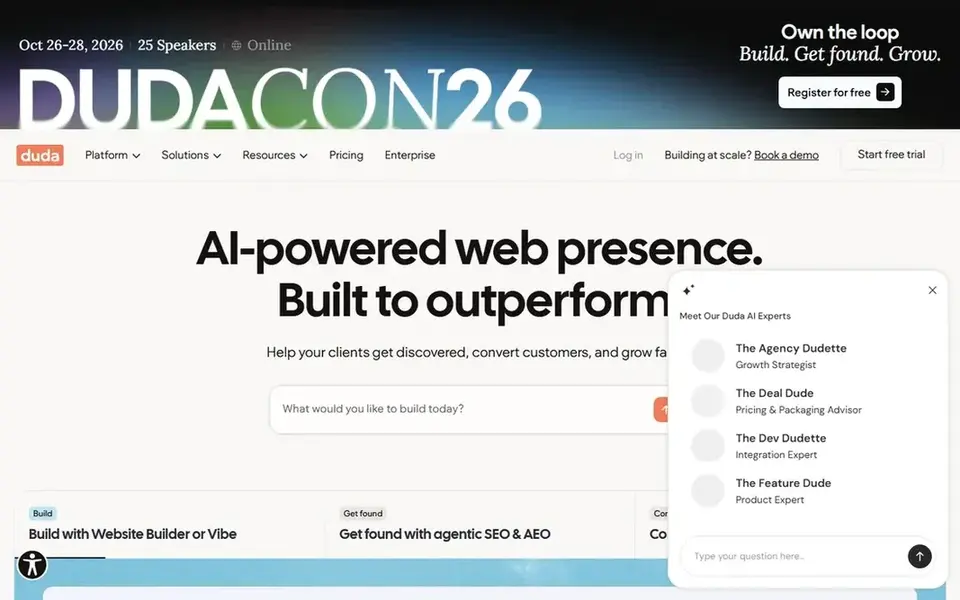
Duda makes the most sense for startup sites built for clients. The Basic plan costs $25 per month on monthly billing and $19 a month billed yearly, as shown on the Duda pricing page.
Limits to weigh: Store features need an ecommerce upgrade.
It contains one site, unlimited storage and bandwidth, and a 14-day free trial. Price to start with Duda: $19 per month. Free plan details: Free trial (14 days).
- Team seats and client permissions
- Made for people who build sites for clients
- Per-site costs add up across clients

Pick Weebly if this describes you: straightforward low-cost startup sites. Weebly is the simplest builder in this list, with a drag-and-drop editor that a startup team can learn in an afternoon.
Weebly pricing: $13 per month. Free access exists with Weebly.
Where it is weaker: advanced features sit on higher levels.
- Straightforward editor and low starting price
- Free plan for an entry-level site
- Smaller template range than Wix or Squarespace
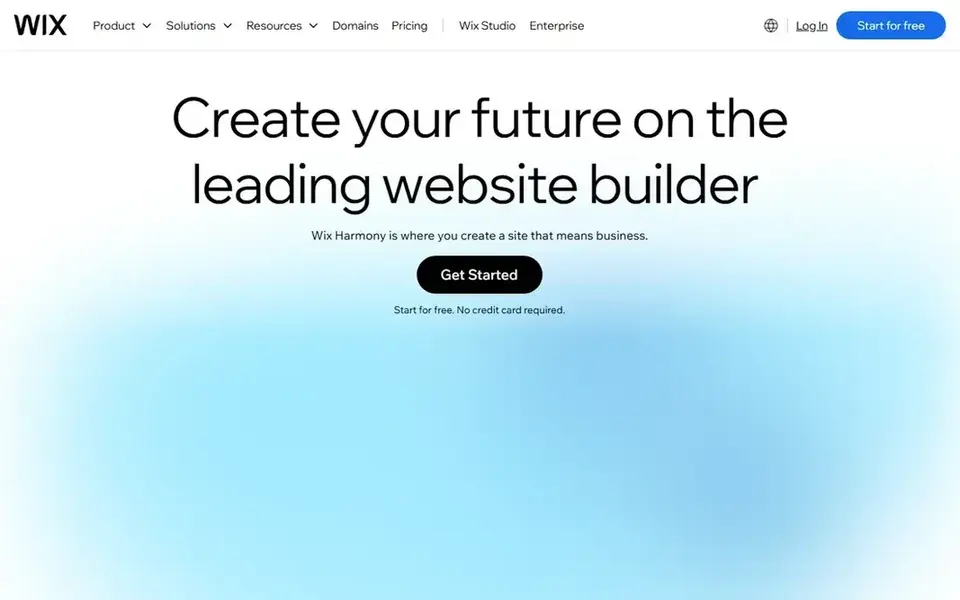
For quick launch with templates, Wix is a natural candidate. The AI builder can also draft a first version of a site from a short prompt, which helps a small team move from idea to live page in a day.
The starting price for Wix: $17 per month. Wix offers a free plan.
The main drawbacks: Pricing page did not display dollar figures on the day of this check.
- Large template range and drag-and-drop editor
- AI builder drafts a first version quick
- Bigger keeps fit better elsewhere
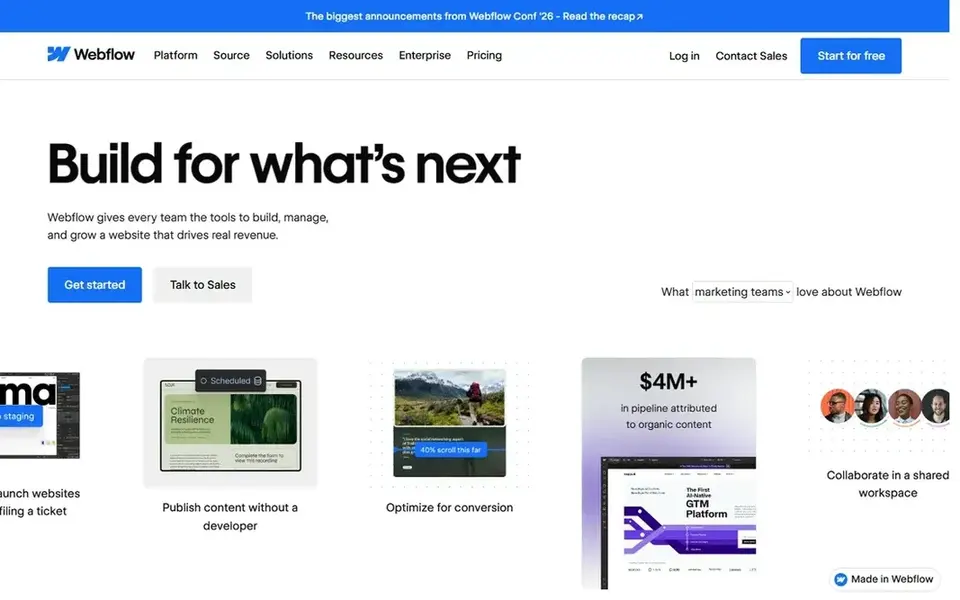
Choose Webflow for design-led startup sites. The Basic site plan costs $15 a month billed annually, as shown on the Webflow pricing page.
Watch-outs: Steeper ramp-up time than template builders.
It comes with a custom domain, 300 static pages, and 10 GB of bandwidth. Webflow cost at the entry level: $15 per month. A free plan is available with Webflow.
- Full visual layout control with a CMS
- Free Starter plan for staging
- Ecommerce and CMS sit on higher plans

Hostinger makes the most sense for budget startup sites with hosting. That figure is the Premium shared hosting price on a 48-month term in the Black Friday sale, renewing at $10.99 a month. So a buyer should check the renewal price and the total upfront cost before committing.
As for the details, the limits are the long term needed for the lowest price and the renewal jump, plus the fact that the builder is simpler than Wix or Webflow. More specifically, the plans contain a free domain for per year, free SSL, daily backups on higher levels, and AI builder credits for drafting a site quick. The AI builder and the low price suit a new startup that needs a site online rapidly and cheaply. Hostinger starts at: $1.99 per month. Hostinger includes a free tier.
The main drawbacks: Starting price is a long-term Black Friday term.
- Lowest starting price in this list
- Hosting, domain
- Renewal price is higher
Worth knowing about drag and drop website builder software for startups
Confirm the CMS item, page, and bandwidth limits on the plan you need, since a startup site grows quick. On top of that, confirm who owns the account and the domain after launch.
How the list was put together
ProMapRanker looked at what each vendor publishes: pricing, plan limits, feature coverage for drag and drop website builder software for startups and stated drawbacks. No hands-on testing is claimed. Seat minimums, billing terms and add-ons can move the real cost, so the starting prices here are a guide and not a quote. Tools are placed by general fit for drag and drop website builder software for startups, with price clarity and free access as tie-breakers. A different team can reasonably rank them differently.
Things to verify first
- Ask Framer for a written quote, since no starting price is shown.
- Check what the free option really includes: Framer, Weebly, Wix and others offer a free plan, and usage caps differ.
- Use real work to test the free trial from Duda, rather than a demo project.
- Read the limits listed for Framer first: pricing page showed no dollar figures on the day of this check.
- Work out what Duda costs with your real seat count, add-ons and usage, not just the entry price.
- Check the support hours and onboarding help Webflow offers; smaller vendors vary a lot here.
Frequently asked questions
Which drag-and-drop builder is a good match for a startup?
For most readers this guide would start with Framer, built for refined landing pages. Duda is the alternative for startup sites made for clients, and Weebly for straightforward low-cost startup sites. The right answer depends on budget and workflow.
How much should a startup budget for a website builder?
A startup should budget the monthly plan plus a custom domain, which most builders include free for per year on annual plans, and any premium template or app the site needs.
Do these tools publish their prices?
Not all of them. Framer publishes no starting price, so expect a quote request for it. The rest, Duda included, show a starting price, though seats and billing terms still change the final cost.
Can I try these tools before paying?
Often, yes. Framer, Weebly, Wix and others have a free plan and Duda offers a free trial. Use your own data and a real task during the test, and check what the free tier or trial limits before you rely on it.
Is Framer the right pick for everyone comparing drag and drop website builder software for startups?
No single tool suits every team. Framer comes first because it fits polished landing pages, while Duda suits startup sites built for clients and Weebly suits simple low-cost startup sites. Match the tool to your own size, budget and workflow before deciding.
Which options for drag and drop website builder software for startups have a free plan?
Framer, Weebly, Wix, Webflow and Hostinger offer a free plan in this list. Free plans usually cap users, projects or features, so check the limits on the vendor page. One other tool offers a trial instead.
Sources
See where you really rank - block by block
ProMapRanker scans Google Maps across a grid of your service area. Simple monthly plans from $19, white-label on every plan.
Start freeBrowse all guides
← Best Website Builders for Real Estate Agents (2026)Magento Hosting for Startups v2: Best Picks of 2026 →
 best magento hosting for nonprofits
Magento Hosting for Nonprofits: 7 Options Compared in 2026
7 products for the best magento hosting for nonprofits, ranked by fit, with starting costs and free tiers. Includes honest limits for each tool. Clear verdicts.
Read → best magento hosting
6 Best Magento Hosting for 2026
Comparing the best magento hosting? 6 contenders, each with entry cost, free tier and best-fit buyer. Verdicts stay brief and factual. Read the profiles.
Read → best drag and drop website builder software
7 Best Drag and Drop Website Builder Software for 2026
7 products for the best drag and drop website builder software, ranked by fit, with starting costs and free tiers. Where a tool struggles is spelled out.
Read → best headless cms platforms
Best Headless CMS Platforms in 2026
Compare the best headless CMS platforms for developers and editors, with free tiers, API-first content delivery, and current pricing in 2026 for teams.
Read → best app for coaches to communicate with parents
Best App for Coaches to Communicate with Parents in 2026
Compare the best app for coaches to communicate with parents in 2026, with team chat, schedules, RSVPs, and free plans for youth sports teams and clubs.
Read → best vps hosting companies
Best VPS Hosting Companies in 2026
Compare the best VPS hosting companies for speed, price, and control, with plans from DigitalOcean, Vultr, Linode, Hetzner, and more in 2026. Read on.
Read →More in Websites & Hosting · All guides A to Z by date · Latest guides