 ProMapRanker
2026 Guide to the Best Drag and Drop Animation Software

Template-led marketing and training videos · Pricing starts at: $15 a month (billed yearly)
Direct answer
Powtoon is the first pick on this list for template-led marketing and training videos. Listed starting prices: Powtoon from $15 a month, Biteable from $15 a month and VideoScribe from $12.50 per license/month. Alternatives: Biteable for fast template videos for small teams, and VideoScribe for Whiteboard scribe videos. The other 4 tools in the list cover narrower or pricier cases.
Choosing drag and drop animation software usually comes down to price, fit and limits. This ProMapRanker guide sets 7 tools side by side on those three points, with the facts kept short and checkable.
Key takeaways
- Powtoon is the opening pick, best for template-led marketing and training videos.
- Starting prices begin at $9 per month with Animoto.
- 3 of 7 tools offer a free plan: Powtoon, Animaker, Animoto.
- Doodly is the one to check for hand drawn whiteboard videos on desktop.
- Before buying VideoScribe, weigh this: Lite lets only 5 video downloads a month.
Quick comparison
| Pick | Great for | Pricing starts at | Free tier | |
|---|---|---|---|---|
| Powtoon | Template-led marketing and training videos | $15 a month (billed yearly) | Yes | Visit |
 Biteable | Fast template videos for small teams | $15 a month (billed annually) | Free trial (7 days) | Visit |
 VideoScribe | Whiteboard scribe videos | $12.50 per license/month (billed annually) | Free trial (7 days) | Visit |
 Animaker | Character explainers and whiteboard videos | $15 per month | Yes | Visit |
 Animoto | Photo and clip slideshow videos | $9 per month (billed yearly) | Yes | Visit |
 Vyond | Business training and explainer videos | $58 per user/month (billed annually) | Free trial | Visit |
 Doodly | Hand drawn whiteboard videos on desktop | $49 a month | Free trial (14 days) | Visit |
Every option for drag and drop animation software explained
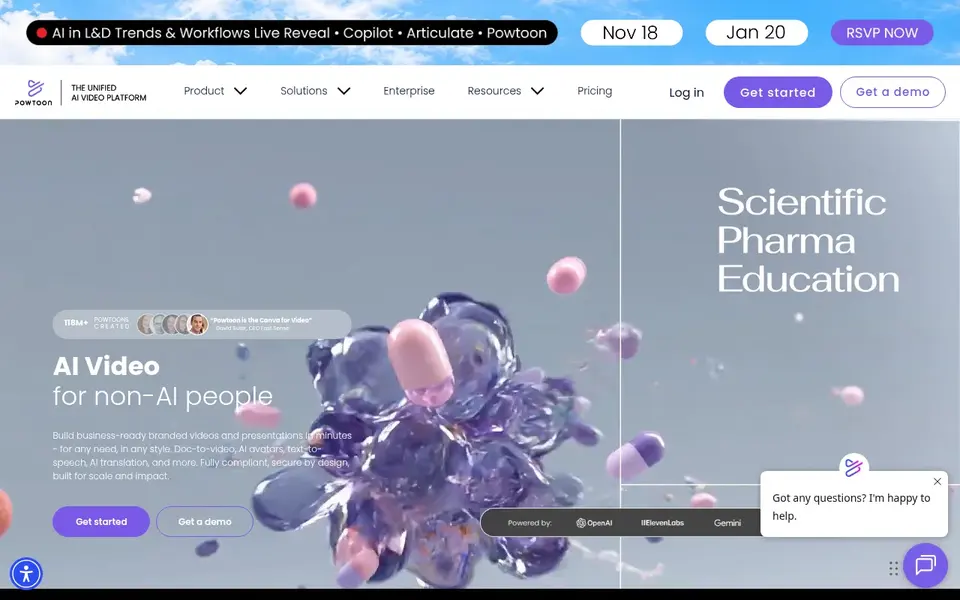
Powtoon works best for template-led marketing and training videos. Powtoon Lite costs $15 a month billed annually, Professional costs $40 a month billed annually, and Advanced costs $125 a month billed yearly.
Limits to weigh: AI credits renew yearly on annual billing.
In practice, the free plan provides 720p video up to 3 minutes with a Powtoon watermark, screen recording and entry-level templates and characters. Choose Powtoon for templates, AI text to speech and avatars in one subscription, and skip Lite when you export more than 5 watermark-free videos per m From a buyer's view, Lite removes the watermark on 5 exports a month, layers on MP4 downloads in HD 1080p, lets videos up to 10 minutes and comes with 300 AI credits renewing Powtoon starts at: $15 per month. You can start on Powtoon without paying.
- All subscription plans contain commercial rights
- Free plan with 720p video up to 3 minutes
- Lite removes the watermark on only 5 exports a month
In short, Biteable is for fast template videos for small teams. Biteable Pro costs $15 a month billed yearly, at $180 a year, or $29 a month on monthly billing. The 7-day trial contains features from Pro and Premium and needs no credit card.
Where it is weaker: Pro lets videos up to 10 minutes only.
From a buyer's view, premium costs $49 a month billed yearly, or $99 a month on monthly billing, and bundles 3 users. Choose Biteable for quick template videos, and skip it when you need a permanent free plan. Starting cost for Biteable: $15 per month. Free plan details: Free trial (7 days).
- 7-day free trial with no credit card
- Pro contains unlimited 1080p HD exports
- No permanent free plan
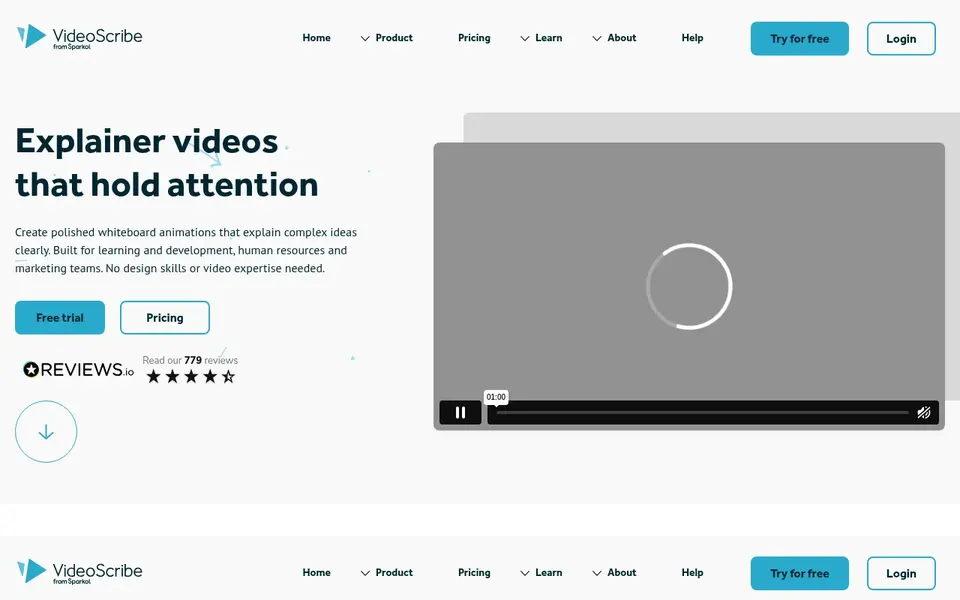
VideoScribe makes the most sense for Whiteboard scribe videos. Core costs $21.25 per license a month billed yearly, at $255 billed annually, or $60 per month on monthly billing.
Entry price for VideoScribe: $12.50 per license/month. Trial and free access: Free trial (7 days).
Where it falls short: voiceover generation is not included on Lite.
- 7-day free trial with no credit card
- Runs in a browser or as a desktop app
- Lite lets only 5 video downloads a month
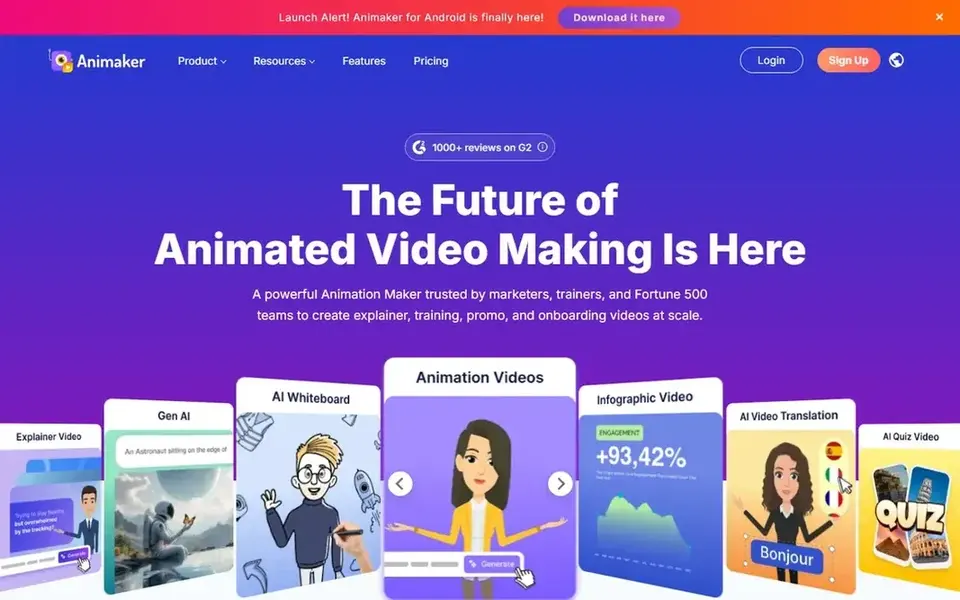
Animaker works best for character explainers and whiteboard videos. Starter comes with 3,000 AI video credits a month, 10 premium downloads a month, 90 seconds of generative video a month, videos up to 15 minutes, Beyond that, starter costs $45 a month, or $25 a month billed annually at $300 a year.
Trade-offs to know: Commercial rights start at Pro.
For everyday use, Pro raises the limits to 5,000 credits, 30 downloads, 180 seconds of generative video, videos up to 30 minutes and 2K quality, and brings commercial rig Pro costs $79 a month, or $43 a month billed annually at $516 a year. Starting cost for Animaker: $15 per month. Animaker includes a free tier.
- Character builder with custom characters
- Free plan with watermarked exports
- Free exports carry a watermark
Think of Animoto for photo and clip slideshow videos. Professional costs $19 a month billed yearly, or $29 a month on monthly billing. Entry-level removes the watermark, layers on unlimited downloads at 1080p and configurable landing pages.
Where it falls short: 4K; voice-over and Getty library start at Professional.
Professional brings 4K, voice-over, video analytics, logo and colours, 3,000 music tracks and 1 million+ Getty Images photos and videos. For everyday use, professional Plus costs $39 a month billed yearly, or $79 a month on monthly billing, and contains 3 users. Animoto pricing: $9 per month. Animoto has a free plan.
- Free plan with unlimited video creation
- Entry-level removes the watermark and exports 1080p
- Free exports are 720p with a watermark
For business training and explainer videos, Vyond is a natural candidate. Vyond Starter costs $58 per user a month when billed yearly, at $699 billed yearly, or $99 a month on monthly billing.
What to check first: Enterprise and Agency have no monthly billing choice.
In daily use, enterprise costs $137 per user a month billed yearly, at $1,649 billed yearly, and Agency costs $167 per user a month billed yearly, at $1,999 billed yearly. Starter contains AI avatars and tools, 650+ high quality text to speech voices, screen and webcam recording, and text to video from a prompt, document It permits 100 video and GIF downloads a month and a maximum video duration of 25 minutes. Vyond starts at: $58 per user/month. Free options: Free trial.
- 1,300+ AI avatar options
- 10,000 AI credits per user a month on Starter
- Starter is a single user plan
Doodly is a good fit for hand drawn whiteboard videos on desktop. There is no free plan.
Downsides: Enterprise costs $79 a month.
More specifically, Doodly Rainbow and Marketplace bundles cost additional, and the help center does not publish their prices. The starting price for Doodly: $49 per month. Free options: Free trial (14 days).
- Desktop software with drag and drop doodle scenes
- 14-day free trial
- No permanent free plan
Selection criteria
Each tool was reviewed on what its vendor publishes: price, plan limits, core features and stated drawbacks. We did not run hands-on tests. Where a vendor does not publish a price, the entry says quote. Where a price depends on seats or billing term, the entry says so. The order reflects how well each tool fits the most common buying scenario for drag and drop animation software, then price clarity, then free plan access. It is a starting point, not a verdict.
What to confirm before you sign up
- Confirm the entry price on the vendor page: Animoto starts at $9 per month, but seat counts and billing terms change the total.
- Look at free plan limits closely: Powtoon, Animaker and Animoto have one, and the caps decide whether it is usable for real work.
- Take the trial from Biteable, VideoScribe, Vyond and Doodly and push a live task through it before you pay.
- Read the limits listed for Powtoon first: Lite removes the watermark on only 5 exports a month.
- Look at the help docs and support options for Biteable before you commit.
- Confirm you can export your data from Doodly, so leaving later does not mean losing records.
Frequently asked questions
Is Powtoon the right pick for everyone comparing drag and drop animation software?
No single tool suits every team. Powtoon comes first because it fits template-led marketing and training videos, while Biteable suits quick template videos for small teams and VideoScribe suits Whiteboard scribe videos. Match the tool to your own size, budget and workflow before deciding.
What is the cheapest option for drag and drop animation software in this list?
On published monthly entry prices, Animoto is the lowest here at $9 per month. Entry price is only part of the cost, because seats, add-ons and billing terms can change the total.
Which tool is a good match for whiteboard animation videos?
Start with Powtoon if you need template-led marketing and training videos. Biteable is the better match for fast template videos for small teams, and VideoScribe for Whiteboard scribe videos. The best choice depends on budget, team size and workflow.
Which options for drag and drop animation software have a free plan?
On this list, Powtoon, Animaker and Animoto include a free plan. Caps on seats, usage or features are common, so test the free plan against your real workload. Several others offer a trial instead.
Can I try these options before paying?
Often, yes. Powtoon, Animaker and Animoto have a free plan and Biteable, VideoScribe, Vyond and Doodly offer a free trial. Use your own data and a real task during the test, and check what the free tier or trial limits before you rely on it.
What is the best drag and drop animation software for most people?
The first pick on this list is Powtoon, because it suits template-led marketing and training videos. Biteable is better for fast template videos for small teams, and VideoScribe for Whiteboard scribe videos. Check price and limits against your own needs before choosing.
Sources
See where you really rank - block by block
ProMapRanker scans Google Maps across a grid of your service area. Simple monthly plans from $19, white-label on every plan.
Start freeBrowse all guides
← All-in-One Webinar Platform in 2026: Top 5 ComparedVideo Demo Automation Software: 5 Options Compared in 2026 →
 best ai video summarization tools
AI Video Summarization Tools in 2026: Top 7 Compared
Weighing the best AI video summarization tools? We lined up 7 products by cost, free access and fit. Limits and pricing notes included. Choose faster.
Read → best ai tools for creating explainer videos
Best AI Tools for Creating Explainer Videos in 2026
6 products for the best AI tools for creating explainer videos, ranked by fit, with starting costs and free tiers. Verdicts stay brief and factual. No filler.
Read → videoask alternatives
Top VideoAsk Alternatives for 2026, With Prices
VideoAsk alternatives: 5 tools compared on price, free plans and fit. Top pick: Loom, aimed at screen recording and simple sharing. Read before you buy.
Read → best ai tools for creating videos
Best AI Tools for Creating Videos in 2026
Compare the best AI tools for creating videos, from text-to-video clips to avatar presenters and transcript editing, with prices and limits in detail in 2026.
Read → best ai video editor app
Best AI Video Editor App in 2026
Find the best ai video editor app for 2026 with our comparison of 9 tools, covering transcript editing, short clips, pricing and free plans for every budget.
Read → wind energy best company
Wind Energy Best Company in 2026
Wind energy best company compared: Vestas, Siemens Gamesa, GE Vernova, Orsted and more, by turbines, offshore projects and development track record today.
Read →More in Video, Audio & Podcasts · All guides A to Z by date · Latest guides