 ProMapRanker
Best AI Tools for Creating Videos in 2026

Key takeaways
- Runway and Pika lead for short generated clips, while Synthesia and HeyGen lead for avatar presenters and training videos.
- Descript and Kapwing suit editing real footage, with Descript strongest for transcript-based cuts and Kapwing strongest for team work in a browser.
- Pictory and InVideo turn scripts and articles into finished video drafts, which suits marketers who need volume over cinematic control.
- Almost every tool meters output by credits, minutes, or media hours, so check what a finished minute actually costs before you subscribe.
Quick comparison
| Pick | Great for | Pricing starts at | Free tier | |
|---|---|---|---|---|
 Runway | Cinematic generated clips | $15 per month | Yes | Visit |
 Pika | Cheap stylised social clips | $10 per month | Yes | Visit |
 Synthesia | Corporate avatar training videos | $29 per month | Yes | Visit |
 HeyGen | Avatar videos and translation | $29 per month | Yes | Visit |
 Descript | Transcript-based video editing | $24 per month | Yes | Visit |
 Pictory | Scripts and articles into video | See website | Yes | Visit |
 InVideo | Prompt-to-video marketing drafts | See website | Yes | Visit |
 Kapwing | Team editing in a browser | $16 per month | Yes | Visit |
The best ai tools for creating videos
We compared generation, avatar, and editing tools on output type, ease of use, commercial terms, and pricing, using official pricing pages and October 2026 comparisons. All of the tools below are legitimate creative tools. Use only your own footage, scripts, and likeness, or material you have clear permission to use, and do not use AI video tools to create misleading or intimate images of other people.
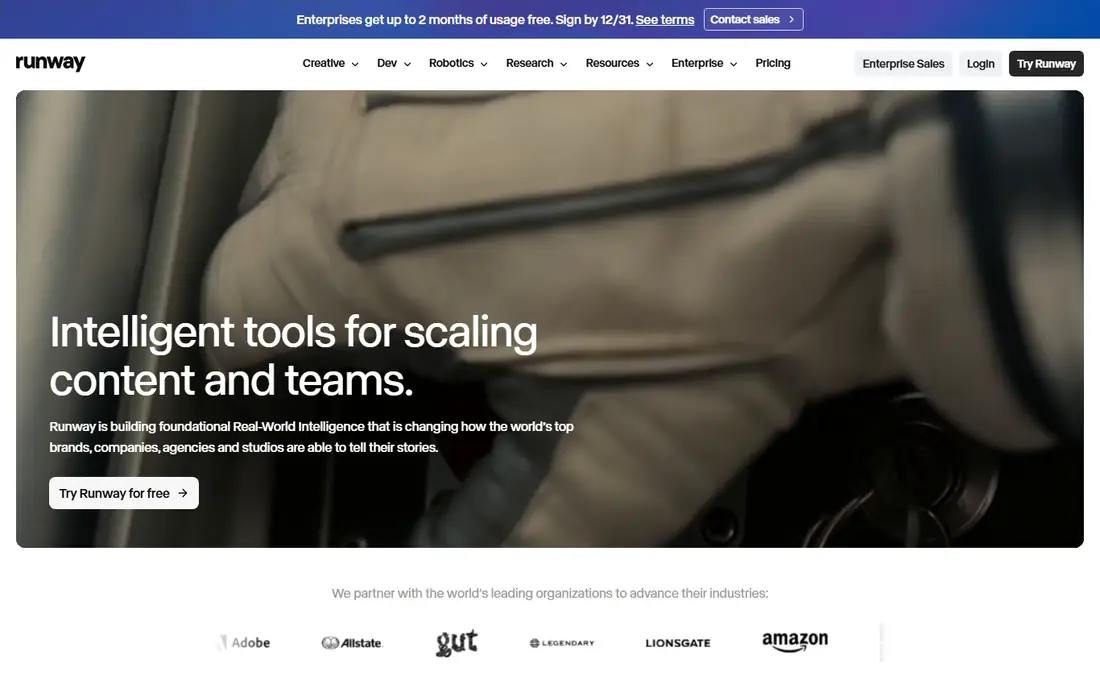
Runway is the pick for creators who want control over generated footage. Its Gen models turn text or an image into a short clip with camera movement and scene detail, and the same workspace includes editing tools for cutting, masking, and refining that footage. For ads, b-roll, and visual experiments, that combination is more useful than a tool that only generates one clip at a time.
The cost model needs care. The Standard plan is listed at $15 per month, or $12 per month billed yearly, with 125 one-time credits on the free plan, and higher-quality generations use many more credits per second. Test with a real brief, count the credits per finished clip, and only then judge whether the plan covers your monthly output.
- Strong text-to-video and image-to-video models
- Video editing tools in the same workspace
- Wide model choice
- Credits burn fast on higher-quality models
- Clips are short
- Paid plans needed for commercial use
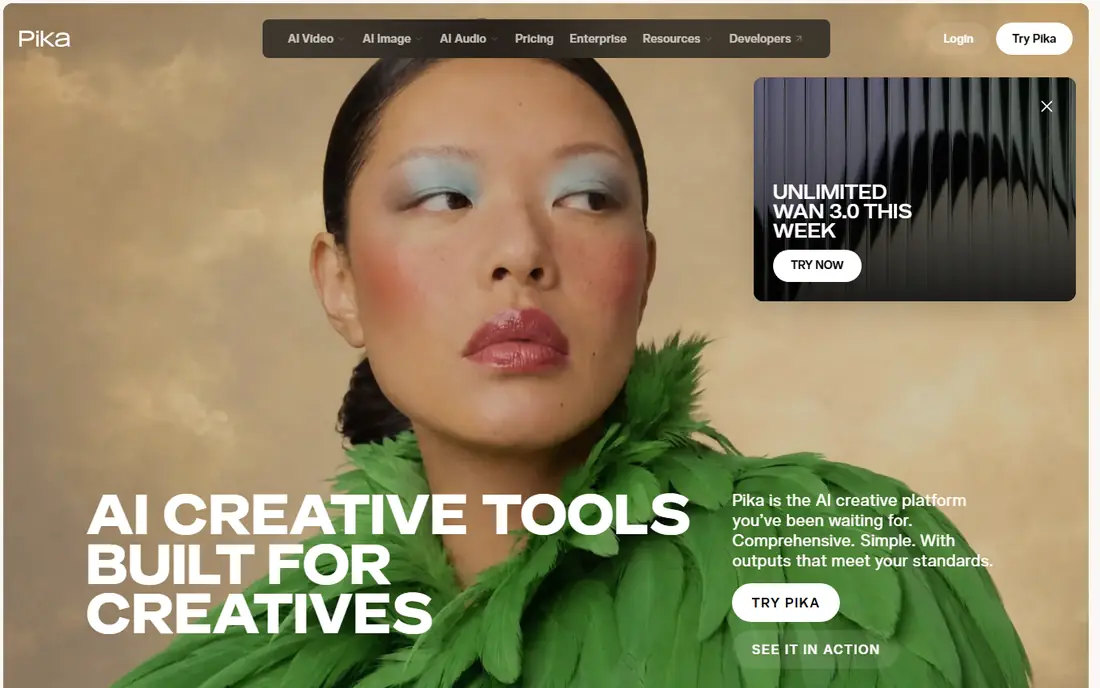
Pika is the budget pick for short, playful video. Its text-to-video and image-to-video tools produce stylised clips quickly, and its effects are popular for social posts where a bold look matters more than realism. The Starter plan is listed at $10 per month, or $8 per month billed yearly, which undercuts most rivals for a first paid plan.
Check the commercial terms before using Pika for client or ad work, since commercial rights start on the Creator tier in recent comparisons, not on the cheapest plan. For personal experiments and social content, the lower tiers are a fair way to learn what the tool does well and where it falls short.
- Low entry price
- Fun effects and stylised looks
- Fast for short social clips
- Commercial use needs a higher tier
- Free credits are limited
- Clips are short and stylised rather than realistic
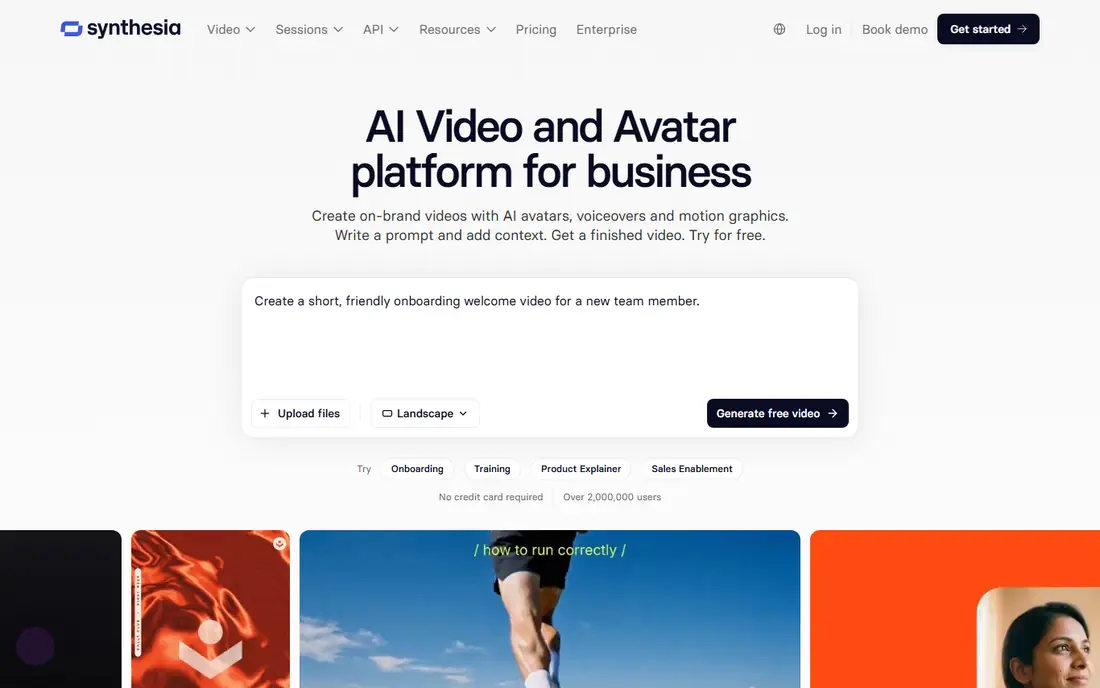
Synthesia is built for business video at scale, especially training, onboarding, and internal explainers. You type a script, pick an avatar and voice, and generate a presenter video without filming, which lets teams update training in many languages without re-shooting. Enterprise controls and governance features suit larger organisations that need approval and brand consistency.
The Starter plan is listed at $29 per month, or $18 per month billed yearly in recent comparisons, with a free Basic plan that offers watermarked video. Avatar presenters suit clear, factual content best, and they can feel stiff for storytelling or sales video, so test a real script with your audience before moving a whole training library over.
- Large avatar library
- Strong enterprise controls
- Easy script-to-video workflow for training
- Avatar videos can feel formal
- Monthly minutes and credits limit output
- Higher tiers cost more for teams
HeyGen leads for avatar marketing and translation. You can create a presenter video from a script, clone your own voice and likeness with verification, and translate a video into many languages while keeping the presenter on screen. That makes it useful for product demos, ads, and sales outreach that must run in several markets at once.
The Creator plan is listed at $29 per month, or $24 per month billed yearly, with a free plan offering three watermarked videos per month. Credits per minute vary by avatar model, so a realistic avatar video costs more credits than a simpler one, and you should check that rate against your monthly output before subscribing.
- Realistic avatars and voice cloning for your own likeness
- Video translation across languages
- Good for marketing at volume
- Credits vary by avatar model
- Free plan gives only a few watermarked videos
- Voice cloning needs consent and verification
Descript suits anyone who edits talking-head video, interviews, or podcasts. You upload a recording, get a transcript, and cut video by deleting words in the text, which is far faster than scrubbing a timeline for most speech-based content. Studio Sound cleanup, filler removal, eye contact correction, and caption translation are built in, so a rough recording can become a publishable video without several separate tools.
The free plan offers 60 media minutes per month with watermarked 720p exports, while Hobbyist is listed at $24 per month, or $16 per month billed yearly. Plans are metered, so long projects and heavy AI use add cost, and visual-first creators may still prefer a traditional timeline editor for complex scenes.
- Edit video by editing the transcript
- Strong cleanup and filler removal
- Captions and dubbing included
- Metered by media hours and AI credits
- Document-first editing suits talk, not visual storytelling
- Higher tiers needed for 4K
Pictory is a volume tool for marketers and publishers. You paste a script or article, and it builds a video draft with stock footage, captions, and voiceover, which you can then edit and brand. It also cuts long videos into short clips for social use, which suits teams that publish often and need a steady supply of short-form content.
The trade-off is originality. Template-driven drafts can look similar across brands, so budget time to replace stock shots, adjust pacing, and add your own footage where it matters. Because Pictory pricing has changed often, we list See website here and suggest checking the current plan limits before you buy.
- Turns scripts, blog posts, and long videos into short clips
- Large stock library
- Simple workflow for marketers
- Output can feel template-driven
- Fine control is limited
- Pricing and limits change often, so check the vendor page
InVideo turns a prompt or script into a video draft with scenes, captions, music, and voiceover, which helps small teams produce marketing video without a full editing setup. Its template library covers ads, explainers, and social formats, and the editor lets you swap clips, text, and branding after the draft is built. For a team that needs many short videos per month, that speed is the main selling point.
A draft is not a finished ad. Expect to edit pacing, replace generic stock, and check captions and claims before publishing, since AI drafts can misread a brief. Pricing varies by plan and region, so we list See website here, and the free plan is best used to test whether the draft quality fits your brand.
- Prompt-to-video drafts with templates
- Large template and stock library
- Good for social ads and explainers
- Drafts need human editing to look polished
- AI generation limits vary by plan
- Export quality depends on tier
Kapwing is the team pick for browser-based video work. Multiple people can edit in a shared workspace, with captions, clean audio, background removal, and brand kits on paid plans, and no software to install. That suits small marketing teams, classrooms, and creators who work across devices and need to share drafts quickly.
The free plan is a trial in practice, with watermarked exports up to 4 minutes at 720p and short project storage. Pro is listed at $16 per member per month billed yearly, with Business at $50 per member per month billed yearly, so team cost scales with seats, and large files can still slow the browser editor.
- Collaborative browser editing with no install
- Captions, background removal, and brand kits
- 4K exports on paid plans
- Free exports are watermarked and limited
- Browser performance drops on large files
- No free trial of paid plans in recent listings
How we picked these
We compared official pricing pages and October 2026 tool comparisons for AI video tools that are live as consumer or business products. We kept generation, avatar, and editing tools together because buyers often need more than one type, and we labelled each tool by its real job. We did not list Sora as a live consumer product, and we left out any tool framed for undressing or non-consensual use.
What to check before you choose
Start with the output you need. If you need short generated footage, test Runway and Pika with the same prompt and compare realism, motion, and credit cost. If you need a presenter, test Synthesia and HeyGen with a real script and check how natural the voice and movement feel to your audience. If you edit real footage, test Descript and Kapwing on a real project, not a demo file.
Then check the commercial terms. Free plans often limit commercial use, watermark exports, or cap minutes and credits, and those limits matter more than the headline price. Finally, confirm consent rules for any avatar or voice clone: use only your own likeness, or a likeness you have clear permission to use, and keep records of that permission.
Frequently asked questions
What is the best ai tool for creating videos from text?
Runway and Pika are strong for text-to-video clips, while Pictory and InVideo are better for turning a full script or article into a longer video draft.
What is the best ai app for creating videos with a presenter?
HeyGen leads for marketing and translation, while Synthesia leads for corporate training and governed business video.
Which ai platforms are best for creating videos on a budget?
Pika, with a Starter plan at $10 per month, and Kapwing, with a free plan for testing, are good low-cost starting points. Check credit and export limits before relying on a free plan for client work.
Can I use AI video tools for commercial work on a free plan?
Often not. Many free plans watermark exports or limit commercial use, so read the licence for the plan you use, and move to a paid plan for client or ad work.
How long are AI generated video clips?
Most text-to-video clips run only a few seconds to about 10 seconds per generation. Longer videos are usually built by joining clips, using an avatar presenter, or editing real footage with AI tools.
Do I need permission to clone a voice or face?
Yes. Clone only your own voice and likeness, or a likeness you have clear permission to use, and follow the tool verification steps before publishing.
Sources
See where you really rank - block by block
ProMapRanker scans Google Maps across a grid of your service area. Simple monthly plans from $19, white-label on every plan.
Start freeKeep reading
 zoho inventory alternatives
6 Alternatives to Zoho Inventory, Compared on Price and Fit
Zoho Inventory alternatives: 6 tools compared on price, free plans and fit. Katana leads the list for manufacturers. Fit and flaws are laid out for each entry.
Read → zoho crm alternatives
Best Zoho CRM Alternatives (2026)
Need Zoho CRM alternatives? We compare 7 tools on cost, free access and who each suits. Every pick gets a straight assessment. Built for quick decisions.
Read → zelle alternatives
Best Zelle Alternatives in 2026
Compare the best Zelle alternatives for sending money to friends, paying sellers and moving funds abroad, with honest notes on fees, speed and safety in 2026.
Read →