 ProMapRanker
Best DMARC Software in 2026: 9 Tools Compared

Key takeaways
- PowerDMARC and EasyDMARC offer the clearest entry prices for small teams, while Valimail suits large, complex sender setups.
- A good DMARC tool turns aggregate reports into a readable sender list, so you can fix SPF and DKIM before enforcing.
- The best dmarc tool for your team depends on domain count, email volume, and how much automation you need.
- Do not jump straight to a reject policy. Monitor first, fix legitimate senders, then step up enforcement gradually.
Quick comparison
| Pick | Great for | Pricing starts at | Free tier | |
|---|---|---|---|---|
 PowerDMARC | Broad protocol coverage | $8 per month | Yes | Visit |
 EasyDMARC | Simple setup for small teams | $35.99 per month | Yes | Visit |
 dmarcian | Clear DMARC-first reporting | $24 per month | Yes | Visit |
 Valimail | Automated enterprise enforcement | Free | Yes | Visit |
 Red Sift OnDMARC | Multi-tenant and MSP use | $9 per month | No | Visit |
 Mimecast DMARC Analyzer | Mimecast customers | See website | Free trial | Visit |
 Proofpoint Email Fraud Defense | High-risk enterprises | See website | No | Visit |
 DMARC Report | Forensic reporting | See website | Yes | Visit |
 Postmark DMARC Digests | Simple weekly digests | See website | Yes | Visit |
The best dmarc software
DMARC software collects DMARC reports, shows which servers send mail for your domain, and helps you move from monitoring to enforcement without blocking legitimate mail. We compared official pricing pages, feature pages, and documentation, and we kept tools that are live and focused on DMARC monitoring, analysis, or enforcement.
PowerDMARC is a good all-round pick because it covers more than DMARC alone. It can monitor SPF, DKIM, BIMI, MTA-STS, and TLS reporting, and it presents sender data in a way that helps you spot a misconfigured service before it causes delivery problems. Multi-domain dashboards also help teams that manage several brands from one account.
The free tier suits a small sender, while paid plans scale with email volume. That volume-based pricing means you should check your monthly email count before comparing headline prices. For a team that wants one dashboard for email authentication, PowerDMARC is a strong starting point.
- Covers DMARC, SPF, DKIM, BIMI, MTA-STS, and TLS-RPT
- Free tier for small senders
- Multi-domain dashboards
- Pricing rises with email volume
- Some advanced features need higher plans
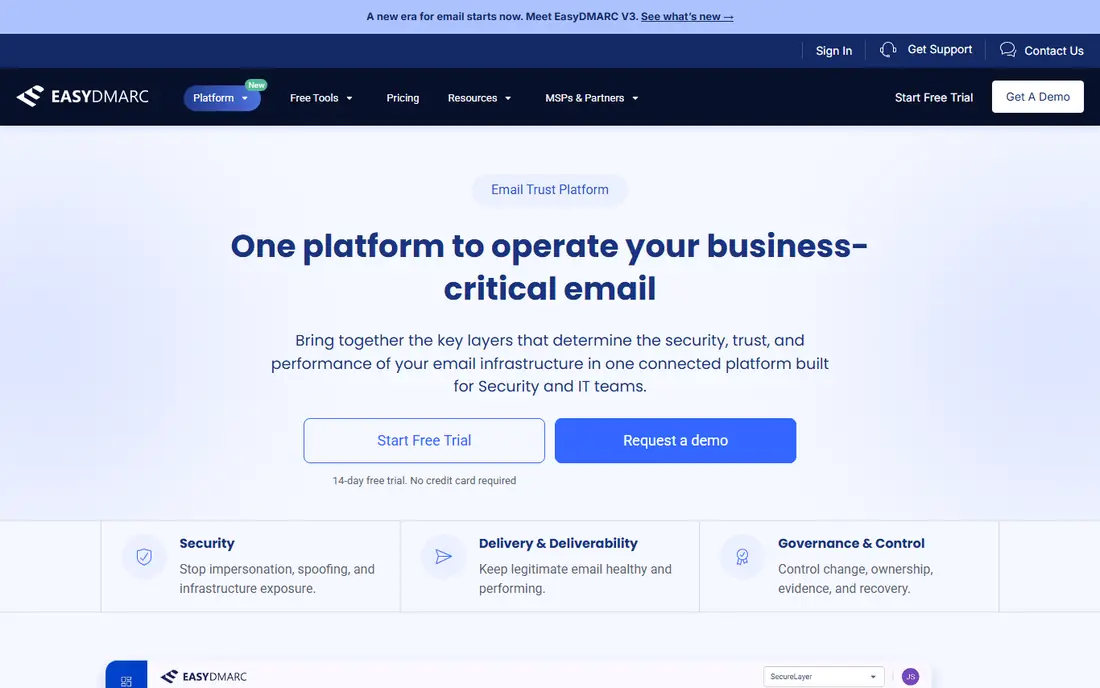
EasyDMARC focuses on making DMARC readable for teams without a dedicated email security specialist. Setup guides, record checkers, and visual reports help you see which senders pass and which fail, and what to fix next. It also includes tools for SPF, DKIM, BIMI, and related records, so you are not switching between separate checkers.
The paid entry price is higher than PowerDMARC or Red Sift OnDMARC, but the pricing is tied to domains and email volume in a way that is easy to compare. If your team wants a guided path to enforcement and a clean dashboard, EasyDMARC is worth the premium over the cheapest options.
- Guided setup and clear reports
- SPF and DKIM tools included
- Multi-domain views
- Entry paid price is higher than some rivals
- Enterprise features need a custom plan
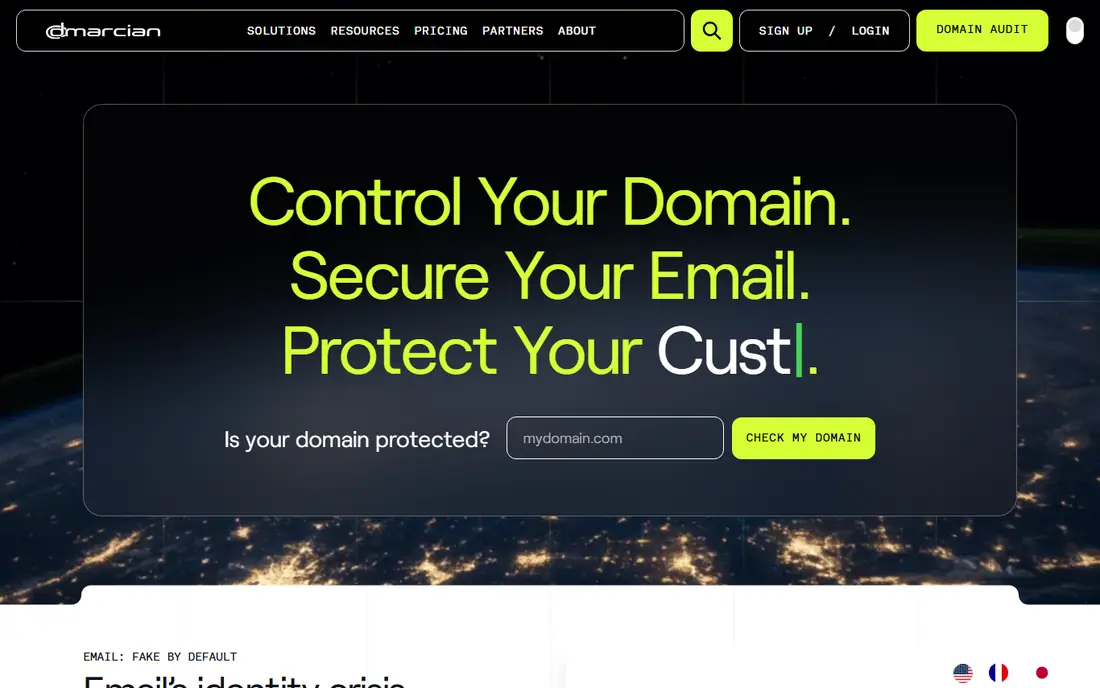
dmarcian takes a DMARC-first approach, with reports that show sources, alignment, and policy impact in plain terms. Its guides and learning resources help a team understand why a sender fails and what record change fixes it. That focus suits organizations that want depth on DMARC itself, rather than a broad security suite.
The trade-off is that some broader protocol tools are less central here than in PowerDMARC or EasyDMARC. Pricing starts at a modest monthly figure for a small domain count, with higher tiers for larger portfolios. Pick dmarcian when clear reporting and learning matter more than bundling every protocol.
- Focused DMARC reporting and education
- Clear domain views
- Long history in DMARC tooling
- Fewer bundled protocols than some rivals
- Higher tiers needed for larger portfolios
Valimail offers a free Monitor plan that shows DMARC data, while paid Enforce plans add automation for discovering senders, managing SPF, and moving to enforcement. That automation is the main draw for large organizations with many SaaS tools, marketing platforms, and regional senders, where manual record work would take months.
Paid pricing is aimed at enterprises, so a small team should start with Monitor and only move up when the sender list is too large to manage by hand. If your domain sends through dozens of services and enforcement has stalled, Valimail is the most automation-led option in this list.
- Free Monitor plan
- Automation for sender discovery and enforcement
- Strong fit for complex sender ecosystems
- Paid enforcement pricing is enterprise-level
- Smaller teams may not need its automation depth
Red Sift OnDMARC, part of Red Sift, is popular with managed service providers and teams that manage many client domains. Multi-tenant views, enforcement guidance, and testing tools help an MSP move many domains through monitoring to enforcement without a separate account for each client. The entry price on annual billing is low, which helps for small portfolios.
There is no permanent free plan, so budget from the start. Larger enterprise features sit on higher tiers, which are quoted. For an MSP or a team with many domains, OnDMARC is a practical, cost-aware pick.
- Low entry price on annual billing
- Multi-tenant dashboards
- Real-time testing tools
- No permanent free plan
- Higher tiers needed for larger enterprise features
Mimecast DMARC Analyzer gives real-time visibility into DMARC reports, with a setup wizard and free SPF, DKIM, and BIMI checkers. For an organization already using Mimecast for email security, keeping DMARC in the same console simplifies admin work and reporting. A managed service option can also help teams that lack in-house time.
Pricing is not published as a simple list price, so you will need a quote. If you do not use Mimecast, a standalone tool with published pricing will be easier to compare. If you do, DMARC Analyzer is a natural add-on.
- Real-time DMARC insights
- Setup wizard and record checkers
- Fits inside the Mimecast console for existing customers
- Pricing is quote based
- Less compelling as a standalone tool for non-Mimecast users
Proofpoint Email Fraud Defense pairs DMARC with broader email fraud protection, including business email compromise and impersonation defenses. That context helps high-risk organizations, such as finance, healthcare, and large enterprises, where a spoofed domain can cause serious harm. It also integrates with wider Proofpoint security workflows.
The cost and sales process reflect that enterprise focus. A small team will find simpler, cheaper tools in this list. For a large organization that already treats email fraud as a top risk, Proofpoint is a strong enterprise pick.
- Strong impersonation and BEC context
- Enterprise integrations
- DMARC enforcement at scale
- Enterprise pricing and sales process
- More than a small team needs
DMARC Report focuses on deep reporting, including forensic details and audit-ready exports that help an analyst trace a failing sender. Paid plans cover unlimited domains, which suits teams and MSPs with large portfolios. A white-label option also helps providers that report to clients under their own brand.
Pricing is plan based and should be confirmed on the vendor page before budgeting, since tiers differ by features and retention. The interface favors analysts over casual users. If your team needs detailed evidence for a sender dispute or audit, DMARC Report is a good fit.
- Detailed reporting with forensic views
- Unlimited domains on paid plans
- White-label option for MSPs
- Pricing varies by plan and needs a check on the vendor page
- Interface is more analyst focused
Postmark DMARC Digests turns DMARC reports into a simple weekly summary for a domain. That is enough for a small team that wants to know whether anything changed, without learning a full platform. Setup is quick, and the digest format suits owners who check email security once a week rather than daily.
It is not a replacement for a full DMARC platform when you manage many domains or need enforcement automation. For a single domain, a side project, or a first step into DMARC, it is a low-friction way to start monitoring.
- Simple weekly DMARC summaries
- Easy start for a single domain
- From a trusted email delivery provider
- Less depth than a full DMARC platform
- Not built for large multi-domain enforcement programs
How we picked these
We compared official pricing pages, feature pages, and documentation, and we kept tools that collect DMARC reports, show sender alignment, and support a path to enforcement. We weighed domain count, email volume, protocol breadth, MSP features, and published pricing. We left out generic email security suites without a clear DMARC product, since the topic is DMARC software specifically.
What to check before you pay
Start with your domain count and monthly email volume, because those two figures drive most DMARC pricing. A tool that looks cheap for one domain can cost far more for twenty domains or millions of messages. Next, check how long reports are kept, since a short retention window makes trend analysis harder.
Then test the sender view with your real reports. Can you quickly tell which senders are legitimate, which fail SPF or DKIM, and which need a record fix? Also check whether the tool helps with SPF flattening or lookup limits, since that is a common blocker on the way to enforcement. Finally, plan the policy steps: monitor, then quarantine, then reject, with time to fix legitimate senders at each step.
Frequently asked questions
What is the best dmarc software for a small business?
For a small business, PowerDMARC or EasyDMARC are good starting points, because both offer guided setup and readable reports. PowerDMARC has the lower entry price, while EasyDMARC has a simpler guided flow. Start on a free tier where available, and move to a paid plan when domain count or volume grows.
What is the best dmarc tool for an MSP?
Red Sift OnDMARC and DMARC Report are strong MSP picks, because both support multi-domain and multi-tenant work. OnDMARC has a low entry price, while DMARC Report adds forensic depth and a white-label option. Compare per-domain costs across your full client list, not just the first domain.
How long does DMARC enforcement take?
It varies, but most teams should allow several weeks of monitoring before moving to quarantine, and more time before reject. The time goes to finding legitimate senders, fixing SPF and DKIM, and confirming that marketing and transactional mail still passes. Rushing to reject risks blocking real mail.
Do I need DMARC if I already have SPF and DKIM?
Yes, in most cases. SPF and DKIM check parts of a message, but DMARC ties them to your visible domain and tells receivers what to do when they fail. Without DMARC, an attacker can still spoof your domain in ways SPF and DKIM alone do not fully stop. DMARC also gives you reports on who sends as your domain.
What happens if I set DMARC to reject too soon?
Legitimate mail that fails alignment can be rejected by receivers, which may block newsletters, invoices, or support replies. That is why monitoring first matters. Use reports to fix senders, then step from none to quarantine to reject, and watch delivery after each change.
Can a DMARC tool fix my SPF record for me?
Some tools offer SPF management, flattening, or guided record changes, while others only report the problem. Valimail and PowerDMARC are stronger on automation, while simpler tools may leave record edits to you. Check whether SPF help is included in the plan you intend to buy, or sold as a separate service.
Sources
- https://powerdmarc.com/pricing
- https://easydmarc.com/pricing
- https://dmarcian.com/pricing
- https://valimail.com/pricing
- https://redsift.com/ondmarc/pricing
- https://mimecast.com/products/dmarc-analyzer
- https://proofpoint.com/us/products/email-fraud-defense
- https://dmarcreport.com/pricing
- https://postmarkapp.com/dmarc
See where you really rank - block by block
ProMapRanker scans Google Maps across a grid of your service area. Simple monthly plans from $19, white-label on every plan.
Start freeKeep reading
 who has best internet service
Who Has the Best Internet Service in 2026
Who has best internet service for US homes? We compare fiber, cable, fixed wireless and satellite providers on speed, price, availability and terms today.
Read → which survey tool has the best analytics
Which Survey Tool Has the Best Analytics in 2026
Find which survey tool has the best analytics in 2026, comparing Qualtrics, SurveyMonkey, Typeform, Alchemer, and more on reports, text, and stats today.
Read → which streaming service has the best movies
Which Streaming Service Has the Best Movies in 2026
Answering which streaming service has the best movies, with Netflix, Max, Criterion and more compared on libraries, prices and free options in this guide.
Read →