 ProMapRanker
Best Digital Analytics Software in 2026


Free website and app traffic · Pricing starts at: Free
Key takeaways
- Start with Google Analytics 4 as a free baseline for website traffic, then add a specialist tool only for a clear gap.
- Product teams need event-based tools such as Mixpanel or Amplitude, while marketing teams often need GA4 plus a CRM view.
- Privacy-first tools suit teams that want simple, cookieless reporting, but they give up some depth.
- Event-based pricing grows with usage, so model your monthly events before you commit to a paid plan.
Quick comparison
| Pick | Great for | Pricing starts at | Free tier | |
|---|---|---|---|---|
| Google Analytics 4 | Free website and app traffic | Free | Yes | Visit |
 Mixpanel | Product funnels and cohorts | Free | Yes | Visit |
 Amplitude | Deep behavioral analytics | Free | Yes | Visit |
 Adobe Analytics | Enterprise measurement | See website | No | Visit |
 Matomo | Privacy-first and self-hosted | Free | Yes | Visit |
 Plausible Analytics | Simple privacy-first traffic | $9 per month | No | Visit |
 Hotjar | Heatmaps and session insight | See website | Yes | Visit |
 PostHog | Product analytics plus replay | Free | Yes | Visit |
The best digital analytics software
We compared tools on web traffic, product behavior, privacy, and pricing, so you can pick one baseline tool and one specialist tool without buying overlap.
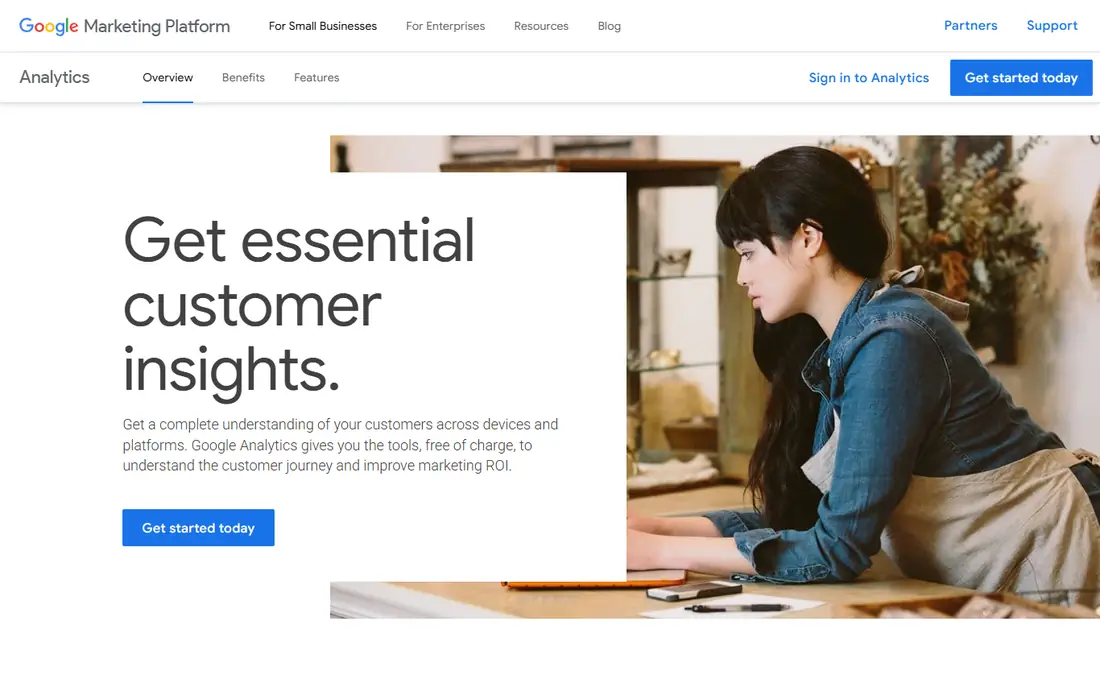
Google Analytics 4 remains the default baseline for website and app measurement. It tracks traffic sources, conversions, and user journeys across web and app, and it connects to Google Ads and Search Console without extra cost. For a small business or a marketing team, GA4 covers acquisition and conversion reporting well enough that many teams need nothing else at first.
The limits are depth and usability. Funnel exploration and user-level analysis are weaker than in product tools, and the interface confuses new users. Data retention and consent settings also need attention, since GA4 sends data to Google servers. As a free foundation, though, GA4 is hard to beat, and most teams should run it even if they add a specialist tool later.
- Free for most websites
- Strong Google Ads and Search Console integration
- Real-time and exploration reports
- Interface takes learning
- User-level behavior depth is limited
- Data sampling and retention need care
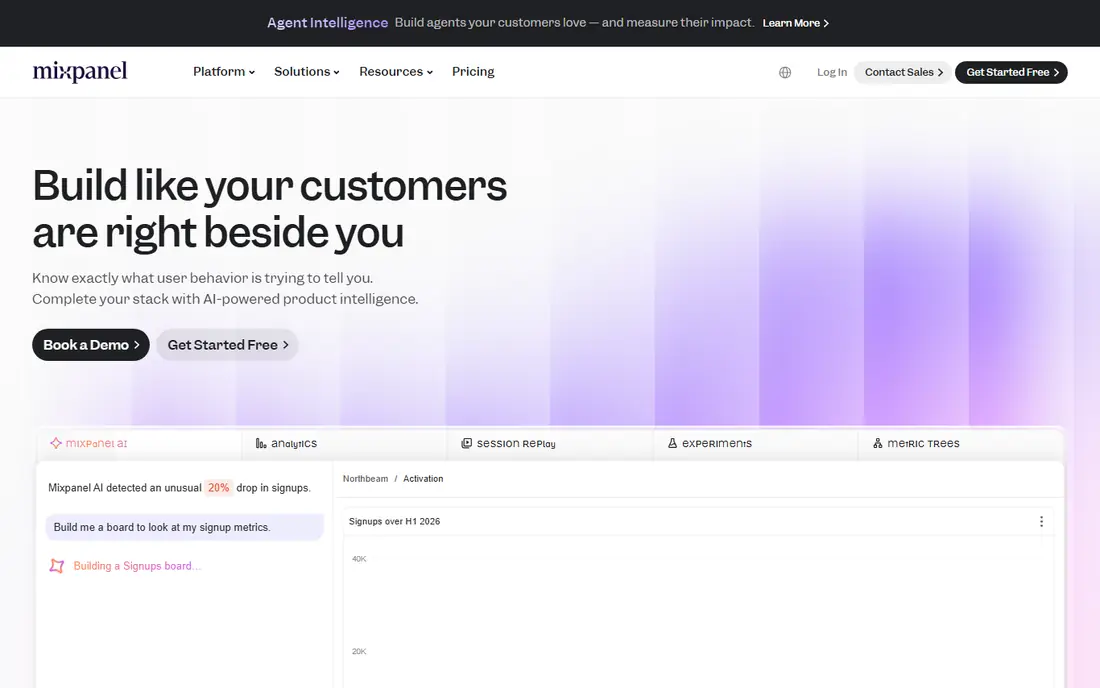
Mixpanel suits product teams that need to understand what users do inside an app, not just how they arrive. Its funnels, cohorts, and retention reports show where users drop off, which features stick, and which groups return. That event-based view is far more useful for product decisions than pageview counts alone.
The catch is event volume. Mixpanel offers a free tier, with published guides giving different free event limits, so check the current pricing page for your plan. A clear event naming plan is also essential, since messy events produce messy reports. For product-led teams, Mixpanel is a strong, approachable pick.
- Flexible event funnels and cohorts
- Real-time reports
- Good for product teams without heavy SQL
- Event pricing grows with volume
- Free tier limits vary by guide
- Needs a clear event plan
Amplitude is the deeper alternative to Mixpanel for teams that live in product data. It handles complex journeys, cohorts, and retention analysis, with governance tools that help larger teams keep event definitions consistent. Data teams that want detailed, trustworthy behavioral reports will get more from Amplitude than from a simpler tool.
The trade-off is complexity. New users face a steeper learning curve, and paid pricing scales with tracked users and events, so a growing app should model costs early. Amplitude offers a free tier, with published guides noting a generous free event allowance, but confirm current limits. For data-mature product teams, Amplitude is a leading choice.
- Deep journey and cohort analysis
- Strong governance tools
- Good for data-mature product teams
- More complex than Mixpanel for beginners
- Paid plans scale with users and events
- Needs event discipline
Adobe Analytics suits large enterprises with complex measurement needs. It offers deep segmentation, custom variables, and reporting that can handle many sites, channels, and data sources, especially inside the Adobe ecosystem. Teams that need highly customized analysis and governance will find its depth useful.
The downside is cost and skill. Pricing is quoted, implementation needs specialists, and a small team will get faster value from GA4. If your company already runs Adobe tools and needs enterprise-grade measurement, Adobe Analytics is the natural shortlist pick, but budget for training and support.
- Deep segmentation and customization
- Strong Adobe ecosystem fit
- Built for large, complex sites
- Enterprise pricing and implementation
- Needs specialist skills
- Overkill for small websites
Matomo is the leading privacy-first alternative to GA4. You can self-host it for free, keeping data on your own servers, or use Matomo Cloud, which is priced by traffic. That ownership appeals to teams with strict privacy rules, European data concerns, or a need for full data control.
The trade-off is operations. Self-hosting means you handle updates, backups, and scaling, and the interface feels more functional than polished. Cloud pricing also grows with hits, so model your traffic. For teams where data ownership matters more than a free hosted tool, Matomo is a strong, credible pick.
- Self-hosted option with full data ownership
- Privacy-friendly design
- GA-level depth for web analytics
- Self-hosting needs maintenance
- Cloud pricing scales with traffic
- Interface is less polished than GA4
Plausible suits teams that want simple traffic answers without cookies or complexity. It shows visitors, sources, top pages, and conversions in a clean dashboard, with a light script that barely affects page speed. Published guides list starting prices from $9 per month, varying by traffic, so check the current plan for your site size.
The limit is depth. Plausible does not replace Mixpanel or Amplitude for product behavior, and it does not match GA4 for free depth. For a small site, a blog, or a privacy-conscious business that only needs traffic and conversion basics, Plausible is a refreshing, easy choice.
- Simple, cookieless traffic reports
- Light script with little site impact
- Easy to read at a glance
- No deep product analytics
- Starting price varies by traffic in guides
- Limited customization
Hotjar answers a different question from GA4: not how many users dropped off, but where they clicked, scrolled, and got stuck. Its heatmaps, session recordings, and surveys help teams fix confusing pages and forms, which makes it a useful companion to a traffic or product tool. A free tier supports small sites, with paid plans adding capacity.
The catch is scope and privacy. Hotjar is not a replacement for GA4 or Mixpanel, and session recordings must be configured to avoid capturing sensitive data. Use it for focused UX work on key pages, not as your only analytics tool. For teams improving conversion, Hotjar is a practical addition.
- Heatmaps and session recordings show why users struggle
- Surveys add qualitative insight
- Easy to set up
- Not a full analytics replacement
- Recording limits vary by plan
- Privacy settings need care
PostHog suits startups and product teams that want several tools in one place. It combines product analytics, session replay, feature flags, and surveys, so a small team can avoid buying four separate products. It also offers self-hosting and a free tier, with published guides noting a generous free event allowance, though limits should be confirmed.
The downside is breadth. A team that only needs web traffic will find PostHog more complex than GA4 or Plausible, and usage-based pricing across products needs careful modeling. For a product team that wants analytics plus replay and flags without a large stack, PostHog is a strong, modern pick.
- Product analytics, session replay, and feature flags in one tool
- Open-source and self-hostable
- Generous free tier in guides
- Broad scope can feel complex
- Usage pricing needs modeling
- Support depth varies by plan
How we picked these
We compared official product and pricing pages and recent public analytics guides, and we favored tools that are live in 2026, cover web, product, and privacy needs, and suit different team sizes. We did not claim hands-on testing, and we wrote See website where pricing is quoted or varies by volume rather than inventing a figure. Where guide figures differ, we noted that readers should confirm the current pricing page.
How to choose the best digital analytics platform
Start with the question you need answered. Website traffic and acquisition point to GA4, product behavior points to Mixpanel, Amplitude, or PostHog, and privacy-first simplicity points to Matomo or Plausible. Most teams need at most two tools: one baseline and one specialist. Buying three overlapping tools usually creates conflicting numbers, not better decisions.
Next, plan your events and privacy setup. Agree on event names, conversion definitions, and what counts as a user, before you install anything. Set consent, retention, and data sharing rules, and check what each tool sends to third parties. A clean event plan matters more than any dashboard feature, since messy data will mislead every report.
Finally, assign an owner. Analytics tools fail when nobody reviews them, so pick one person to check reports weekly, fix broken events, and share findings with the team. Start with a small set of reports tied to real decisions, such as top traffic sources, conversion rate, and feature retention, and add depth only when those reports drive action.
Frequently asked questions
Which digital analytics platform is the best overall?
There is no single winner: GA4 is the best free baseline for website traffic, while Mixpanel and Amplitude lead for product behavior. The best choice depends on whether you need marketing measurement, product insight, or privacy-first reporting, and most teams use GA4 plus one specialist tool.
What is the best website analytics tool for a small business?
GA4 is the best free website analytics tool for most small businesses, thanks to its depth and Google integrations. If you want a simpler, privacy-first dashboard and are willing to pay, Plausible is a clean alternative, while Matomo suits teams that want data ownership.
What is the best digital analytics tool for product teams?
Product teams usually choose Mixpanel for approachable funnels and cohorts, Amplitude for deeper behavioral analysis, or PostHog for analytics plus replay and feature flags. The right pick depends on team skill, event volume, and whether you want one combined tool or a specialist.
Is Google Analytics 4 enough on its own?
For many marketing teams, yes, especially for traffic, acquisition, and conversion reporting. Product teams often need more, since GA4 lacks the user-level funnel and cohort depth of Mixpanel or Amplitude, so they add a product tool alongside GA4.
What is the best privacy-first analytics tool?
Matomo is the best privacy-first pick for teams that want depth and data ownership, with self-hosting available, while Plausible is best for simple, cookieless traffic reports. Both avoid some of the privacy trade-offs of GA4, but check their data handling against your own legal duties.
How much does digital analytics software cost?
GA4 and Matomo self-hosted are free apart from hosting, Plausible starts from $9 per month in guides, and Mixpanel, Amplitude, and PostHog offer free tiers with paid plans scaling by events or users. Adobe Analytics and other enterprise tools are quoted, so model your real traffic and events before you compare.
Sources
See where you really rank - block by block
ProMapRanker scans Google Maps across a grid of your service area. Simple monthly plans from $19, white-label on every plan.
Start freeKeep reading
 best tour operator software
Best Tour Operator Software in 2026
Compare the best tour operator software for bookings, channel management, waivers and payments, with pricing models for day tours and multi-day trips.
Read → best time clock app for small business
Best Time Clock App for Small Business in 2026
We compare the best time clock app for small business options, with free plans, GPS clock ins, scheduling and payroll links for hourly teams and payroll help.
Read → best test automation tools
Best Test Automation Tools in 2026
Compare the best test automation tools, from Playwright and Selenium to Cypress, Katalon and BrowserStack, with prices, languages and best uses explained.
Read →