 ProMapRanker
Best Demo Software in 2026


Sales and marketing demos in one place · Pricing starts at: $40 per month
Key takeaways
- Storylane and Supademo offer the easiest low-cost start, with free plans and clear paid tiers for small teams.
- Navattic and Walnut suit teams that need polished, personalized demos for sales cycles, at a higher monthly cost.
- Demostack and Reprise-style enterprise tools fit complex products where a realistic clone or sandbox matters more than speed.
- Arcade is the fastest route to a simple, visual demo, though HTML capture sits on its higher tier.
- The main buying split is format: screenshot demos are cheap and fast, while HTML and sandbox demos cost more but feel closer to the real product.
Quick comparison
| Pick | Great for | Pricing starts at | Free tier | |
|---|---|---|---|---|
| Storylane | Sales and marketing demos in one place | $40 per month | Yes | Visit |
 Navattic | Website and sales HTML demos | $500 per month | Yes | Visit |
 Supademo | Cross-team demo library | $38 per creator per month | Yes | Visit |
 Arcade | Fast visual product tours | $42.50 per seat per month | Yes | Visit |
 Walnut | Personalized enterprise sales demos | $575 per month | No | Visit |
 Demostack | High-fidelity product clones | See website | No | Visit |
 Consensus | Video demos with buyer insight | See website | No | Visit |
 HowdyGo | Flat-priced HTML demos | $159 per month | Free trial | Visit |
The best demo software
Demo software lets buyers try a product on their own, without booking a call or waiting for a sales rep. The tools below differ mainly in how they capture a product, how much editing they allow, and how much they cost once a team grows beyond one demo.
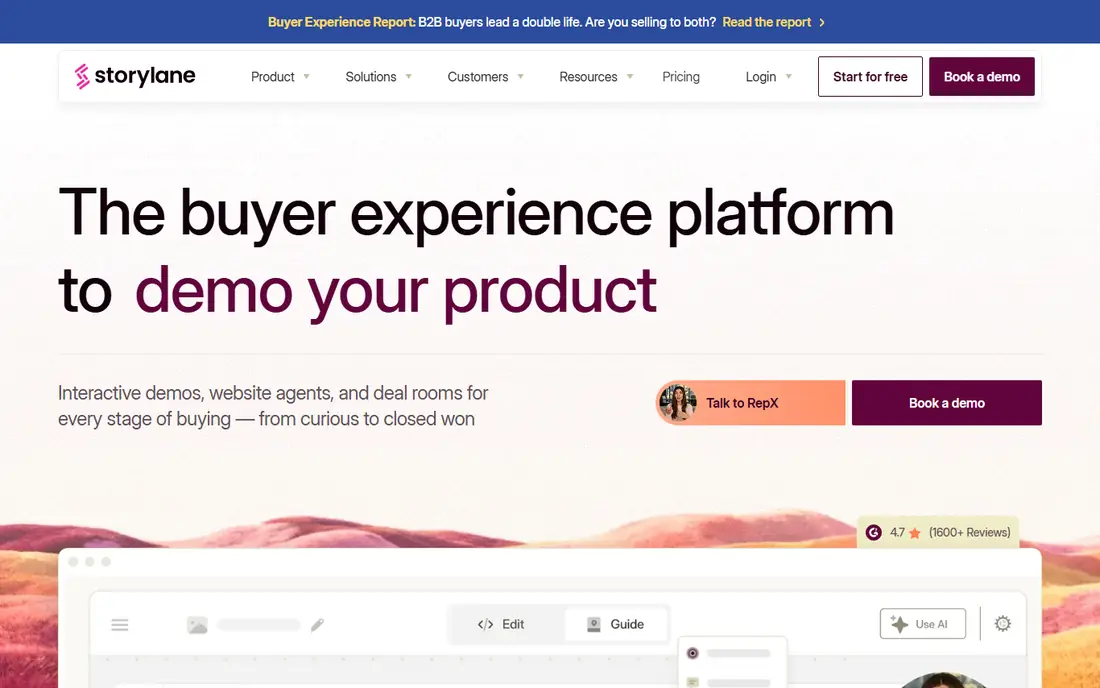
Storylane is a practical all-rounder for go-to-market teams. A team can build screenshot and video demos on the lower plans, add HTML demos on Growth, and use Hubs to package demos, documents, and next steps for a buyer. Presenter mode also helps reps run a guided demo on a live call.
Pricing is published and easy to follow. The free plan includes one seat, one published demo, and unlimited views. Starter costs $40 per month billed yearly, Growth costs $500 per month for five seats, and Premium costs $1,200 per month for ten seats. The jump to Growth is the main budget decision, since that is where full HTML editing and A/B testing appear.
- Free plan with one published demo
- Screenshot, video, and HTML formats
- Hubs for deal rooms
- HTML editing starts on the Growth plan
- Sandbox demos are an add-on
- Price jumps from Starter to Growth
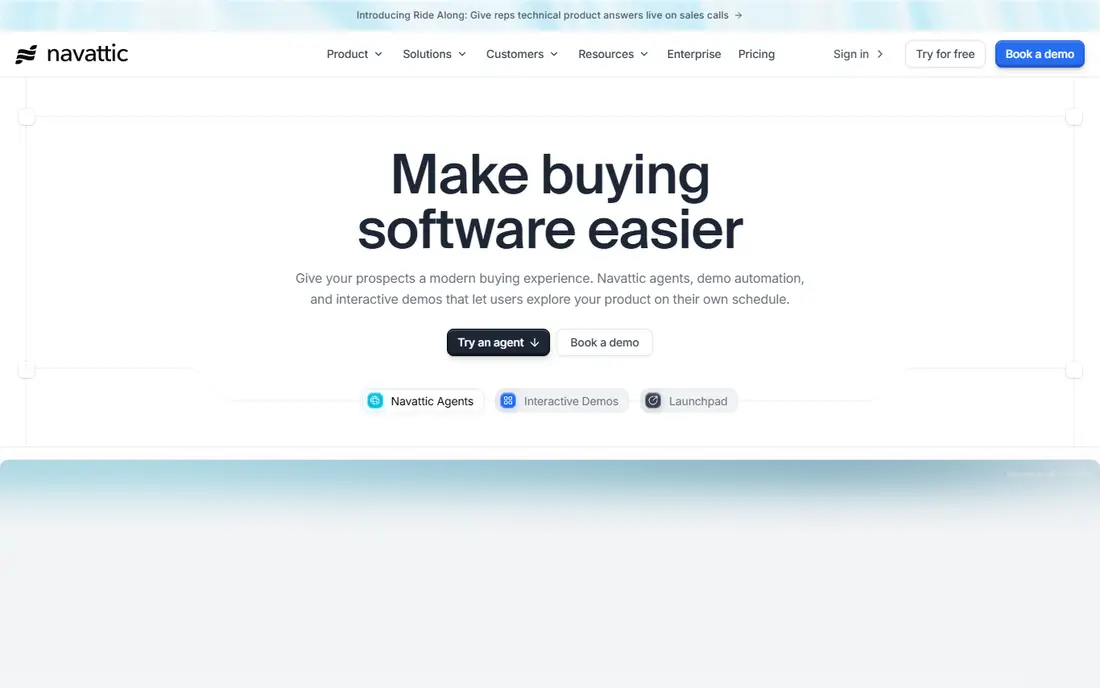
Navattic is built around HTML demos that look and feel close to the real product. That fidelity makes it a strong choice for website embeds, where a visitor should be able to click through a realistic flow, and for sales follow-up, where a rep sends a tailored demo after a call.
The free Starter plan covers one demo, which is enough to test capture quality. Base is listed at $500 per month for five seats, with Growth at $1,000 per month, though Navattic also describes some paid plans as quote-based, so buyers should confirm the current offer. Sandbox demos sit higher still. Navattic fits teams that already know HTML demos are the format they need and can justify the monthly cost.
- Polished HTML capture
- Launchpad for sales follow-up
- AI Copilot for demo building
- Paid plan prices are not always public
- HTML scale sits on higher tiers
- Sandbox demos cost more
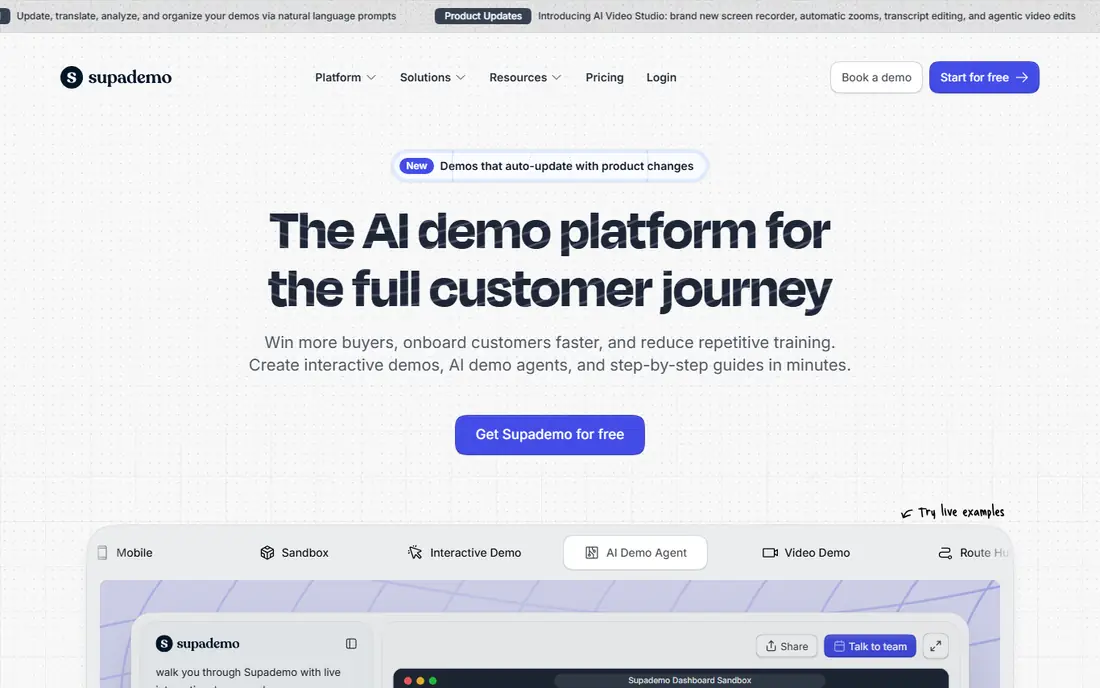
Supademo stands out for reuse. One library can serve marketing pages, sales follow-ups, onboarding, training, and support replies, instead of each team building its own demos in a separate tool. Formats include screenshot, HTML, video, sandbox, mobile, and desktop captures.
The free plan includes one creator and five guided demos with unlimited views. Scale costs $38 per creator per month billed annually, and Growth costs $350 per month for five creators and adds HTML and sandbox demos. That structure makes Supademo easy to start and harder to keep cheap once HTML becomes a must-have, so teams should test whether screenshot demos are enough before moving up.
- Generous free plan with five demos
- Screenshot, HTML, video, and sandbox formats
- Reusable across teams
- HTML demos require the Growth plan
- Per-creator pricing adds up for large teams
- Older Pro pricing still appears online
Arcade is the quickest path from a recording to a published demo. A team records a flow, adds hotspots and narration, and embeds the result in a help article, landing page, or email. That speed suits marketing and customer education, where many short demos matter more than one deep demo.
The free plan covers one published demo and one video, with AI content help and lead capture. Growth costs $42.50 per seat per month billed annually for up to ten seats, and Enterprise is custom. The limit to note is HTML capture, which is Enterprise only, so Arcade is not the pick for teams that need editable HTML as a core format.
- Very fast recording to publish
- AI voiceovers
- Simple embeds for docs and marketing
- HTML capture is Enterprise only
- Less depth for complex sales demos
- Custom domains and single sign-on sit higher
Walnut is aimed at sales teams that personalize demos for each deal. A rep can tailor screens, data, and messaging to a prospect, build playlists for different stakeholders, and track how a buyer moves through the demo. AI Mode can draft a demo from a captured product, which shortens setup for repeatable sales motions.
Pricing starts at $575 per month for Ignite billed annually, with Accelerate at $1,550 per month and a custom Scale tier. There is no free plan, so evaluation runs through a trial or a sales conversation. Walnut fits established sales teams with deal sizes that justify the cost, rather than a small team testing its first demo.
- Strong personalization per deal
- AI-assisted demo drafting
- Sandbox demos on higher tiers
- No self-serve free plan
- Higher entry price
- Sandbox and advanced features sit on higher tiers
Demostack sits at the enterprise end of this list. Its Cloner copies a product frontend and simulates backend responses, so buyers can explore a realistic version of the product without touching production data. That approach suits complex products, technical evaluations, and proof-of-concept work where a simple click-through would feel thin.
The trade-off is cost and setup. Pricing is quote-based, and third-party estimates place annual contracts well above the published prices of the lighter tools in this list. There is no self-serve free plan. Demostack makes sense when demo fidelity decides deals, and it is overkill when a team only needs website tours or onboarding guides.
- Clones a product frontend with simulated backend responses
- Sandbox environments
- AI simulation tools
- Quote-based pricing with a high entry cost
- Heavier setup than guided-tour tools
- No self-serve free plan
Consensus focuses on video demos and the buying group behind them. Sellers can share video walkthroughs, package them in DemoBoards with documents and next steps, and see which stakeholders watched, what they viewed, and where interest sits. That insight helps a team prioritize follow-up.
Pricing is quote-based, with published third-party ranges starting around $600 per month for smaller packages and rising for enterprise use. Buyers should confirm the current tiers directly. Consensus fits enterprise deals with many stakeholders, where knowing who engaged matters as much as the demo itself. Teams that want buyers to click through a product themselves should pair it with, or choose, an HTML tool instead.
- Video-first demos with stakeholder tracking
- DemoBoards for buyer hubs
- Analytics on buyer engagement
- Pricing is quote-based
- Video format feels less hands-on than HTML
- Heavier fit for enterprise than for small teams
HowdyGo appeals to teams that dislike per-seat pricing. Its published starting price is $159 per month, with unlimited users and demos, which keeps costs predictable as more teammates start building demos. HTML capture is central, not locked behind a large enterprise tier.
That model suits fast-growing software teams that want many people to create demos without a new seat charge each time. The trade-off is scale of ecosystem: HowdyGo does not match the largest vendors on every integration and enterprise add-on. For a team whose main need is solid HTML demos at a flat price, it is one of the clearest value picks here.
- Unlimited users and demos on its pricing model
- HTML capture without per-seat scaling
- Fast time to first demo
- Smaller ecosystem than the largest vendors
- Fewer enterprise add-ons
- Trial length should be confirmed
How we picked these
We compared official feature and pricing pages, plus published 2026 comparisons that checked vendor pages in October 2026. We favored tools that are live now, that clearly support interactive or video demos for buyers, and that cover a range of budgets from free plans to enterprise clones. We did not claim hands-on testing, and where pricing was quote-based we say so rather than inventing a figure.
How to choose the right format
Start by naming where the demo will live. A website demo needs to work without a rep, so HTML fidelity and load speed matter. A sales leave-behind needs personalization and tracking, so deal rooms and analytics matter more. An onboarding demo needs clarity and reuse, so simple screenshot tours may be enough.
Screenshot, HTML, and sandbox demos
Screenshot demos are fastest to build and easiest to keep current, but they feel less like the real product. HTML demos capture the interface more faithfully and allow editing, but they cost more and take longer to maintain when the product changes. Sandbox demos let buyers use a working copy with sample data, which is best for technical evaluations but needs the most setup and budget.
Pricing traps to check
Check whether pricing is per seat, per creator, or flat per team, since the same headcount can produce very different bills. Check which tier includes HTML, sandbox, single sign-on, and custom domains, since those are often gated. Also check view limits, demo counts, and whether a free plan is a real plan or a short trial.
Keeping demos current
Demos go stale when the product changes and no one owns updates. Before buying, test how a tool handles a changed screen, whether it flags outdated steps, and who on the team will own maintenance. A demo library that no one updates can mislead buyers, so a smaller set of current demos beats a large set of old ones.
Frequently asked questions
What is the best demo software?
The best demo software depends on format and budget. Storylane and Supademo are strong all-rounders with free plans, Navattic fits polished HTML demos, Arcade fits fast visual tours, and Demostack fits high-fidelity enterprise clones. Start with the format your buyers need, then compare price at that tier.
What are the best demo platforms for sales teams?
For sales teams, Storylane, Navattic, Walnut, and Consensus are the closest fits in this list. Storylane and Walnut focus on personalized sales demos, Navattic adds strong HTML and follow-up tools, and Consensus adds video demos with stakeholder insight. Choose based on whether your deals need personalization, HTML depth, or buyer tracking most.
Is there free demo software?
Yes. Storylane, Navattic, Supademo, and Arcade all offer free plans, though each limits demo count, seats, or formats. HowdyGo offers a free trial rather than a permanent free plan. Free plans are useful for testing capture quality, but HTML and sandbox features usually need a paid tier.
How much does demo software cost?
Costs range from free plans to $40 to $42.50 per seat per month for lighter tools, $159 to $575 per month for mid-market HTML and sales tools, and custom enterprise pricing for clones and sandboxes. Always model the cost at the tier that includes the format you need, not the entry tier.
What is the difference between interactive demos and video demos?
Interactive demos let buyers click through a captured product flow at their own pace. Video demos play a recorded walkthrough and are easier to watch, but buyers cannot explore on their own. Many teams use both: video for first contact, and interactive demos for deeper evaluation.
Do I need engineering help to build demos?
Most tools in this list are built for non-engineers, using browser extensions or recorders to capture a product. Enterprise clones and sandboxes may still need presales or engineering time for setup, data, and maintenance, so check setup effort during a trial.
Sources
- https://www.storylane.io
- https://www.navattic.com
- https://www.supademo.com
- https://www.arcade.software
- https://www.walnut.io
- https://www.demostack.com
- https://www.goconsensus.com
- https://www.howdygo.com
- https://www.storylane.io/blog/interactive-demo-software
- https://supademo.com/blog/interactive-product-demo-software
See where you really rank - block by block
ProMapRanker scans Google Maps across a grid of your service area. Simple monthly plans from $19, white-label on every plan.
Start freeKeep reading
 who has best internet service
Who Has the Best Internet Service in 2026
Who has best internet service for US homes? We compare fiber, cable, fixed wireless and satellite providers on speed, price, availability and terms today.
Read → which survey tool has the best analytics
Which Survey Tool Has the Best Analytics in 2026
Find which survey tool has the best analytics in 2026, comparing Qualtrics, SurveyMonkey, Typeform, Alchemer, and more on reports, text, and stats today.
Read → which streaming service has the best movies
Which Streaming Service Has the Best Movies in 2026
Answering which streaming service has the best movies, with Netflix, Max, Criterion and more compared on libraries, prices and free options in this guide.
Read →