 ProMapRanker
Best Deepfake Detection Tools in 2026


Real-time screening at scale · Pricing starts at: See website
Key takeaways
- No detector gives a certain yes or no answer, so treat every result as a probability score that needs human review.
- Reality Defender and Hive Moderation suit teams that need checks inside a product or workflow, while Deepware Scanner and TrueMedia suit single checks.
- Audio-only attacks need an audio-first tool such as Resemble Detect, since a video checker may miss a cloned voice.
- Enterprise tools are mostly quote-based, so budget for a sales conversation, not just a monthly card payment.
- For legitimate detection and verification only, never use these tools to create, spread, or test deceptive media about a real person.
Quick comparison
| Pick | Great for | Pricing starts at | Free tier | |
|---|---|---|---|---|
| Reality Defender | Real-time screening at scale | See website | Yes | Visit |
 Sensity AI | Forensic investigations | See website | No | Visit |
 Hive Moderation | High-volume platform moderation | See website | Free trial | Visit |
 Deepware Scanner | Free single video checks | Free | Yes | Visit |
 TrueMedia | Political and election media checks | Free | Yes | Visit |
 Resemble Detect | Audio and voice detection | $0 per month | Yes | Visit |
 Clarity | Hiring and identity fraud checks | See website | No | Visit |
 Attestiv | Insurer file validation | See website | No | Visit |
The best deepfake detection tools
We compared tools that check images, video, and audio for signs of synthetic manipulation, and we kept the focus on detection and verification. The eight below cover different jobs, from a quick check of one clip to screening inside a large platform.
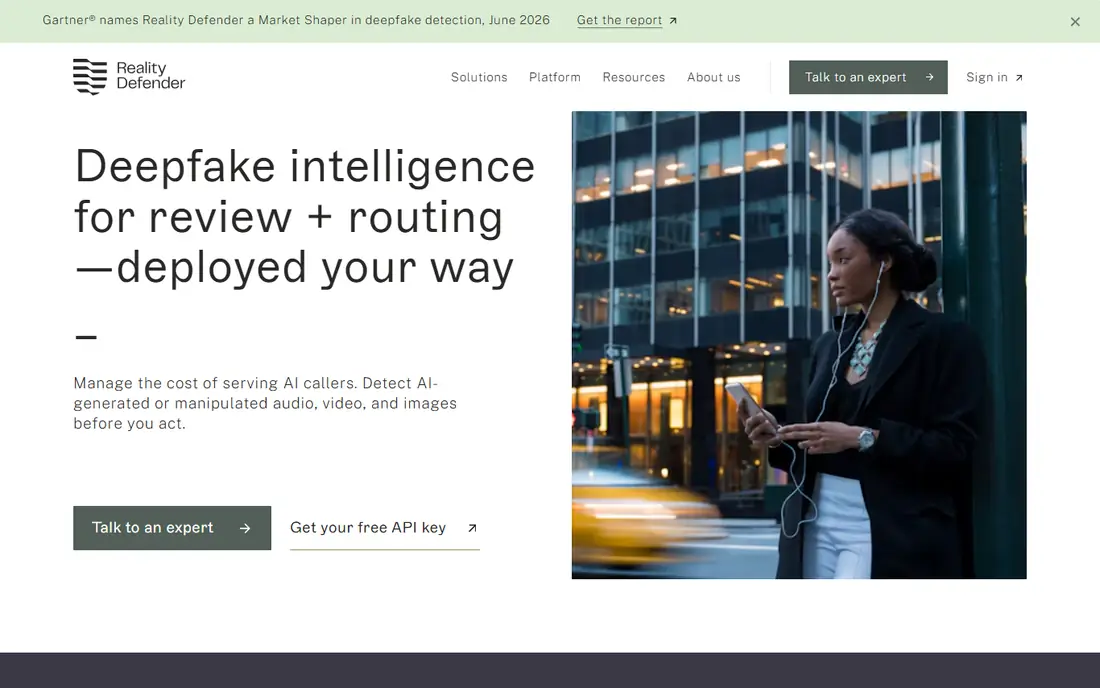
Reality Defender is built for teams that need a check to run again and again, inside onboarding, fraud review, or content screening. Its multi-model approach combines several signals rather than relying on one clue, which matters because a single artifact can disappear after compression. The web interface also helps smaller teams run a check without building an integration first.
The catch is cost and fit. A casual user checking one forwarded video will find the enterprise focus heavy, and published pricing details vary across third-party roundups, so we list the price as See website. Start with the free tier, test it on media like the files you actually receive, and only then talk about a paid plan.
- Covers video, audio, images, and text
- API and web access
- Free tier for small-scale checks
- Paid pricing is not simple to compare
- Enterprise setup takes time
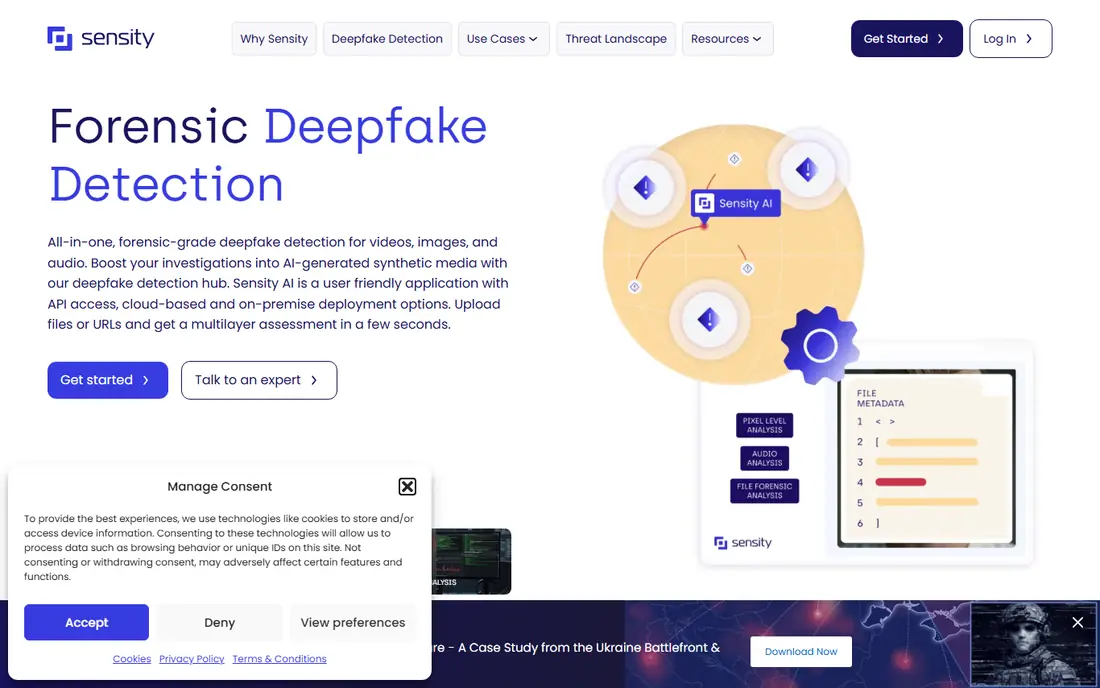
Sensity AI suits investigators, security teams, and compliance teams that need a documented trail behind a verdict. It looks at face swaps, reenactment, generated faces, and audio manipulation, and it can be deployed in the cloud or on premises where policy requires it. That depth makes it a stronger fit for cases where a decision may be challenged later.
The trade-off is access. There is no simple self-serve checkout, and pricing depends on volume, deployment, and support. If you need a quick answer for one social clip, a free checker will be faster. If you need evidence handling and reporting, Sensity is worth a formal evaluation.
- Covers video, images, and audio
- Forensic reporting
- API access for teams
- No published entry price
- Not built for casual single checks
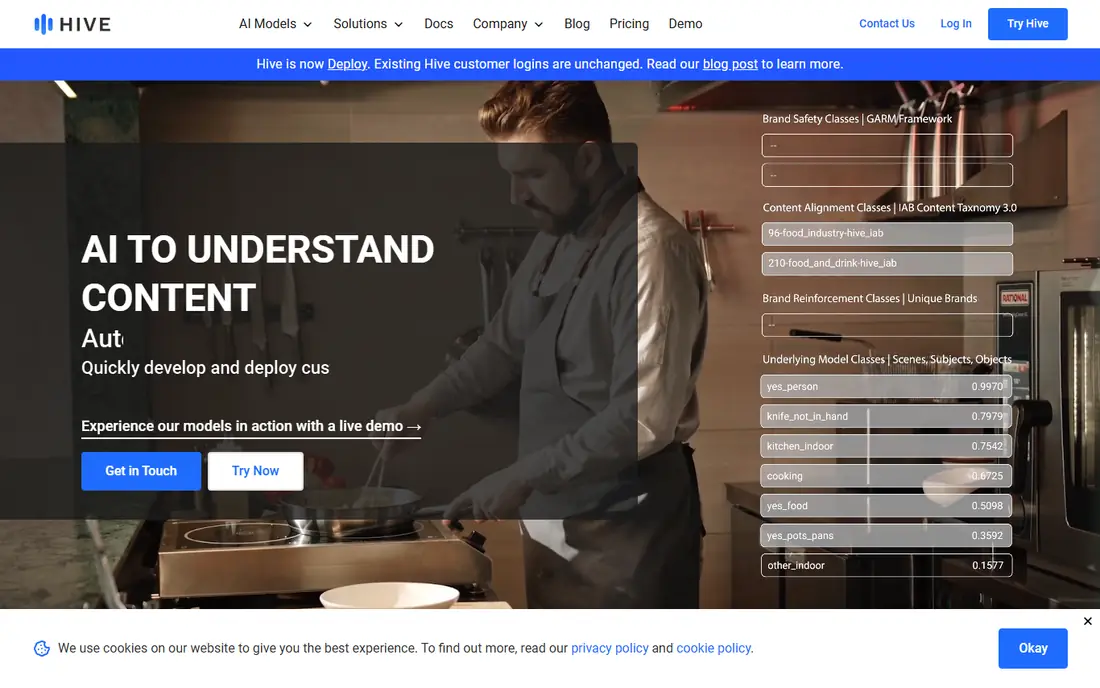
Hive Moderation is best understood as a moderation API that includes AI-generated content detection alongside other classifiers. Platforms use it to screen large volumes of uploads, which is a different job from checking one file by hand. Its documentation and API focus make it a natural fit for product and engineering teams.
The weakness for small buyers is clarity. Usage pricing depends on the exact endpoint and media type, so a pilot with real volume is the only honest way to forecast cost. Use the demo to test single images, then run a bounded pilot before committing to a larger contract.
- Wide set of content classifiers
- API built for volume
- Demo available for single images
- Commercial pricing is usage-based and hard to forecast
- Not a consumer tool
Deepware Scanner is the most accessible starting point on this list. You upload a video, wait for analysis, and get a probability score for face manipulation. For a newsroom, researcher, or small team that needs a first pass on a suspicious clip, that simplicity is the point. There is no procurement cycle and no account maze to clear first.
Do not over-read the result. Deepware is a screening aid, not proof, and heavily compressed or re-encoded video can reduce its reliability. Pair a flagged result with a second check, original source hunting, and human review before you publish or act on it.
- Free and web-based
- Simple upload and verdict
- Useful for journalists and small teams
- Video focused
- No compliance-grade reporting
- Compressed video can lower reliability
TrueMedia is a non-commercial tool built to help journalists, fact-checkers, researchers, and the public check political and election-related media. You can paste a social media link or upload a file, and it aggregates results from multiple detectors. That multi-detector view is useful because different detectors catch different signals.
Its limits are clear and should be respected. It is focused on political media, not general commercial use, and short videos with many quick cuts can produce less reliable results. Use it for its stated purpose, keep the original link and file, and treat a suspicious verdict as a reason to dig further, not as a final judgment.
- Free for public and non-commercial use
- Checks video, image, and audio
- Accepts social links
- Focused on political media
- Not for commercial screening
- Edited short clips can confuse results
Resemble Detect grew out of voice technology, and that background shows in its audio work. It checks audio, image, and video for synthetic manipulation, and it offers identity enrollment to help spot impersonation attempts. For call centers, hiring teams, and fraud teams, a cloned voice is often the attack, so an audio-first check matters more than another video score.
The free Flex tier lets teams explore detection with no subscription fee, buying credits as they go, while Team plans are priced for production use. That structure is fair for testing, but costs can rise with volume. Test it on real call audio and meeting recordings, not just clean samples, before you rely on it.
- Audio, image, and video detection
- Pay-as-you-go credits
- Meeting and identity features
- Paid team plans start at a business price
- Audio-only focus in its best-known use
Clarity focuses on a specific and growing problem: candidates and employees who are not who they appear to be in remote hiring. It checks video, images, and audio for manipulation, and it links that work to identity verification and hiring workflows. For talent and security teams, that workflow fit is more useful than a generic media checker.
The downside is that Clarity is not a casual tool, and pricing requires a sales conversation. Its strength also depends on how well it connects to the hiring systems a team already uses. If remote hiring fraud is a real risk for your company, request a demo on live interview scenarios. If you only need occasional checks, a free tool will serve you better.
- Deepfake detection for hiring and onboarding
- Explainable outputs
- Identity verification links
- Pricing is quote-based
- Value depends on integration with hiring tools
Attestiv is aimed at insurers that receive large numbers of submitted files, where the risk is broader than one deepfake video. Its platform checks photos, documents, audio, and video for manipulation, reuse, altered data, and mismatched metadata, and it applies business rules to route files for approval, further review, or escalation. That breadth fits claims and underwriting workflows.
For anyone outside insurance, Attestiv is a poor fit, and pricing is quote-based. For insurers, the value is in stopping leakage before a file influences a payment decision. Ask for a trial on your own submitted files, and check how its outputs fit your existing review queue.
- Validates photos, documents, audio, and video
- Forensic and metadata signals
- Workflow rules
- Built for insurers
- Quote-based pricing
- Not a general consumer checker
How we picked these
We compared official product pages, pricing pages, and public documentation, plus independent roundups that described each tool's media coverage and target user. We kept only tools that exist and work for legitimate detection and verification, and we left out tools built to create deepfakes or face swaps. Where pricing was quote-based or inconsistent across sources, we wrote See website rather than repeating a number we could not confirm.
What to check before you trust a verdict
Start with the decision the result will drive. A hold for review needs less certainty than a public claim that a clip is fake, and a fraud block needs a stronger trail than a newsroom tip. Write that decision down before you run the check, so a score does not quietly become proof.
Match the tool to the media type
Video, audio, and image manipulation leave different traces, so a tool that excels on faces may miss a cloned voice. Check the exact media types on the vendor page, and test with compressed files from messaging apps and social platforms, since that is how suspicious media usually arrives. If your risk is voice fraud, prioritize an audio tool. If your risk is submitted photos, prioritize a file validation tool.
Keep a human in the loop
Save the original file, the link, the date, and the full result, and get a second view on anything that will affect a person, a payment, or a publication. Look for the original source, check metadata where available, and contact the person or organization shown when that is safe and appropriate. A detector can support a decision, but it should not replace context, corroboration, and judgment.
Frequently asked questions
What is the best deepfake detection tool for a single video?
Deepware Scanner is a good free first pass for a single video, and TrueMedia is a good free option for political media. Run a second check when the result will affect a publication, a payment, or a person, and keep the original file for review.
Can a detector prove a video is fake?
No. Detectors return a probability or a score based on signals in the file, and compression, editing, and new generators can change that score. Treat results as evidence to weigh alongside source checks, metadata, and human review.
What is the best deepfake detection software for a business?
It depends on the workflow. Reality Defender and Hive Moderation fit high-volume screening, Sensity AI fits forensic cases, Clarity fits hiring, and Attestiv fits insurance files. Run a pilot on your own media before signing a contract.
Do these tools work on audio deepfakes?
Some do, and Resemble Detect is the most audio-focused option here. Video-only tools may miss a cloned voice, so check audio coverage on the vendor page and test with real call or meeting audio.
Are free deepfake detectors reliable?
Free tools can be useful for a first check, but they have limits on media types, file size, and reporting. For high-stakes decisions, use a paid or forensic tool, keep records, and add human review.
Sources
- https://www.realitydefender.com
- https://www.sensity.ai
- https://www.thehive.ai
- https://scanner.deepware.ai
- https://www.truemedia.org
- https://www.resemble.ai
- https://www.getclarity.ai
- https://www.attestiv.com
- https://tech-insider.org/reality-defender-vs-hive-vs-sensity-2026/
- https://microblink.com/resources/blog/best-deepfake-detection-software/
See where you really rank - block by block
ProMapRanker scans Google Maps across a grid of your service area. Simple monthly plans from $19, white-label on every plan.
Start freeKeep reading
 twitch alternatives
Twitch Alternatives in 2026
Explore the best Twitch alternatives in 2026 for live streaming, with free platforms, monetisation options, audiences, chat tools, and tips for new streamers.
Read → firebase alternatives
Best Firebase Alternatives in 2026
Looking for Firebase alternatives? We compare 9 backend platforms for auth, databases, realtime, storage, functions, self-hosting, and pricing for your app.
Read → companies with best work life balance
Companies With Best Work Life Balance in 2026
See companies with best work life balance in 2026, ranked by employee ratings, with flexible work options, benefits, and what to check before applying.
Read →