 ProMapRanker
Best Daily Journal App in 2026


A full-featured journal for serious writers · Pricing starts at: Free
Key takeaways
- Day One is the best full-featured journal, with media, sync, encryption and printed book options.
- Journey is the best cross-platform choice, covering iOS, Android, Mac, Windows, web and Chrome OS.
- Daylio suits people who dislike writing, since moods and activities take only a few taps.
- Penzu and Diarium suit private, traditional diary writing, with locking and export options.
- The best journal app is the one you open daily, so favor simple entry and reminders over features you will never use.
Quick comparison
| Pick | Great for | Pricing starts at | Free tier | |
|---|---|---|---|---|
| Day One | A full-featured journal for serious writers | Free | Yes | Visit |
 Journey | Journaling on every device you own | Free | Yes | Visit |
 Daylio | Journaling without writing long entries | Free | Yes | Visit |
 Penzu | A private, traditional online diary | Free | Yes | Visit |
 Diarium | A journal with a one-time purchase | Free | Yes | Visit |
 Reflectly | Guided reflection for beginners | Free | Yes | Visit |
 Grid Diary | Structured daily prompts and grids | Free | Yes | Visit |
 Momento | Automatic life logging from your feeds | Free | Yes | Visit |
The best daily journal apps
A daily journal only works if you actually open it, so the right app is less about feature lists and more about friction: how fast can you start an entry, how easily can you find it later, and how safe does it feel to write honestly. These eight apps cover the main approaches, from rich multimedia journals to tap-only mood logs.
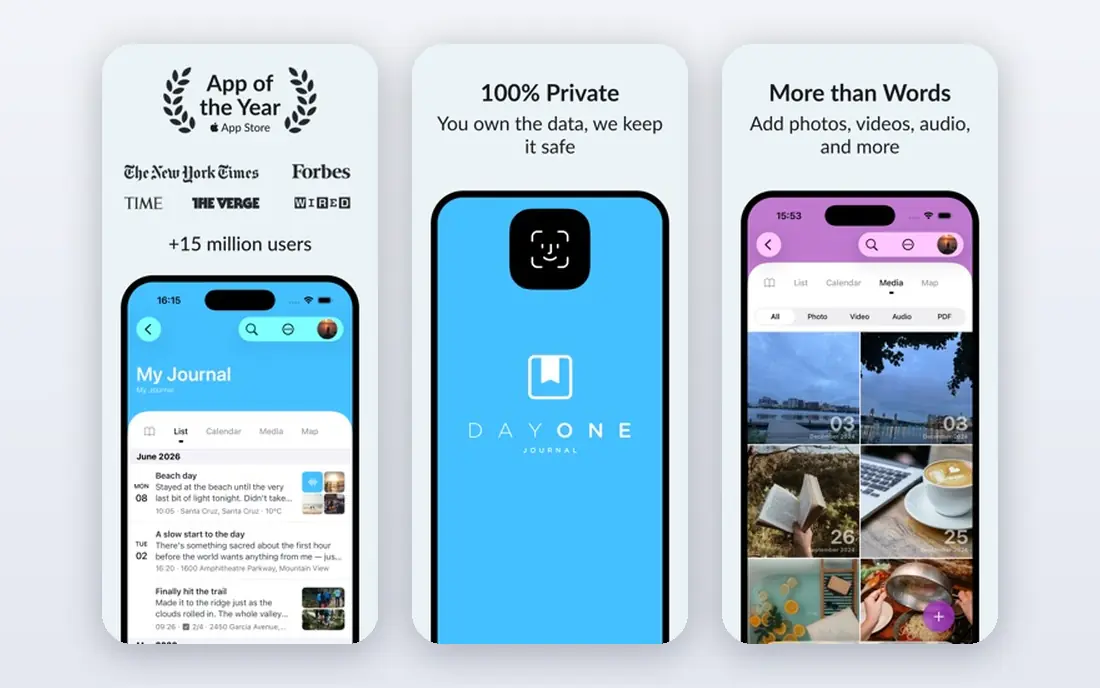
Day One is the journal most other apps are compared with, and for good reason: entries support text, photos, audio, video, location and weather, journals can be kept separate for work, travel or gratitude, and the calendar and timeline views make old entries easy to revisit. The free tier covers unlimited text entries on one device, which is enough to build the habit, while Silver adds sync across devices and Gold adds AI-assisted reflection features.
The catch is cost for the full experience. If you journal on both a phone and a computer, you need a paid plan, and the price is higher than simpler rivals. Day One also rewards writers who enjoy a polished, media-rich journal; if you only want a quick daily note, it may feel like more app than you need. For committed journalers, it remains our pick for most people.
- Unlimited text entries on free tier
- Photos, audio and location
- End-to-end encrypted sync on paid plans
- Multi-device sync needs a paid plan
- AI features need the higher Gold tier
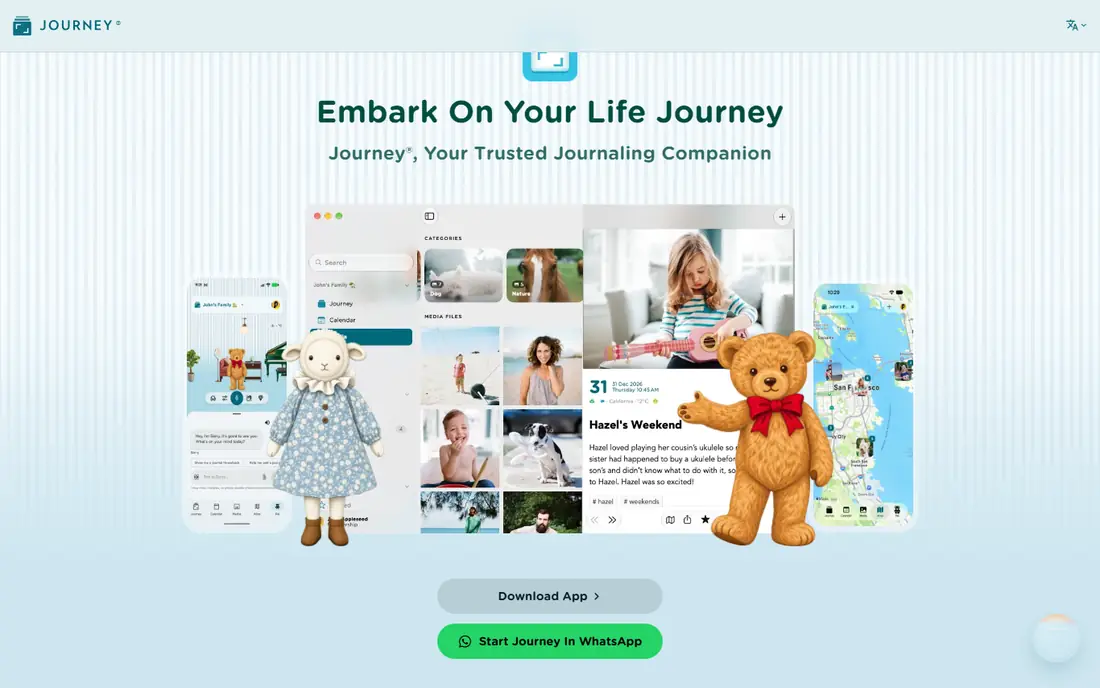
Journey is the cross-platform answer to Day One, running on phones, tablets, computers, the web and Chrome OS, with Google Drive sync and a clean editor that supports photos, videos and location. The free tier includes a limited cloud allowance, which is enough to test the app, while paid membership raises that allowance substantially and adds features such as a lifetime option for buyers who dislike subscriptions. Export options are generous, including PDF, DOCX and plain text.
The free allowance will run out for heavy journalers, and desktop access details depend on your setup, so read the membership page before committing. Journey also feels slightly less polished than Day One on Apple devices. If you switch between Android, Windows and the web, though, Journey is the most flexible journal here.
- IOS, Android, Mac, Windows, web and Chrome OS
- Google Drive sync
- Export to PDF, DOCX and plain text
- Free cloud allowance is limited
- Desktop access needs a paid license in some setups
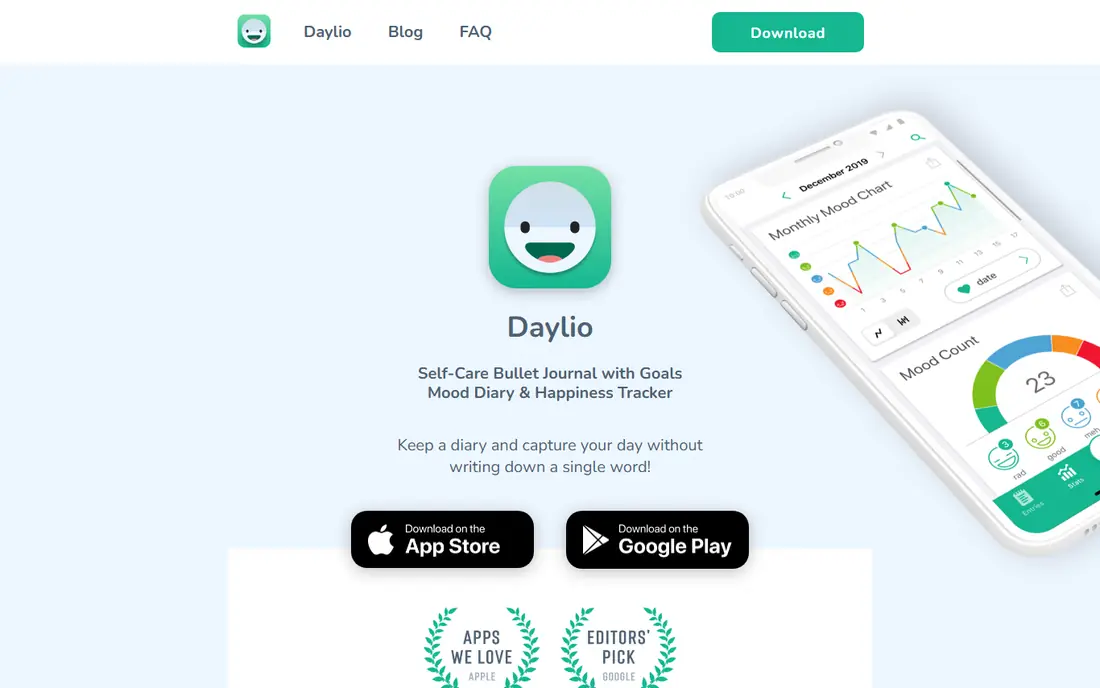
Daylio is built for people who quit journaling because writing felt like homework. Each entry is a mood plus the activities you did, chosen by tapping icons, and you can add a short note if you want. Over weeks, charts reveal patterns, such as which activities line up with better moods, and streaks and reminders keep the habit alive. It is the fastest daily journal here, often under a minute per entry.
The trade-off is depth: Daylio is a mood log first and a diary second, and there is no desktop or web journal for long writing sessions. If you want pages of reflection, pair Daylio with a writing app, or choose Day One or Journey instead. If you want a daily record you will actually keep, Daylio's simplicity is its greatest strength.
- Mood and activity logging in seconds
- Charts show patterns over time
- Reminders keep the streak going
- No desktop or web journal
- Written entries are secondary to mood taps
Penzu is the closest thing here to a classic locked diary, moved online: unlimited entries on the free tier, a simple editor, and diary locking that keeps prying eyes out. Paid Pro plans add stronger encryption, PDF export, version recovery and other privacy features, while Pro+ adds lifetime options for long-term writers. The web-first design means your journal is available from any browser, with mobile apps for on-the-go entries.
The free tier lacks the stronger locking and export features that privacy-focused writers want, so the paid plan is effectively required for the full Penzu promise. The interface also looks plainer than Day One or Journey. For writers who want a private, no-nonsense diary and do not need media features, Penzu remains a dependable choice.
- Unlimited entries on free tier
- Password locking and encryption options
- Web, iOS and Android
- Encryption locking and PDF export need paid plans
- Design feels dated to some users
Diarium appeals to buyers tired of subscriptions: the basic app is free on most platforms, and Pro is a one-time purchase per platform rather than a monthly fee. It supports text, photos, maps and calendar views across iOS, Android, Mac and Windows, and sync works through your own cloud storage such as OneDrive or Google Drive, which gives you more control over where your entries live.
The per-platform purchase means buying Pro on both phone and computer costs twice, and cloud sync requires Pro, so the free tier is best for single-device use. Diarium also lacks the polish and AI features of Day One. For budget-conscious journalers who want to own their app outright, it is the best value here.
- Free basic app on most platforms
- Pro is a one-time purchase per platform
- Sync through your own cloud storage
- Pro is bought per platform
- Cloud sync needs the Pro version
Reflectly is designed for people who open a blank page and freeze. Each day brings guided questions and prompts about your mood, gratitude and goals, and your answers build a short story of the day rather than a long essay. Mood tracking is built in, the design is calm and encouraging, and the free download lets you try the flow before paying for Premium features such as unlimited stories and advanced statistics.
Long-form writers may find Reflectly too structured, and the most useful extras sit behind Premium. If you are new to journaling and want guidance rather than a blank page, Reflectly lowers the barrier better than any other app here. Experienced diarists will likely prefer Day One or Penzu.
- Daily prompts and questions
- Mood tracking built in
- Gentle, encouraging design
- Unlimited stories and advanced stats need Premium
- Less suited to long free-form writing
Grid Diary organizes each day into a grid of questions you choose, such as what went well, what you are grateful for, and what you want to improve. That structure makes entries consistent from day to day, which helps when you review a month or a year later, and the calendar view makes it easy to spot missed days. It works on iOS, Android and the web, with sync on paid plans.
Free-form writers may chafe at answering the same questions daily, and the free tier limits some features. Grid Diary is best for reflective journalers who like routine and review, rather than writers who want to pour out a page of unstructured thought. If prompts help you start, it is a strong, focused choice.
- Grid of daily questions keeps entries consistent
- Calendar and review views
- IOS, Android and web
- Free tier is limited
- Template style does not suit free-form writers
Momento takes a different approach: instead of asking you to write, it collects your social posts, photos, check-ins and other activity into a private timeline diary automatically. You can add written entries alongside the collected moments, and the timeline view turns a scattered digital life into a coherent record. For life-loggers who want a diary without daily effort, that automation is genuinely appealing.
The catch is intent: Momento records what you did more than how you felt about it, so deliberate reflection needs extra effort. Platform support is also narrower than Journey's, and heavy social integration will not suit privacy-first writers. Use Momento if you want a life record that builds itself, and pair it with a writing journal if reflection matters more to you than collection.
- Pulls in social posts, photos and activity automatically
- Timeline view of your life
- Private by design
- Less focused on deliberate daily writing
- Platform support is narrower than Journey
How we picked these
We compared official app listings, pricing pages and public reviews for journal apps operating in October 2026. We favored apps with real free tiers, current development, and a distinct approach to daily journaling, from full writing to mood taps to automatic logging. We left out generic note apps without journal features and apps that had shut down or stopped updating. Prices are listed as Free where a free tier exists, with paid plans noted in the text, since app-store prices vary by platform and region. We did not claim hands-on testing of every feature; our comparisons rest on published features, pricing pages and user documentation.
What to weigh before you choose
Start with how you actually journal. If you write paragraphs, pick a writing-first app such as Day One, Journey or Penzu. If you tap moods, Daylio will keep you consistent where a writing app would not. If prompts help you start, Reflectly or Grid Diary will serve you better than a blank page. Platform matters too: check that your pick runs on every device you use, and that sync works the way you expect before you build months of entries in it.
Privacy deserves a careful look, since a journal holds your most personal writing. Check whether entries are encrypted, whether sync goes through the vendor's servers or your own cloud storage, and whether you can lock the app with a passcode or biometrics. Export matters just as much: a journal you cannot export is a journal you could lose, so favor apps with PDF, plain text or similar export before you commit years of entries. Finally, set a reminder for the same time each day, and keep entries short at first: a two-sentence entry you actually write beats a perfect page you keep postponing.
Frequently asked questions
What is the best daily journal app overall?
Day One is the best all-round choice for most people, with media support, sync, encryption and a polished editor. Journey is better if you need cross-platform coverage, and Daylio is better if you prefer quick mood logs.
Is there a good free journal app?
Yes, Day One, Journey, Daylio, Penzu and Diarium all offer free tiers that cover basic daily journaling. Paid plans add sync, extra media, encryption features or unlimited history, depending on the app.
Which journal app is best for privacy?
Day One offers end-to-end encrypted sync on paid plans, Penzu offers locking and encryption options, and Diarium lets you sync through your own cloud storage. Check each app's current privacy policy before storing sensitive entries.
Can I journal on both my phone and computer?
Yes, with the right app and plan: Journey covers the most platforms, Day One syncs across Apple, Android, Windows and web on paid plans, and Penzu works from any browser. Confirm sync terms on the free tier first.
How do I stick with daily journaling?
Keep entries short, journal at the same time each day, and use reminders. A two-minute entry counts, and apps such as Daylio prove that a quick daily record beats an ambitious routine you abandon.
Can I export my journal if I switch apps?
Most apps here offer export, but formats and limits vary: Journey exports to PDF, DOCX and plain text, Day One exports to PDF and JSON, and Penzu's PDF export needs a paid plan. Check export options before you build a large archive.
Sources
See where you really rank - block by block
ProMapRanker scans Google Maps across a grid of your service area. Simple monthly plans from $19, white-label on every plan.
Start freeKeep reading
 best freelance platforms for beginners
Best Freelance Platforms for Beginners in 2026
Best freelance platforms for beginners compared, with fees, job types, and first-gig tips to help new freelancers pick a strong starting place in our guide.
Read → best foreign language apps
Best Foreign Language Apps in 2026
Best foreign language apps compared in 2026: Duolingo, Babbel, Rosetta Stone, Pimsleur and more, with prices, free plans and honest trade-offs for learners.
Read → best foraging apps for plant identification
Best Foraging Apps for Plant Identification in 2026
These 8 best foraging apps for plant identification help you name wild plants, but never eat a plant based on an app alone. Check our safety notes first.
Read →