 ProMapRanker
Best Cyber Security Software in 2026


Home detection value · Pricing starts at: See website
Key takeaways
- Bitdefender and Norton lead for home suites, with Bitdefender stronger on pure detection value and Norton stronger on identity extras.
- CrowdStrike Falcon Go and SentinelOne suit small teams that need endpoint detection, not just basic antivirus.
- Microsoft Defender is a credible free baseline on Windows, especially for users who keep software updated and avoid risky downloads.
- Renewal prices often rise after the first year, so check the renewal figure, not just the introductory offer.
- No single app replaces good habits: updates, strong passwords, two-factor authentication, and backups still matter.
Quick comparison
| Pick | Great for | Pricing starts at | Free tier | |
|---|---|---|---|---|
| Bitdefender Total Security | Home detection value | See website | Yes | Visit |
 Norton 360 | Family suites with identity help | See website | Free trial | Visit |
 ESET Home Security | Light, quiet protection | See website | Free trial | Visit |
 Malwarebytes Premium | Cleanup and extra scanning | See website | Free trial | Visit |
 Microsoft Defender | Free Windows baseline | Free | Yes | Visit |
 CrowdStrike Falcon Go | Small team endpoint protection | $59.99 per device per year | Free trial | Visit |
 SentinelOne Singularity | Ransomware rollback | $69.99 per endpoint per year | No | Visit |
 McAfee Total Protection | Unlimited device households | See website | Free trial | Visit |
 Avast One | Free tier plus paid extras | Free | Yes | Visit |
The best cyber security software
We compared official product pages, pricing, and public reviews for security software still sold in October 2026. The list covers home suites, free baselines, and small-business endpoint tools, because a family PC and a ten-person office need different protection.
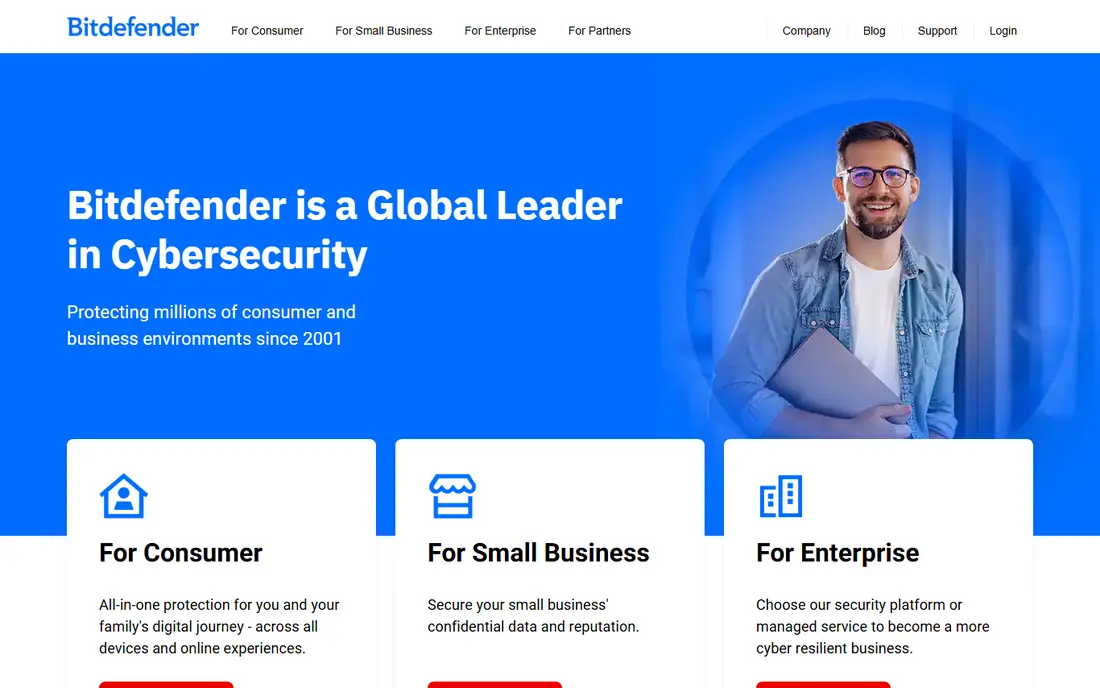
Bitdefender is our pick for most home users who want strong detection without a heavy app. Independent labs have rated its detection highly, and it tends to slow systems less than many rivals during scans and daily use. Total Security adds firewall, ransomware protection, and extras that cover Windows, Mac, Android, and iOS in one plan.
The main catch is renewal pricing. First-year offers look low, then renewals climb, so set a reminder before renewal and compare the renewal price on the official site. The basic VPN also has daily limits unless you upgrade. For detection quality per dollar in year one, Bitdefender remains the benchmark.
- Strong independent lab detection
- Light system impact
- VPN and parental controls on higher tiers
- Renewal price can rise sharply
- Bundled VPN has limits on basic plans
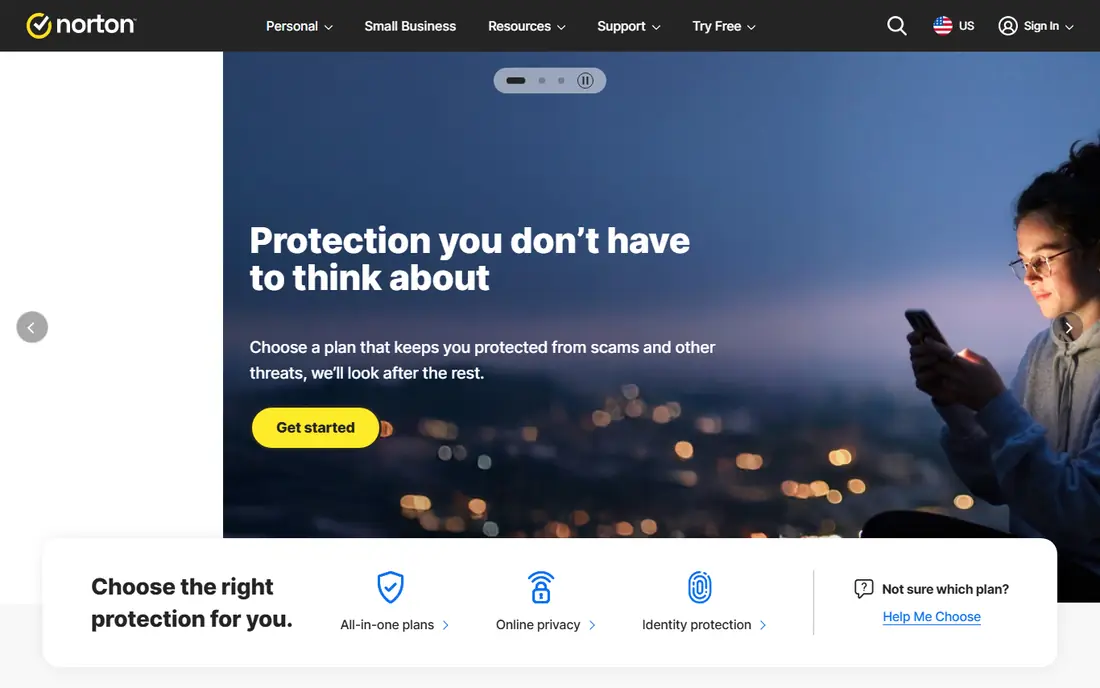
Norton 360 is a suite, not just a scanner. It pairs malware protection with a VPN, password manager, cloud backup, and identity monitoring that watches for dark web exposure and, on higher tiers, offers identity theft coverage. Families get multi-device cover in one plan, which simplifies protection across phones and PCs.
That breadth costs performance and renewal money. Norton can slow older PCs more than Bitdefender or ESET, and first-year pricing rises on renewal. Buy Norton for the identity and backup bundle, not for the lightest scanner. If you only need malware detection, a lighter app may suit you better.
- Identity monitoring and dark web alerts
- Cloud backup included
- VPN included
- Heavier system impact than Bitdefender
- Renewal prices rise after year one
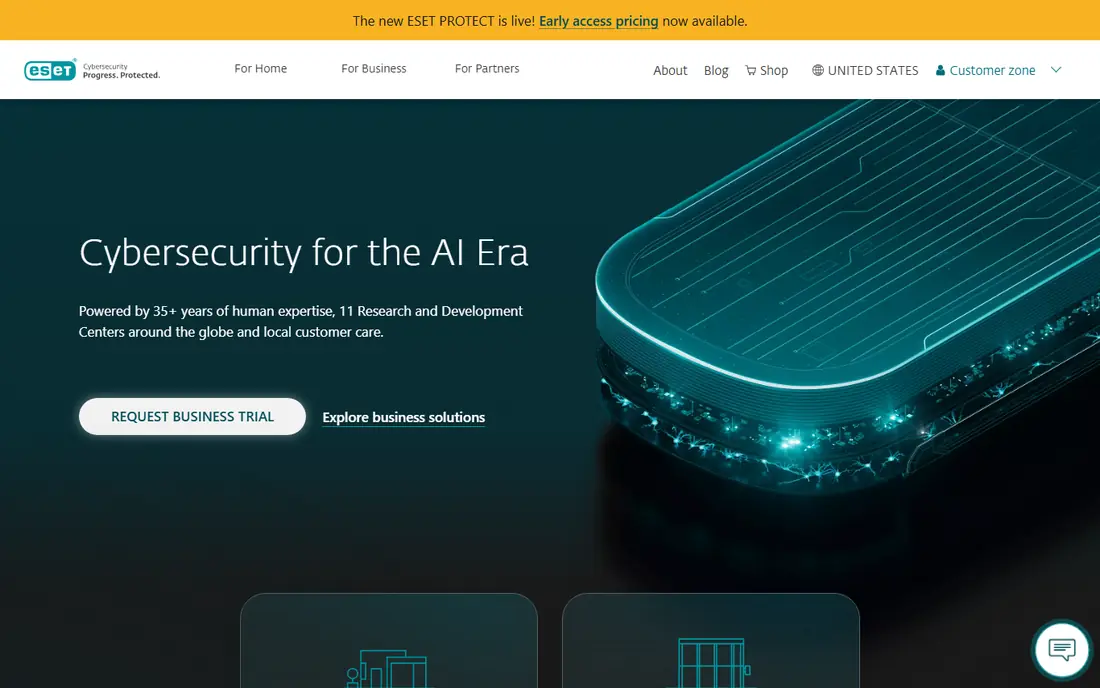
ESET suits users who notice every slowdown and popup. It is known for a light footprint, so creative apps and games run with fewer interruptions, and gamer mode holds back updates and alerts during full-screen work. Detection scores in recent lab tests have been strong, with few false alarms.
Beginners may find the many advanced settings confusing, and ESET offers fewer lifestyle extras than Norton, such as identity bundles. For users who want quiet, reliable protection and are happy to leave most settings alone, ESET is a strong, low-friction choice.
- Very light on resources
- Few false alarms
- Gamer mode limits interruptions
- Advanced settings can confuse beginners
- Fewer bundled extras than Norton
Malwarebytes built its name on cleanup. When a PC already shows signs of infection, its scanner often finds threats that a main antivirus missed, which is why many users run it as a second opinion. Premium adds real-time protection, web protection, and ransomware layers, so it can serve as a main app for careful users.
As a full suite, it offers fewer extras than Norton or Bitdefender, such as VPN or backup bundles. Some users keep it beside another antivirus for cleanup duty. For households that want a trusted cleanup tool plus solid real-time protection, Malwarebytes Premium is a practical pick.
- Strong at removing existing threats
- Good second-opinion scanner
- Light interface
- Fewer suite extras than rivals
- Best as a complement for some users
Microsoft Defender is the free baseline every Windows user already has. It offers real-time protection, firewall, ransomware controls, and phishing protection without a separate subscription. For users who keep Windows updated, use strong passwords, and avoid pirated downloads, Defender covers the basics well.
Paid suites add VPN, password managers, identity monitoring, and cross-platform cover that Defender alone does not bundle for home users. Small businesses can upgrade to Defender for Business for central management. If budget is tight and habits are good, Defender plus backups and two-factor authentication is a sensible starting point.
- Built into Windows at no extra cost
- No extra install for most users
- Business version for small offices
- Fewer consumer extras than paid suites
- Management tools suit Microsoft shops best
CrowdStrike Falcon Go brings enterprise-style endpoint protection to small teams with up to 100 devices. The cloud-native design means updates and threat intelligence flow without heavy on-site servers, and detection covers malware, exploits, and suspicious behaviour, not just known files. That depth suits teams handling client data or remote workers.
Per-device pricing means a larger fleet costs more than a family suite, and setup benefits from someone comfortable with security settings. Falcon Go is not a home antivirus with a VPN and backup bundle. For small businesses that need serious endpoint detection, it is a strong, transparently priced option.
- Cloud-native endpoint detection
- Threat intelligence built in
- Scales to larger teams
- Priced per device, so costs add up
- Needs some technical comfort
SentinelOne Singularity focuses on stopping and reversing attacks on work devices. Its autonomous response can isolate a device and kill malicious processes without waiting for manual review, and ransomware rollback can restore encrypted files in many cases. That combination appeals to IT teams that cannot watch every alert around the clock.
It is a business product, so home users will miss consumer extras such as family VPN or identity bundles, and the per-endpoint price is higher than home suites. For small and mid-size businesses that rank ransomware recovery highly, SentinelOne is one of the strongest endpoint picks available.
- Autonomous response to threats
- Ransomware rollback feature
- Strong detection for businesses
- Business focus, not a home suite
- Higher price than home antivirus
McAfee Total Protection suits households that have lost count of devices. Unlimited-device plans cover phones, tablets, and PCs under one subscription, which simplifies cover for large families. Mobile apps are a highlight, with theft, web, and Wi-Fi protections that suit phone-heavy users.
The desktop interface can feel busy, with many upsell prompts in some versions, and renewal prices should be checked before the first year ends. Detection is solid for home use, though labs often rank Bitdefender slightly higher. For device count over pure lab scores, McAfee is a practical family choice.
- Unlimited device plans available
- Strong mobile apps
- Identity and VPN extras
- Interface can feel busy
- Renewal pricing needs checking
Avast One offers one of the strongest free antivirus tiers, with the same real-time engine as the paid version for basic protection. Paid plans add VPN, cleanup, and privacy tools in a single dashboard, so users can upgrade without switching apps. The modular layout lets users turn on only the extras they want.
Free users face limits on VPN data and some premium features, and Avast has faced past scrutiny over data practices, so privacy-conscious users should read the current privacy policy. For a free start with a clear upgrade path, Avast One is a useful option, especially for gamers and students on a budget.
- Strong free tier with real-time engine
- VPN and cleanup tools on paid plans
- Simple dashboard
- Paid upgrades needed for full VPN and extras
- Past privacy concerns need noting
How we picked these
We compared official pricing pages, feature lists, and independent lab summaries for security software available in October 2026. We included home suites, free options, and small-business endpoint tools, and we excluded products with no current vendor page or unclear support. Where pricing varied by device count or first-year offer, we wrote See website rather than presenting a single figure as a permanent price. We did not claim hands-on testing we did not do.
What to check before you buy
Count devices, platforms, and users first. A five-device plan may not cover a family with phones, tablets, and laptops, while a per-device business price can surprise a ten-person team. Check renewal price, VPN limits, and whether identity or backup features are included or sold separately.
Home versus business needs
Home suites bundle VPN, password managers, and parental controls. Business endpoint tools focus on detection, response, and central management, and they assume someone will review alerts. Do not buy a business tool for a home PC expecting family extras, and do not rely on a home suite to manage a work fleet.
Backups and passwords
Security software cannot replace backups. Keep a separate backup of important files, use a password manager with unique passwords, and turn on two-factor authentication for email, banking, and cloud accounts. Those three steps reduce risk more than any single scanner upgrade.
Trials and renewals
Use free trials to test system impact on your own PC, especially on older hardware. Note the renewal date and price at purchase, and compare competing offers before renewing. A first-year discount is not a long-term price, and switching providers at renewal is normal.
Frequently asked questions
What is the best cyber security software for home use?
Bitdefender Total Security is our top home pick for detection value, with Norton 360 best for families that want identity monitoring and backup in one suite. ESET is best if you want the lightest app.
What is the best free cyber security software?
Microsoft Defender is the best free baseline on Windows, and Avast One offers a strong free tier with an upgrade path. Free tools cover core scanning, but paid suites add VPN, identity, and backup features.
What is the best cyber security tool for small business?
CrowdStrike Falcon Go and SentinelOne Singularity lead for small teams that need endpoint detection and response. Defender for Business is a lower-cost option for Microsoft-centred offices.
Do I need a VPN with antivirus?
A VPN helps on public Wi-Fi and hides browsing from local networks, but it does not replace antivirus. Many suites bundle a VPN with data limits, so check whether you need unlimited VPN or a separate VPN subscription.
How often should I run a full scan?
Real-time protection runs constantly, so a full scan weekly or after a suspicious download is enough for most users. Run a full scan at once if you notice popups, slowdowns, or unknown programs.
Can one app protect all my devices?
Many suites cover Windows, Mac, Android, and iOS, but check device counts and platform limits before buying. McAfee unlimited plans suit large households, while business tools price per endpoint.
Sources
See where you really rank - block by block
ProMapRanker scans Google Maps across a grid of your service area. Simple monthly plans from $19, white-label on every plan.
Start freeKeep reading
 top custom software development company
Top Custom Software Development Company in 2026
Looking for a top custom software development company? We compare 9 firms for web, mobile, and enterprise software, covering strengths and fit for 2026.
Read → tableau alternatives
Tableau Alternatives in 2026
Compare the best Tableau alternatives for 2026, from Power BI to Metabase, with prices, hosting options, and picks for small teams and enterprises today.
Read → microsoft teams alternatives
Best Microsoft Teams Alternatives in 2026
Looking for microsoft teams alternatives? We compare 9 chat and video tools for 2026, covering free plans, pricing, meetings, and integrations for teams.
Read →